The whole job, not a draft
Every step is covered, so you are not left finishing a half-done draft yourself.
Launch films & product demos · Logo reveals & UI stings
Short launch clips for your Fable 5 agent to render: product shots, demos, teasers and end cards built around your headline, exported as MP4.
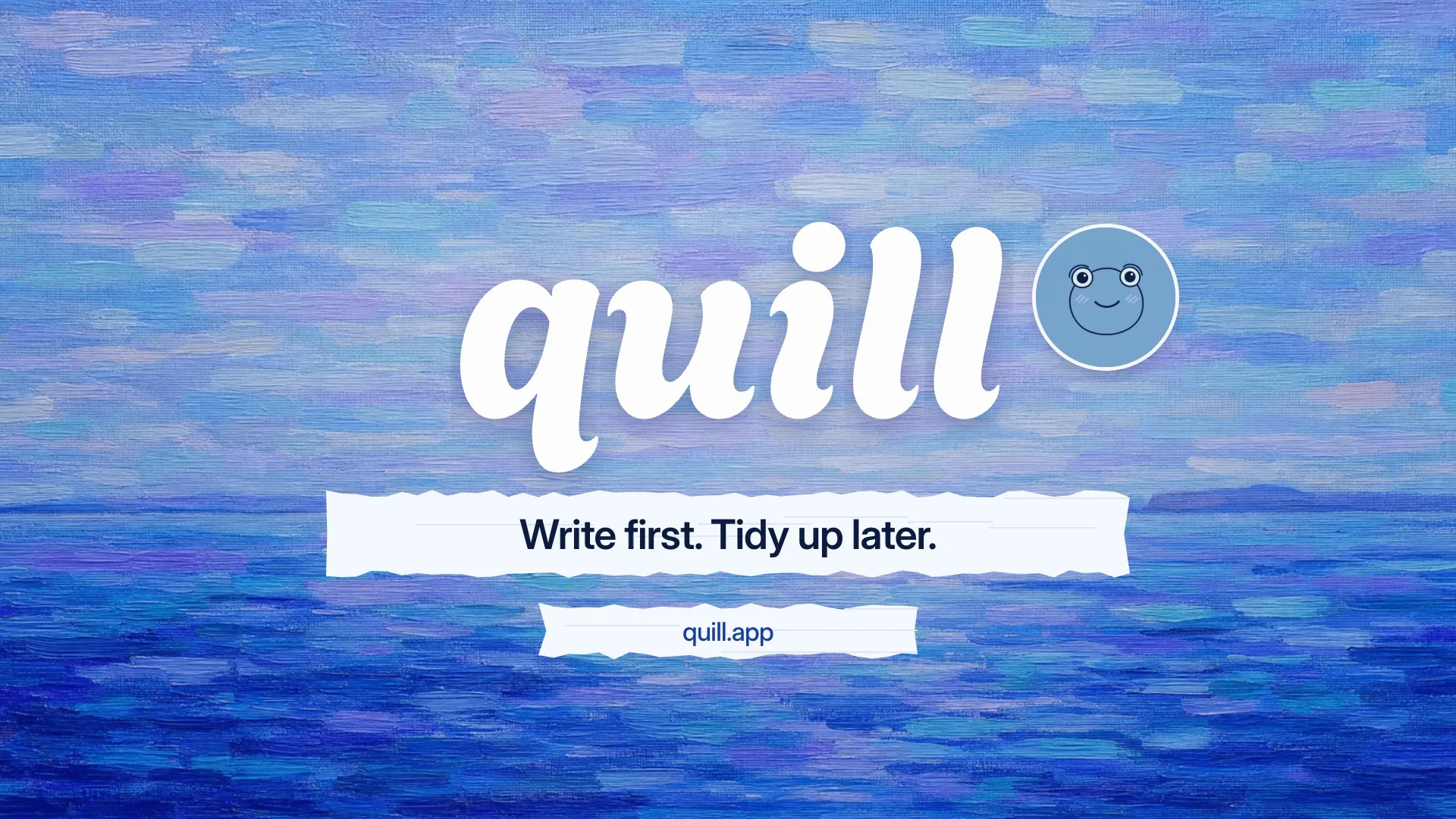
An end card skill for Fable 5 launch videos: a brush stroke clears the previous shot, your name is painted onto a blue sky, and paper strips bring the tagline and link.

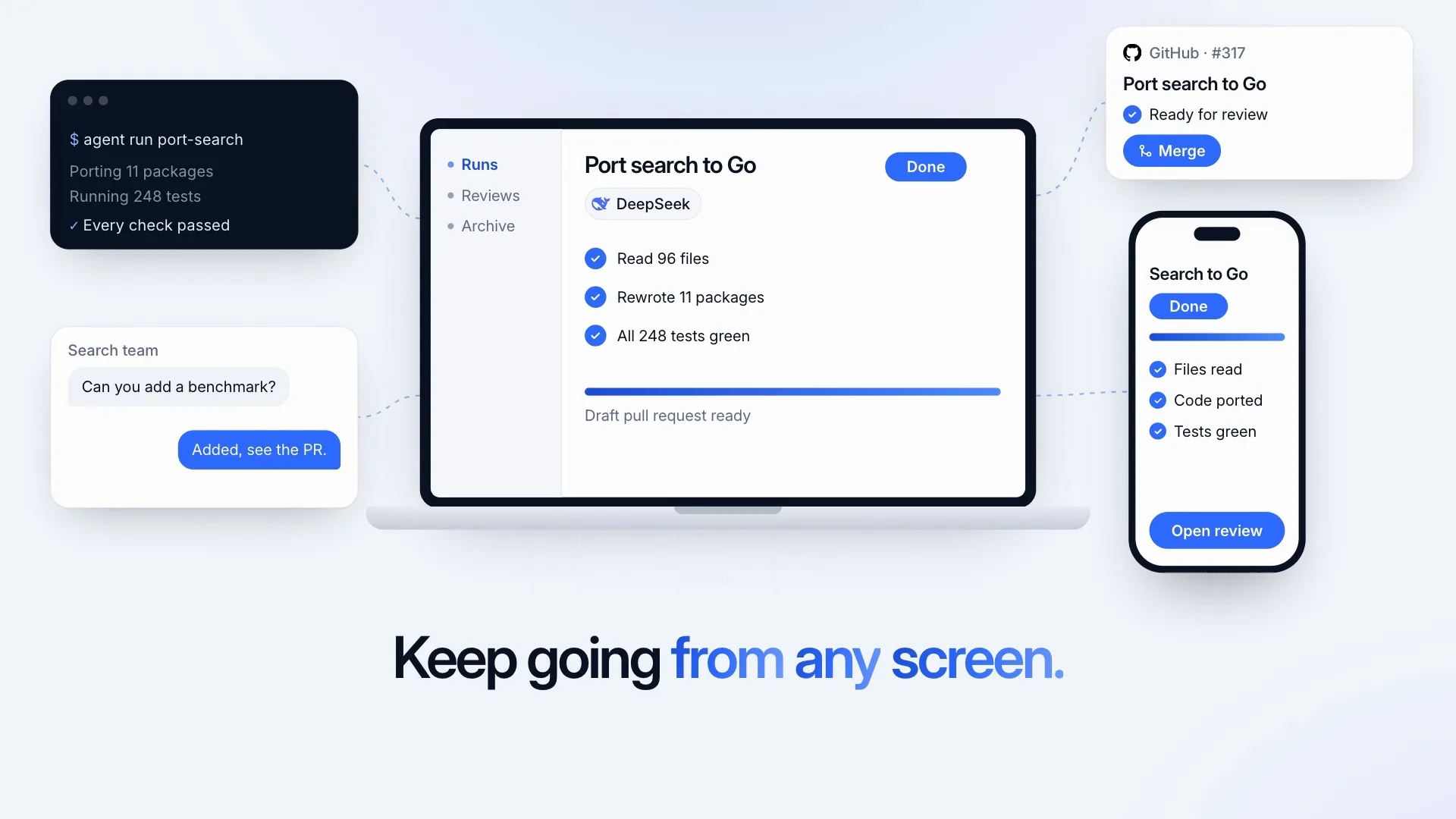
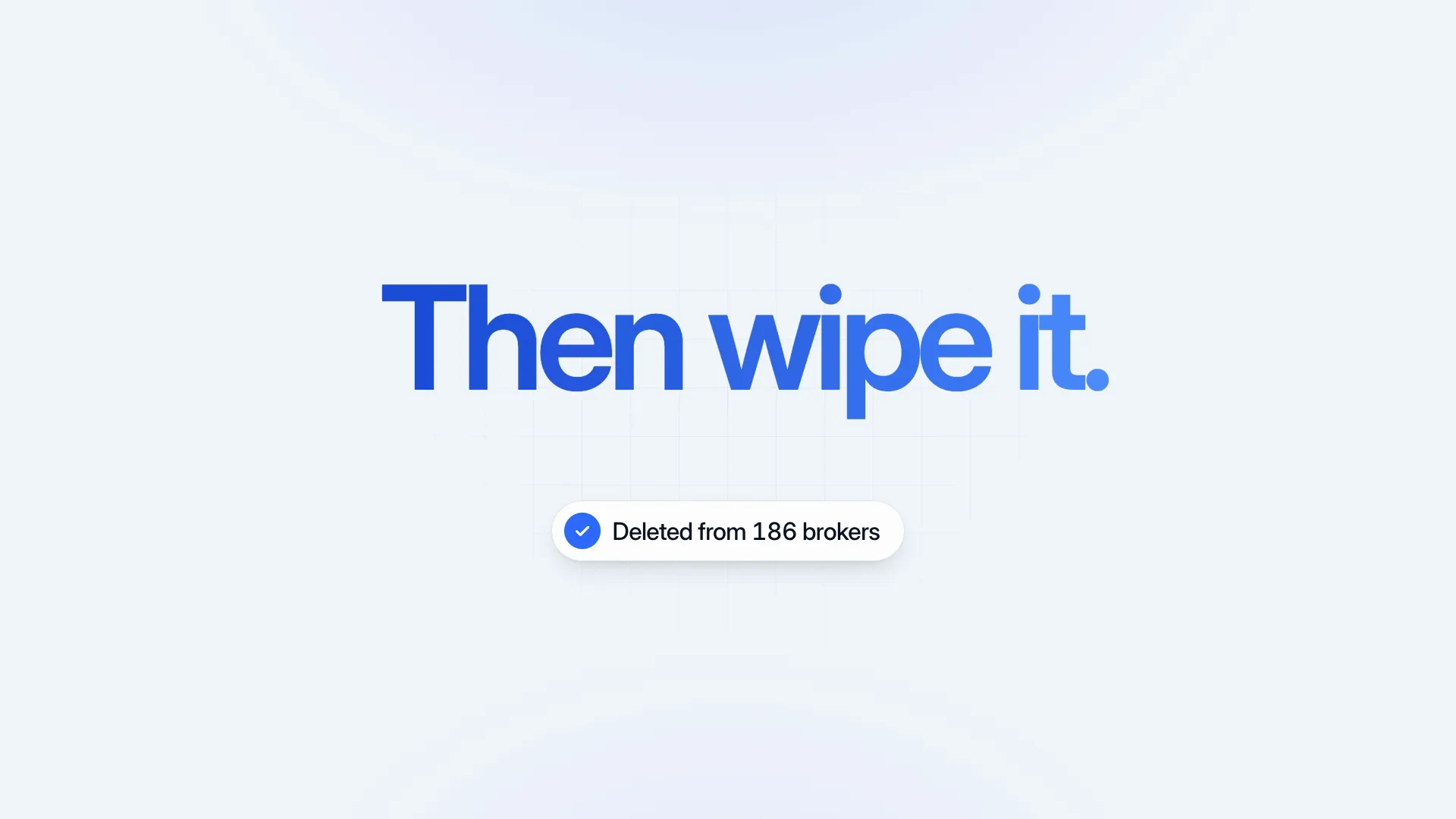
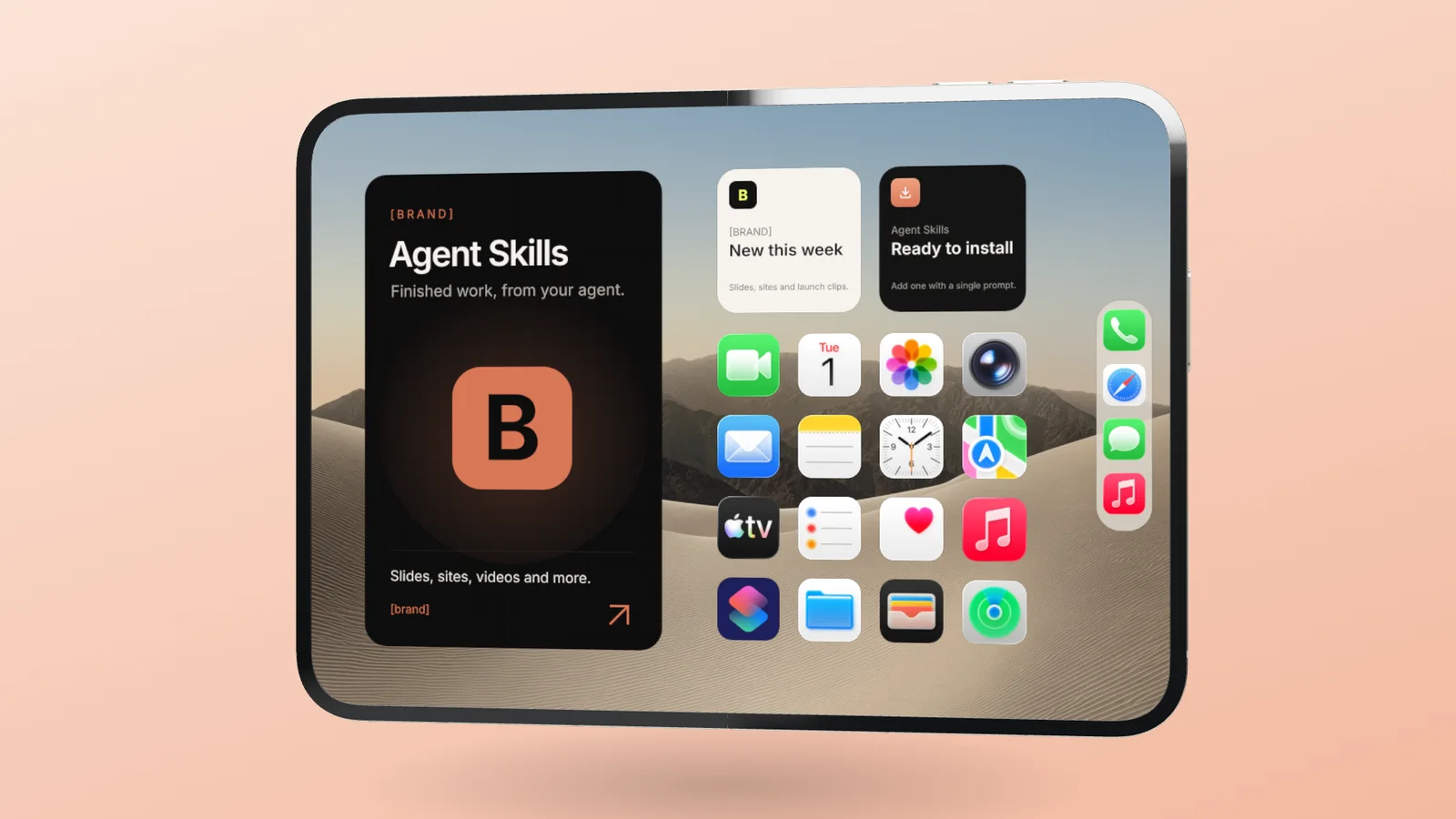

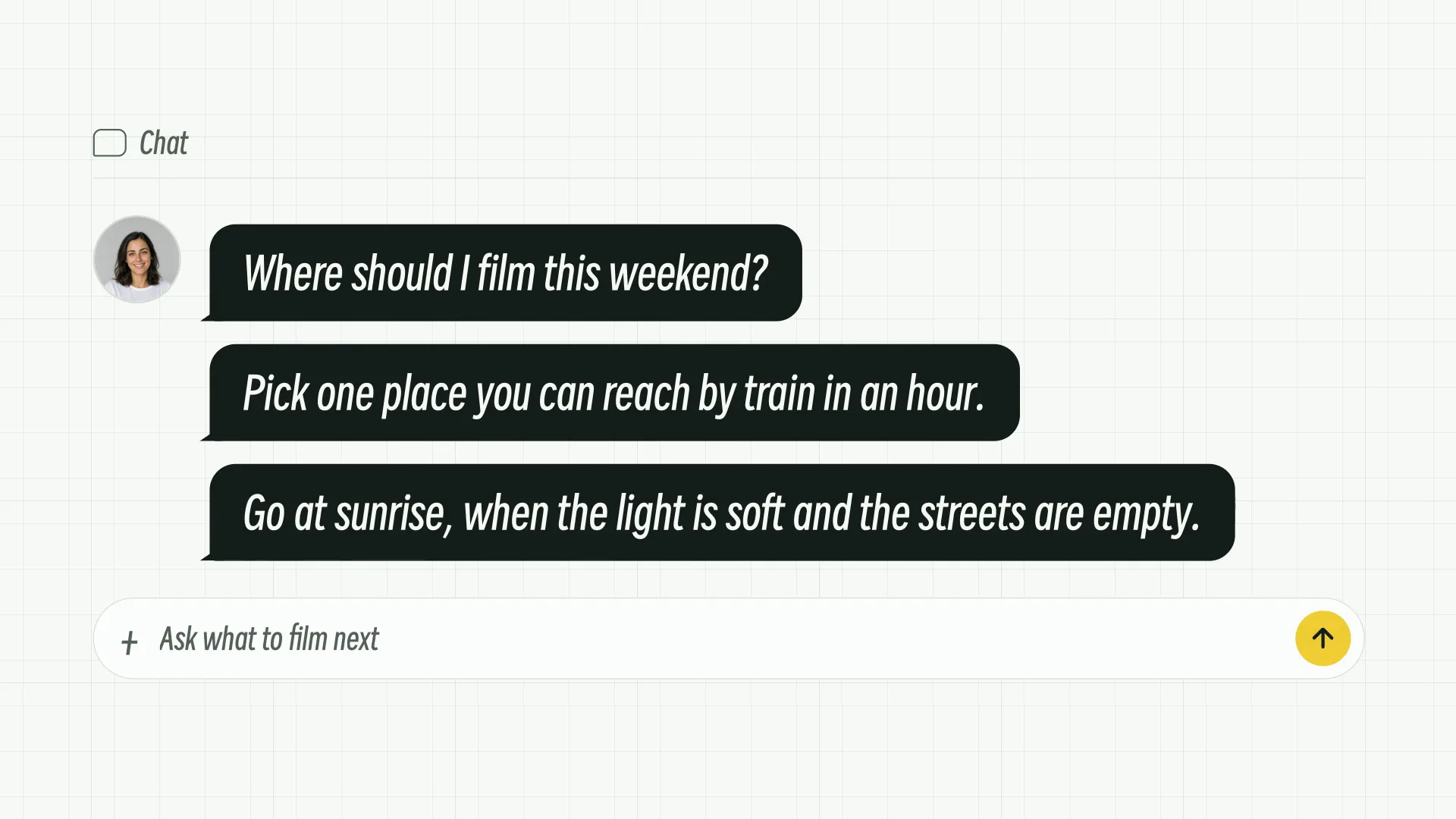
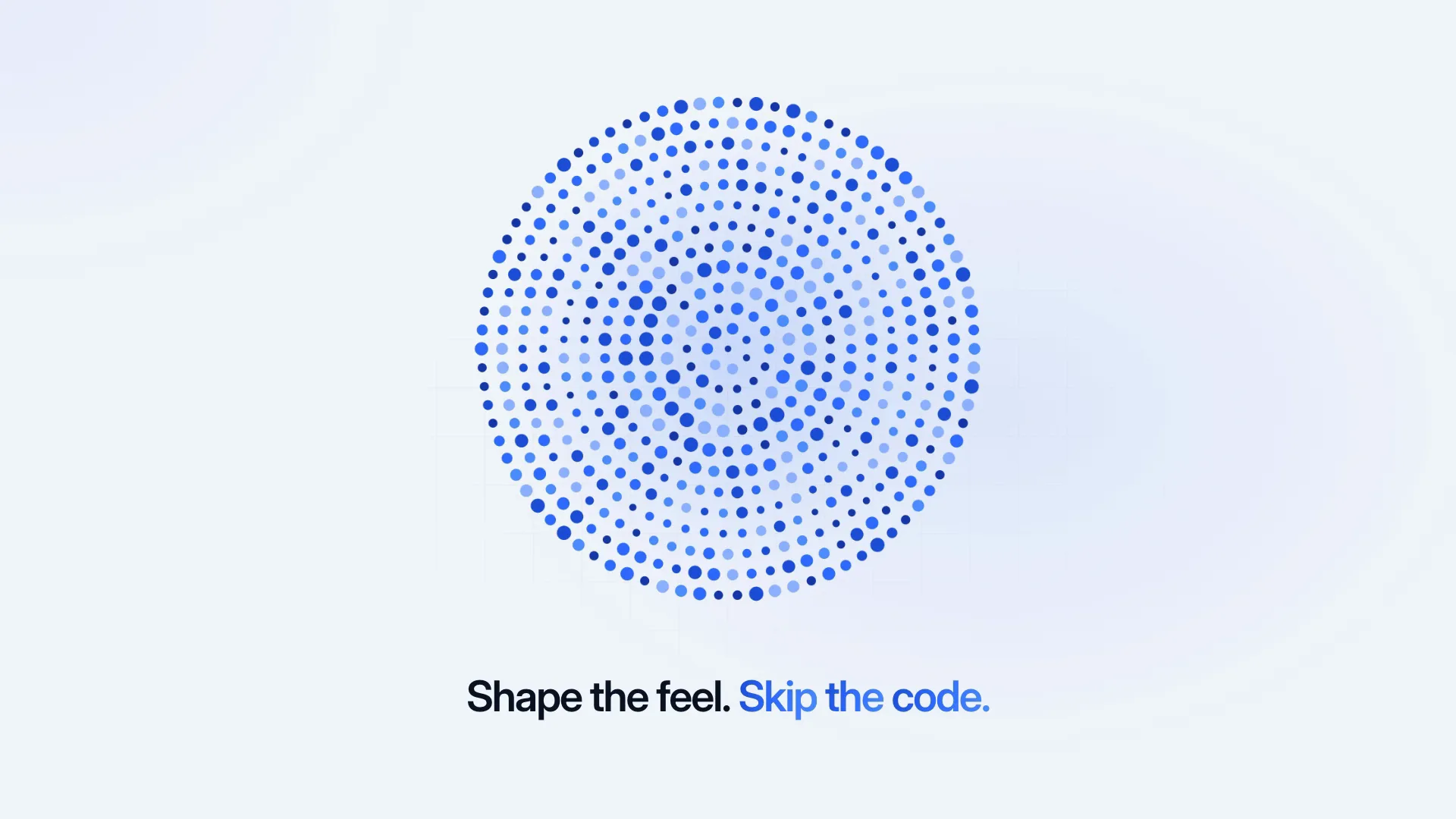
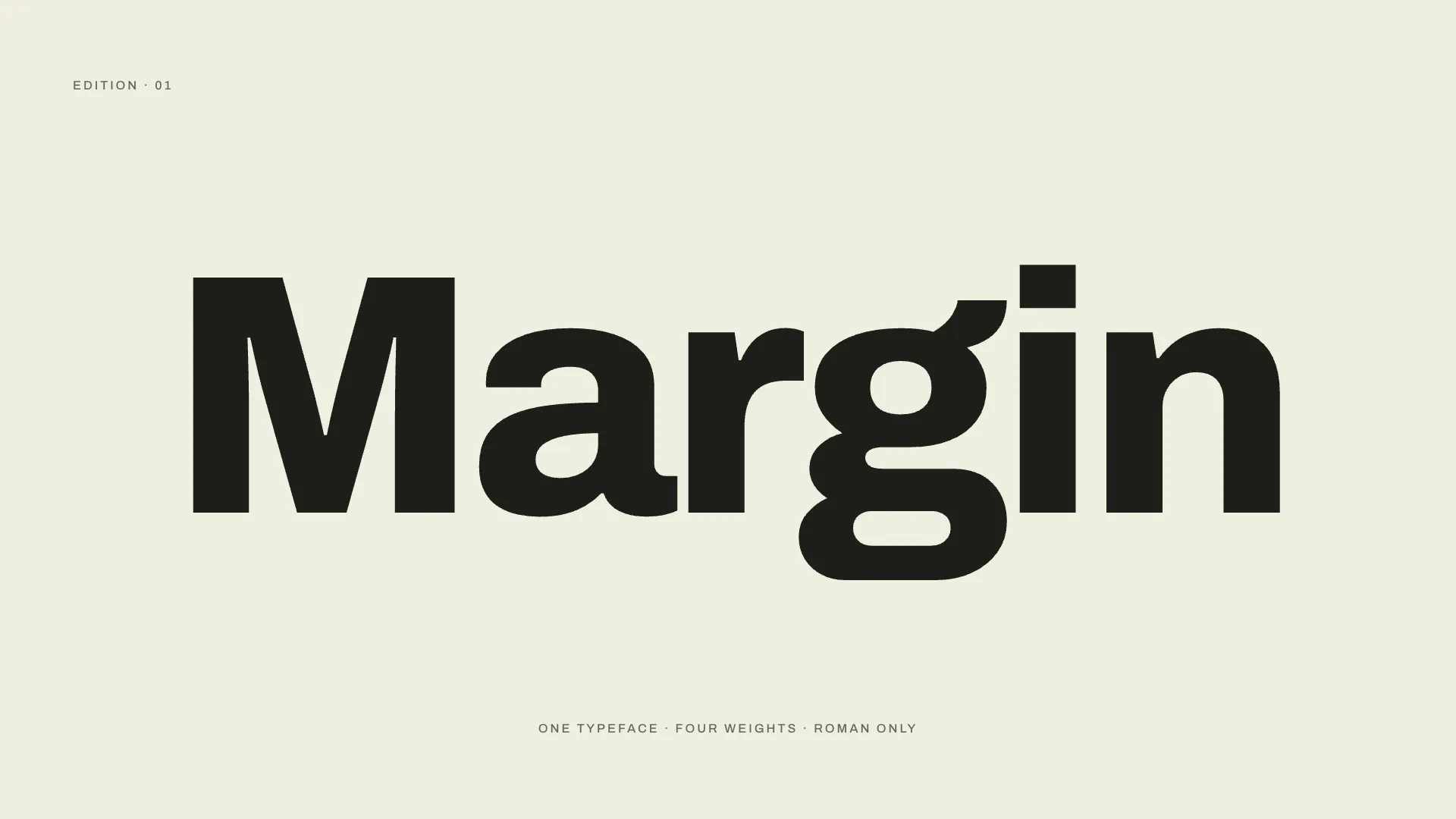
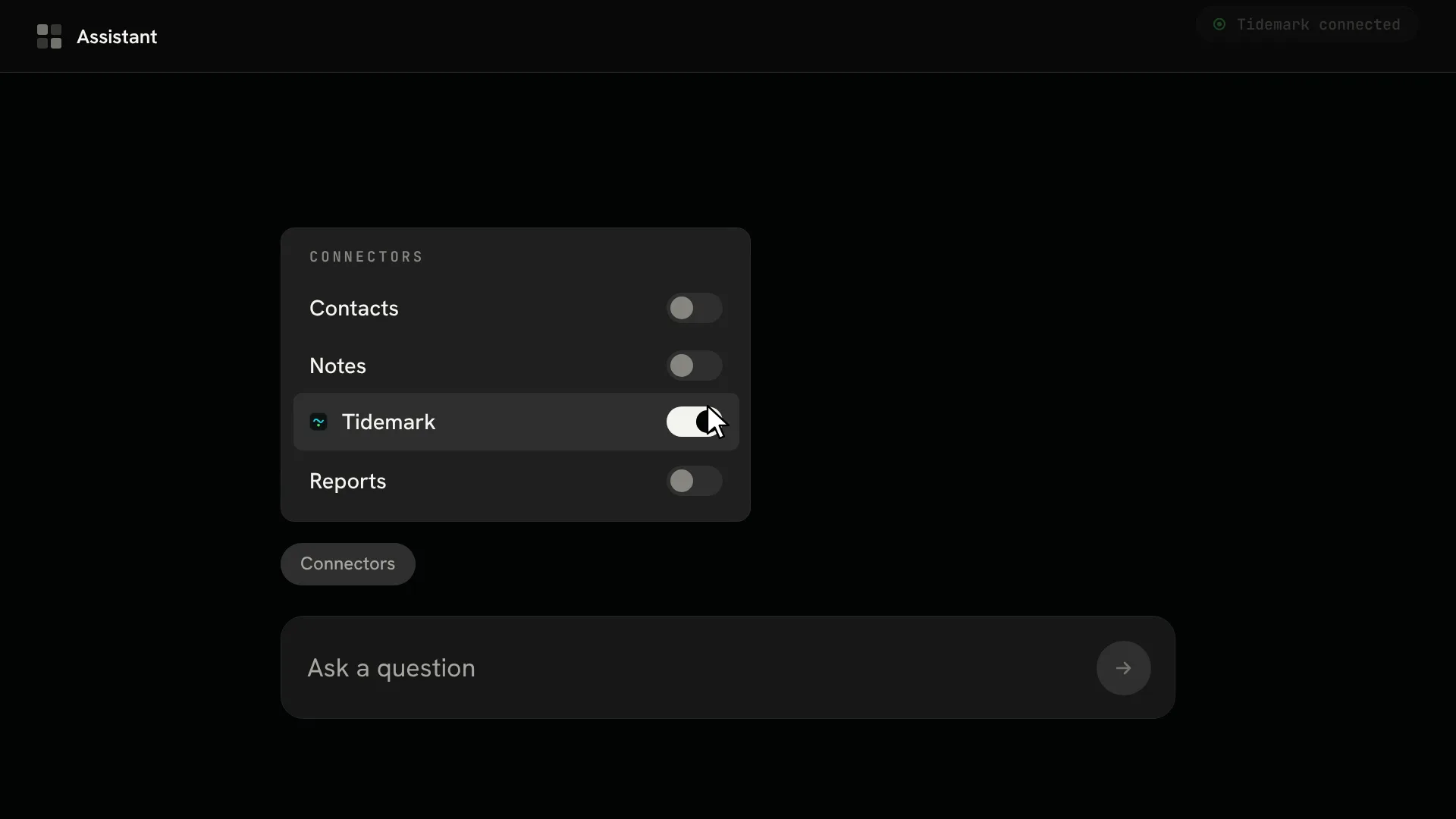
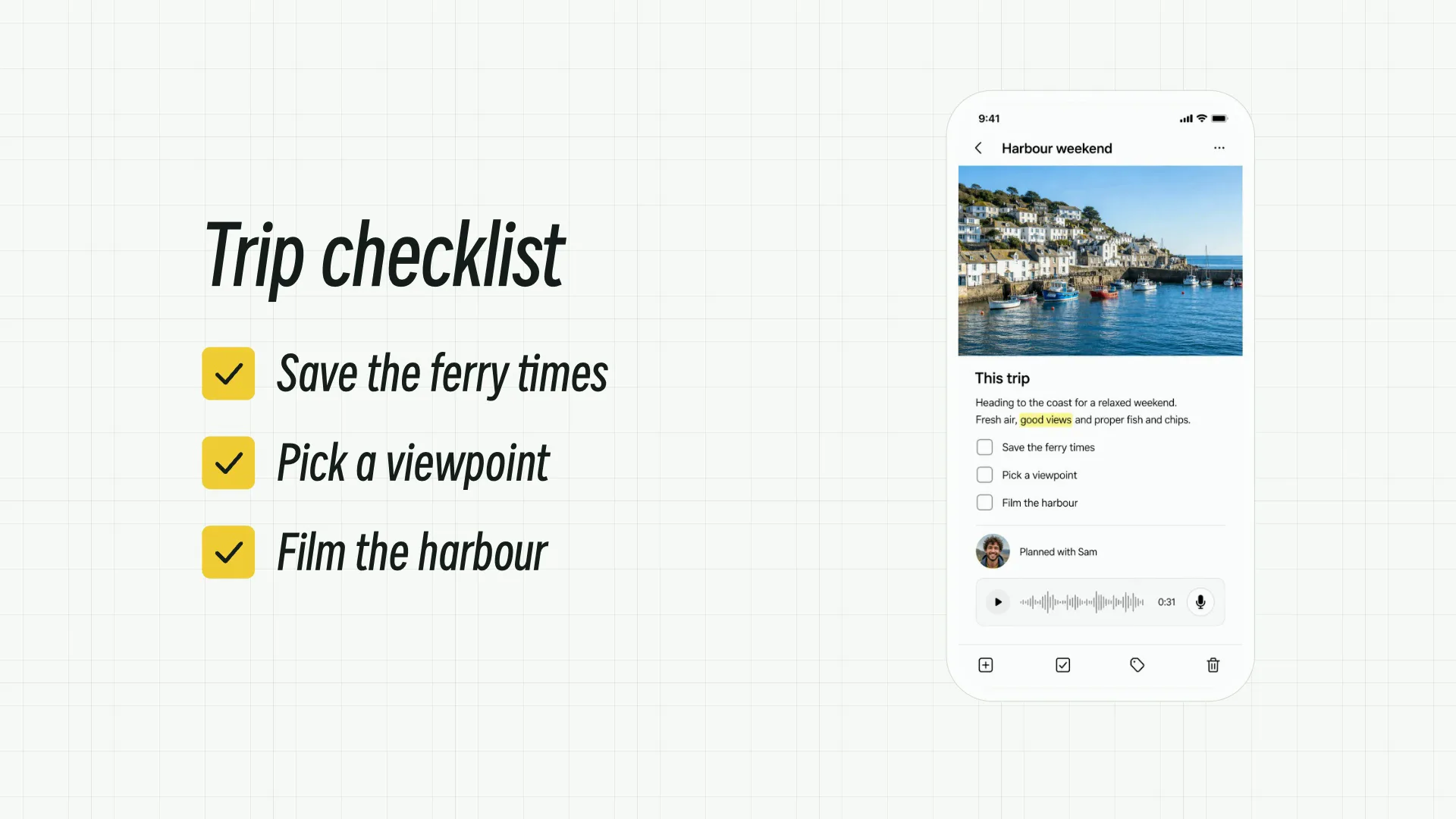
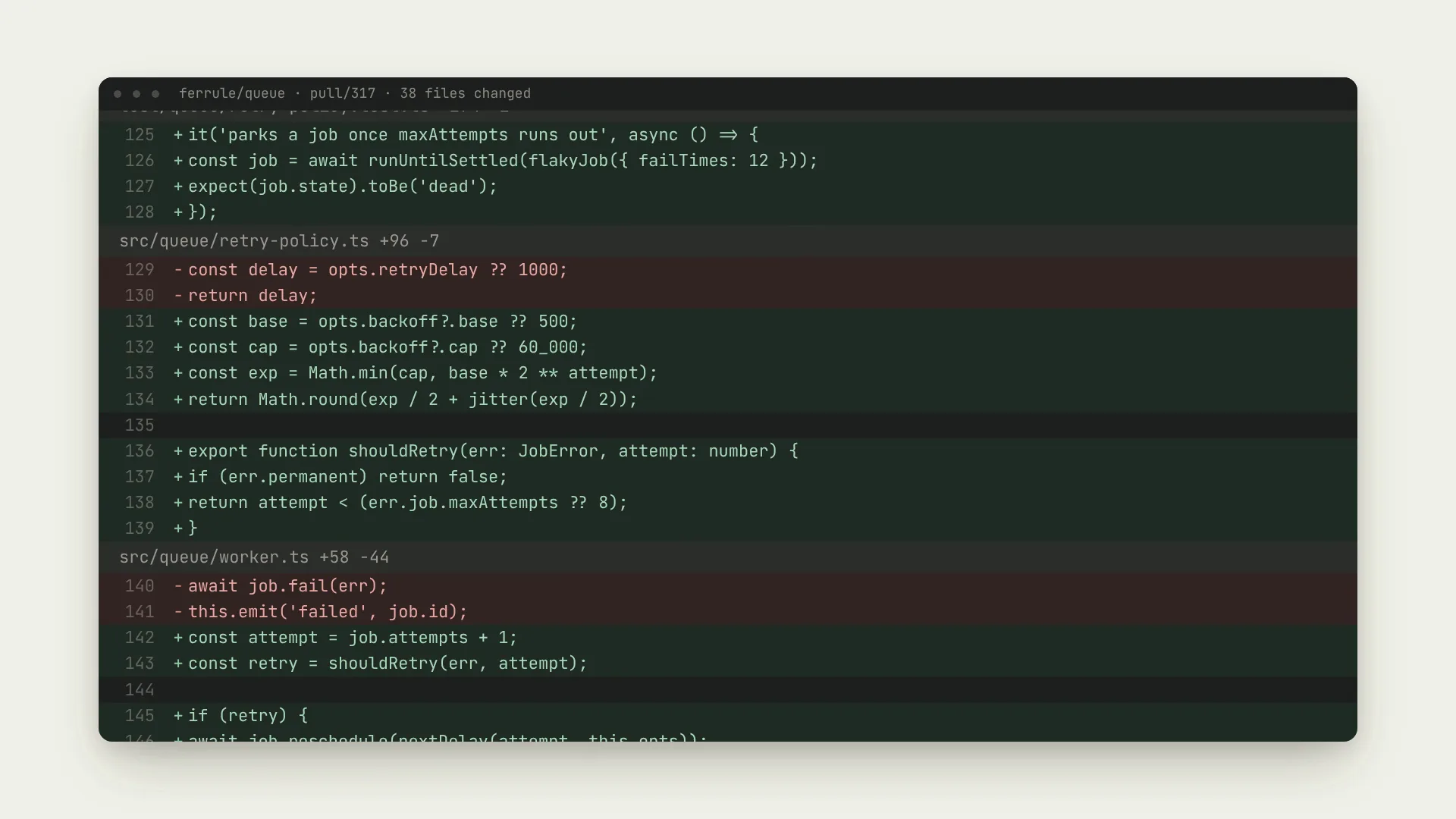
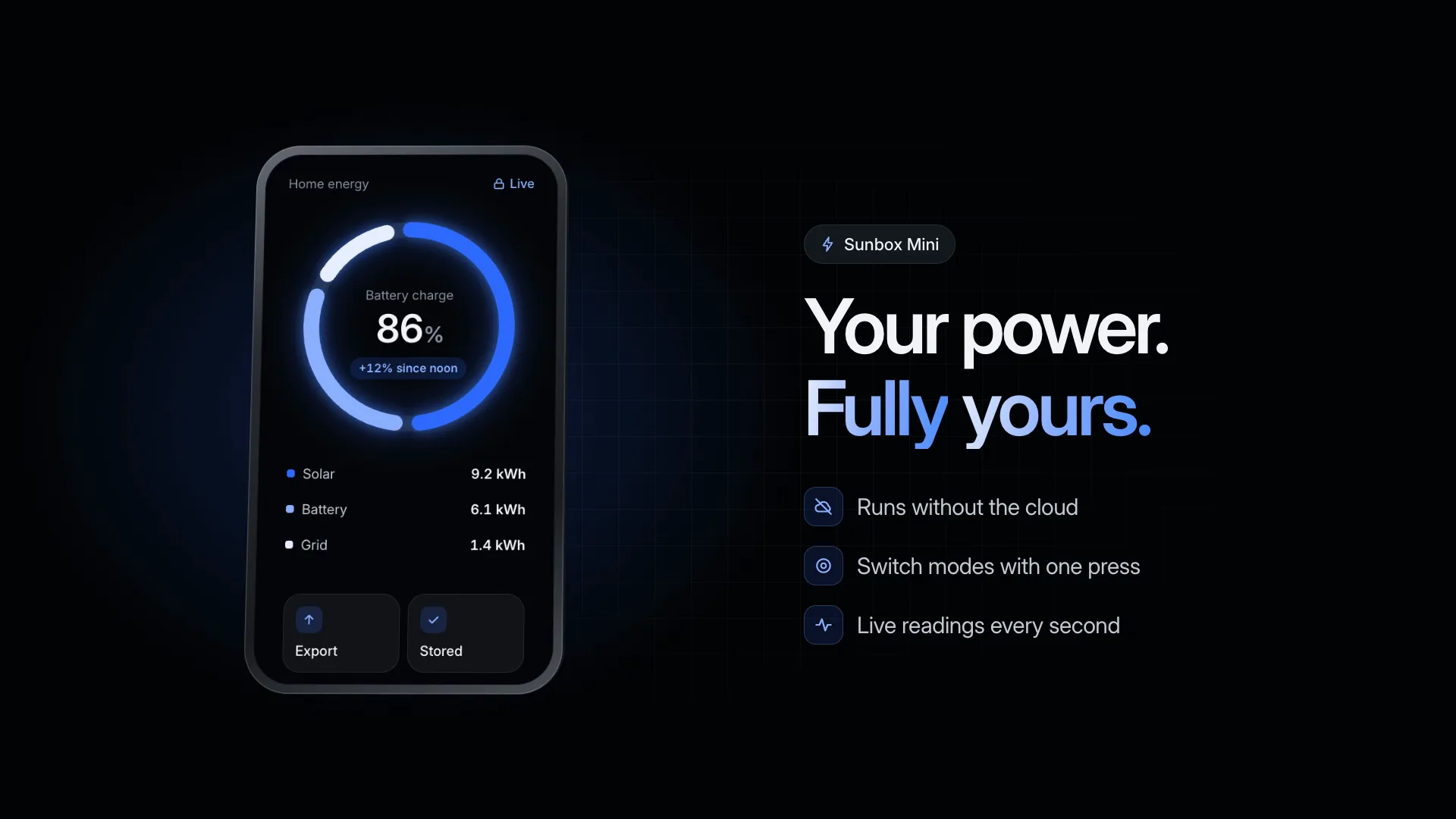

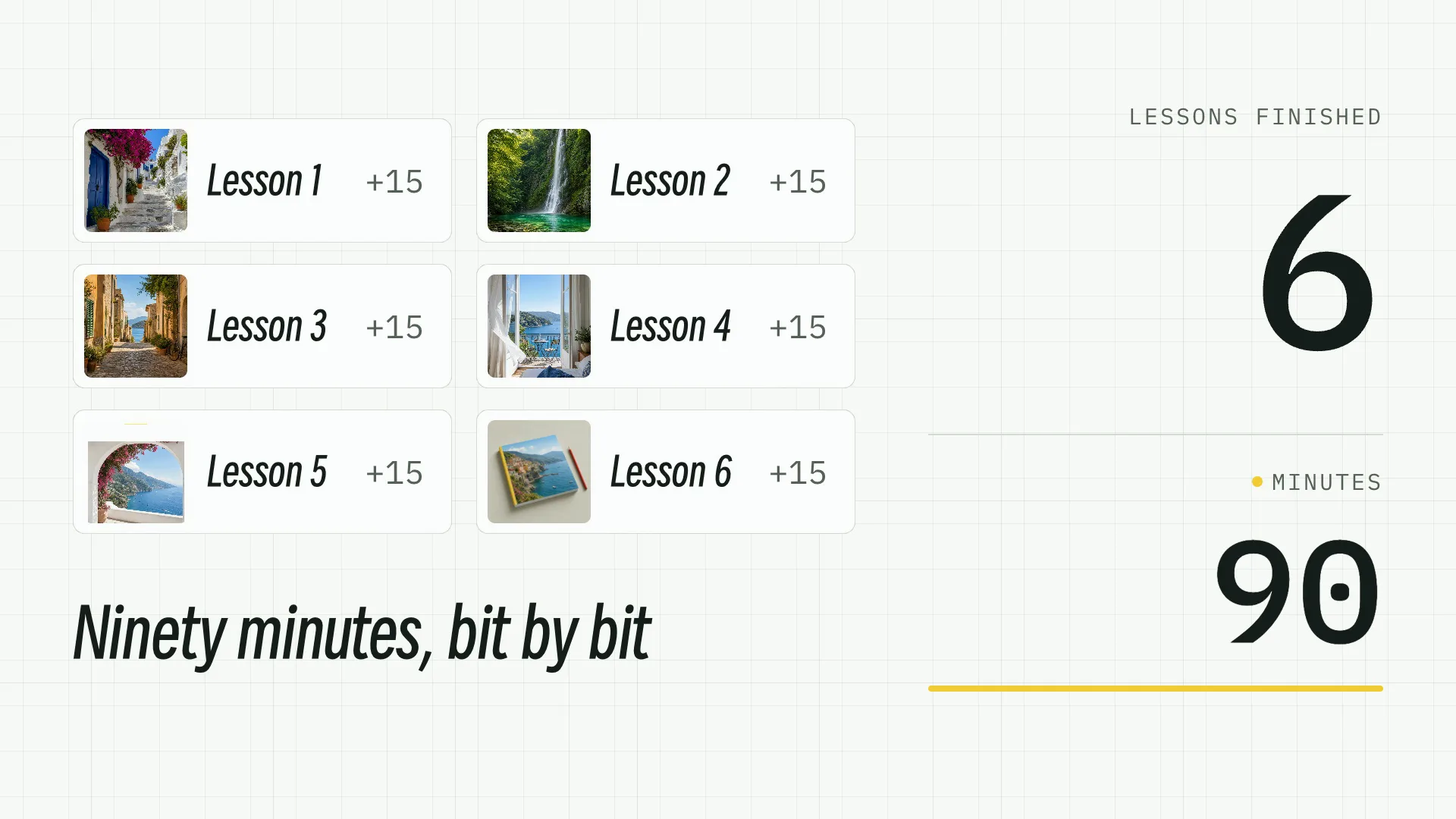
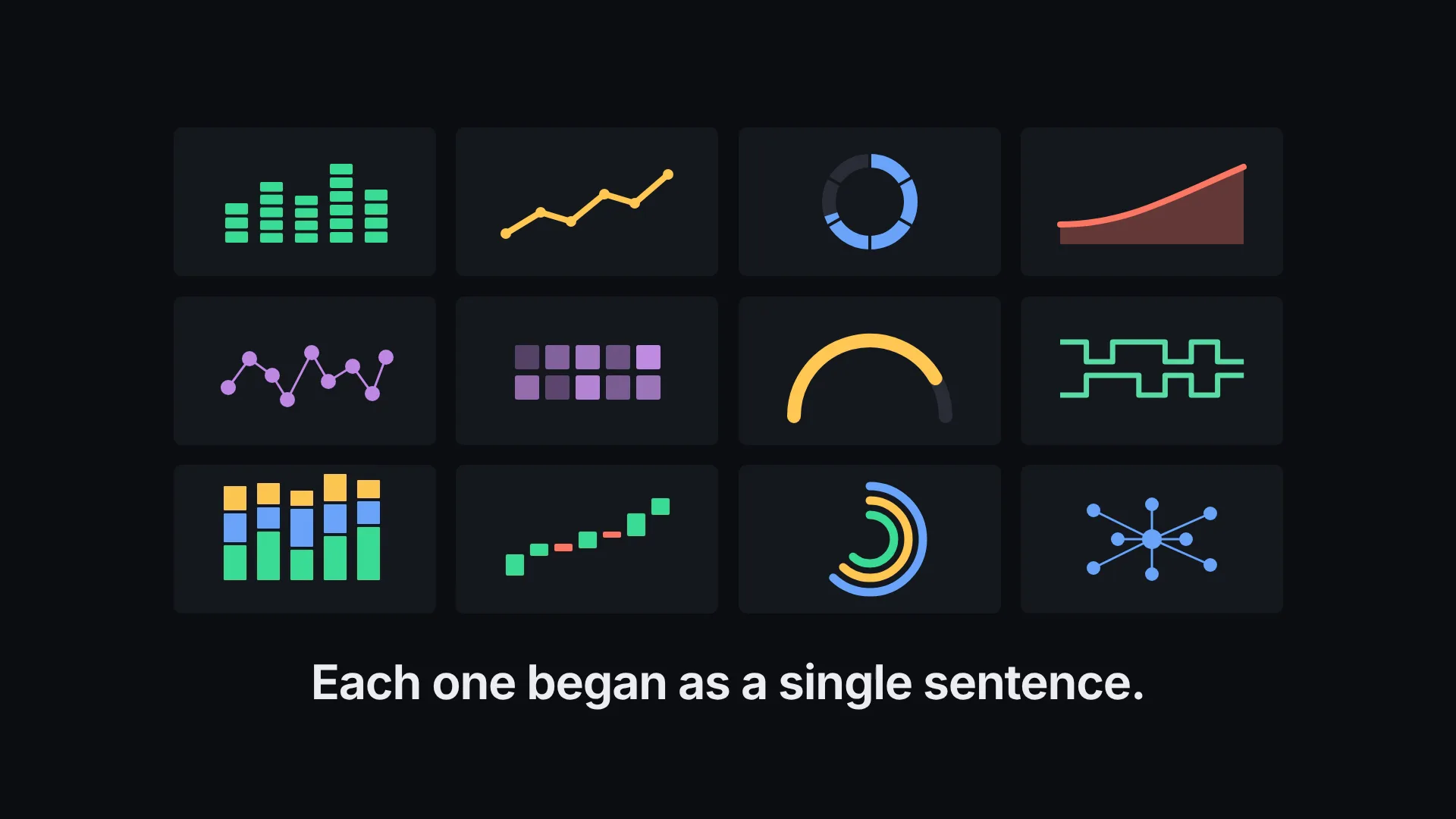
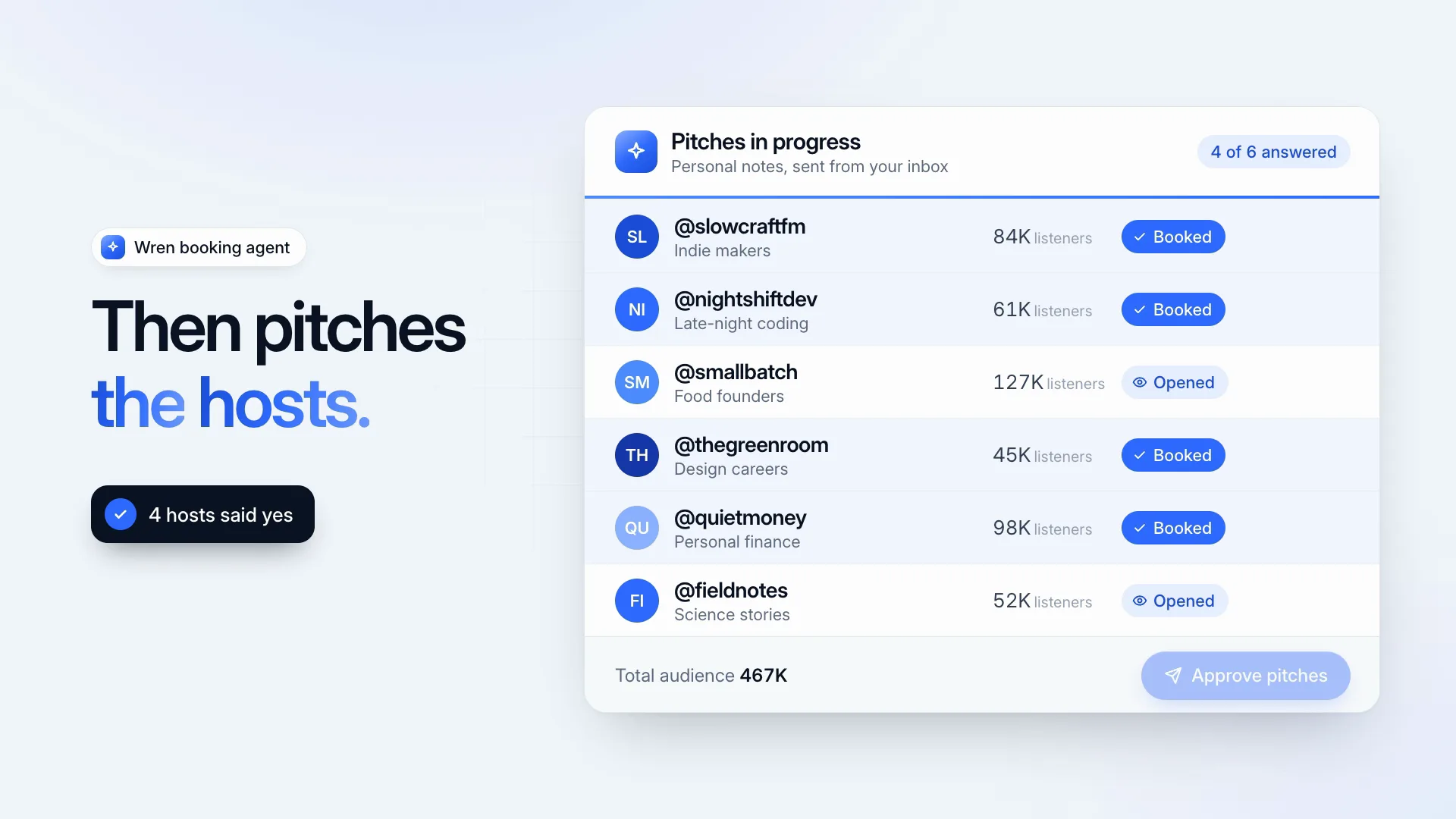
One job per Skill, done end to end: your material goes in, the result is built and then checked.
Every step is covered, so you are not left finishing a half-done draft yourself.
Facts and files come from you; layout and style were settled before you arrived.
Before handing over, the agent runs the checks and reports anything it could not fill in.
Choose your line of work to see the Skills that are tagged for it.
Works the same in Claude Code running Fable 5, in Codex or in Cursor; no design app needed.
Paste the install prompt into your agent, or use the terminal command underneath; either way the Skill ends up in the agent's skills folder.
npx fable5-cli@latest install ours-paint-sweep-finaleType / and the Skill's name, then say in plain words what you want back.
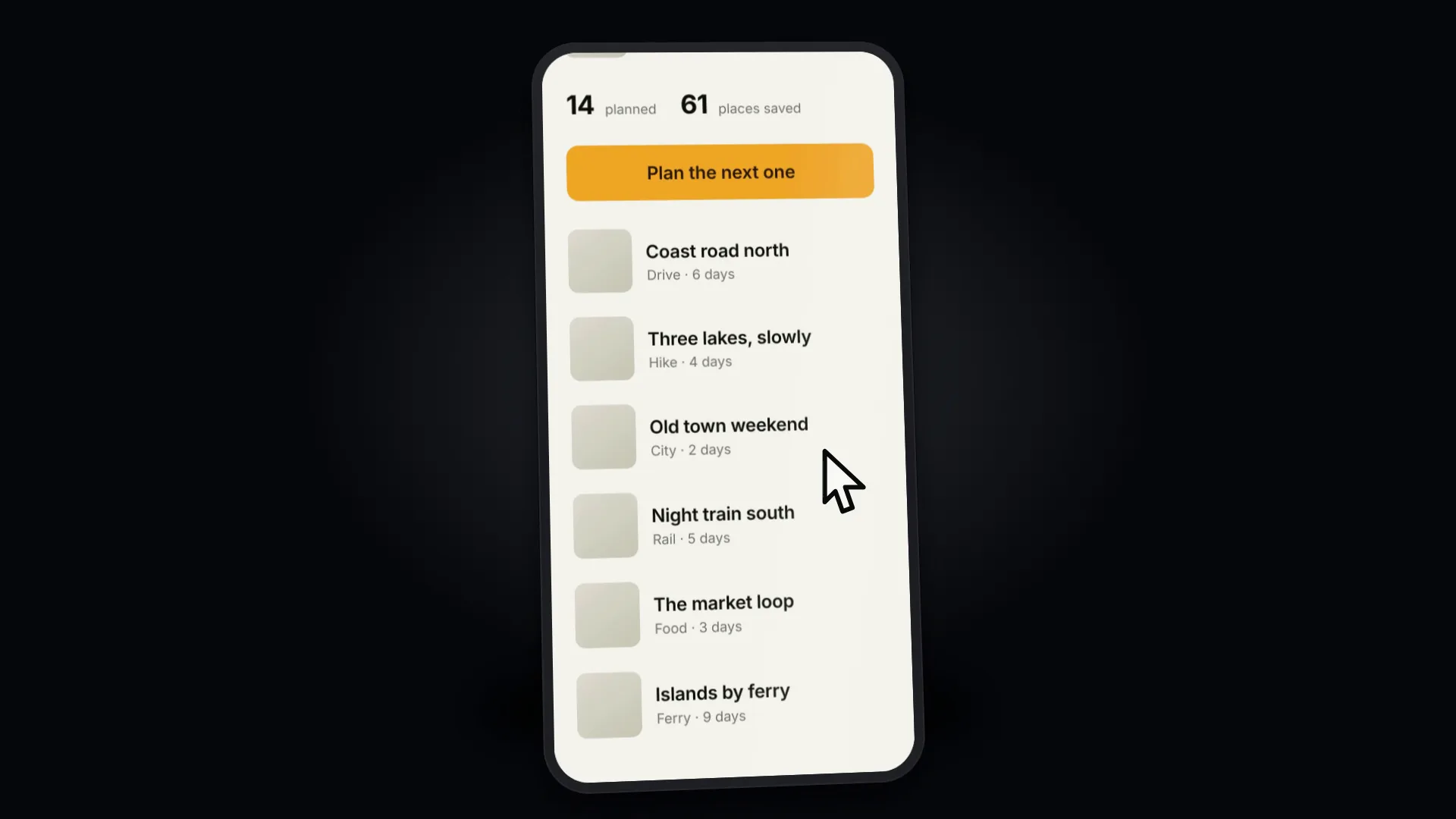
/ours-paint-sweep-finale Closing shot for Brindle, a dog-walking booking app. Caption "Every walk, on schedule", tagline "Booked in two taps.", link brindle.petOpen the files, request edits in the same chat, and publish or hand them over when they're right.
video.mp4Any agent will attempt this from a prompt; what returns is the difference.
| Factor | Prompt only | Skill |
|---|---|---|
| Begins with | An empty file | A settled, finished design |
| Process | Made up as it goes | Written steps, run in sequence |
| Review | Up to you to spot problems | Built in and run before the hand-off |
| Outcome | A draft you still have to fix | Files ready to edit and ship |
Or pay once for a single Skill and keep it.
Cancel anytime
22% OFF$6.99$8.99 for new members after Nov 30$8.99/ month
$6.99 / month. Renews at the same rate while subscribed.
Cancel anytime
23% OFF$16.99$21.99 for new members after Nov 30$21.99/ 3 months
$16.99 / 3 months. Renews at the same rate while subscribed.
Recommended
Billed annually
14% OFF$59$69 for new members after Nov 30$69/ year
$59 / year. Renews at the same rate while subscribed. Equivalent to $4.92/month, billed annually.
Best deal
One payment · Founding price
19% OFF$129$159 for new members after Nov 30$159one-time
Buy lifetime accessCancel anytime. Payments are non-refundable.
What people ask before installing.
Claude Code, Codex, Cursor and every other agent that reads SKILL.md folders. The install prompt doesn't change between them, or with the model.
Usually a few minutes. Rendering video or generating images takes longer, and each Skill page lists what those runs need.
Yes. You get editable files, and you can ask for changes in the same chat while the context is fresh.
No. A free Skill is the full Skill and needs only a free account; Premium Skills come with a plan or a one-time purchase.
Choose a Skill, install it with one prompt, then describe what you want.