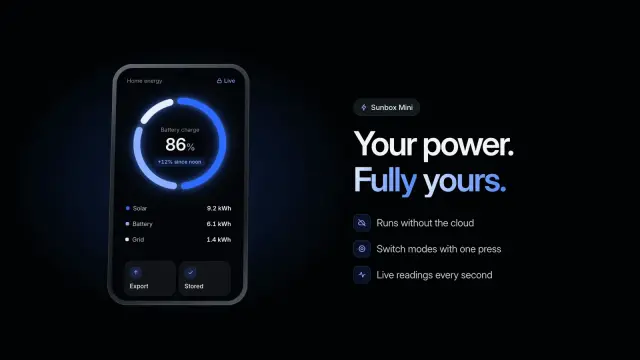
Device Orbit Ring
A 6.8-second dark product shot: the camera pulls back from a glowing dial to a handheld device, turns it over and parks it beside your headline.
Unzip a Skill into ~/.claude/skills/ and Claude Code loads it in the session you already have open. 104 ready-made Skills for video, images, web pages and slides.
Checkout is not open yet: it opens once our payment provider finishes its review, and downloads open with it. Nothing is charged until then.
~/.claude/skills/
└── ours-device-orbit-ring/
    ├── SKILL.md
└── …From Claude Code docs: Skills (opens in a new tab), read 2026-11-04.
Each one is a plain SKILL.md folder, the format Claude Code reads. Skills that make images or video call FAL with your own key, so your agent needs to be allowed to run terminal commands.
A 6.8-second dark product shot: the camera pulls back from a glowing dial to a handheld device, turns it over and parks it beside your headline.
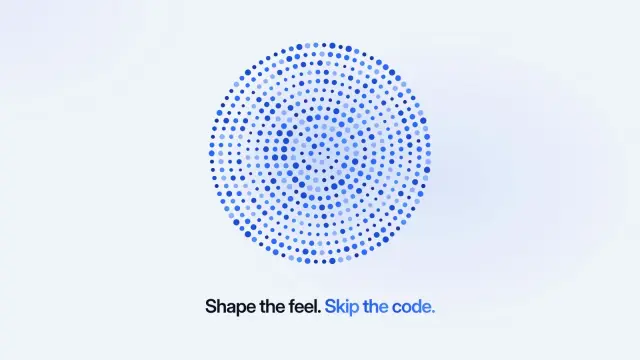
An 11.5-second light demo: a selector steps through six named modes while a field of dots reacts to each one, then your closing line lands.
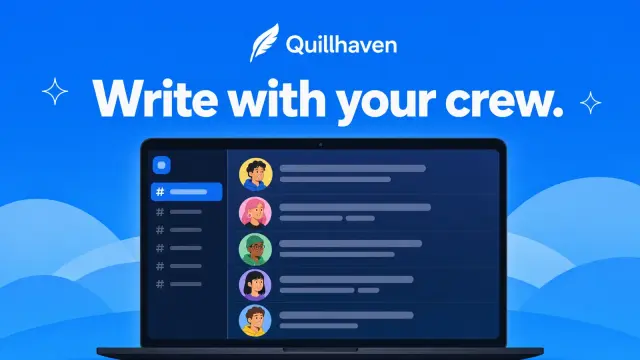
Share cards with a vivid blue field, a big white headline and overlapping chat screens full of friendly avatars, made by GPT Image 2 through FAL.
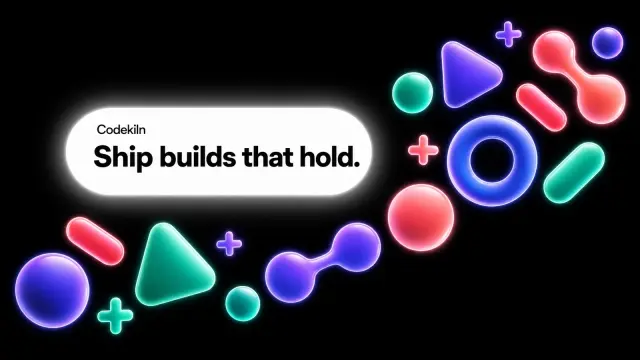
Share cards with glossy neon shapes floating on black around a bright white badge that holds your name and headline, made by GPT Image 2 through FAL.
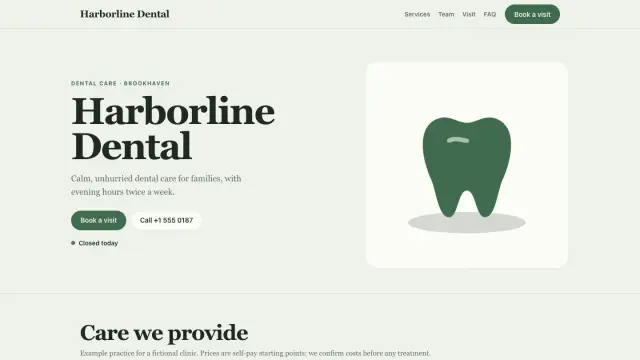
A 13-page website for a dental practice: photo-led home, a page per service, team, prices and a real booking tool.
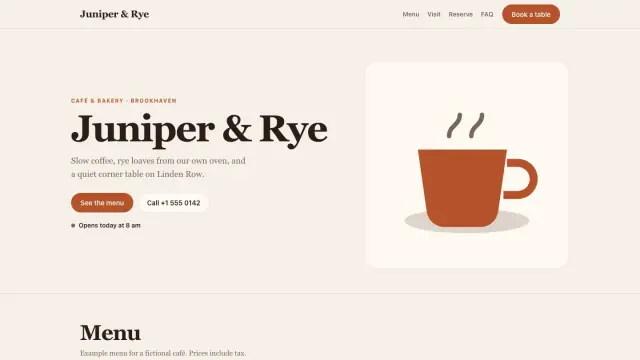
A complete one-file website for a café or bakery: filterable menu, live open-now status, booking form and local-search data.
A ten-page company profile in white and deep blue: square photos on offset blocks, big serif titles and a few clear figures, all editable in the browser.
A nine-page team playbook on ice-blue and navy pages with soft background shapes: routines, handovers, phrases to use and quality checks.
Get the Skill’s ZIP from its card once downloads open, then:
CLAUDE.md loads in every session. A Skill’s body loads only when it is used, so a long procedure costs almost nothing until you need it. Claude Code’s docs suggest turning a CLAUDE.md section into a Skill once it has grown into a procedure.
Personal Skills go in ~/.claude/skills/<skill>/ and work in every project on your machine. Project Skills go in .claude/skills/<skill>/ inside the repository; commit that folder so your team gets them too. Source (opens in a new tab)
No. Claude Code watches ~/.claude/skills/ and the project’s .claude/skills/ and picks up added, edited or removed Skills within the current session. Bare mode is the exception. Source (opens in a new tab)
Cloud sessions, cloud scheduled tasks and Cowork don’t read ~/.claude/skills/ on your machine. Commit the Skill to the repository’s .claude/skills/ for cloud sessions, or enable it for your claude.ai account. Source (opens in a new tab)
Type a slash and the Skill’s name, for example /summarize-changes. The folder name, or the name in its frontmatter, becomes the command. Source (opens in a new tab)
~/.agents/skills/~/.cursor/skills/~/.agents/skills/~/.config/opencode/skills/~/.copilot/skills/~/.gemini/config/skills/~/.openclaw/skills/~/.kimi-code/skills/~/.trae/skills/$9.99 / month · $79 / year · $169 once, or $4.99 for one Skill.
See pricing