iPhone Duo Mockupv1.0.1
Use this Skill to make a product mockup.
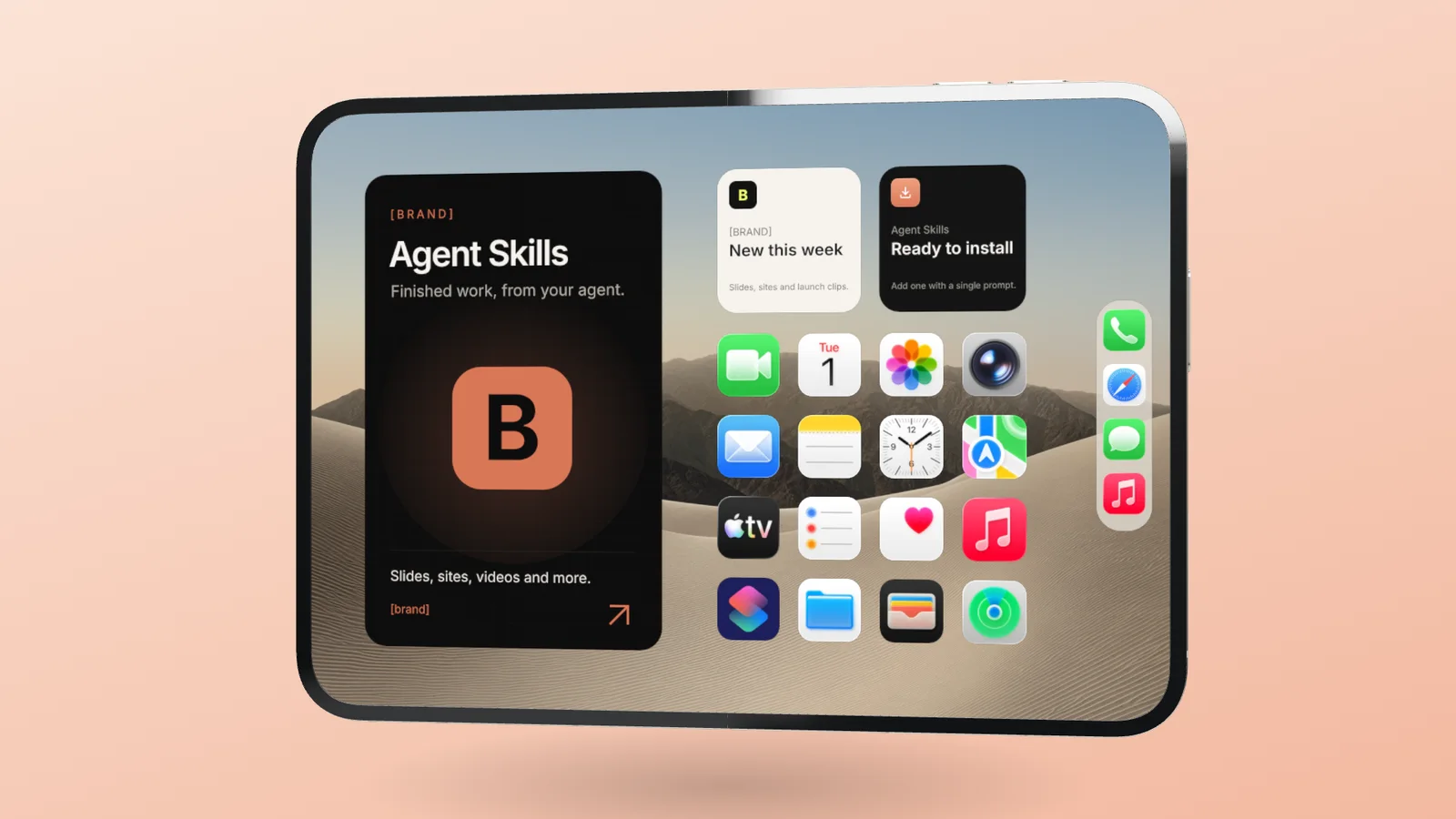
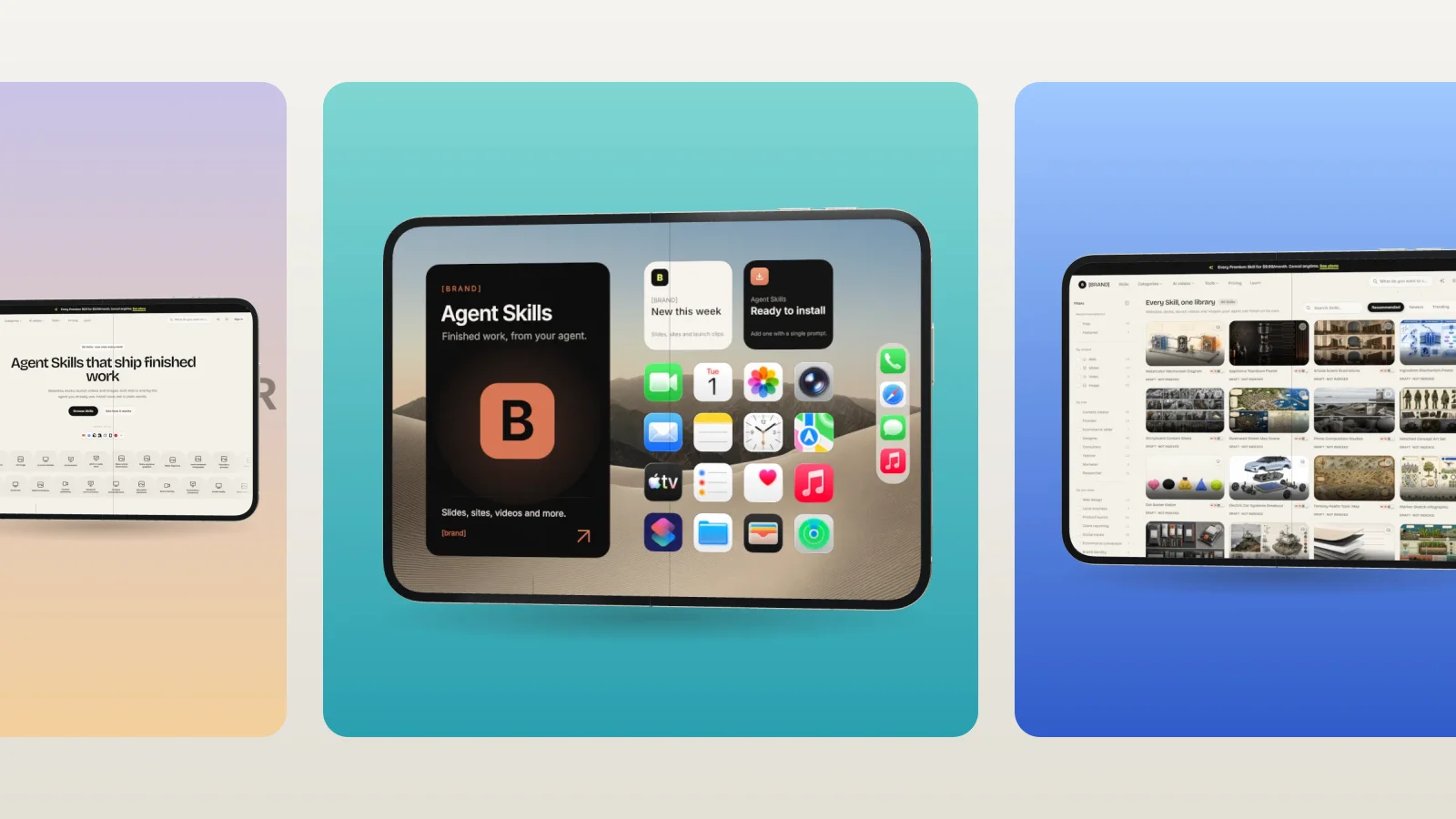
A device mockup skill for Claude Fable 5: your screenshot or recording on a 3D iPhone Duo that folds, exported as a transparent PNG or a 60 fps fold video.
Picked most often by
Updated Oct 30, 2026
Preview gallery


Similar Skills
View all
What you get
- The complete studio folder, ready to serve: the 3D phone model, demo screens, ten backdrop photos and an interface in nine languages
- scripts/open-studio.mjs, which launches the studio already set to your screens and options and rejects any value it does not recognize
- scripts/render.mjs, which saves the PNG and MP4 headless when the agent has no window to work in
- Notes for building on it: address parameters, ready signals, the scripting interface and swapping the demo screens
Good fit
- Apps with a foldable layout announcing a launch, Product Hunt galleries included
- Landing page hero images, App Store artwork and short looping clips
- Vertical fold videos for Reels, Shorts and Stories
Not for
- Phones or devices besides the iPhone Duo
- Clickable, interactive app demos
- See-through video (MP4 has no alpha)
About this Skill
Launch art for an app usually needs a phone, and this Skill gives your Fable 5 agent a foldable one. Supply a screenshot or a screen recording: the big landscape inner screen takes it, the small portrait cover screen shows a second file or repeats the first, and the agent chooses a 16:9, 1:1, 4:5 or 9:16 frame plus a backdrop. Then it goes one of two ways. Either the studio opens in your browser already set up, so you can drag the fold, turn the angle and change the look yourself, or the files render without a window: a PNG of any pose (clear background if you like) and a 60 fps MP4 in which the phone opens, closes or does both, at 1080p, 2K or 4K. All drawing happens locally in WebGL; nothing leaves your machine and no credits are spent. The complete studio source comes along, ready to host or to grow into a mockup tool of your own.
How it works
- Turn the request into screens, frame, backdrop, pose and motion, leaving unset whatever wasn't asked for
- Launch the studio with scripts/open-studio.mjs, or go straight to files with scripts/render.mjs
- Fine-tune fold, angle and look in the browser when needed, and save the still or the clip
- For another version, ask again with different values
Checked before delivery
- The studio opens with the person's files on the right screens and every requested setting applied
- Every value passed to the scripts is one the studio accepts; anything else is refused with the valid values
- Exports come out at the size the frame and quality call for (for example 1080 × 1920 for 9:16 at 1080p), the PNG transparent when no background is set
What you need before you start
- You bring
- A screenshot or screen recording for the big inner screen, and optionally another for the small cover screen · Optional: the frame (16:9, 1:1, 4:5 or 9:16), background, angle, fold, motion and export size
- Dependencies
- Node.js 18 or later · A browser with WebGL 2 support · Playwright with Chromium, for headless renders only
- Outside costs
- None
- Last tested
- v1.0.1 — Claude Code / Codex / Cursor / GitHub Copilot / OpenCode
User reviews
Loading reviews…
FAQ
Can I adjust the mockup myself after the agent sets it up?
Yes. The agent can open the studio with your files and settings in place; you then fold the phone by dragging, clicking or using the slider, and the Screens, Position and View panels hold the rest. The studio's full source is included to host yourself.
How should I size my screenshots?
Make the inner image landscape at about 1.42:1 (2048 × 1440 fills it exactly) and the cover image portrait at about 0.69:1 (1032 × 1500). Files with other proportions are cropped to fill, or shown whole if you choose to fit them.
What does the video export look like?
A 60 fps MP4 of the phone opening, closing or doing both, between 2 and 12 seconds long, at 1080p, 2K or 4K. A browser with no H.264 encoder records WebM instead.
Which coding agents can run it?
Any agent able to run a Node.js script, for example Claude Code, Codex, Cursor, GitHub Copilot or OpenCode.