Mood Grid Snapv0.1.1
Use this Skill to make a launch video.
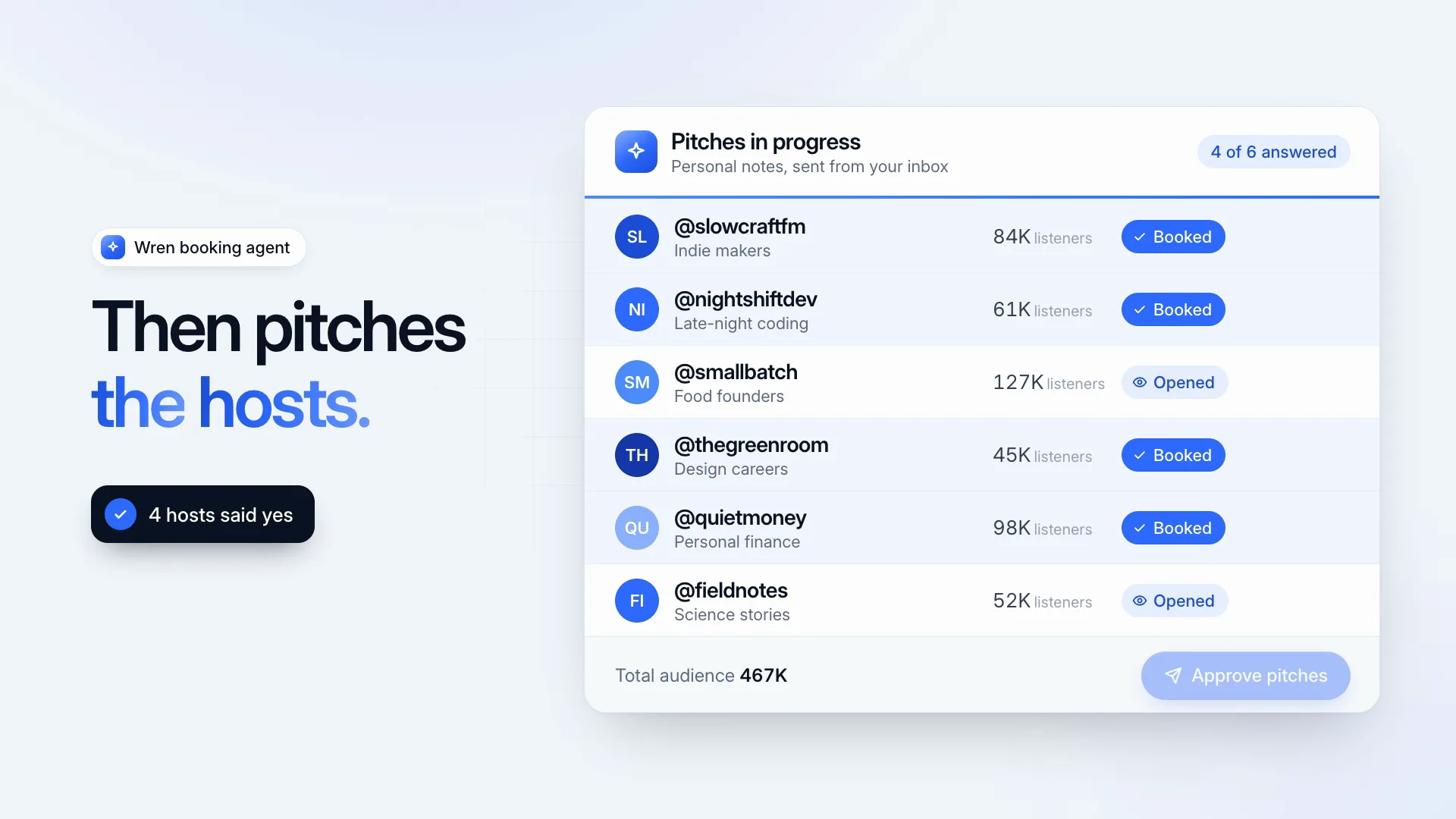
One of the Fable 5 skills for designers: an 8.6-second dark montage of three tilted photo spreads that snap into a single nine-picture board with a send button.
Picked most often by
Updated Oct 29, 2026
Preview gallery


Similar Skills
View all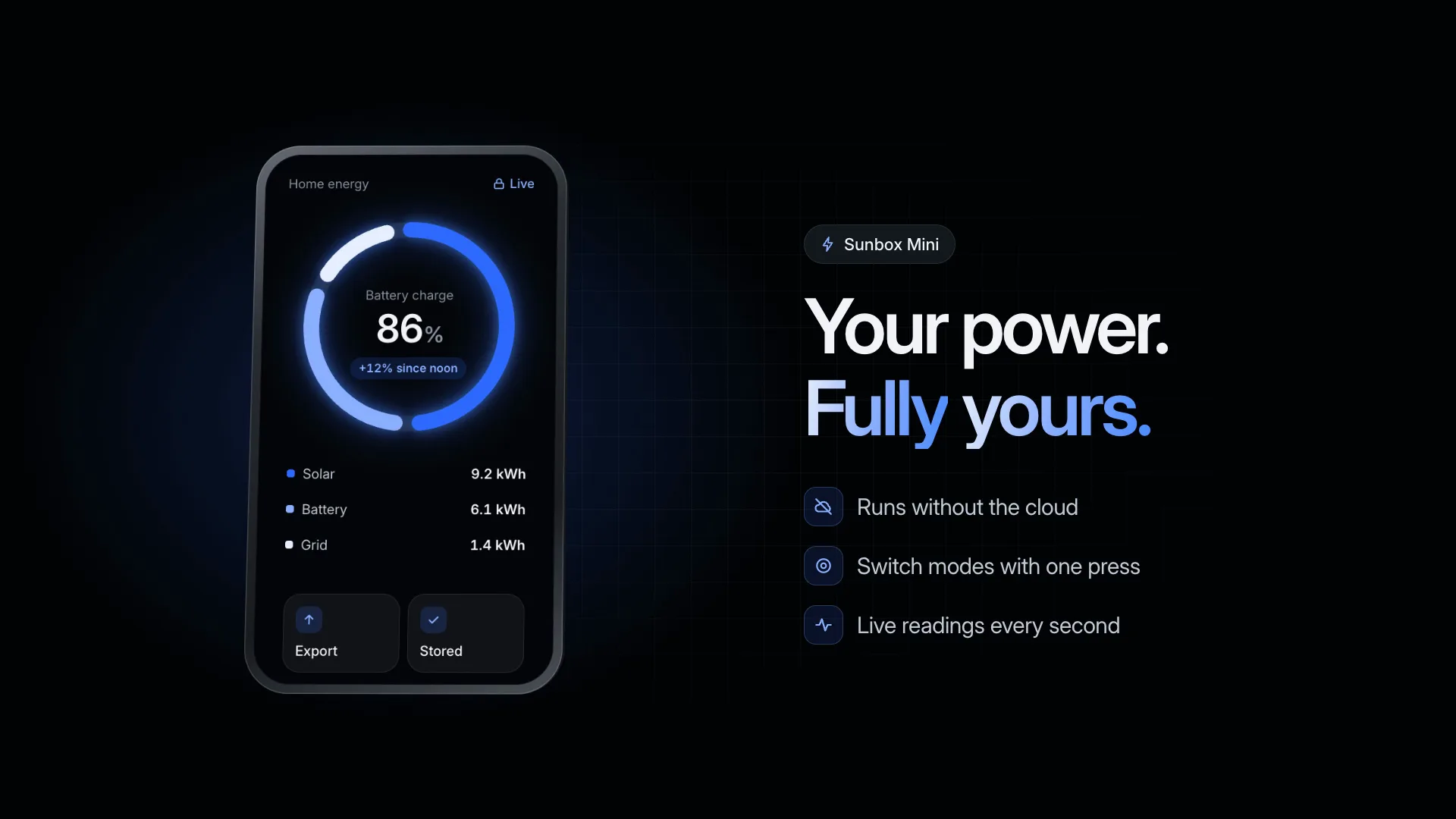


What you get
- An 8.6-second MP4, 1920×1080 at 30 fps, or 3840×2160 for 4K
- 10 slots: three headlines, a tone label and three tags, the board name, status and button
- The HyperFrames scene folder, nine sample pictures included
Good fit
- Moodboard, design and asset-library apps
- Portfolio, gallery and photo services
- Reveals for a campaign or collection
Not for
- Products without visual content to show off
- Bright, airy brand styles
- Long explanations; each spread carries one short line
About this Skill
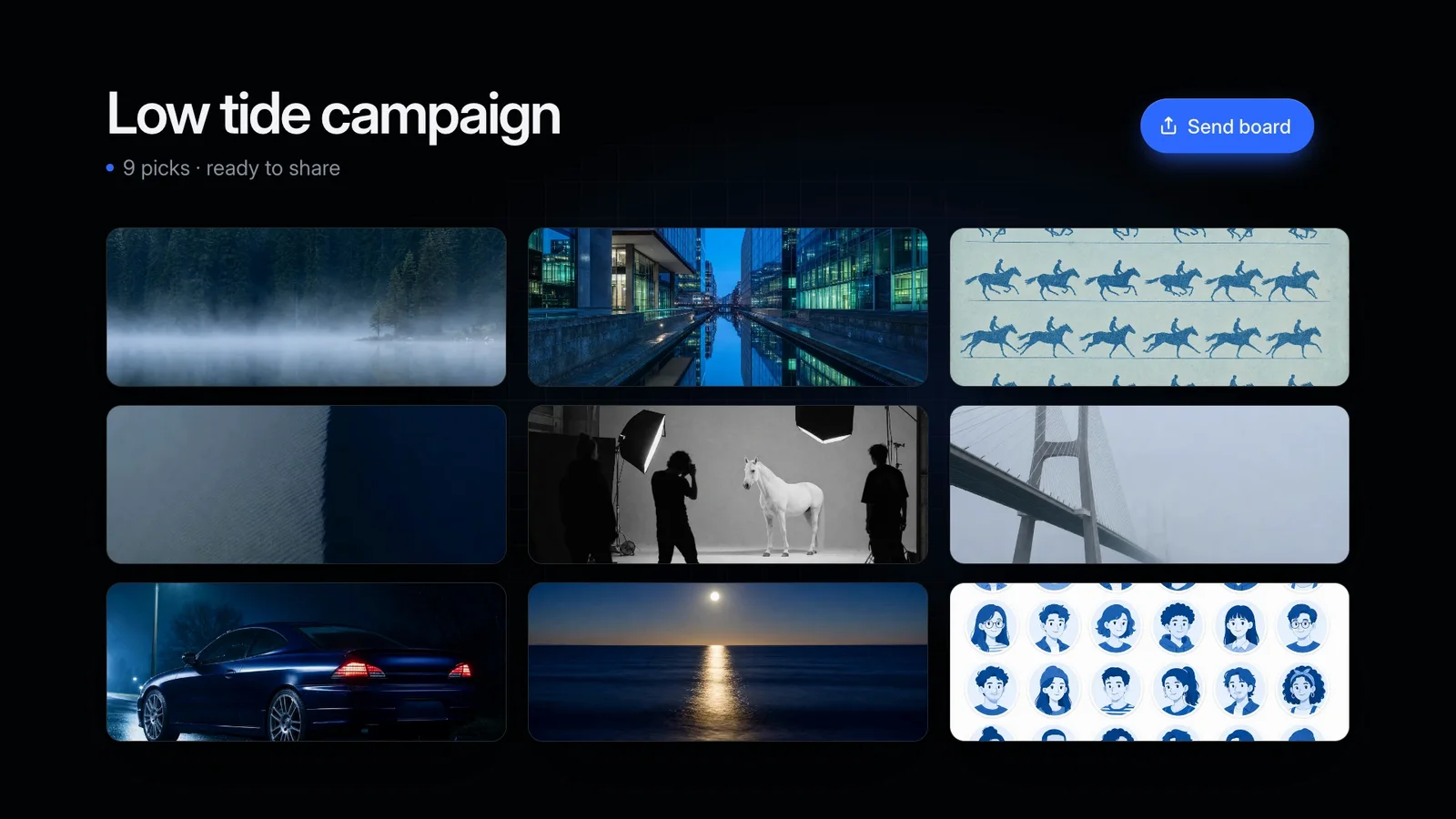
Products that gather images need to show images, and this montage is built around them. Three spreads of blue-hour photos sweep through at a slight tilt, each carrying its own short headline; the second adds tone tags in a row, one of them selected. Then all nine pictures lock into a three-by-three board, topped by the board's name and a status line, and its button gets pressed. Every sample photo was made for this Skill, and your own image files can take their place.
How it works
- Write three short headlines; the first breaks at its [[ ]] part
- Add a tone label, three tags, a board name, status line and button
- Optionally replace the nine pictures, keeping the file names
- Fill the scene with create.mjs and shorten what it warns about
- Preview, render at 1080p or 4K, and check start, middle and end
Checked before delivery
- create.mjs writes every slot value into the scene and warns about any line over its limit
- The render is 8.6 s at 30 fps, 1920×1080 (or 3840×2160)
- No line is cut off or wrapped in the start, middle and final frames
What you need before you start
- You bring
- Three short headlines, three tone tags and their label · A board name, a status line and a button label · Optional: nine of your own images to replace the drawn ones · Optional: 1080p or 4K
- Dependencies
- Node.js 22 or later · FFmpeg and Google Chrome installed locally; HyperFrames renders through them
- Outside costs
- None
- Last tested
- v0.1.1 — Claude Code / Codex / Cursor
User reviews
Loading reviews…
FAQ
Can the board show our own photos?
Yes. The nine pictures are plain files in the assets folder of the scene. Have your agent overwrite them with your images under the same names. Each one is cropped to fill its frame, so keep the subject close to the center.
Where do the sample pictures come from?
They were made for this Skill rather than taken from anyone's portfolio, and you may use them in the videos you create with it.
Is a key or subscription involved?
No. HyperFrames renders the HTML and GSAP scene on your machine with Chrome and FFmpeg, so there is no API key to set up.