
Black Friday: Lock in your founding rate.Compare plans

Every Premium Skill for $19.9/month. Cancel anytime. See plans

Skip to content
For content creators

Feature explainer films made with Fable 5 Skills

Fable 5 studies your product first, plans a single feature around checked facts and its true screens, then renders a film people can follow along. The MP4 comes with an open project for edits.

Runs inClaude CodeCodexCursorGemini CLIOpenCodeand 25+ more agents

Feature films from these Skills

Each tile runs a film its Skill rendered. Pick by how it puts your product in motion.

Short answer

Explainer videos in a nutshell

A feature film shows in a minute or two what a product does and how, so viewers understand it before they ever reach the help center. Interface explainers stay on the true screens; motion explainers use animated graphics to land the idea.

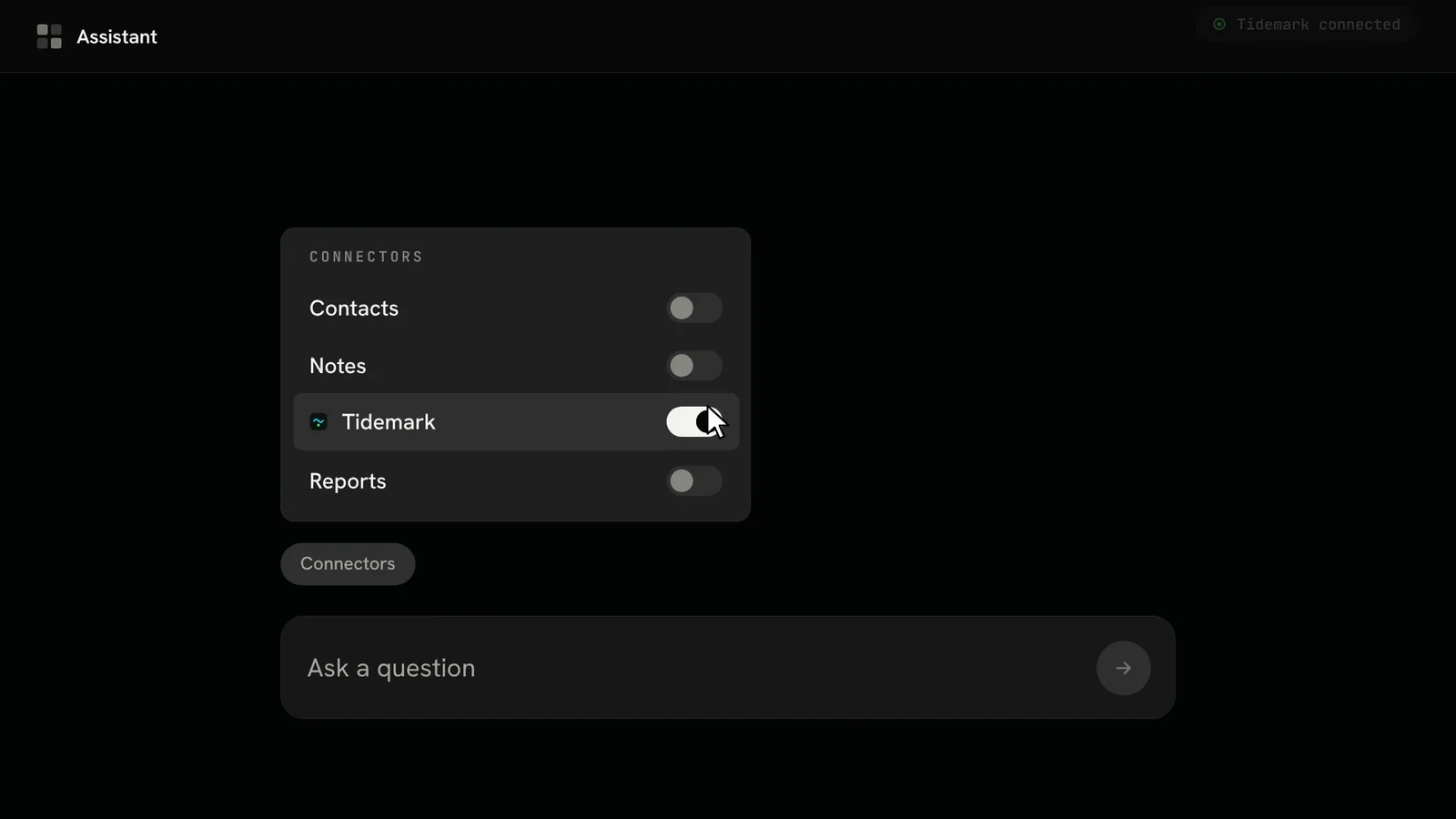
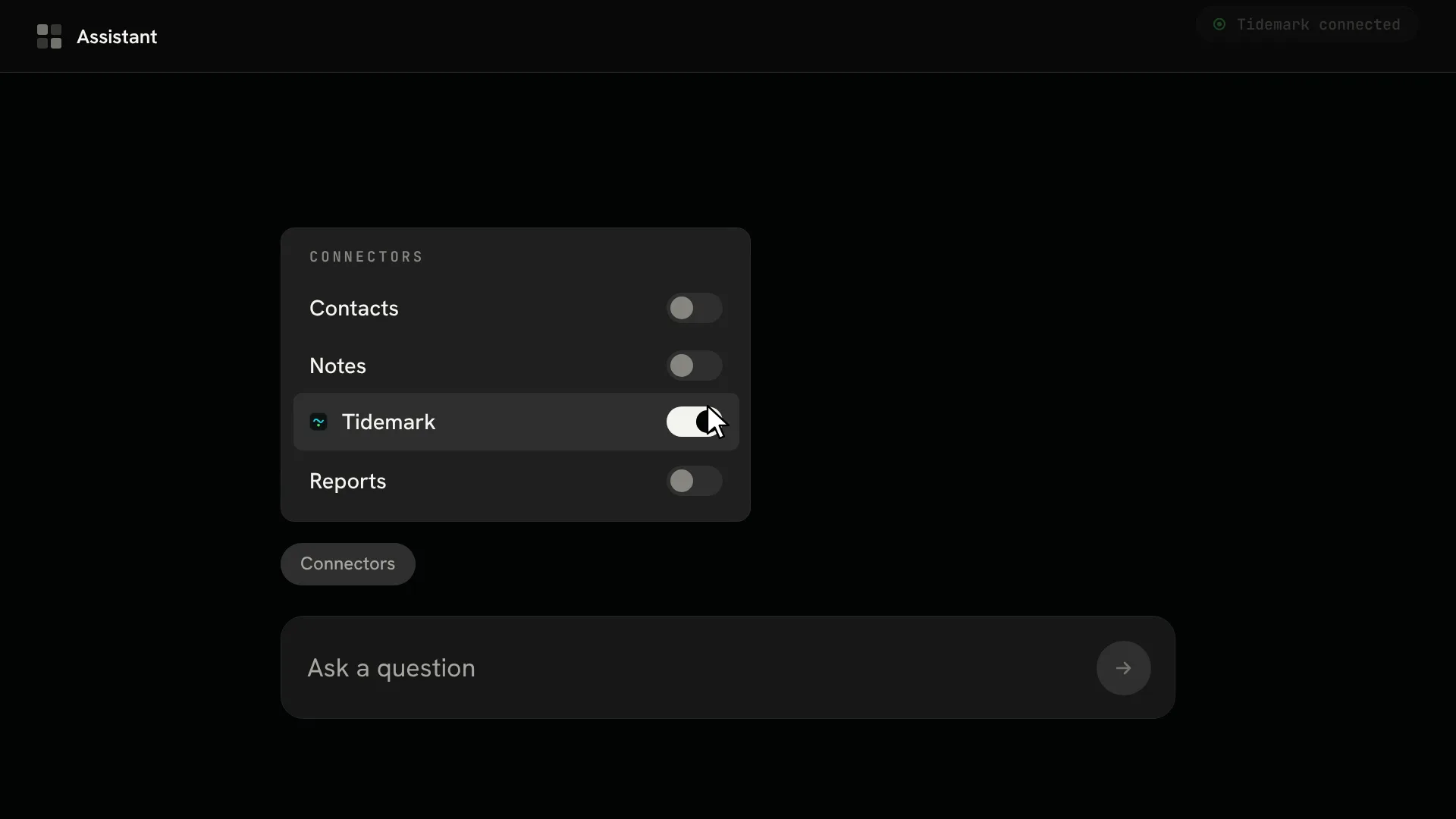
A dark assistant app: the connector menu lists Contacts, Notes, Tidemark and Reports, and the cursor has just switched the Tidemark toggle on above the composer1:08Feature film

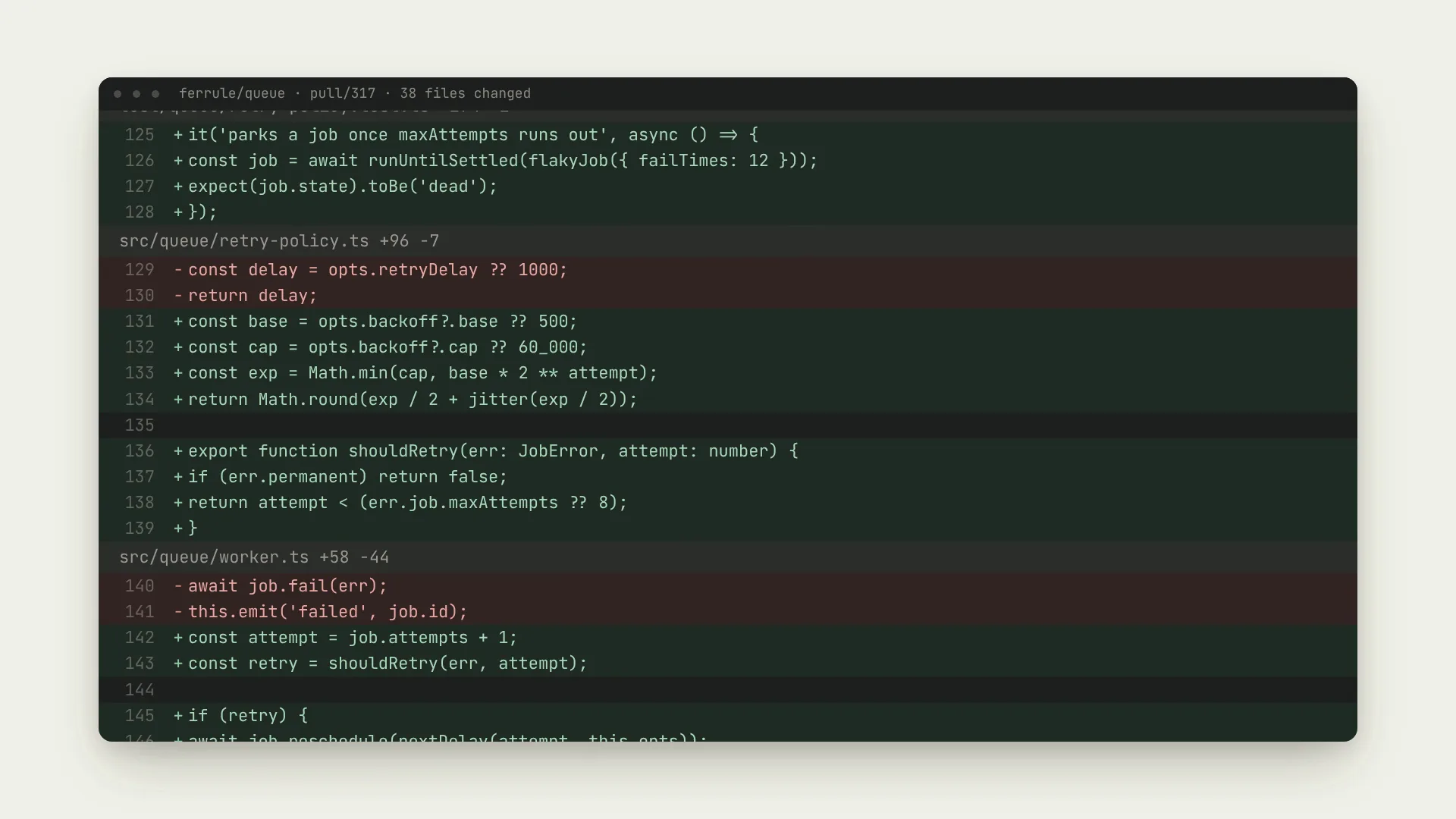
Watch a messy changelog become a clean release note in one click

Tidewater Labs36K subscribersSubscribe17K views940Share
One quick film shows the feature at work, so people understand it without opening the help pages.
Interface explainer
Your true screens, one feature per film
Motion explainer
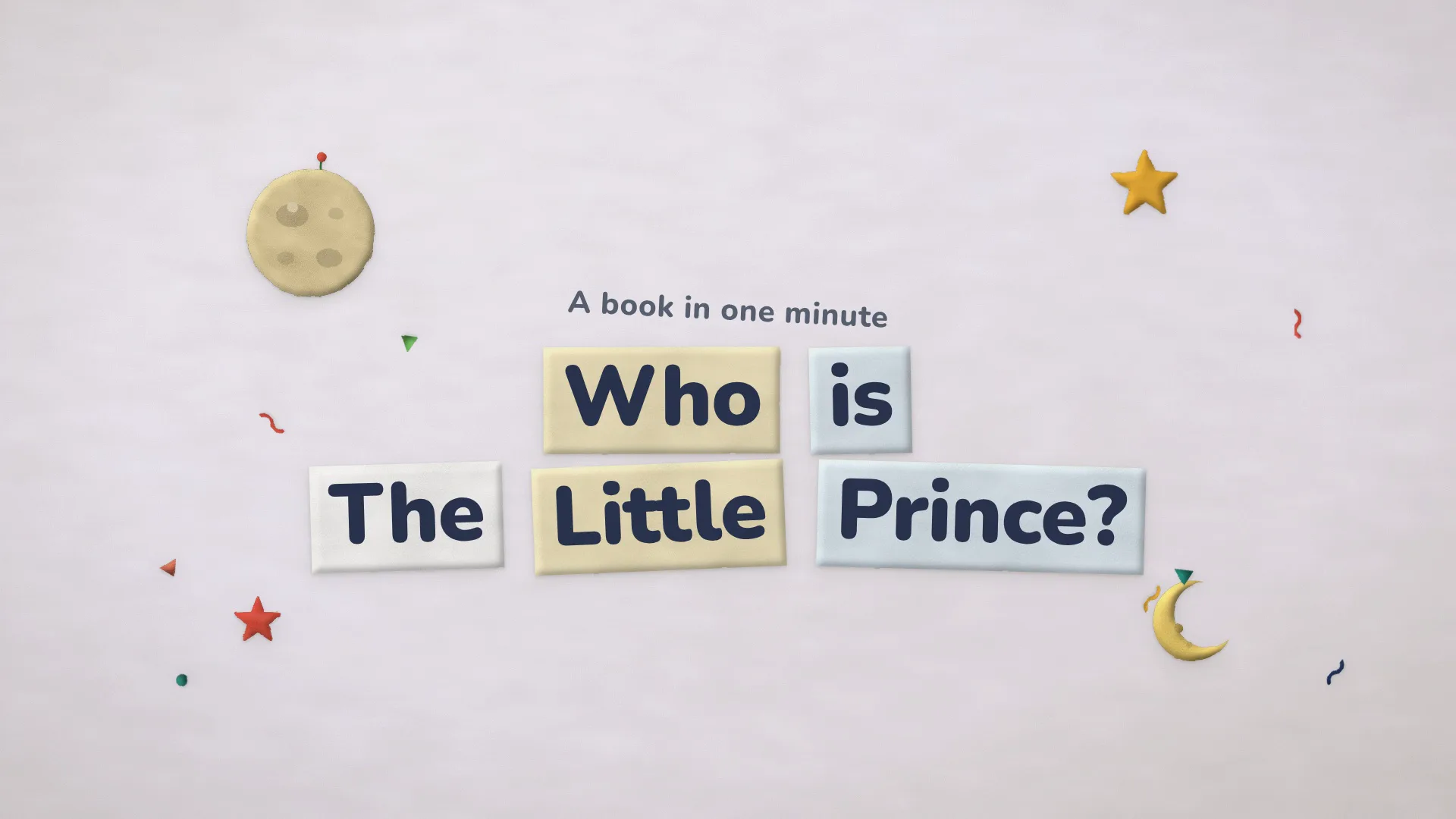
Animated words and shapes make the case
You hand over
Product name or link, plus the one feature
Usual result
MP4 at 1080p; some Skills render 2K or 4K
Needs
Node.js, FFmpeg, a renderer on your machine
Cost to run
Local rendering; optional paid stills or music

Turn checked product facts into a short film

Guesswork sinks an explainer. These Skills keep Fable 5 to what your product really does.

  1. 1

    Add a Skill

    Pick a look from the grid and drop its install prompt into Fable 5.

  2. 2

    Point to your product

    Give Fable 5 the link or some notes, plus the one feature viewers must understand by the end.

  3. 3

    Check the scene plan

    Approve each scene, let the render run, then review the cut.

Why use a Skill instead of a plain prompt here?

A plain request gives you one result. A Skill adds the recipe and the checks that make it repeatable.

A dark assistant app: the connector menu lists Contacts, Notes, Tidemark and Reports, and the cursor has just switched the Tidemark toggle on above the composer
Example: Assistant Thread Launch Film
Asking your AIWith this Skill
TruthInvented featuresScenes drawn from your real pages
ScreensFake mockupsLive phone and desktop scenes in code
RhythmCuts at randomEvery cut lands on the beat
ResultA file you cannot changeAn MP4 and the film project behind it

Feature explainer film FAQ

Where these Skills stop

  • No whiteboard drawings or cartoon casts here.
  • Narration is not standard; one film adds a voice track.
  • Your app is not recorded; its screens are rebuilt from your inputs.

Is this a web app for making explainers?

No. Each one is a Skill that Fable 5 runs right on your machine. You walk it through the product and approve the scene list; it then assembles and renders the film.

How long are the films?

Each Skill has its own range. Diff Story Film lasts about 30 seconds, and the others here run roughly 20 to 50.

Is there narration in the films?

Mostly animated words and a music bed. Assistant Thread Launch Film speaks; add a voice to the rest yourself.

Can I watch some example films first?

Yes. Every tile above plays a whole film rendered by its Skill, and the length and format sit on the Skill page.