Paint Sweep Finalev0.1.1
Use this Skill to make a launch video.
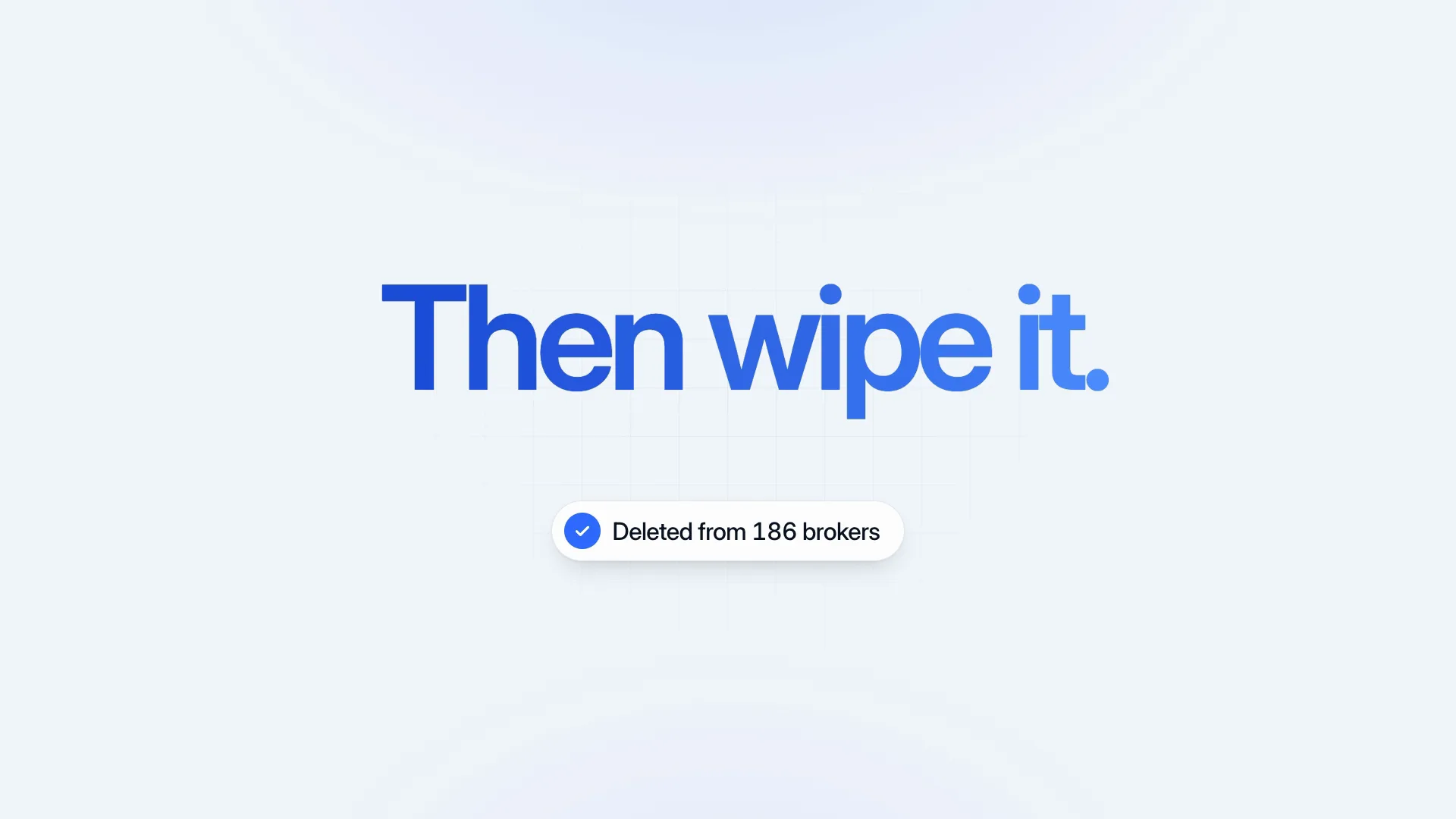
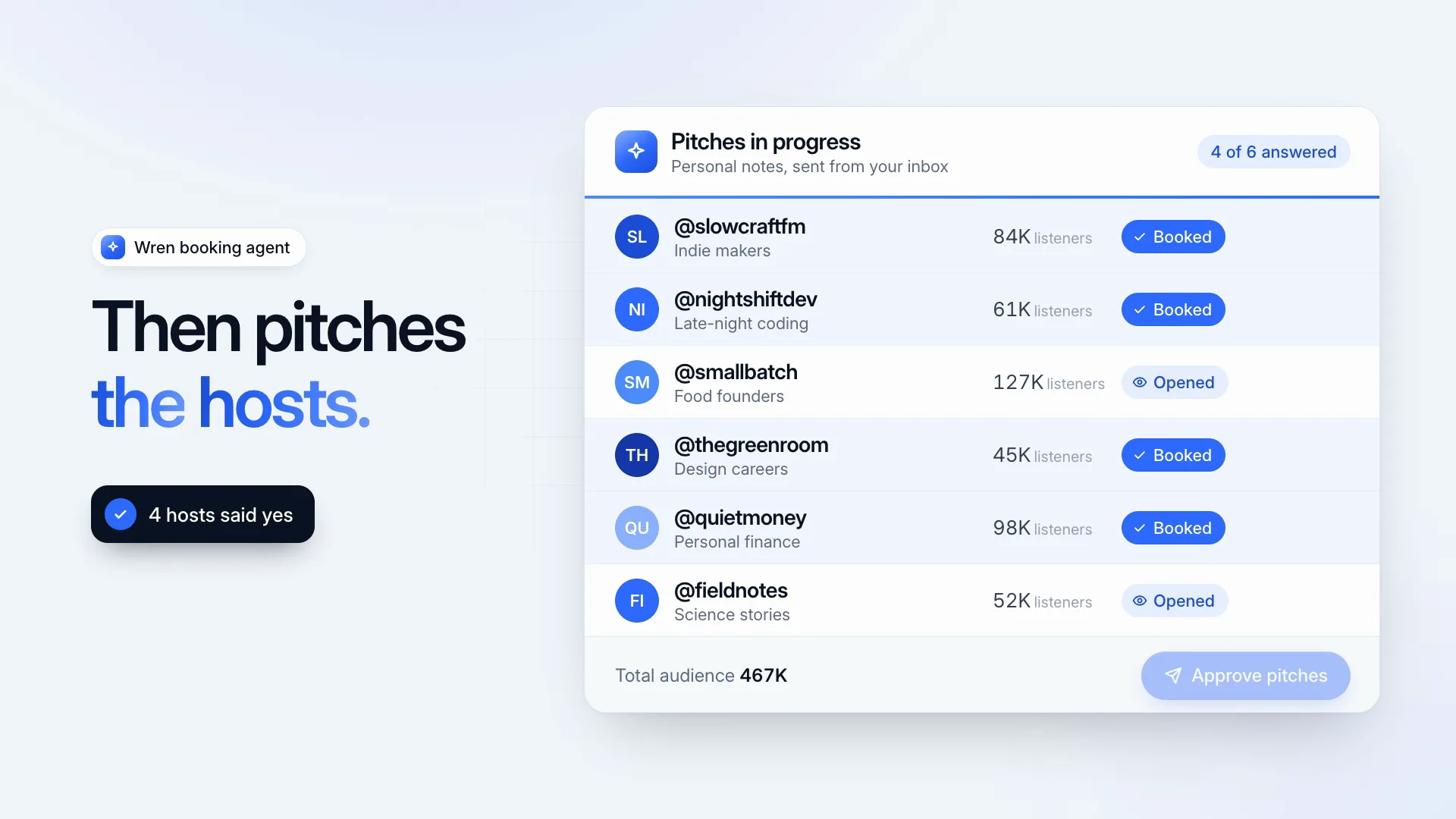
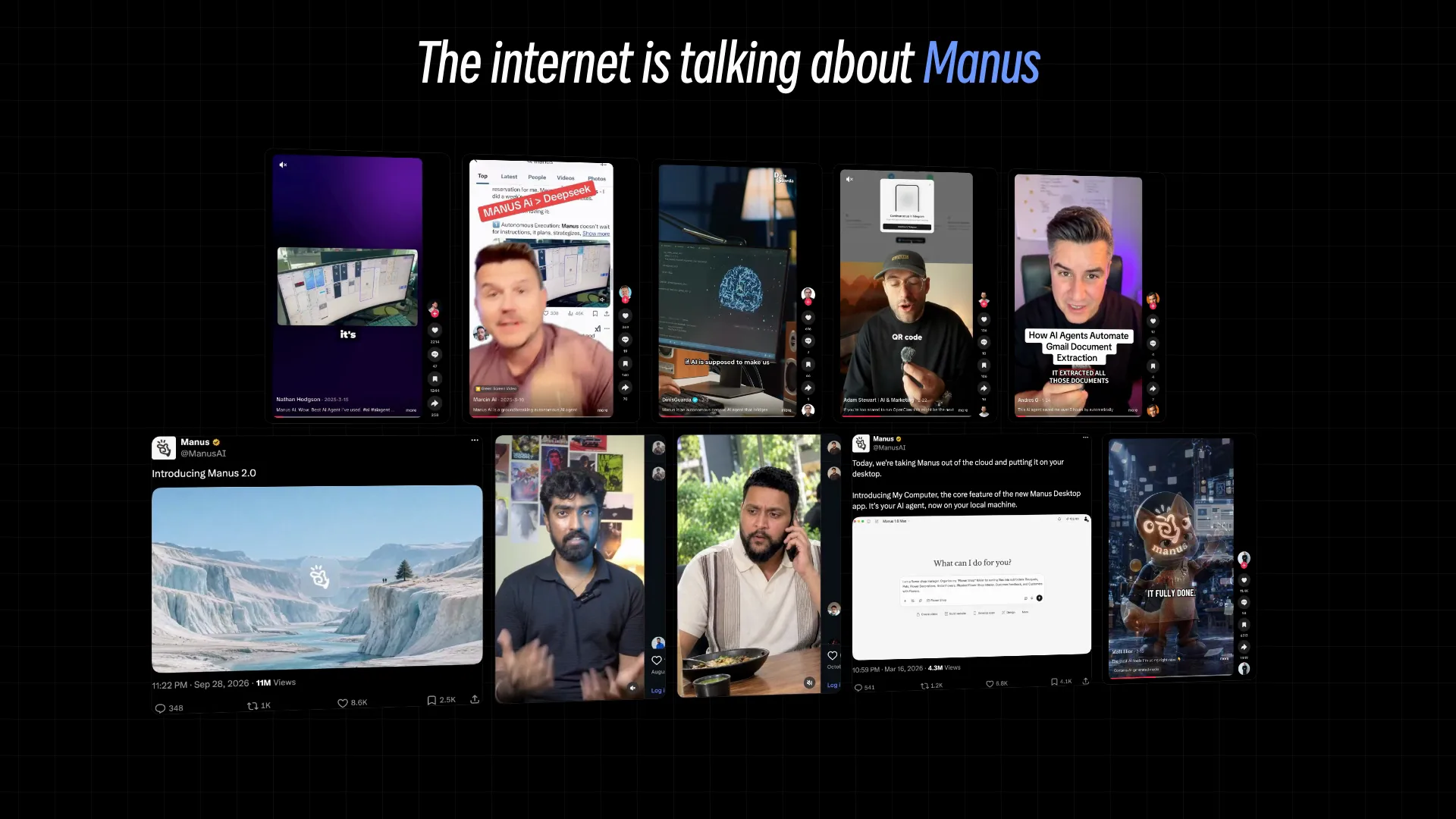
An end card skill for Fable 5 launch videos: a brush stroke clears the previous shot, your name is painted onto a blue sky, and paper strips bring the tagline and link.
Picked most often by
Updated Oct 29, 2026
Preview gallery


Similar Skills
View all

What you get
- An 8.6-second MP4, 1920×1080 at 30 fps, with 4K (3840×2160) on request
- 4 slots: the opening caption, a wordmark of up to 8 characters, the tagline and the web address
- An editable HyperFrames scene folder
Good fit
- The closing shot of a launch or release film
- Short social clips that should end on a name and a link
- Teams keeping one bright blue look across several clips
Not for
- Cutting long footage or assembling a full launch film
- Brand colors other than blue, unless the scene is edited
- Generating voiceover, music or new AI video
About this Skill
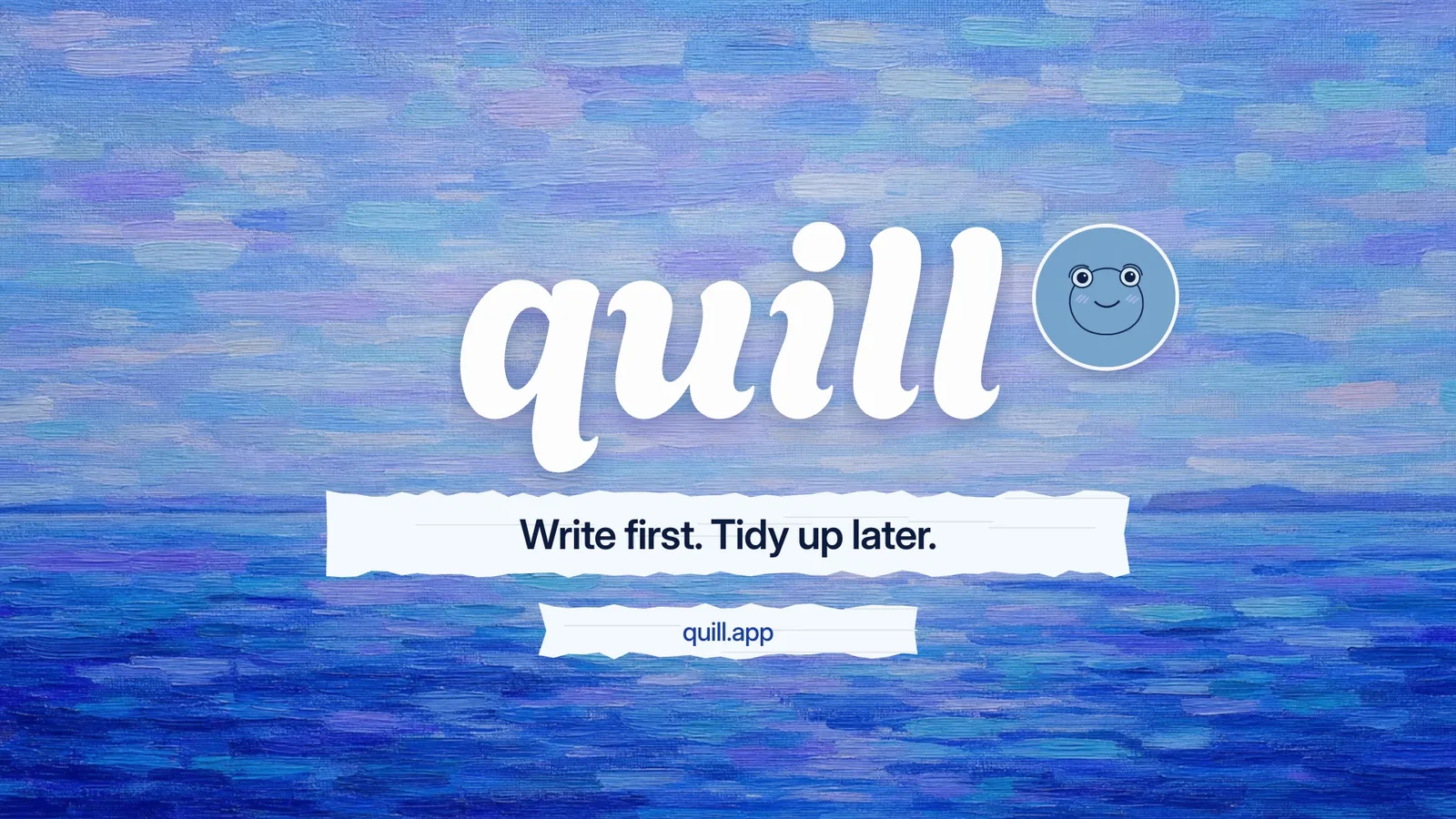
Every launch video needs a last frame worth holding, and this 8.6-second closer supplies one. A ragged brush edge pulls a misty fjord clip off to the left, exposing a sky done in loose blue strokes. Your wordmark is painted in a letter at a time in the Agbalumo typeface, two torn strips of paper slide in carrying the tagline and the web address, and a round frog mascot pops up by the name for a single hop before everything settles. Only the words change; the timing is fixed and the render happens on your machine.
How it works
- Pick a brand name of 8 characters or fewer for the painted wordmark
- Write the fjord-clip caption, a tagline and your web address
- Pass them to create.mjs, which warns if a line is too long
- Watch a preview, then render the MP4 at 1080p or 4K
- Make sure the final hold shows the whole wordmark and nothing is clipped
Checked before delivery
- create.mjs writes every slot value into the scene and warns about any line over its limit
- The render is 8.6 s at 30 fps, 1920×1080 (or 3840×2160)
- No line is cut off or wrapped in the start, middle and final frames
What you need before you start
- You bring
- Your brand name (up to 8 characters), a tagline and a web address · A caption for the opening lake shot · Optional: 1080p or 4K
- Dependencies
- Node.js 22 or later · FFmpeg and Google Chrome installed locally; HyperFrames renders through them
- Outside costs
- None
- Last tested
- v0.1.1 — Claude Code / Codex / Cursor
User reviews
Loading reviews…
FAQ
Can my own footage open the scene?
Yes. The opening shot is a short clip in the assets folder, along with a still frame that backs it. Swap both for your footage plus a matching still pulled from it, leave the file names as they are, and the brush stroke wipes your clip away instead.
Will it upload anything or need a key?
No. HyperFrames renders the HTML and GSAP scene on your computer through Chrome and FFmpeg. There is no API key, no paid service, and nothing is uploaded.
My brand name runs past eight letters. Will it fit?
The wordmark is set very large, so a longer name can spill past the edge of the frame. Use a shorter form, or have the agent reduce the wordmark size and then check the final frame.