Black Friday: Lock in your founding rate.Compare plans

Every Premium Skill for $19.9/month. Cancel anytime. See plans

Skip to content
For content creators

Launch-ready landing pages built with Fable 5 Skills

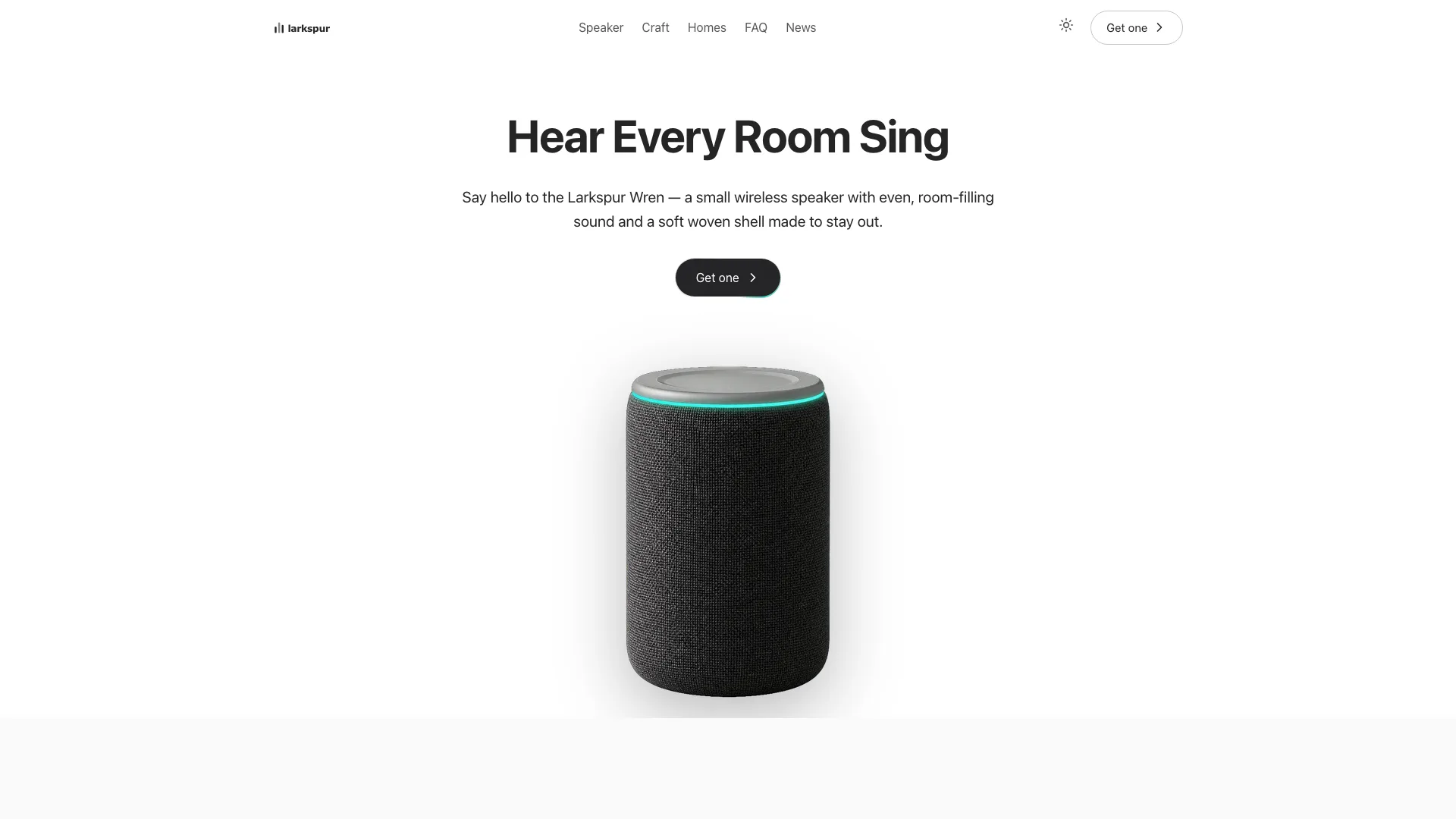
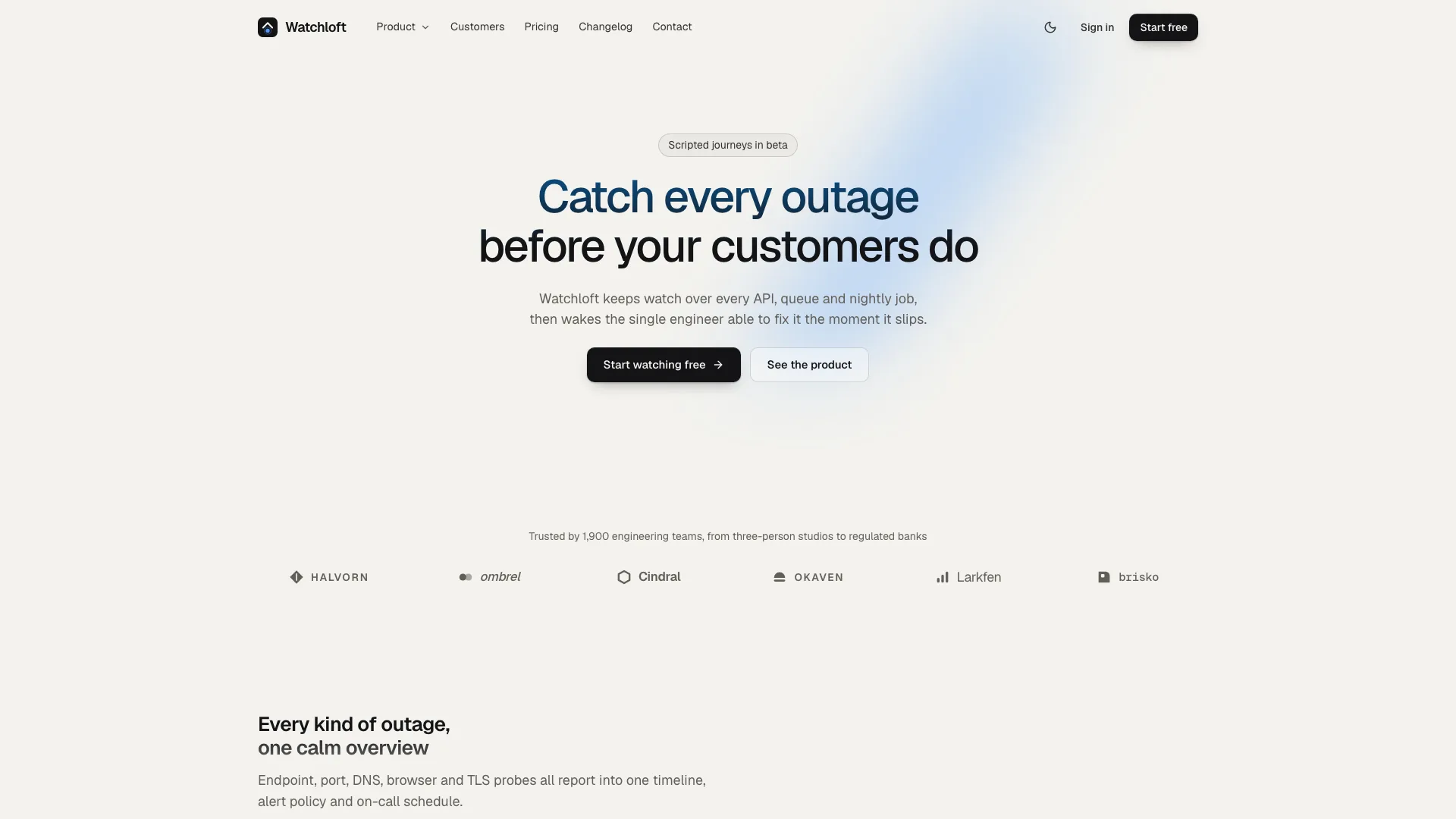
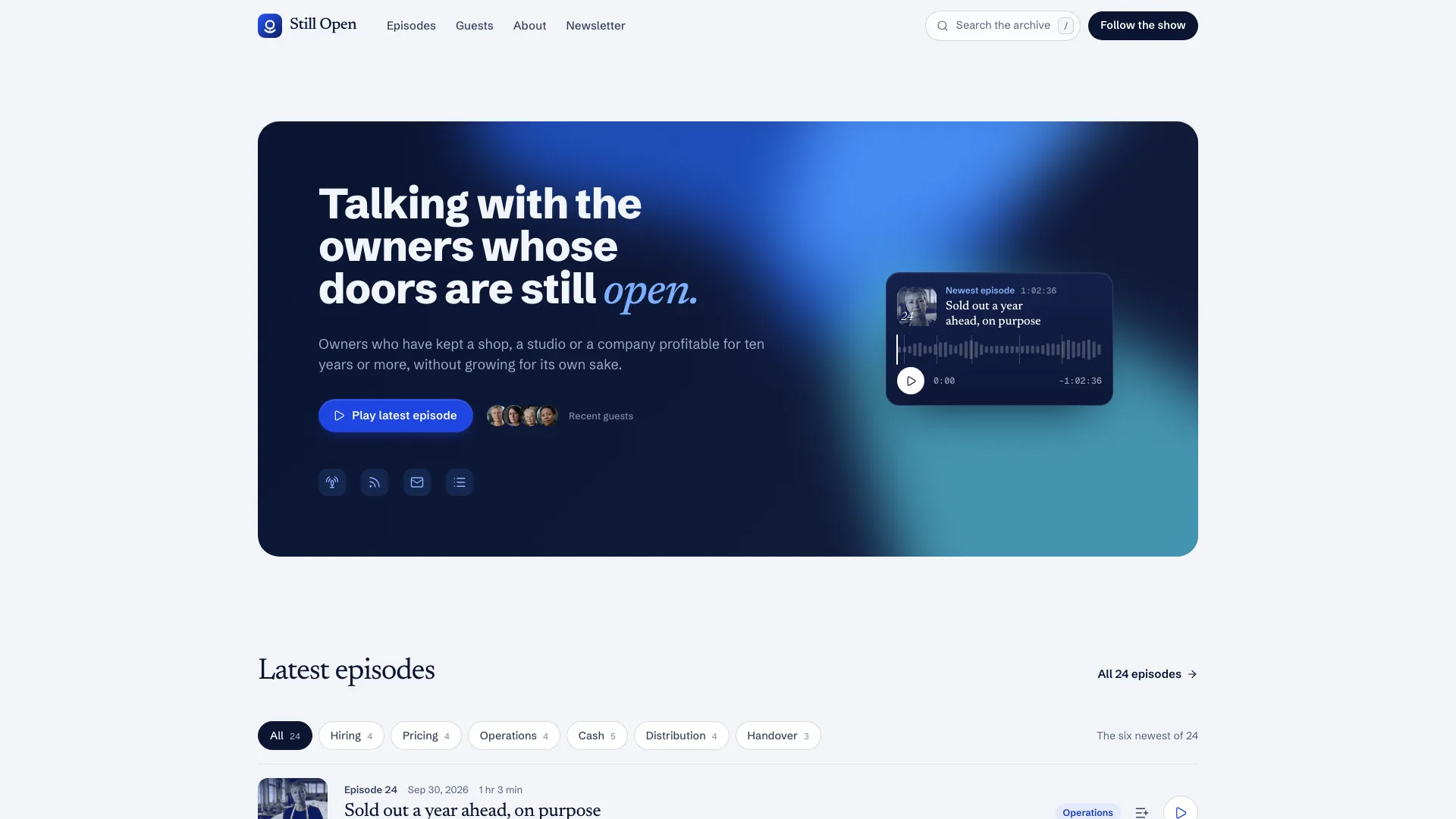
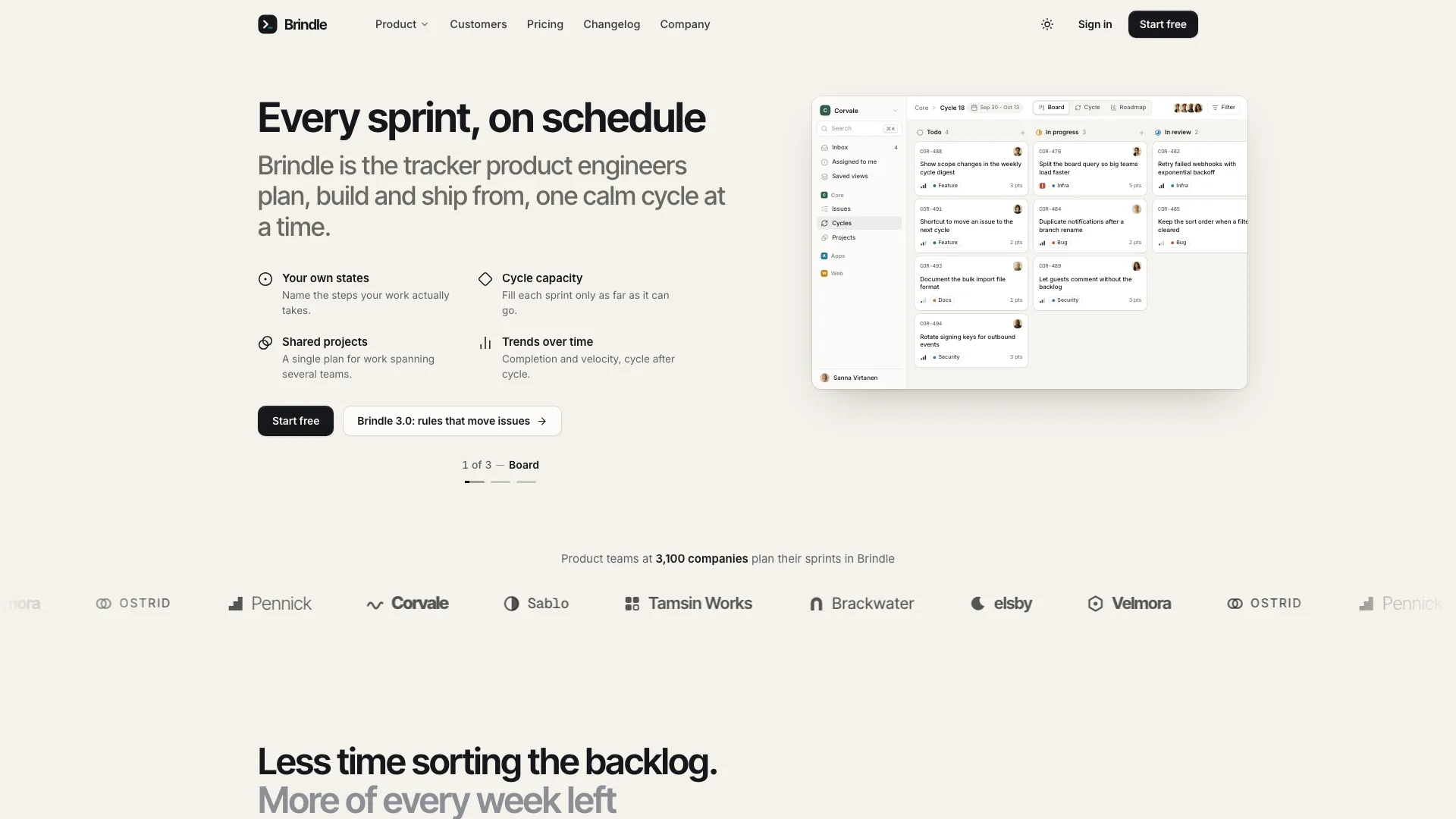
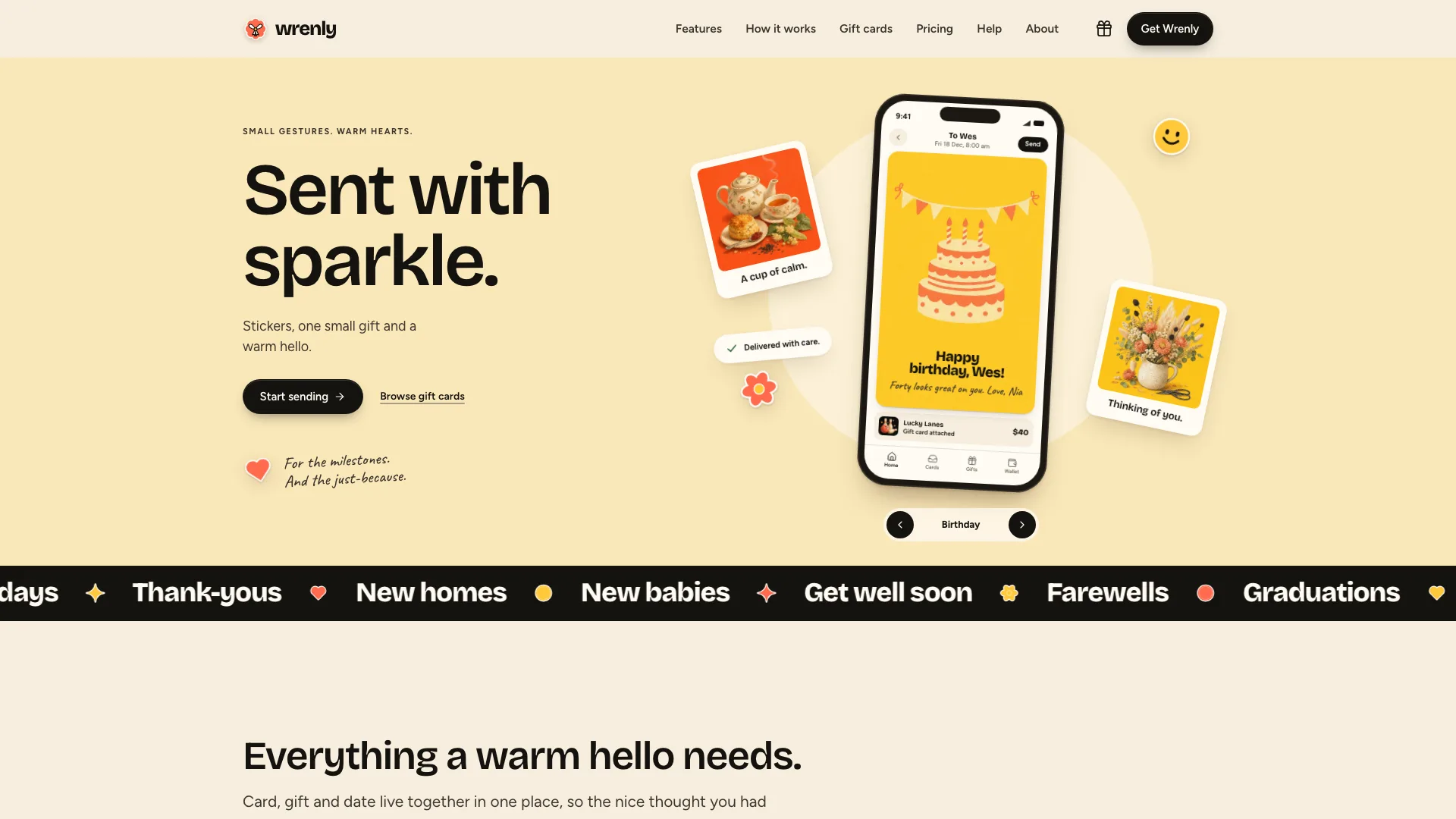
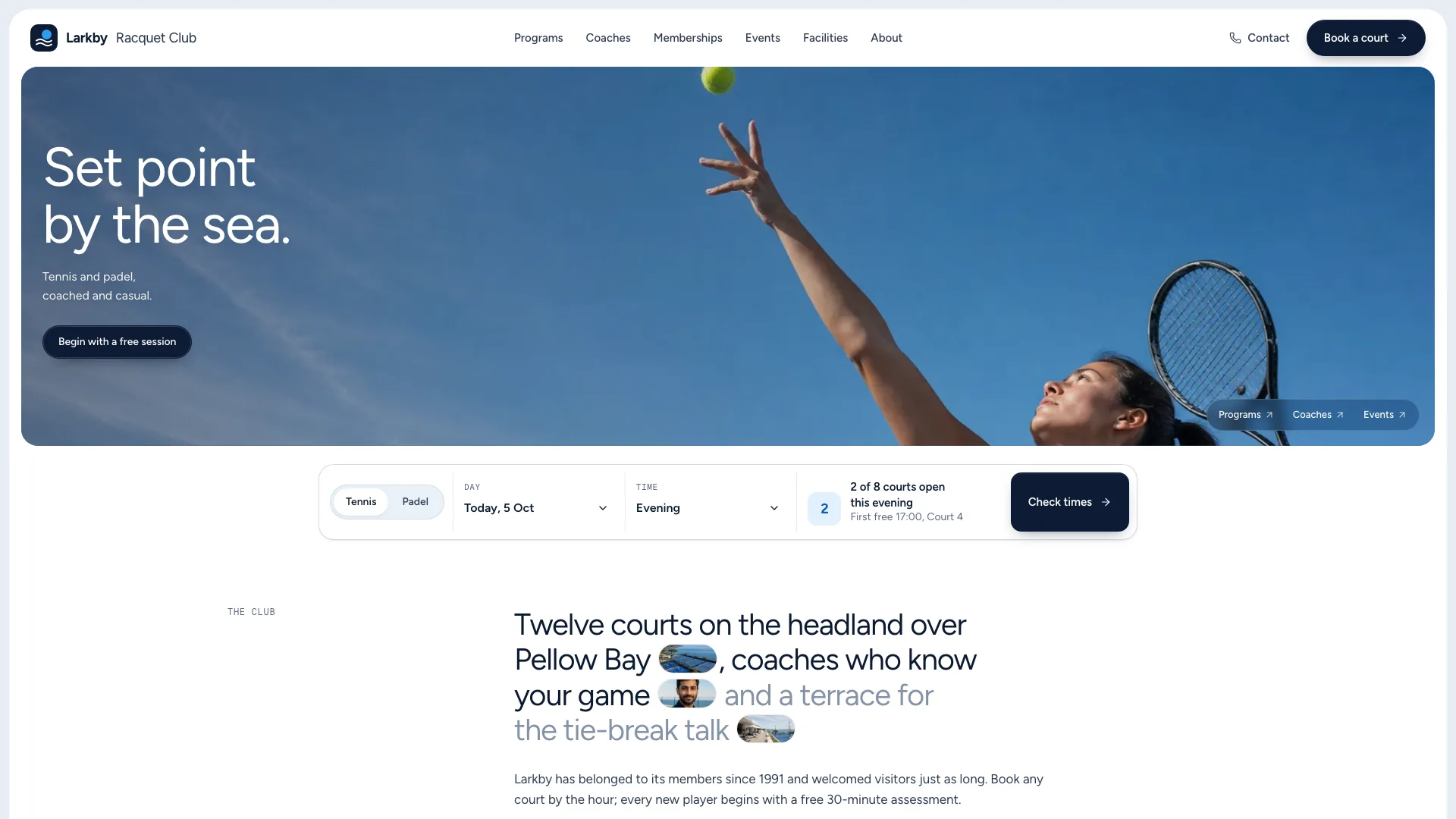
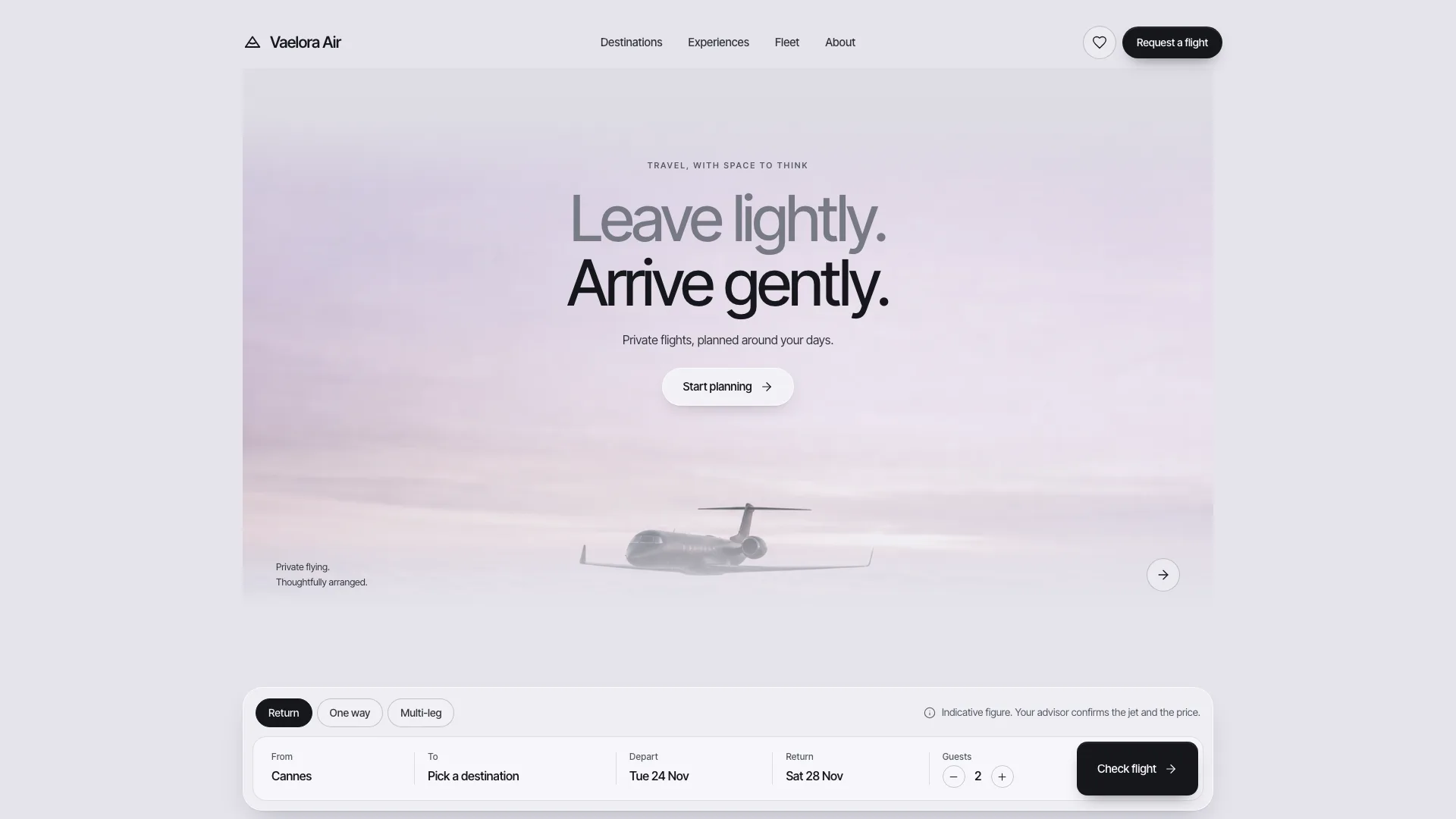
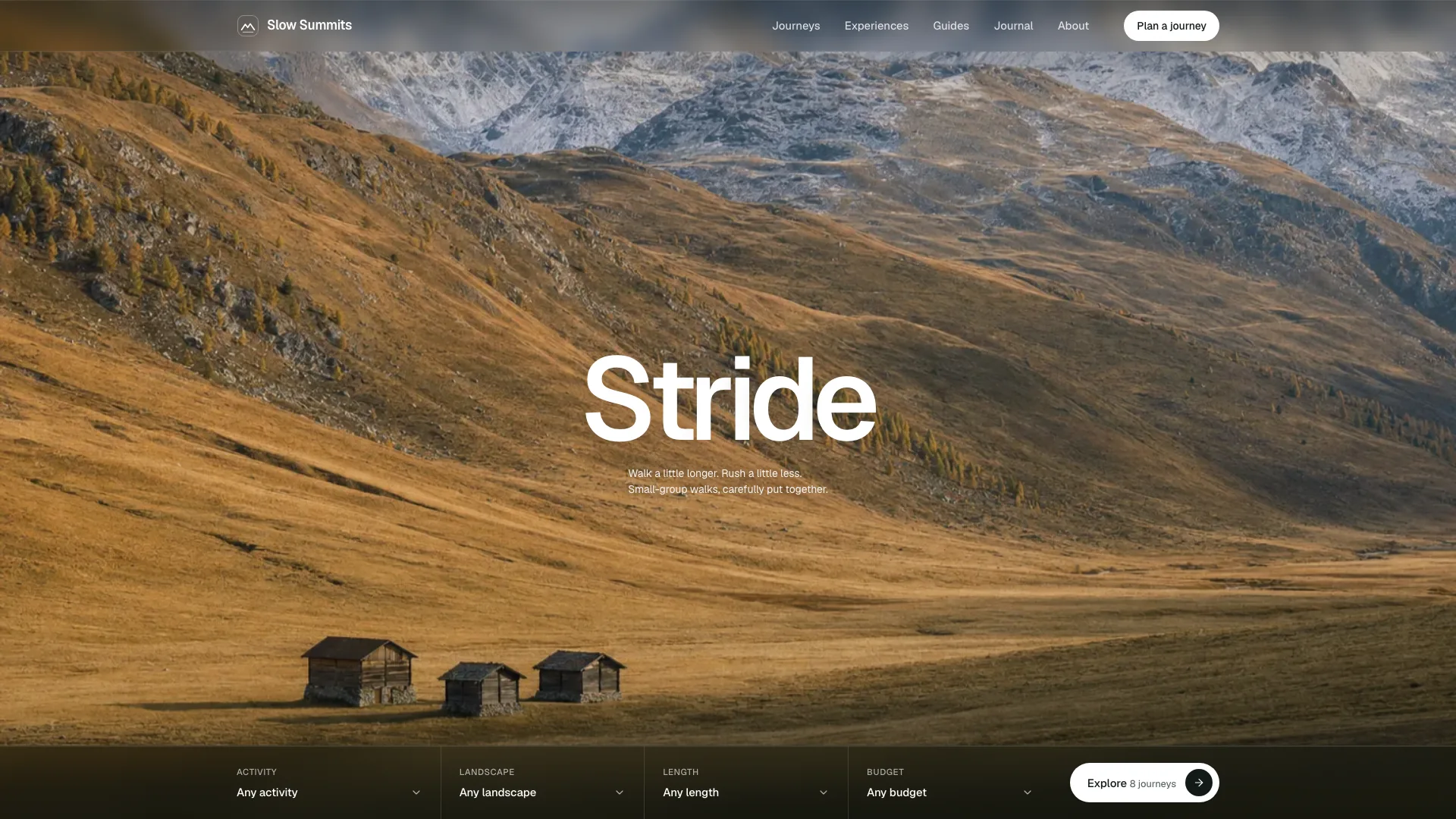
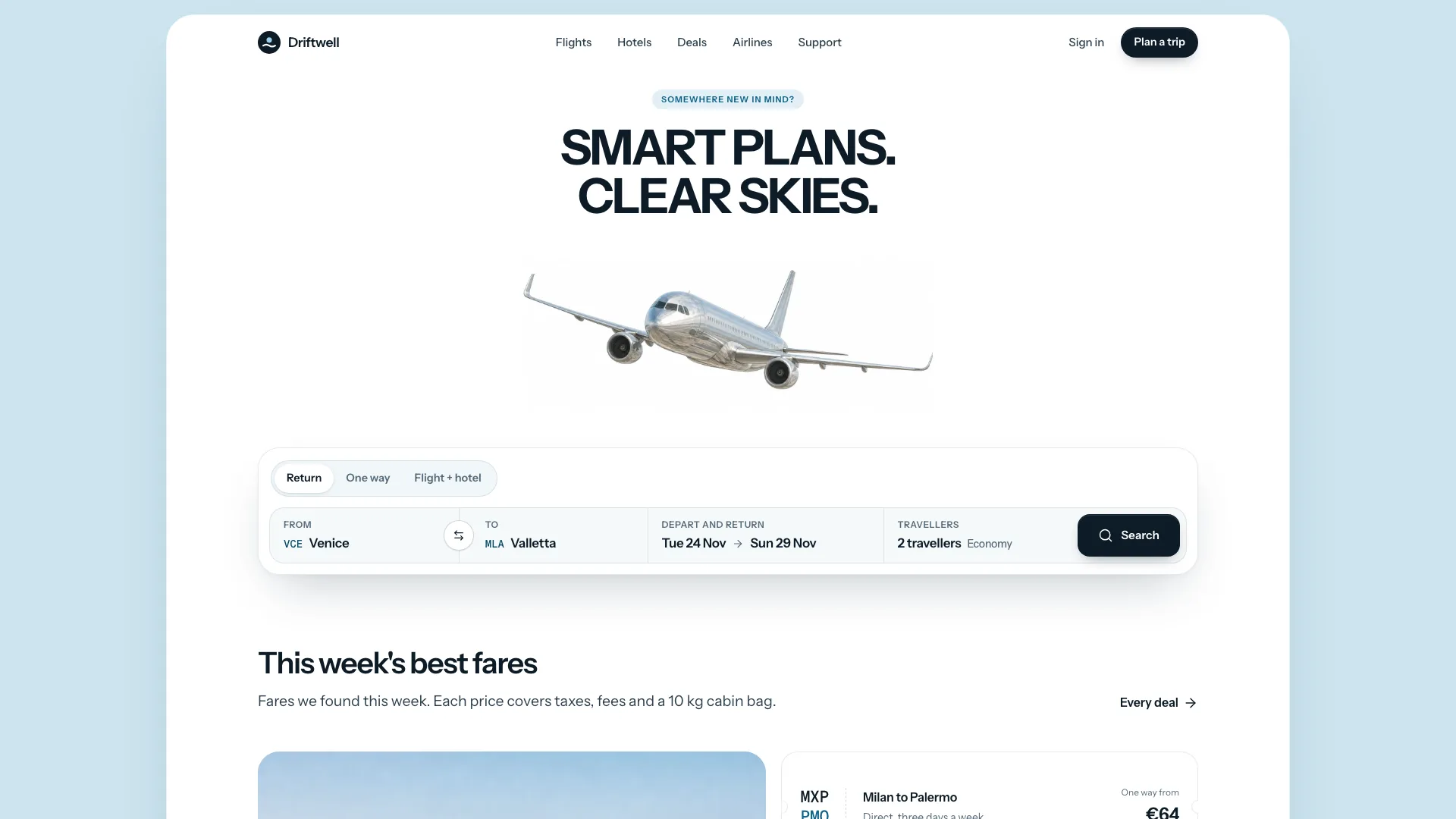
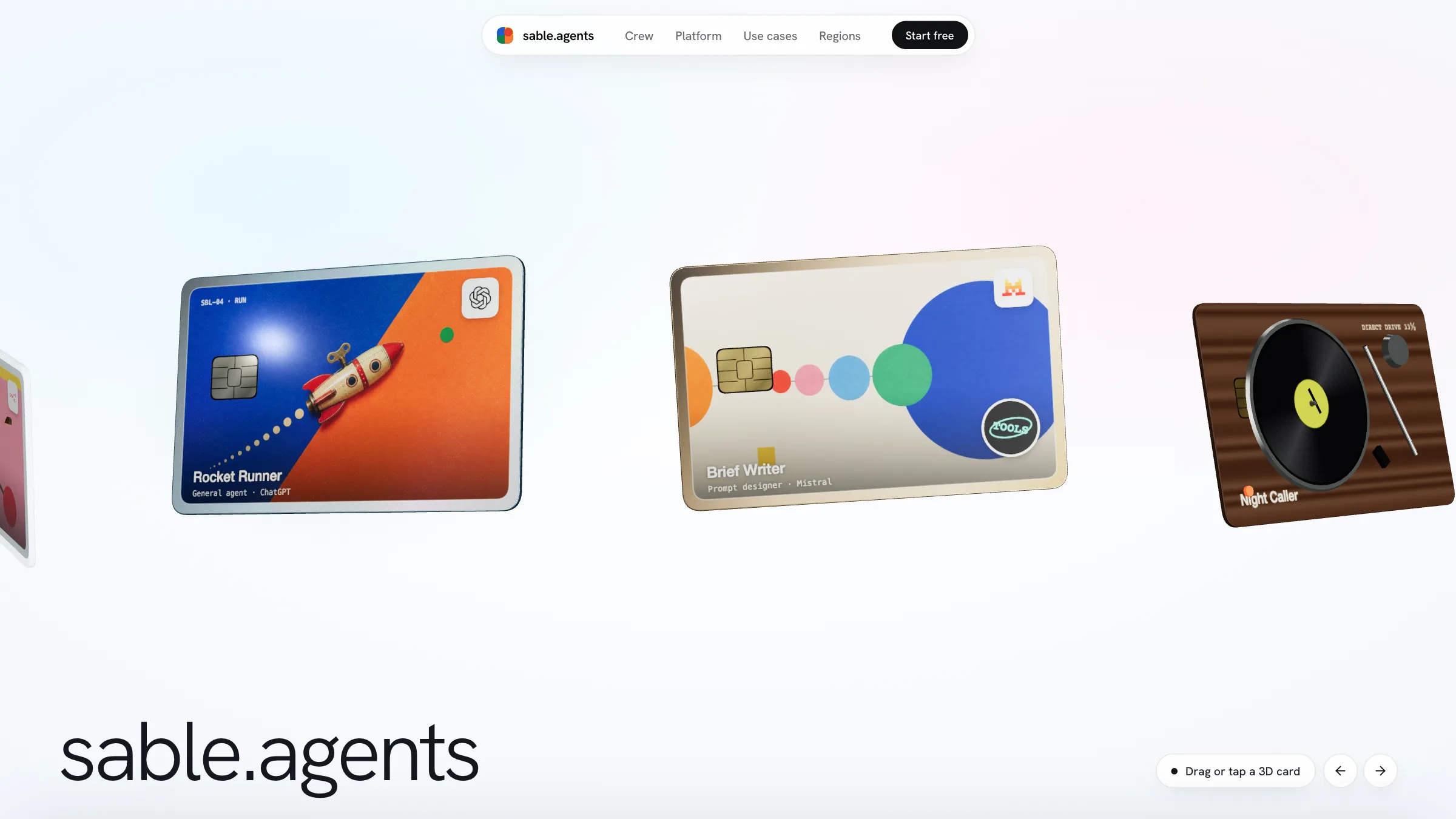
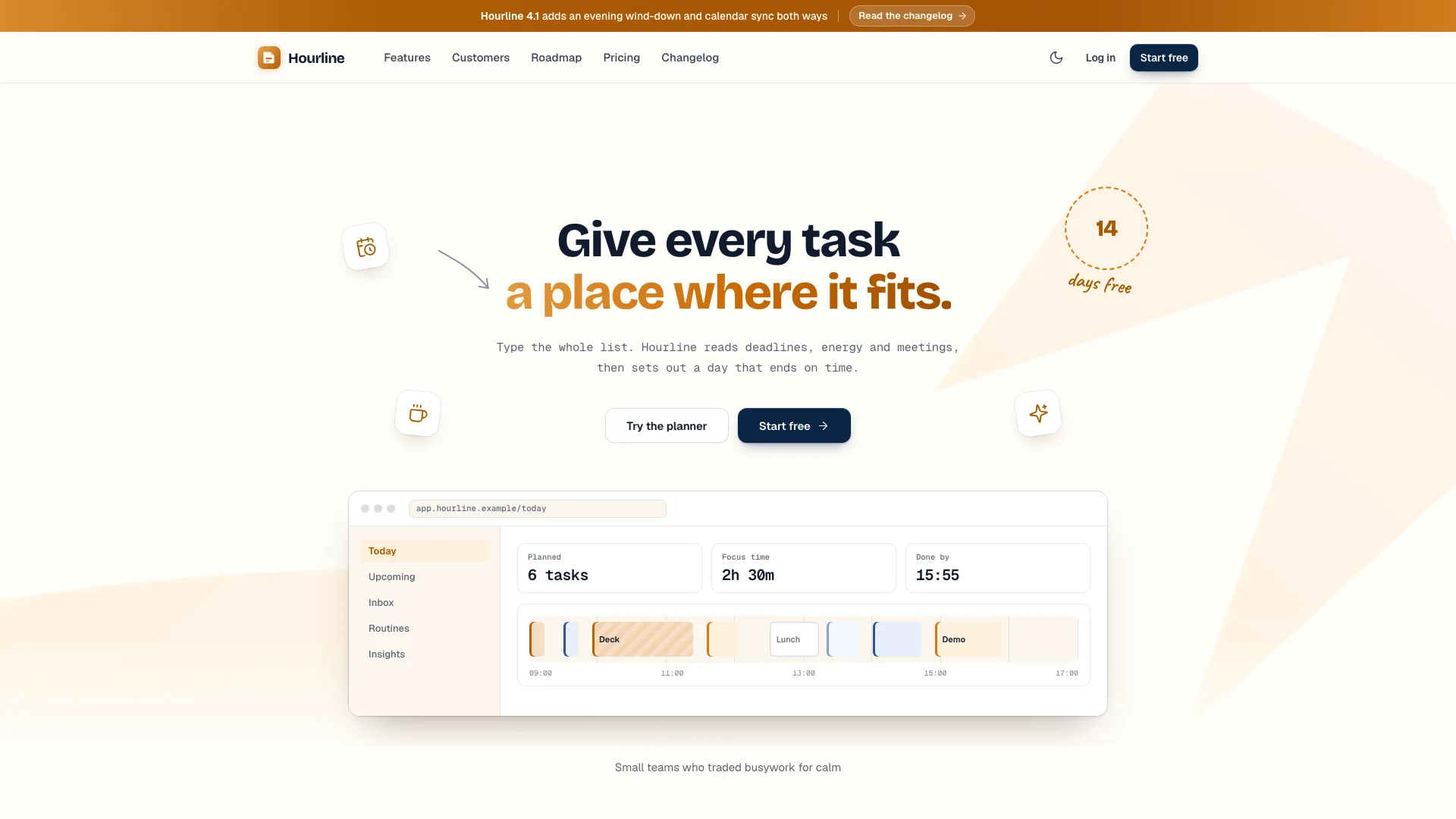
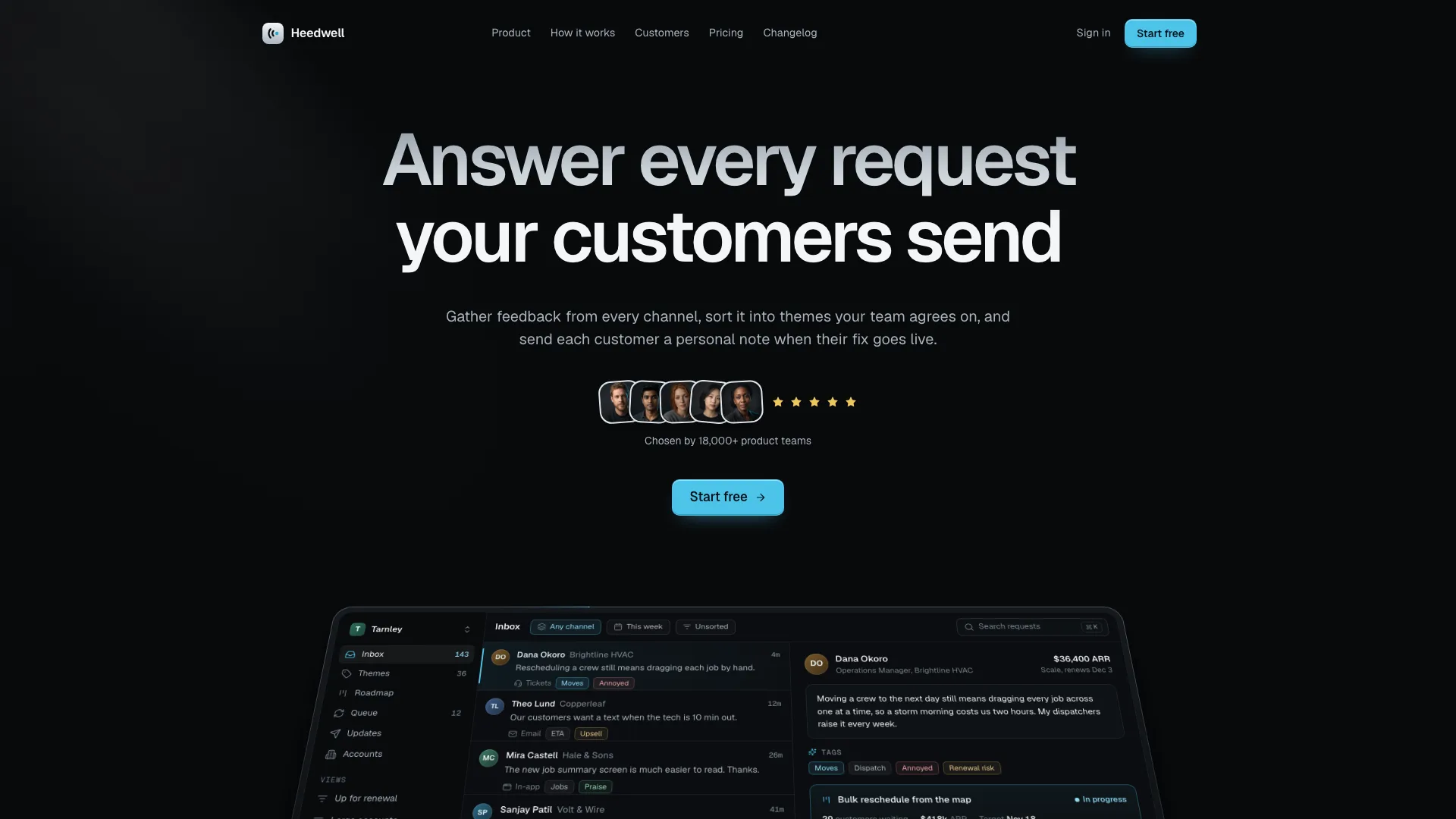
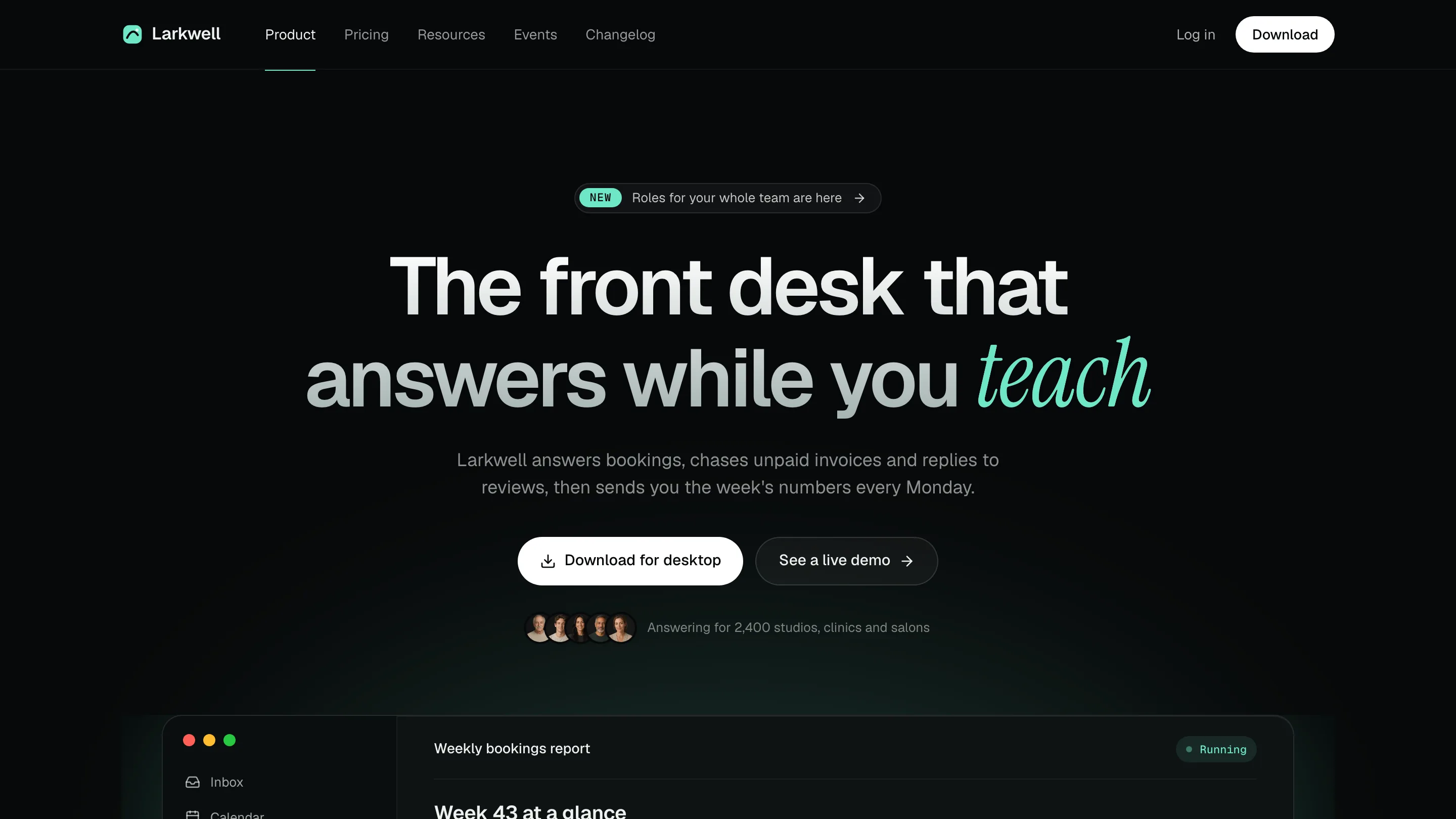
Every Skill on this page is a full marketing page rather than a lone header: navigation, features, proof, plans, questions and a closing ask. Fable 5 rewrites all of it around your product in HTML you control.

Runs inClaude CodeCodexCursorGemini CLIOpenCodeand 25+ more agents
Short answer

Weigh the sections, the motion and the ask

A good launch page walks a visitor toward a single next step: a promise at the top, features and proof that back it up, then plans, answers and one final button that seals it. Several also ship their own pricing, release notes, help or legal pages.

yourlaunch.io
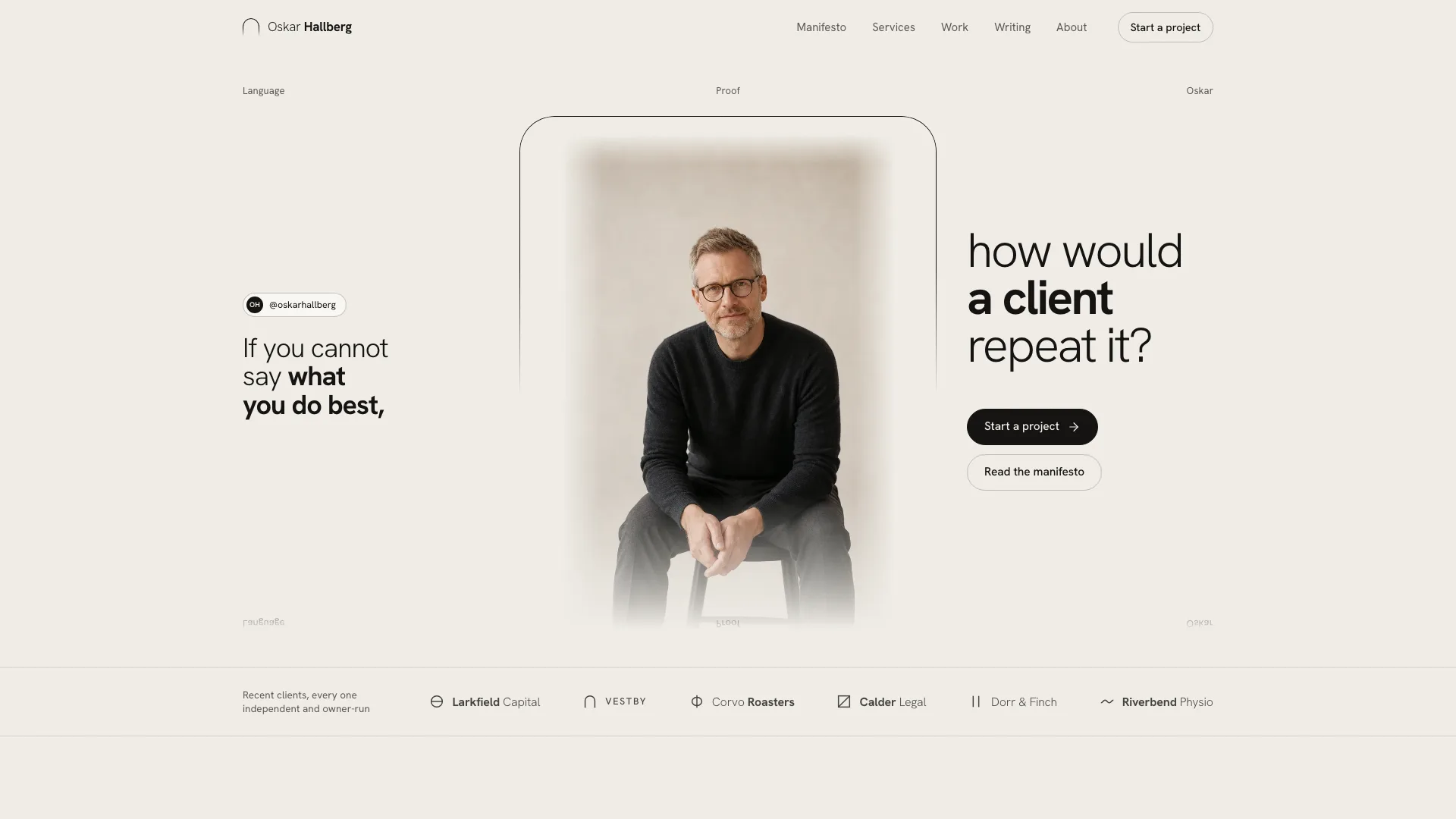
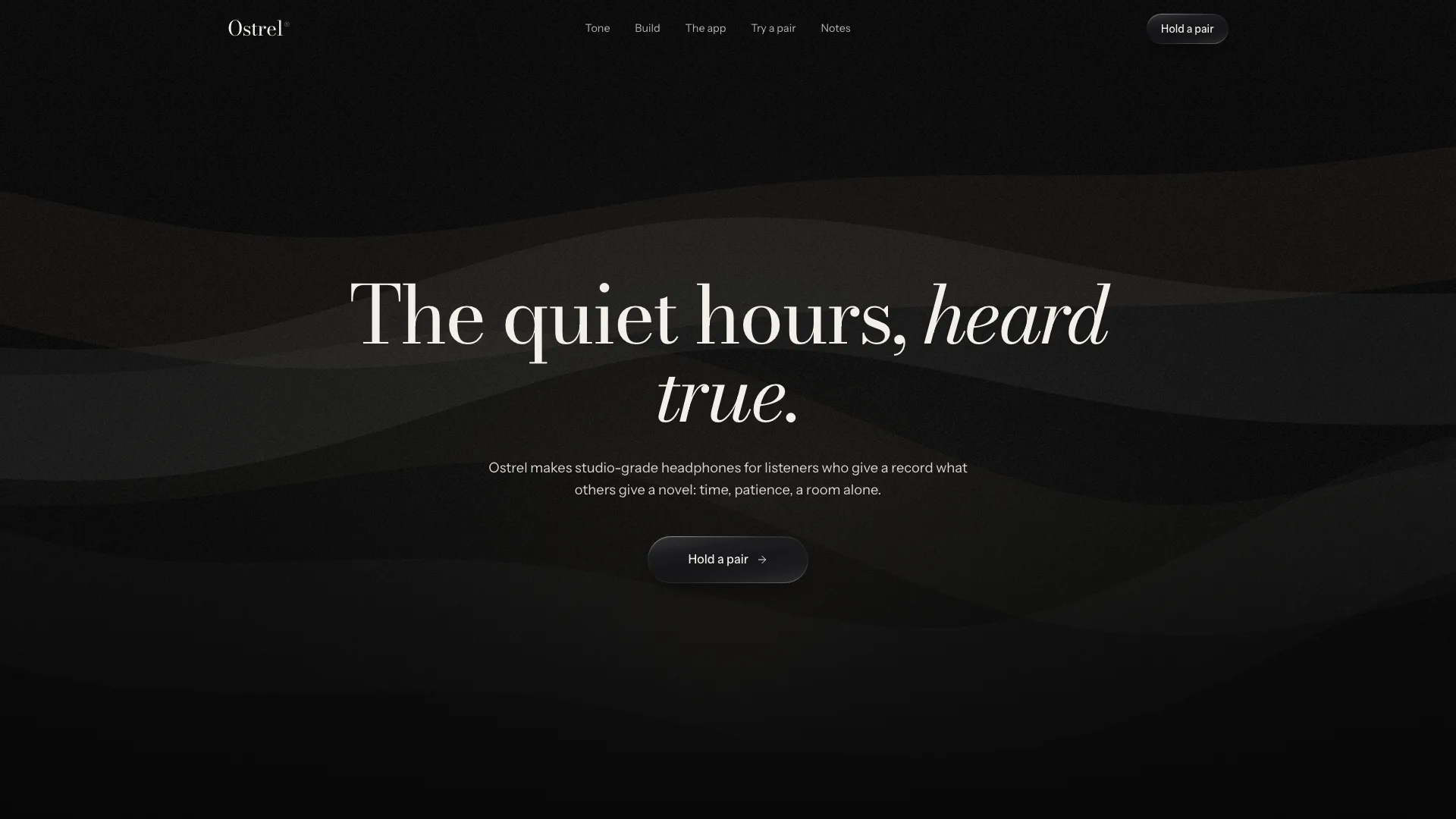
Ostrel example landing built by the Skill: a large Bodoni headline with one italic phrase, one line of copy and a glass button over slow dark ribbonsYour launch page
The page people reach from an ad, a release thread or a search, on desktop and mobile.
On the page
Hero, features, proof, plans, questions, closing ask, footer
More pages
Plans, release notes, help, events or legal, per Skill
Look
Light, dark or both, per Skill
You hand over
Name, promise, the ask, features and plans
File format
One all-in-one HTML file, works offline
Forms
Validated on screen; no live accounts or billing

Make a launch page your own with Fable 5

Start with a page already laid out to sell, then shape it to your product.

  1. 1

    Add a Skill

    Choose a page from the grid and drop its install prompt into Fable 5.

  2. 2

    Explain the offer

    Tell Fable 5 your promise, the next step (trial, demo or waitlist), features, plans.

  3. 3

    Test, then publish

    Try each button and form on a laptop and a phone, then take it live.

Why use a Skill instead of a plain prompt here?

A plain request gives you one result. A Skill adds the recipe and the checks that make it repeatable.

Ostrel example landing built by the Skill: a large Bodoni headline with one italic phrase, one line of copy and a glass button over slow dark ribbons
Example: Premium Launch Landing
Asking your AIWith this Skill
CoverageA header and a few feature tilesThe full page from top to footer, plus more pages
ScreensGrey screenshot placeholdersMoving product screens drawn in code
Visual rulesClashing fonts and coloursTwo typefaces, a single accent, even spacing
HandoffBits and pieces to glue upA single file every browser opens offline

Landing page questions

Where these Skills stop

  • No live accounts, sign-in or payments are wired in.
  • Single parts, like a header or a price table, are not listed here.
  • Hosting and deploying the page stay with you.

What makes a landing page different from a full site?

One page, one next step: starting a trial, say, or joining a waitlist. A full site handles lots of goals over lots of pages. Some Skills here add pages around it but still push a single main ask.

Do these work as templates in plain HTML?

Yes. Every Skill produces one HTML file holding everything, which you can change yourself or through Fable 5 and put on any host.

Is there a launch page for an app?

Narrow it to Apps and goods: the gift, travel, flight, sports club and podcast pages each center on a single product.

Does Fable 5 generate the page itself?

Fable 5 writes it; the Skill gives Fable 5 a complete design that has already been tested, so the result is a finished page, not a rough sketch to fix.