Device Orbit Ringv0.1.1
Use this Skill to make a launch video.
A Fable 5 motion graphics skill for gadgets: a 6.8-second dark shot that pulls back from a glowing dial, turns the device over and sets it next to your headline.
Picked most often by
Updated Oct 29, 2026
Preview gallery


Similar Skills
View all
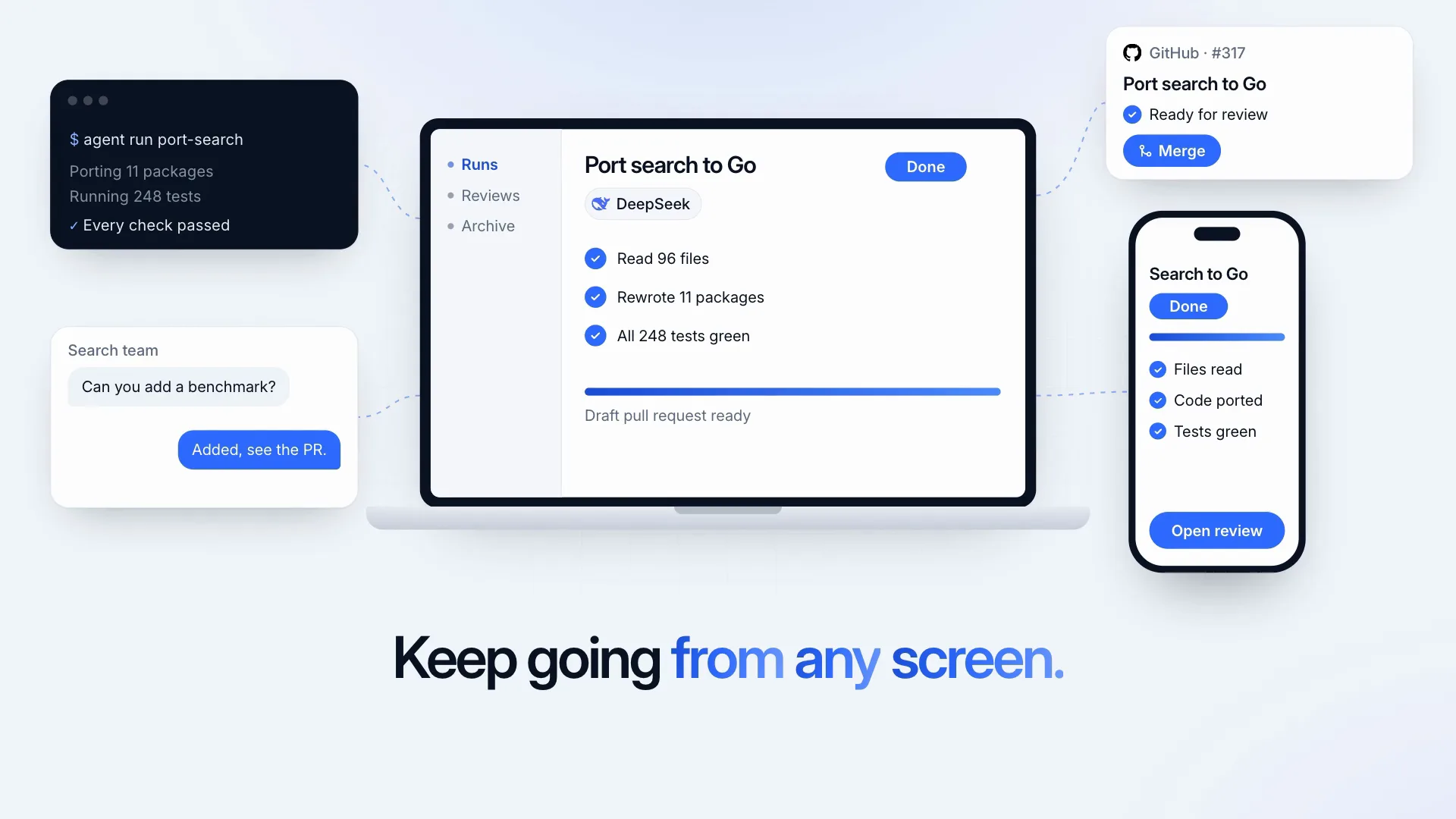
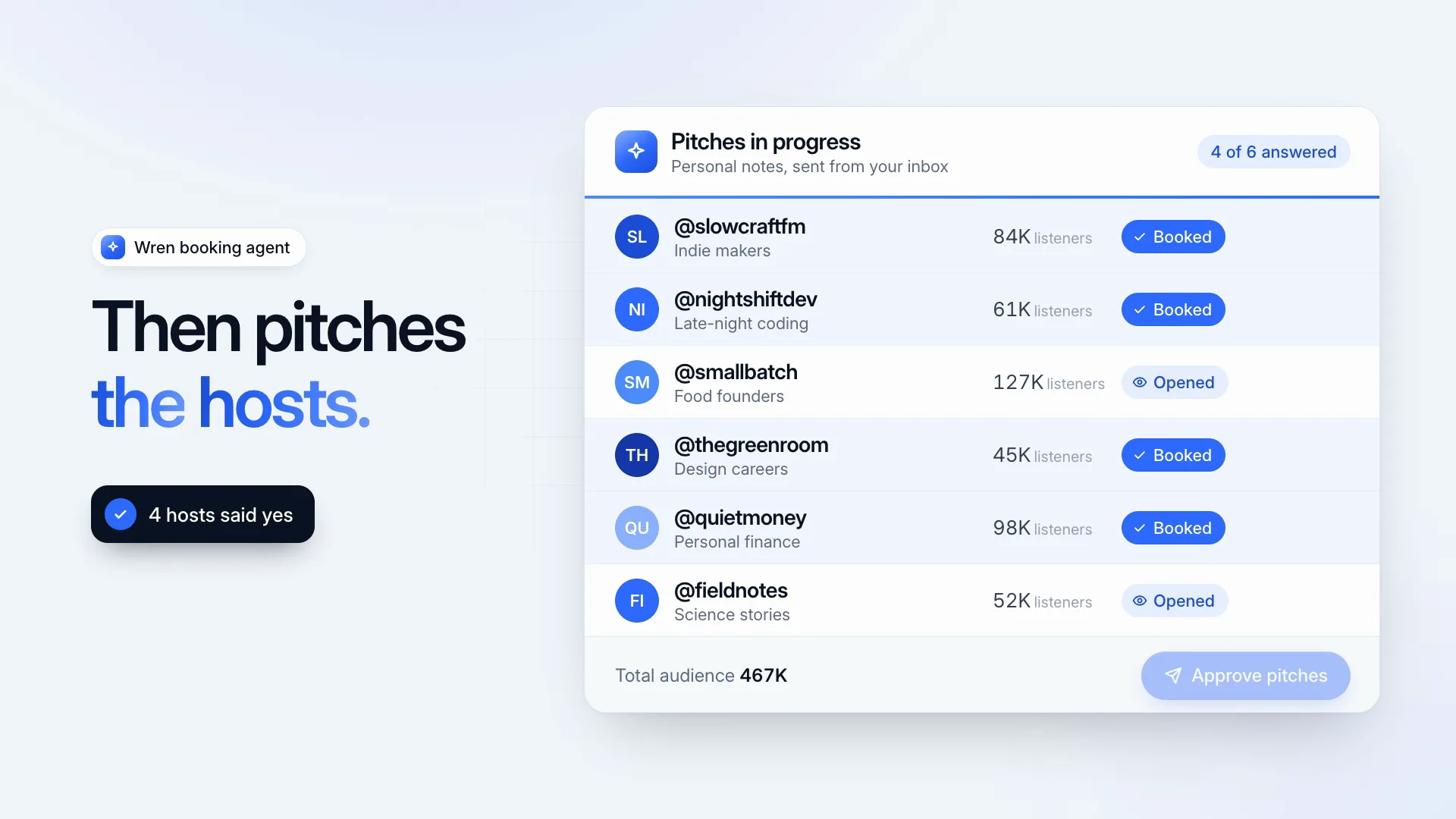
What you get
- A 6.8-second MP4 at 30 fps, 1920×1080 by default or 3840×2160 in 4K
- 21 named slots, engraving to feature lines, each with a sample and a length cap
- The editable HyperFrames scene folder that create.mjs writes
Good fit
- Gadget, wearable and hardware launches
- Energy, finance or health apps built around one key reading
- Teasers that should feel dark and premium
Not for
- Showing a photo or 3D model of your actual product
- More than three feature lines
- Pastel or light brand palettes
About this Skill
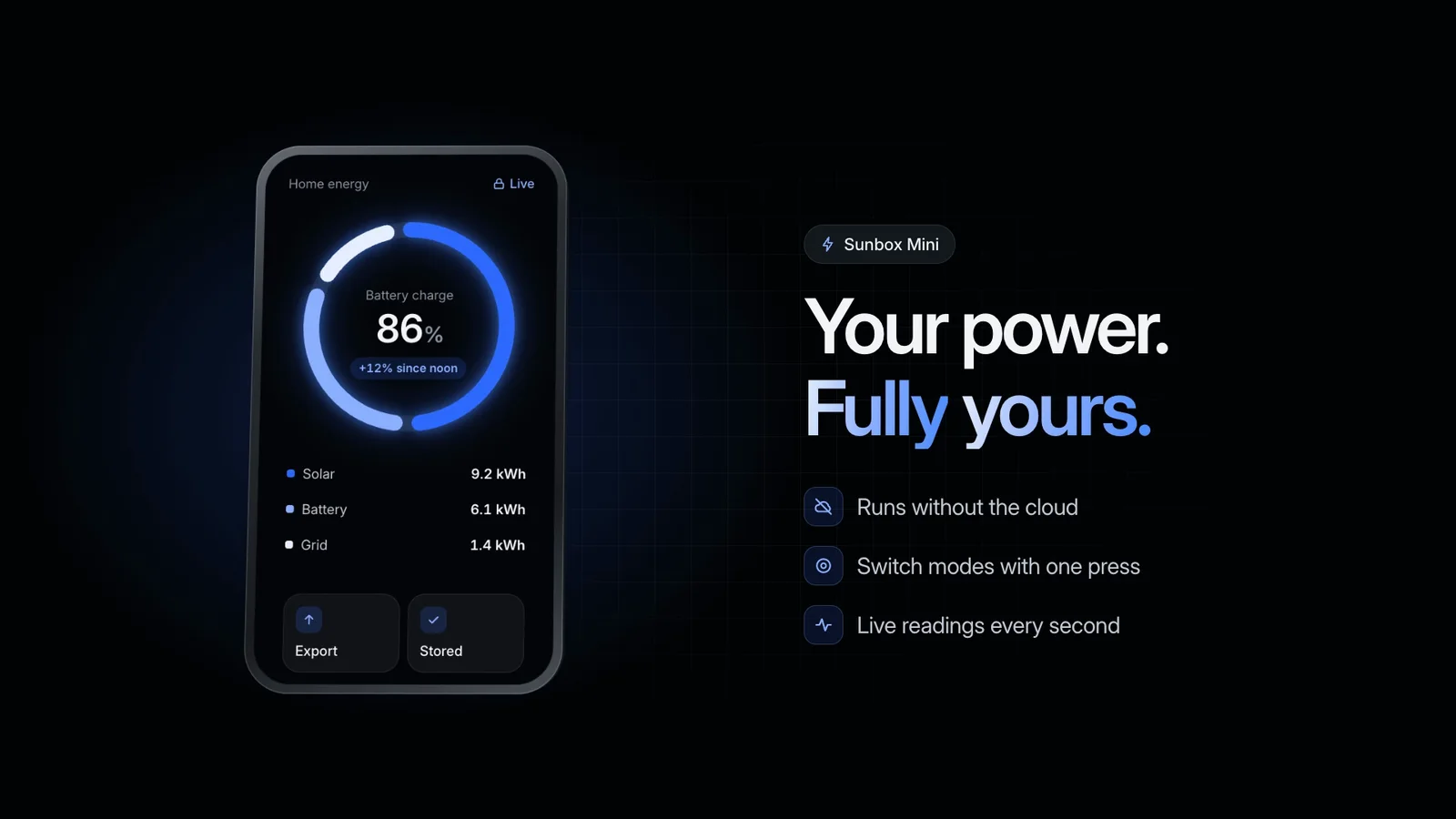
One continuous camera move does the selling here. The shot opens tight on a blue dial while its main reading counts up, draws back until the whole handheld device is in view, rolls it over to reveal the engraving on its back, then brings the front round again and glides it to the left. In the space it leaves, your headline (in two parts), the product name and three feature lines settle in. You write every label on the device and beside it, 21 in all; the camera path and timing stay fixed.
How it works
- Write the screen: title, status, the big reading, three rows and two buttons
- Add the product name, engraving, headline and three feature lines
- Run create.mjs with --set or a --data JSON file; it flags long lines
- Preview in HyperFrames, then render at 1080p or 4K
- Look at the start, middle and final hold for wrapped or clipped lines
Checked before delivery
- create.mjs writes every slot value into the scene and warns about any line over its limit
- The render is 6.8 s at 30 fps, 1920×1080 (or 3840×2160)
- No line is cut off or wrapped in the start, middle and final frames
What you need before you start
- You bring
- Your product name and a short engraving for the back of the device · The screen: a title, a status, one big reading with its unit and change, three rows and two buttons · A headline and three feature lines · Optional: 1080p or 4K
- Dependencies
- Node.js 22 or later · FFmpeg and Google Chrome installed locally; HyperFrames renders through them
- Outside costs
- None
- Last tested
- v0.1.1 — Claude Code / Codex / Cursor
User reviews
Loading reviews…
FAQ
Could the scene use our real device?
The device is made of layered HTML, which is how it turns in 3D with no model file. Your agent can change its colors and shape, but a product photo placed on it would stay flat and not turn along with it.
How does the big reading animate?
During the opening it climbs from 60% of the value you give it. A prefix such as $, commas and decimal places are all kept, so values like 24,318 or 7.5 land exactly as written.
Do I need an API key or a paid service?
Neither. The scene is HTML and GSAP, and HyperFrames renders it on your own machine through Chrome and FFmpeg.