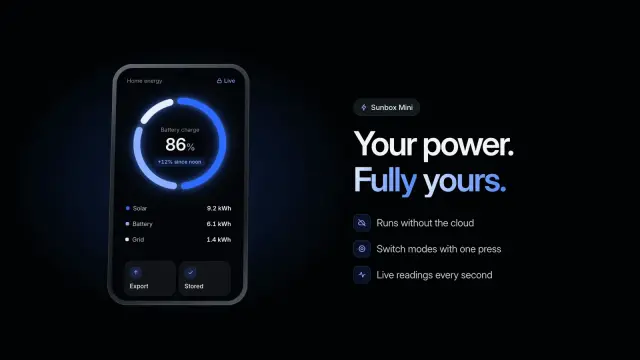
Device Orbit Ring
A 6.8-second dark product shot: the camera pulls back from a glowing dial to a handheld device, turns it over and parks it beside your headline.
TRAE keeps global Skills in ~/.trae/skills/ and project Skills in .trae/skills/, and lists both in Settings > Skills & Commands. 104 ready-made Skills for video, images, web pages and slides.
Checkout is not open yet: it opens once our payment provider finishes its review, and downloads open with it. Nothing is charged until then.
~/.trae/skills/
└── ours-device-orbit-ring/
    ├── SKILL.md
└── …From TRAE docs: Skills (opens in a new tab), read 2026-11-05.
Each one is a plain SKILL.md folder, the format TRAE reads. Skills that make images or video call FAL with your own key, so your agent needs to be allowed to run terminal commands.
A 6.8-second dark product shot: the camera pulls back from a glowing dial to a handheld device, turns it over and parks it beside your headline.
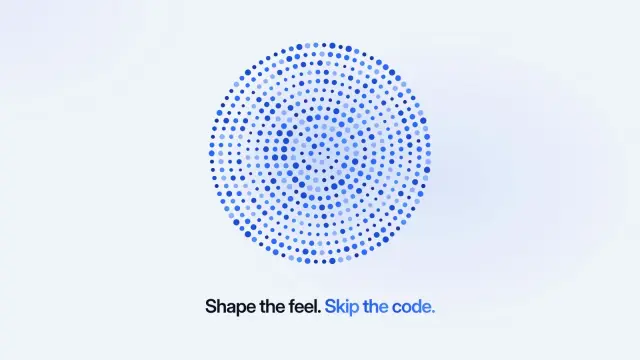
An 11.5-second light demo: a selector steps through six named modes while a field of dots reacts to each one, then your closing line lands.
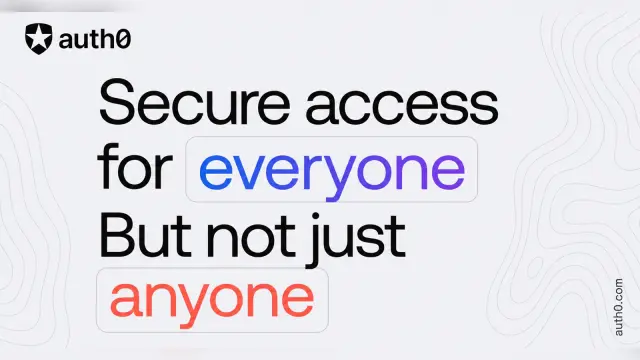
Type-led share cards with huge black lines on pale grey and key words picked out in blue or coral rounded boxes. GPT Image 2 via FAL.
$4.99 or with Premium
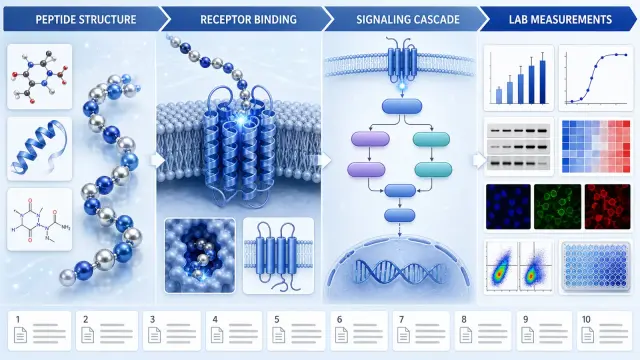
Builds a cited pathway poster that keeps ingredient context, proposed mechanism, measured endpoint and evidence status apart. It aids research talks without made-up molecular steps or benefits.
$4.99 or with Premium
A one-file site for a small travel or walking company with 30 routes: a mountain-photo hero with one giant word and a glass search bar, filterable journeys, a booking request and a quiz.
$4.99 or with Premium
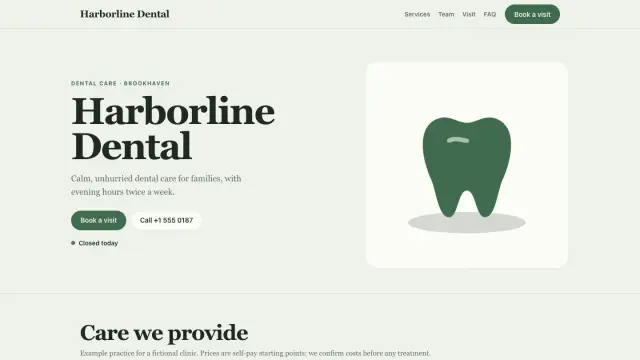
A 13-page website for a dental practice: photo-led home, a page per service, team, prices and a real booking tool.
A ten-page company profile in white and deep blue: square photos on offset blocks, big serif titles and a few clear figures, all editable in the browser.
A nine-page team playbook on ice-blue and navy pages with soft background shapes: routines, handovers, phrases to use and quality checks.
Get the Skill’s ZIP from its card once downloads open, then:
Rules load in full as soon as a chat starts and stay in the context window. A Skill loads only when it is used, which TRAE’s docs say cuts token use. A Skill describes how TRAE should do a task; an MCP server provides the tools it calls.
Global Skills go in ~/.trae/skills/ on macOS and Linux, or %userprofile%/.trae/skills on Windows. Project Skills go in .trae/skills/ in the project. Source (opens in a new tab)
TRAE CN’s docs give ~/.trae-cn/skills on macOS and Linux and %userprofile%/.trae-cn/skills on Windows. Project Skills stay in .trae/skills/. Source (opens in a new tab)
Yes, once you turn on Enable .agents Skills Directory under Import Settings in Settings > Skills & Commands. A Skill in .trae/skills/ with the same name wins. Source (opens in a new tab)
In Settings > Skills & Commands, click the gear next to the Skill and choose Apply to Global. Source (opens in a new tab)
~/.claude/skills/~/.agents/skills/~/.cursor/skills/~/.agents/skills/~/.config/opencode/skills/~/.copilot/skills/~/.gemini/config/skills/~/.openclaw/skills/~/.kimi-code/skills/$9.99 / month · $79 / year · $169 once, or $4.99 for one Skill.
See pricing