
Clickable from the first run
Carts, forms, menus and calculators already function in the file you receive.
Landing pages & product sites · Portfolios & personal sites · Online stores
Website skills for Claude Fable 5 that deliver a whole site as one HTML file: stores with a working cart, SaaS and club sites, portfolios, real interactions throughout.
Build a pharmacy storefront with Claude Fable 5: one HTML file, 30-plus routes, a filtered shop, product pages, a bag that works, demo checkout and booking.

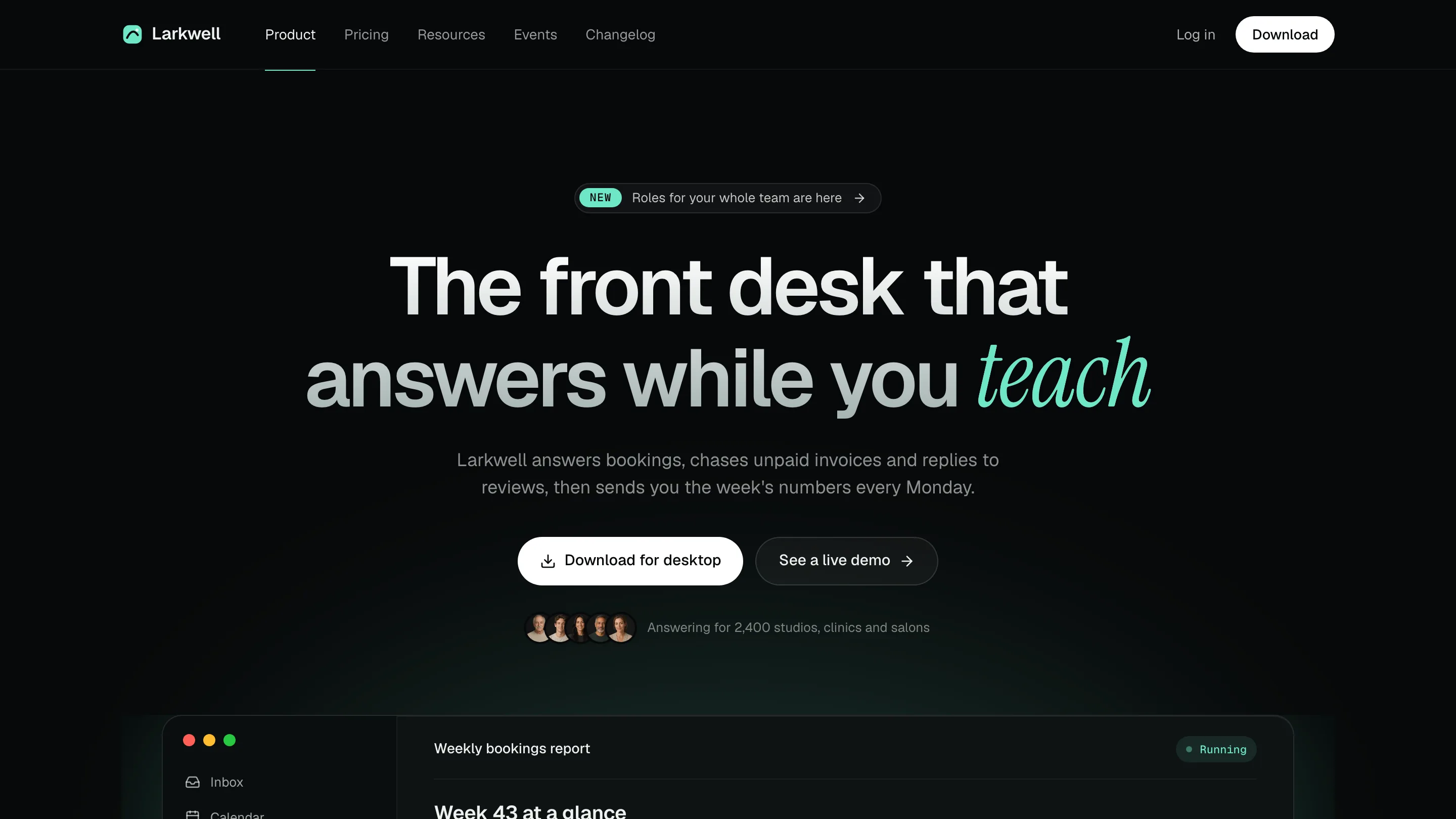
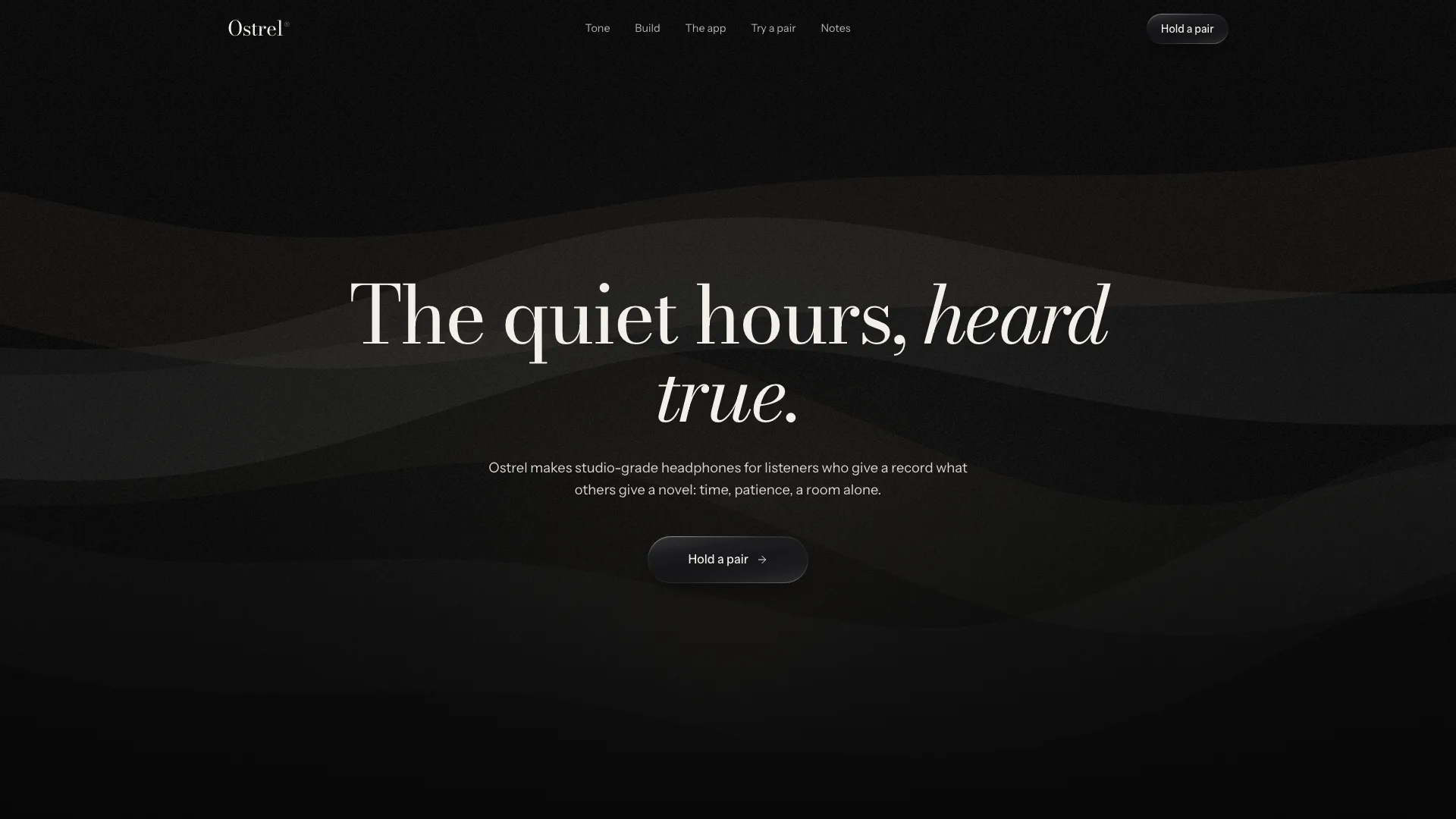
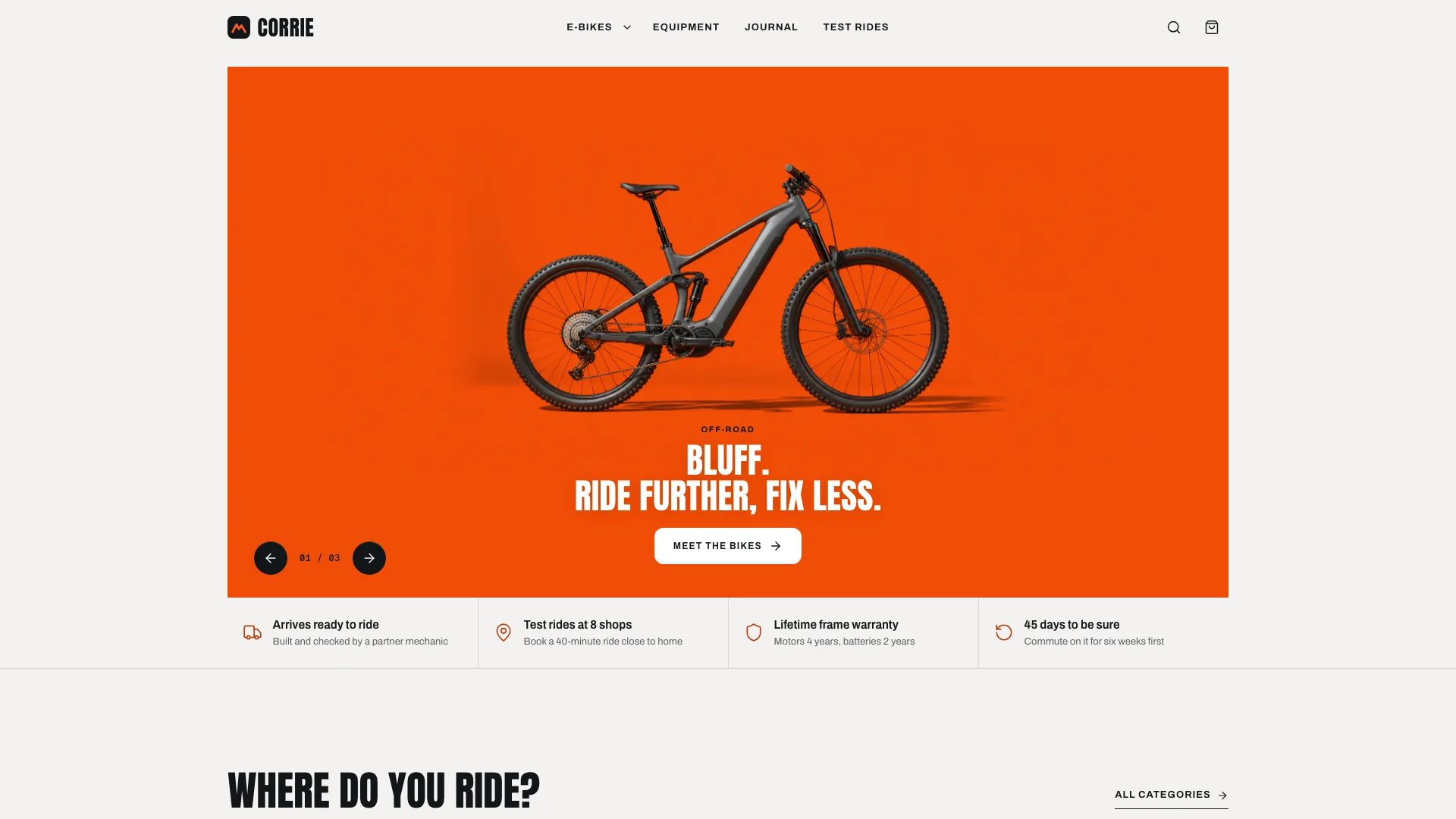

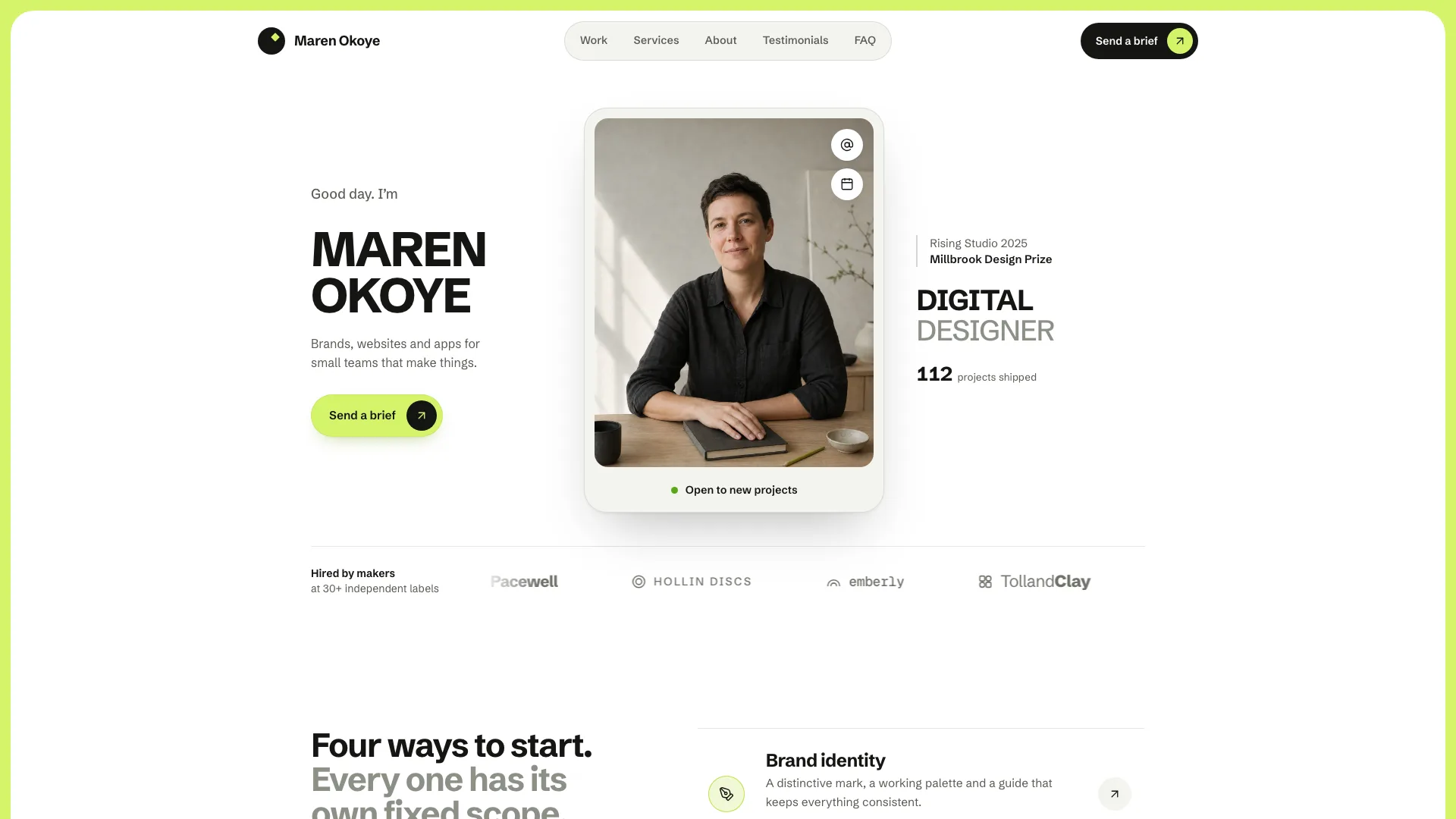
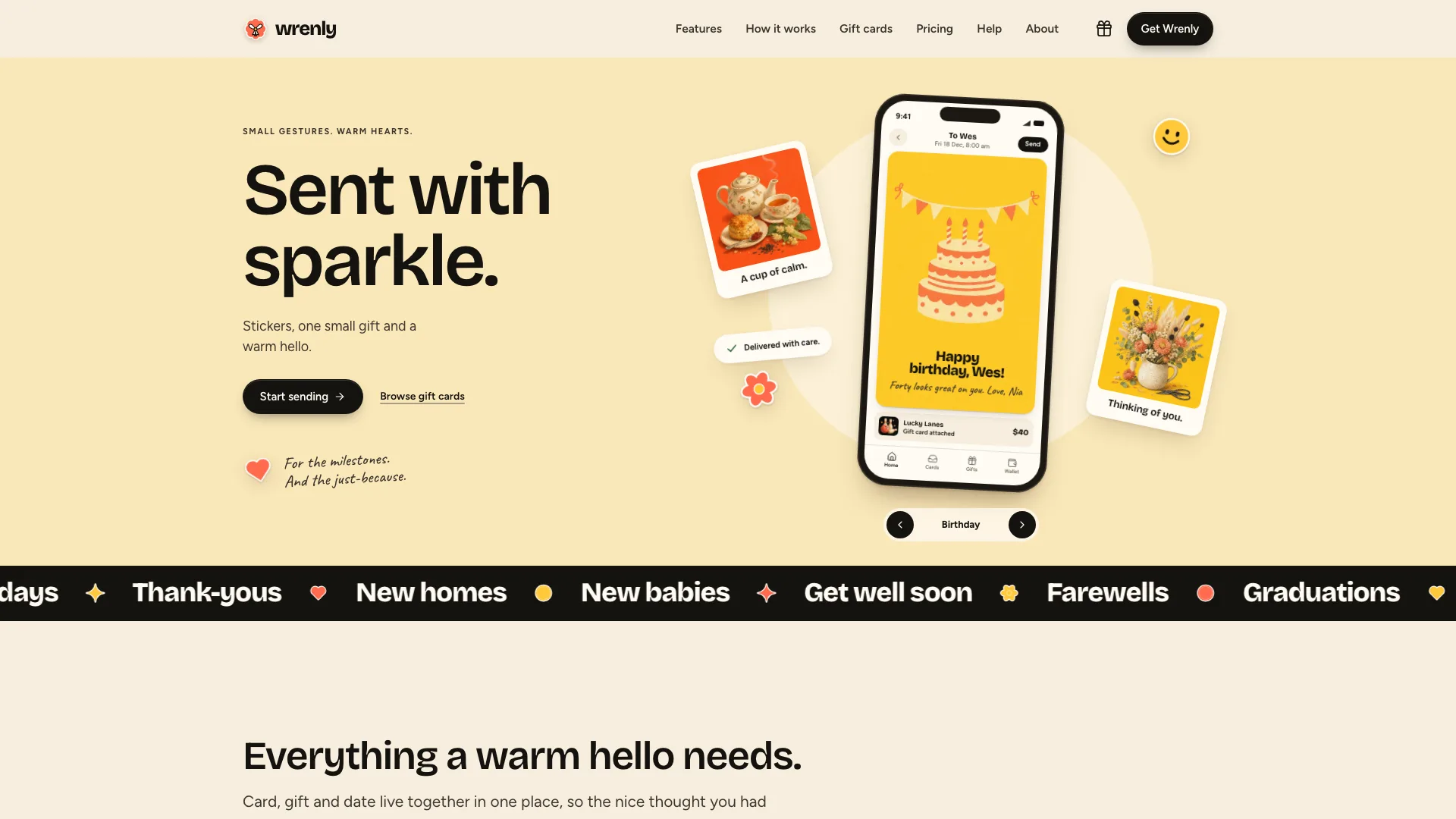
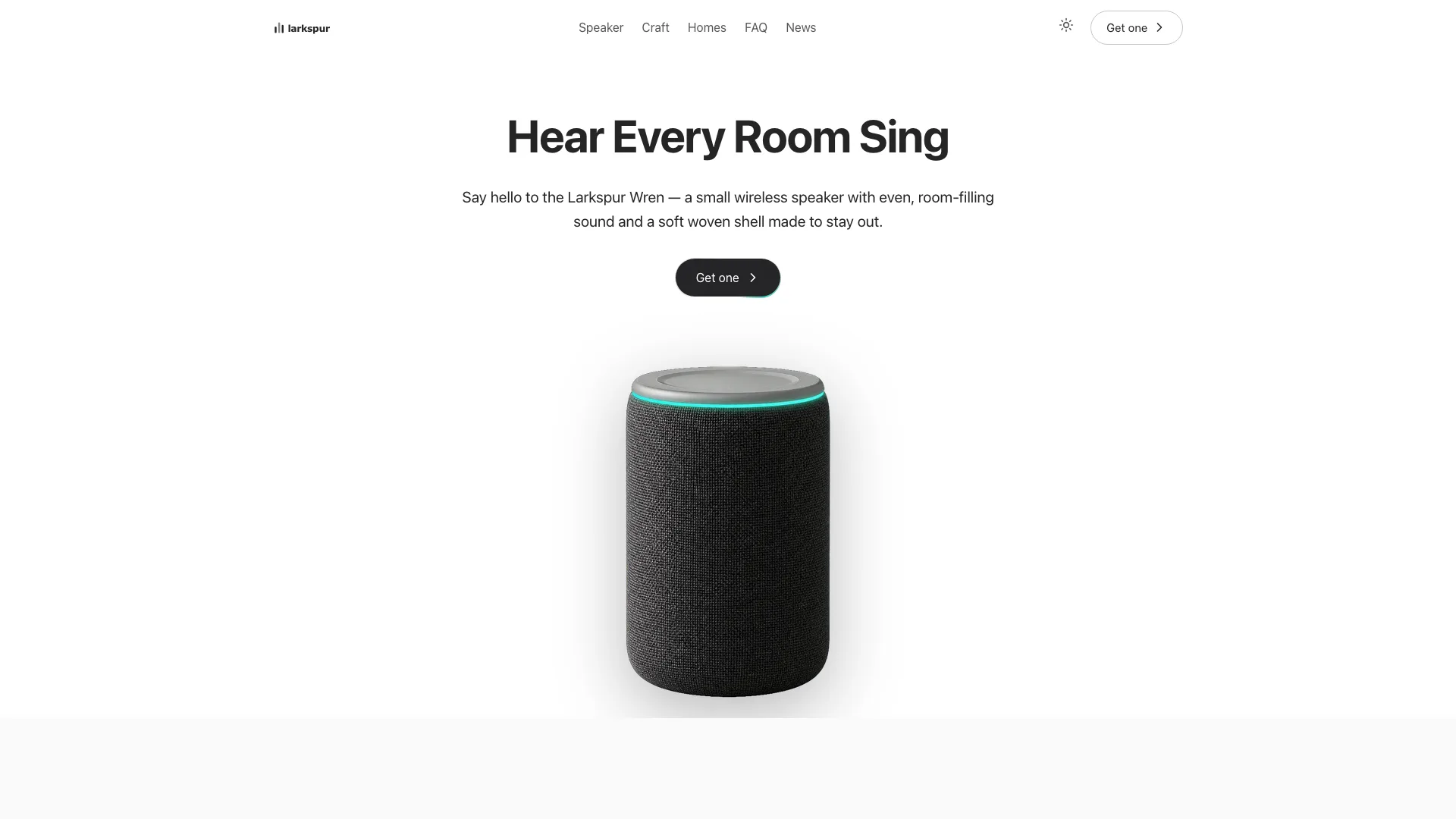
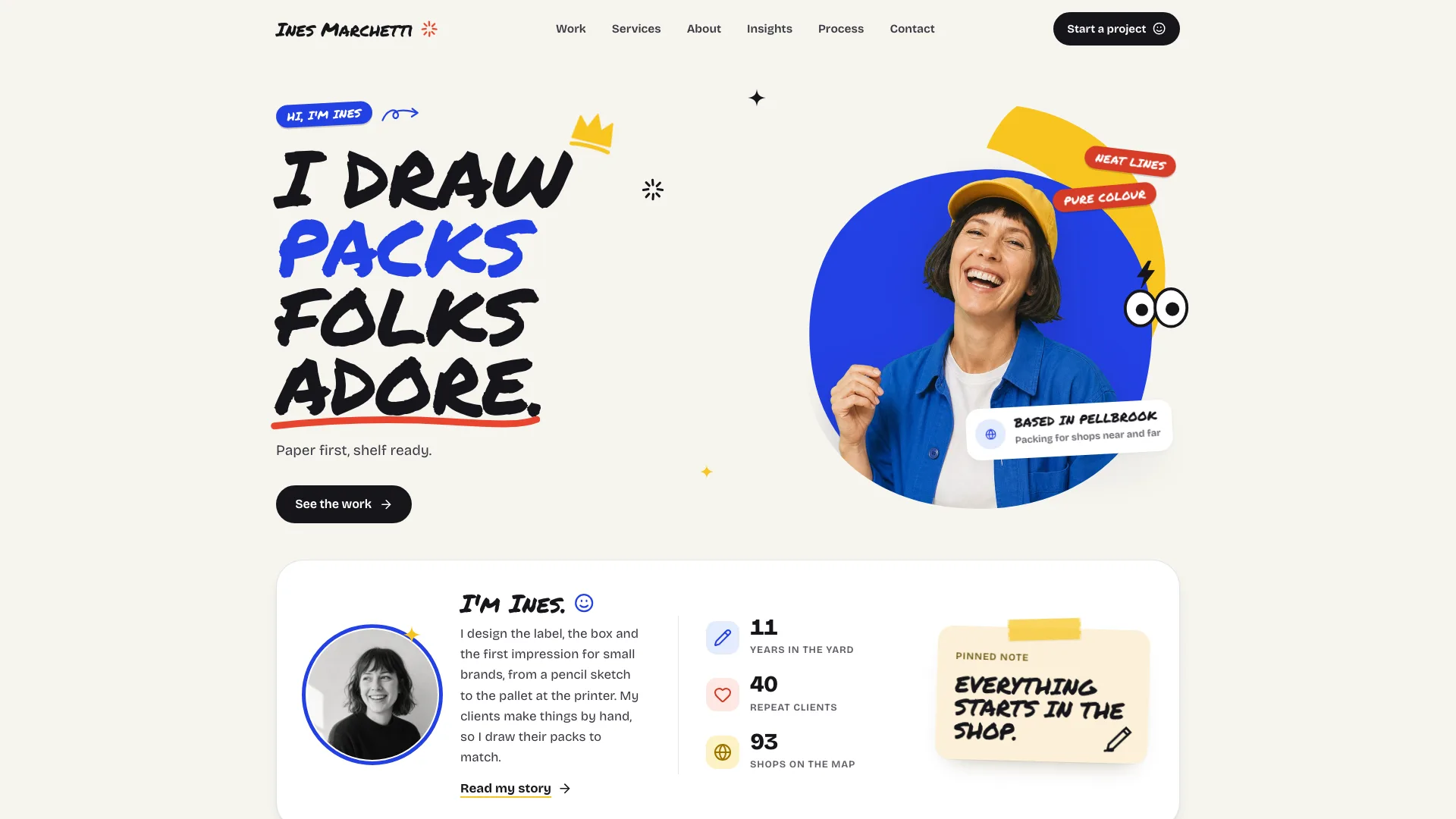
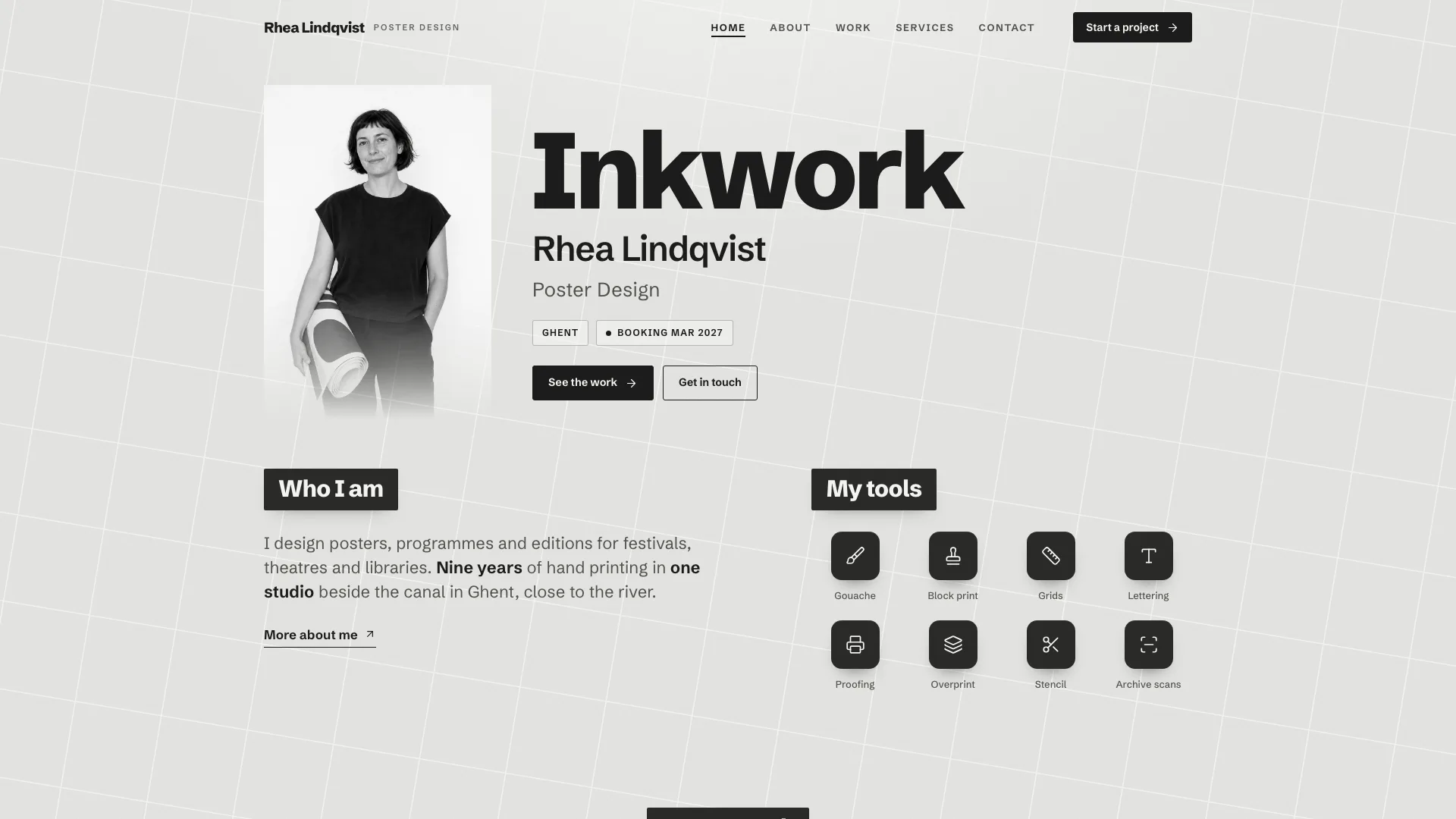

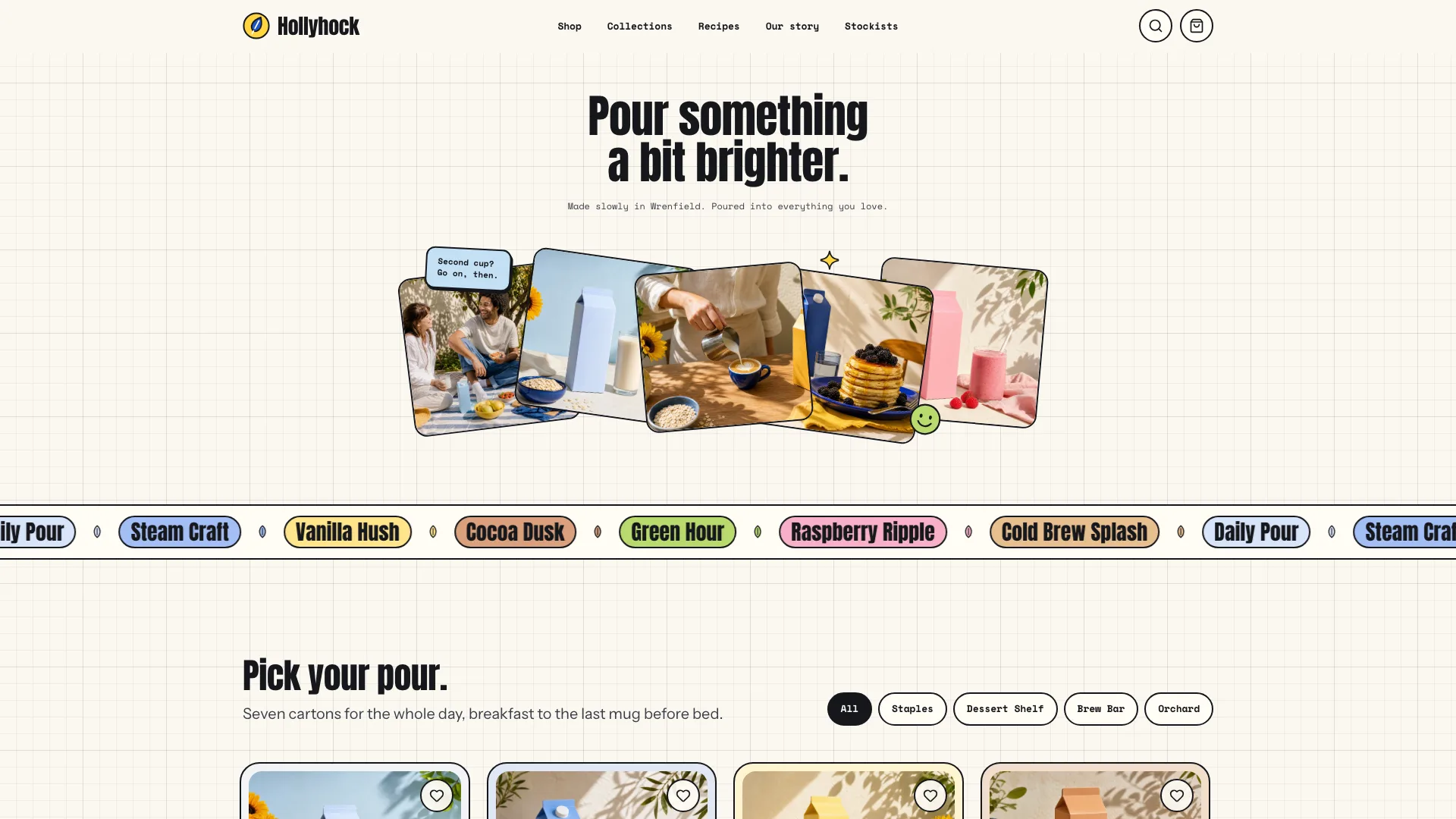
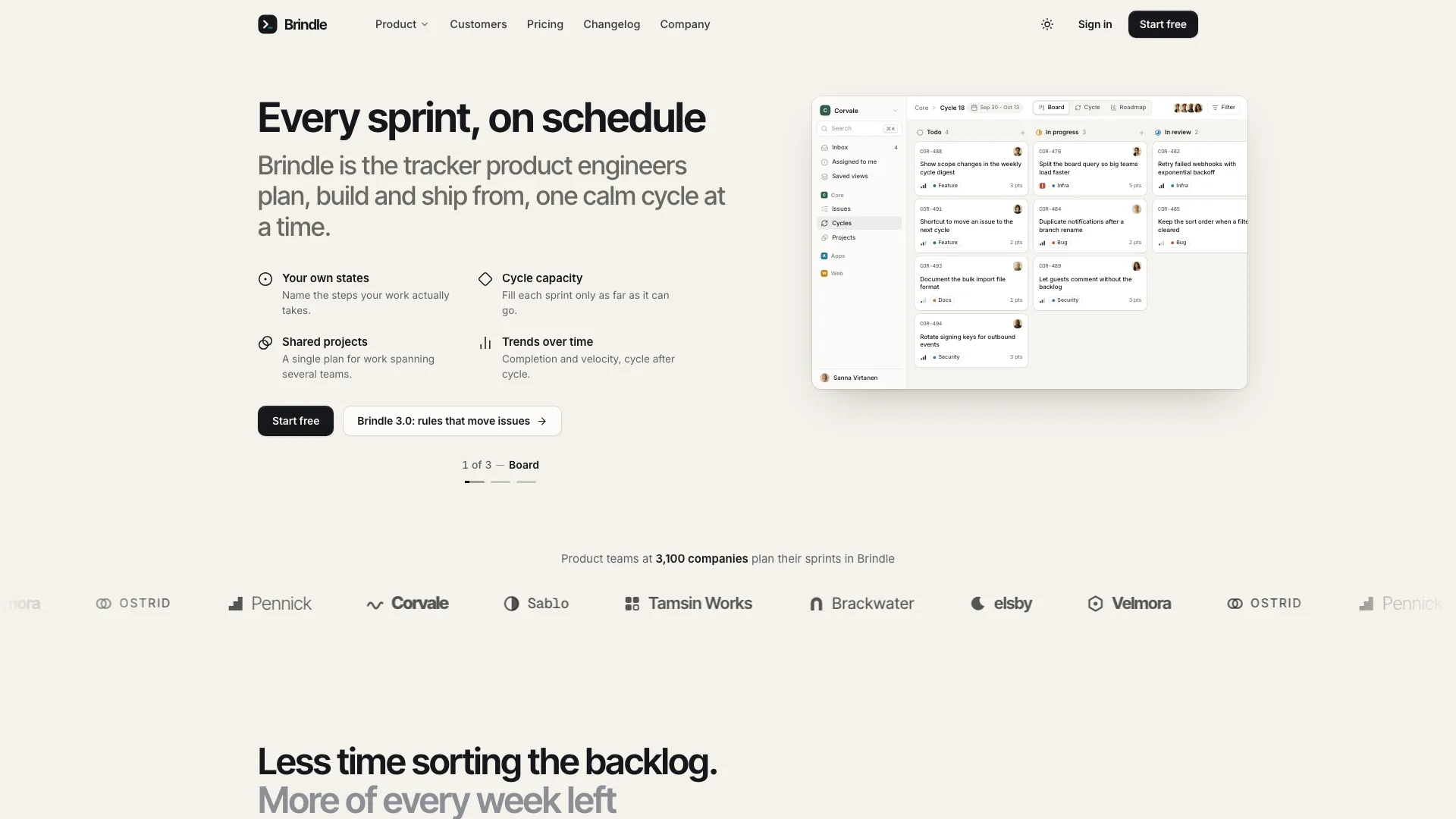

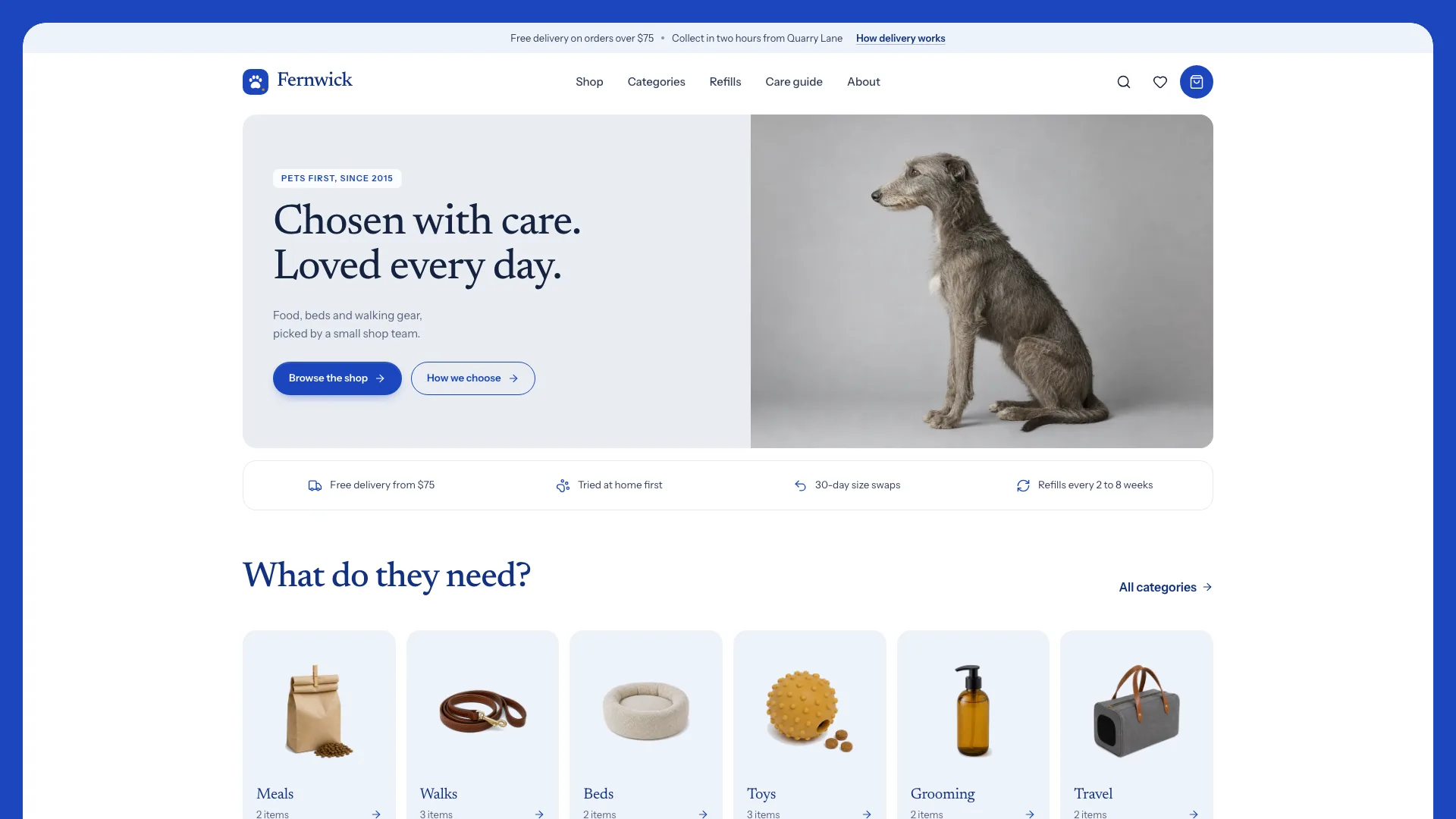

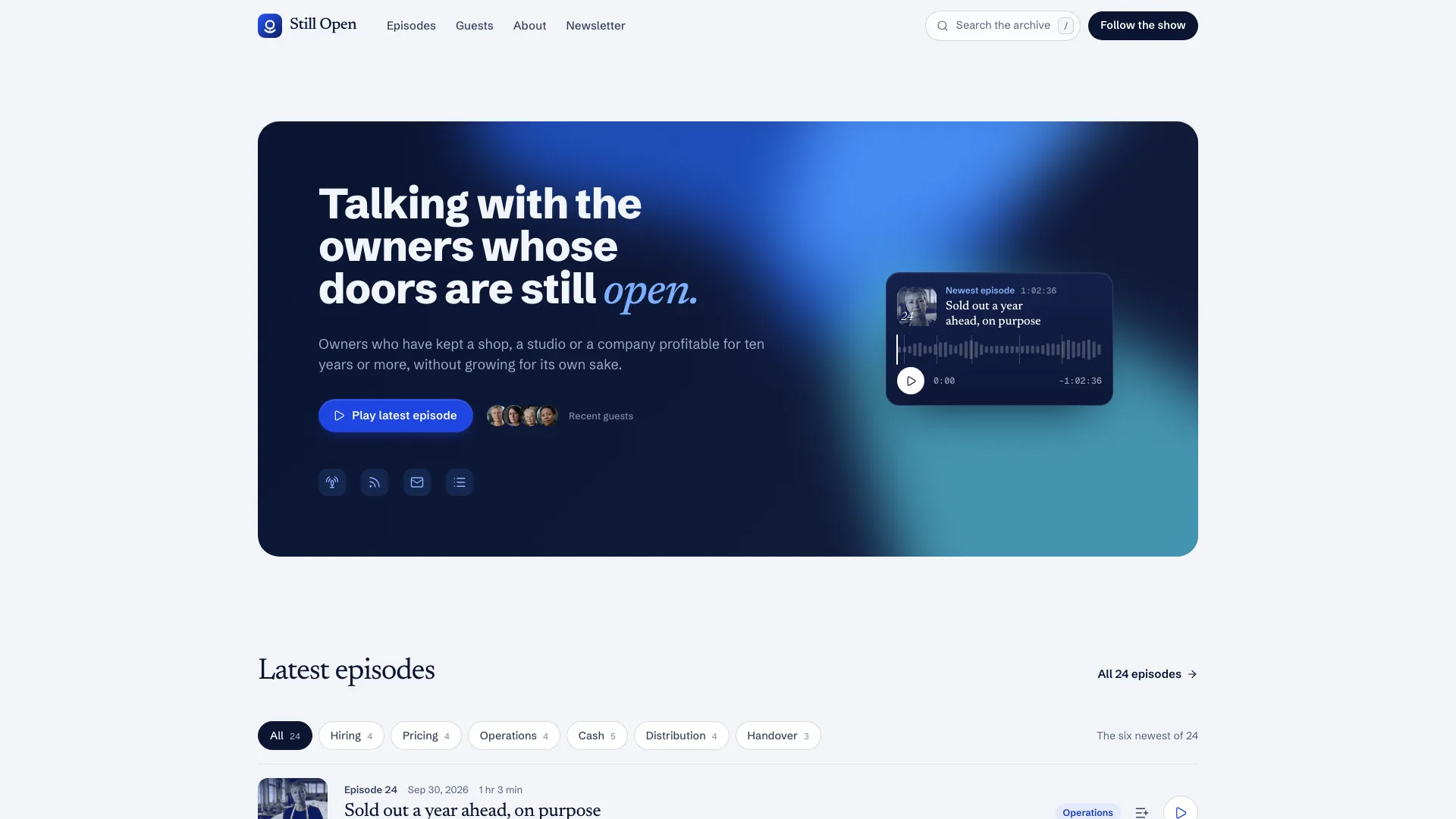
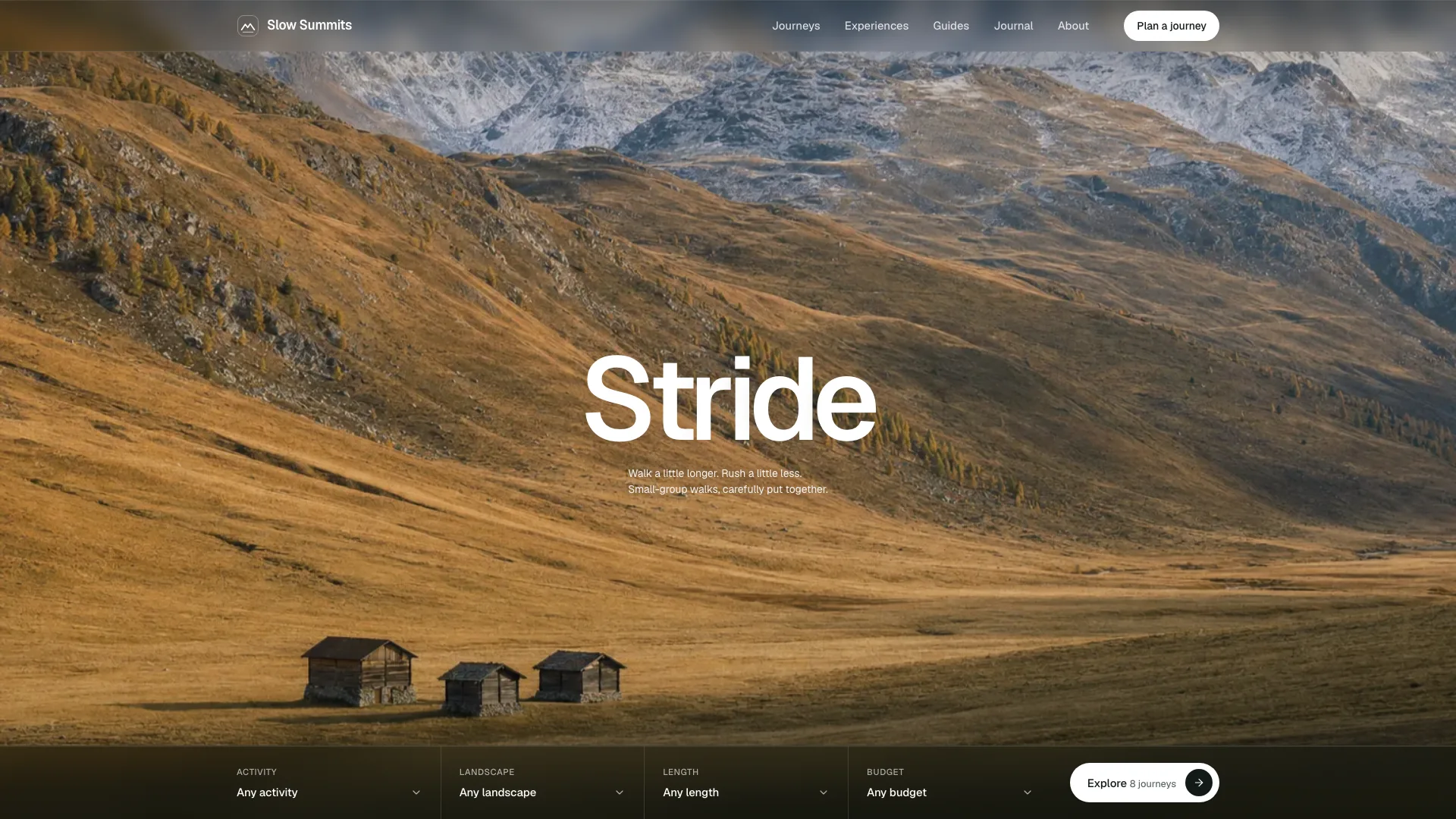
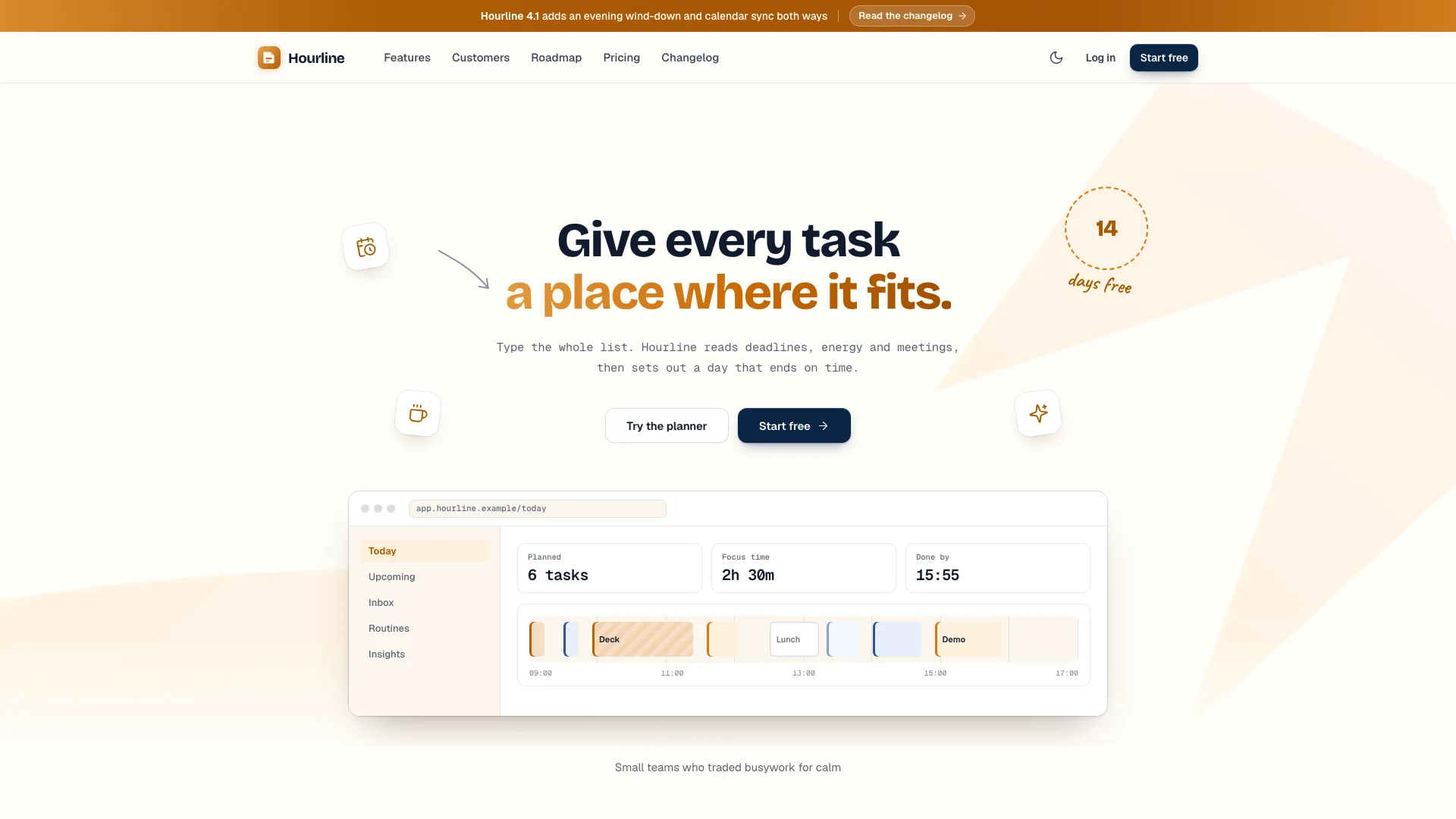
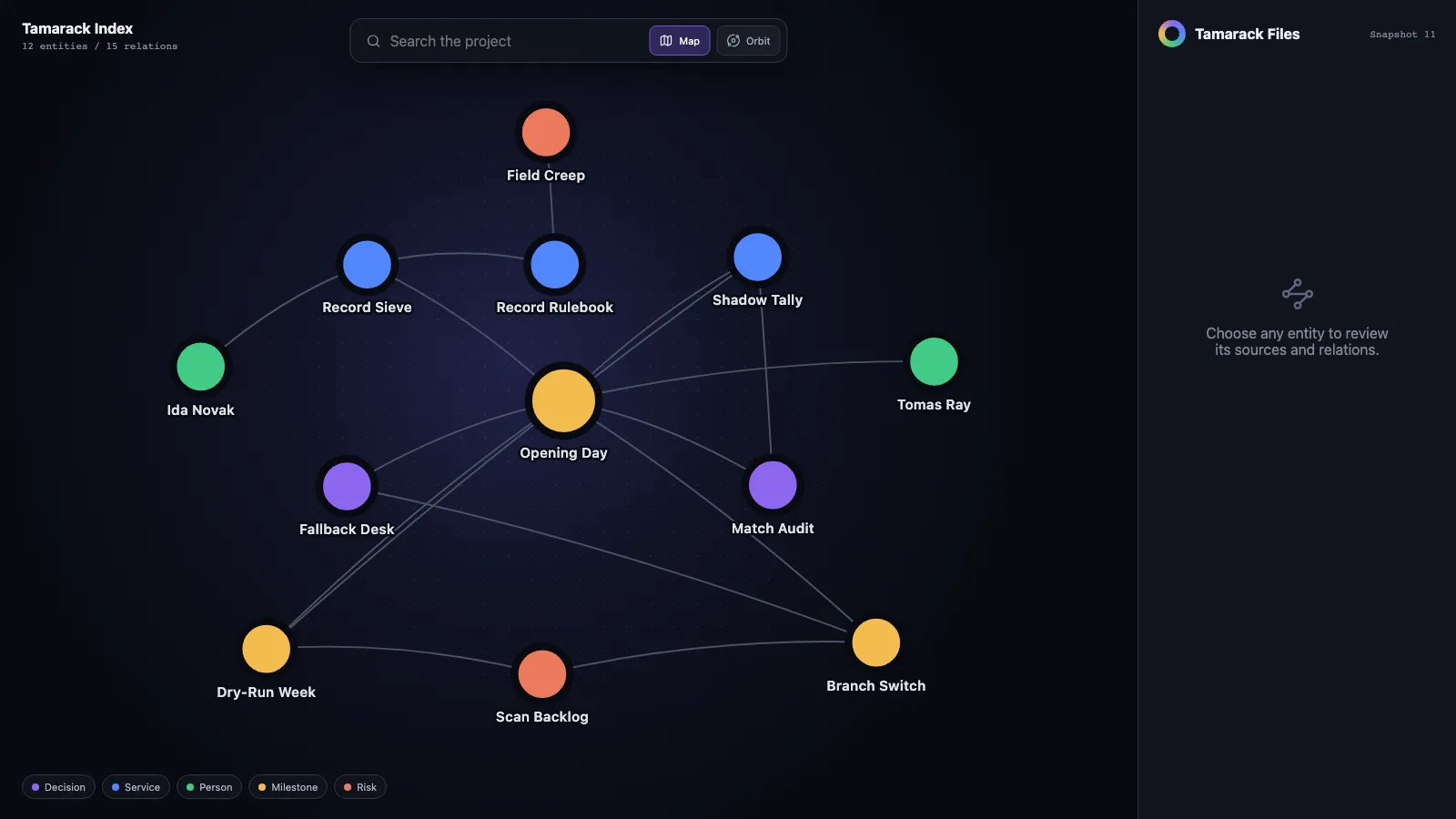
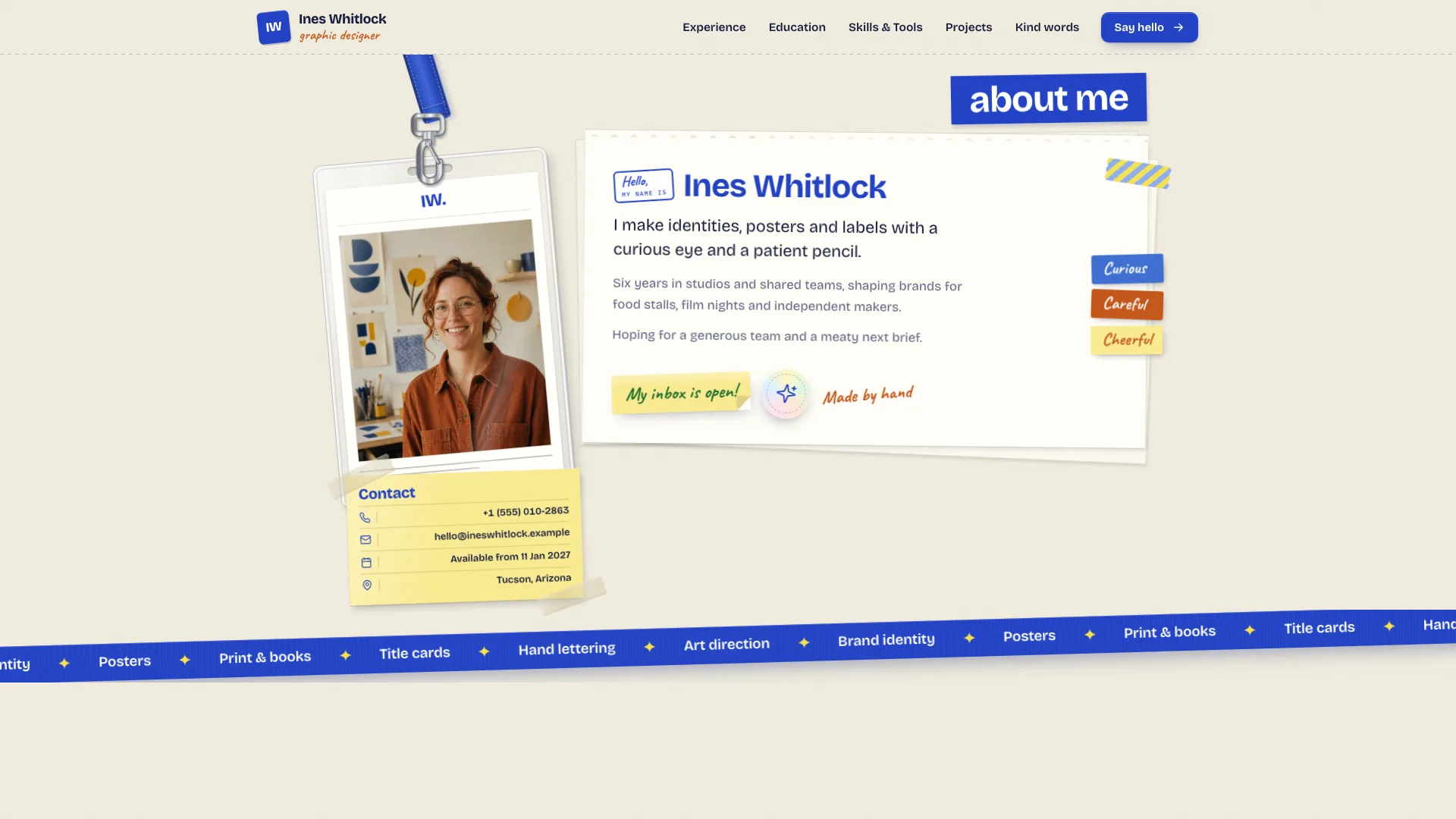

Each one finishes with pages you open in a browser and actually use.
Carts, forms, menus and calculators already function in the file you receive.
Home, product, pricing, contact and legal pages are linked together and drawn in one style.
Phone, tablet and desktop widths are each checked before the agent says it's finished.
Choose your line of work to see the Skills that are tagged for it.
Works the same in Claude Code running Fable 5, in Codex or in Cursor; no design app needed.
Paste the install prompt into your agent, or use the terminal command underneath; either way the Skill ends up in the agent's skills folder.
npx fable5-cli@latest install ours-pharmacy-storefrontType / and the Skill's name, then say in plain words what you want back.
/ours-pharmacy-storefront Make the store for Millbrook Pharmacy: products and pack sizes in products.csv, delivery areas in areas.md, pharmacists in staff.md.Open the files, request edits in the same chat, and publish or hand them over when they're right.
index.htmlFable 5 can make a web page from a bare prompt; a Skill is what makes the result repeatable.
| Factor | Prompt only | Skill |
|---|---|---|
| Look | Whatever the model improvises this time | A settled, finished layout |
| Next run | Changes from one try to the next | Same style on every run |
| Review | Up to you to spot problems | Built in and run before the hand-off |
Or pay once for a single Skill and keep it.
Cancel anytime
22% OFF$6.99$8.99 for new members after Nov 30$8.99/ month
$6.99 / month. Renews at the same rate while subscribed.
Cancel anytime
23% OFF$16.99$21.99 for new members after Nov 30$21.99/ 3 months
$16.99 / 3 months. Renews at the same rate while subscribed.
Recommended
Billed annually
14% OFF$59$69 for new members after Nov 30$69/ year
$59 / year. Renews at the same rate while subscribed. Equivalent to $4.92/month, billed annually.
Best deal
One payment · Founding price
19% OFF$129$159 for new members after Nov 30$159one-time
Buy lifetime accessCancel anytime. Payments are non-refundable.
What people ask before installing.
Claude Code, Codex, Cursor and every other agent that reads SKILL.md folders. The install prompt doesn't change between them, or with the model.
Working files you can open and change, never a screenshot of one. The Skill page lists every output before you install it.
No. Layout and style are decided inside the Skill; your part is the content, such as names, figures, photos or a link.
No. A free Skill is the full Skill and needs only a free account; Premium Skills come with a plan or a one-time purchase.
Choose a Skill, install it with one prompt, then describe what you want.