
Files Into Folders


 +7
Leave the camera shot for a few seconds of animated words, a running tally or cards sliding into place that land your point. Fable 5 sets up each clip as a project you can change and renders it locally.


 and 25+ more agents
Every tile plays a clip rendered by its Skill. Narrow it to type moves, charts and diagrams, or cards.
B-roll is footage the edit cuts away to while the voice carries on. For people who talk to camera it is usually animation, not filmed scenes: the main phrase in giant letters, a figure that ticks upward, a few cards that set out each step.
 9:52Animated cut-away
 Sam Ships36K subscribersSubscribe17K views940Share
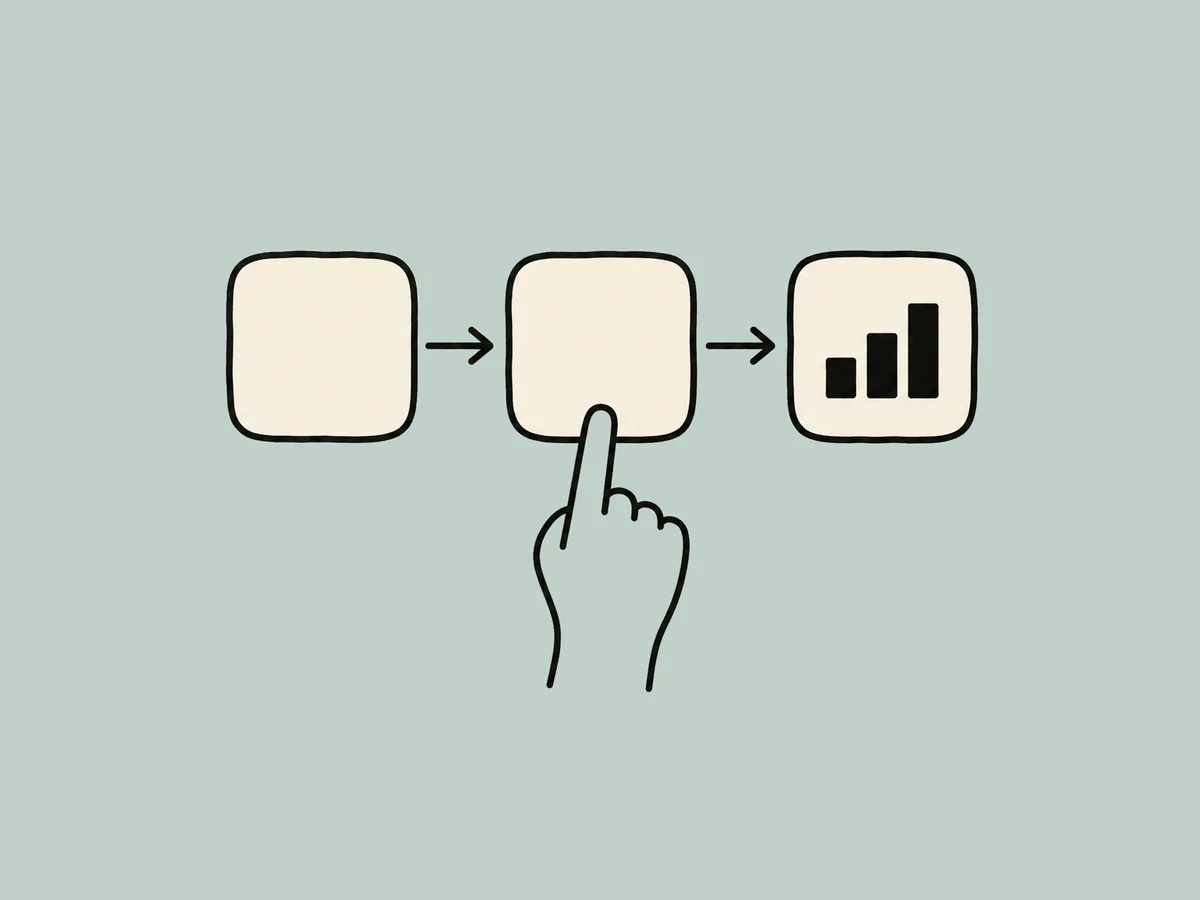
Make the clip, then set it on the timeline at the exact second your point is spoken.

Pick an effect from the grid and drop its install prompt into Fable 5.

Send the phrase, the numbers or the items you want the clip to show.

Export the clip, then put it in your edit at the moment you need it.
A plain request gives you one result. A Skill adds the recipe and the checks that make it repeatable.
No. Each one animates graphics out of the content you give it. For filmed footage, turn to a stock site.
Export a clip, open it in CapCut, Resolve, Final Cut or Premiere, and set it on the timeline at the spot you make the point.
Each effect offers three paired palettes and four aspect ratios, so every clip in one video matches.
Node.js 22 or newer, FFmpeg, Chrome and the HyperFrames CLI. Fable 5 checks for all four when it runs the Skill.
Every job has its own Skills, worked examples and answers.