
Watercolor Mechanism Diagram
Makes a slide-ready concept diagram with pale see-through color washes, fine linework, and empty callout zones. Technical teachers can show a complex mechanism plainly, with no made-up facts.
$4.99 or with Premium
Skills that turn an approved article into original 16:9 illustrations in one consistent style, with space kept clear for exact titles and labels. Bring the article and the passages to picture; the Skill writes the brief and checks every result.
Checkout is not open yet: it opens once our payment provider finishes its review, and downloads open with it. Nothing is charged until then.
10 Skills · 0 free
Makes a slide-ready concept diagram with pale see-through color washes, fine linework, and empty callout zones. Technical teachers can show a complex mechanism plainly, with no made-up facts.
$4.99 or with Premium
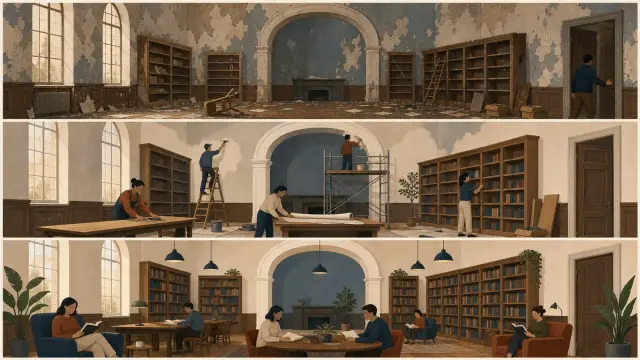
Makes three original, matching illustrations for three distinct moments in one approved article. It returns three 16:9 visual directions with clear evidence, rights, and review limits.
$4.99 or with Premium
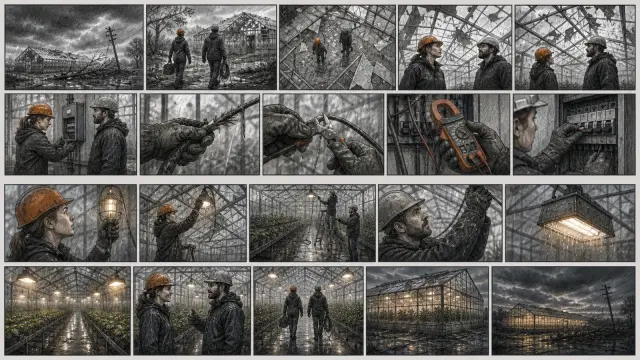
Makes a storyboard contact sheet that keeps continuity as it varies shot size, angle, camera move and blocking. It returns three 16:9 visual directions with clear evidence, rights, and review limits.
$4.99 or with Premium
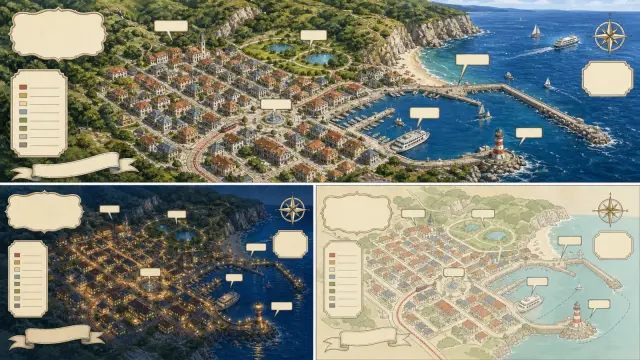
Draws an illustrated street map from checked geography, with decoration kept apart from navigational fact. It returns three 16:9 visual directions with clear evidence, rights, and review limits.
$4.99 or with Premium

Makes three photographic studies of one subject, each testing line, shape, texture, balance or empty space. It returns three 16:9 visual directions with clear evidence, rights, and review limits.
$4.99 or with Premium
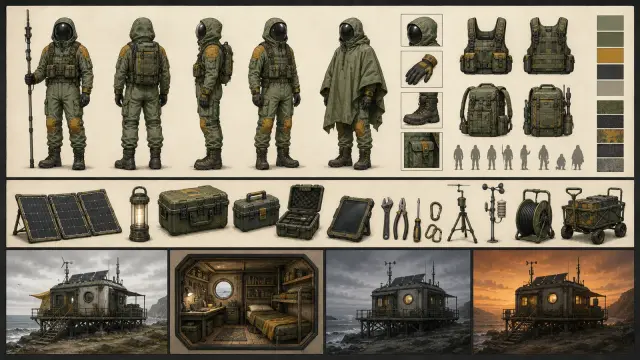
Builds matching character, prop and environment studies that all follow one shared continuity sheet. It returns three 16:9 visual directions with clear evidence, rights, and review limits.
$4.99 or with Premium
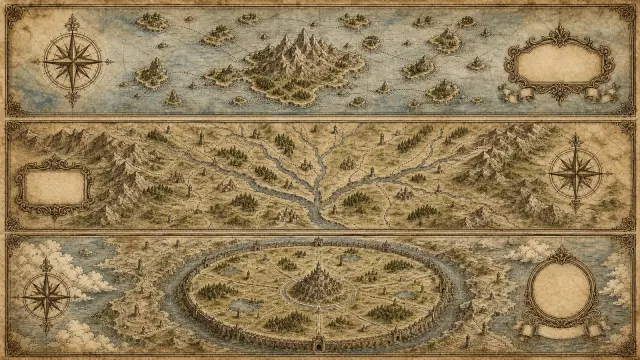
Draws an abstract topic as an original symbolic map of regions, routes and landmarks, with a separate legend. It returns three 16:9 visual directions with clear evidence, rights, and review limits.
$4.99 or with Premium
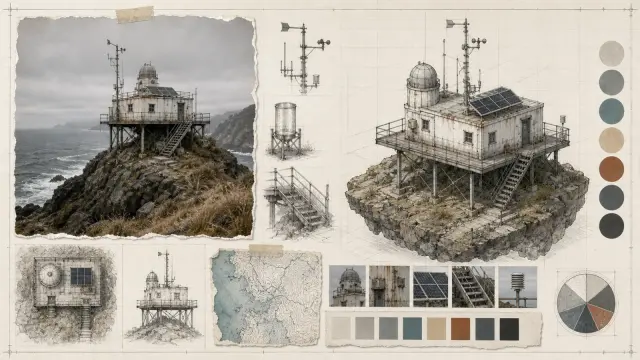
Makes a 16:9 research collage that pairs a grounded photo of the subject with an isometric rebuild and archive-style study marks. Analysts can argue one topic in layers, with sources kept checkable.
$4.99 or with Premium
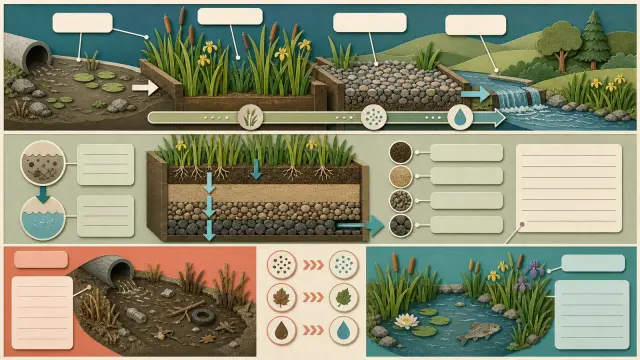
Shows one checked process, comparison or classification from science as an explainer in layered cut paper. It returns three 16:9 visual directions with clear evidence, rights, and review limits.
$4.99 or with Premium
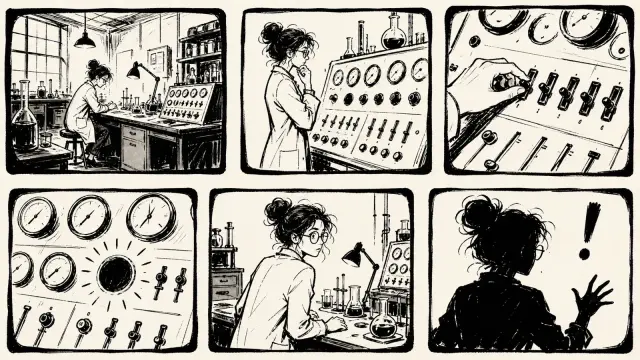
Makes a spare black-and-white storyboard with rough open strokes, uneven panels, and wide empty ground. It turns a short story into a lively sequence with no gradients, slick vector shapes, or color.
$4.99 or with Premium
Each Skill here does one job from start to finish: it reads your material, builds the result and checks it.
Every role page gathers the Skills that people in that job reach for most.
Three steps in Claude Code, Codex, Cursor or similar, with no design tools involved.
The folder to unzip into, from each agent’s own docs.
~/.claude/skills/~/.agents/skills/~/.cursor/skills/~/.agents/skills/~/.config/opencode/skills/~/.copilot/skills/~/.gemini/config/skills/~/.openclaw/skills/~/.kimi-code/skills/~/.trae/skills/You can ask any agent for this. The difference is what comes back.
| Aspect | A plain prompt | A Skill |
|---|---|---|
| Starting point | A blank page | A finished, tested design |
| Steps | Improvised each time | Written down and followed in order |
| Checks | You find the problems yourself | Runs its own checks before handing over |
| Result | A draft that needs another pass | Files you can edit and ship |
What to have ready so the first run is the one you keep.
Any agent that reads SKILL.md folders, including Claude Code, Codex and Cursor. Only the folder you unzip into changes; each agent page shows it.
Most runs finish within a few minutes. Skills that render video or generate images take longer, and the page says what they need.
Yes. Everything comes back as editable files, and you can ask the agent for changes in the same conversation.
No. Free Skills are complete. Premium Skills come one at a time or with a plan.
Pick a Skill, unzip one folder and ask for the result in plain words. $9.99 / month · $79 / year · $169 once, or $4.99 for one Skill.
See pricing