Dust Erase
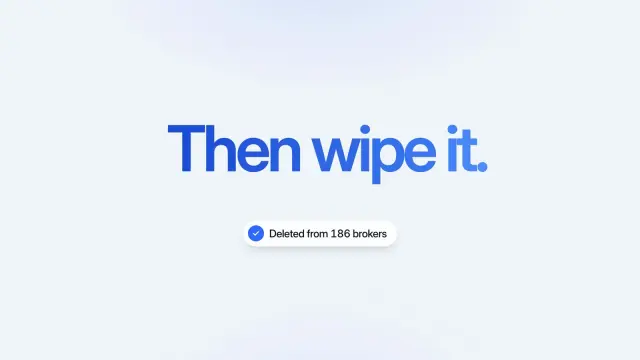
A 7-second light explainer: a record full of personal details is scanned, flagged, then crumbles to dust before your payoff and result appear.
Codex reads Skills from ~/.agents/skills/, the shared folder, not a Codex-only one. 104 ready-made Skills for video, images, web pages and slides.
Checkout is not open yet: it opens once our payment provider finishes its review, and downloads open with it. Nothing is charged until then.
~/.agents/skills/
└── ours-dust-erase/
    ├── SKILL.md
└── …From OpenAI docs: Build skills (Codex) (opens in a new tab), read 2026-11-04.
Each one is a plain SKILL.md folder, the format Codex reads. Skills that make images or video call FAL with your own key, so your agent needs to be allowed to run terminal commands.
A 7-second light explainer: a record full of personal details is scanned, flagged, then crumbles to dust before your payoff and result appear.
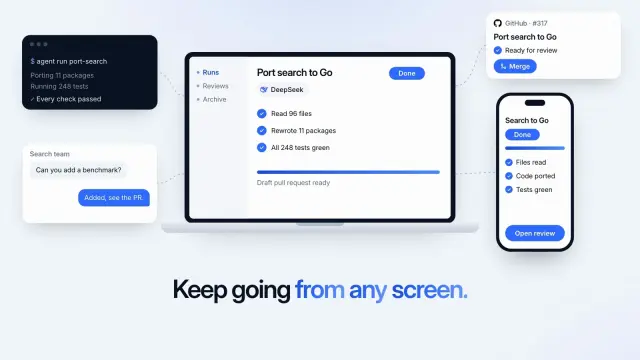
A 6.8-second light product shot: an agent finishes a job on a laptop, the same job shows on a phone, and links reach a terminal, a chat and a code review.
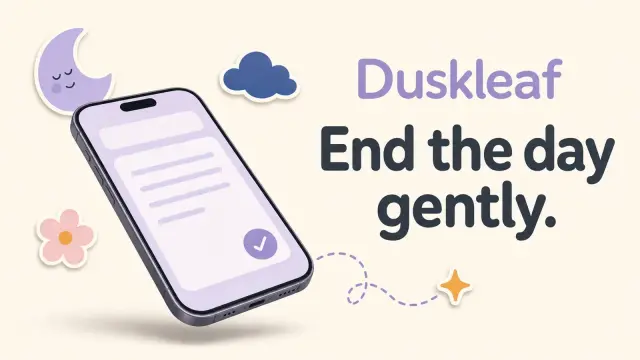
Calm share cards with floating phones on a warm off-white ground, ringed by smiling suns, clouds and flowers, made by GPT Image 2 through FAL.

Share cards with a heavy black headline and hand-inked chat bubbles over flat aqua splashes on light gray, made by GPT Image 2 through FAL.

Describe a cute round character and your agent opens a 3D maker already set to it: 25 forms, 12 materials, 32 styles. Download a transparent PNG or a 3D page.
$4.99 or with Premium
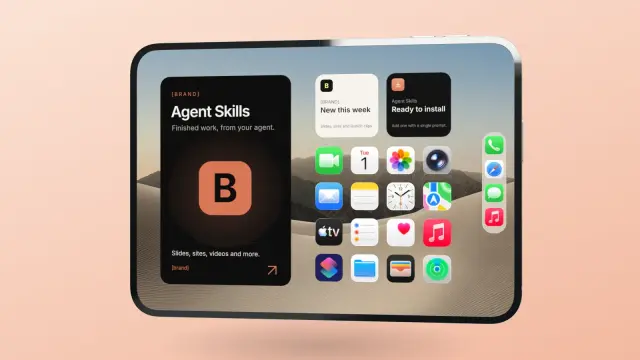
Put your app, site or screen recording on a 3D iPhone Duo that folds in the browser. Your agent sets both screens and exports a transparent PNG or a 60 fps MP4.
$4.99 or with Premium
A friendly ten-page company or studio profile in steel blue and white, with photos in curved frames, soft rounded cards and a few large figures.
A ten-page team introduction with black-and-white portraits, large capital headlines on pale grey and near-black pages, and violet arrow tiles.
Get the Skill’s ZIP from its card once downloads open, then:
A Skill is the workflow itself: a folder with SKILL.md. A plugin is how Skills and connectors are packaged for other people to install through the plugin directory shared by ChatGPT and Codex.
Your personal folder is ~/.agents/skills/. In a repository, Codex reads .agents/skills/ in the folder you start from, in parent folders, and at the repository root. Machine-wide Skills go in /etc/codex/skills. Source (opens in a new tab)
Run /skills, or type $ and the Skill’s name in your prompt. Codex can also pick a Skill on its own when your task matches its description. Source (opens in a new tab)
Codex detects new Skills automatically. If one doesn’t appear, restart Codex, and check that SKILL.md sits directly inside the Skill’s own folder. Source (opens in a new tab)
OpenAI’s docs describe one Skill format for ChatGPT and Codex. In ChatGPT you type @ to pick a Skill. We sell our Skills for coding agents and have not tested them in ChatGPT. Source (opens in a new tab)
~/.claude/skills/~/.cursor/skills/~/.agents/skills/~/.config/opencode/skills/~/.copilot/skills/~/.gemini/config/skills/~/.openclaw/skills/~/.kimi-code/skills/~/.trae/skills/$9.99 / month · $79 / year · $169 once, or $4.99 for one Skill.
See pricing