
Shots and words first
You see the planned shots and wording before rendering starts, while they are still cheap to change.
Launch films & product demos · Logo reveals & UI stings
Video skills for Claude Fable 5 that turn your product, brand line or script into a short launch clip or motion piece, rendered to MP4 on your own machine.
A video skill for Claude Fable 5.2 that cuts a silent teaser around one fixed horizon: hard cuts leap from coastline to orbit to microscope, and your name lands at the end.





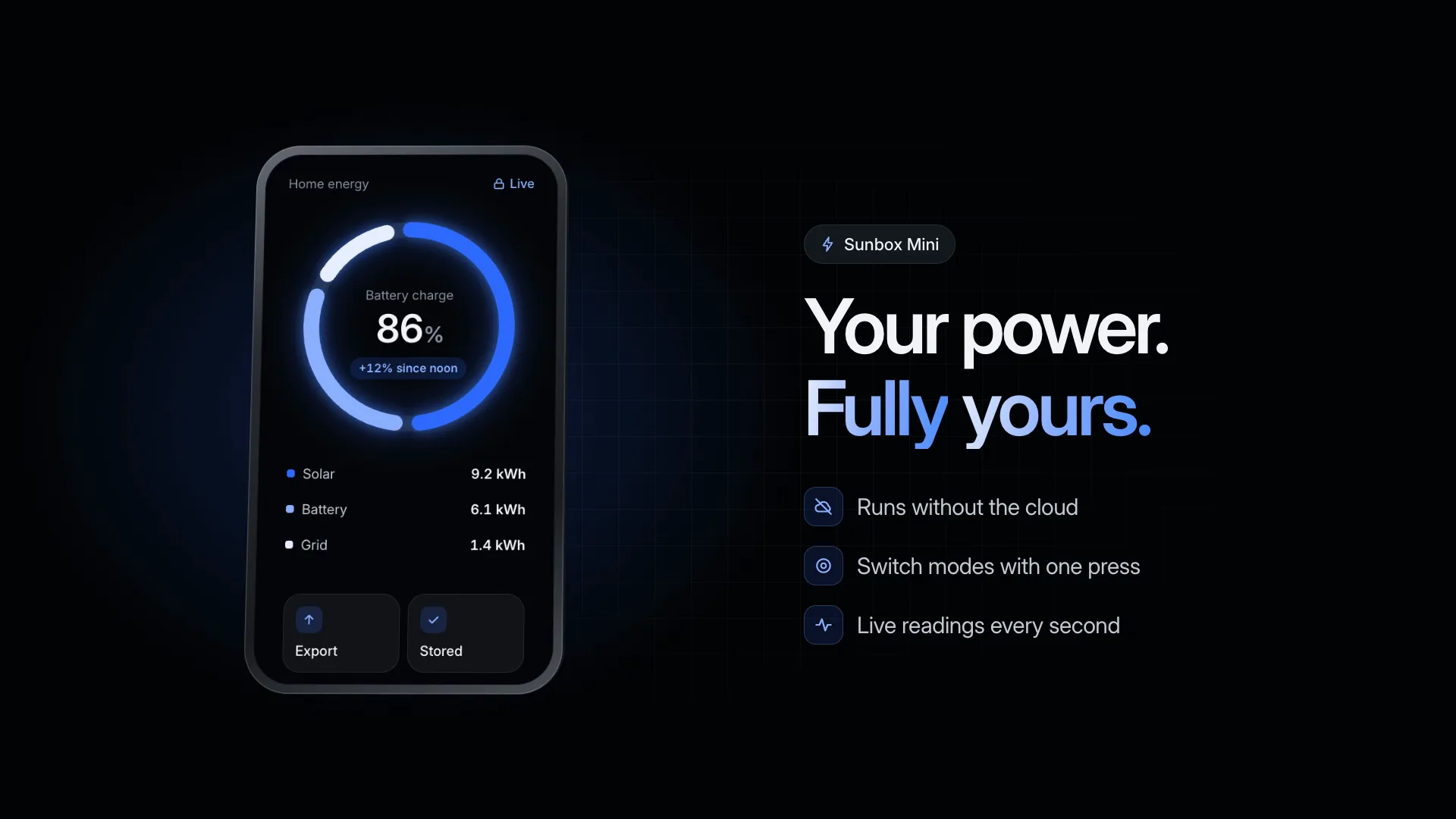
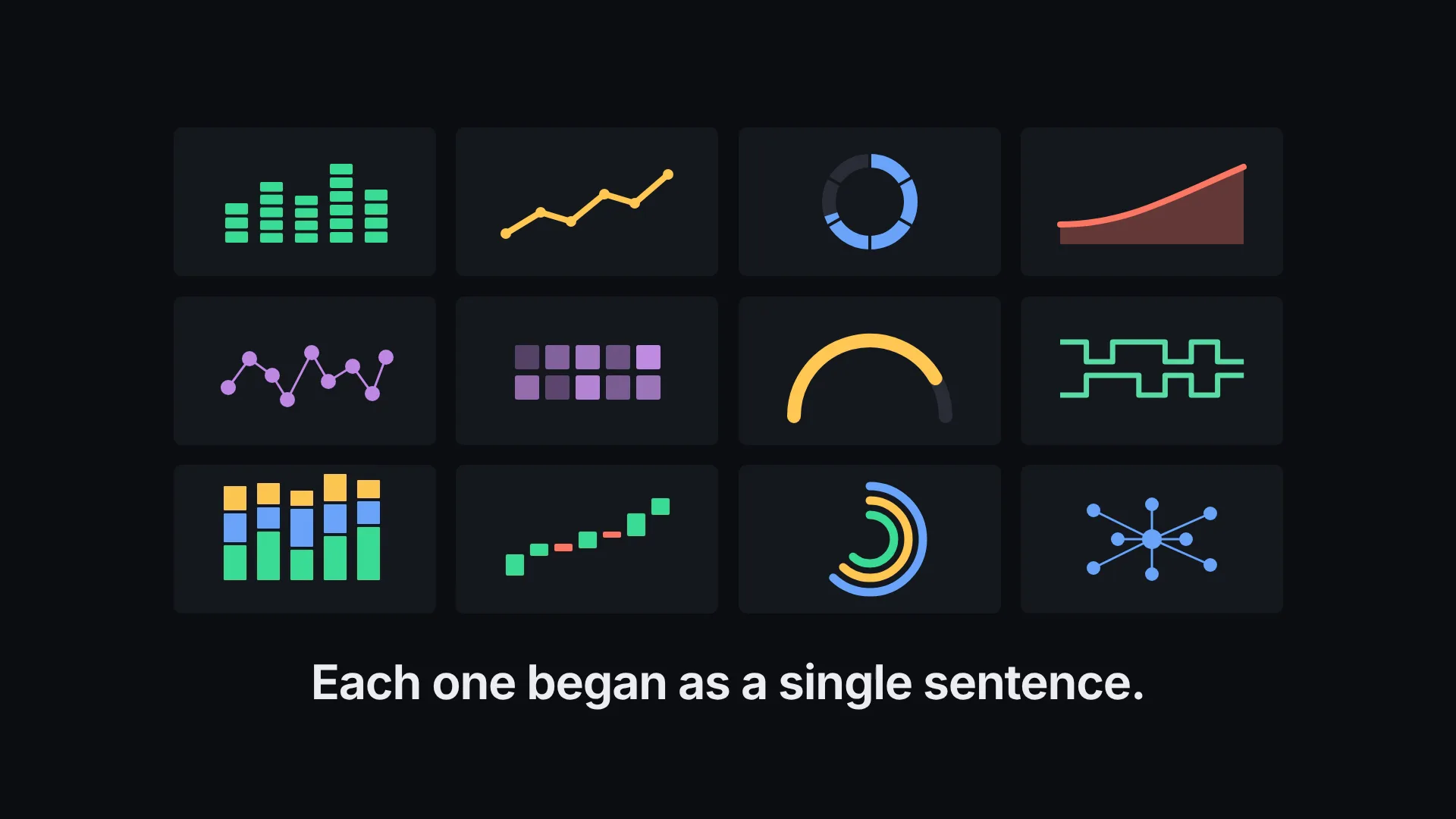
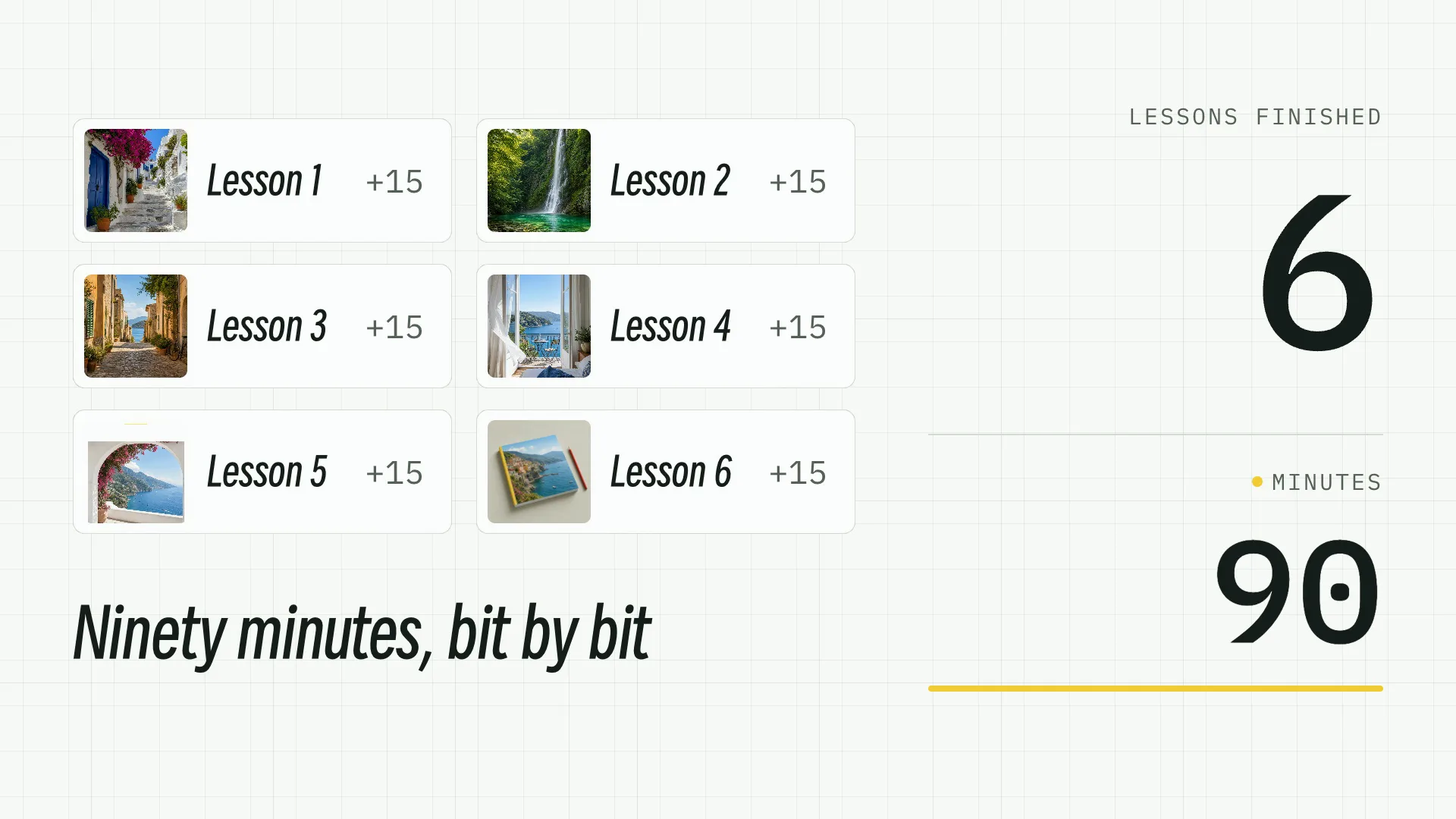
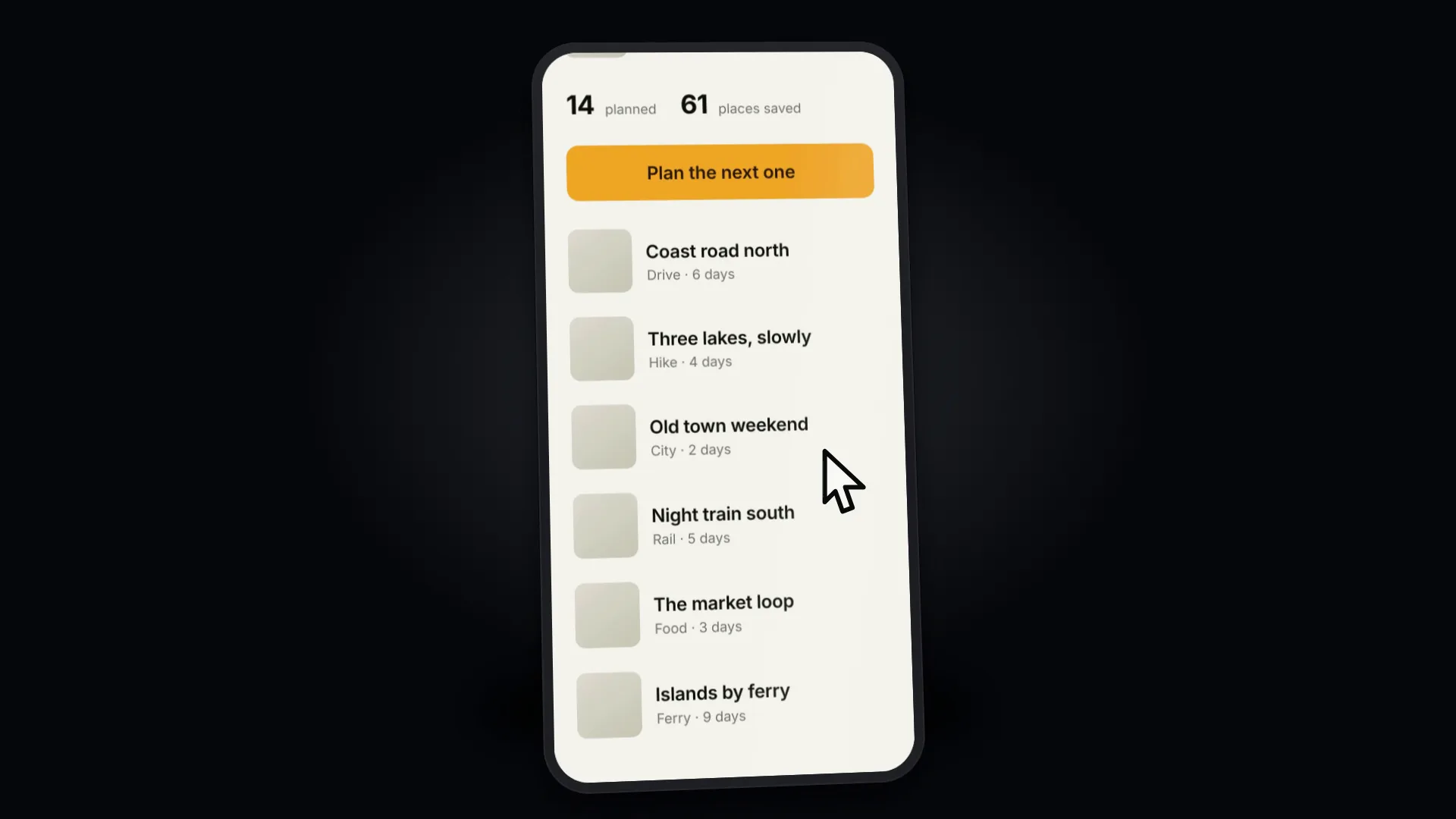
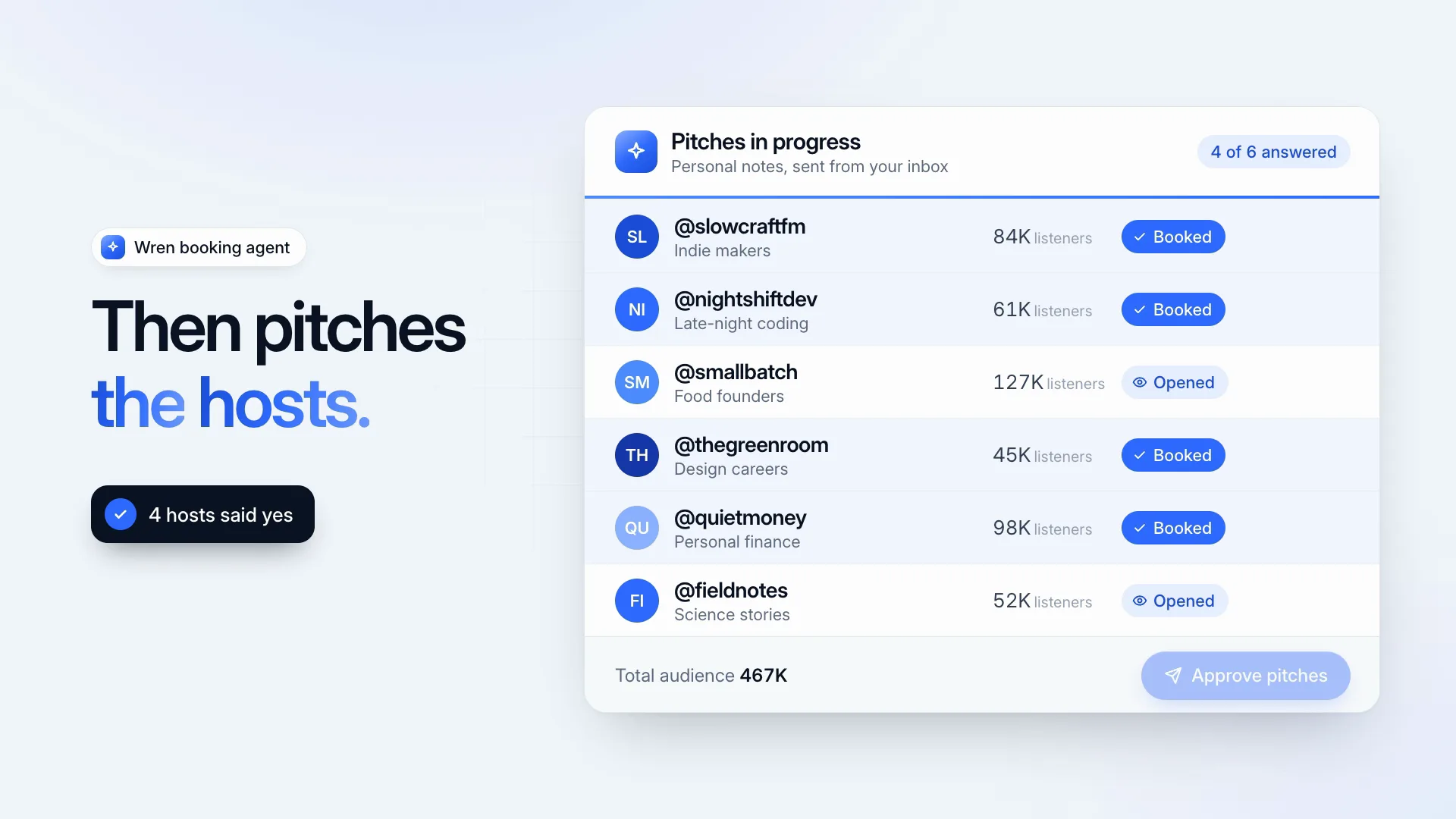
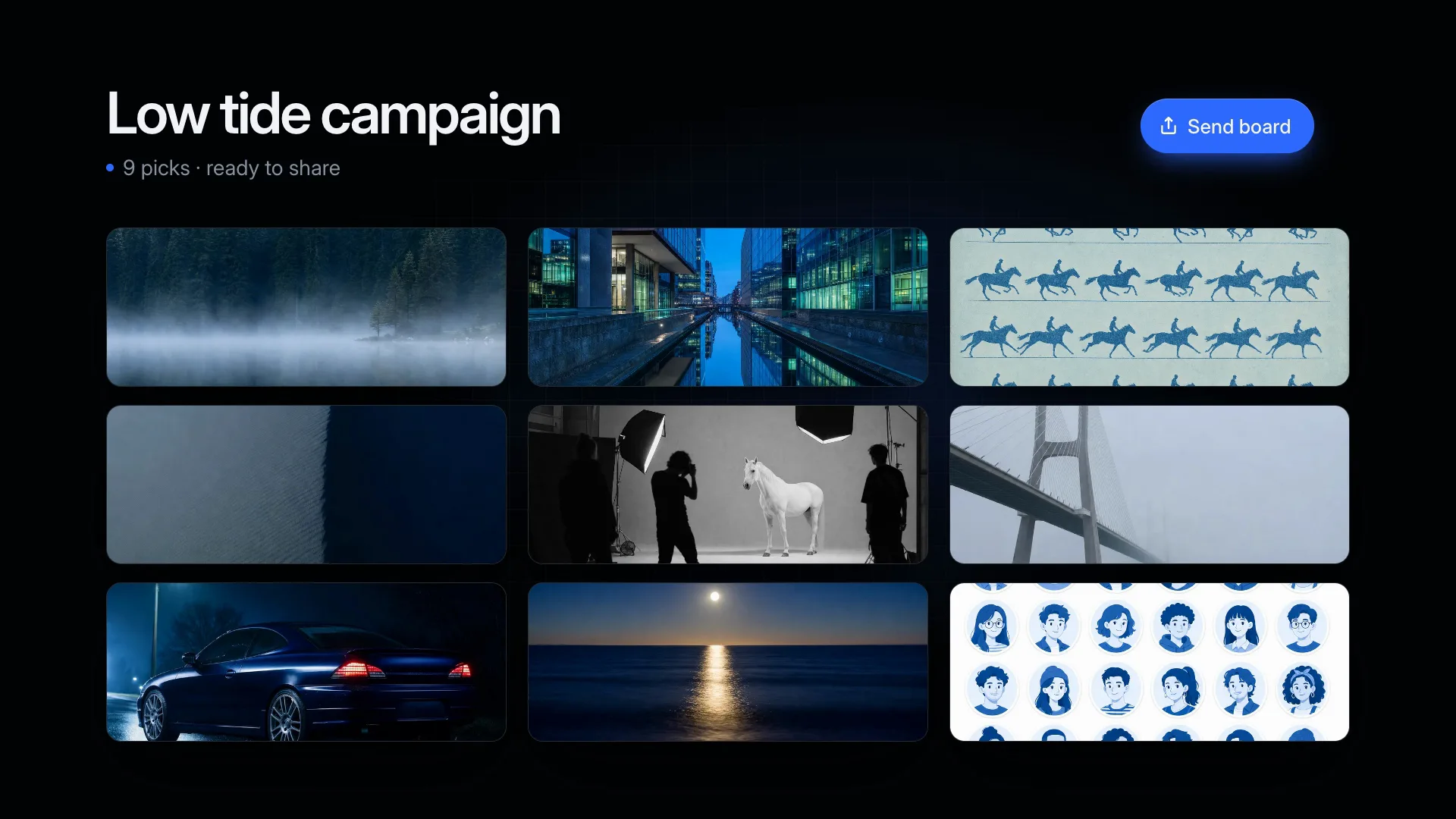
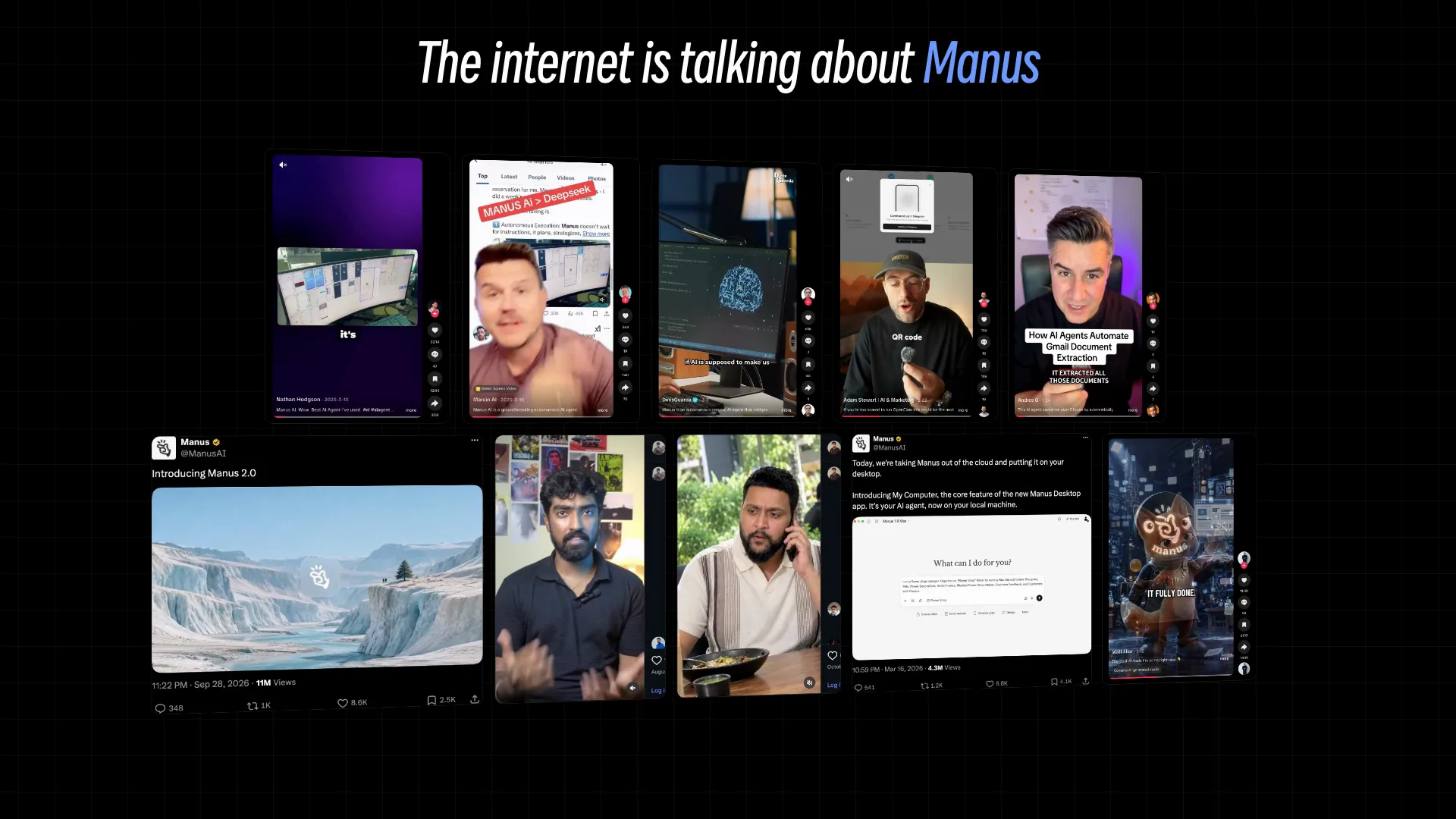
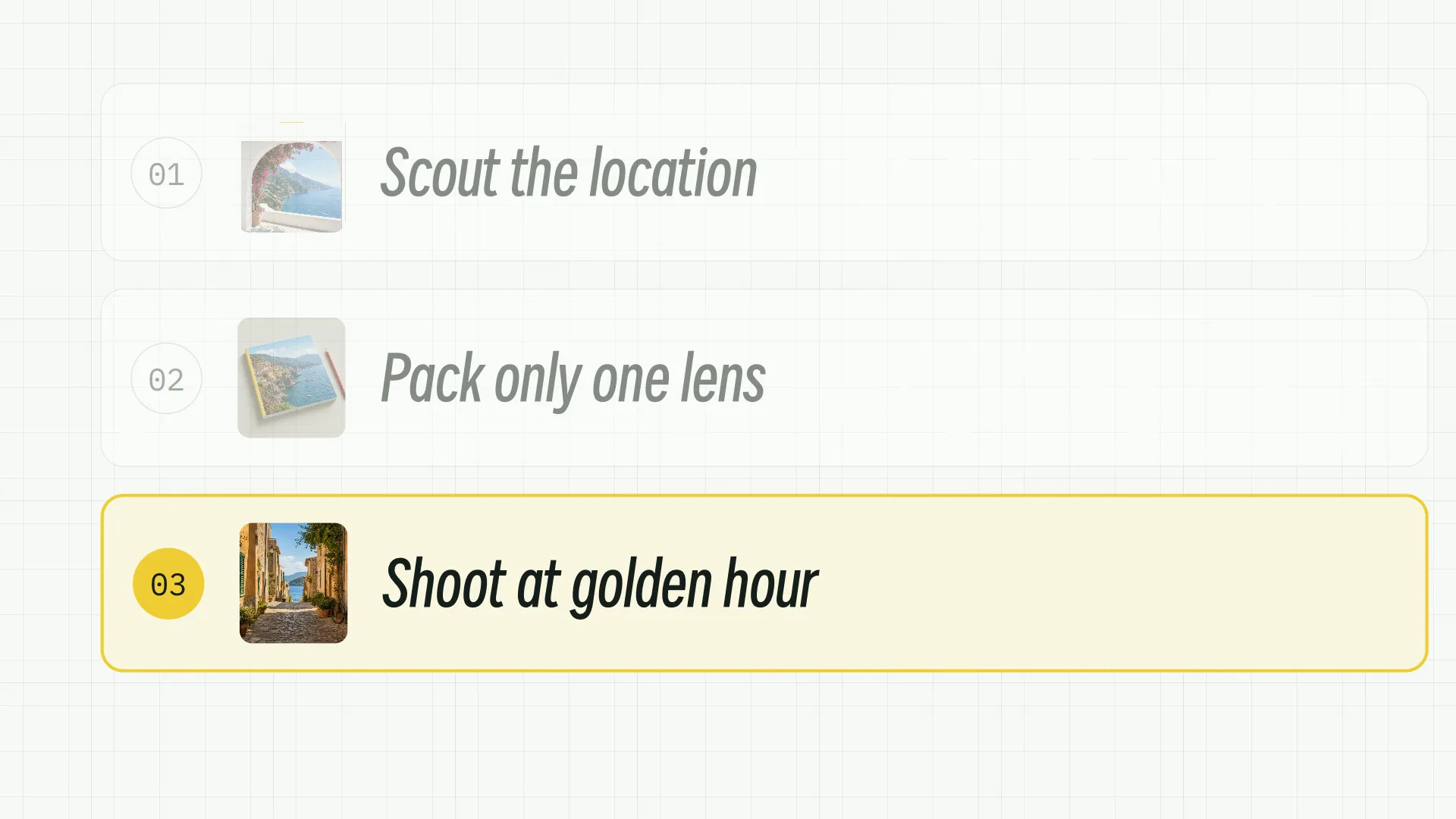
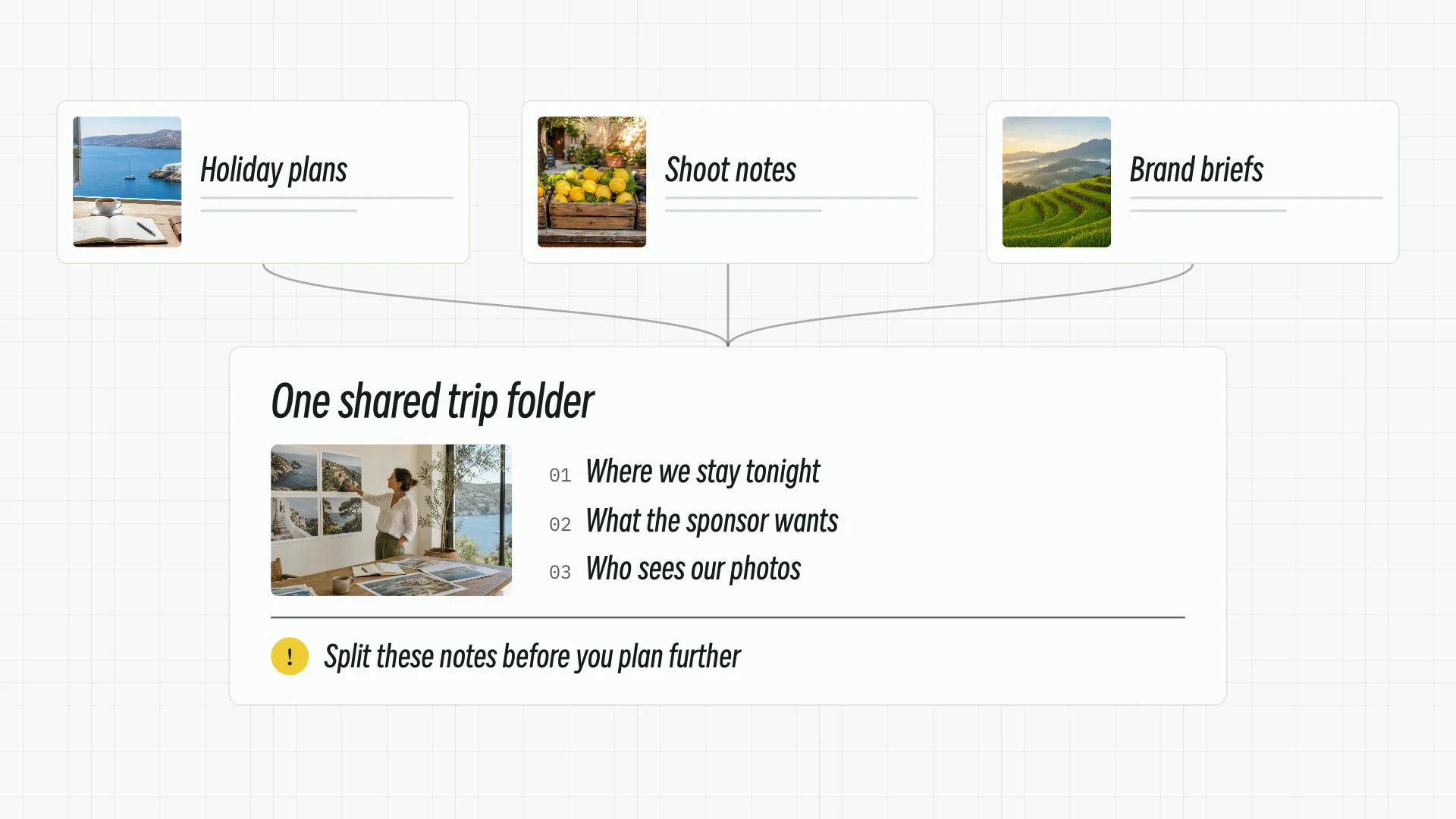
A video feels finished when the timing is right, so the timing is planned before anything renders.
You see the planned shots and wording before rendering starts, while they are still cheap to change.
Type, color and transitions are set by the Skill, so a series of clips belongs together.
The finished video arrives with its editable project, so another pass is easy.
Choose your line of work to see the Skills that are tagged for it.
Works the same in Claude Code running Fable 5, in Codex or in Cursor; no design app needed.
Paste the install prompt into your agent, or use the terminal command underneath; either way the Skill ends up in the agent's skills folder.
npx fable5-cli@latest install ours-fable5-2-style-launch-videoType / and the Skill's name, then say in plain words what you want back.
/ours-fable5-2-style-launch-video Cut a launch teaser for Quillmark 2.0 from Quillmark Labs; the logo file sits in assets/.Open the files, request edits in the same chat, and publish or hand them over when they're right.
video.mp4Fable 5 can make a video from a bare prompt; a Skill is what makes the result repeatable.
| Factor | Prompt only | Skill |
|---|---|---|
| Look | Whatever the model improvises this time | A settled, finished layout |
| Next run | Changes from one try to the next | Same style on every run |
| Review | Up to you to spot problems | Built in and run before the hand-off |
Or pay once for a single Skill and keep it.
Cancel anytime
22% OFF$6.99$8.99 for new members after Nov 30$8.99/ month
$6.99 / month. Renews at the same rate while subscribed.
Cancel anytime
23% OFF$16.99$21.99 for new members after Nov 30$21.99/ 3 months
$16.99 / 3 months. Renews at the same rate while subscribed.
Recommended
Billed annually
14% OFF$59$69 for new members after Nov 30$69/ year
$59 / year. Renews at the same rate while subscribed. Equivalent to $4.92/month, billed annually.
Best deal
One payment · Founding price
19% OFF$129$159 for new members after Nov 30$159one-time
Buy lifetime accessCancel anytime. Payments are non-refundable.
What people ask before installing.
Claude Code, Codex, Cursor and every other agent that reads SKILL.md folders. The install prompt doesn't change between them, or with the model.
Working files you can open and change, never a screenshot of one. The Skill page lists every output before you install it.
No. Layout and style are decided inside the Skill; your part is the content, such as names, figures, photos or a link.
No. A free Skill is the full Skill and needs only a free account; Premium Skills come with a plan or a one-time purchase.
Choose a Skill, install it with one prompt, then describe what you want.