Product Redesign Launch Video v1.0.0
Use this Skill to make a launch video.
A video skill for Claude Fable 5 that makes a 20-30 second before/after film from one redesign screenshot: changes flip to new on the spot, the window switches over, and your new name types in.
Picked most often by
Updated Nov 20, 2026
Preview gallery


 FAL
Similar Skills
View all
What you get
- A launch film of 20 to 30 seconds at 1080p, 2K or 4K: your real screen in perspective, each change going from old to new in its own spot, then the whole-window switch and the new name, all cut to the music.
- Matching before and after screenshots of equal size, each changed area boxed; when you lack the before one, it is reconstructed from your new screenshot.
- A film folder to keep working in: the storyboard, a scrubbable preview, a soundtrack whose interface sounds sit on exact frames, and the scripts that check, mix and render it again.
Good fit
- Software teams launching a redesign, a rebrand, a major release or a fresh theme.
- Founders who want a polished before/after teaser to post on X or LinkedIn or put on a launch page, with no motion designer to hire.
- Designers who want to take an audience through an app or site redesign one change after another.
Not for
- Talking heads, voiceover, captions or walkthroughs longer than a minute.
- Products whose new design has not been screenshotted yet; the Skill never invents the finished interface.
- Official films about products you don't own; redesigns of another company's product are marked as concept pieces.
About this Skill
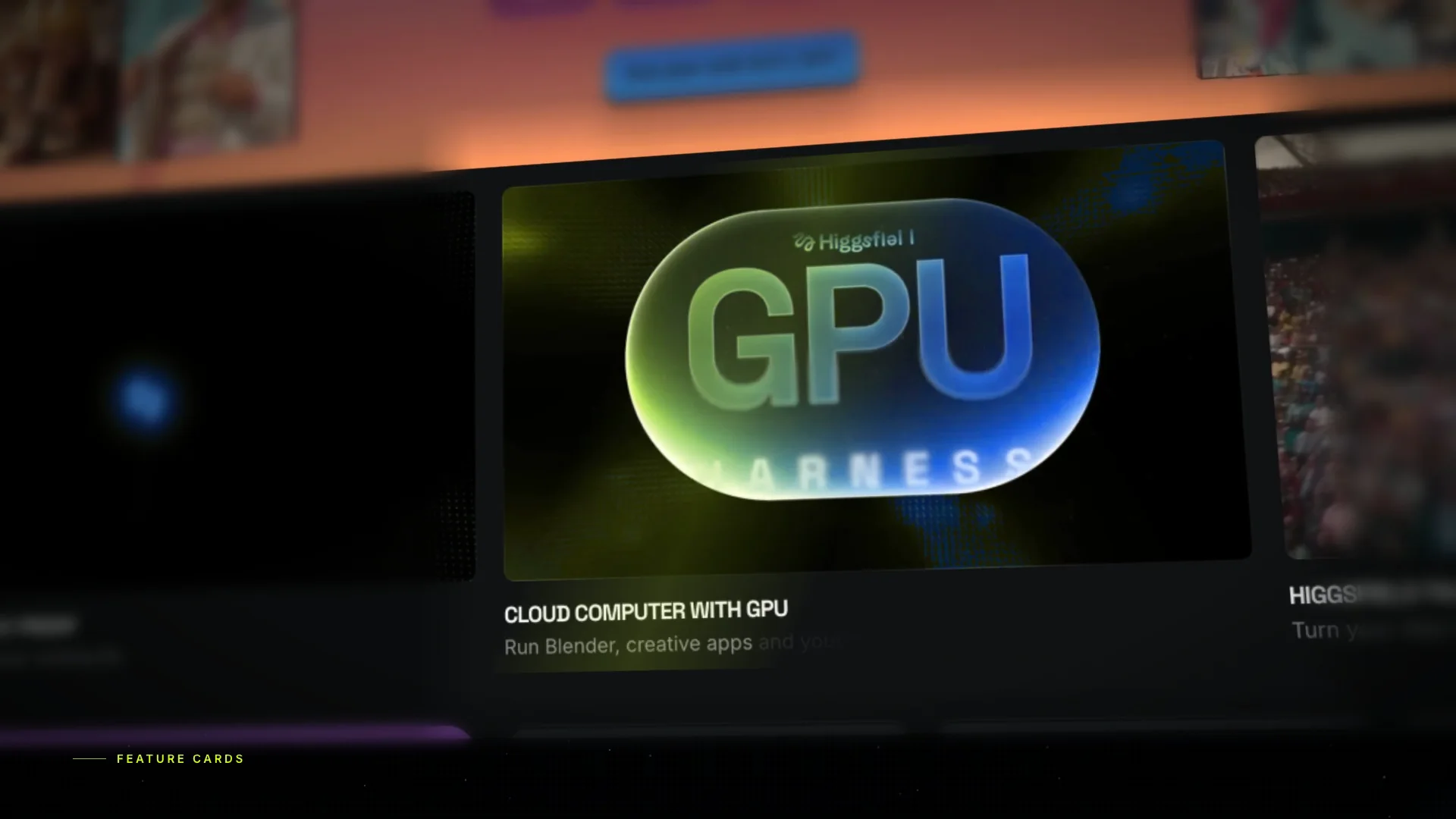
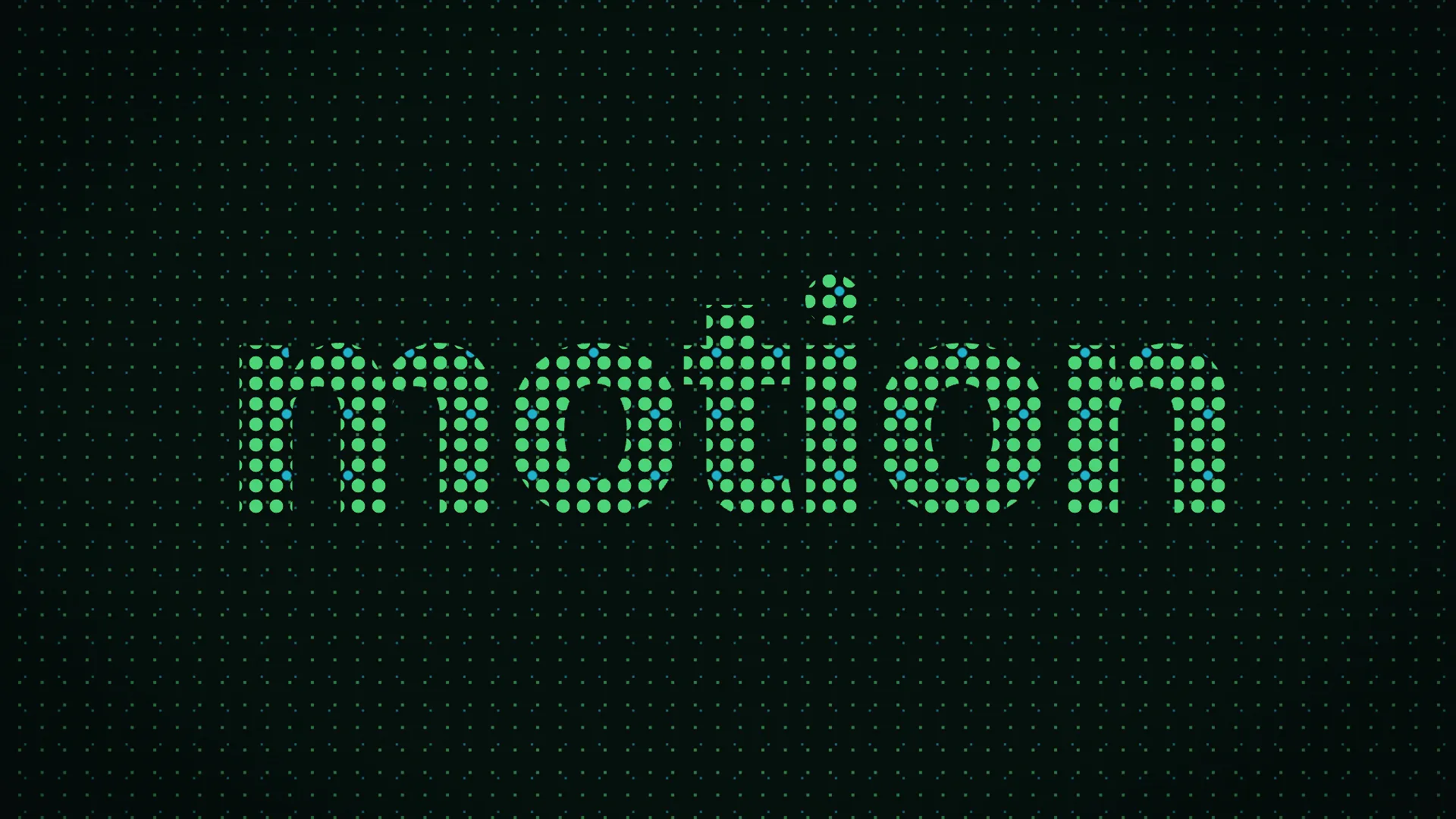
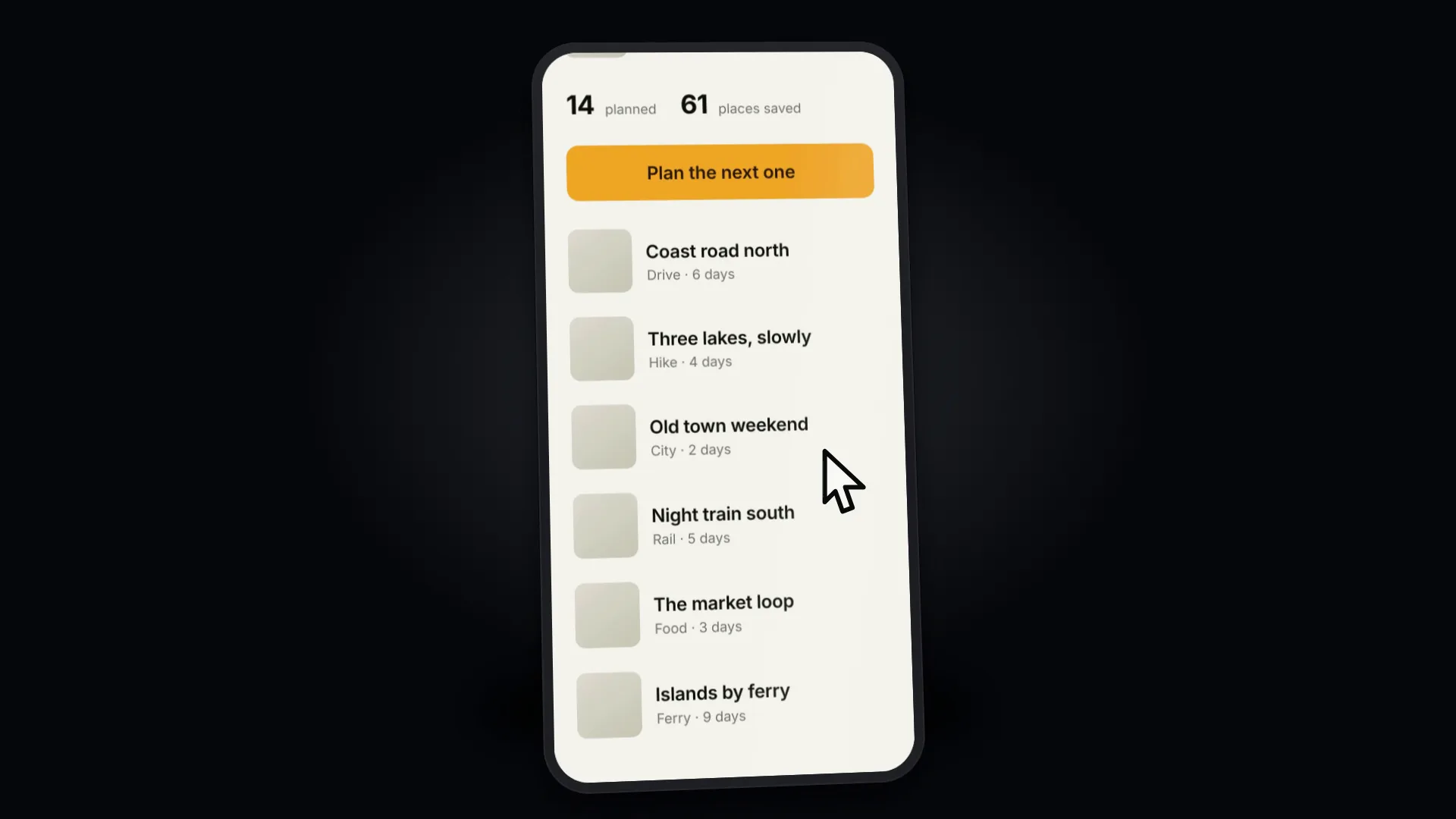
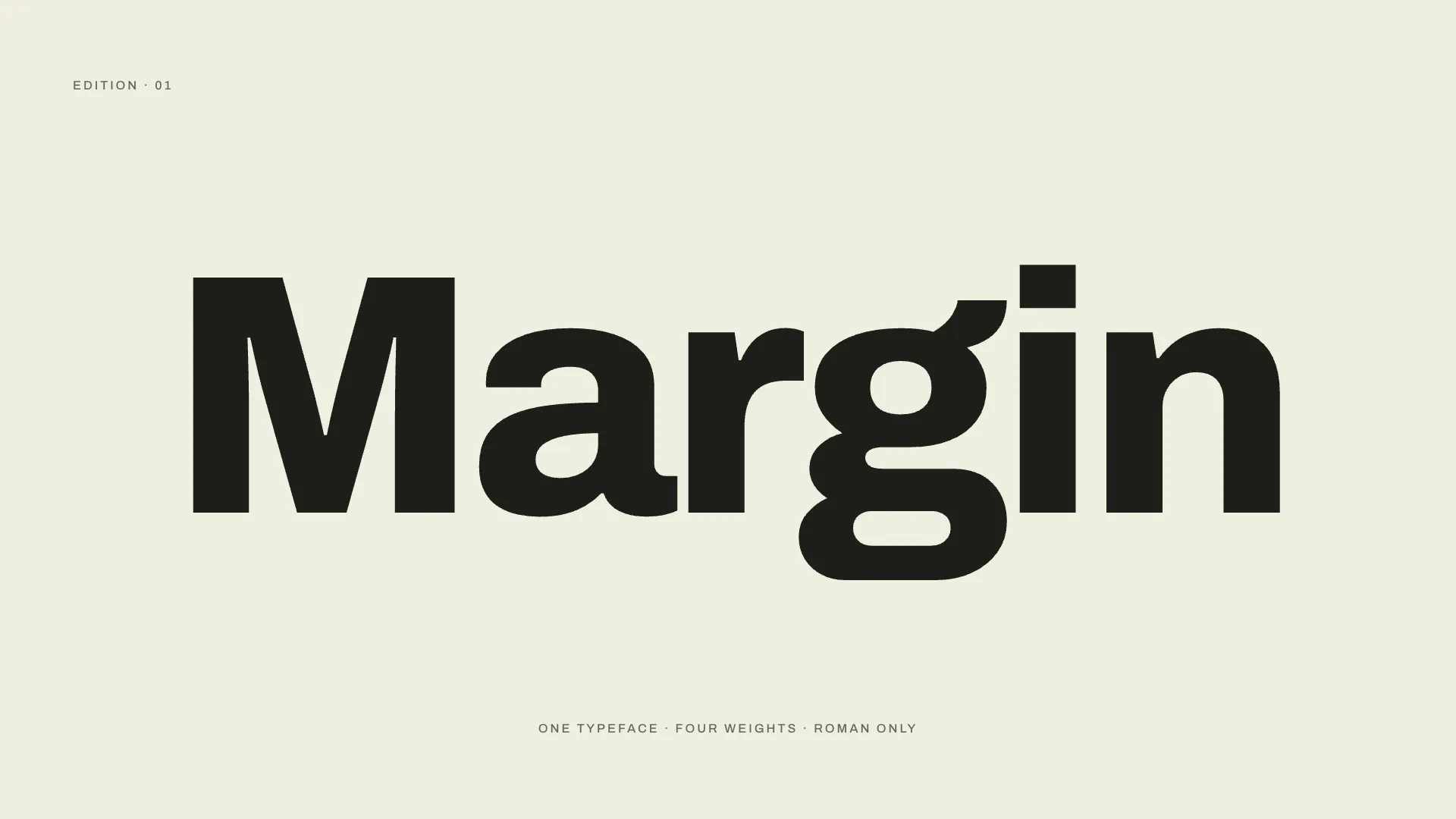
Give your agent one screenshot of the redesigned screen, and this Fable 5 skill builds a launch film of 20 to 30 seconds around it. The previous screen hangs at an angle above a slowly drifting field of dots. The camera closes in on a single change at a time, and that very patch becomes the new design right where it sits, by a soft bleed of colour, a sliding before/after divider or a quick dissolve. Next the entire window turns over to the new design and the new name appears one letter at a time, everything landing on the beat of a bright, upbeat track. No screenshot of the earlier version on hand? Your agent reconstructs it from the new one, removing what was added and restoring the earlier colour, labels and badges, so any pixel that never changed stays exactly where it was. You get an editable film folder, the track blended with interface sounds, and a 1080p, 2K or 4K MP4.
How it works
- Gather the new screenshot, and the old one, both names and a tagline if you have them
- Reconstruct the old screen from the new one if needed, then sign off the side-by-side
- Compare both screens and choose four to six changes, each with its own close-up
- Assemble each shot, the window switch and the name typing in, then review every frame
- Lay the track and interface sounds underneath, then output a 1080p, 2K or 4K MP4
Checked before delivery
- Old and new screenshots line up pixel for pixel outside the marked regions, and you approve the side-by-side before the film is built
- qa.mjs passes: every shot lands on its region, nothing blank or cut off, length 20-30 s, the switch and the typed name present
- The render plays at the chosen resolution with the music, whooshes, chimes and key clicks on their frames
What you need before you start
- You bring
- A screenshot of the redesigned main screen, captured at 2x or larger (3x for 4K) · Optional: the screenshot from before the redesign; without it the agent rebuilds the old look from the new one, pixel for pixel · Optional: the changes to feature, the old and new product name, a tagline, the resolution, the music route or a track you own
- Dependencies
- An agent able to run scripts, such as Claude Code, Codex or Cursor · Node.js 20 or later, with FFmpeg · playwright-core, plus Google Chrome or Playwright Chromium · A single music source: ChatCut Desktop, an ElevenLabs API key, ElevenLabs Music reached with a FAL key, or a track that is yours
- Outside costs
- Music, one route: ChatCut Desktop, ELEVENLABS_API_KEY, FAL_KEY (ElevenLabs Music on FAL), or a track you own
- Last tested
- v1.0.0 — Claude Code / Claude Cowork / Codex / Cursor / GitHub Copilot / OpenClaw / Hermes Agent / OpenCode / Kilo Code
User reviews
Loading reviews…
FAQ
What do I have to supply?
A single screenshot of the new design, ideally at 2x or larger. Include the earlier screenshot if you kept it; otherwise the agent reconstructs the previous version from the new image, so the pair aligns pixel for pixel.
How can it produce the old design from just the new screenshot?
It works on a copy of your new screenshot, walking it back to the earlier look: added sections and buttons are removed, the former accent colour returns, new status colours go grey and renamed labels change back, and every pixel that never changed stays the same. You review the pair side by side and approve it before any film is built.
Where is the music from?
By default ChatCut Desktop creates it. You can instead use an ElevenLabs API key, ElevenLabs Music via FAL with a FAL key, or a track that belongs to you. The whooshes, chimes and key clicks are generated locally on your computer, timed from the film itself.