Dot Field Modesv0.1.1
Use this Skill to make a launch video.
A product video skill for Fable 5 that demos six modes: an 11.5-second light scene where a field of dots changes with each setting, ending on your closing line.
Picked most often by
Updated Oct 29, 2026
Preview gallery


Similar Skills
View all
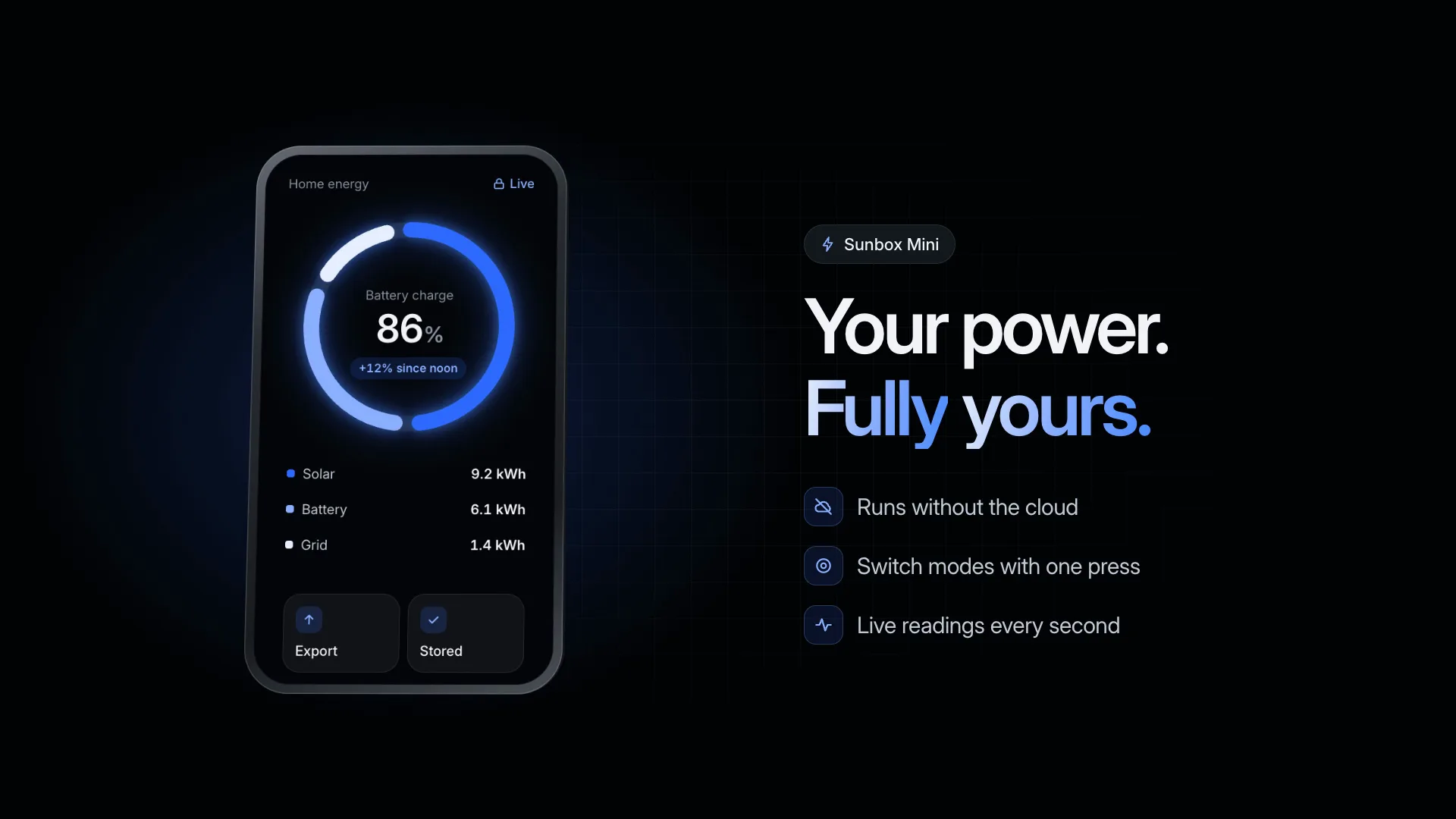
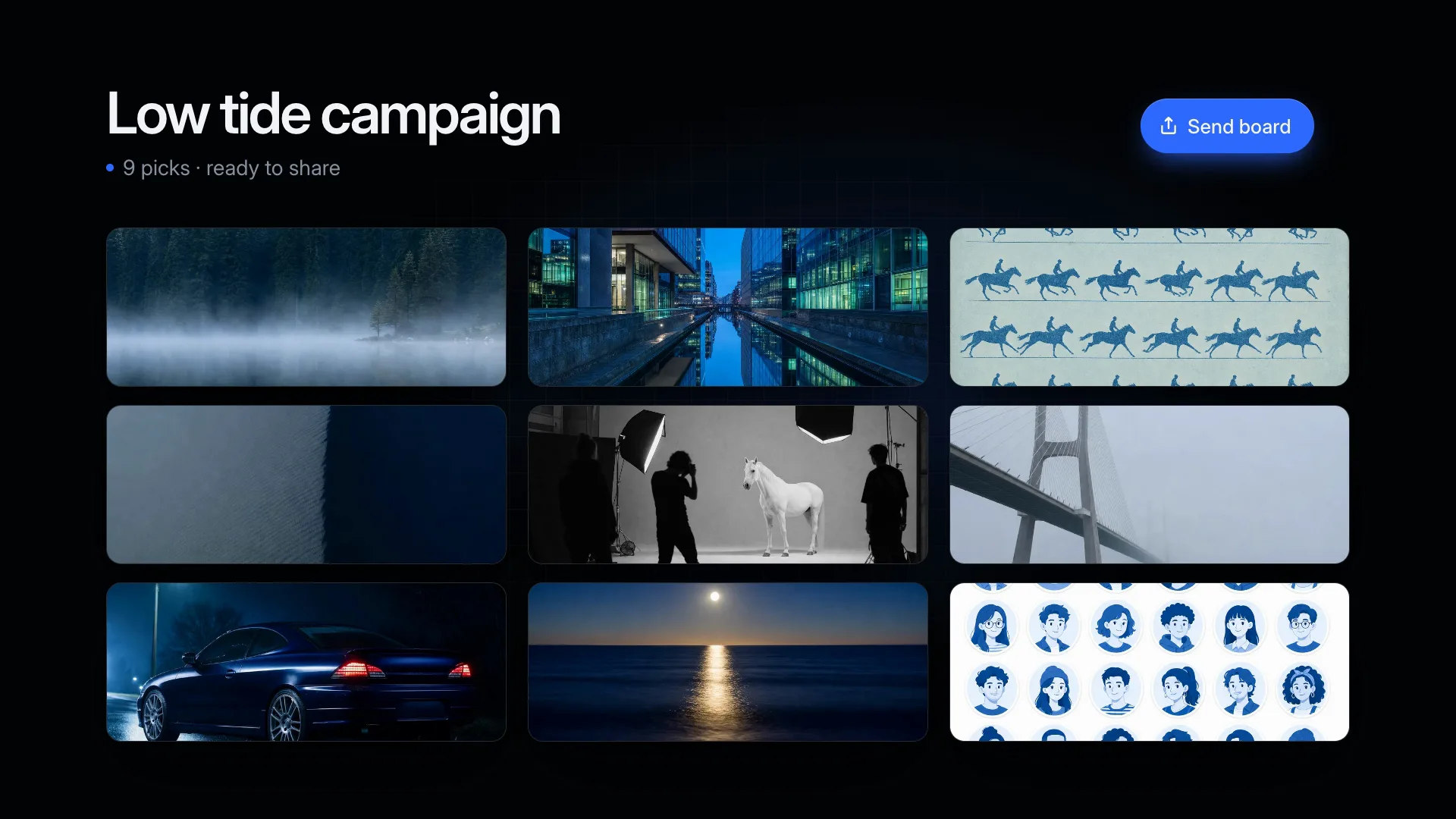
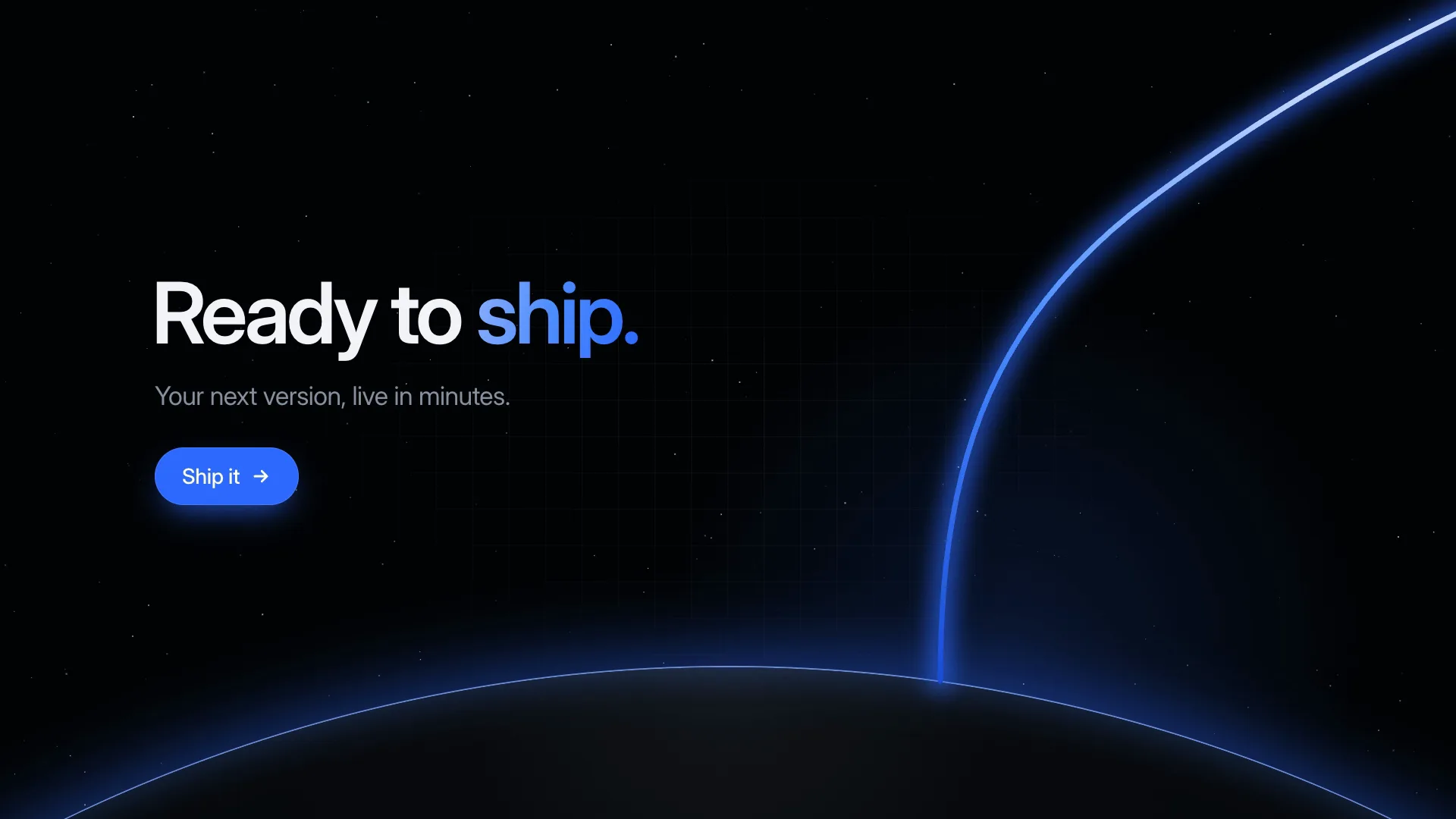
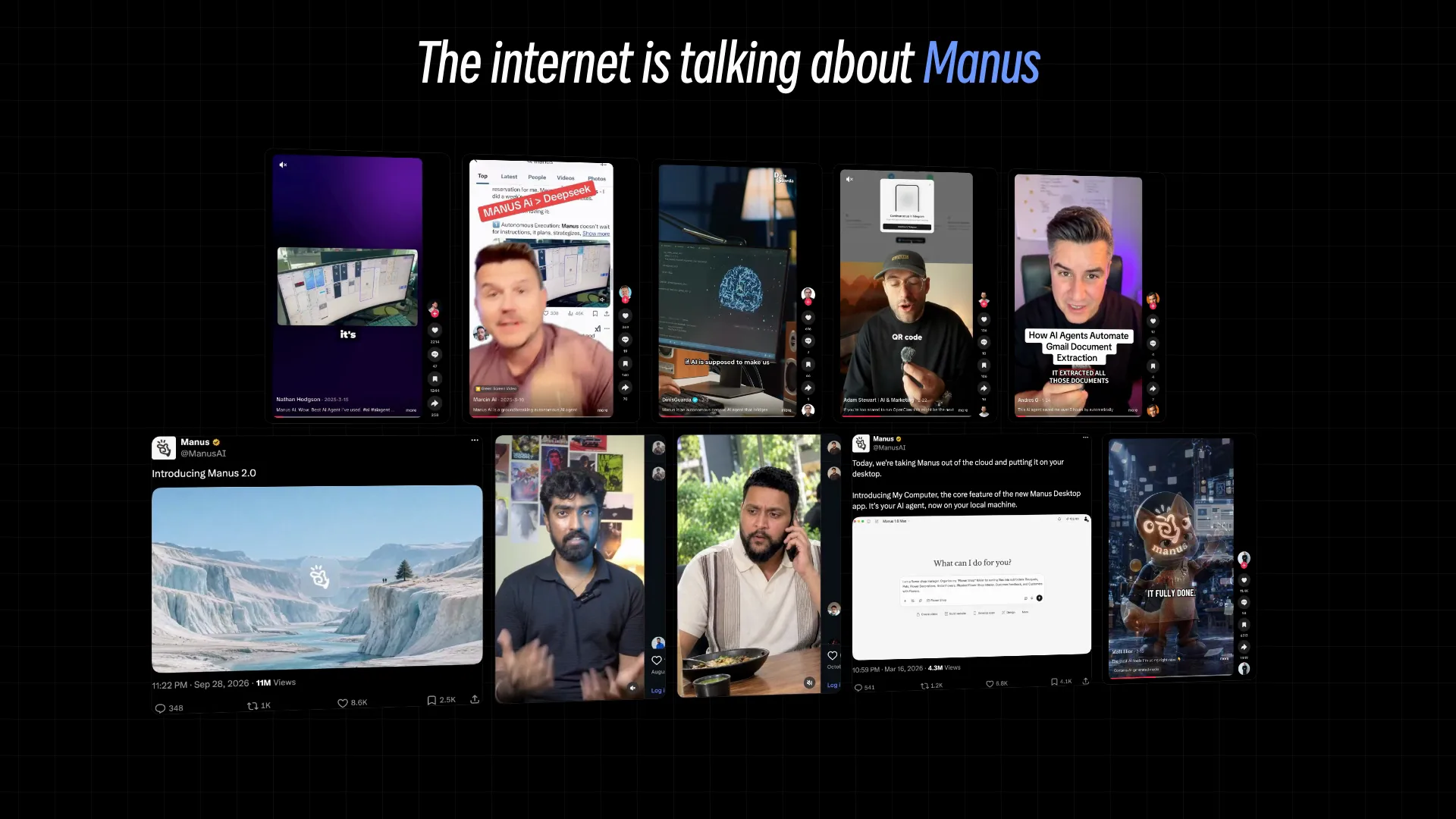
What you get
- An 11.5-second MP4, 1920×1080 at 30 fps, with a 4K (3840×2160) option
- 15 slots: headline, panel title, six mode names, six descriptions and the closing line
- A HyperFrames scene folder you can keep editing
Good fit
- Creative apps, generators and design tools that ship with presets
- Products with themes, settings or modes worth seeing in motion
- Feature tours meant to feel light and playful, not technical
Not for
- Demos of your real interface
- Brands built on a dark look
- A list other than six modes, unless the scene is edited
About this Skill
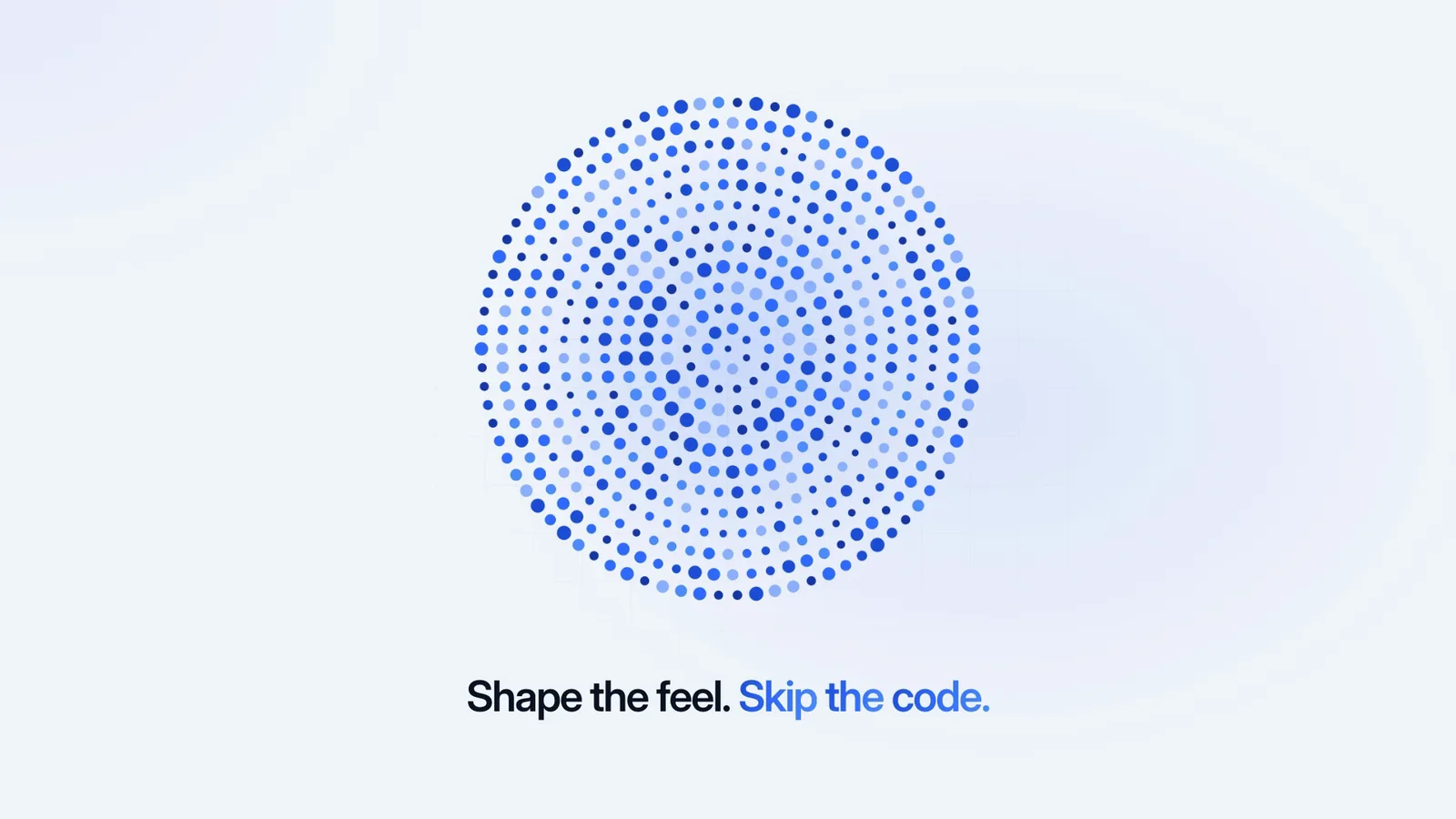
When a product's appeal lives in its presets, themes or modes, watching them change beats reading a list. Your headline opens, then a honeycomb of dots spreads from the center as a settings panel stacks up beside it. A selector steps through six modes and the field answers each: size rolls outward in soft rings, a thick stripe travels up and down, a dense core forms inside an empty halo, one ring springs loose, the field splits into large dots and small, and a blue wave tints every dot. Last, it drifts to the middle under your closing line. All 15 lines of text are yours to write.
How it works
- Name six modes (up to 12 characters) and give each a line of up to 38
- Write the headline and closing line; [[ ]] marks words in blue
- Fill the scene with create.mjs, which warns on long lines
- Preview in a browser, then render at 1080p, or 4K on request
- Check frames near the start, middle and end for clipped text
Checked before delivery
- create.mjs writes every slot value into the scene and warns about any line over its limit
- The render is 11.5 s at 30 fps, 1920×1080 (or 3840×2160)
- No line is cut off or wrapped in the start, middle and final frames
What you need before you start
- You bring
- A headline and a closing line · A list title, six mode names and a one-line description for each · Optional: 1080p or 4K
- Dependencies
- Node.js 22 or later · FFmpeg and Google Chrome installed locally; HyperFrames renders through them
- Outside costs
- None
- Last tested
- v0.1.1 — Claude Code / Codex / Cursor
User reviews
Loading reviews…
FAQ
Are the six dot effects fixed?
Yes. All six are set in the timeline and run in a fixed order. Give the modes your own names and descriptions, or ask your agent to rework an effect itself.
Why dots instead of my product?
The honeycomb is abstract on purpose. It can stand in for any setting, so one demo suits audio, design, data or anything else that has modes.
What does rendering need?
No API key and no paid service. HyperFrames turns the HTML and GSAP scene into an MP4 locally, using Chrome and FFmpeg.