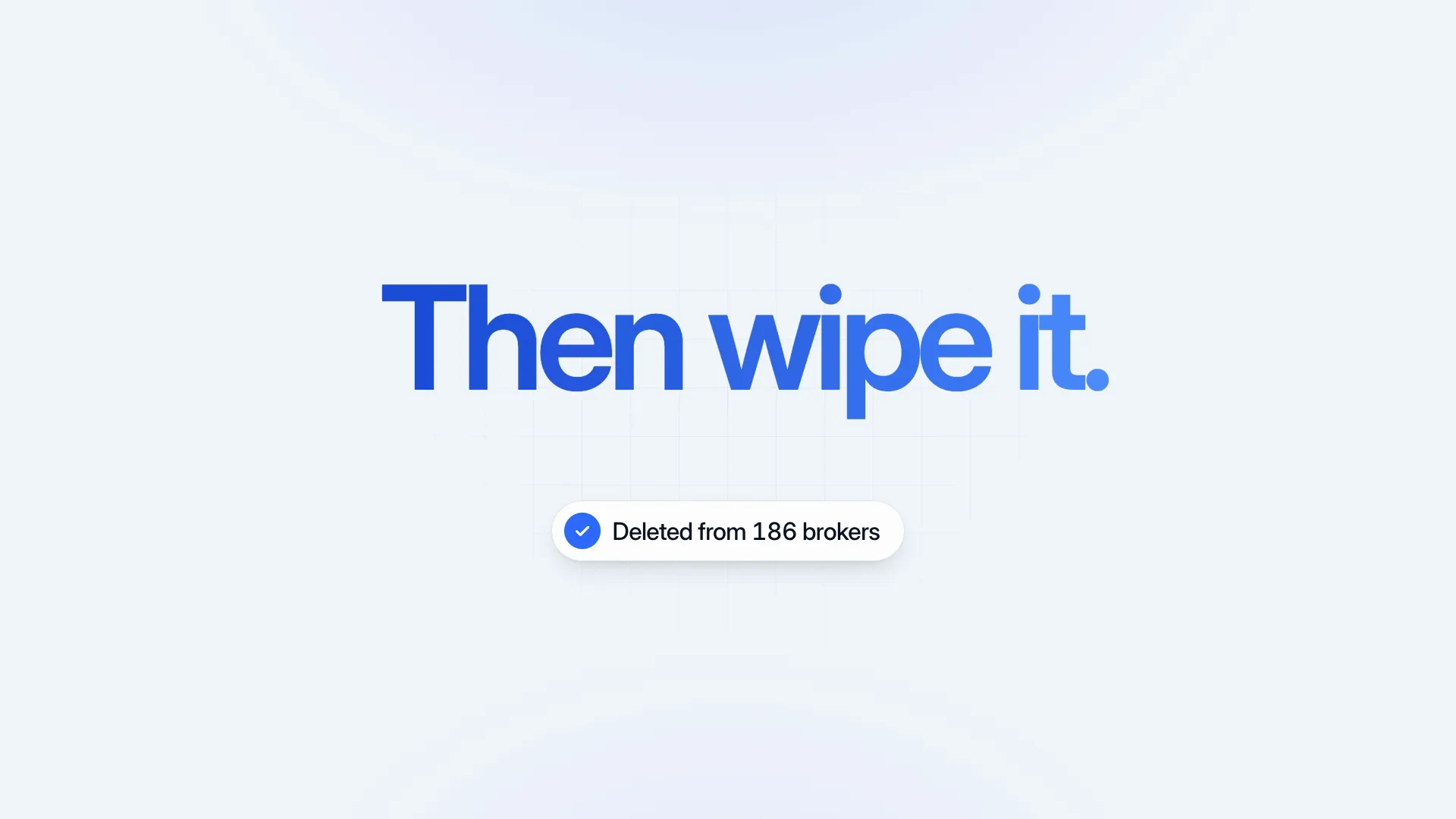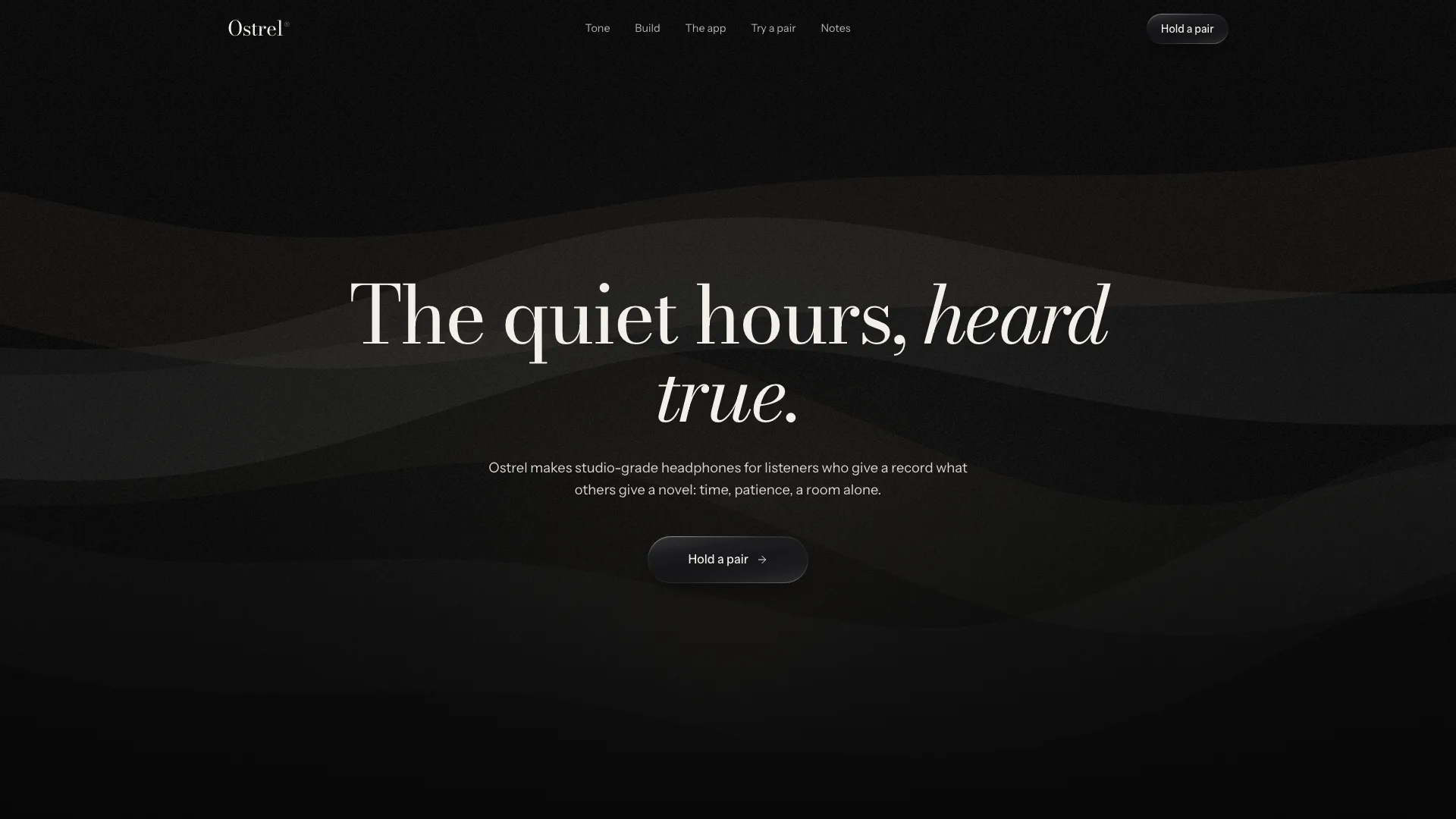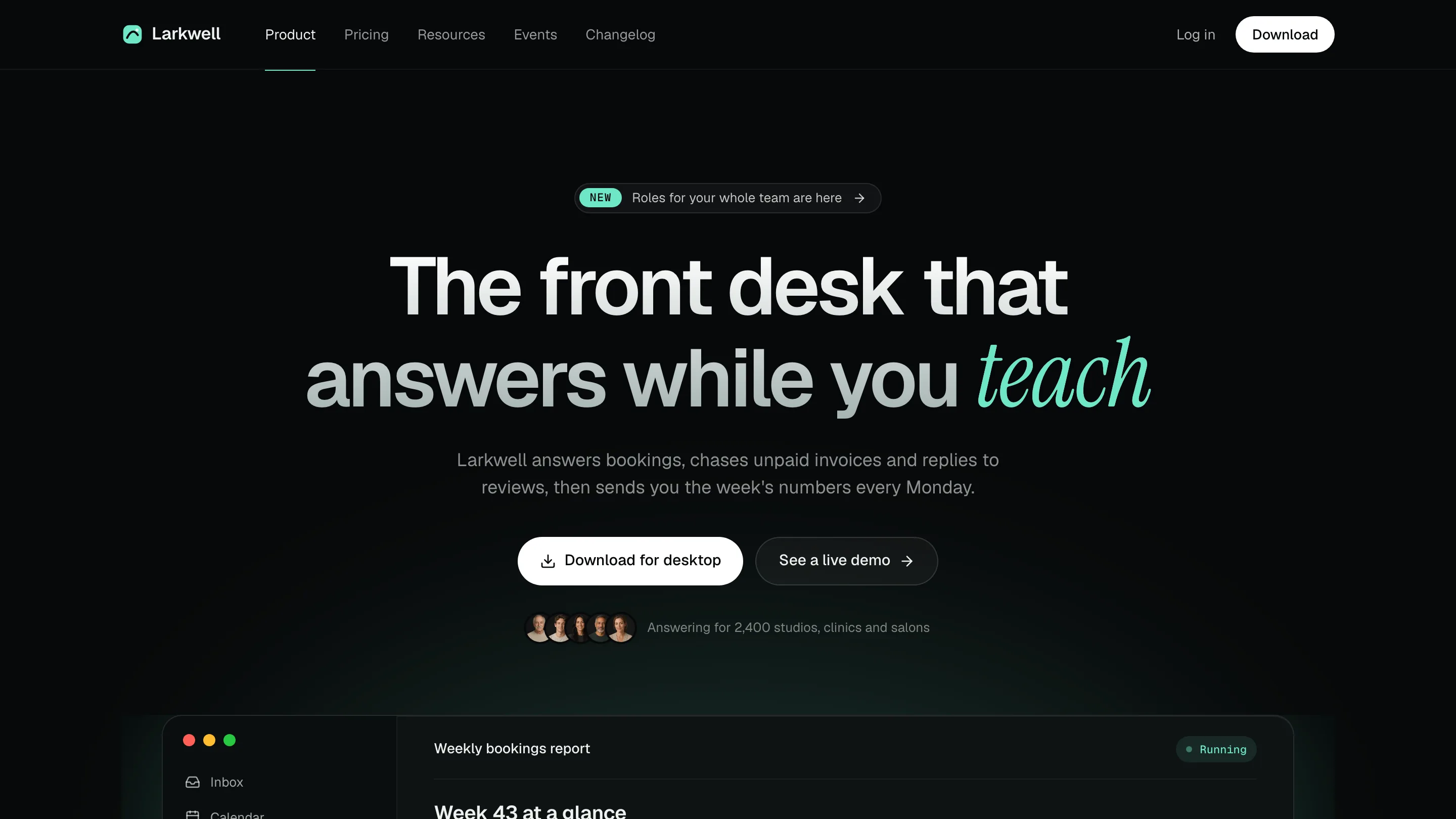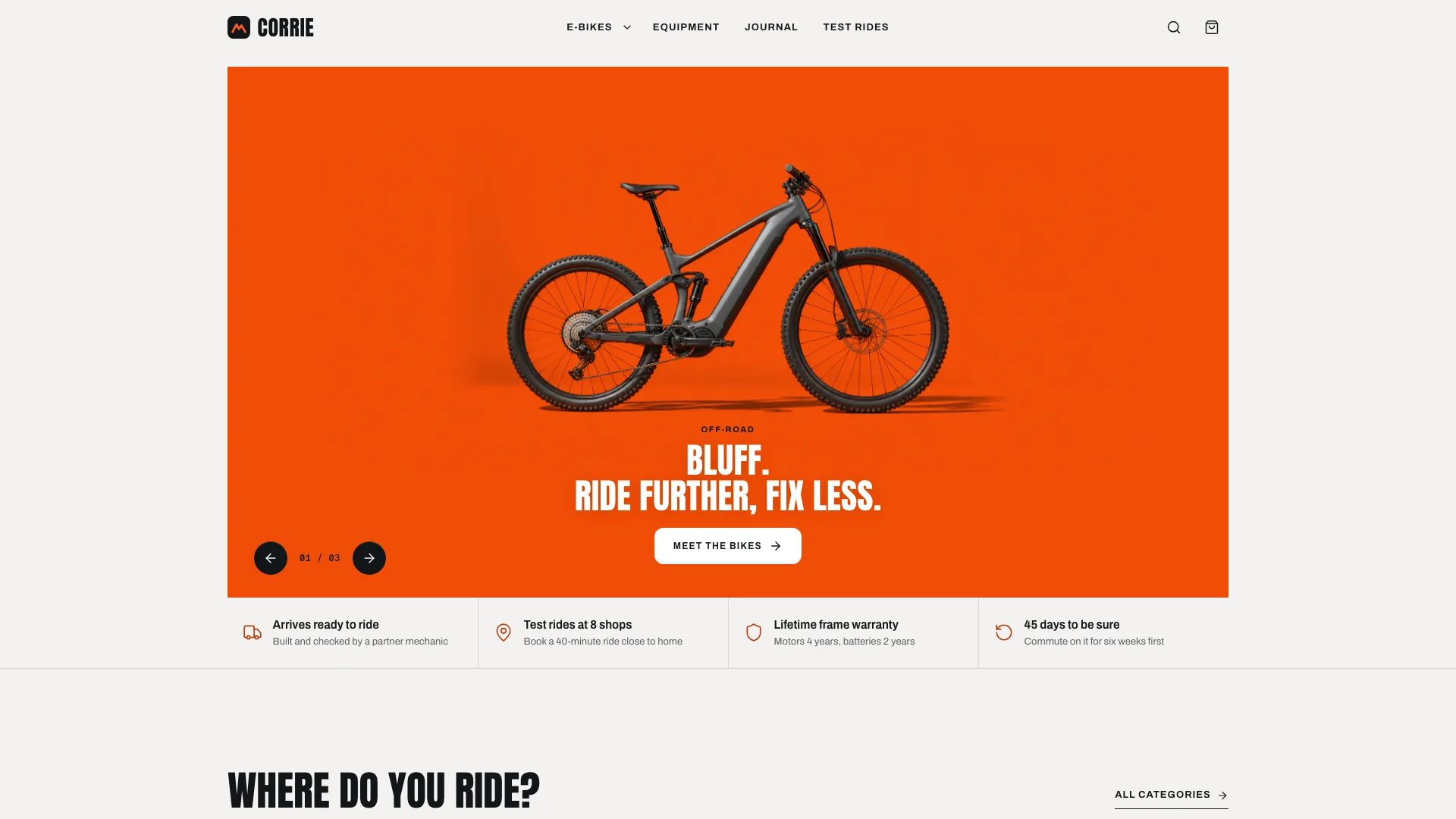
Fable 5.2 Style Launch Video


 +7
Running Fable 5 in Claude Code and another agent on the side? Because SKILL.md is an open format, these Skills work in every agent below. Find yours and install in one step.


Websites, decks, launch videos and images. Each one is a plain SKILL.md folder, so it installs into any agent on this page.
Every agent here reads the same Skill folder. They differ only in where they look for it and how you install.
Claude CodeAnthropicCoding~/.claude/skills/.claude/skills/Install promptCodexOpenAICoding~/.agents/skills/.agents/skills/Install promptCursorAnysphereCoding~/.agents/skills/.agents/skills/ or .cursor/skills/Install promptGitHub CopilotGitHubCoding~/.copilot/skills/ or ~/.agents/skills/.github/skills/ or .agents/skills/Install promptGemini CLIGoogleCoding~/.agents/skills/.agents/skills/ or .gemini/skills/Install promptOpenCodeOpen sourceCoding~/.agents/skills/.agents/skills/ or .opencode/skills/Install promptAntigravityGoogleCoding~/.gemini/config/skills/.agents/skills/Install promptOpenClawOpen sourceCoding~/.openclaw/skills/ or ~/.agents/skills/skills/ (in a workspace)Install promptKimi CodeMoonshot AICoding~/.agents/skills/.agents/skills/Install promptTraeByteDanceCoding~/.trae/skills/.trae/skills/Install promptA Skill is a folder an agent can read, holding the steps, scripts and examples for a single job.
A SKILL.md file starts with a name and a description, and the folder carries whatever scripts, templates and references the job needs.
The same folder runs in Claude Code, Codex, Kimi Code, Trae and every other agent on this page. Only the folder path changes.
Until a request matches, agents read only the one-line description, so many installed Skills cost next to no context.
---
name: ours-marker-workshop-deck
description: Build a workshop or community-project deck with huge
  mint headlines, marker drawings and warm paper pages.
---
# Marker Workshop Deck
1. Read references/style-kit.json …
Every agent on this page reads the SKILL.md format, from Claude Code, Codex, Cursor, GitHub Copilot and Gemini CLI to OpenCode, Antigravity, OpenClaw, Kimi Code and Trae.
No. A Skill is a folder with a SKILL.md file, and every agent here reads that same format. Only the folder you put it in changes.
It is the shared skills folder that many agents read, among them Codex, Cursor, GitHub Copilot, Gemini CLI, OpenCode and Kimi Code. The install prompt saves Skills there by default, so one install serves all of them.
AGENTS.md (or CLAUDE.md, GEMINI.md) holds rules the agent reads in every session. MCP connects the agent to outside tools and data. A Skill teaches one repeatable job and loads only when a request needs it.
Click Copy install prompt on the Skill page and paste it into your agent; it installs the Skill for you. You can also download the ZIP and unzip it into the agent's Skills folder.