

Token-Sheet Editorial Film


 +7
Each Skill hands Fable 5 a ready film plan: name your product, add a couple of lines and the brand palette, and it renders the MP4 on your computer while keeping every scene open for edits.


 and 25+ more agents
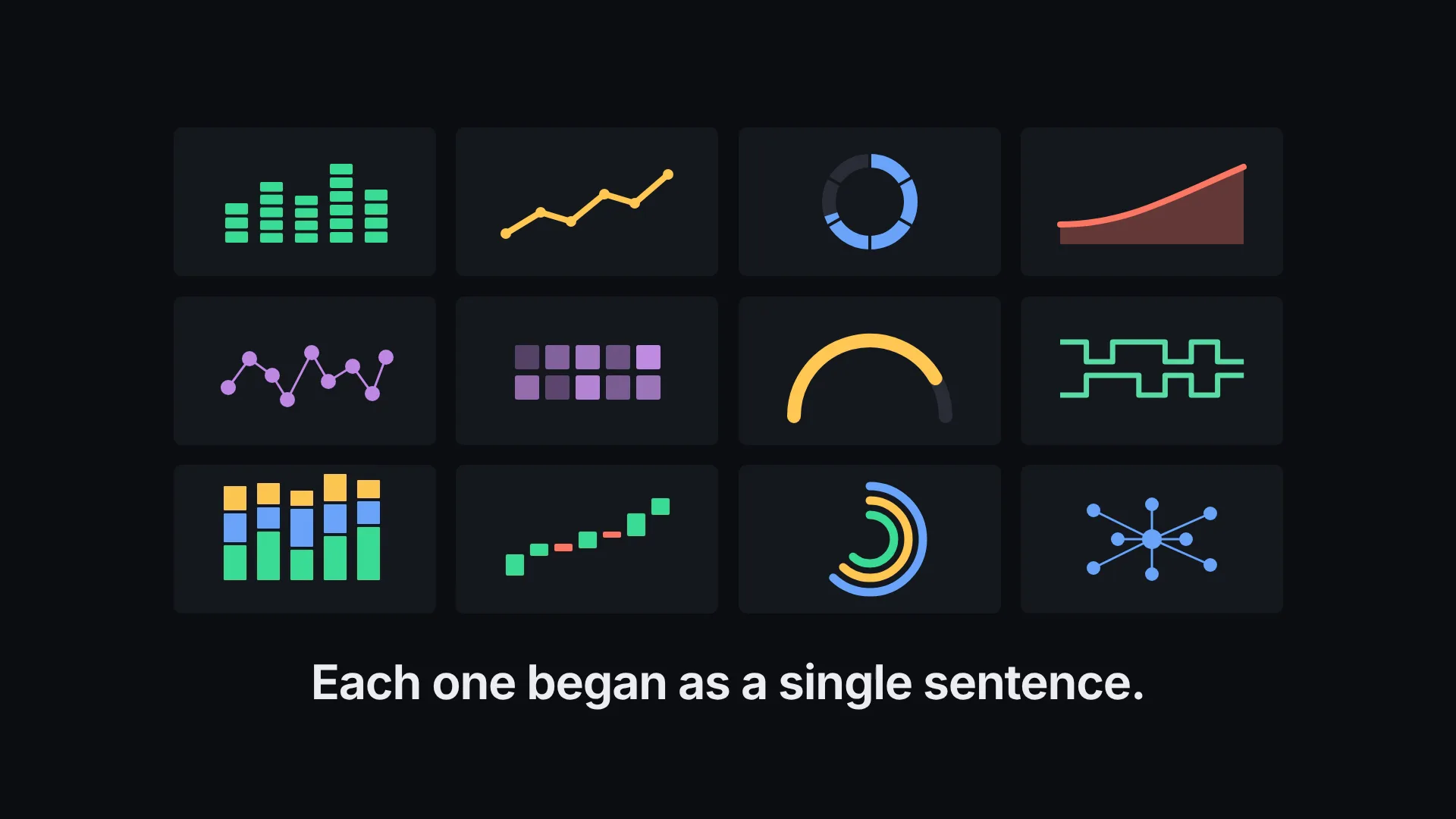
Every tile runs a film its Skill rendered. Click through for running time, aspect and the inputs it asks for.
Start from the point the spot has to land. Some styles lead with one big statement, some morph the product on screen, and some set up a before and after. Running time and aspect come fixed with each Skill, so look at them before you begin.
 0:19Promo spot
 Orchard Notes36K subscribersSubscribe17K views940Share
Fable 5 writes your copy into the plan, renders on your own computer and keeps every scene editable afterward.

Pick a look from the grid and drop its install prompt into Fable 5.

Name the product, add two or three lines, the palette and the final call to act.

Play the MP4, change a word or a beat in the project, then run the render again.
A plain request gives you one result. A Skill adds the recipe and the checks that make it repeatable.
You get a film plan Fable 5 completes and renders each time, delivered as an MP4 and a source project in HTML. These are not files for After Effects or Premiere Pro.
Node.js plus FFmpeg, and for many looks the HyperFrames CLI or Chrome too. Fable 5 looks for each one and installs what is missing.
A Skill renders the aspects it names, usually wide 1080p, and a few include tall or square. For anything else, have Fable 5 rework the layout of the project before it renders.
A spot lands a brand or a single idea in a few seconds. A fuller launch story or a feature tour belongs on the explainer video page or the launch video page.
Every job has its own Skills, worked examples and answers.