Studio Device Launch Filmv1.0.0
Use this Skill to make a launch video.
- Yours to keep: the files stay on your computer.
- Payment by Waffo Pancake, our merchant of record.
- 38 free Skills to try first
A launch film skill for Claude Fable 5: your real screen climbs into a dark studio on a plain device, scrolls, cuts inside for one action and flips to your lockup.
Picked most often by
Updated Nov 6, 2026
Preview gallery


Similar Skills
View all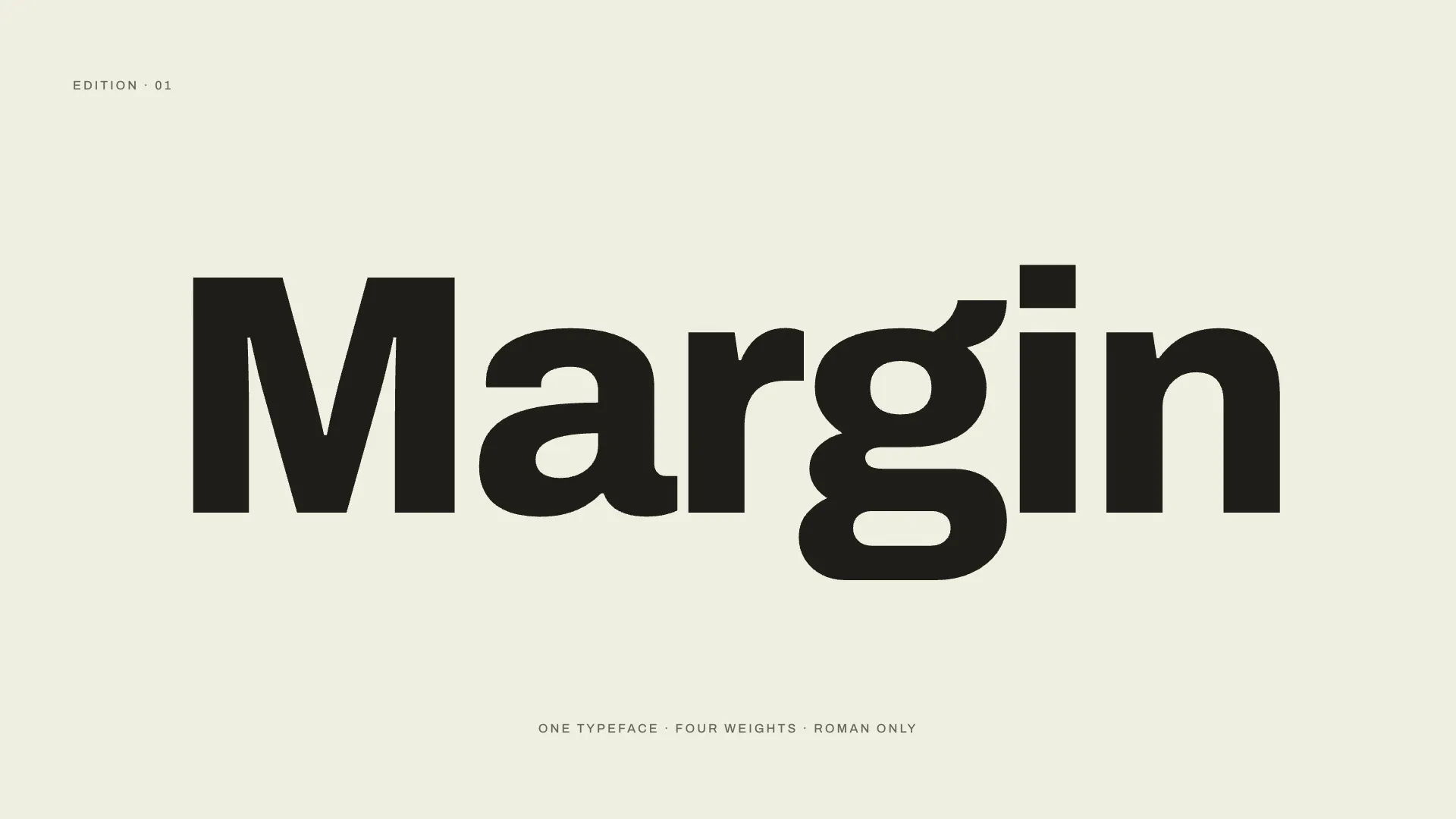
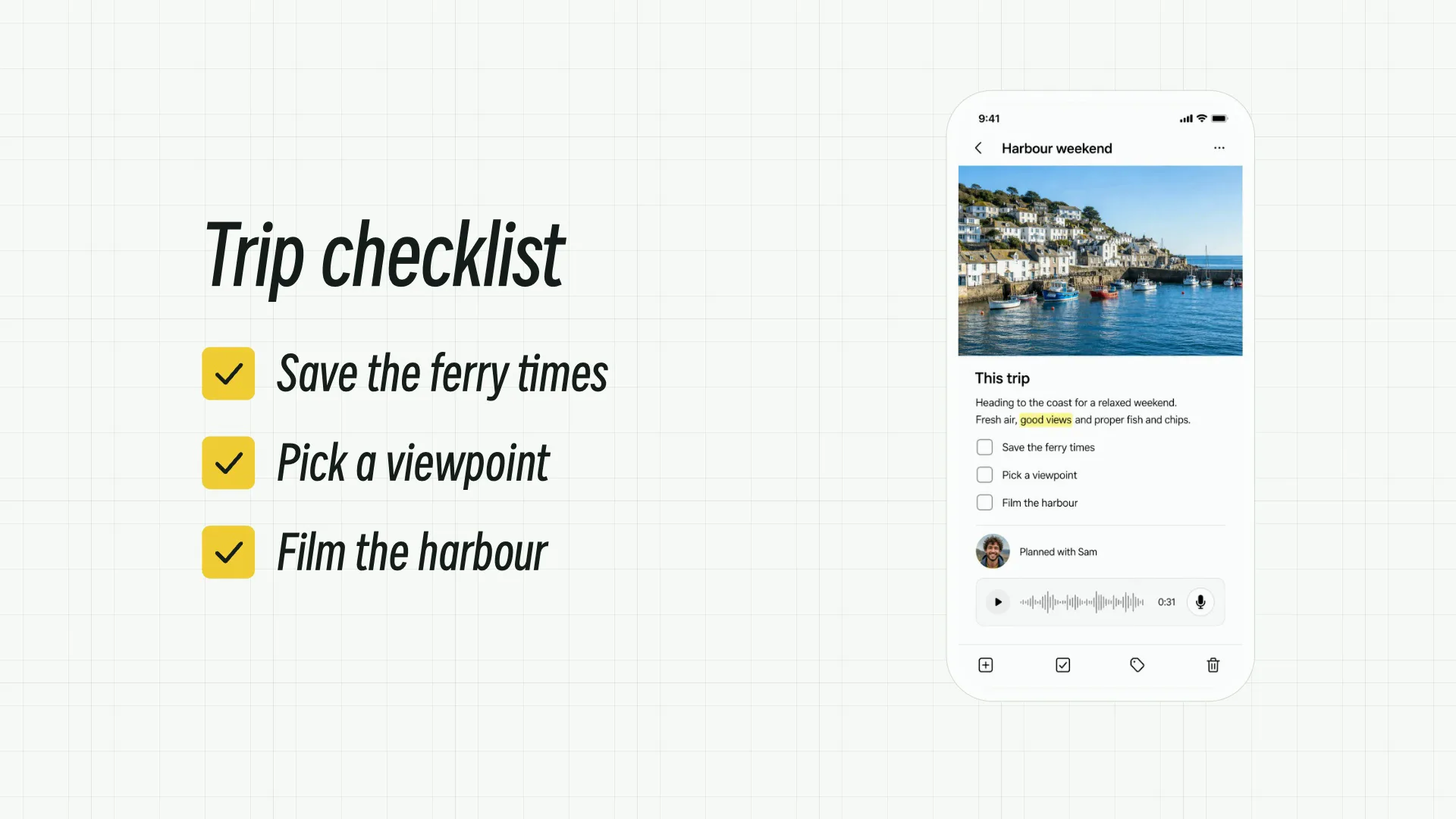
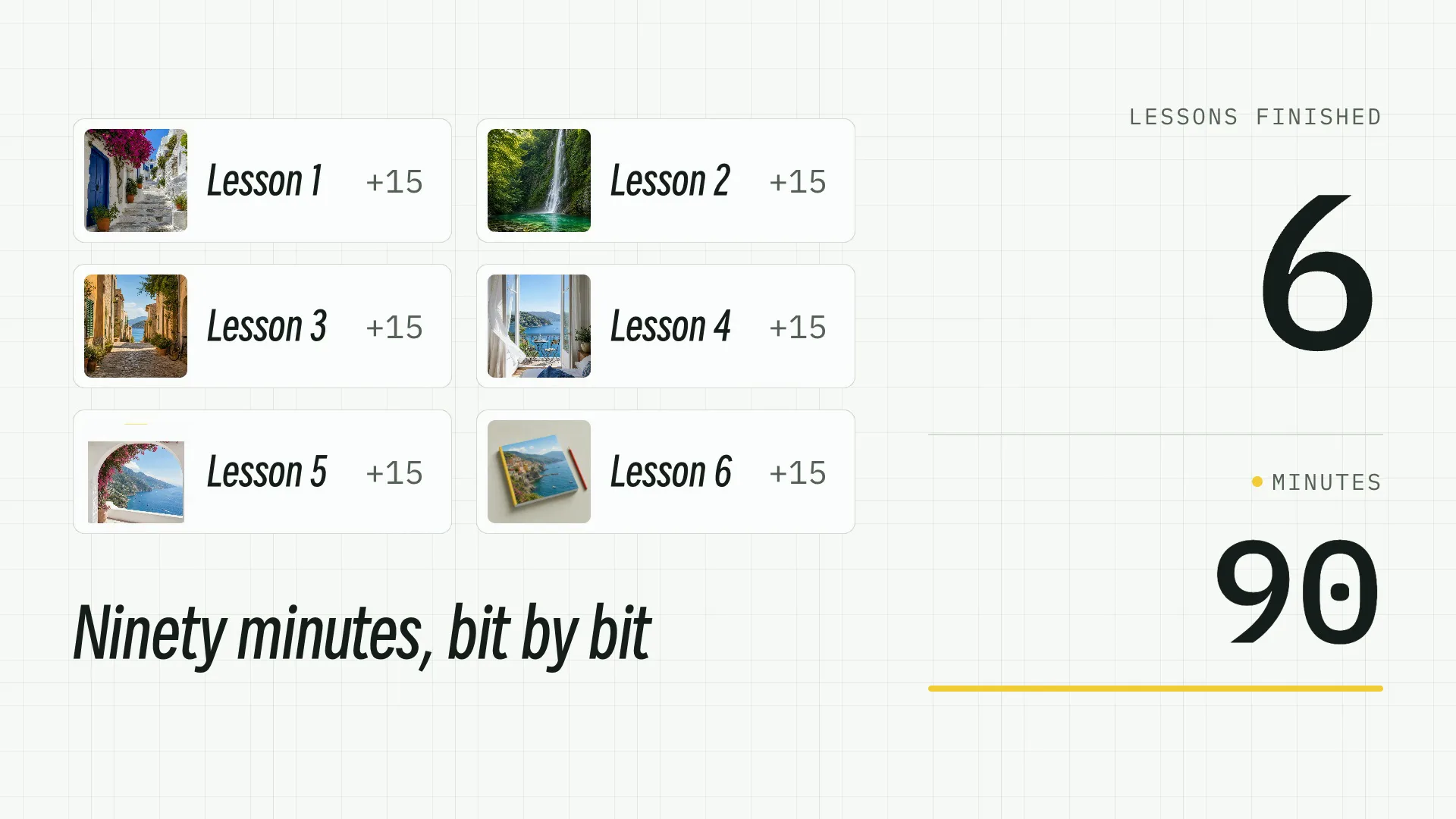
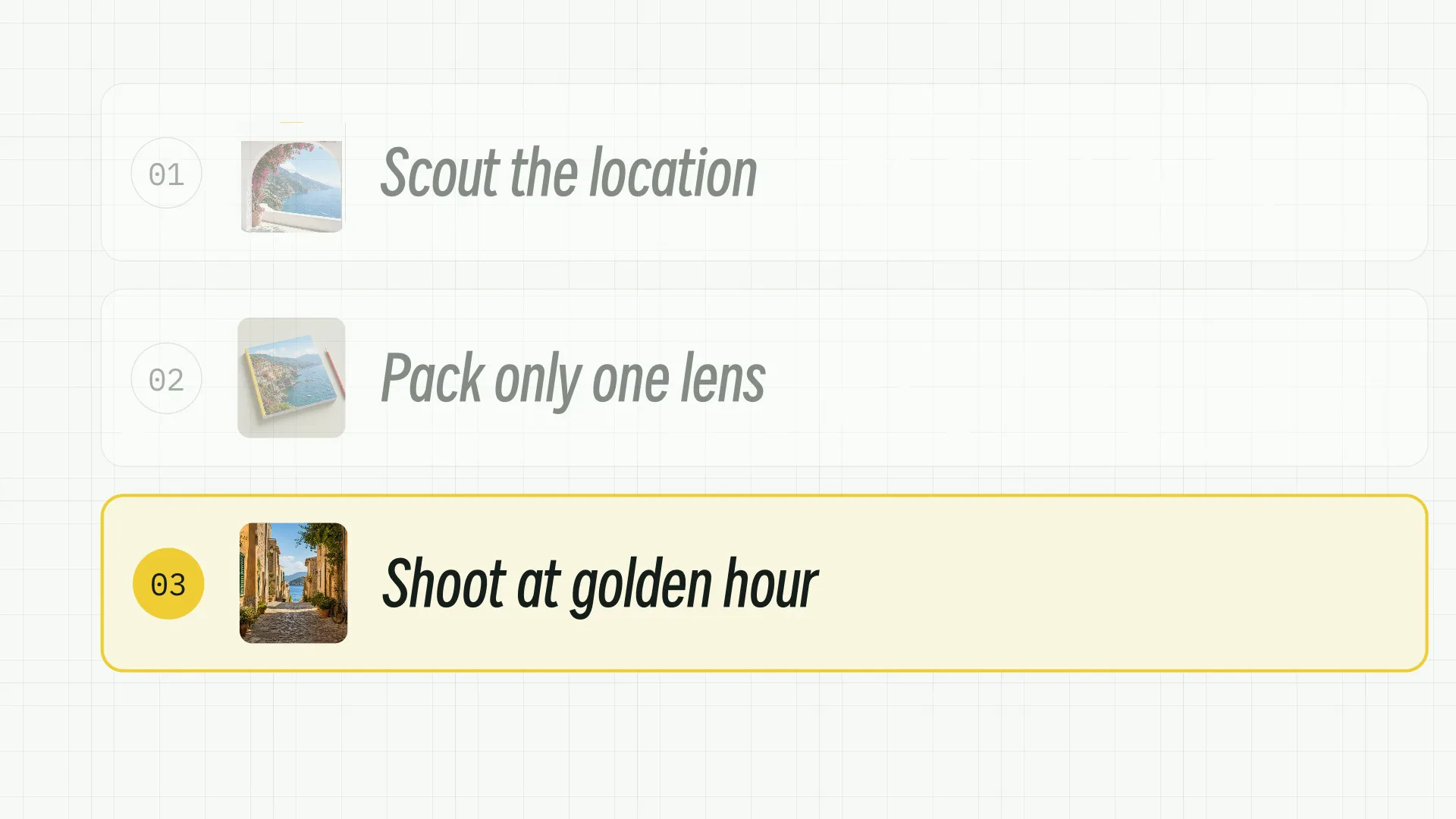
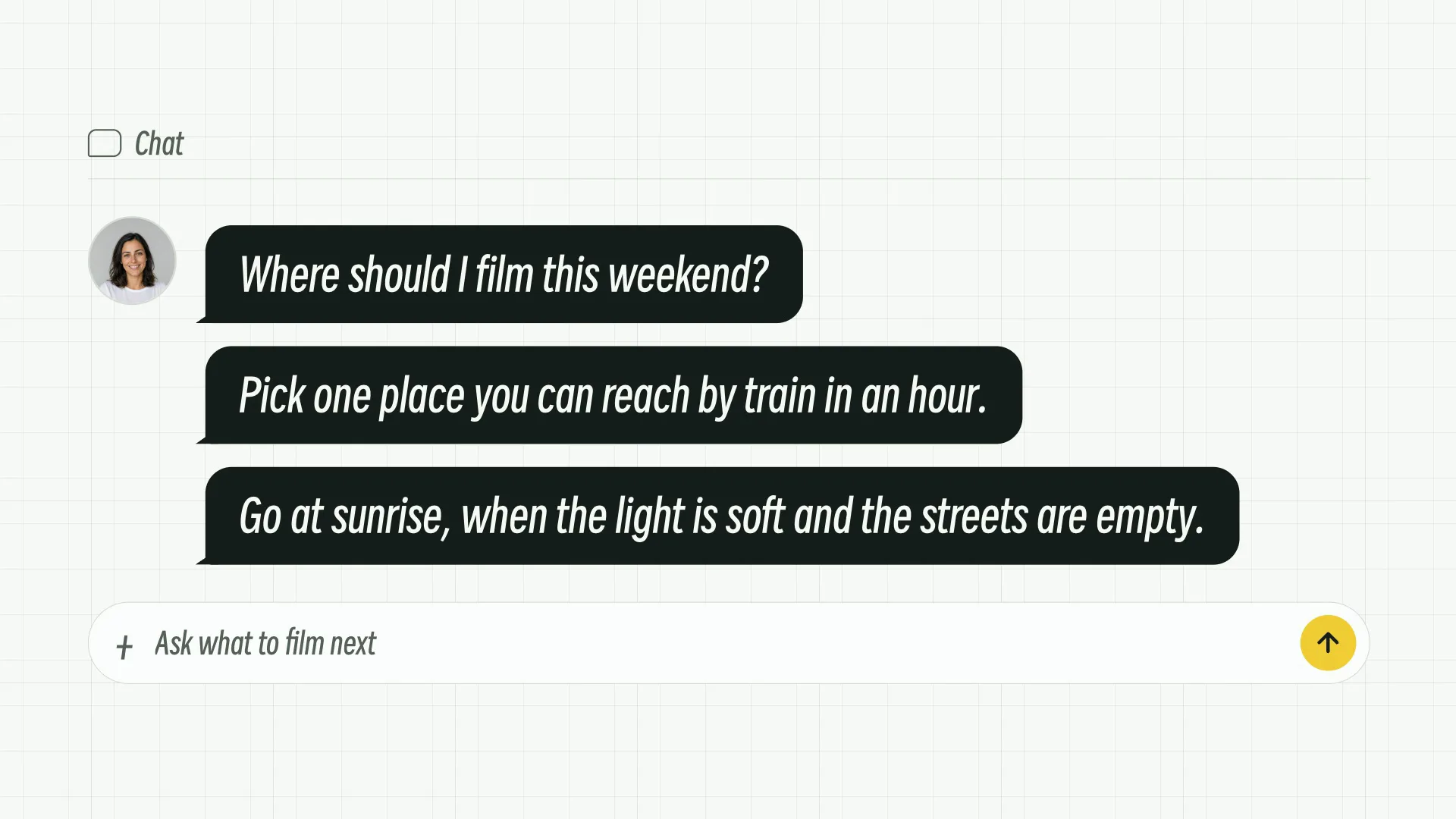
What you get
- A 1920×1080 MP4 of 16 to 20 seconds at 30 fps: a real capture of your product staged on a device, one action inside the interface, then the claim, the CTA and your lockup
- A HyperFrames project with index.html, the screen capture and meta.json; the device is CSS perspective alone, so there is no model file, WebGL or loader and nothing to license
- A handoff note on the screen's origin, what the scrub removed, the device's rights position, the one action and what the claim rests on, with the check output pasted in
Good fit
- Products with an interface people should see, at launches that must show the thing is real
- Teams that can capture their own site or app honestly, at full proportions
- Launches better served by one convincing action than a lap through the features
Not for
- Screenless products, or a launch where only a mockup exists: your agent stops there, because staging a mockup proves nothing
- Several features in one film. A second action inside the interface makes a tutorial, which is a slower thing for a different viewer
- A recognizable handset from a manufacturer, or anyone else's website or app on the screen
About this Skill
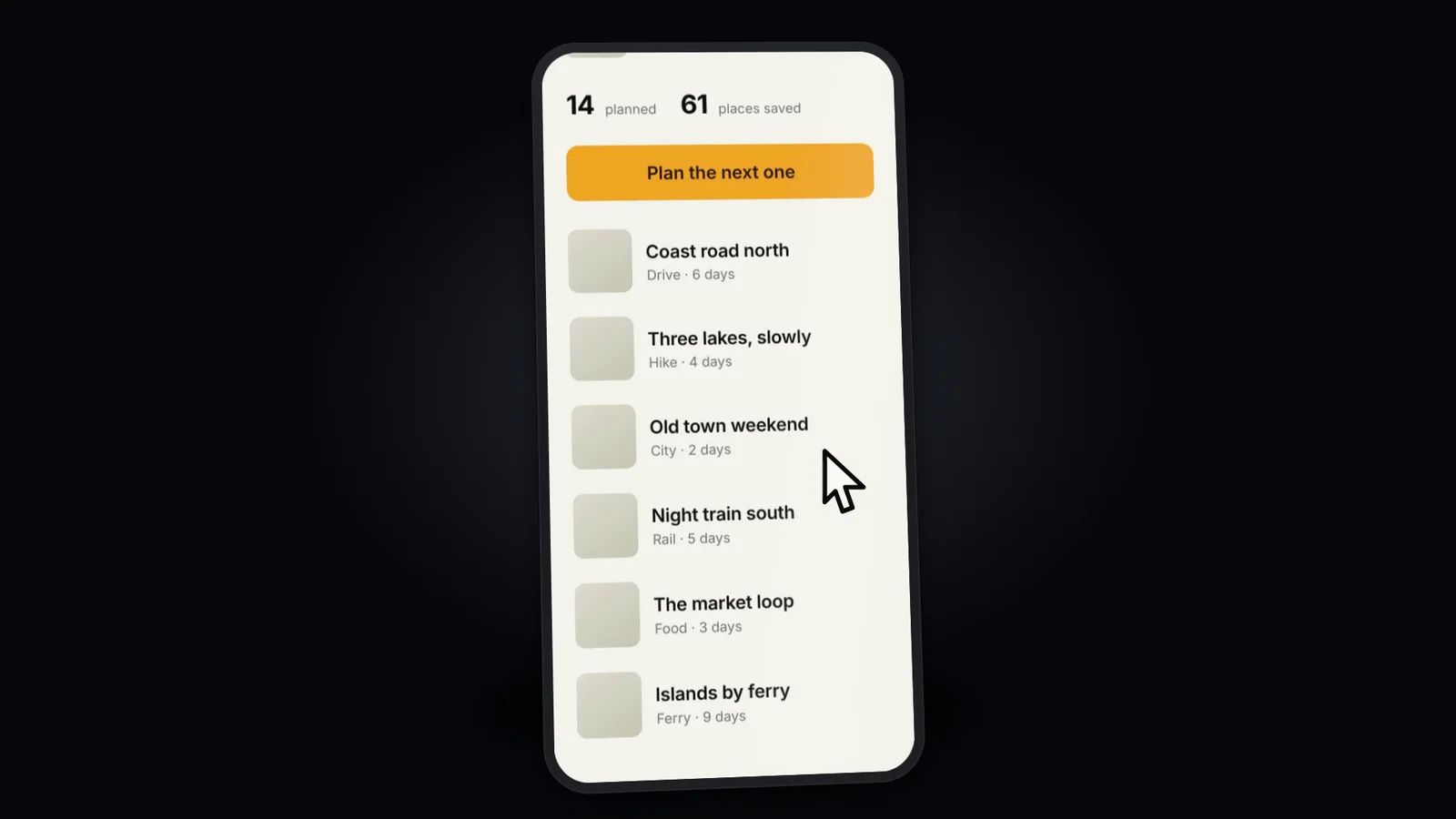
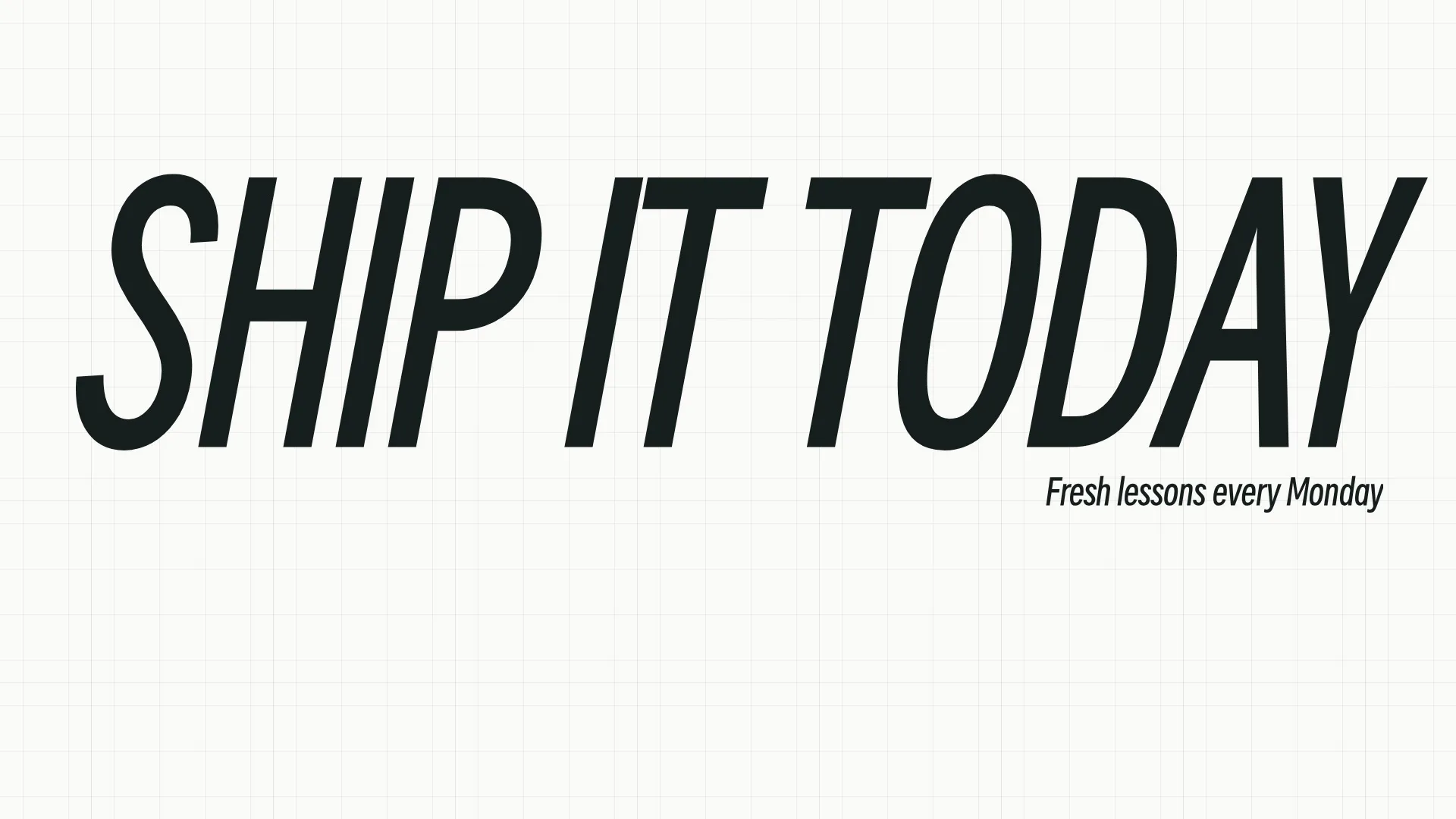
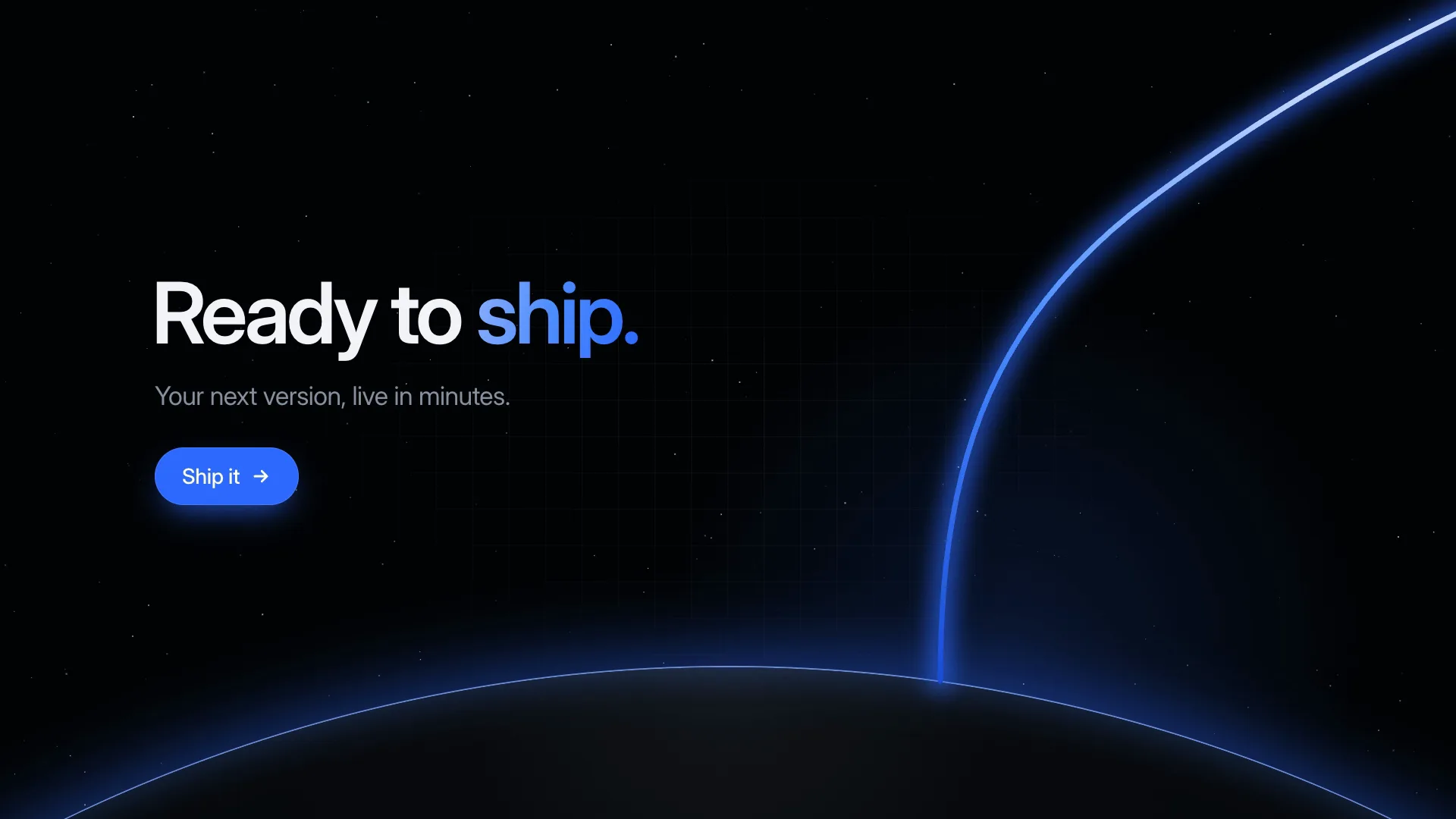
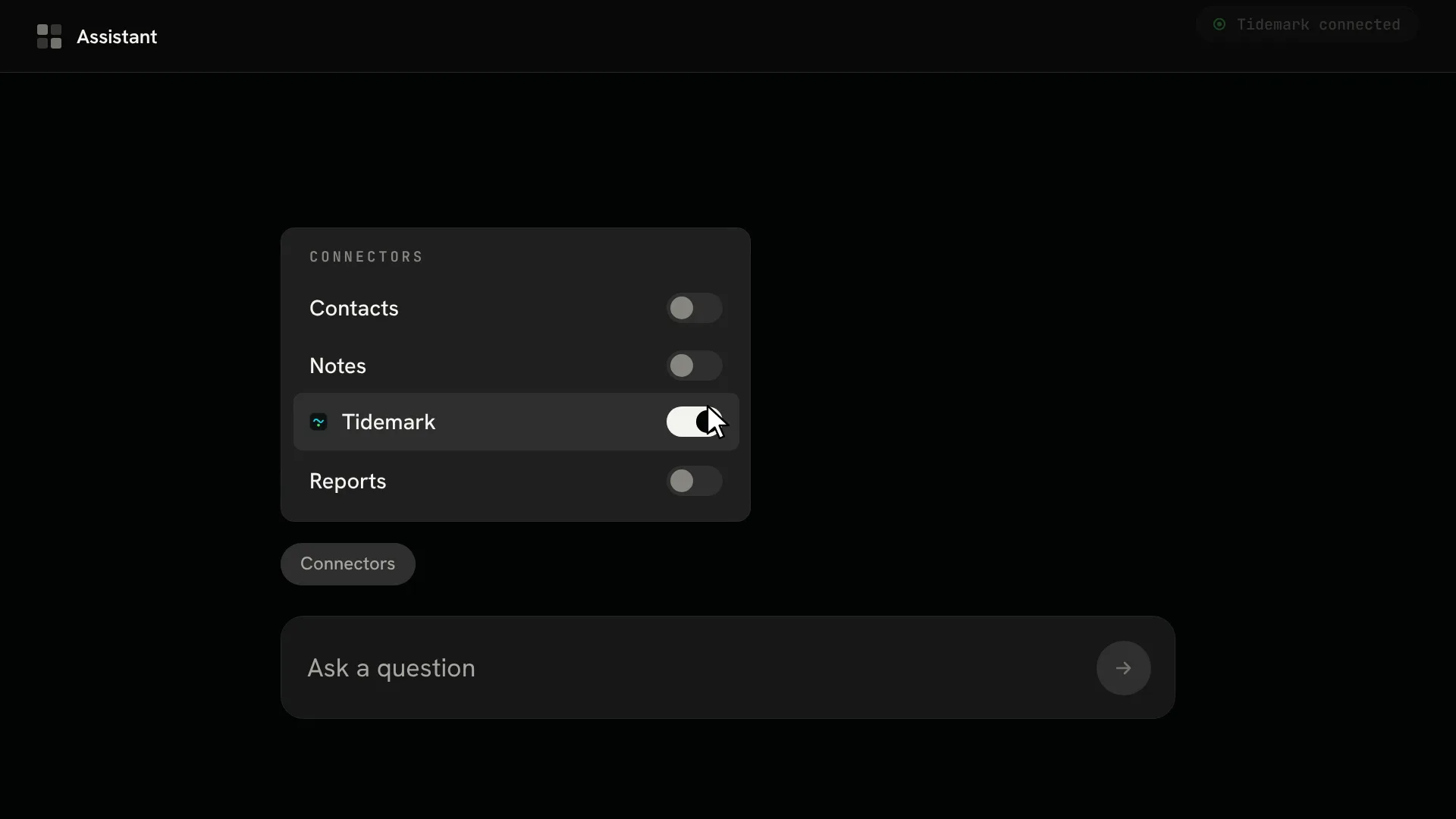
A launch has to prove the product exists, and a real screen does that fastest. With this Fable 5 video skill, a capture of your own app or site rides a plain CSS slab up into a dark studio, where an oversized drawn cursor presses, swipes and scrolls the page as the device turns. Then the film goes through the glass and does one thing: a line is typed, a button pressed, your product's true answer shown. A single claim follows and sits alone, its color channels slipping apart once, the CTA lands, and a shape grows from the center to uncover your lockup on a light ground, the only light frame in 16 to 20 seconds. There is no 3D model and no generated image, only HTML, CSS, SVG and GSAP rendered by HyperFrames on your computer.
How it works
- Provide a genuine capture, tall enough to scroll; real names and data come out before it goes on the device
- The slab is built first and its perspective settled before any tween exists
- Arrival, cursor scroll and turn come next, then the scale-through or match cut into the interface
- One line typed, one control pressed and the true answer shown, followed by the claim, color split and reveal
- Bring HyperFrames check to zero findings, inspect the largest screen frame, render at 30 fps and write the handoff
Checked before delivery
- The screen on the device is a real capture of the caller's own product, scrubbed of real customer data
- The device is a neutral slab, rotateY stays under about 26°, and its shadow never rotates
- Exactly one action happens inside the interface, entered by a scale-through or match cut
- The colour split happens once, on the claim, and the reveal lands on a light ground
- npx hyperframes check reports zero findings and ffprobe shows 1920×1080, 30 fps, 16–20 s
What you need before you start
- You bring
- A real capture of your product's screen, tall enough to scroll (full-page image, screen recording, or a faithful rebuild of your own interface) · The one action the film performs inside the interface, and what the product answers · A one-line claim and a CTA of up to two lines · Your lockup, plus two colours: a dark studio ground and one product accent
- Dependencies
- HyperFrames CLI and skills · Node.js 22+ · FFmpeg
- Outside costs
- None
- Last tested
- v1.0.0 — Claude Code / Codex / Cursor
User reviews
Loading reviews…
FAQ
Is a 3D phone model involved?
No. A slab under CSS perspective does the job, with a bezel that has depth, a glass highlight tied to the turn and a soft shadow that never rotates. That means no model file, no WebGL and no license to sort out.
Can the device be a specific phone?
Not a manufacturer's handset: copying its outline, buttons or cameras needs that maker's permission, and a nameable phone adds a second brand to your film. If you build your own hardware, the film can use it.
Can it demonstrate two things inside the app?
No. One action shows the product works, and a second makes a tutorial with a different pace and viewer. Your agent picks the action that convinces fastest and shows your product's true response.