







Black Friday: Lock in your founding rate.Compare plans

Every Premium Skill for $19.9/month. Cancel anytime. See plans

Skip to content
For teachers

Fable 5 for teachers

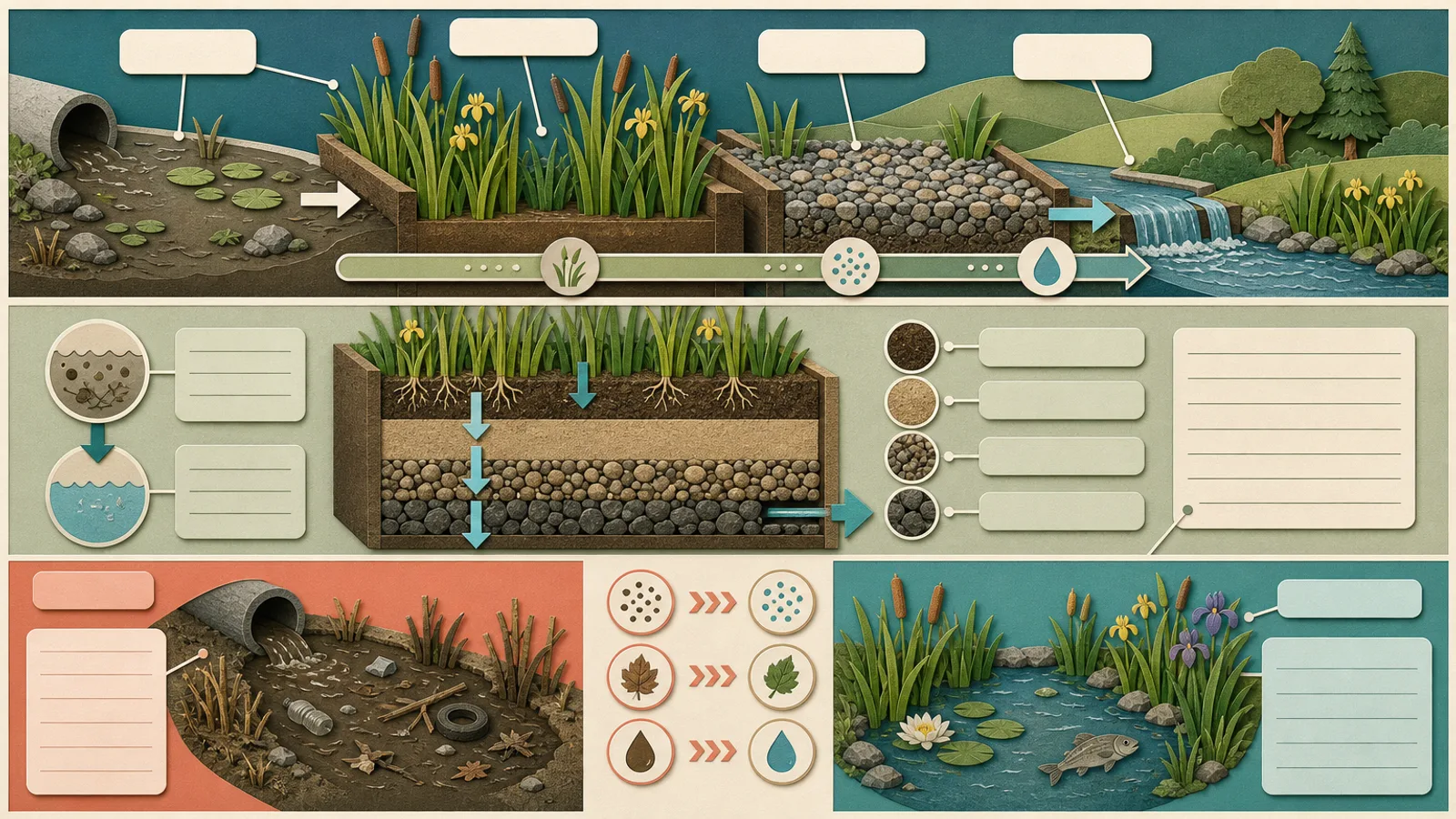
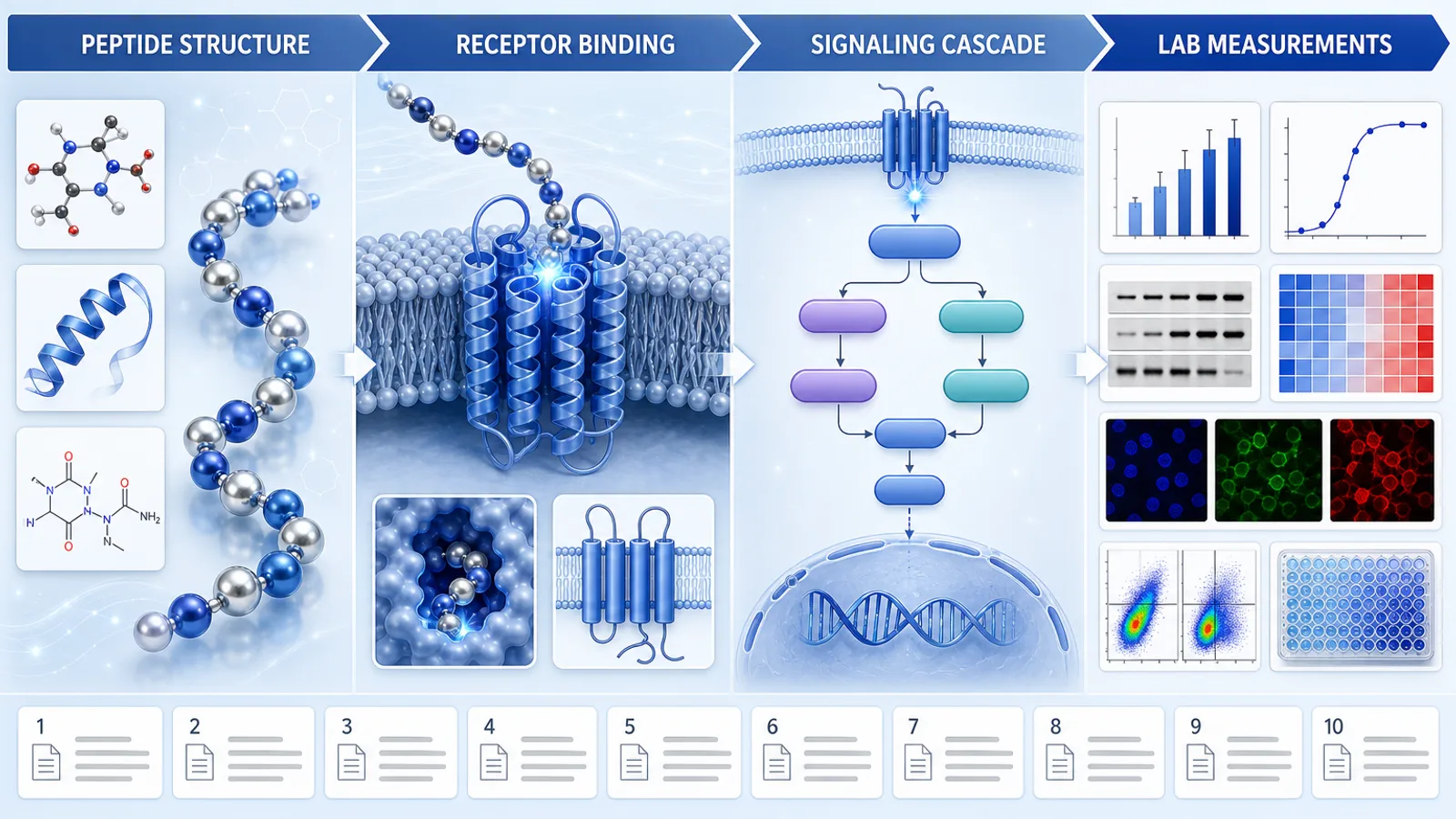
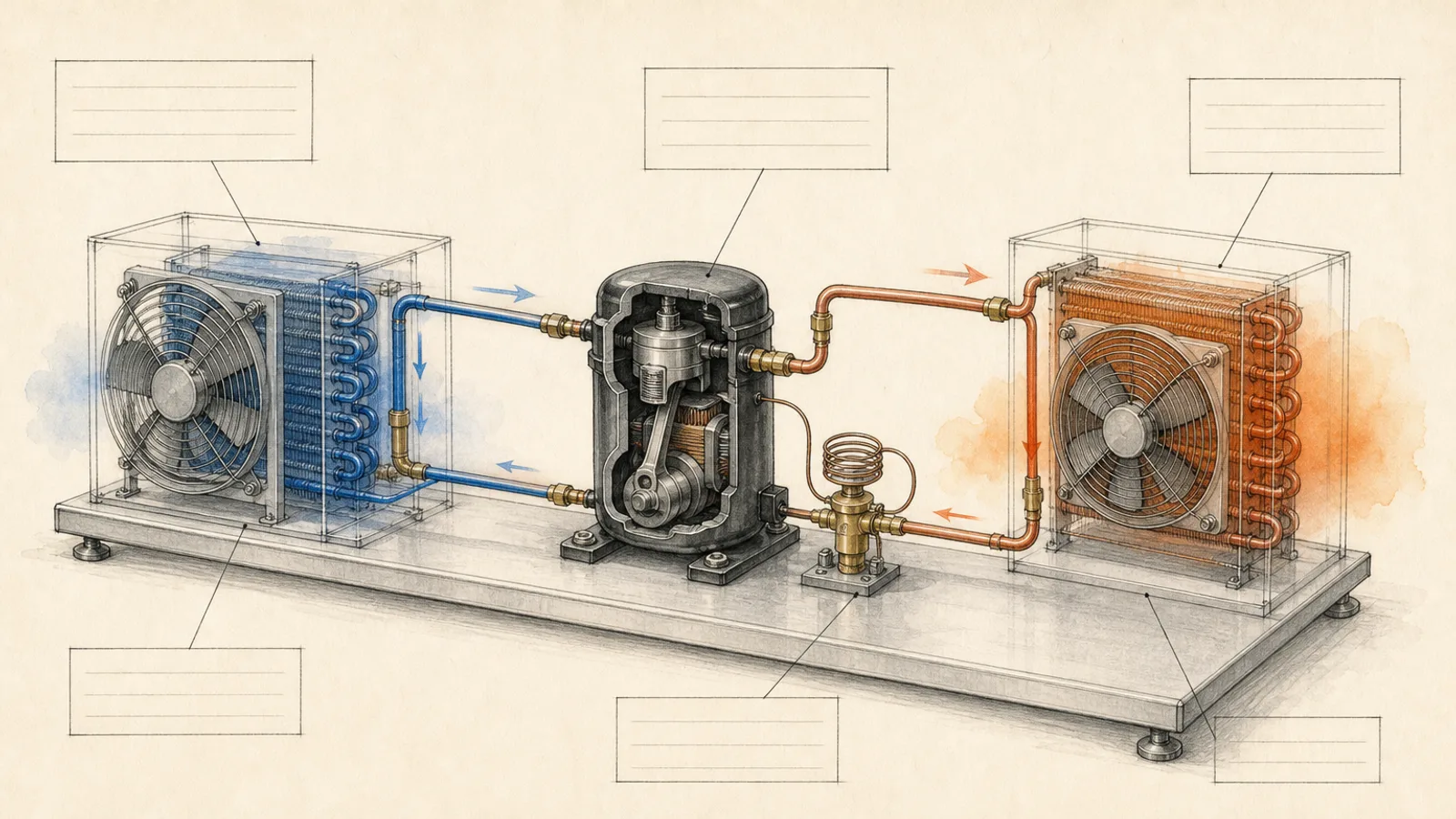
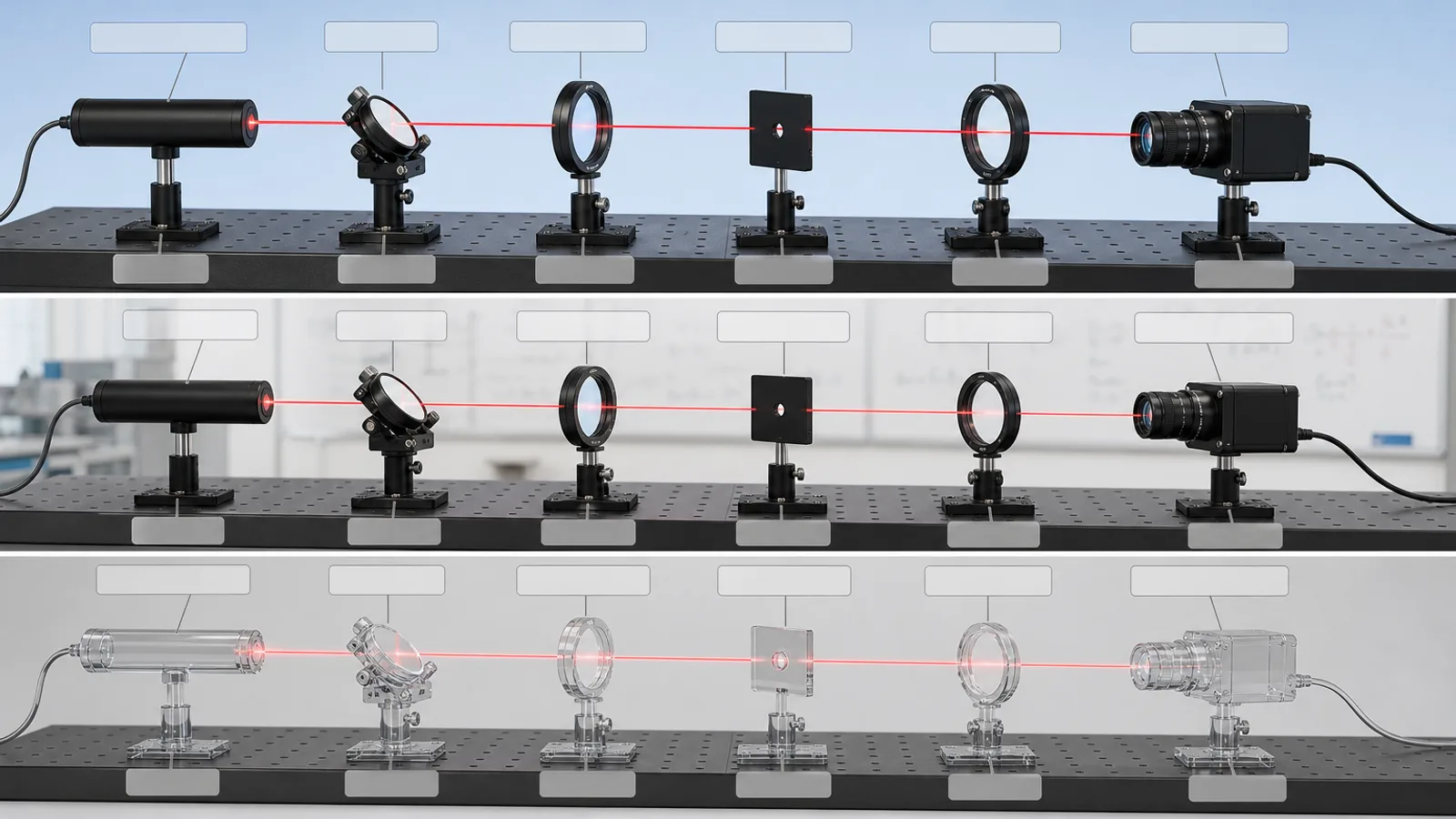
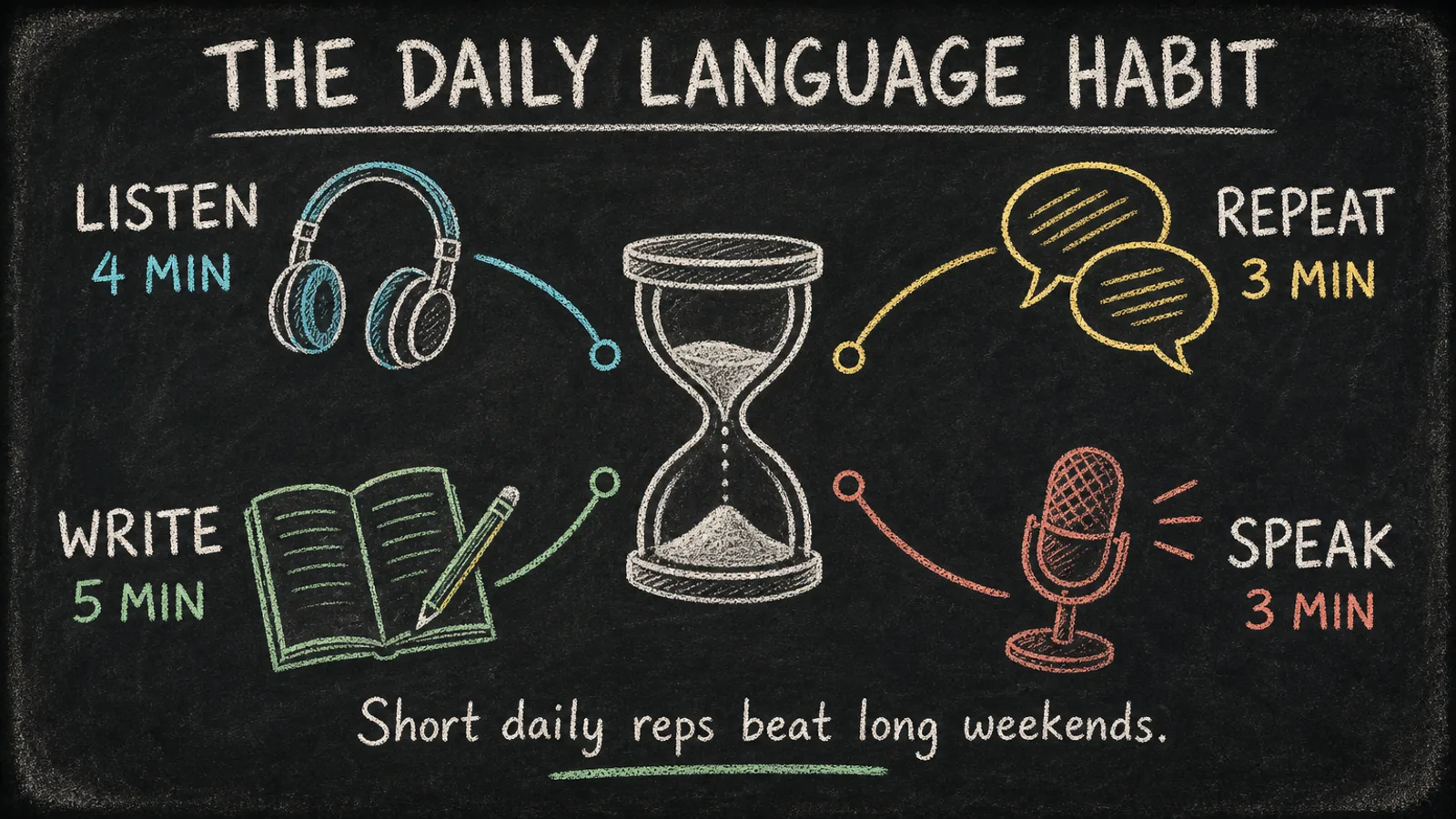
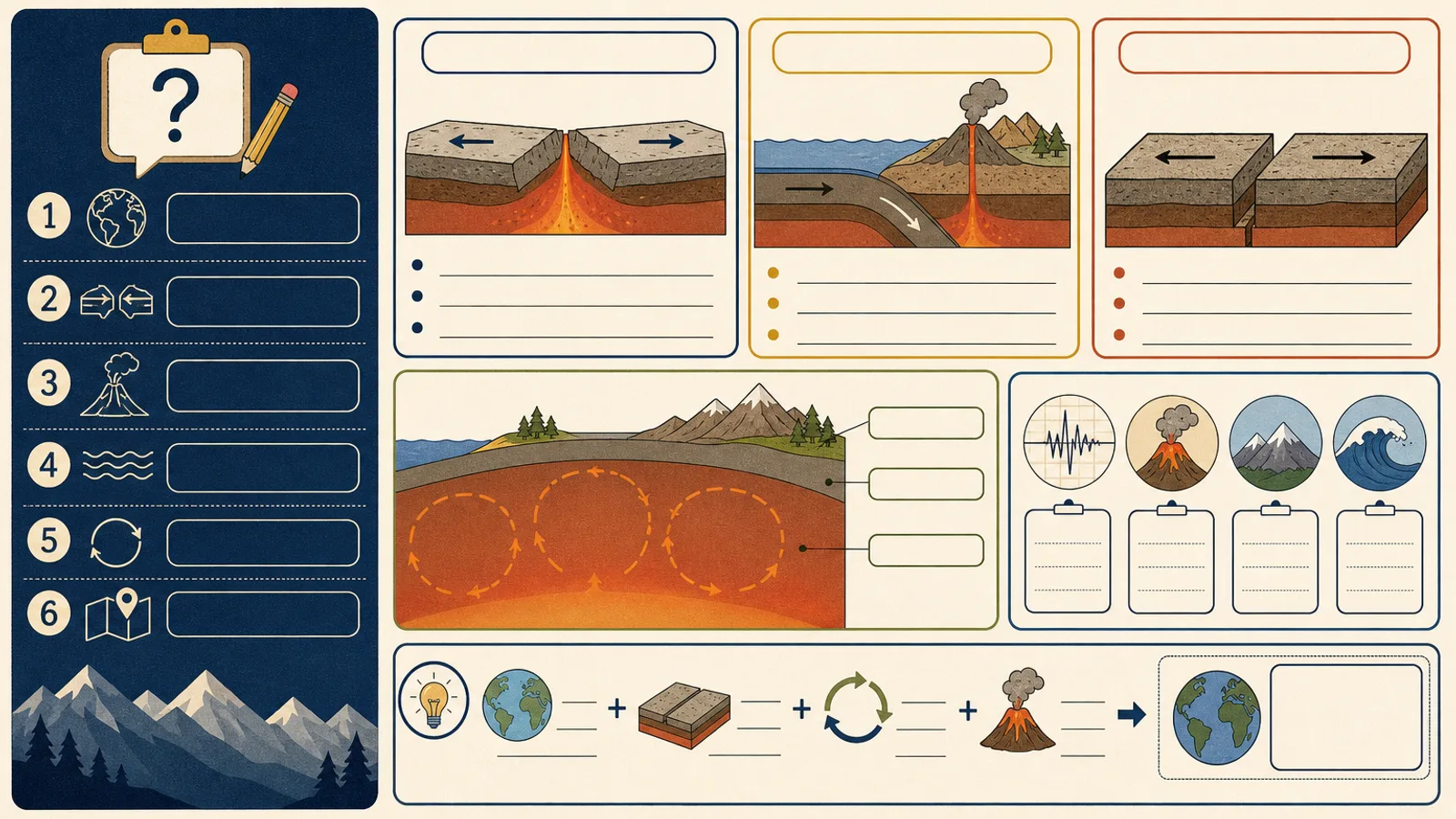
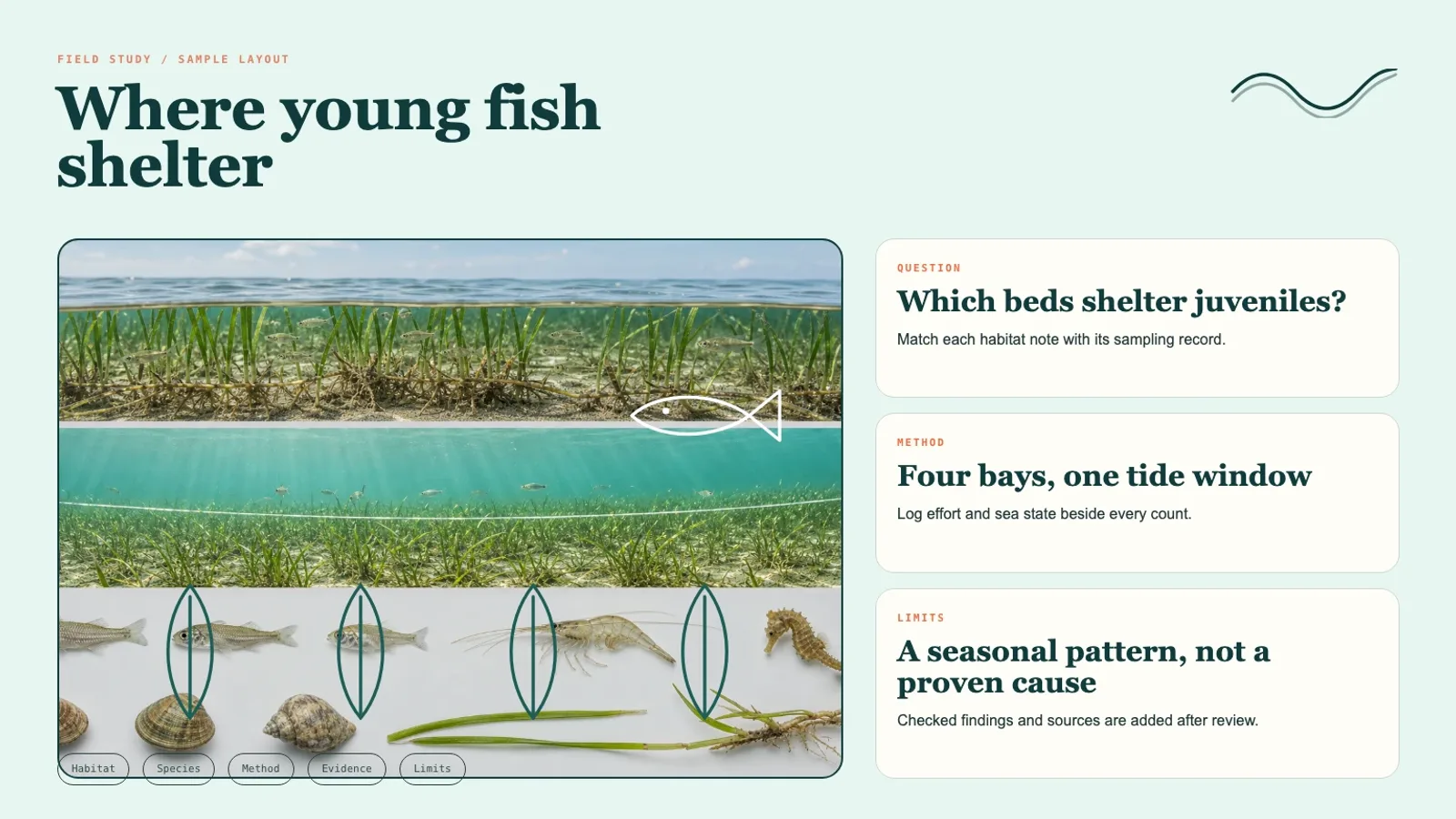
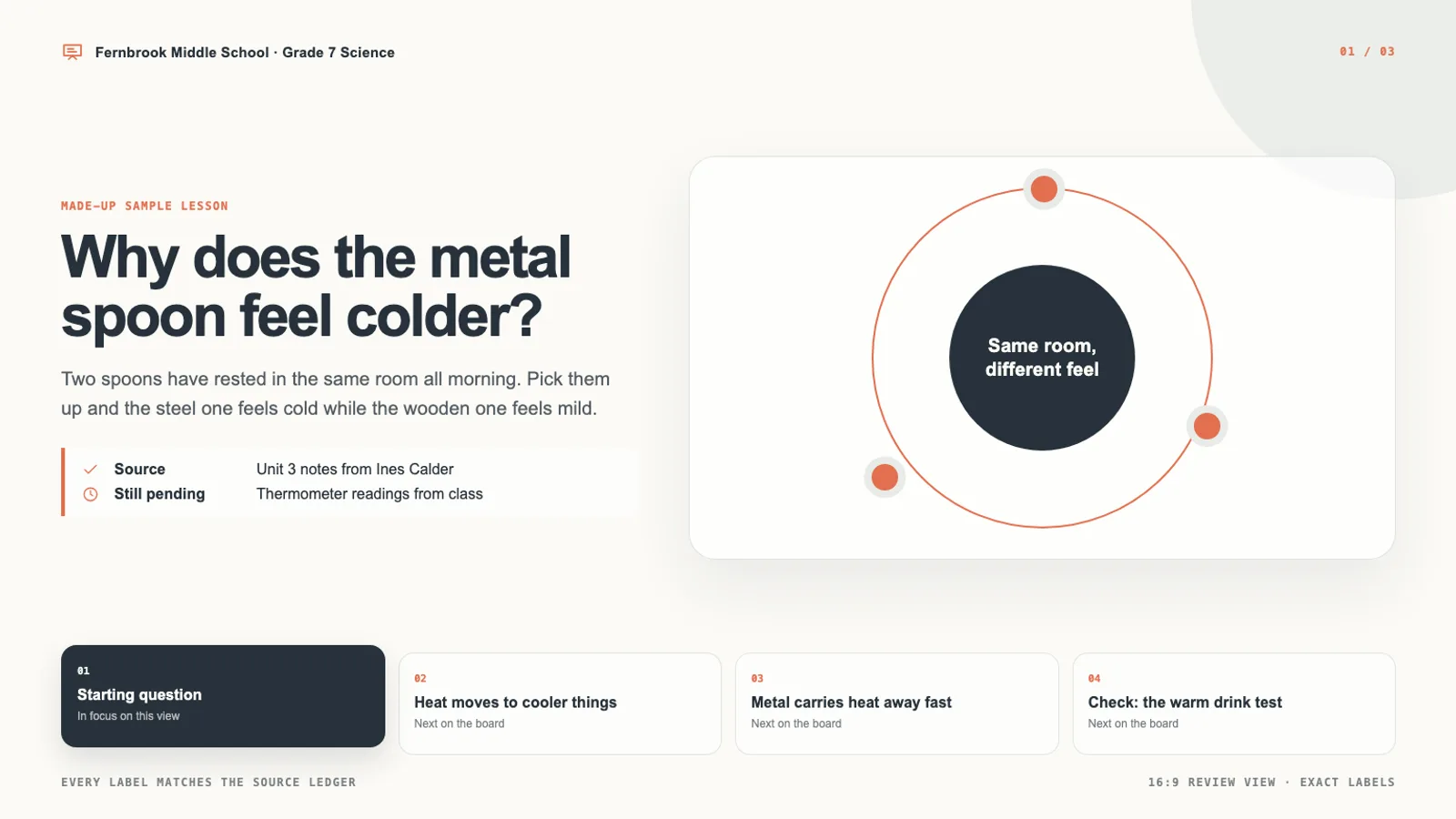
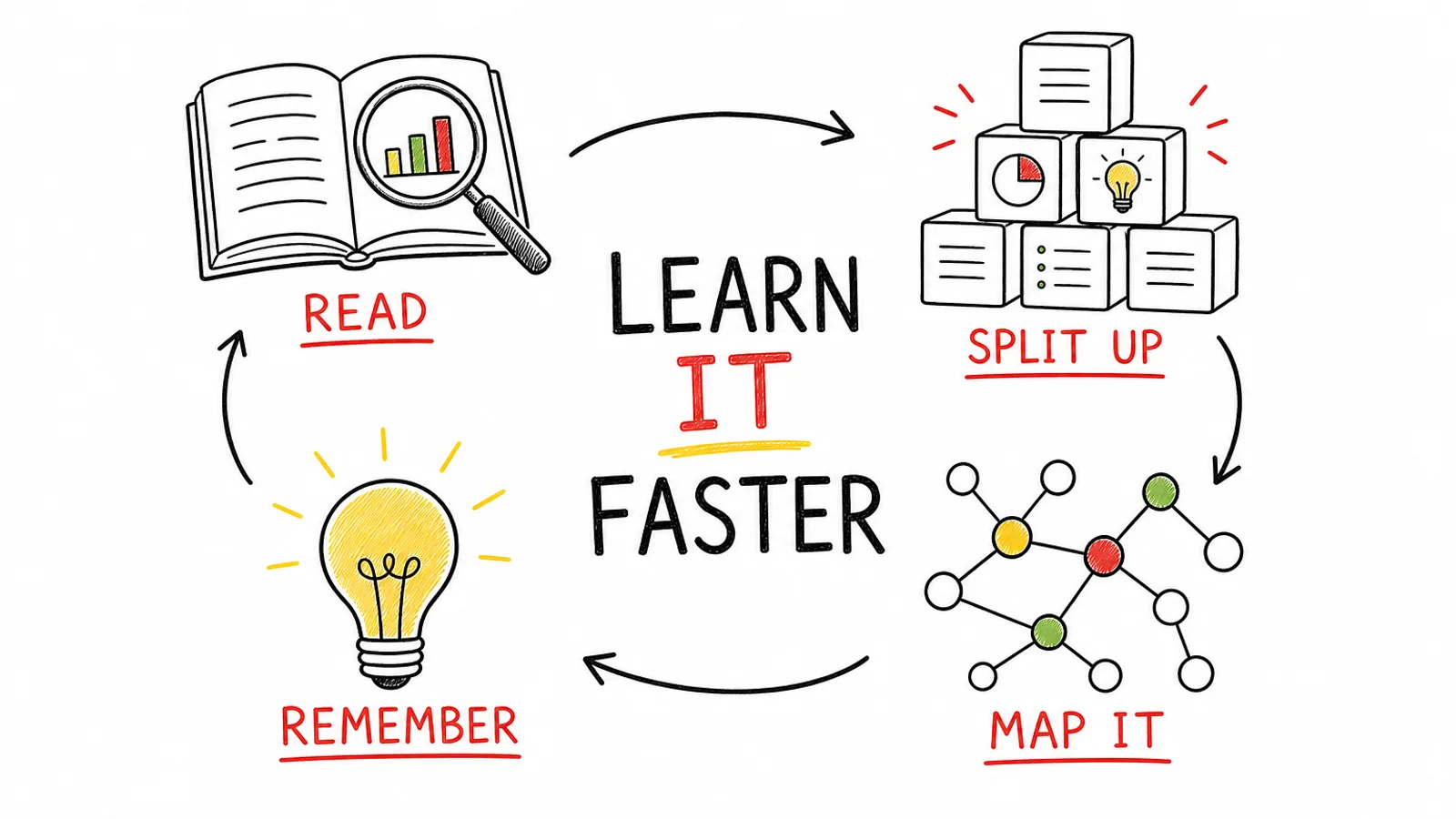
Explainer graphics, labeled diagrams, science posters and workshop decks your Fable 5 agent builds from your notes, clear enough for a class to follow.

Works inClaude CodeCodexCursorGemini CLIGitHub CopilotOpenCodeKimi CodeOpenClaw

What Skills do for teachers

Spend your time on the lesson; the agent can take care of the visuals.

Slides for class

Decks made from your lesson plan, ending on a recap slide.

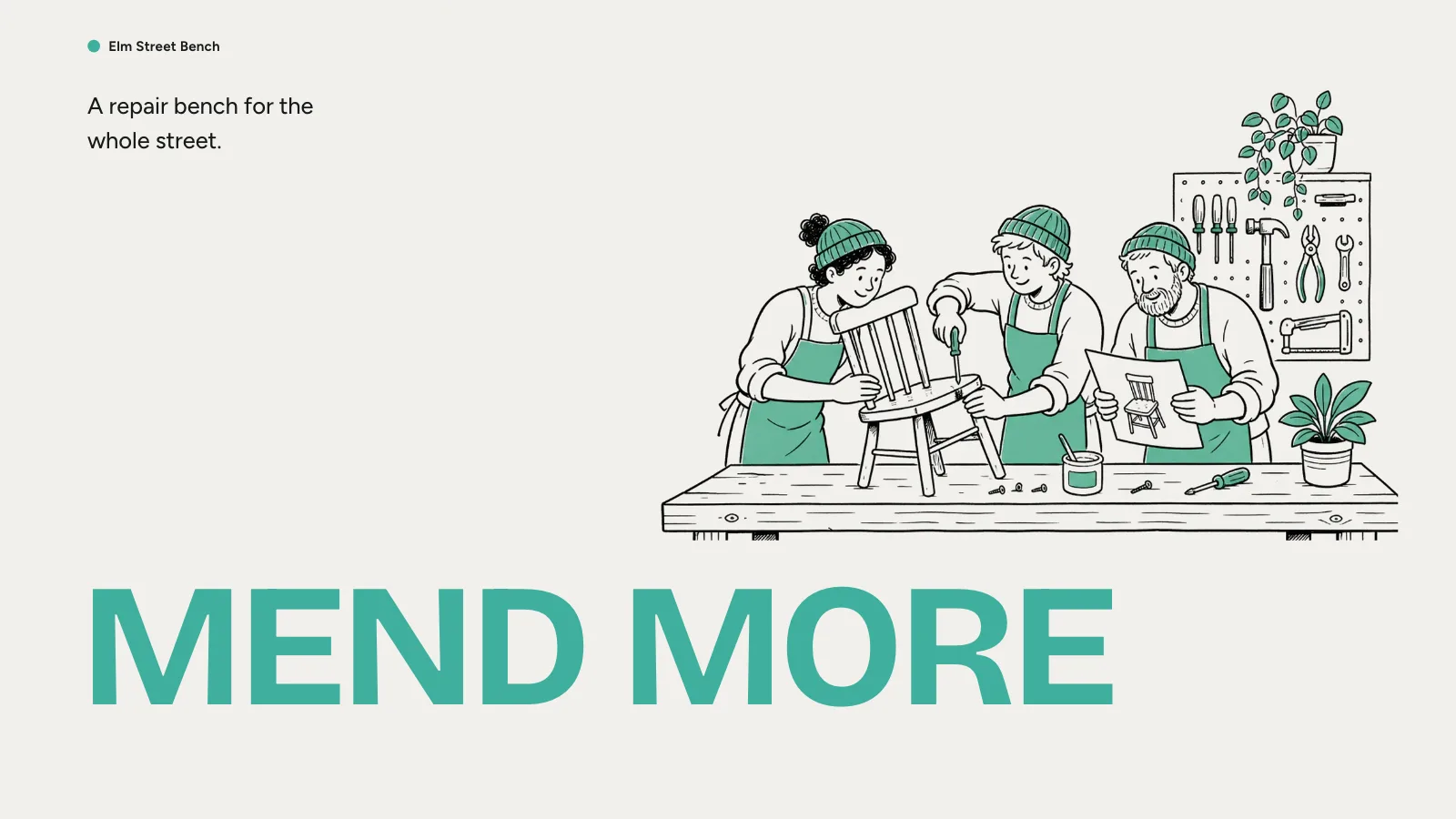
  • Marker Workshop Deck: A workshop deck skill for Fable 5: ten warm off-white pages for a shared project, with giant mint capitals and loose…
  • Contour Playbook Deck: A Fable 5 presentation skill for team playbooks: nine ice-blue and navy pages on routines, handovers, what to say and…
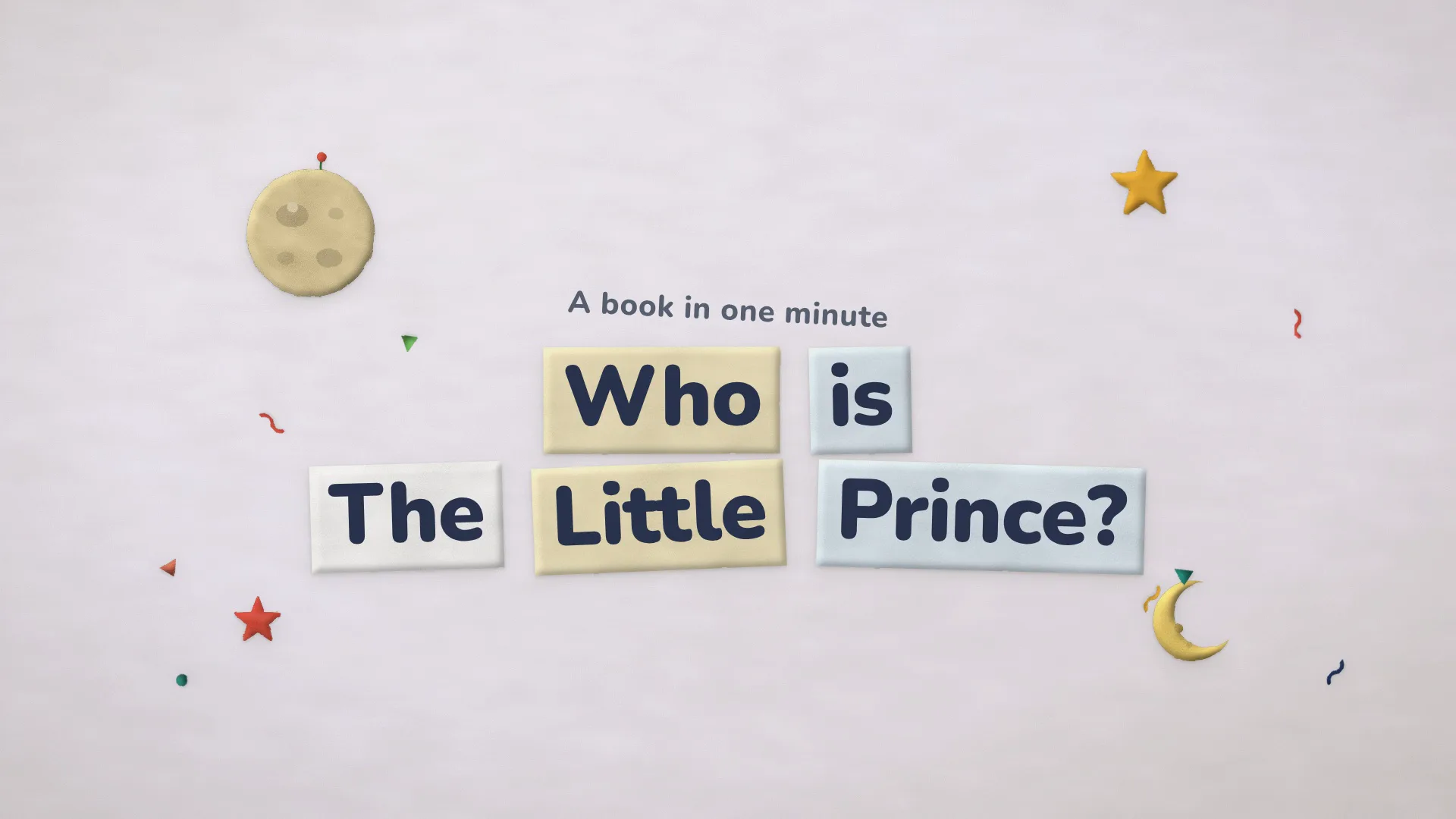
  • Drybrush Ink Deck: A slide skill for Claude Fable 5 with handmade pages: cream paper, flowing script titles, rough primary-colour brush…
Slides

Marker Workshop Deck

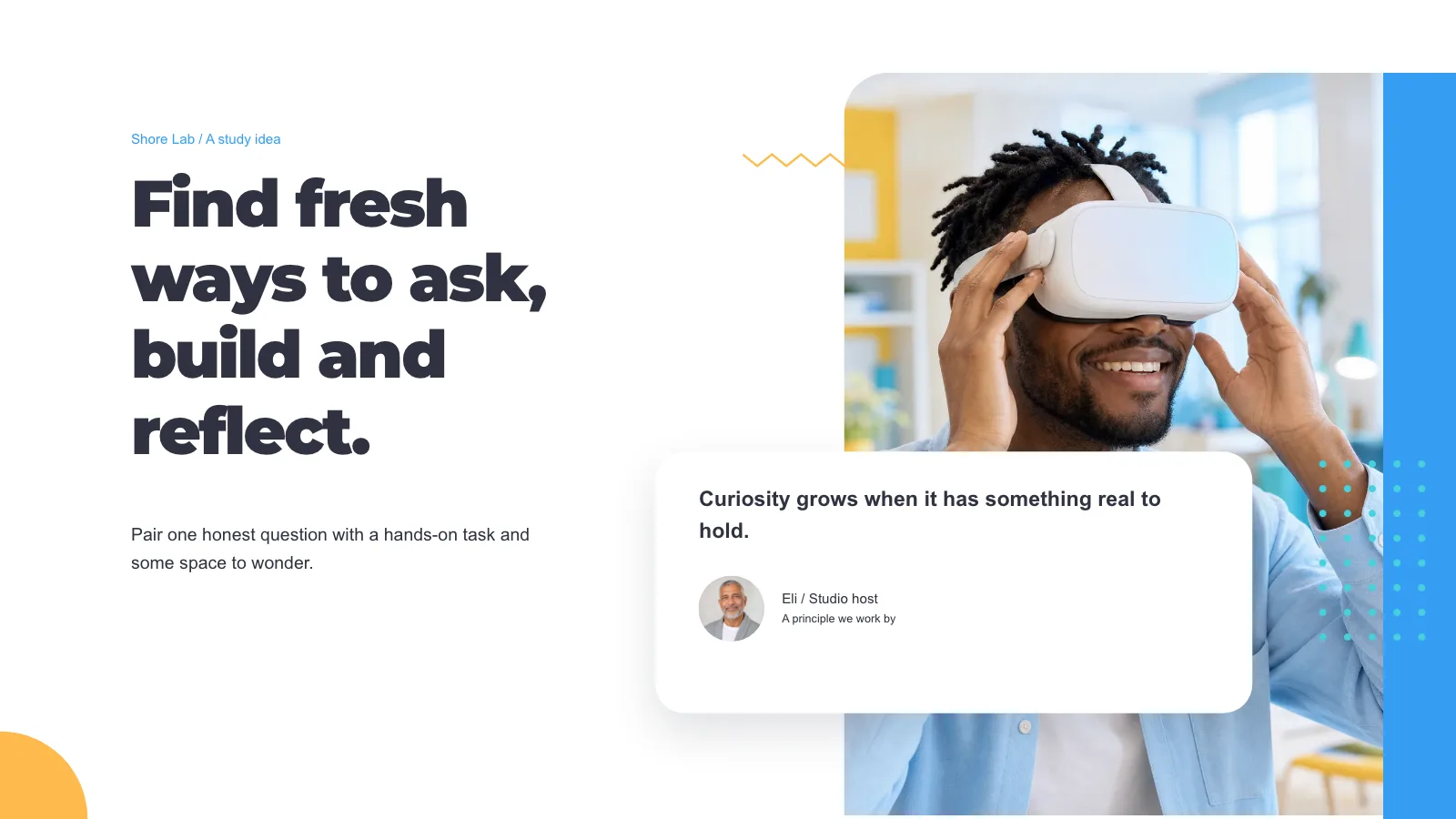
A workshop deck skill for Fable 5: ten warm off-white pages for a shared project, with giant mint capitals and loose black marker sketches of people at work.

Marker Workshop Deck result preview

Common jobs for teachers

Open a job to see its Skills, how to run them and common questions.

Three steps for teachers

Works the same in Claude Code running Fable 5, in Codex or in Cursor; no design app needed.

  1. 1

    Install with one prompt

    Paste the install prompt into your agent, or use the terminal command underneath; either way the Skill ends up in the agent's skills folder.

    npx fable5-cli@latest install ours-marker-workshop-deck
  2. 2

    Ask for the result

    Type / and the Skill's name, then say in plain words what you want back.

    /ours-marker-workshop-deck Ten-page pitch to the parish council for a monthly sewing circle at Fernside Hall. Plan, dates and targets are in circle.md.
  3. 3

    Check it, then ship

    Open the files, request edits in the same chat, and publish or hand them over when they're right.

    deck.html → .pptx
Marker Workshop Deck result preview

Prompt alone or a Skill, for teachers

FactorPrompt onlySkill
Starting pointA blank chat each timeA settled design and a checklist
StyleChanges run to runOne style throughout
A full setPieces that fail to matchOne system for all of it
DeliverableWhatever the model hands backA checked file in the expected format

Every Skill on one plan

Or pay once for a single Skill and keep it.

Cancel anytime

22% OFF

Founding Monthly

$6.99$8.99 for new members after Nov 30$8.99/ month

$6.99 / month. Renews at the same rate while subscribed.

Upgrade to Pro
  • Every Premium Skill unlocked
  • Install via MCP, CLI or the web
  • Browser sign-in for MCP and CLI
  • Up to 50 Skill loads daily
  • Skill updates as they ship
  • New Premium Skills at no extra cost
  • Stop any time you like

Cancel anytime

23% OFF

Founding Quarterly

$16.99$21.99 for new members after Nov 30$21.99/ 3 months

$16.99 / 3 months. Renews at the same rate while subscribed.

Upgrade to Pro
  • Every Premium Skill unlocked
  • Install via MCP, CLI or the web
  • Browser sign-in for MCP and CLI
  • Up to 50 Skill loads daily
  • Skill updates as they ship
  • New Premium Skills at no extra cost
  • Stop any time you like

Best deal

One payment · Founding price

19% OFF

Founding Lifetime

$129$159 for new members after Nov 30$159one-time

Buy lifetime access
  • Every Premium Skill unlocked
  • Install via MCP, CLI or the web
  • Browser sign-in for MCP and CLI
  • Up to 50 Skill loads daily
  • Skill updates as they ship
  • New Premium Skills at no extra cost
  • No subscription, no renewals

Cancel anytime. Payments are non-refundable.

What teachers often ask

What people ask before installing.

Do I have to write code?

No. One install prompt goes into your agent, and after that you ask in ordinary language.

Which agents will run these Skills?

Claude Code, Codex, Cursor and every other agent that reads SKILL.md folders. The install prompt doesn't change between them, or with the model.

May I use the results for clients?

Yes. Anything you make with a Skill is yours, client and paid work included.

Are the free Skills limited?

No. A free Skill is the full Skill and needs only a free account; Premium Skills come with a plan or a one-time purchase.

Let your agent take the busywork

Choose a Skill, install it with one prompt, then describe what you want.

Browse all Skills