Lesson Board Explainerv1.0.0
Use this Skill to make explainer graphics.
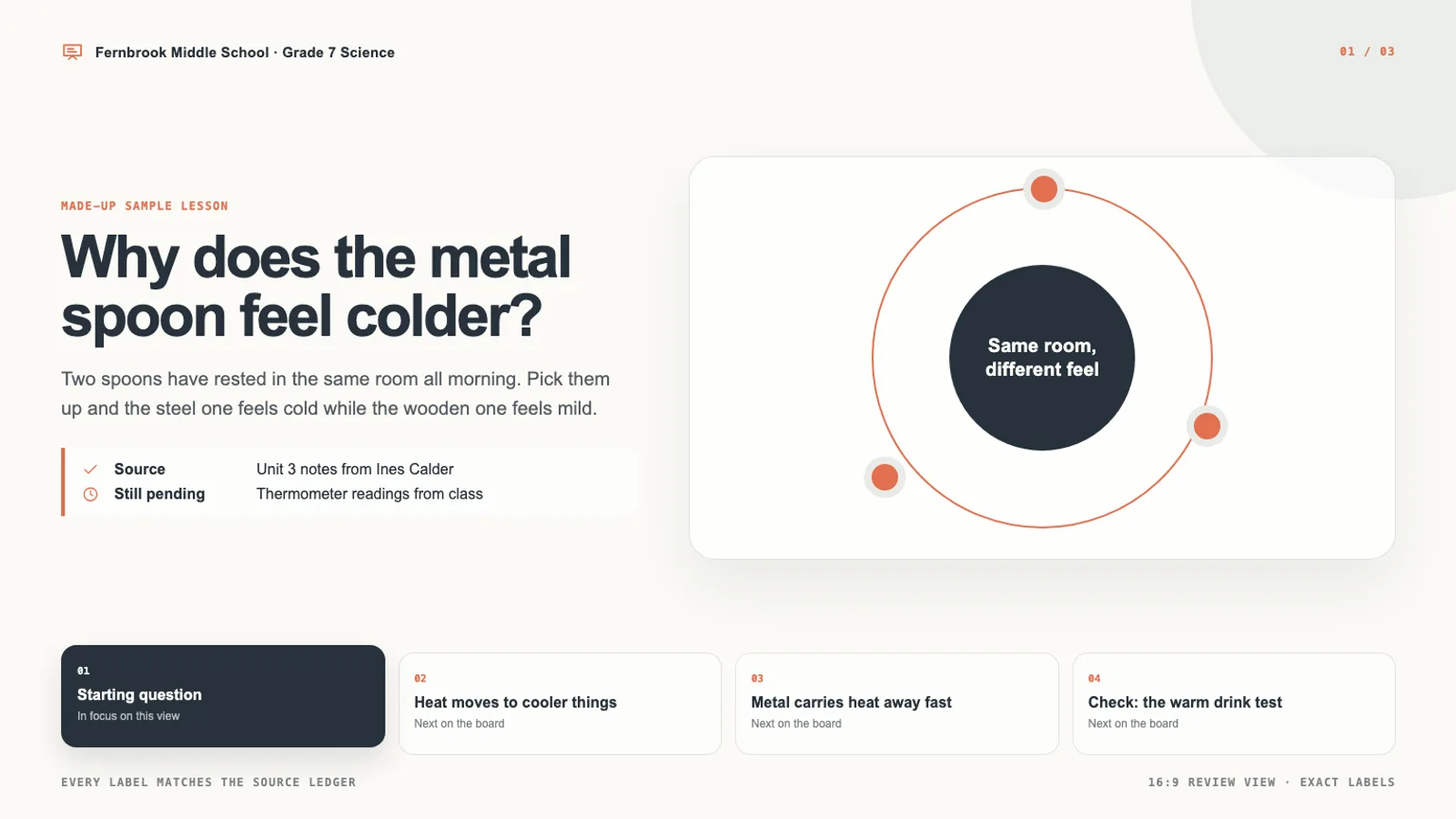
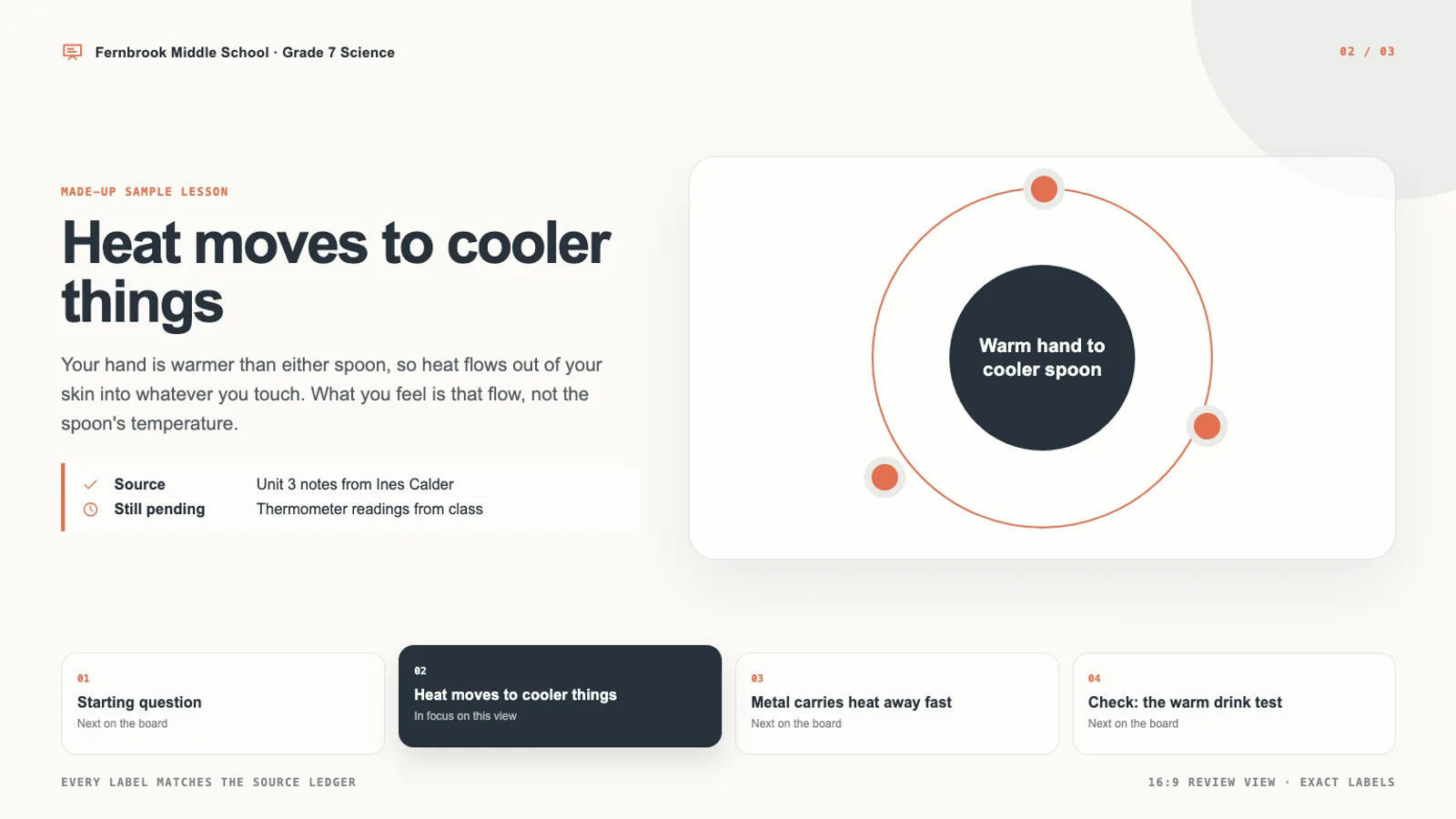
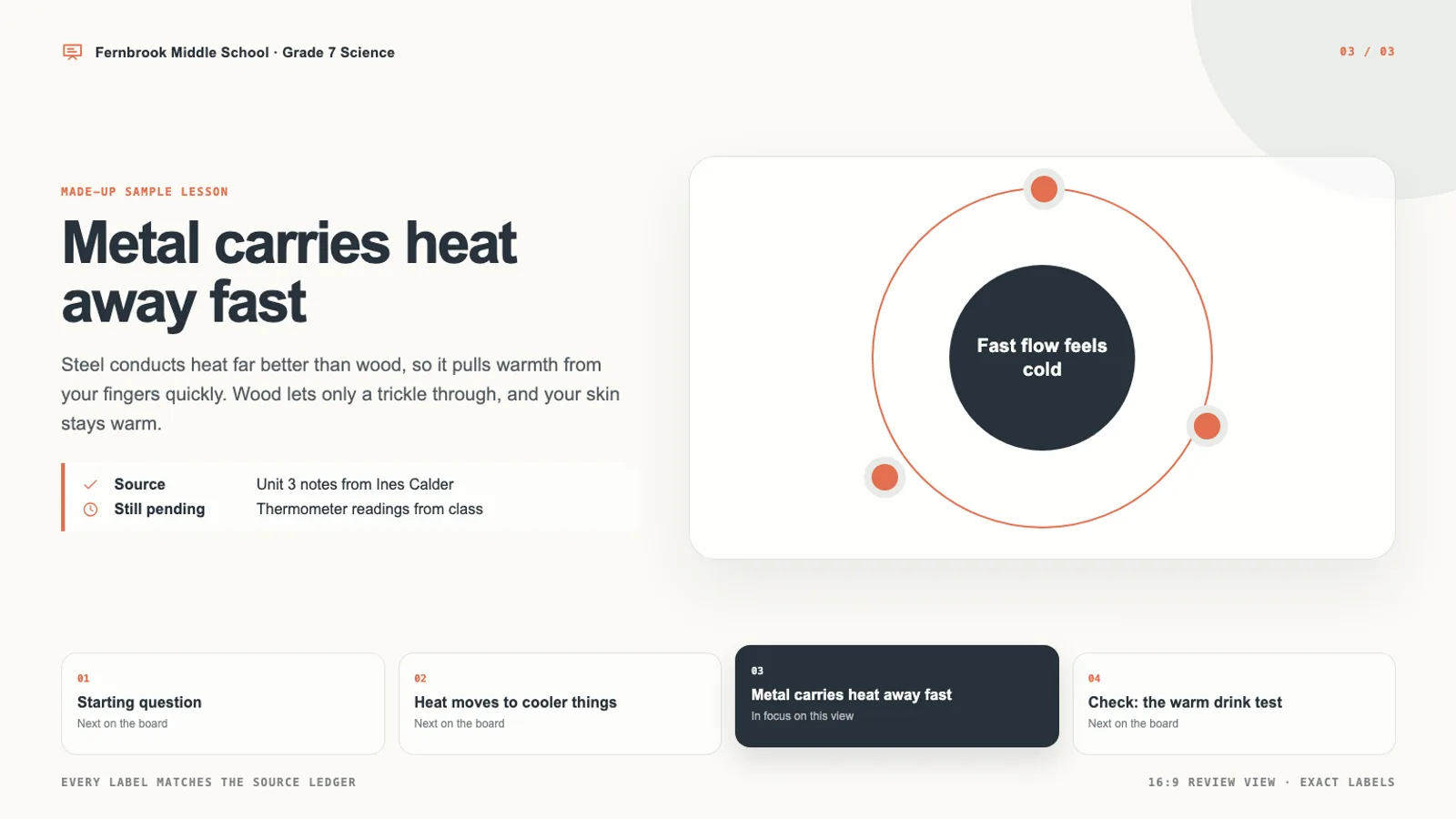
A teaching visual skill for Claude Fable 5: approved lesson notes become one marker-style whiteboard page with a fixed reading order, labels word for word and three 16:9 views.
Picked most often by
Updated Aug 25, 2026
Preview gallery


Similar Skills
View all

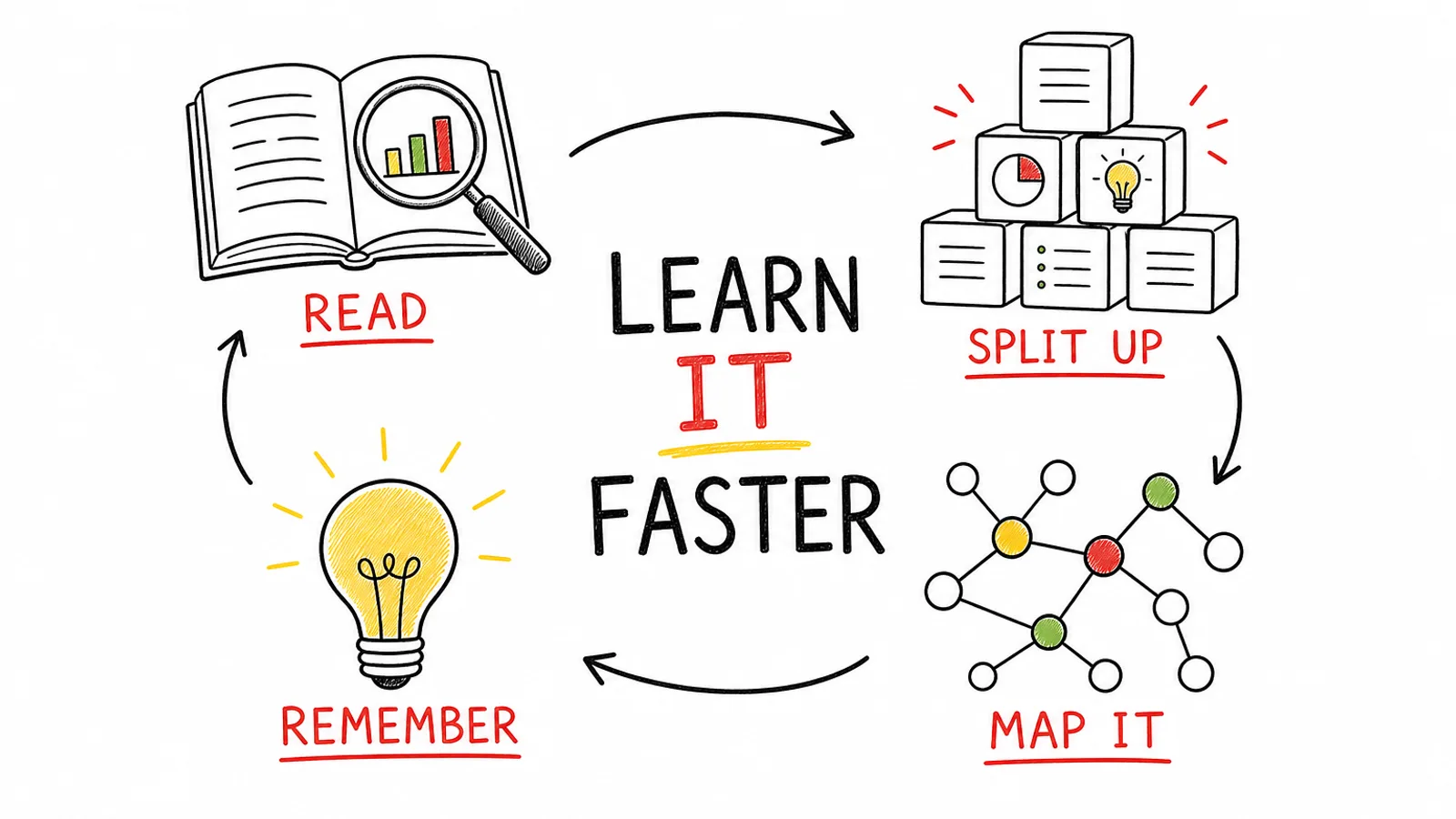
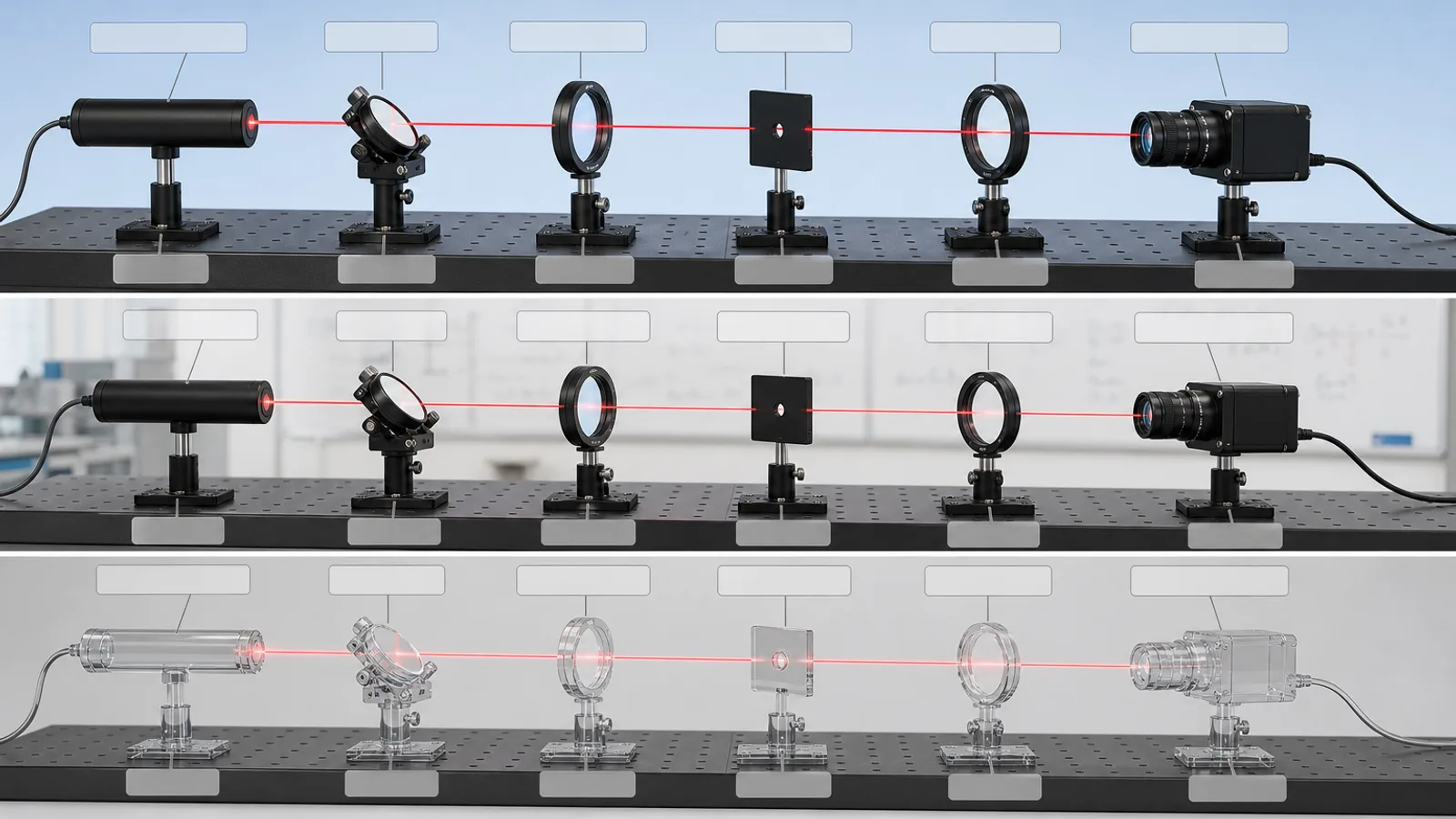
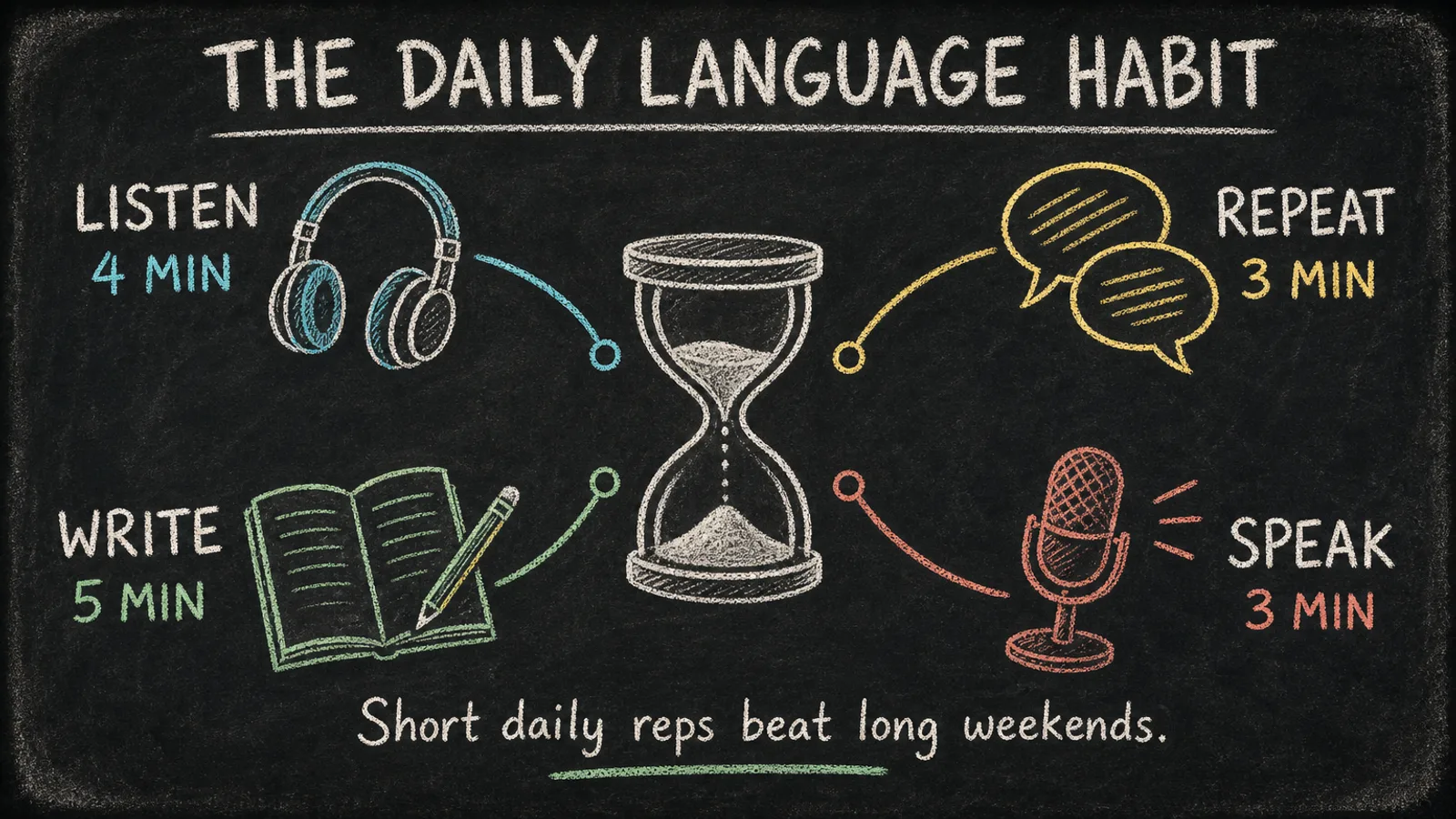
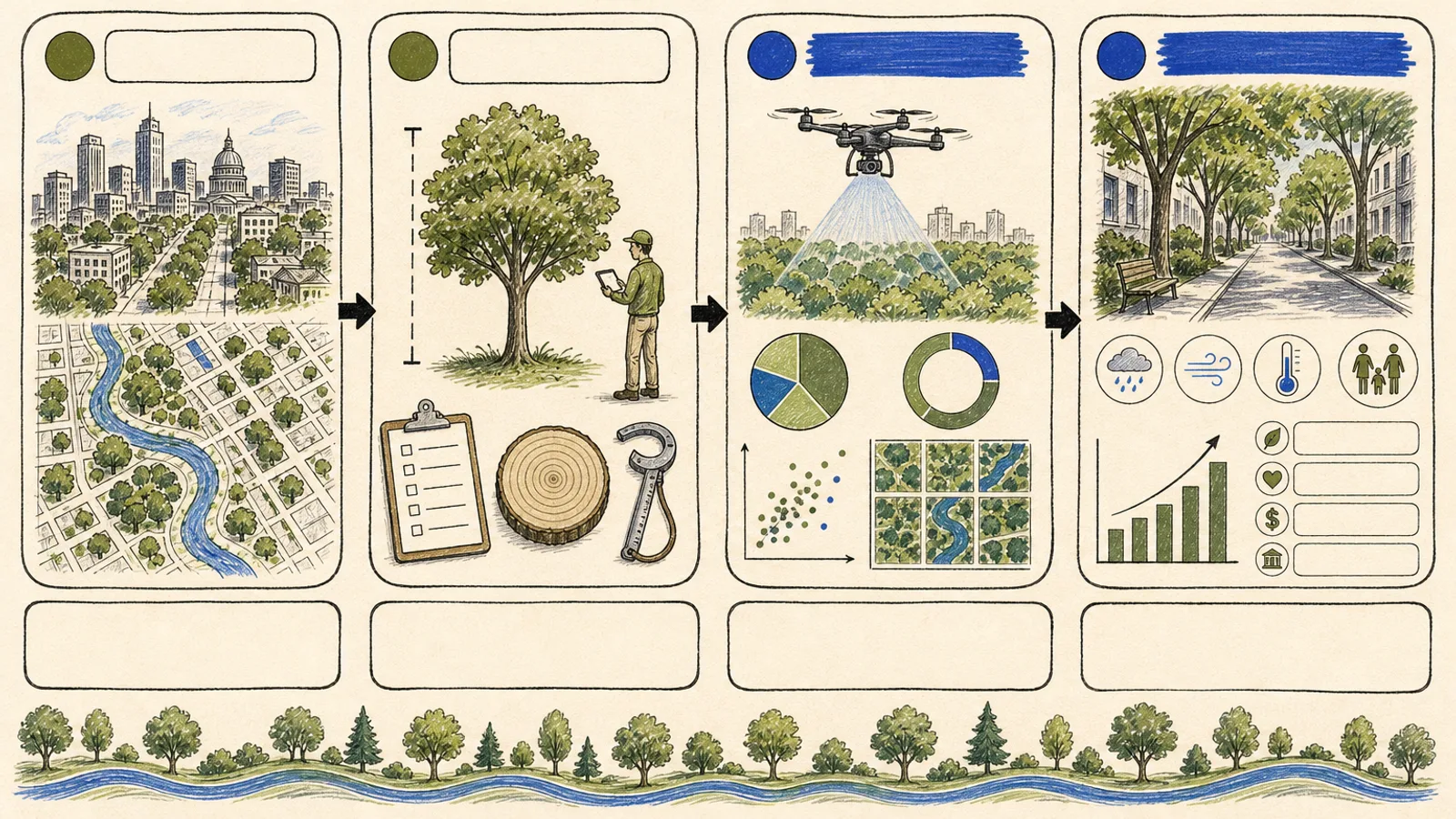
What you get
- One self-contained HTML lesson board with three distinct 16:9 review views of your lesson
- A source ledger that files supplied facts, assumptions, usage rights and unanswered questions in separate fields
- A production brief and quality gate you can repeat on every new board
Good fit
- Teachers turning checked material into something students can look at
- Course creators planning a single learning step that opens and closes clearly
- Curriculum designers reviewing how ideas are ordered and how the check works
Not for
- Inventing facts, figures, citations, owners, permissions or promises
- Boards with platform branding, watermarks, protected characters or unlicensed art
- Replacing the final human review of subject matter, legal points or accessibility
About this Skill
Pick the lesson idea your class keeps getting wrong, and you get a whiteboard-style HTML page that walks through it in four numbered steps, from a starting question to a closing check. Each of the three 1536×864 review views puts one step in focus, and print rules give every view its own page. Behind it sits a source ledger of approved facts, assumptions, usage rights and open questions; anything unconfirmed shows on the board as pending. Icons are labeled inline SVG, and the bundled validator runs before you review.
How it works
- Agree on who the learners are, what the lesson must teach, which source is approved, the output size and the reviewer.
- Open a source ledger with separate fields for facts, assumptions, rights and open questions.
- Copy the bundled template, swap out its sample lesson and arrange the three review views.
- Place inline SVG icons with visible labels, plus pictures only when cleared art helps the evidence.
- Run the validator, then inspect each 1536×864 view and every print page by eye.
Checked before delivery
- Every label, number, link between ideas and citation on the board matches the approved source ledger word for word
- Exactly three distinct 16:9 views, each checked by eye at 1536×864, with icons drawn as labeled inline SVG
- No network URL, no emoji or icon font, and no platform, author, model or other company's mark on the board
- scripts/validate-output.mjs reports 0 errors, and none of the template's sample lesson is left
What you need before you start
- You bring
- The approved lesson goal and the explanation it rests on · The precise terms, links between ideas, and worked examples to show · Who the learners are and which mistaken belief the board should correct · Canvas proportions, marker colors, and any accessibility needs
- Dependencies
- Node.js 18 or later, for the bundled validator script
- Outside costs
- None
- Last tested
- v1.0.0 — Claude Code / Codex / Cursor
User reviews
Loading reviews…
FAQ
Does it need an image model or a key?
No. The board is an HTML page built from the bundled template, with no generated pictures and no API key.
What happens to facts nobody has confirmed?
They appear on the board marked pending. The Skill never plugs a gap with a guess that only sounds right.
What comes back at the end?
One lesson board seen in three different 16:9 views.