Penline Guide Deckv0.1.1
Use this Skill to make a presentation.
- Yours to keep: the files stay on your computer.
- Payment by Waffo Pancake, our merchant of record.
- 38 free Skills to try first
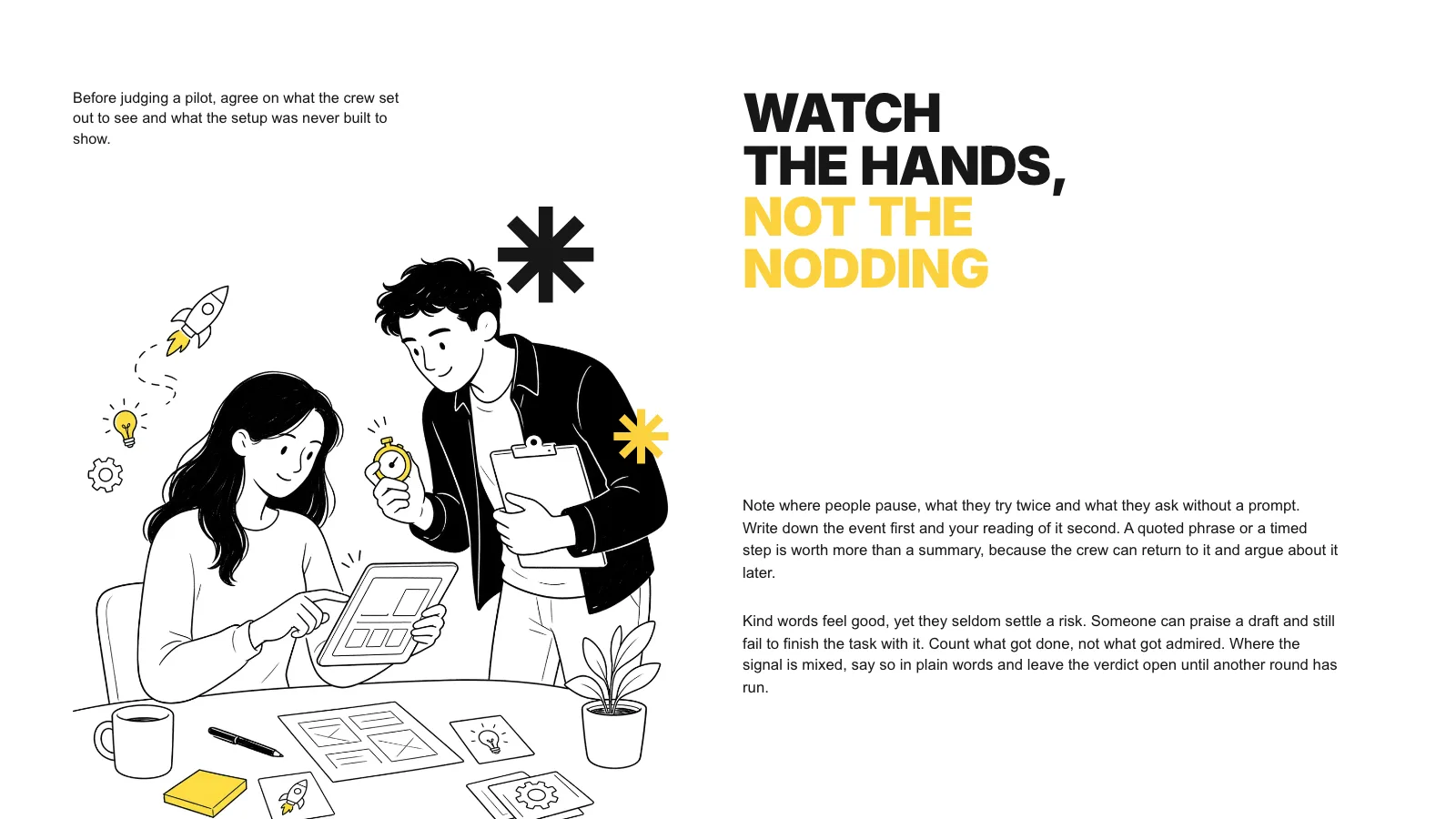
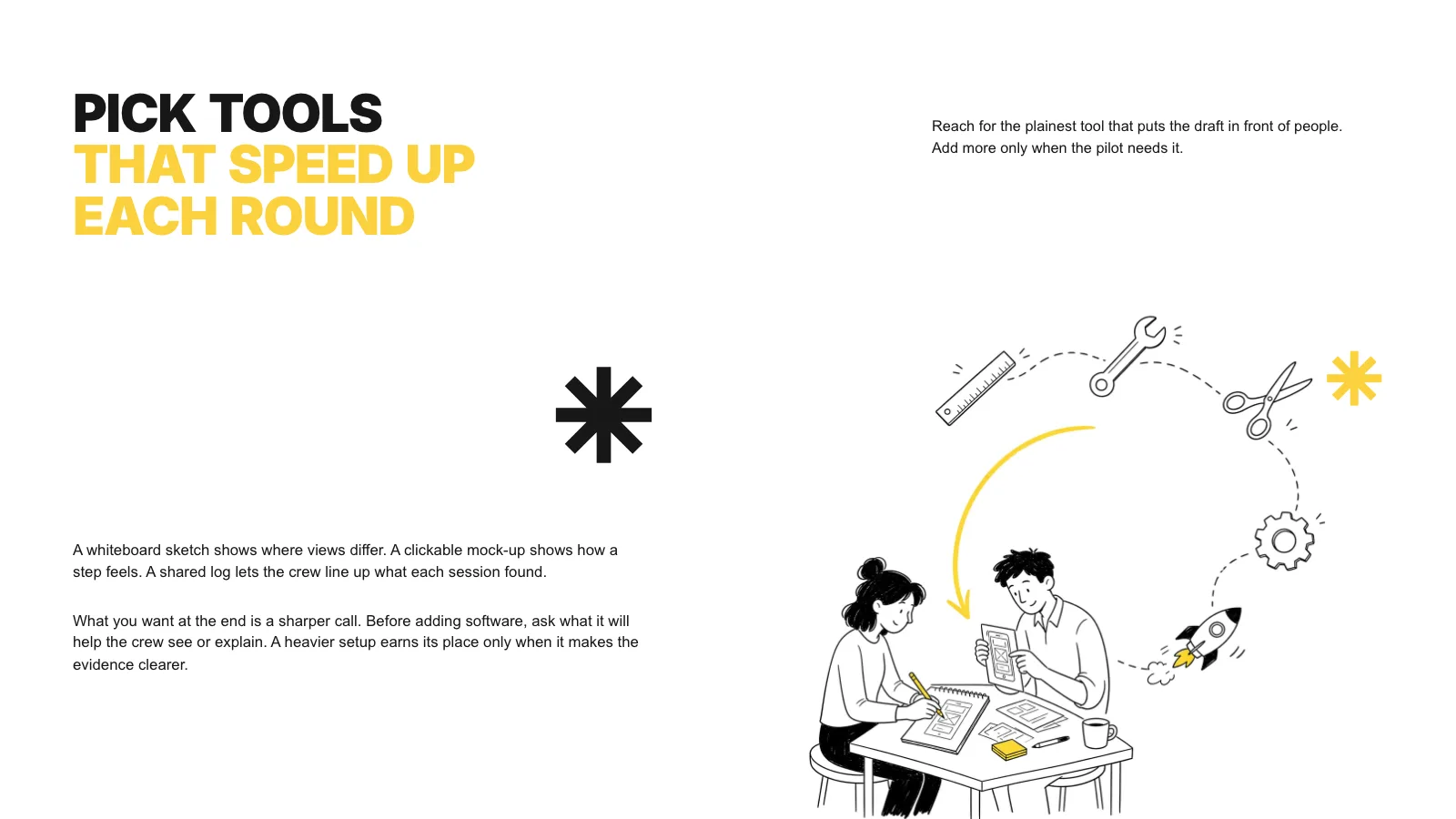
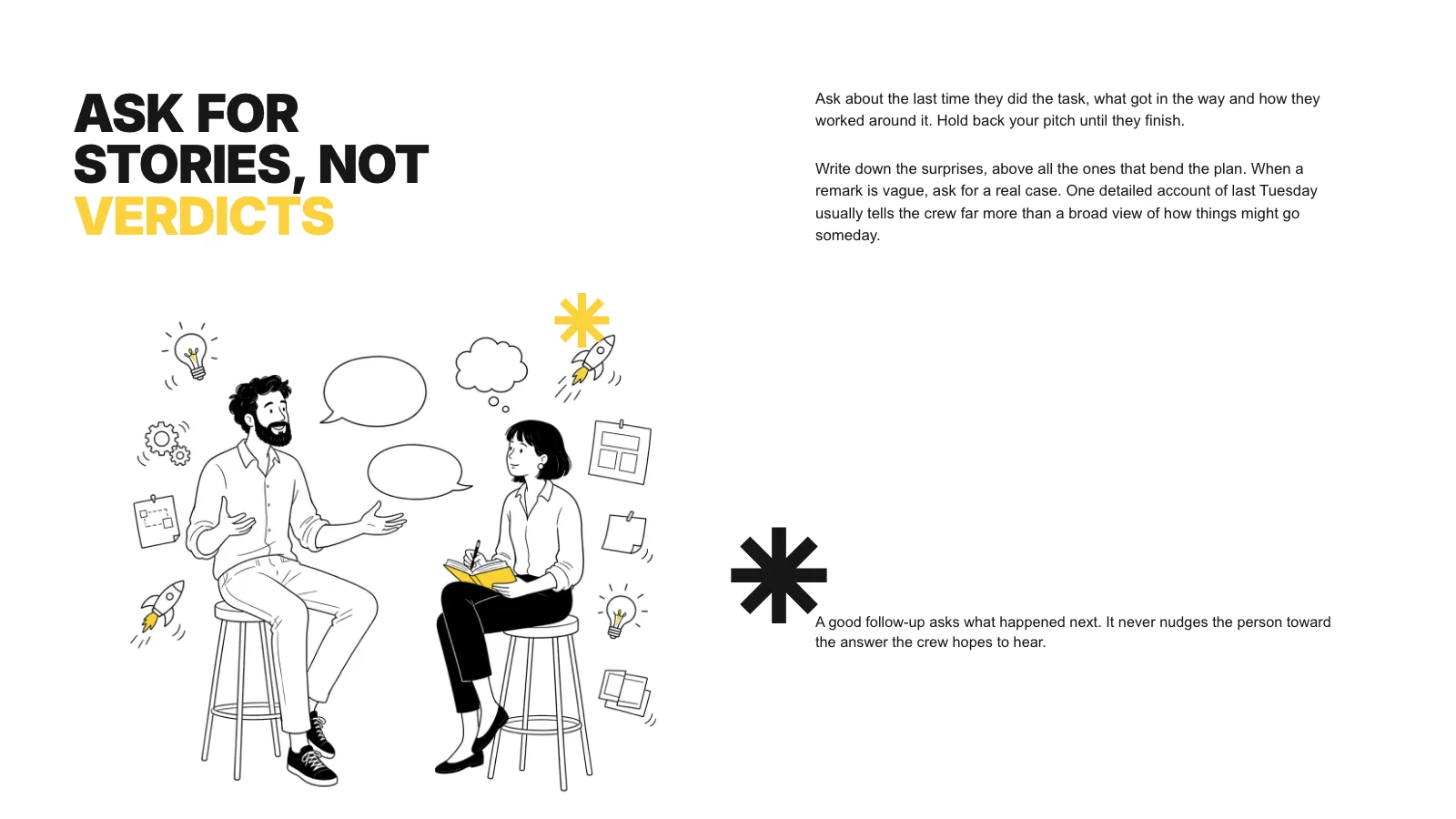
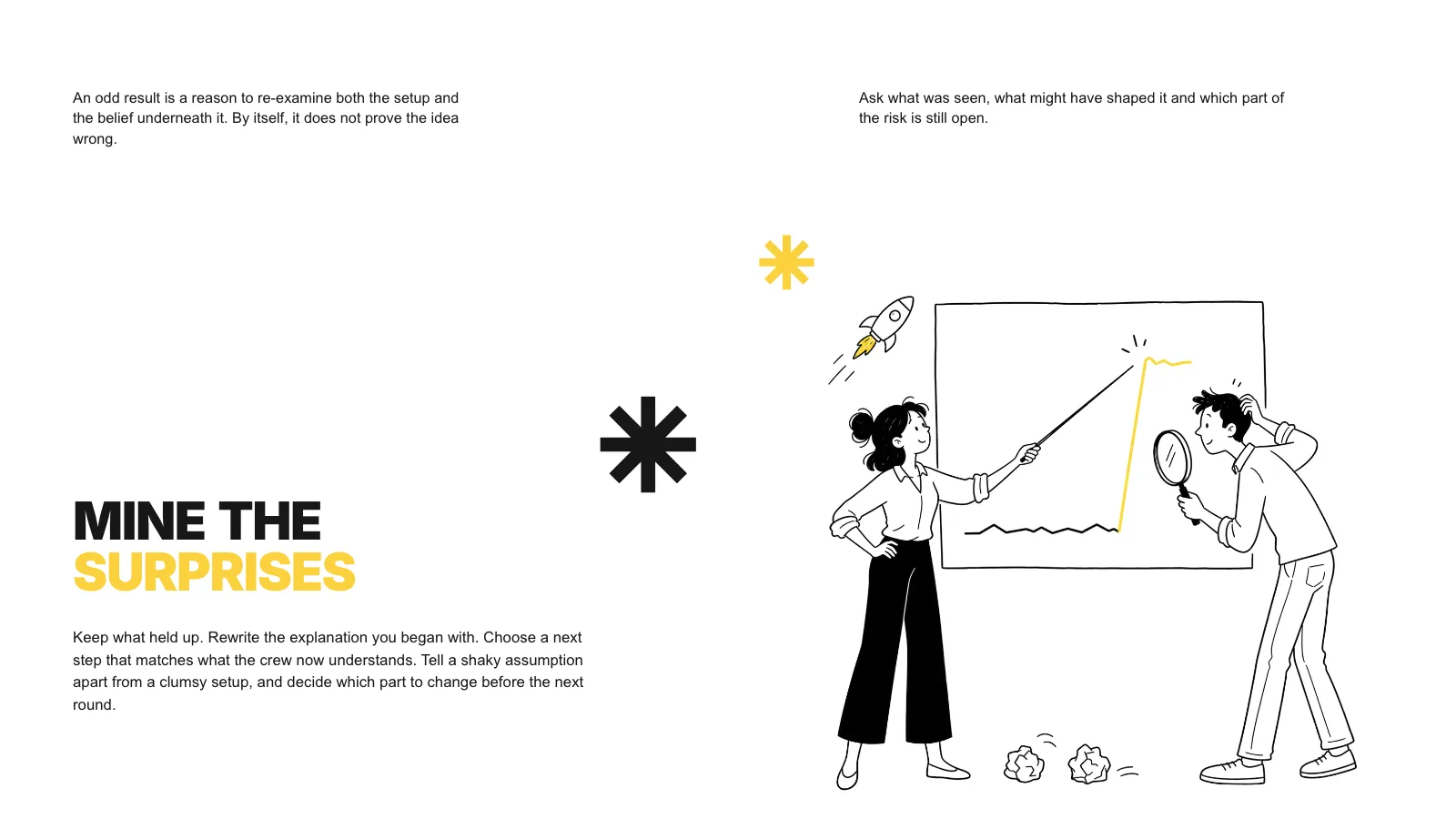
A drawn explainer deck skill for Claude Fable 5: white pages, giant uppercase titles split between near-black and sunny yellow, short text blocks off-centre and a fine pen sketch on each page.
Picked most often by
Updated Nov 6, 2026
Preview gallery
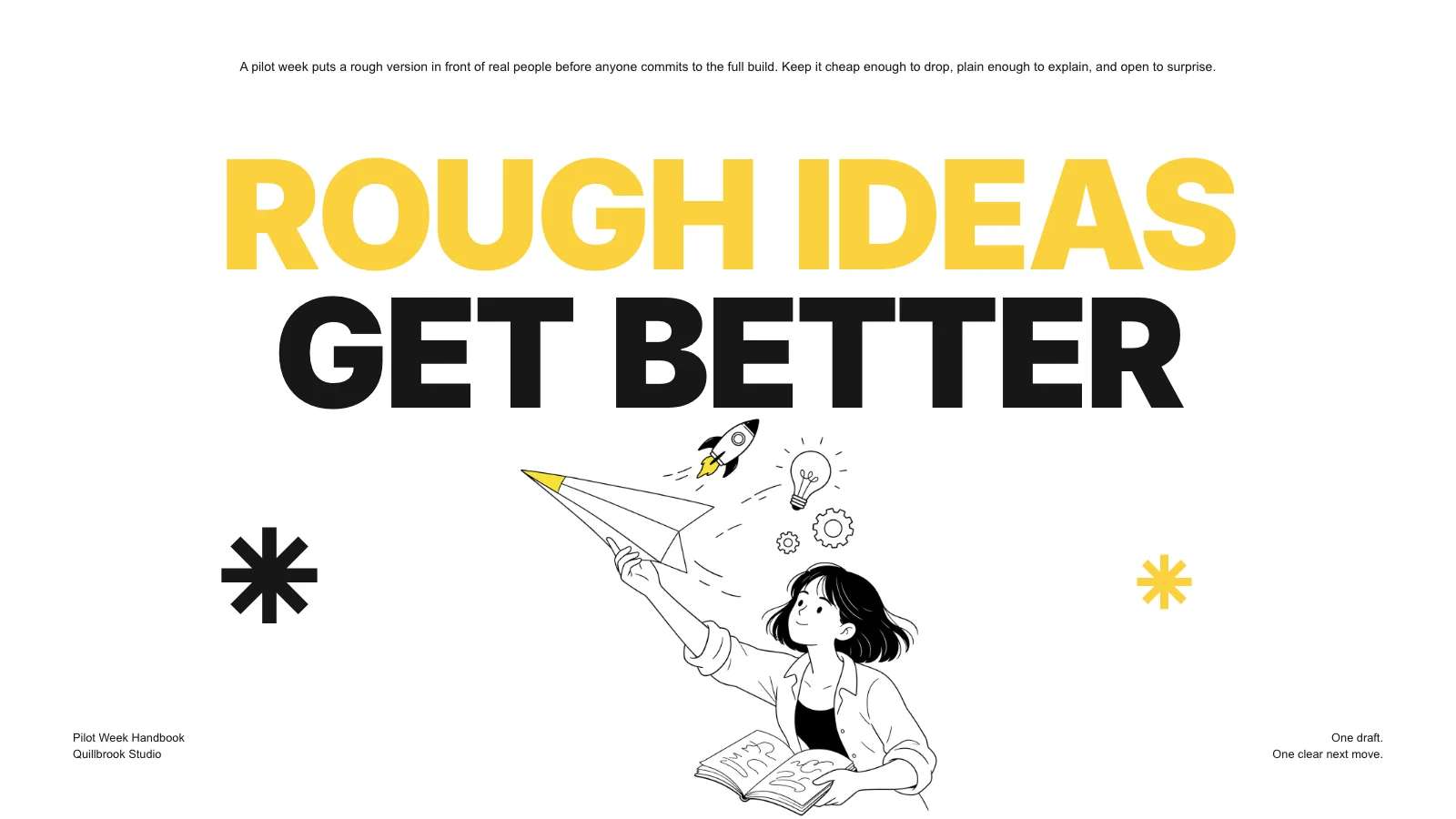
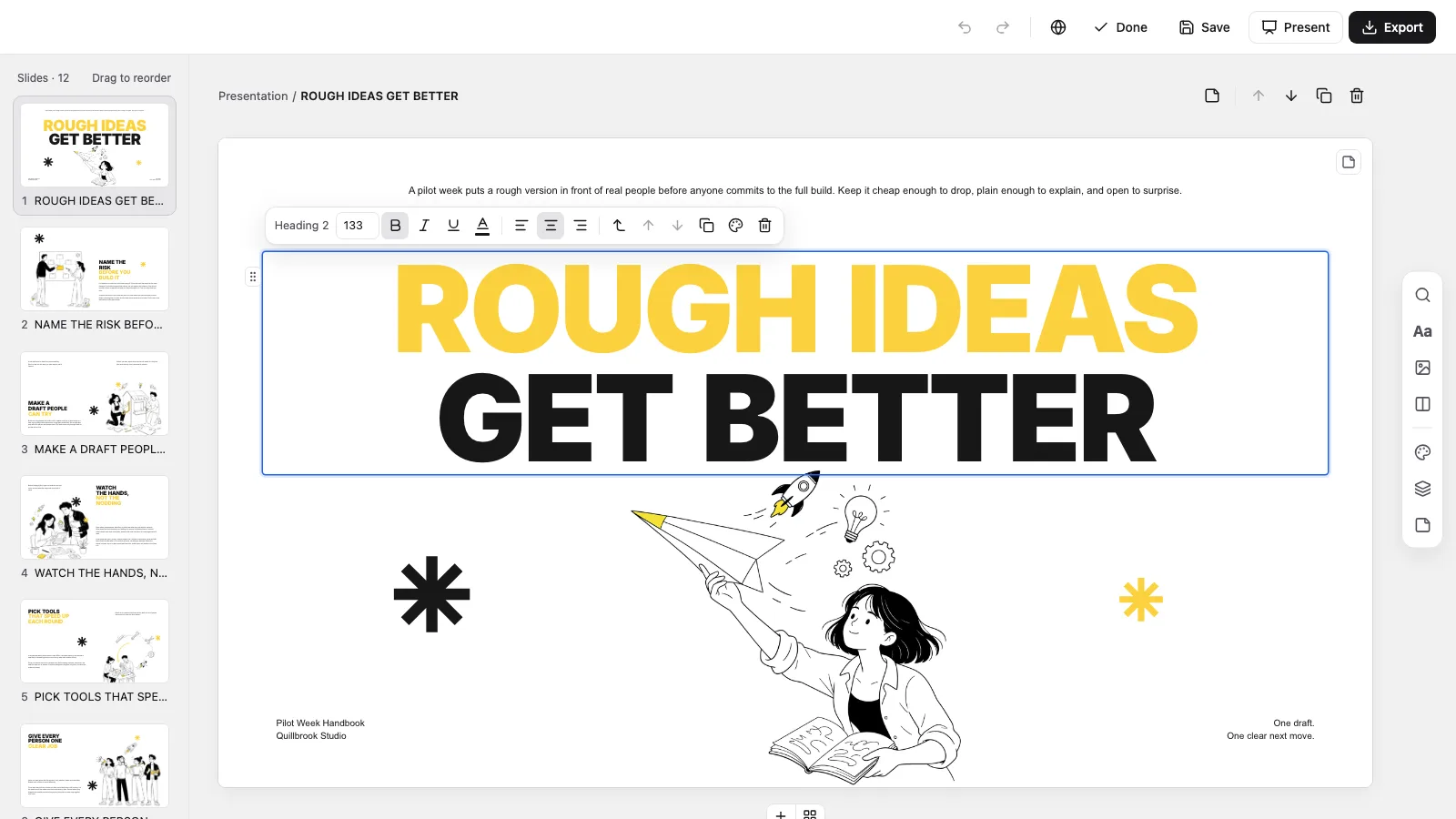
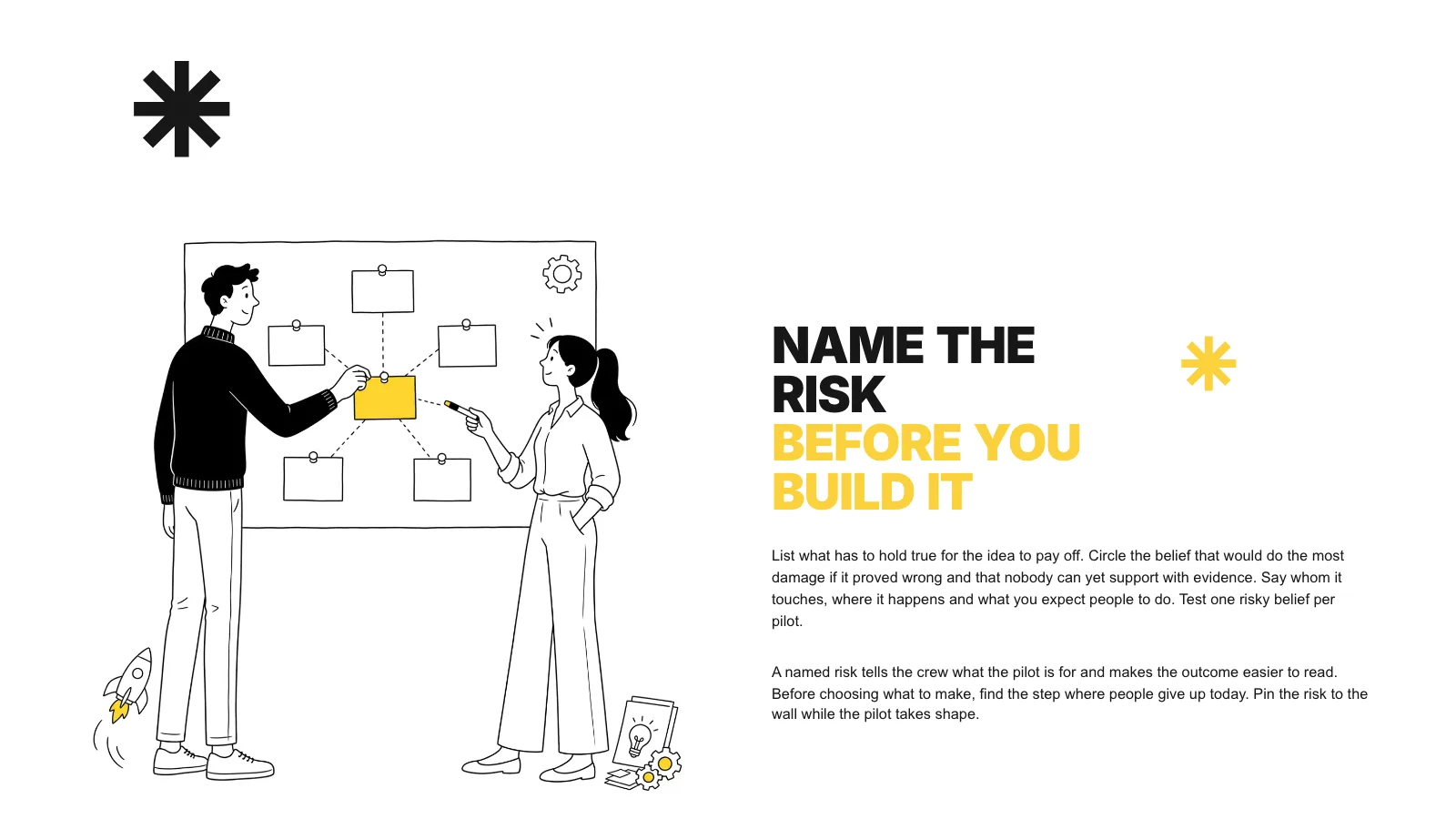
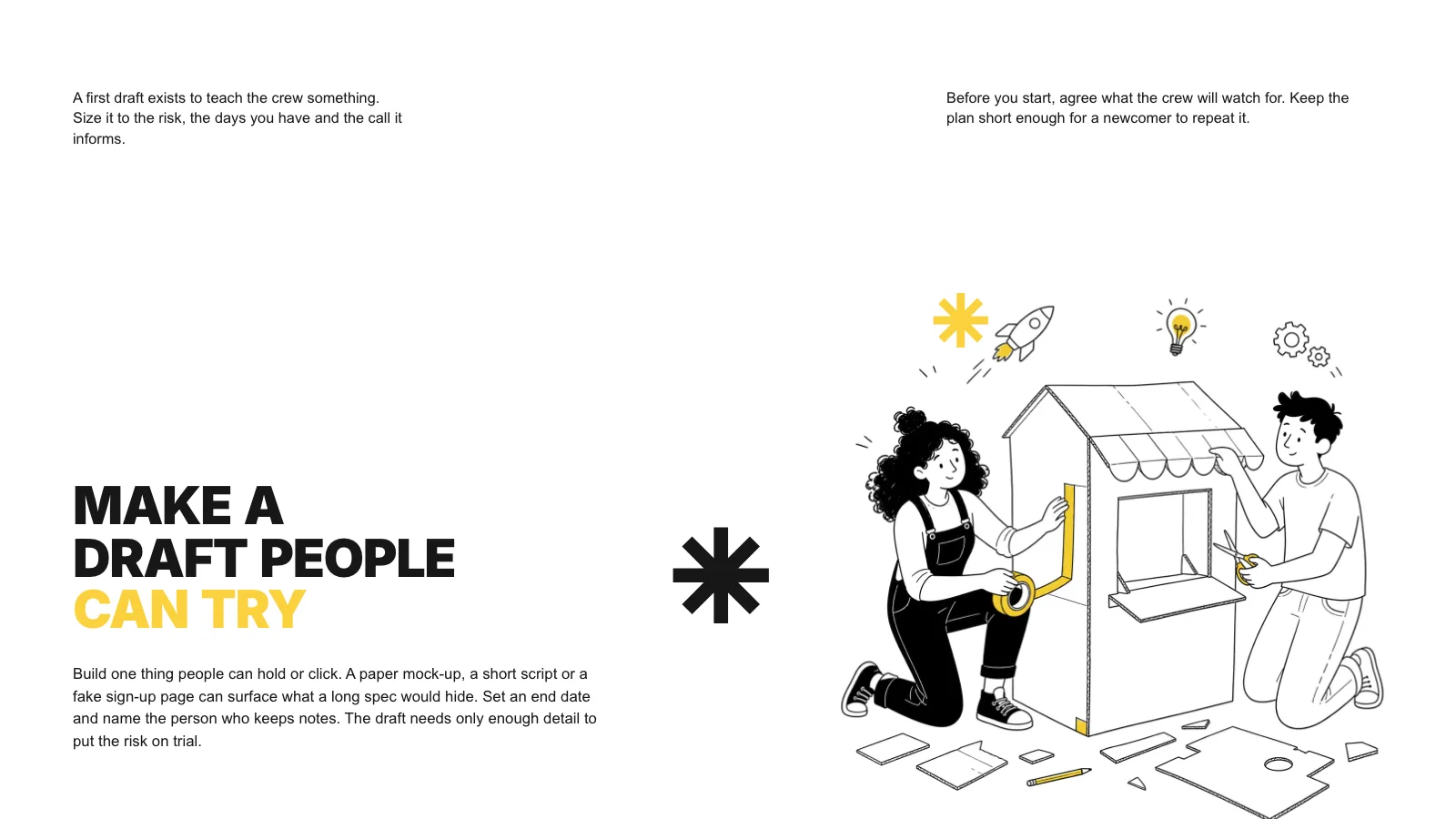

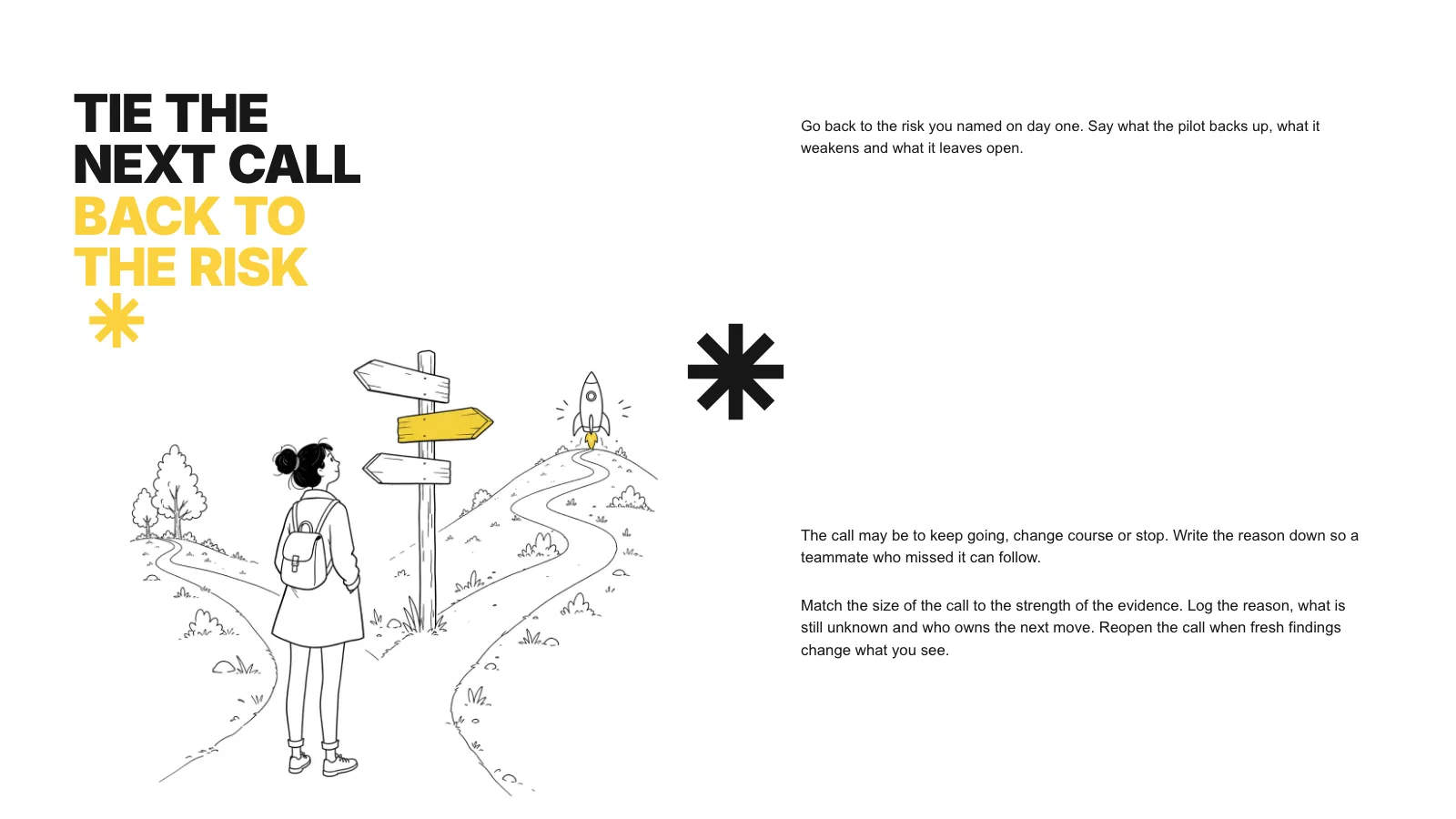
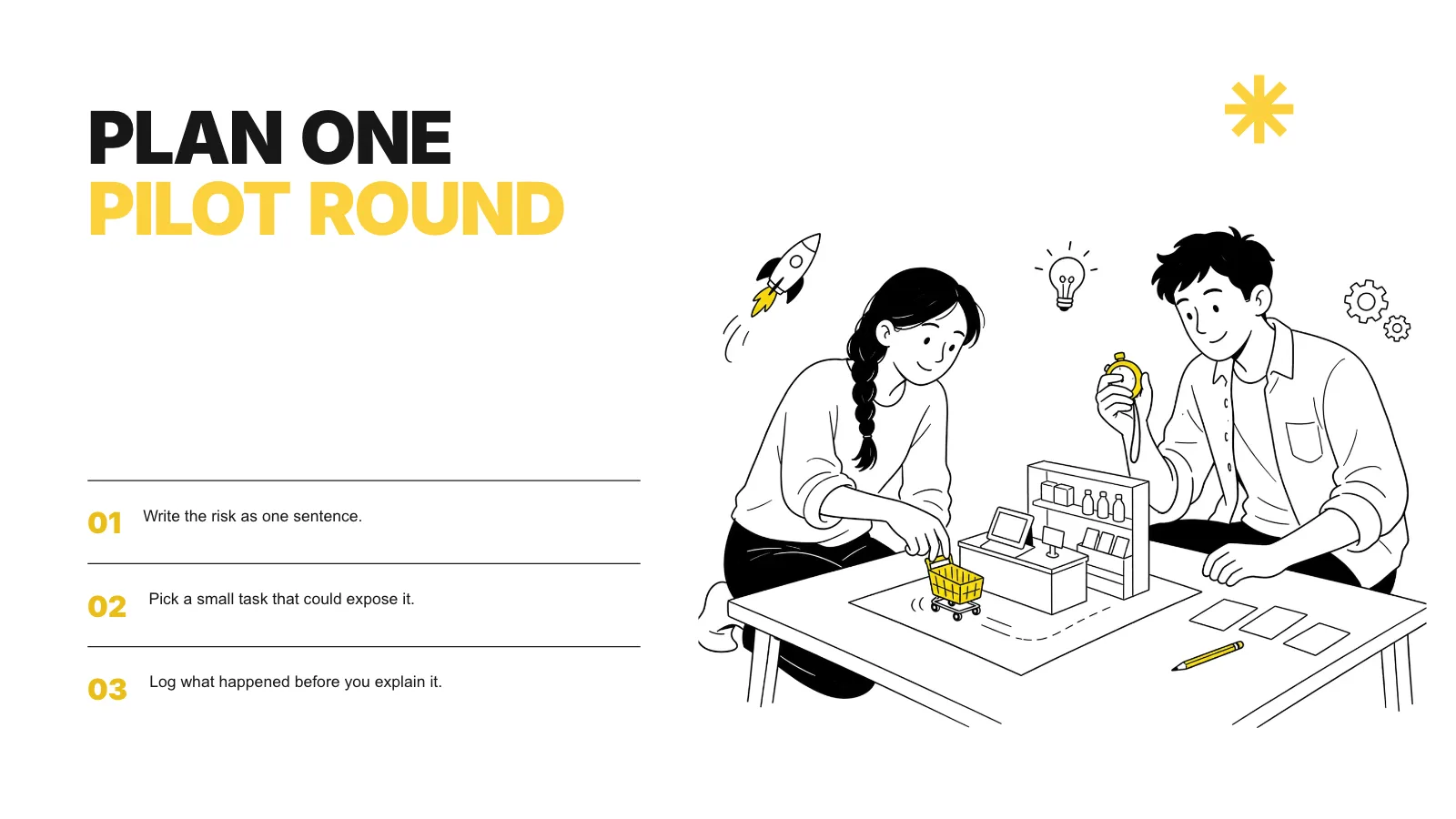
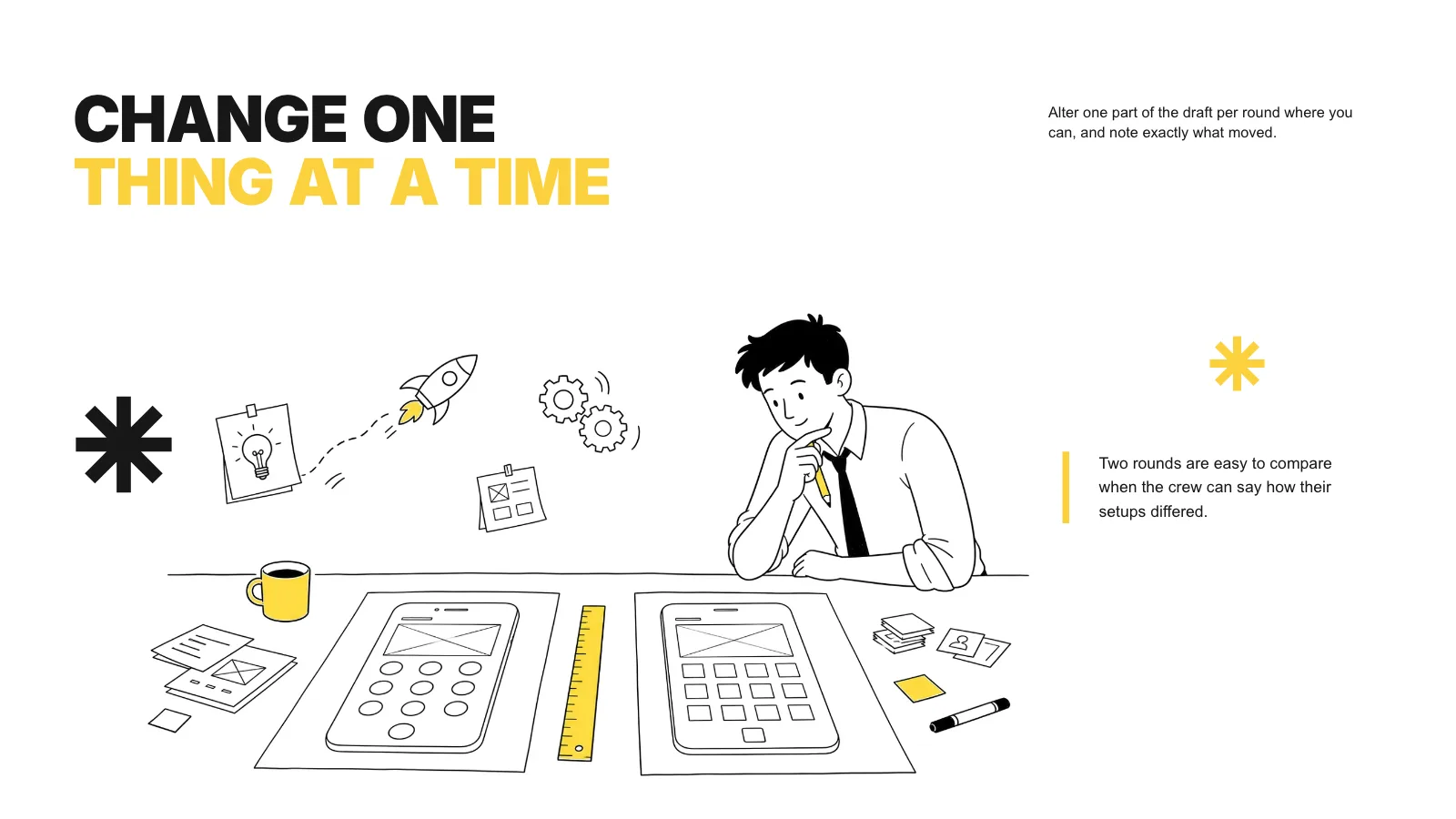



 FAL
Similar Skills
View all






What you get
- A single offline HTML deck of 1280×720 pages, opening on a page overview with Edit and Present buttons
- Twelve page recipes, from a huge opening title through numbered steps to a closing page, with a library of twelve drawings
- A .pptx export from the deck's own menu, verified by a script, and printing to PDF
Good fit
- Team guides, playbooks and how-to sessions
- Workshops and onboarding for new staff
- Explainers that want a light, sketched feel
Not for
- Brand or product decks led by photographs
- Reports dense with charts and tables
- Formal papers for a board meeting
About this Skill
Penline Guide Deck is a presentation skill for Claude Fable 5 that makes a method, a playbook or a short course stick: a handful of heavy words in each title, compact blocks of plain text and a hand-drawn scene per page. Your brief sets how many pages there are, and each drawing is picked for its page. The result is a single offline HTML deck you edit in the browser, present from, and export as PowerPoint or PDF.
How it works
- Settle the brief: who is listening, what the deck should teach, how many pages and which facts you can vouch for
- Give every page one point and assign it a recipe from the style kit
- Pick library drawings, freshly generated ones or your own art, then compose, build and run the deck checker
- Open each page, test editing, saving and presenting, and hand over the one file
Checked before delivery
- check-deck.py passes with the agreed page count and the style kit
- Every page keeps white paper, near-black ink, heavy two-tone uppercase titles, small Arial copy islands and its asterisk marks
- Every drawing stays fine black pen line work on white with small sunshine-yellow accents, one drawing per page
- Every text block, drawing and asterisk stays independently editable
- No example text or pictures left unless the user keeps them
What you need before you start
- You bring
- The topic, the audience and the facts or method the deck should teach · Agreed page count and the point each page makes · Optional drawings the user owns, or a choice of library drawings or generated ones
- Dependencies
- Python 3 with a current browser; Node.js 20+ for library drawings and generation · Library drawings need no API key. New drawings are optional and charged per image to your own FAL account
- Outside costs
- Optional FAL_KEY for generated pictures
- Last tested
- v0.1.1 — Claude Code / Codex / Cursor
User reviews
Loading reviews…
FAQ
Could it make up steps or facts?
No. Each step and claim comes from material you sign off on. The checker flags any sample wording left on a page, so nothing from the demo handbook slips through unnoticed.
Is an image API key required?
No. A deck can use the twelve library drawings, your own artwork, or a labelled frame left for you to fill in. Making new drawings is optional and billed to your own FAL account.
Will it open in PowerPoint or Keynote?
Yes. The Export menu writes a .pptx that a script compares with the deck, and that file opens in PowerPoint, Keynote and WPS alike.