Beam Path Apparatus Figurev1.0.1
Use this Skill to make explainer graphics.
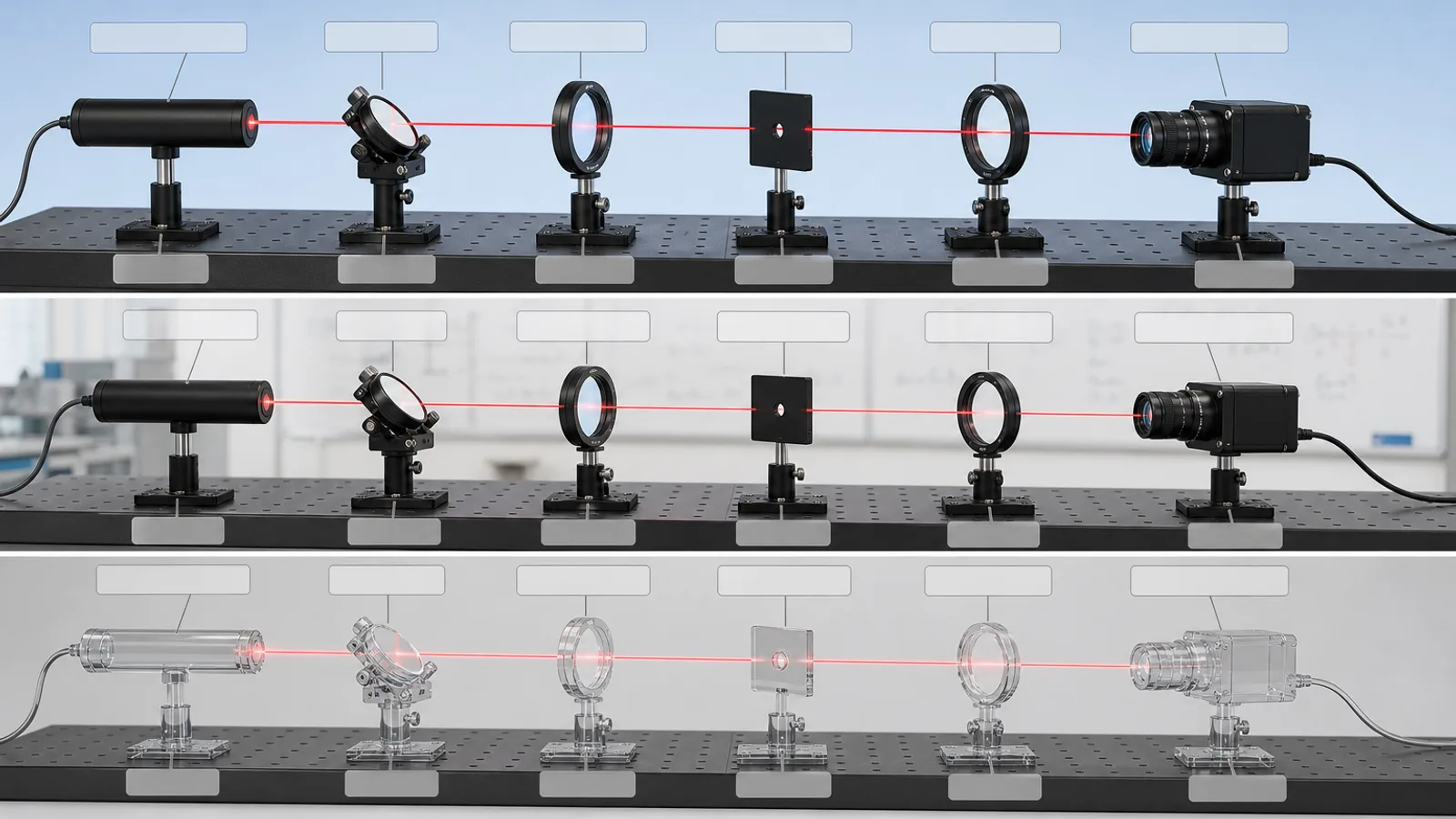
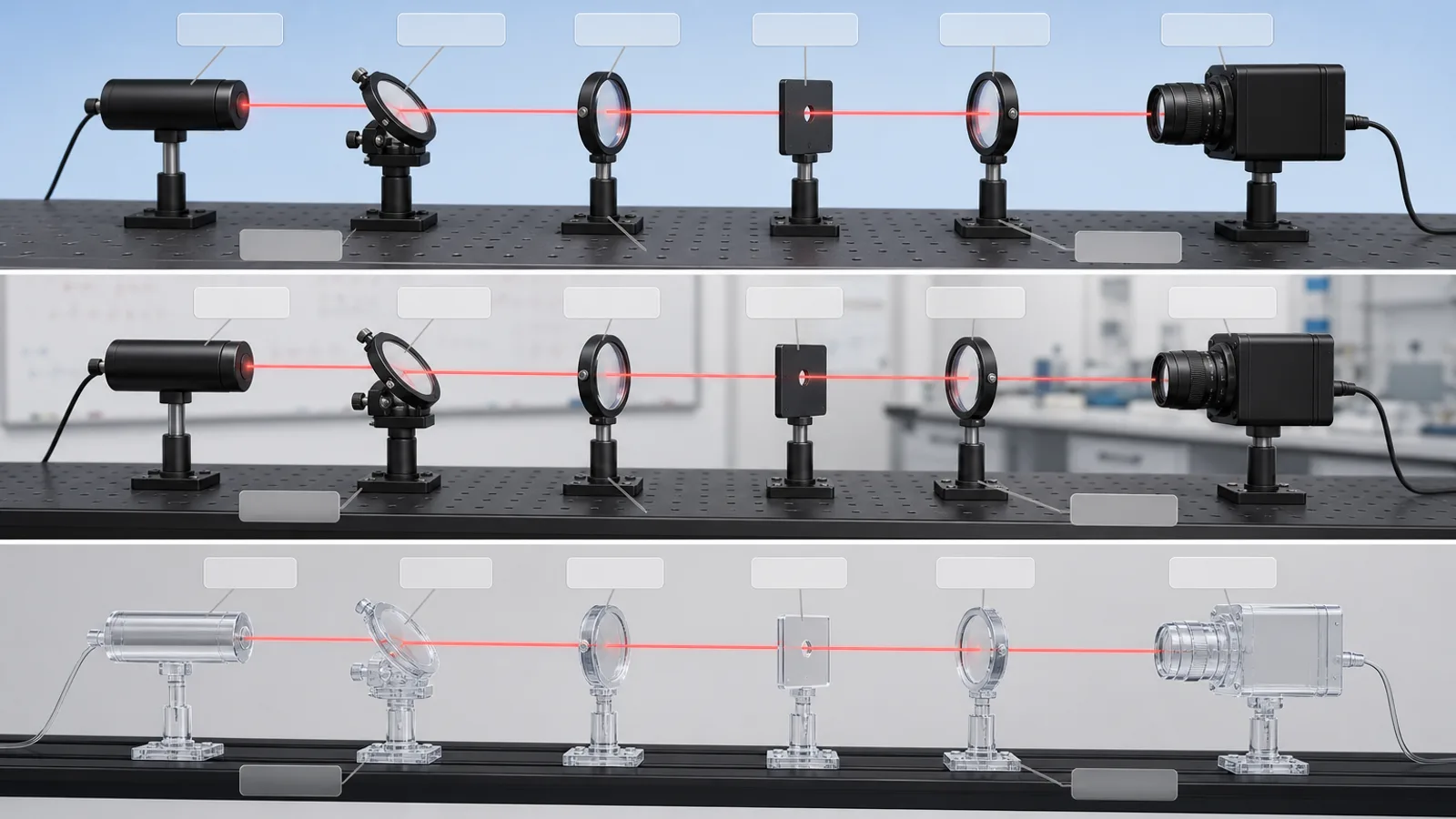
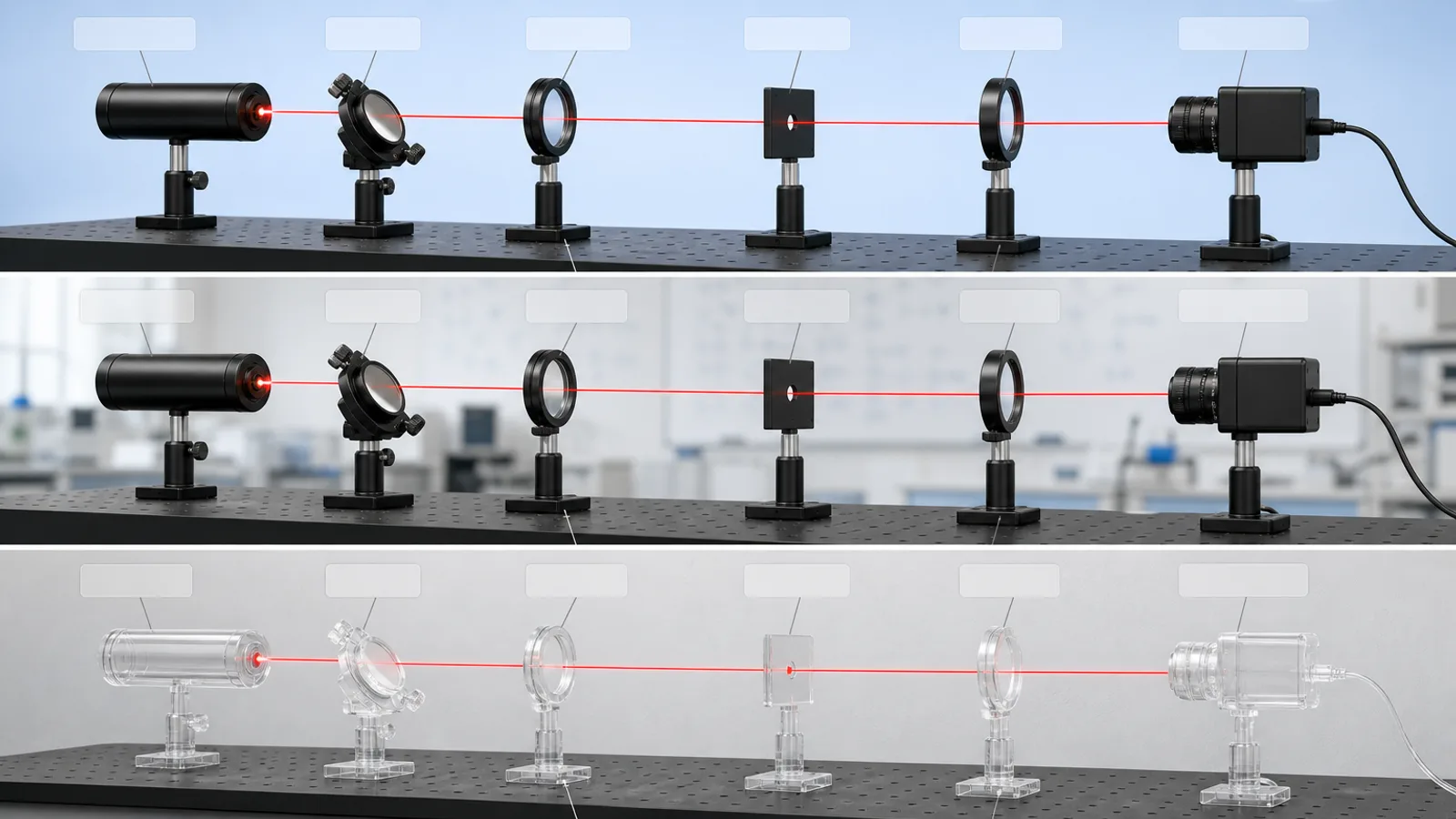
A science figure skill for Claude Fable 5: your checked optics bench, rendered in the right part order with one beam and empty callouts, framed as an explainer, never a simulation.
Picked most often by
Updated Aug 25, 2026
Preview gallery


 FAL
Similar Skills
View all
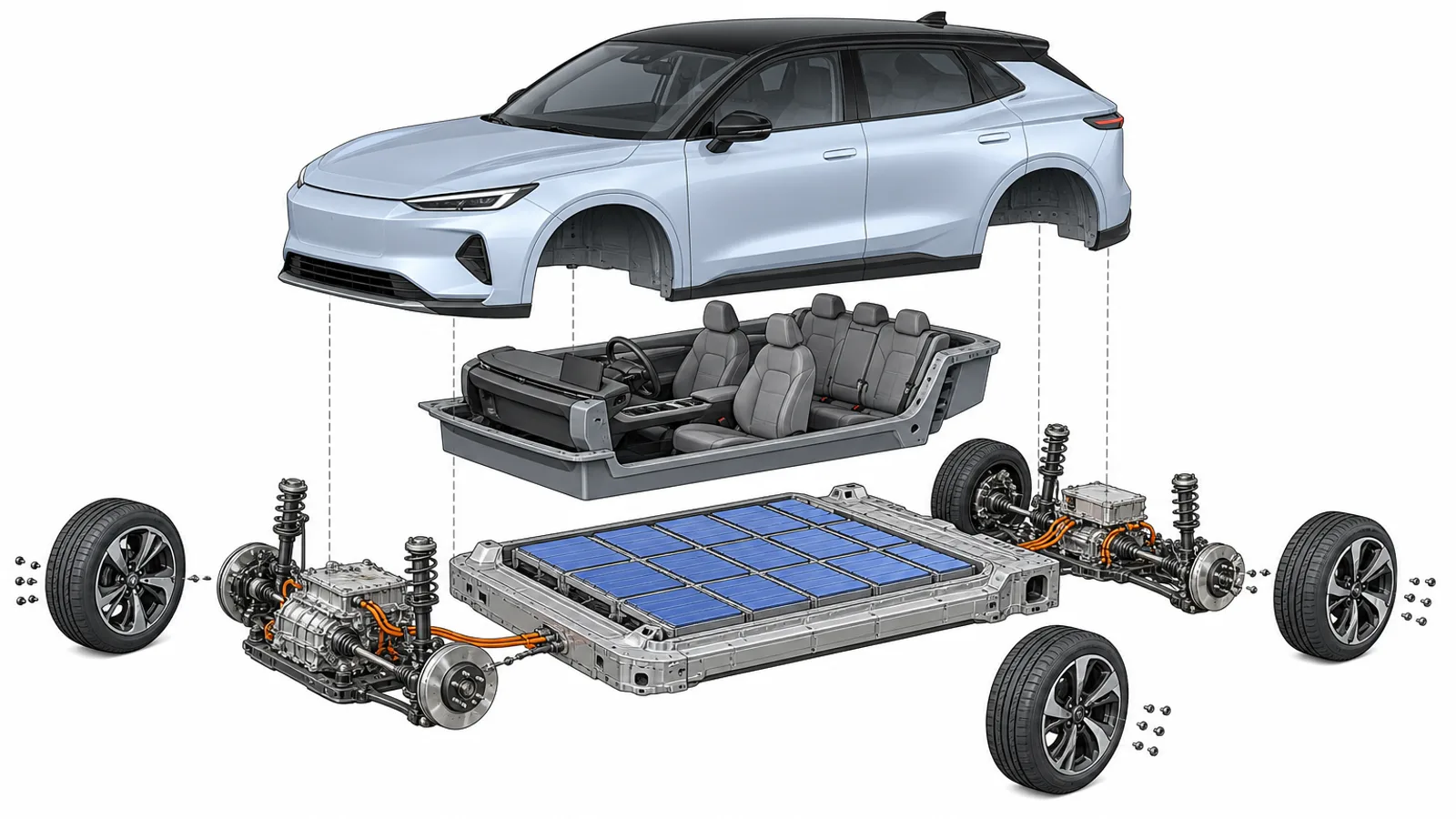
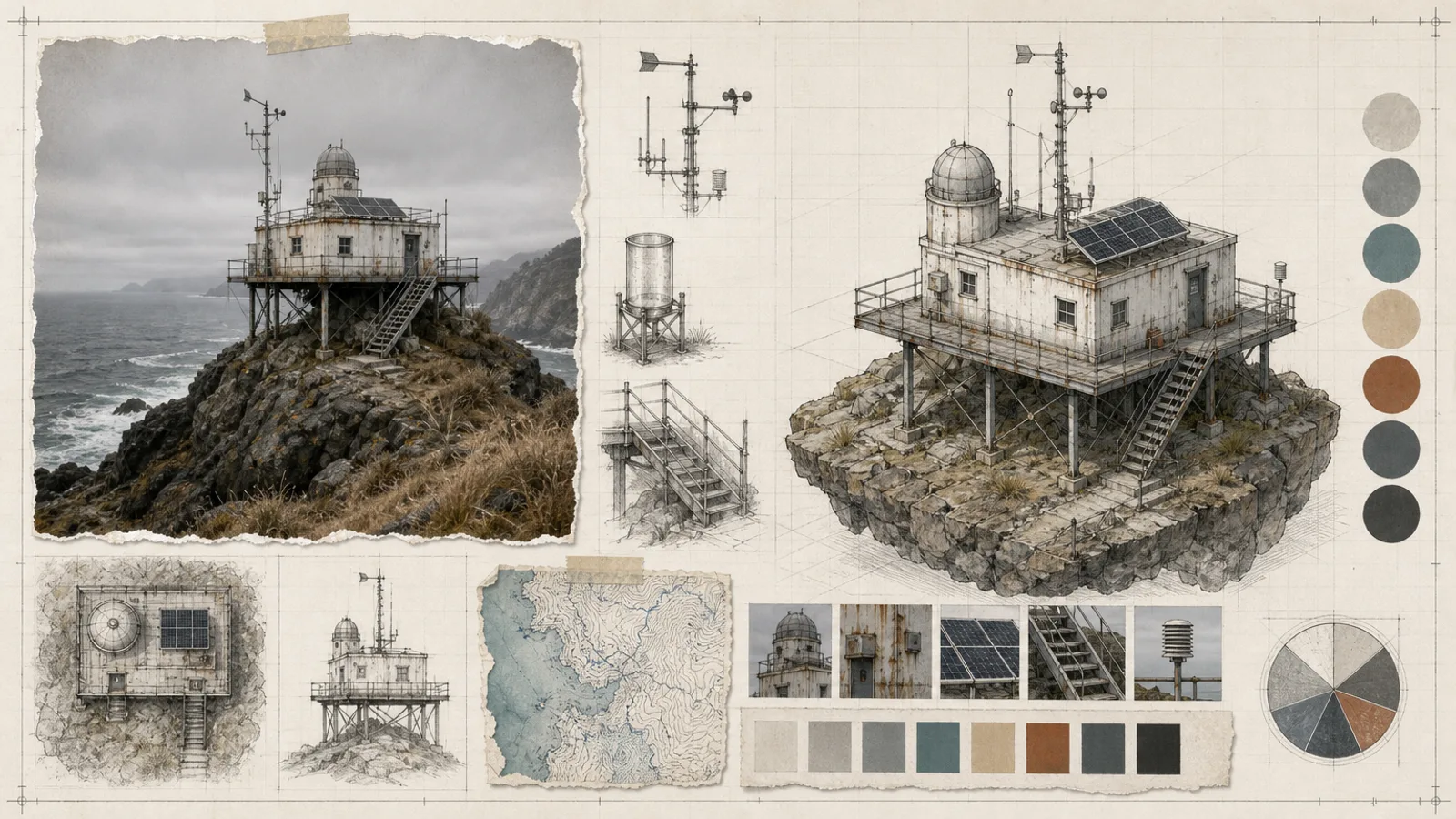
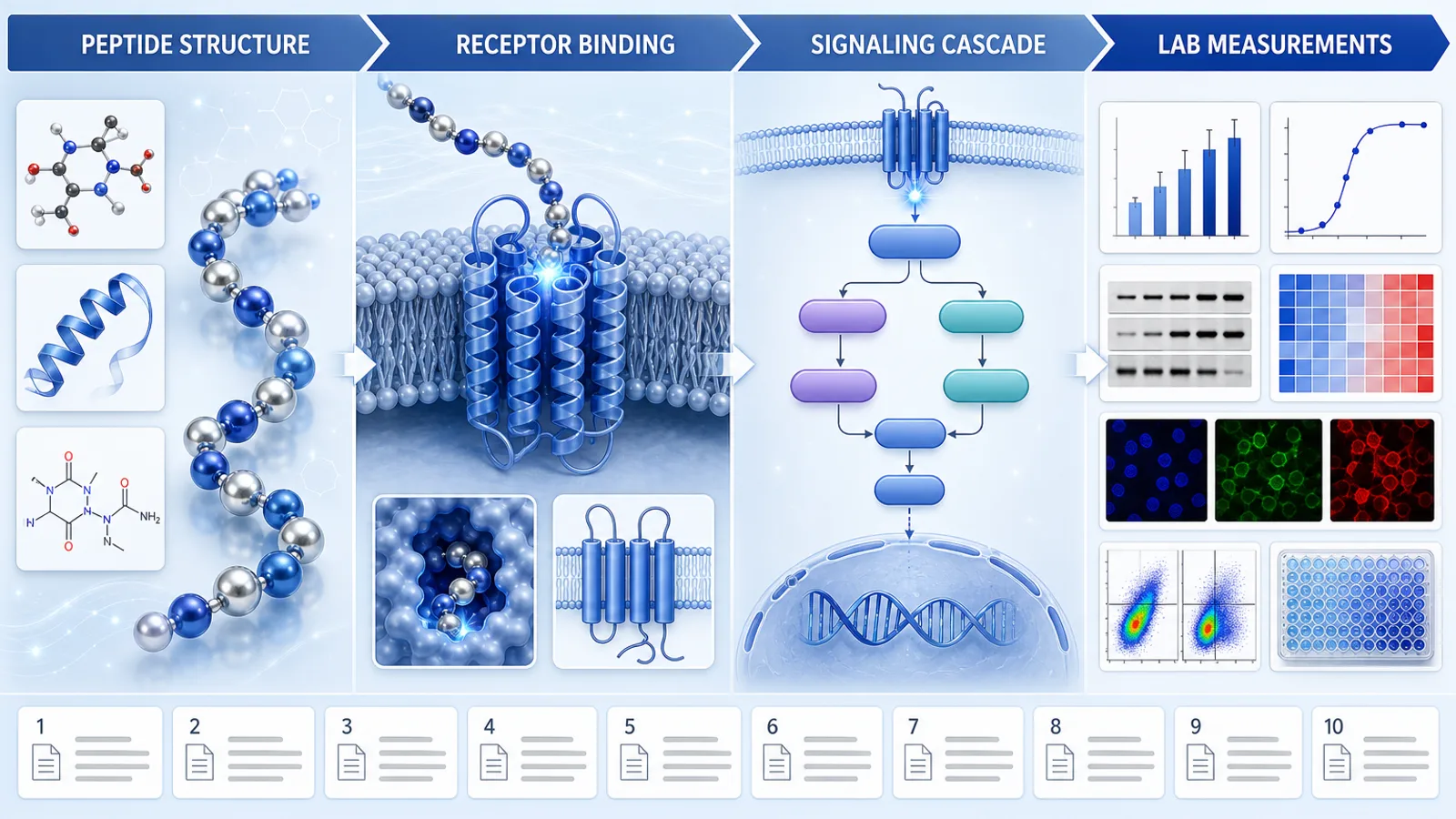
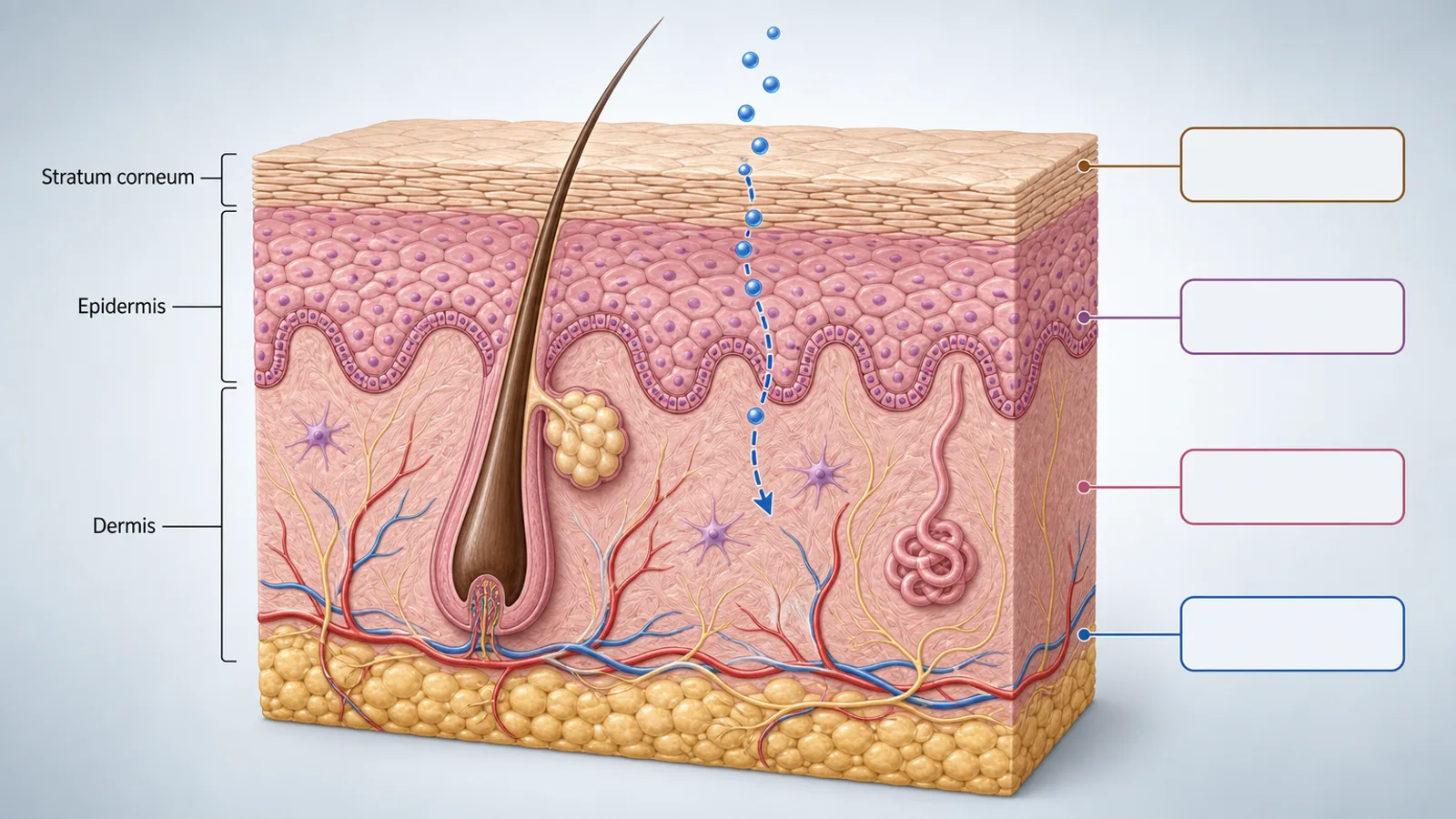
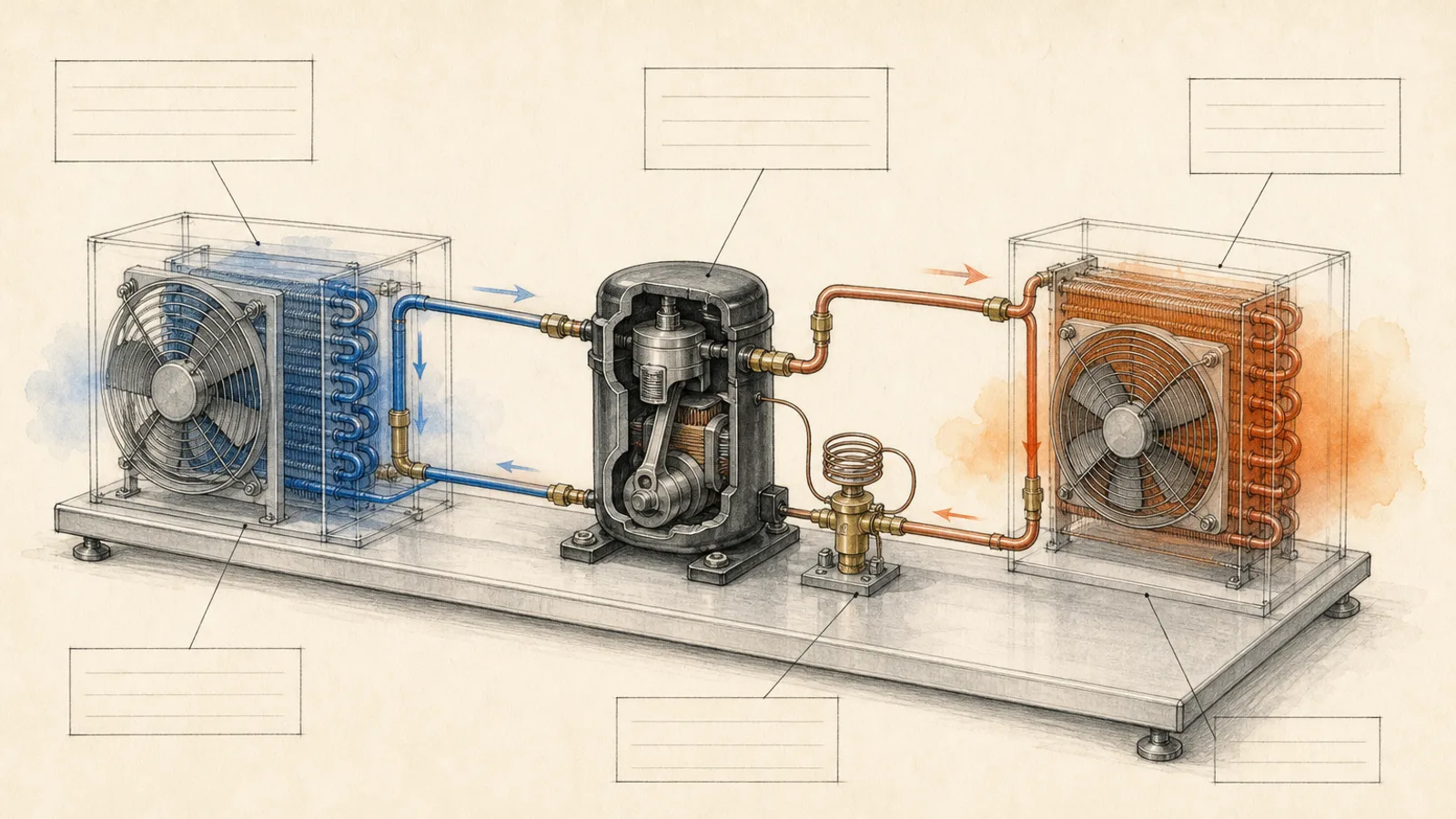
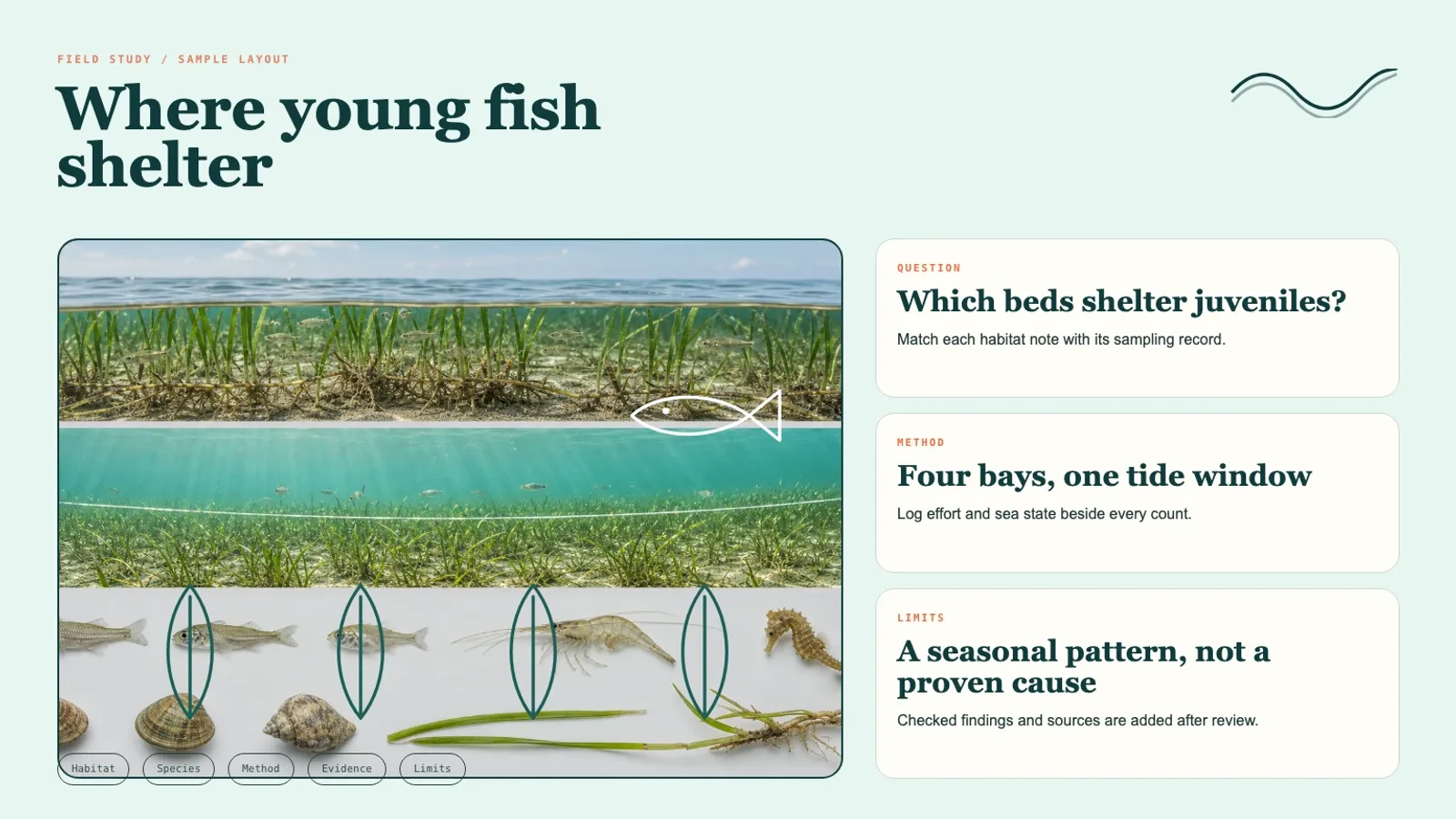
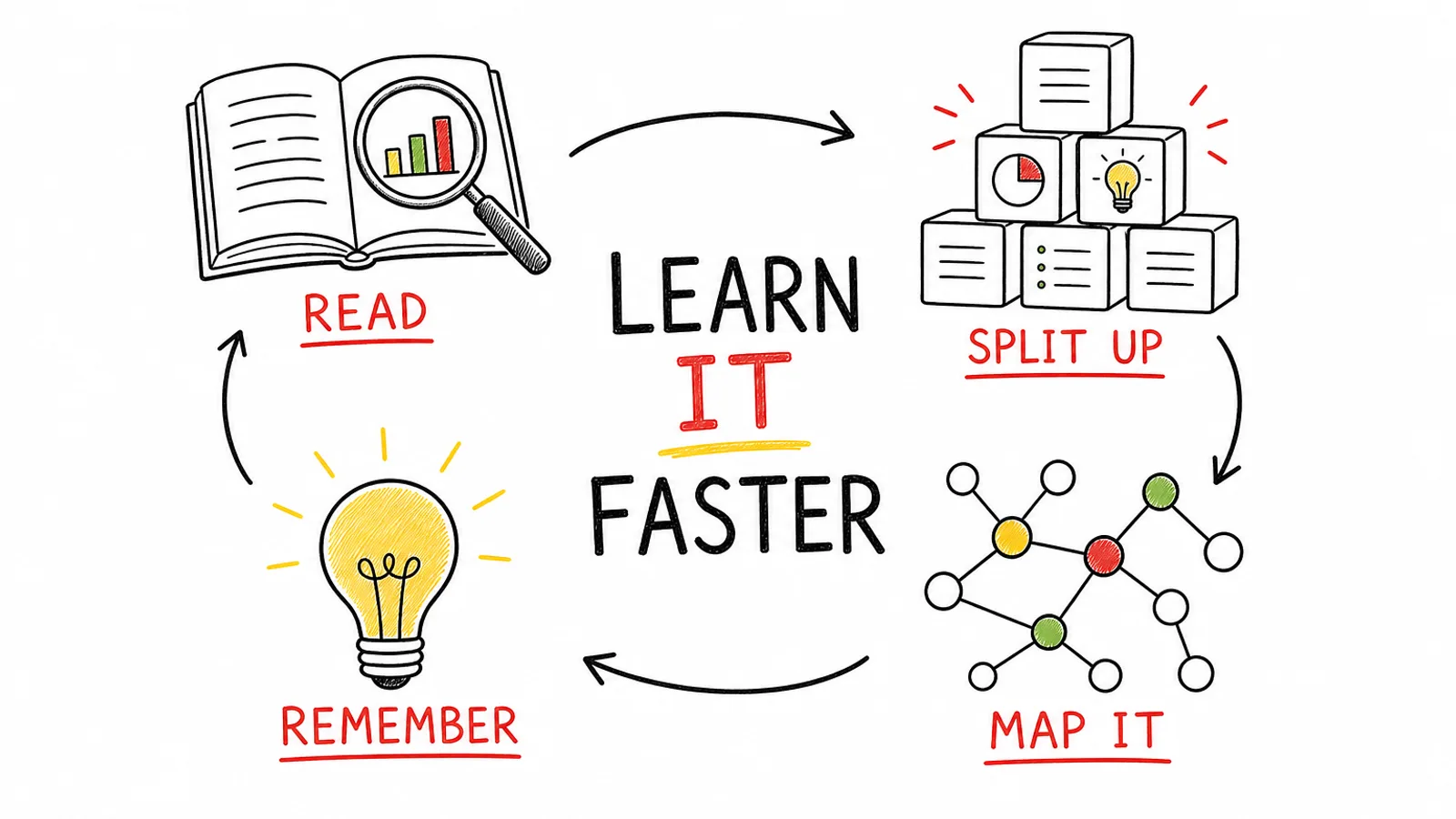
What you get
- A wide 16:9 render of the bench, parts and beam in the checked order
- Open callout areas for exact labels, values and uncertainty notes
- Three variants, each compared with the evidence table before delivery
Good fit
- Science communicators building an explainer from facts already checked
- Researchers who want a figure for a talk, a poster session or a review
- Graduate students needing a clear teaching or lab figure
Not for
- Optical simulation or performance prediction
- Build, alignment or lab safety instructions
- Benches whose component order no one has verified
About this Skill
List an optics setup's parts in order, with the beam path and any values you trust, and get a clean studio-style render for slides. Source, mirror, lenses, pinhole and camera stand on posts along a bench as listed, one red beam threads past each, and pale boxes joined to parts by leader lines stay empty for your names and numbers. The agent drafts the parts table before anything else, sends one paid request for three 16:9 PNGs at 1536×864, and rejects any variant that drops, adds or reorders a part.
How it works
- List the setup left to right as a table: each part's name, role, orientation and confirmed value.
- Trace one unbroken beam path and flag any gap or unknown value instead of inventing it.
- Hold to a restrained technical palette: gray hardware, one color for the beam, one for the callouts.
- Build the brief in layers: background, bench, components, beam, callout areas, then the caption strip.
- Generate three variants and discard any where a part has gone missing, appeared or changed place.
Checked before delivery
- Three separate 16:9 images with no unexpected logo, watermark or protected design
- Structure, order, counts and visual claims match the approved input table
- Exact labels, figures, citations and disclaimers are typeset after generation in a layout tool
- The images are delivered with the final evidence table and the unresolved points
What you need before you start
- You bring
- The optical parts, listed in order · The checked beam path and the order the parts connect in · Focal lengths, wavelengths, or any other values already known · Who it is for and whether it is meant for teaching or publication
- Dependencies
- A FAL account with FAL_KEY set · Node.js 20 or later
- Outside costs
- FAL_KEY
- Last tested
- v1.0.1 — Claude Code / Codex / Cursor
User reviews
Loading reviews…
FAQ
What should I prepare first?
Bring the optical components in order, the confirmed beam path and how the parts connect, any focal lengths, wavelengths or other values you already know, and the audience, plus whether the figure is for teaching or for publication. Whatever is missing gets flagged, never filled in silently.
Does the image carry the final labels and numbers?
No. The render leaves the callout areas blank. Exact names, values, citations and disclaimers are typeset from the approved table after you choose a composition.
Can I cite the figure as an authoritative source?
No. It explains the setup visually. It is not a simulation of the optics, a construction drawing or a safety reference.