Marker Workshop Deckv0.1.4
Use this Skill to make a presentation.
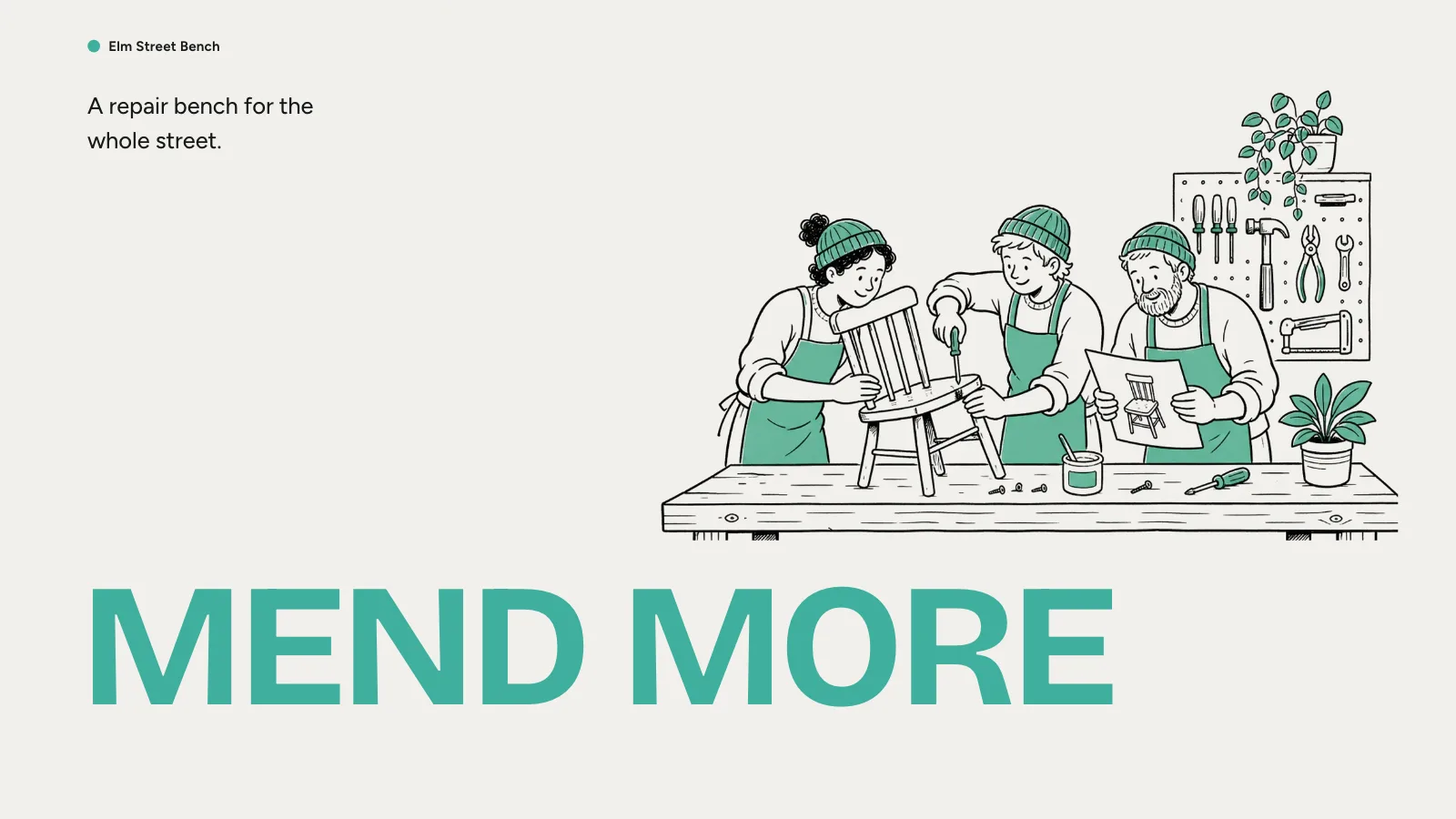
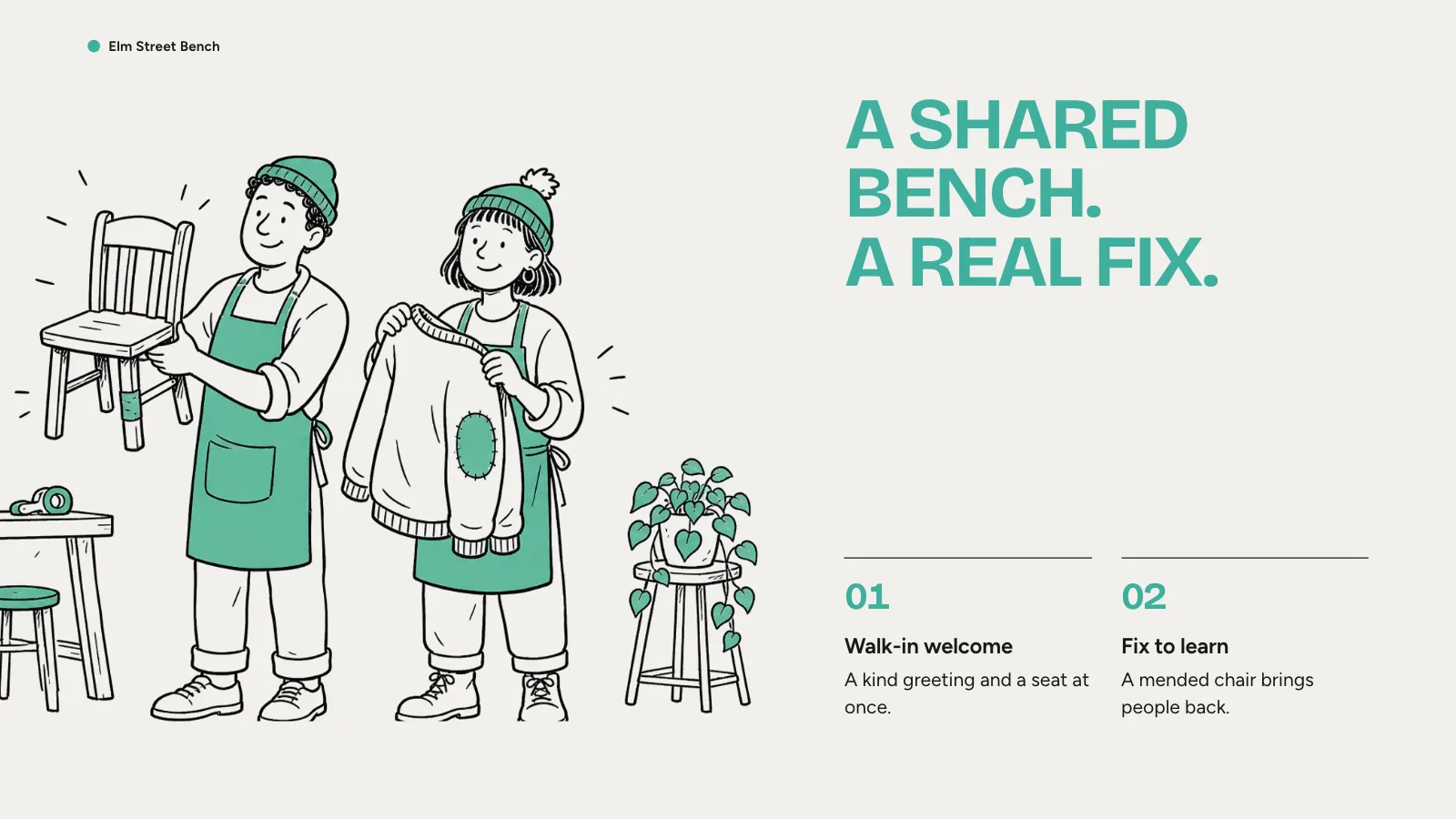
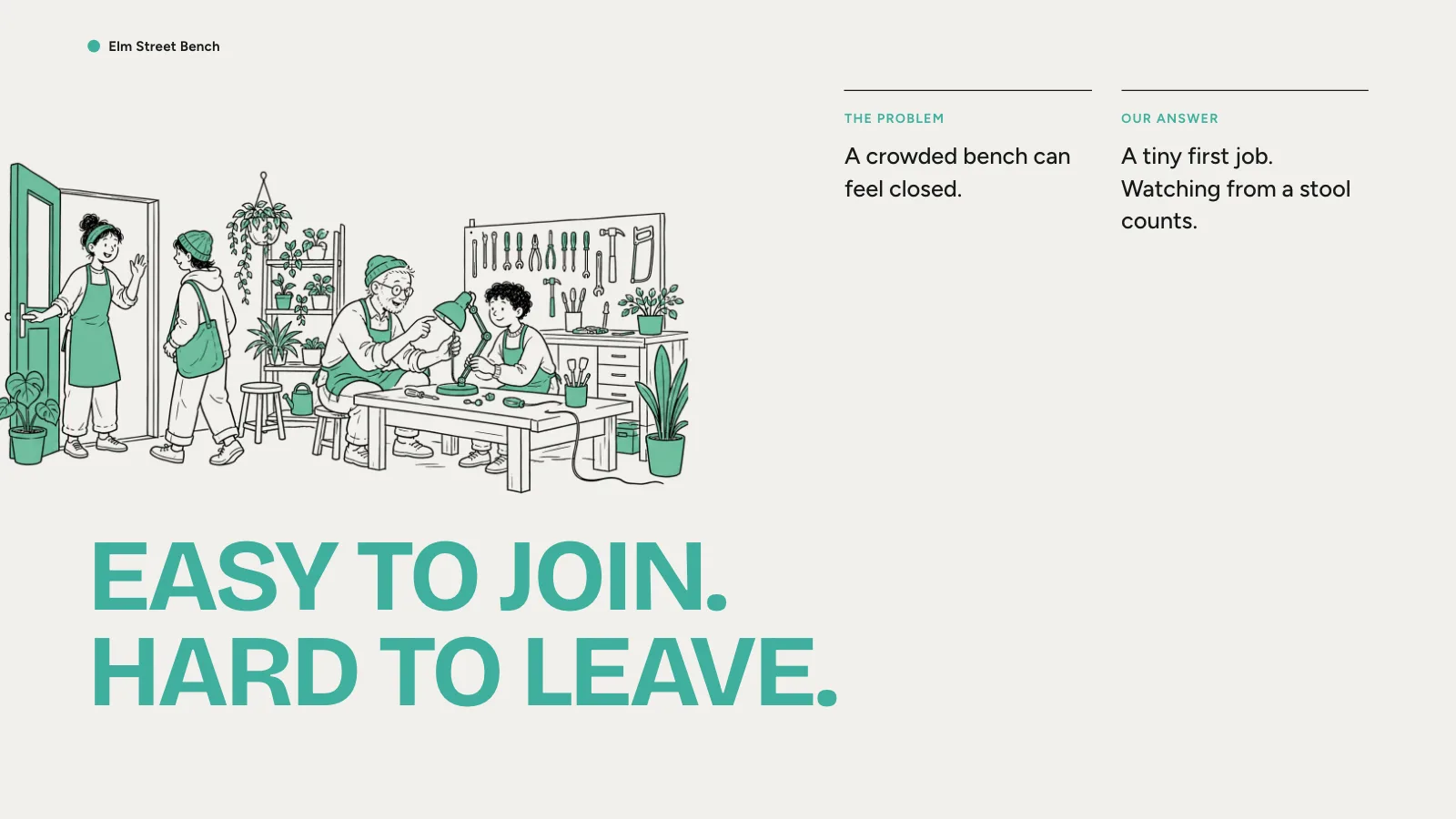
A workshop deck skill for Fable 5: ten warm off-white pages for a shared project, with giant mint capitals and loose black marker sketches of people at work.
Picked most often by
Updated Oct 27, 2026
Preview gallery


 FAL
Similar Skills
View all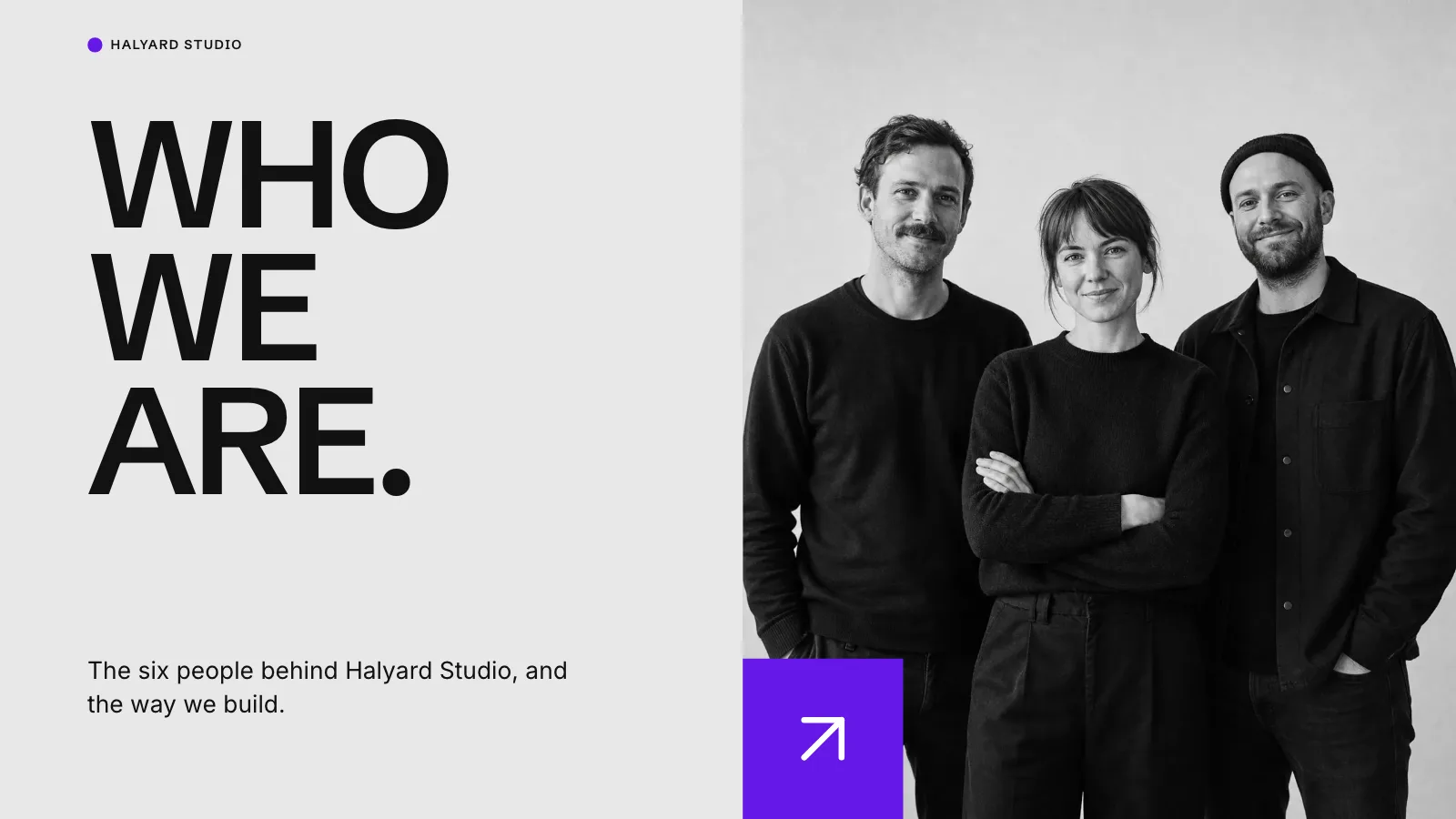



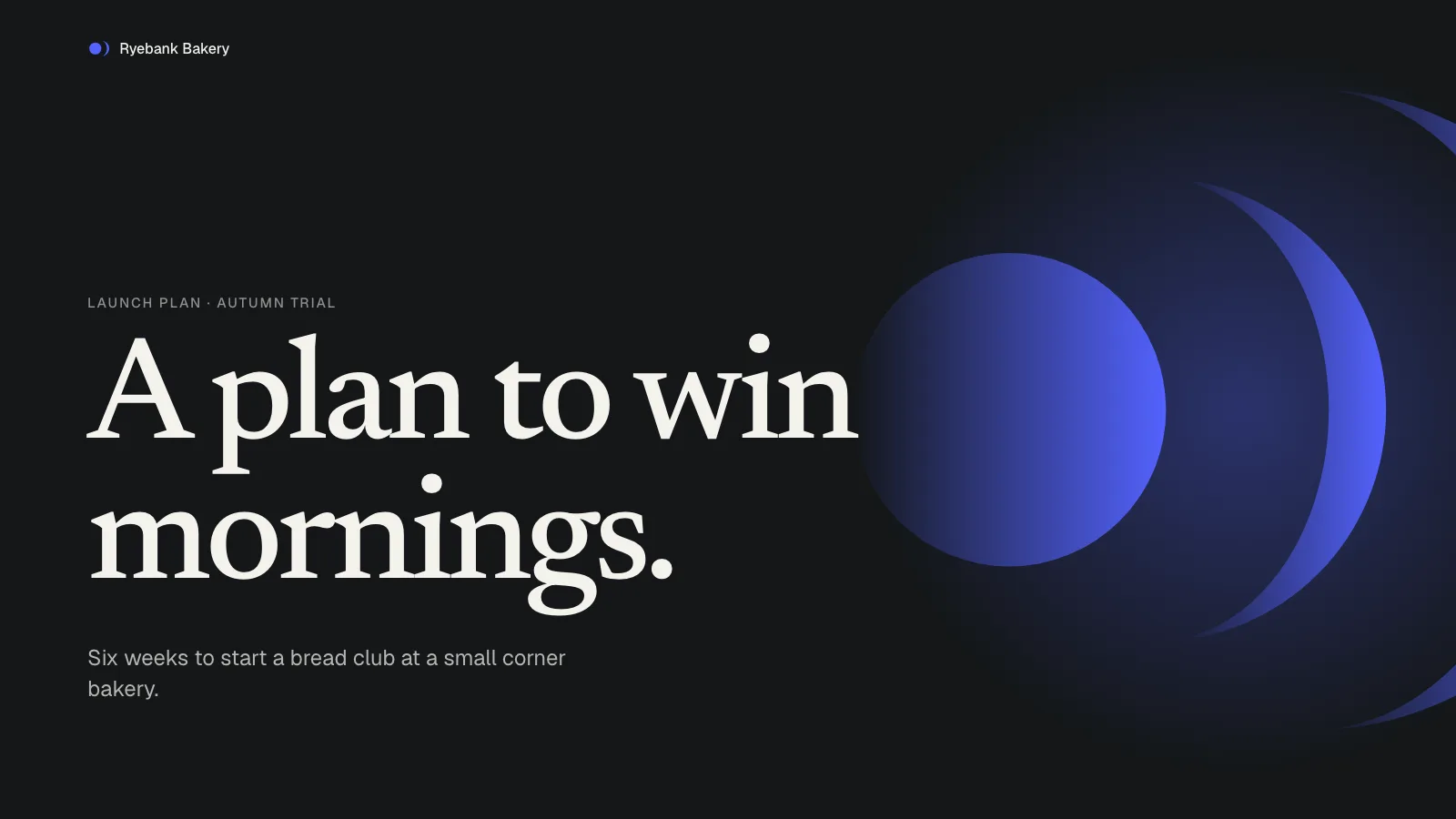
What you get
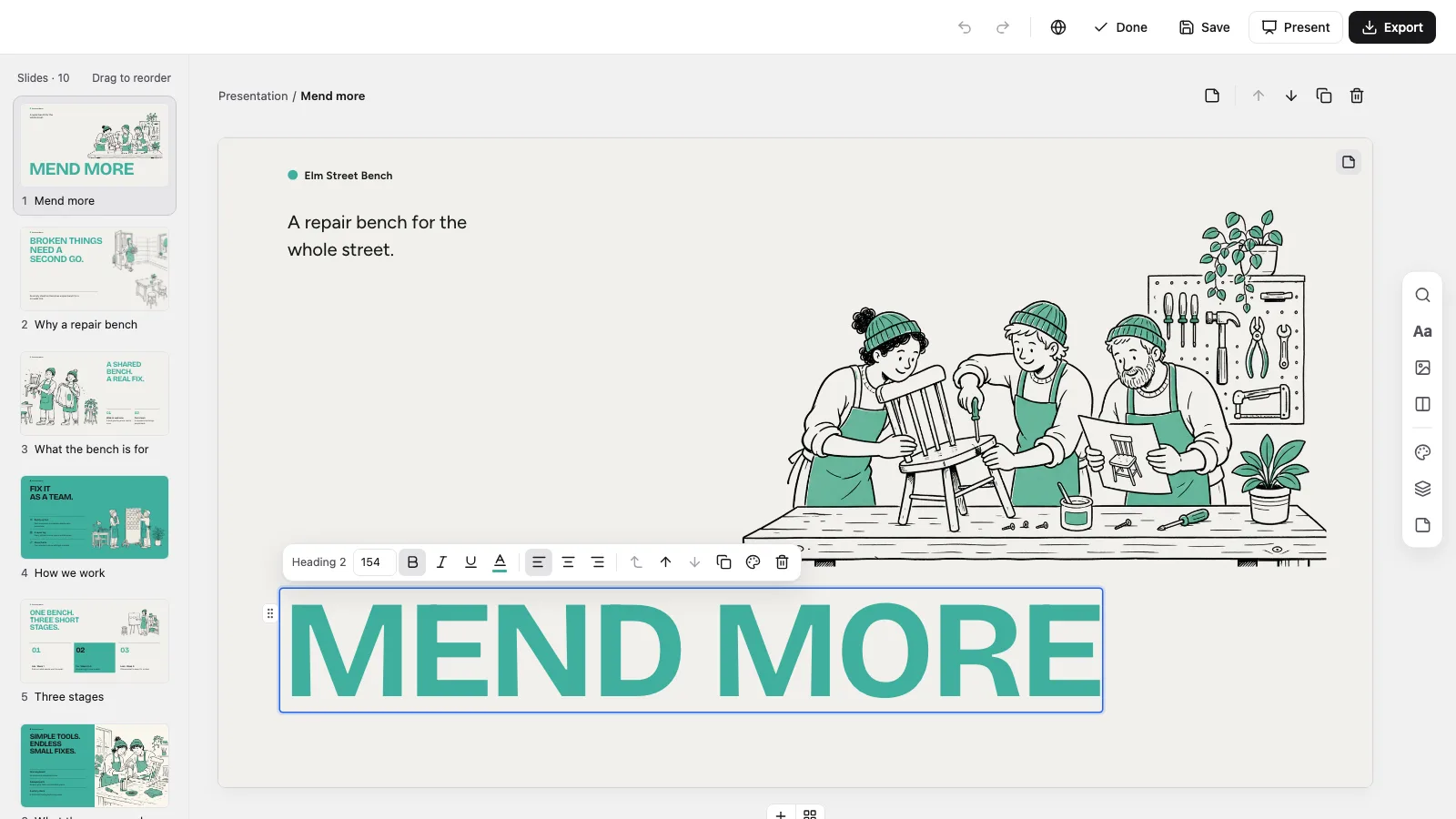
- A self-contained 1280×720 HTML deck that runs offline, with a page view, Edit and Present
- Ten recipes: cover, closing, statement, split, timeline, roles, challenge and response, plus mint pages for strategy, photo split and targets
- Detail moved into the notes, four points a page, so each slide keeps to about 45 words
- Drawings, icons, rules and text blocks you can edit one at a time; Clay, Cobalt and Plum Paper presets stand in for the mint
- PowerPoint (.pptx) from the Export menu with a script check on the result, and print to PDF as well
- Black-marker-on-paper drawings, library or generated, plus six inline marker scenes for pages with no picture
Good fit
- Makerspaces, repair cafés and other community programs
- Pilots pitched to councils, funders or partners
- Workshop plans and briefings for volunteers
Not for
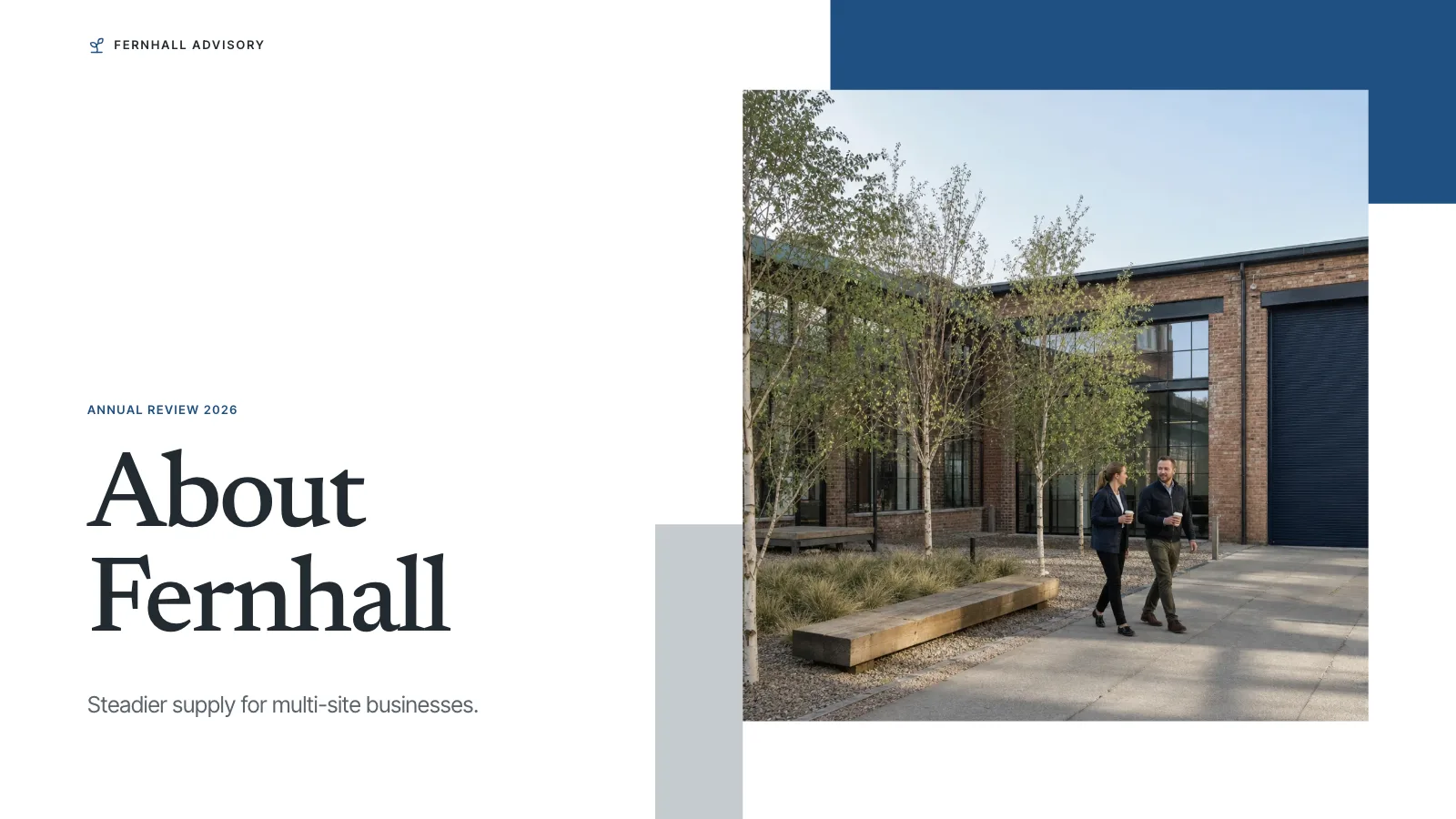
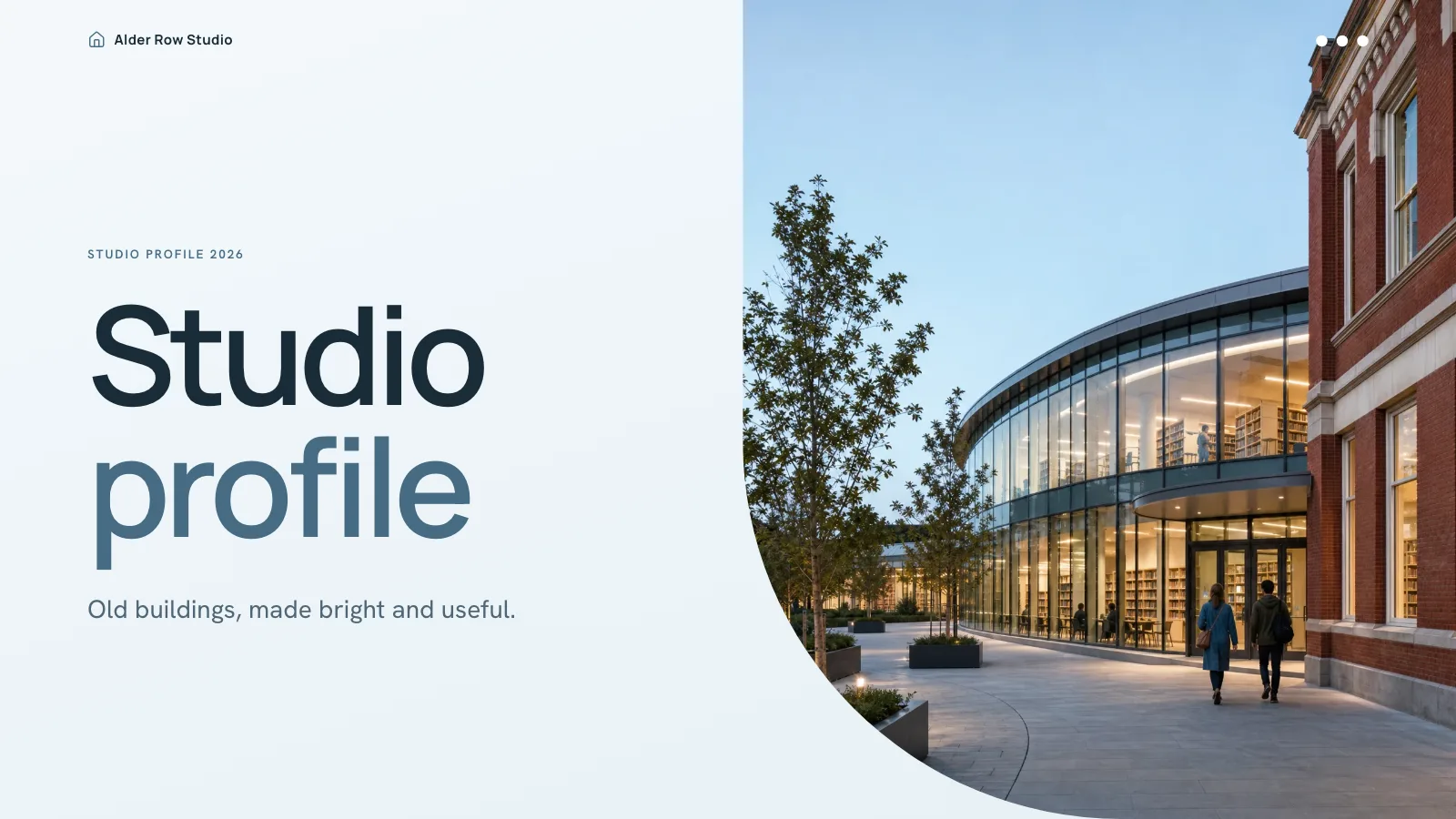
- Formal company profiles
- Decks that need a photo on every page
- Heavy financial detail
About this Skill
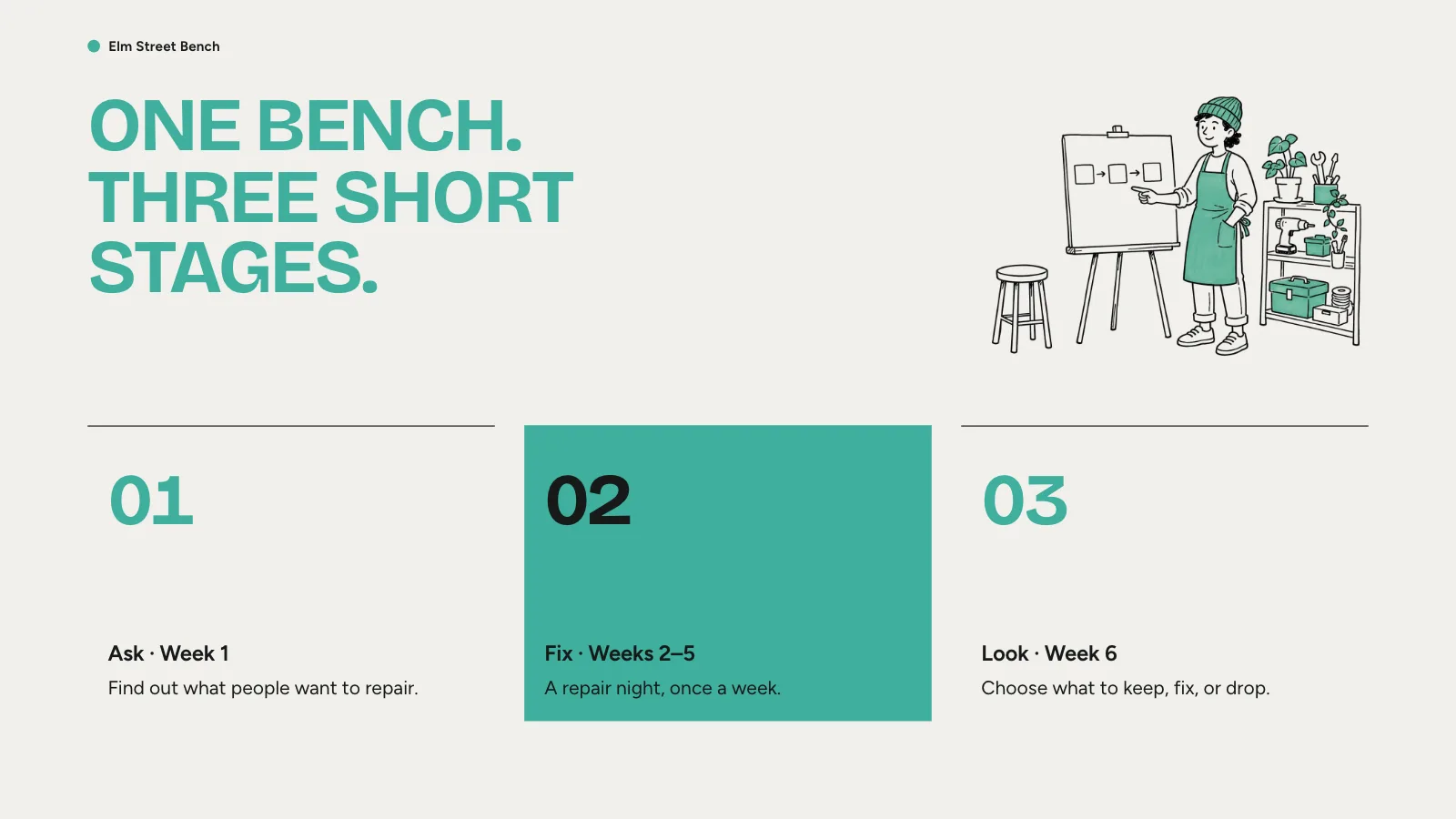
Some proposals are about people doing things together, so this deck draws them rather than photographing them. Use it to pitch a trial at a makerspace or repair café, explain a community program, plan a workshop or brief volunteers. Ten pages run from a statement and the aim to the strategy, a timeline, one challenge answered, who does what, the targets and a closing invitation. Most pages are warm off-white and three are solid mint. Headlines are set as huge capitals with tight tracking; black marker drawings with a little mint bleed off the page edges, and a hairline ink rule sits above every item. What you receive is a single HTML file that works offline: edit it, present it, or export PowerPoint or PDF.
How it works
- Collect the subject, the audience, the number of pages and the slide language, plus dates and figures that must appear as given
- Assign one message per page, alternating drawing-led pages with structured ones
- Choose drawings from the library (default), the library with generated additions, or generated only
- Compose, then remove leftover example text, fill empty frames and add any missing notes
- Run build-deck.py, then check-deck.py with the page count you expect and the style kit
- See that drawings meet the paper without a visible edge, try editing, saving and Present, then share the file
Checked before delivery
- check-deck.py passes with the agreed page count and the style kit
- Every page keeps the style's warm paper and mint grounds, mint capital headlines, hairline ink rules, type sizes and colours
- Every drawing stays black marker on off-white paper with mint accents
- Every text block, picture, icon and rule stays independently editable
- No example text or pictures left unless the user keeps them
What you need before you start
- You bring
- Project brief: what the space or programme is, who takes part, how it runs and what success looks like · Agreed page count and the facts for each page · Optional drawings or photos, or a choice of library pictures or generated ones
- Dependencies
- Python 3, a modern browser, and Node.js 20+ only if drawings are pulled from the library or generated · You need no API key. Optional generated drawings are paid per image through your FAL account
- Outside costs
- Optional FAL_KEY for generated pictures
- Last tested
- v0.1.4 — Claude Code / Codex / Cursor
User reviews
Loading reviews…
FAQ
Can the organizers keep editing it?
Yes. Open the file in a browser, choose Edit, and change any text, drawing or shape. Changes are kept in the browser as you go; Save (Cmd/Ctrl+S) is what writes them into the HTML file.
Can I use drawings we made ourselves?
Yes. Your drawings or photos are placed first. New drawings are briefed in black marker on off-white paper, like the rest.
Will the targets be invented?
No. Targets come from you and are labeled as targets. The example bench and its numbers are made up to show the layout, and the deck check flags any example line still there.
Does the deck need an image key?
Only if you want new drawings generated. By default the deck takes from the Skill's library and anything you supply, leaving a labeled empty frame where nothing fits; library drawings are mint, so they suit the default preset. Generation is optional and billed to your FAL account.