Contour Playbook Deckv0.1.4
Use this Skill to make a presentation.
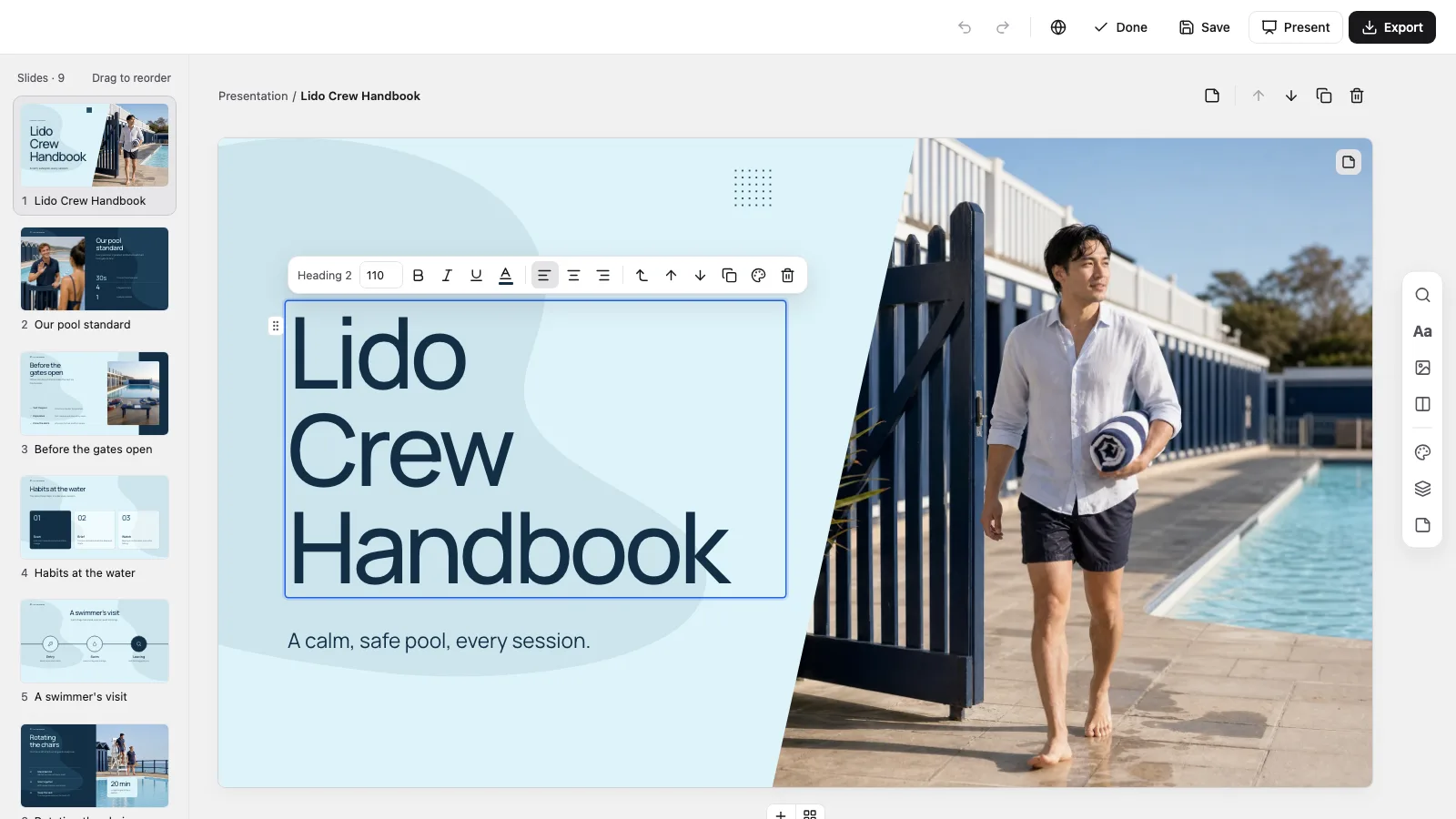
A Fable 5 presentation skill for team playbooks: nine ice-blue and navy pages on routines, handovers, what to say and how quality gets checked.
Picked most often by
Updated Oct 27, 2026
Preview gallery



 FAL
Similar Skills
View all



What you get
- presentation.html: one self-contained file of 1280×720 pages that needs no connection and opens on a page view
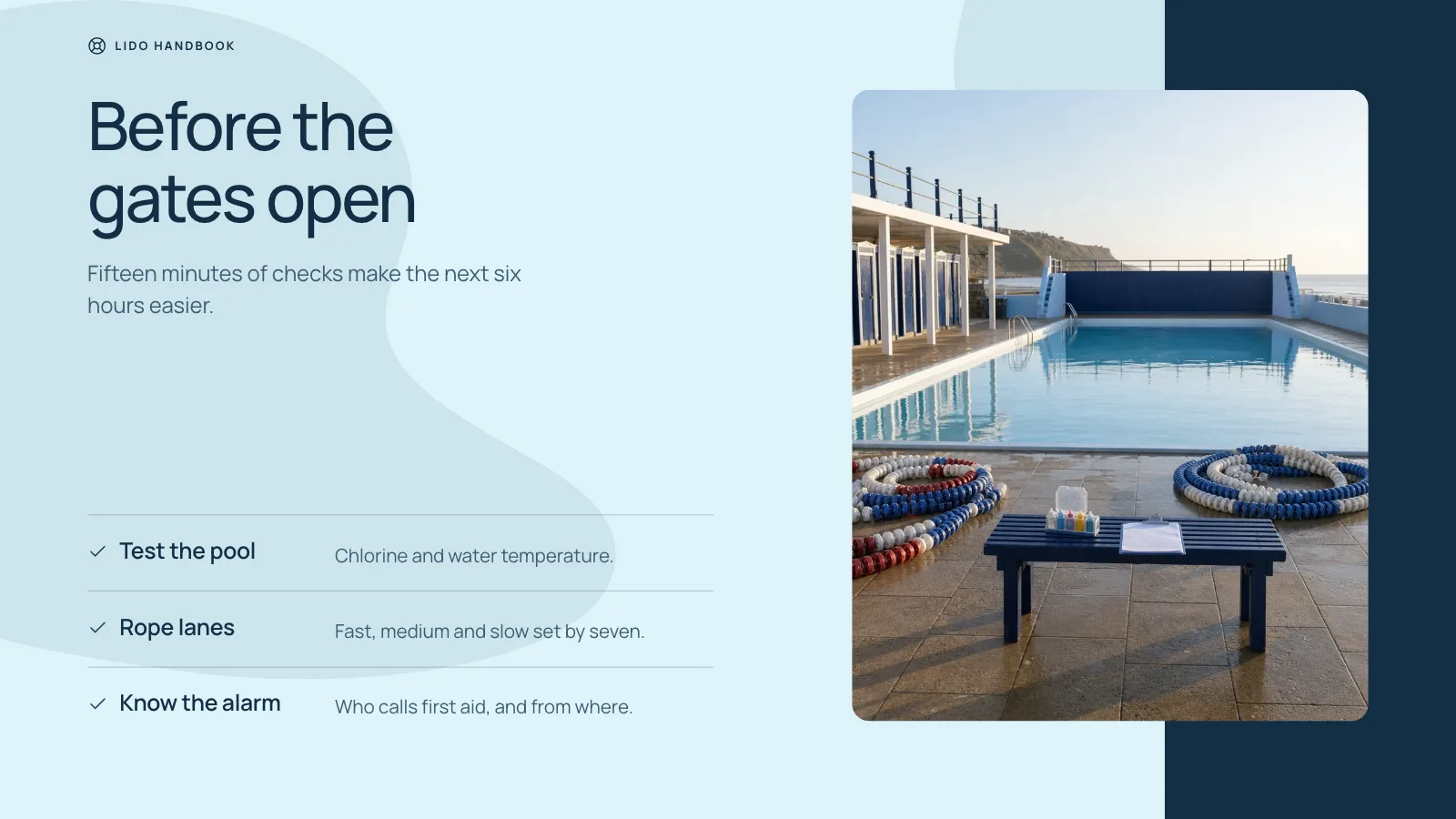
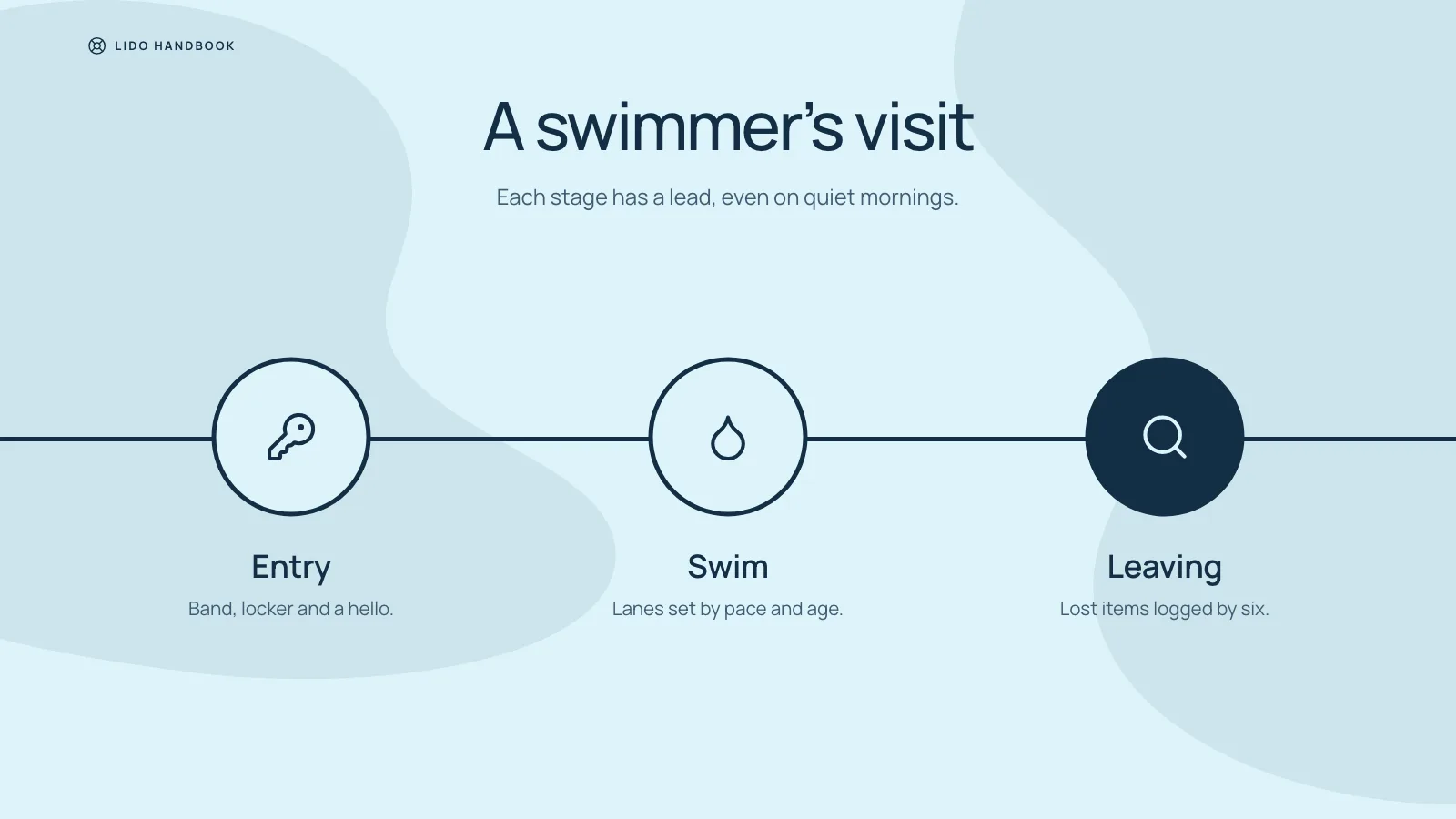
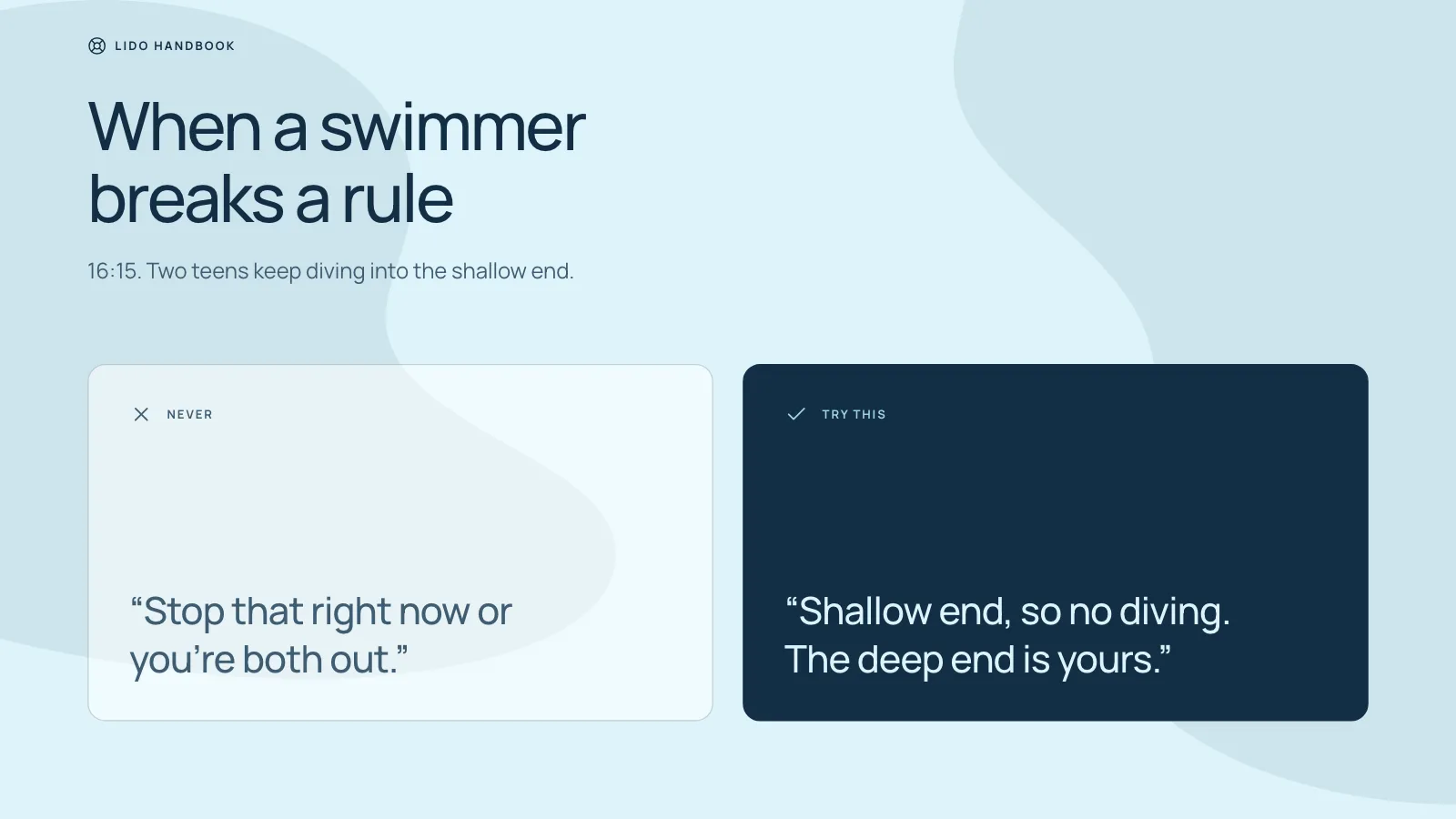
- Nine recipes: cover, the standard, preparation checks, habits, a journey track, the rotation, avoid vs. say instead, quality checks and closing
- Four talking points in the notes under each page, so the slide itself carries about 45 words
- Separate editing for each text block, photo, icon and rule; palette presets change the accent while ice blue and navy stay
- An Export menu inside the file that writes a .pptx, checked by script, and prints a PDF
- Manrope and every picture stored in the file, so the deck makes no network request
Good fit
- Frontline teams onboarding new crew
- Writing down service standards, shift routines and handovers
- Briefings for seasonal staff or partner teams
Not for
- Full compliance or safety manuals
- Sales decks and investor pitches
- Brands built on dark or warm colors
About this Skill
Reach for it when a crew must learn how the work gets done: onboarding for frontline staff, the standards a service keeps, routines for each shift, rules for handing over, or a first briefing for newcomers. In order, the pages set out the standard in three figures, the checks before a shift, everyday habits, a journey with three stops, a routine in three steps with one key number, phrases to avoid set beside better ones, how quality is judged, and the close. The look stays fixed: pale ice-blue pages with two in deep navy, two soft shapes behind every page, calm Manrope headlines, and photos that bleed off the edge or sit in rounded blocks and a single arch. Everything arrives as one offline HTML file to edit, present, or export as PowerPoint or PDF.
How it works
- Agree on who the team serves, who will watch, the page count, the slide language and the confirmed facts
- Map one message to each page and choose its recipe from the style kit
- Pick the picture route: bundled library by default, library then generated, or generated throughout
- Run compose and resolve its report: leftover sample text, empty frames, pages missing notes
- Build the deck, then check it against the agreed number of pages and the style kit
- Walk every page, try an edit, a save and Present, and hand over the HTML file
Checked before delivery
- check-deck.py passes with the agreed page count and the style kit
- Every page keeps the style's ice-blue and navy grounds, the two soft background shapes, Manrope type sizes and colours
- Pictures keep their crops: the slanted cover, the rounded blocks and the arched closing frame
- Every text block, picture, icon and rule stays independently editable
- No example text or pictures left unless the user keeps them
What you need before you start
- You bring
- Team brief: who the team serves, the standard it keeps, its daily routine and how quality is checked · Agreed page count and the facts for each page · Optional photos, or a choice of library pictures or generated ones
- Dependencies
- Python 3 and an up-to-date browser; Node.js 20 or later only when pictures come from the library or a generator · No key is required. New pictures are optional, and FAL bills each one to your own account
- Outside costs
- Optional FAL_KEY for generated pictures
- Last tested
- v0.1.4 — Claude Code / Codex / Cursor
User reviews
Loading reviews…
FAQ
Can the team update the playbook later?
Yes. Press Edit (or E) and change any text, photo or shape on a page. Edits sit in the browser's storage until Cmd/Ctrl+S saves them into the HTML file.
Is this a substitute for our training manual?
No. It is a short briefing on the essentials; the longer detail goes into the speaker notes, or stays in the manual you already have.
Do I need a key for the pictures?
No. The default is the Skill's picture library plus anything you supply, and a frame with no fitting picture stays empty and labeled. The bundled photos show the example's pool, so they suit a similar venue. Generating is optional and paid on your account.
Will the export open in PowerPoint?
Yes. The file's Export menu writes a .pptx with editable text and the speaker notes, and a script compares it with the deck before you share it.