Cue Question Review Sheetv1.0.0
Use this Skill to make explainer graphics.
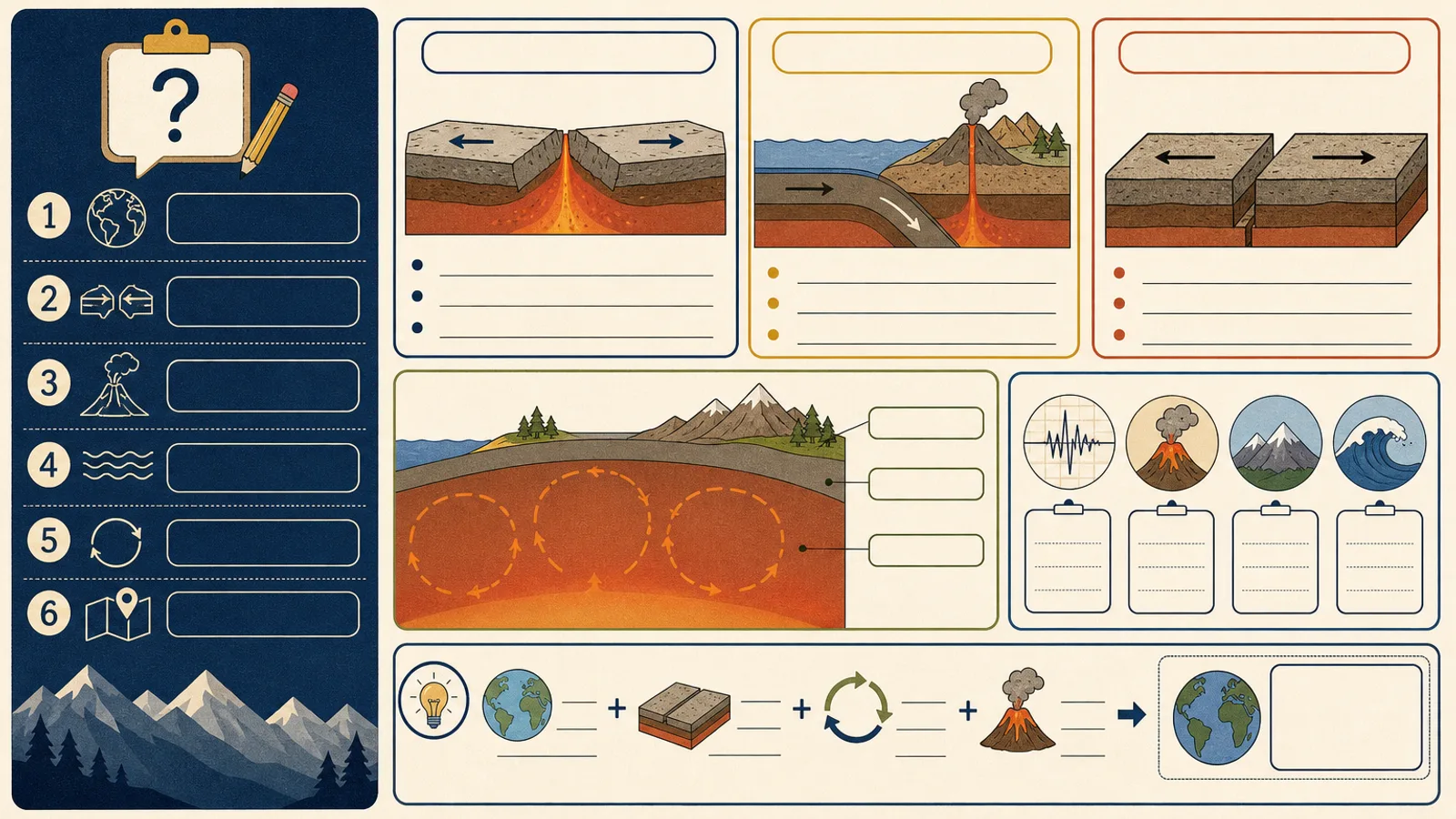
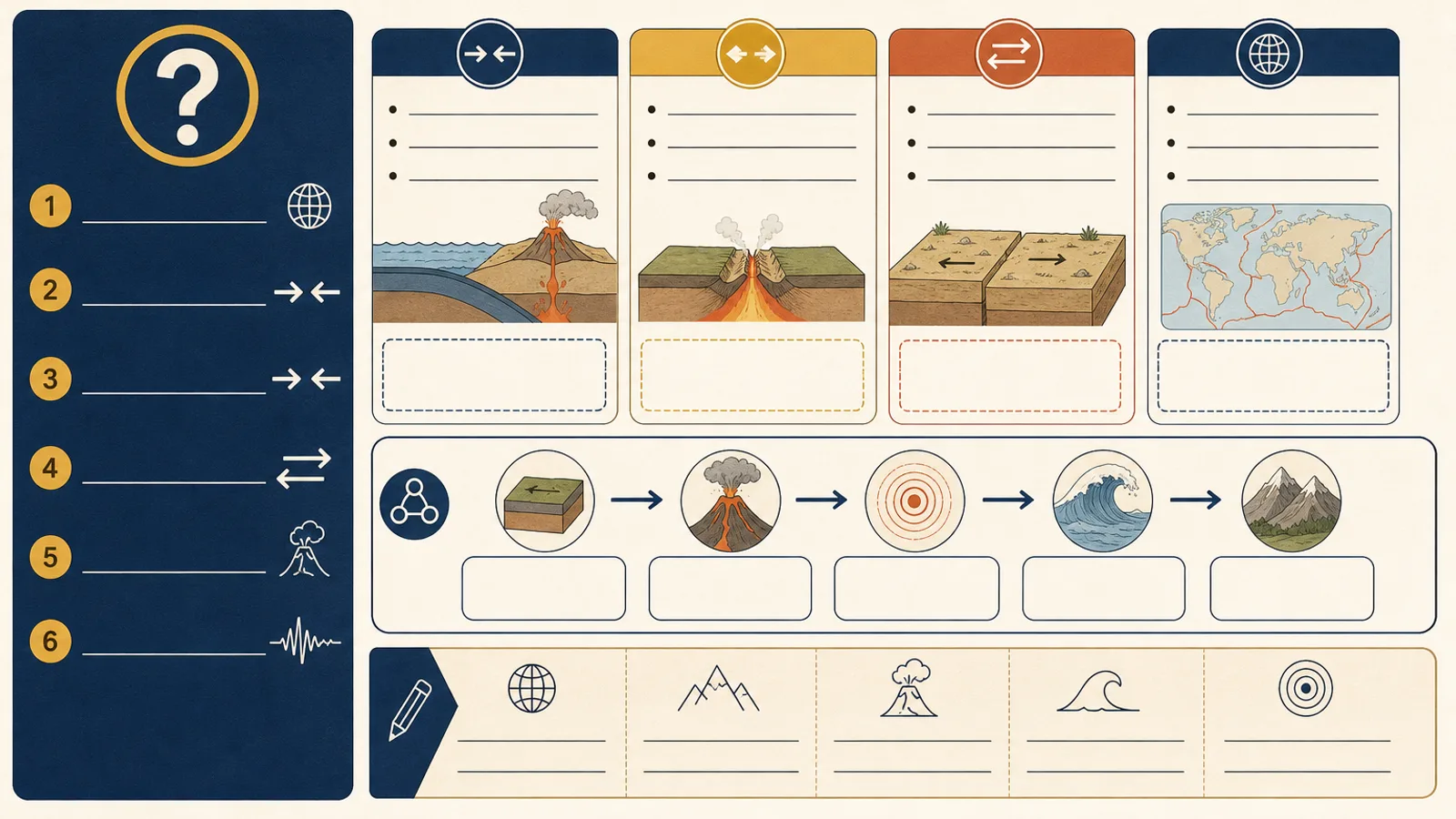
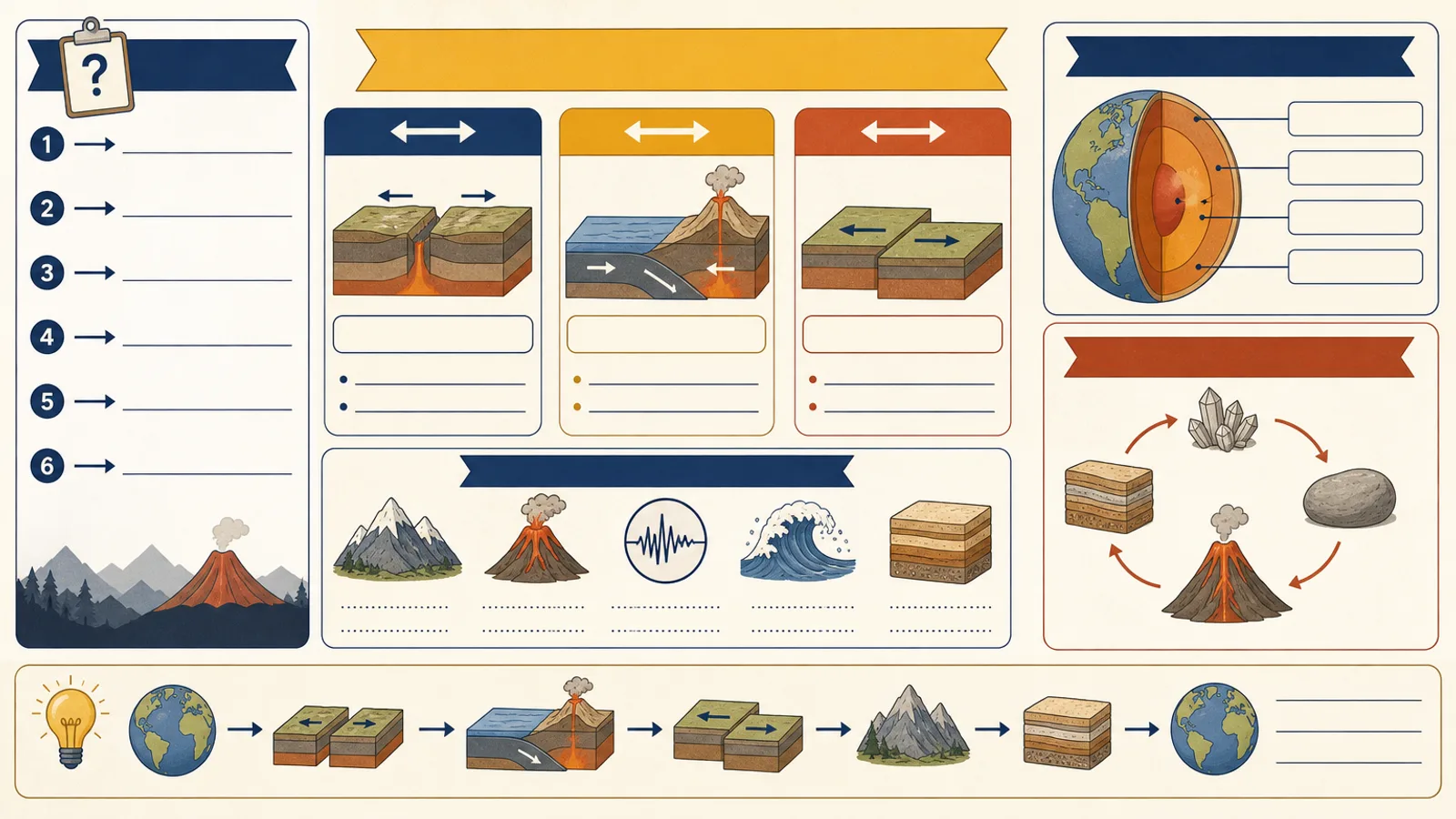
A study sheet skill for Claude Fable 5: one checked topic becomes a revision infographic with a cue question column, note blocks with small diagrams and a summary strip.
Picked most often by
Updated Aug 25, 2026
Preview gallery


 FAL
Similar Skills
View all
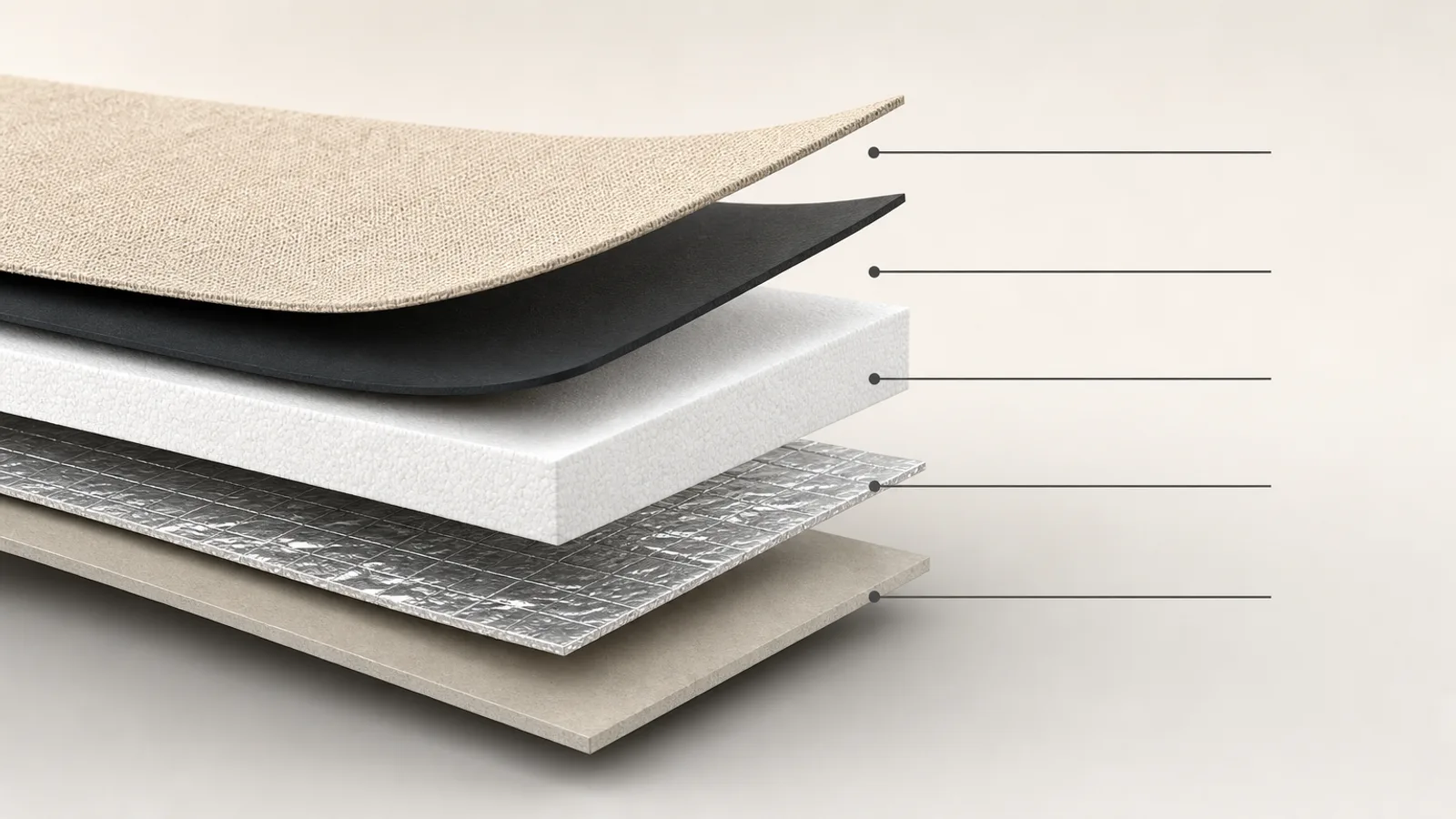
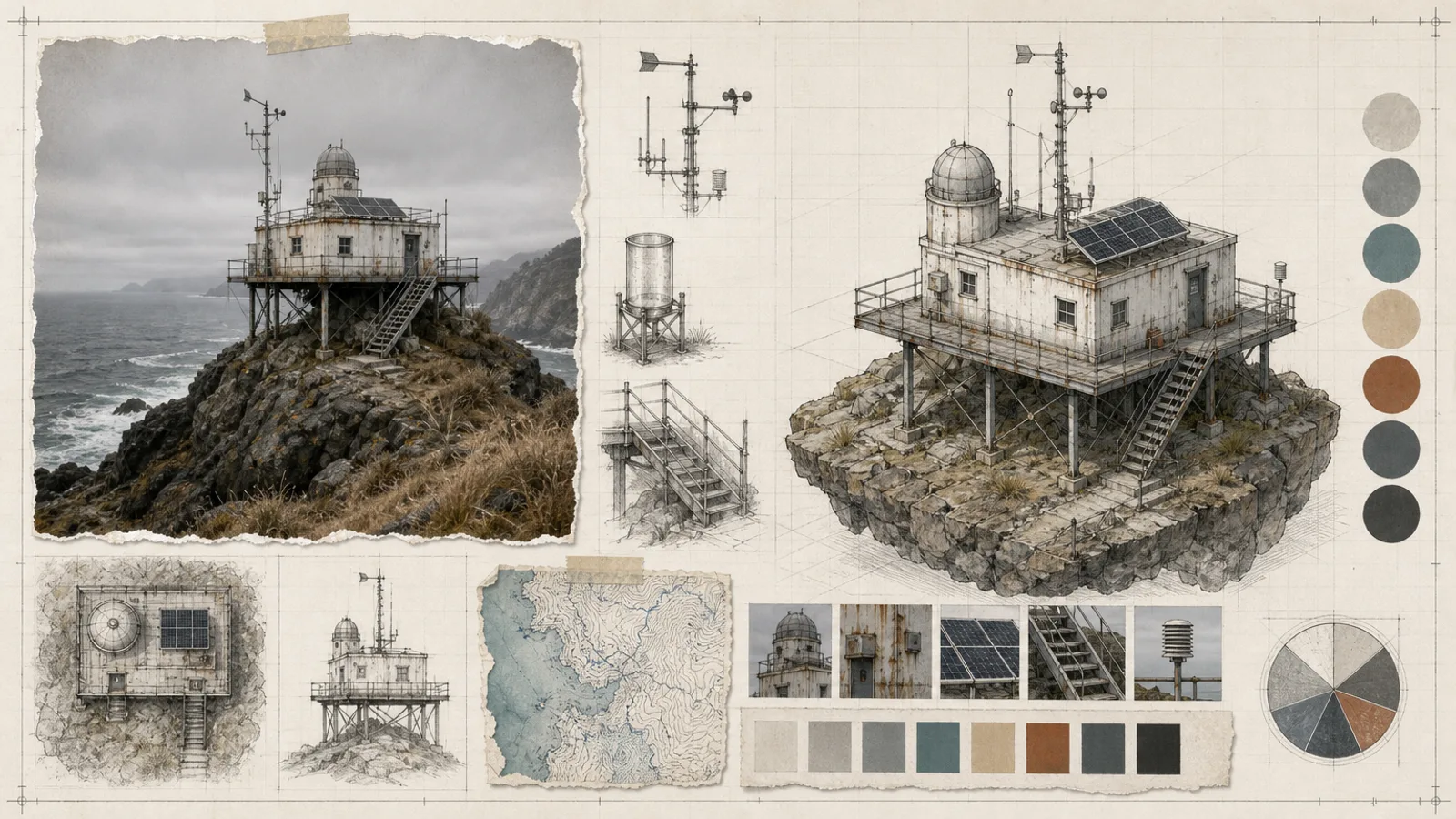
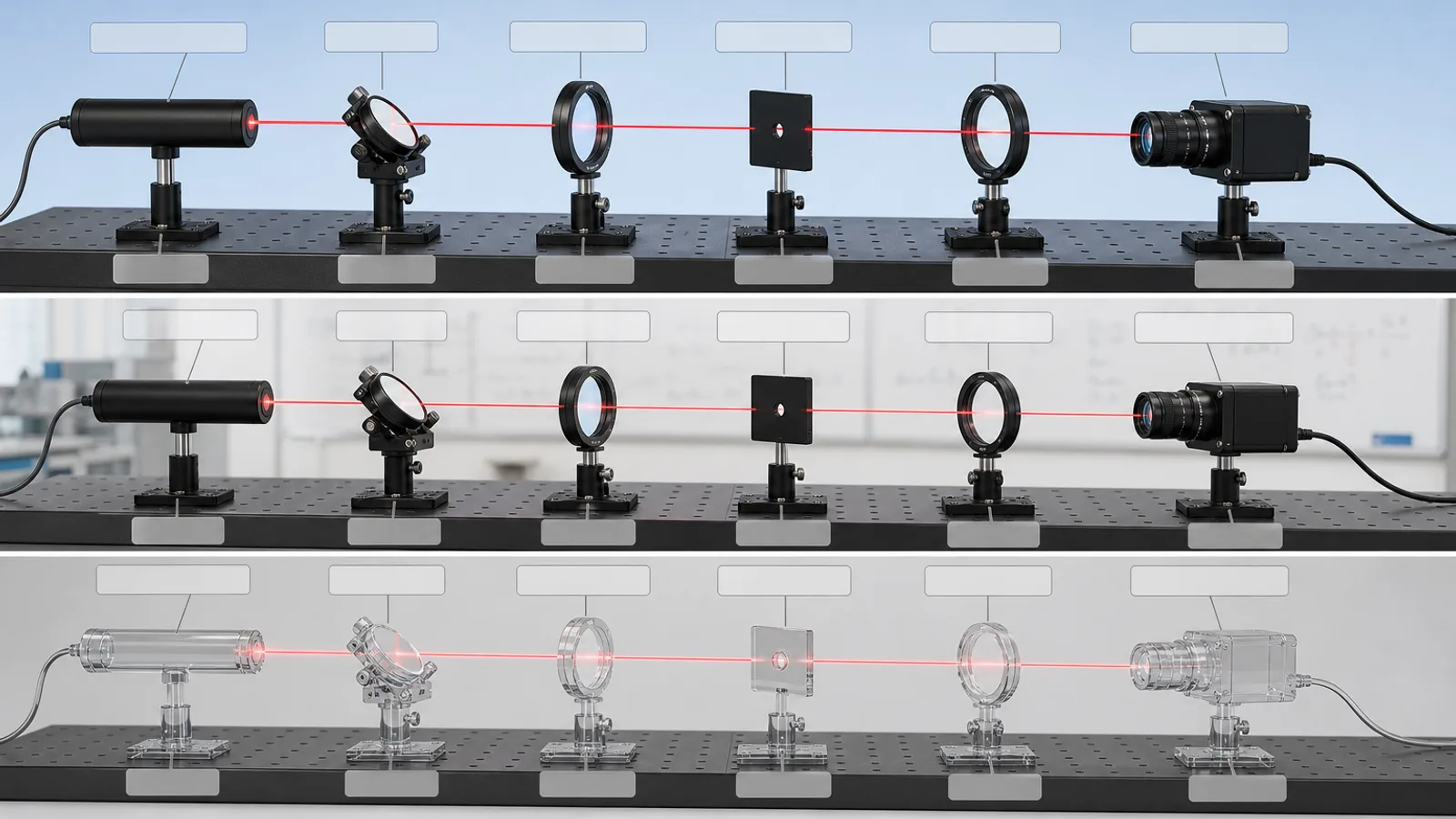

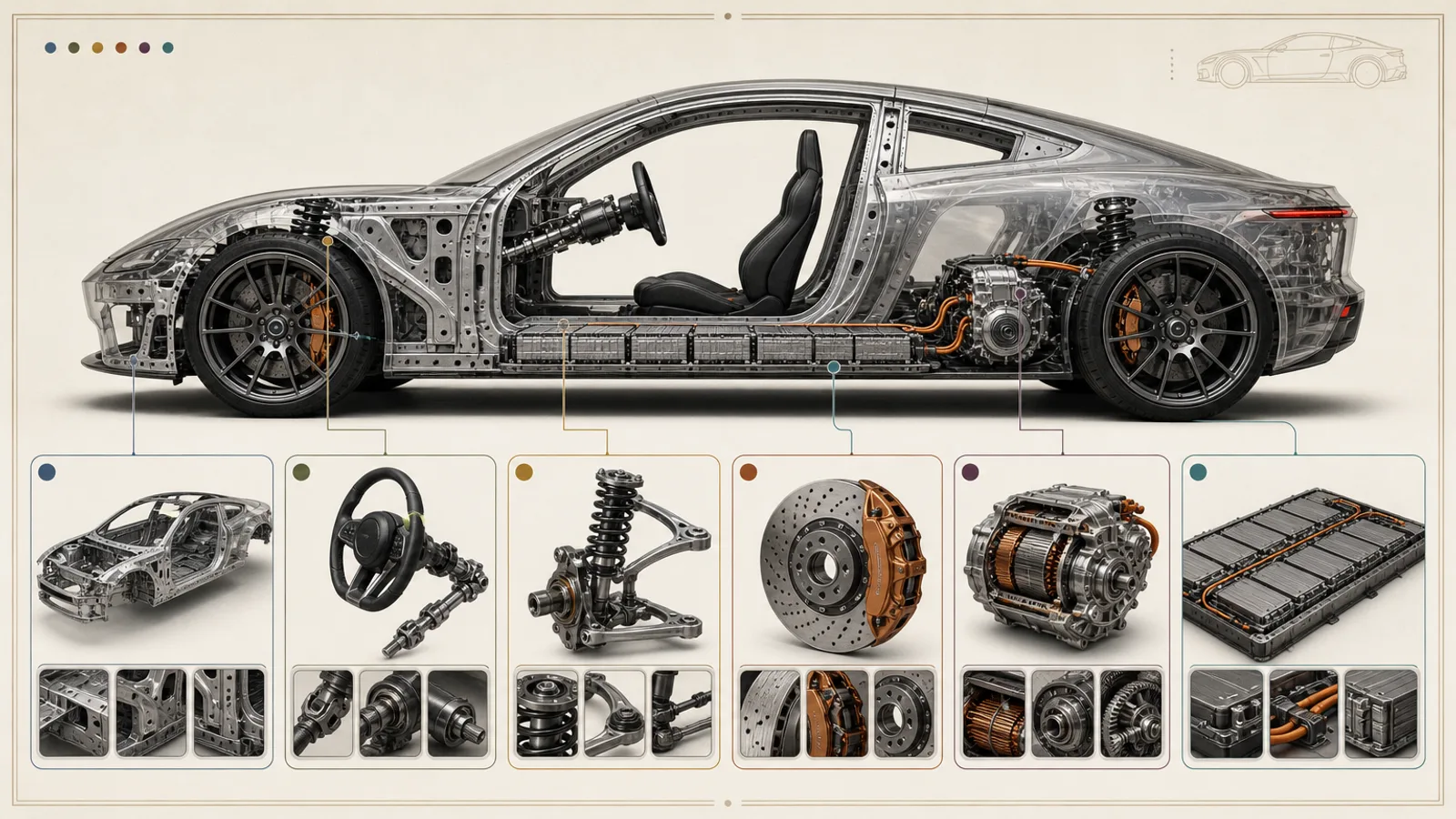
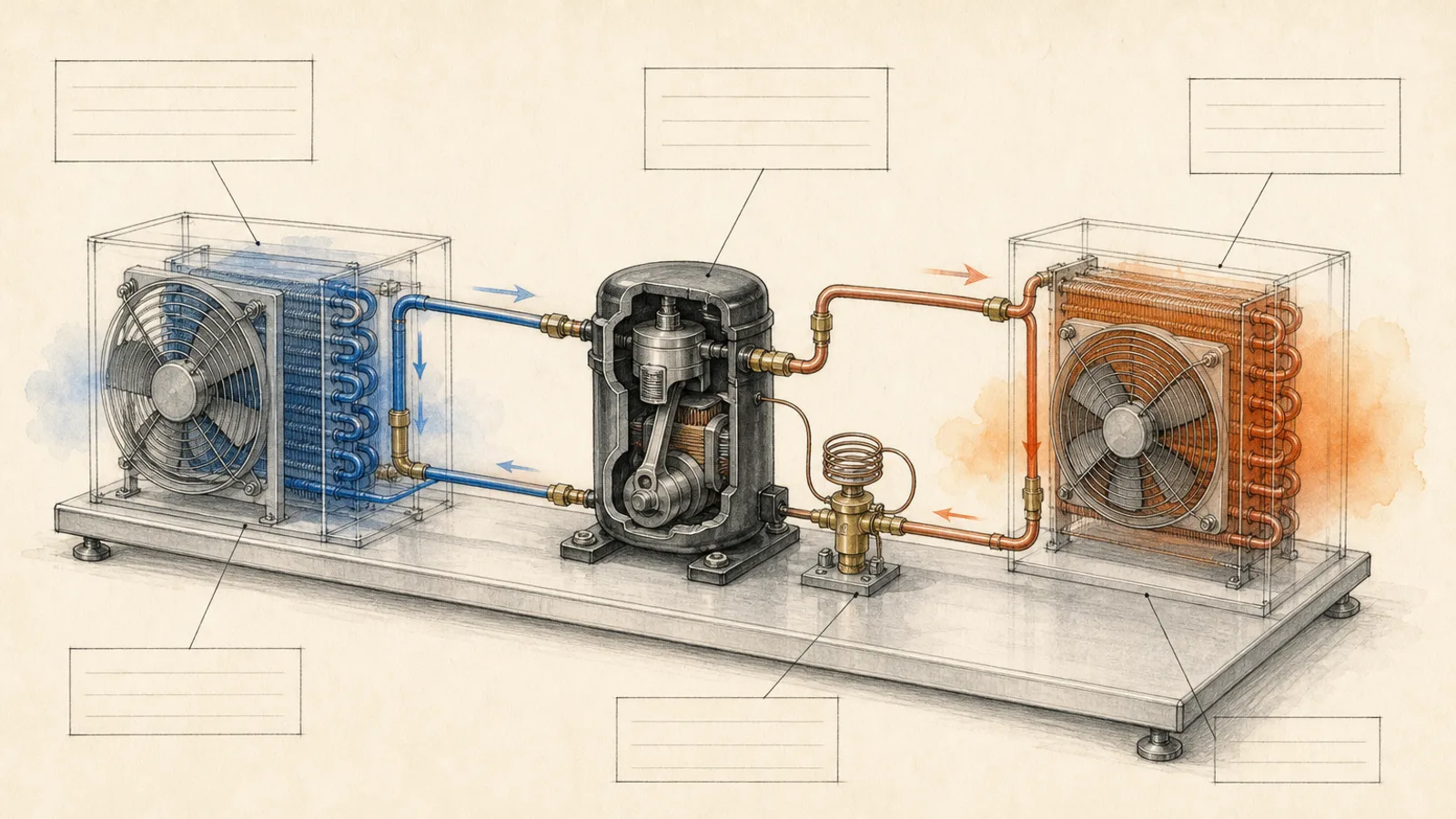
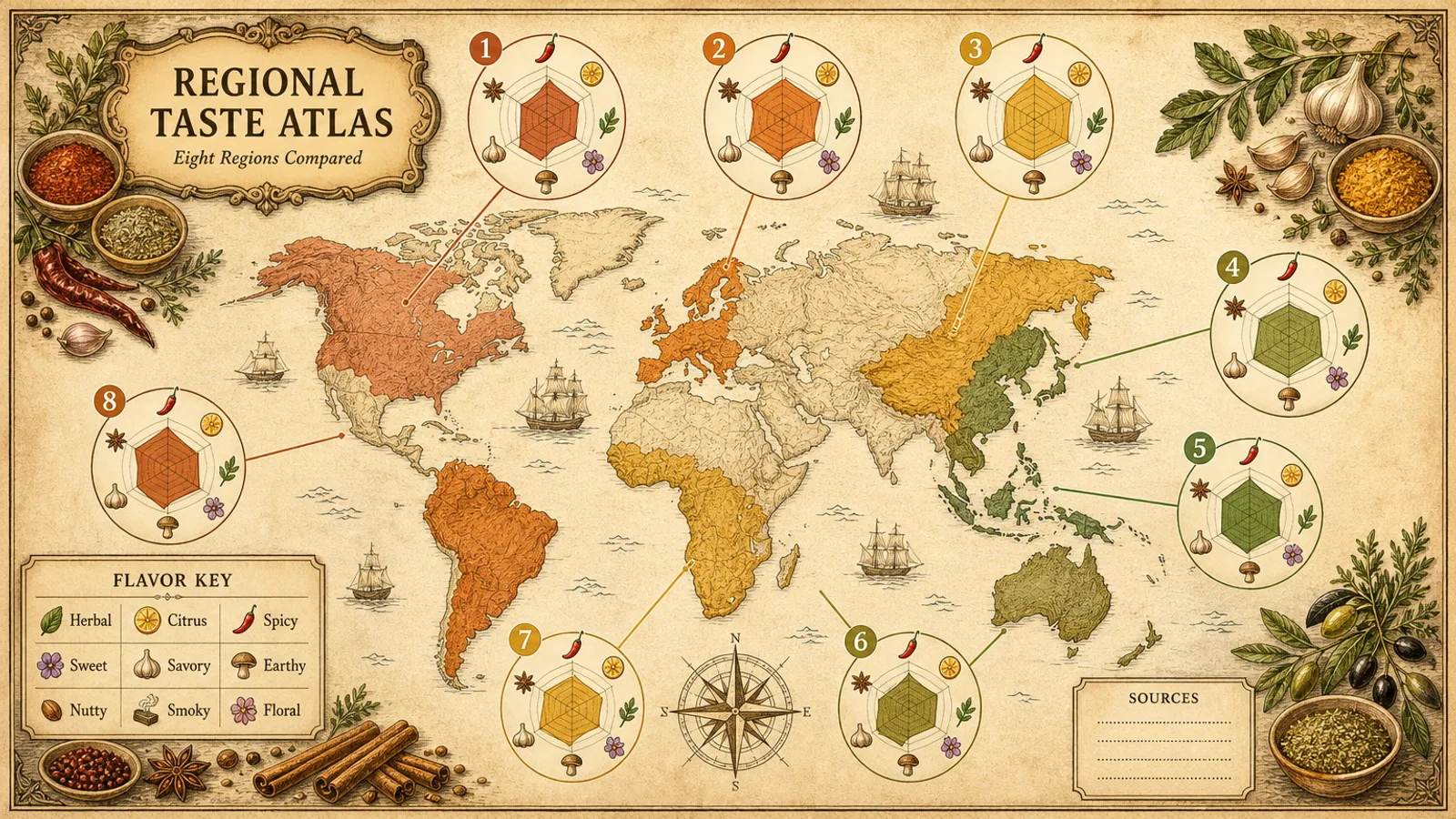
What you get
- Three distinct 16:9 sheets at 1536×864 from one paid request, saved as preview-01 to preview-03
- Recall questions each tied to the note block that answers them, ending in one summary strip
- Blank zones for exact terms, plus the brief and provider-task.json for resuming
Good fit
- Previewing a unit before class or reviewing it at the end
- Exam prep built from a single verified source
- Teachers making one topic into a structured handout
Not for
- Replacing a textbook, a course or checked teaching material
- Guessing missing facts, terms or answers to test questions
- Long readings that never narrow to one learning goal
About this Skill
Students revise by answering questions, so the sheet starts there: cue questions run down a column on the left, and each one points to a colored note block whose small diagram, table or flow holds the answer. A single strip along the bottom closes the topic. The agent first pulls concepts and links from your checked source, adding nothing it does not support, then sends one paid FAL request for three 16:9 variants at 1536×864, all left blank where your exact terms will be typeset.
How it works
- Extract the topic, the learning goal, the key concepts and their links, adding nothing the source cannot back up.
- Phrase short cue questions that push the reader to recall each idea rather than reread the notes.
- Build the note area from blocks, diagrams, tables or flows, with one answering each cue.
- Add one summary strip at the bottom and keep blank zones for wording that will be typeset later.
- Confirm every fact is present, every cue meets its note, the page has room to breathe, print stays readable and the sheet is accessible.
Checked before delivery
- The three images differ from one another, are sharp and are exactly 16:9
- Every visible fact and relationship matches the approved inputs
- Exact labels and citations are set after generation, never drawn by the image model
- No logos, watermarks, borrowed identities, wrong anatomy, duplicated panels or unreadable hierarchy
What you need before you start
- You bring
- One checked study topic or source text · The learners' level and what the review is for · The cue questions and the concepts that must appear · Where it ends up, such as on-screen review or a print file
- Dependencies
- Your FAL account, with FAL_KEY set · Node.js 20 or later
- Outside costs
- FAL_KEY
- Last tested
- v1.0.0 — Claude Code / Codex / Cursor
User reviews
Loading reviews…
FAQ
What goes into the cue column?
Short recall prompts or key words, each one pointing at the note block that holds its answer.
Will it work as a printed handout?
Yes. Tell the agent where the sheet ends up first, on-screen review or a print file, so the spacing and text zones suit that format.
Does the image model write the terms?
No. It is asked for no small lettering; the zones stay blank and your exact terms are set in type later, which keeps them accurate.