Car Anatomy Teaching Posterv1.0.1
Use this Skill to make explainer graphics.
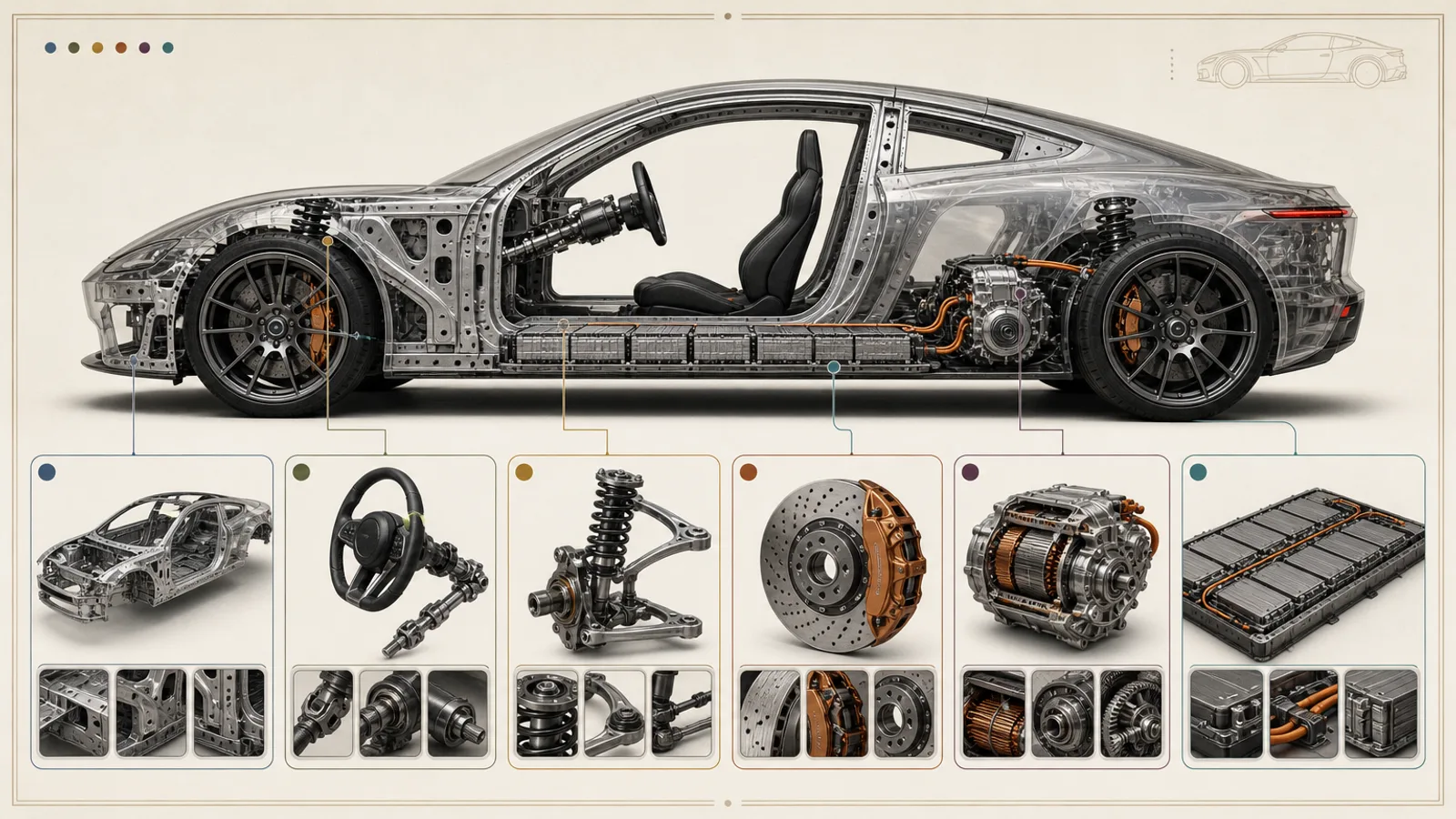
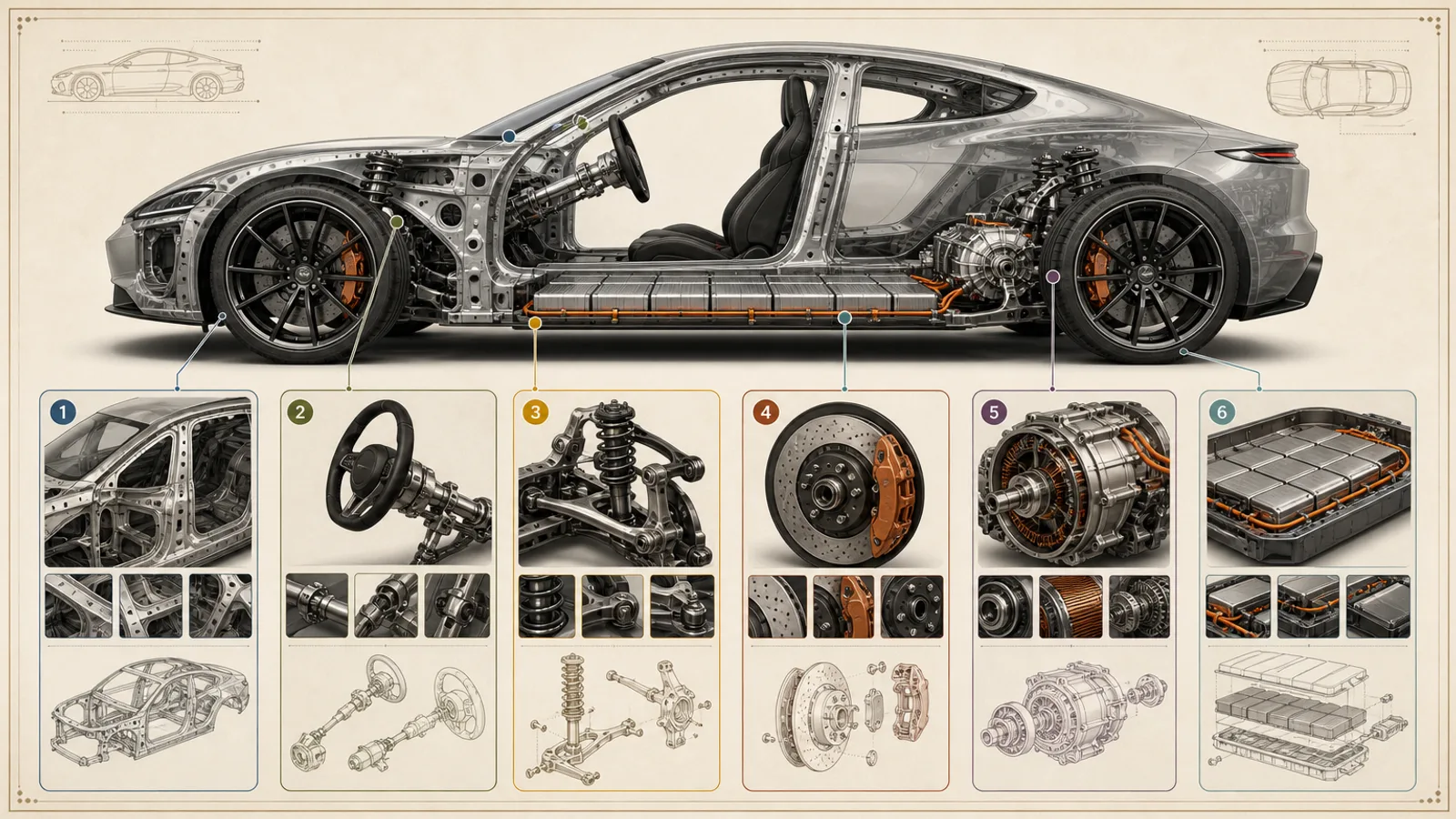
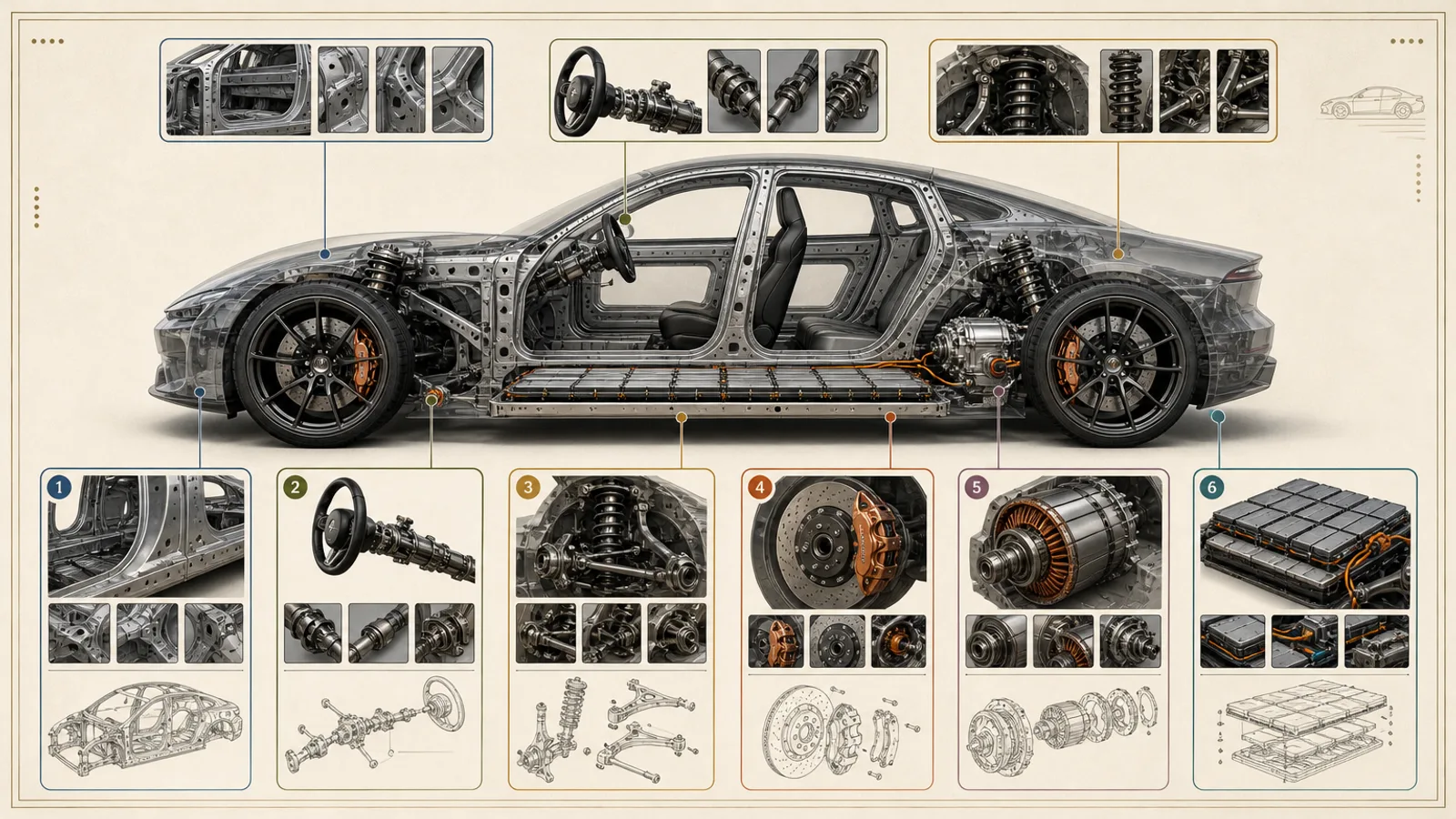
Teach how a car works from one poster: a classroom skill for Claude Fable 5 that shows a made-up car in see-through side view, ringed by detail windows for each system.
Picked most often by
Updated Oct 30, 2026
Preview gallery


 FAL
Similar Skills
View all




What you get
- Three 16:9 PNG poster layouts (1536×864) built around one made-up car
- Small detail windows, each focused on a single system and learning goal
- Caption and legend zones you can reuse, plus the evidence table and open questions
Good fit
- Teachers explaining vehicle systems in a science or tech class
- Course creators building a lesson visual they can reuse
- Science communicators showing how a car is put together
Not for
- Repair, emergency-response or high-voltage safety guidance
- Claims about a model year, price, performance or the exact spot of a part
- Real badges or car designs used without permission
About this Skill
Built for the front of a classroom rather than the service bay. You choose the vehicle type and the learners' level, list the systems with a plain-words job for each, and say which detail windows or comparisons must appear. The sample centers a badge-free silver coupe in translucent side view, its frame, seats, steering, suspension, battery floor and rear drive unit visible, with six rounded windows in muted accent colors zooming in on one system each. One paid request returns three layouts at 1536×864.
How it works
- Choose six to eight systems that suit the learners and give each one a learning goal.
- Center a made-up car seen from the side, placing each system approximately but consistently.
- Gather the car and a few small detail windows together rather than scattering loose parts.
- Write every caption in three parts: the component, its job, and how far the evidence goes.
- Test the poster at projector size and remove any label that would not read from there.
Checked before delivery
- Three separate 16:9 images with no unexpected logo, watermark or protected design
- Structure, order, counts and visual claims match the approved input table
- Exact labels, figures, citations and disclaimers are typeset after generation in a layout tool
- The images are delivered with the final evidence table and the unresolved points
What you need before you start
- You bring
- The kind of vehicle and the learners' level · A checked list of systems with what each does in plain words · The detail windows or comparison points that must appear · References cleared for use, or a brief for a made-up vehicle
- Dependencies
- Your FAL account, with FAL_KEY set · Node.js 20 or later
- Outside costs
- FAL_KEY
- Last tested
- v1.0.1 — Claude Code / Codex / Cursor
User reviews
Loading reviews…
FAQ
What should I prepare?
Tell it what kind of vehicle it is and how advanced the class is, give a verified list of systems with each one's job in plain language, name the detail windows or comparisons you need, and supply either cleared references or a brief for an invented vehicle. Anything you leave out is asked for or marked as a placeholder to verify; nothing is guessed.
Will the captions be printed in the image?
No. Caption zones stay empty in the artwork; your wording, numbers and any disclaimer are typeset afterwards from the table you approved.
Could it be used as a service or safety reference?
No. It is a schematic for teaching, never a stand-in for workshop or safety documentation, and it invents no model year, price, performance figure or component position.