A style that holds every time
Composition, palette and type are locked, so a whole series looks like it belongs together.
OG images & social cards
Skills for Claude Fable 5.2 that plan the layout, call the image model once and check the text: OG cards, explainer posters, cutaways and illustration sets.
Soft and friendly: tilted phones hover on warm off-white over gentle shadows, with a smiling sun, lilac clouds and a pink flower nearby.
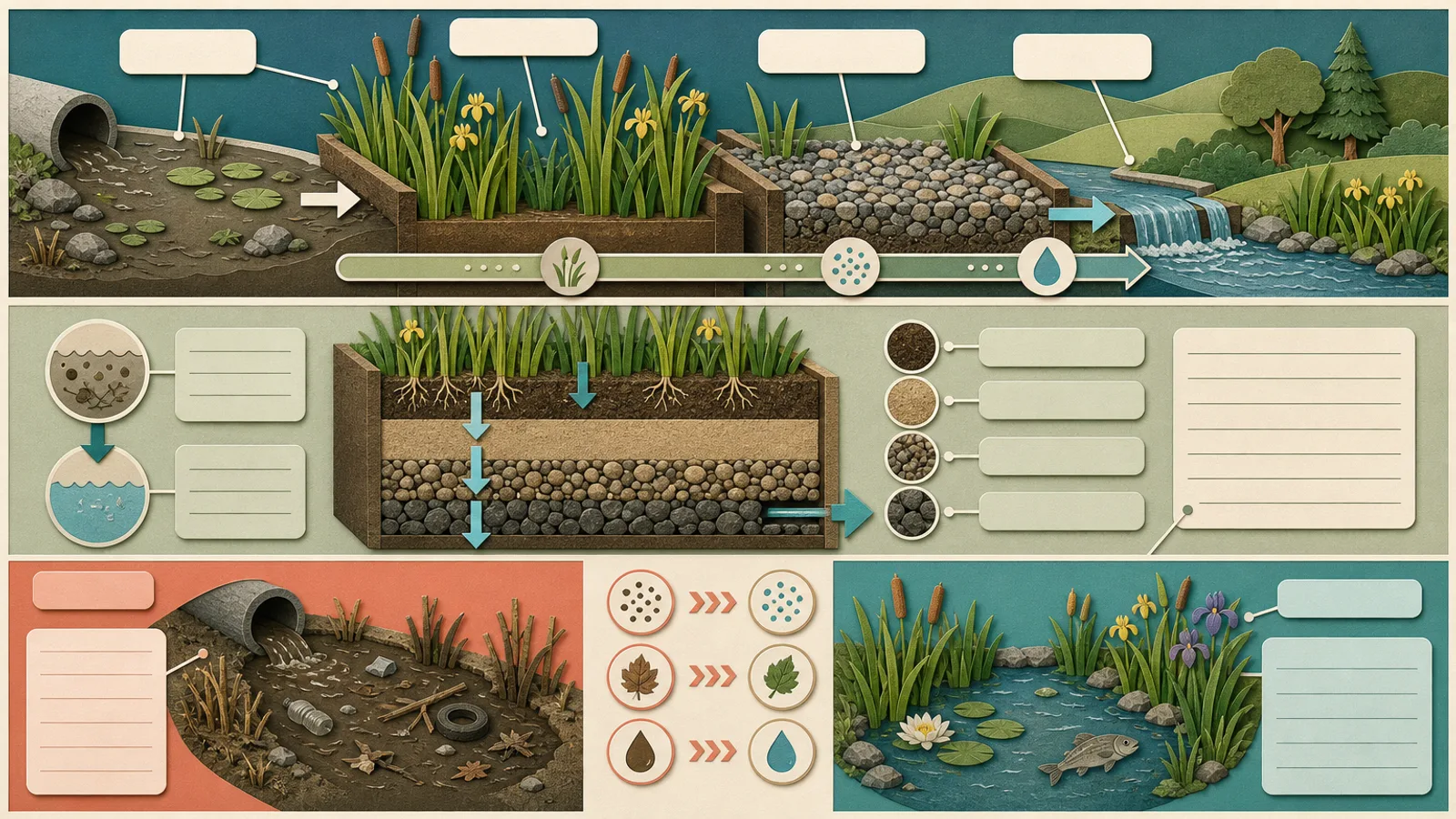

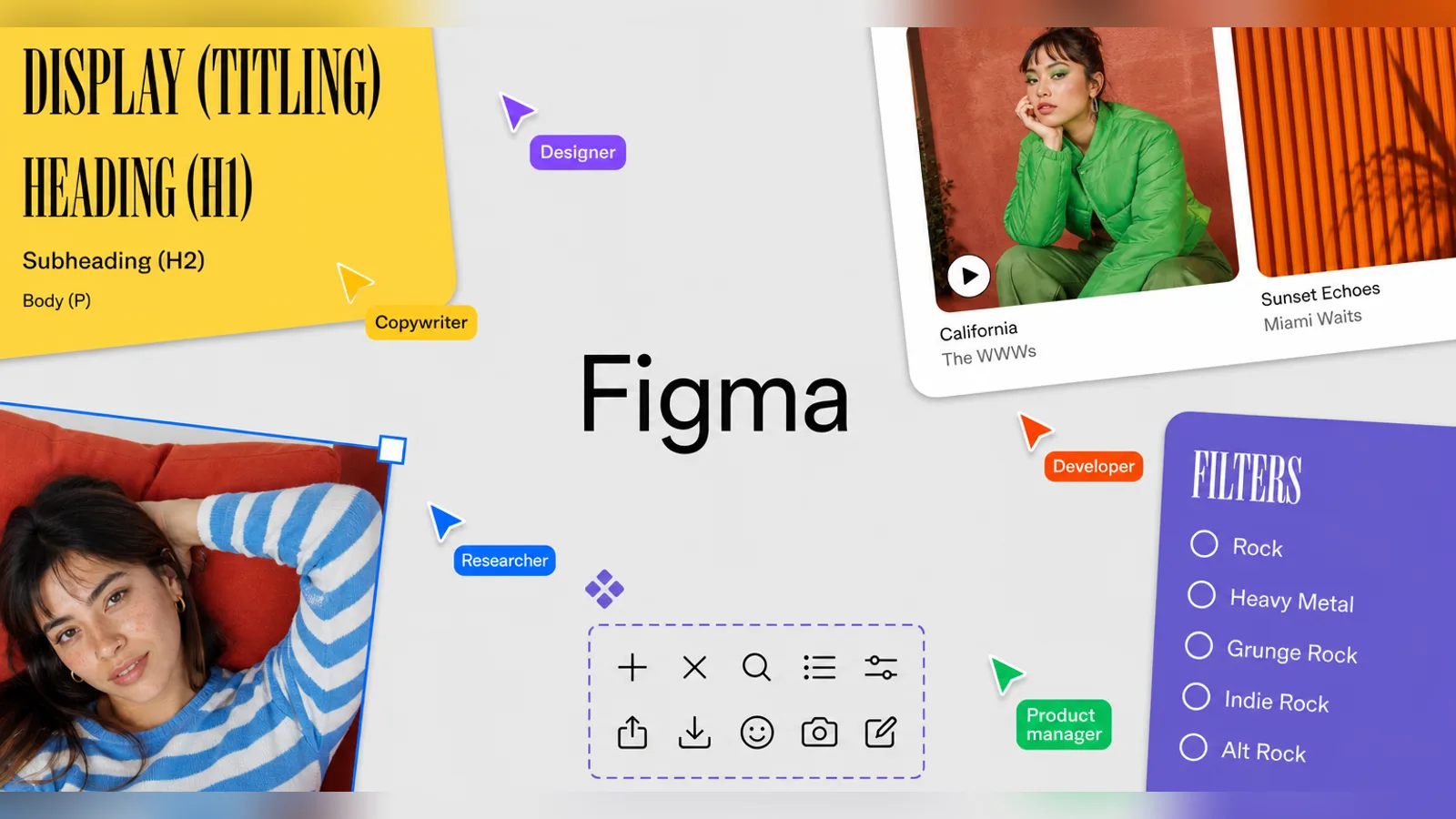





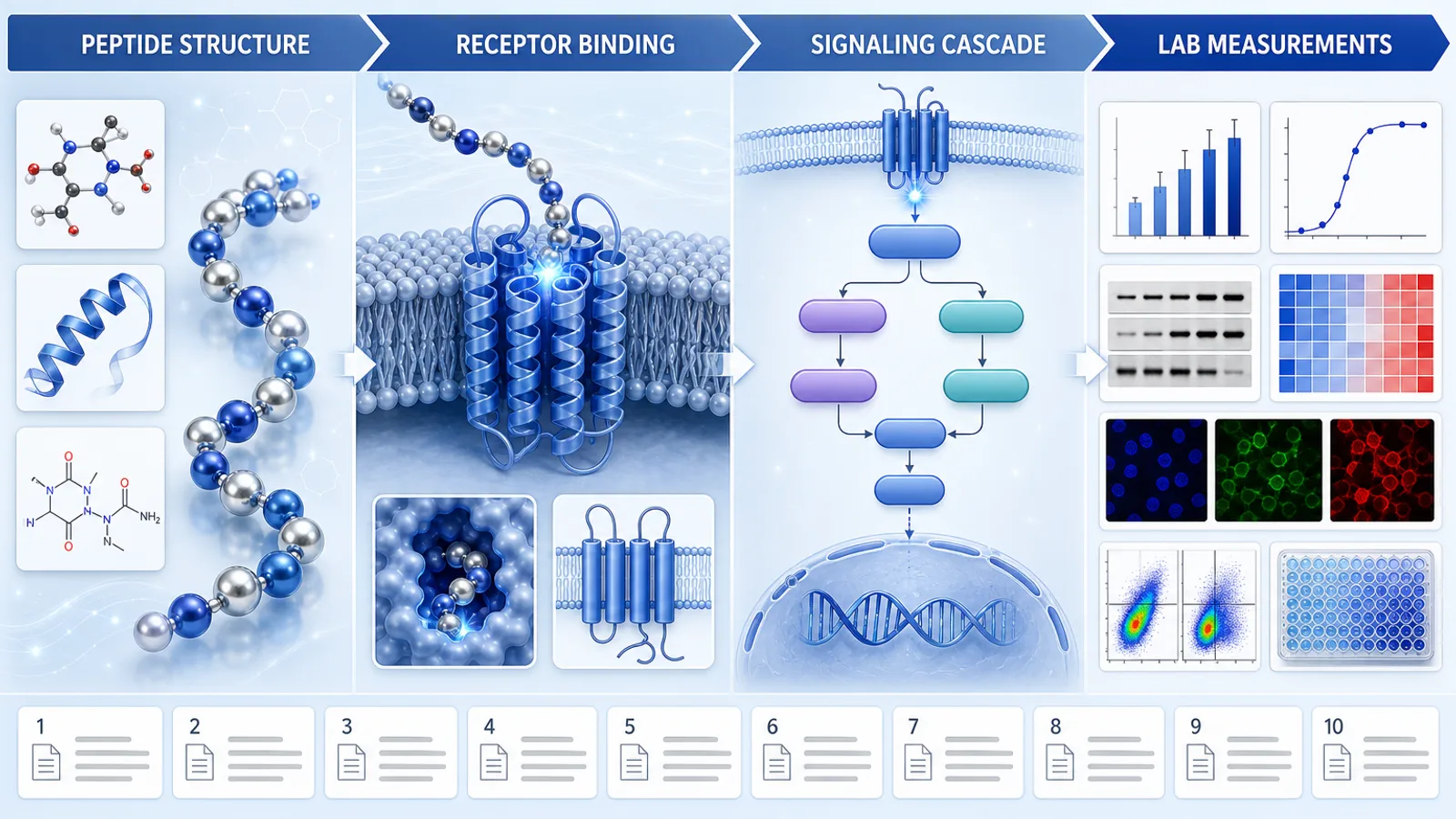



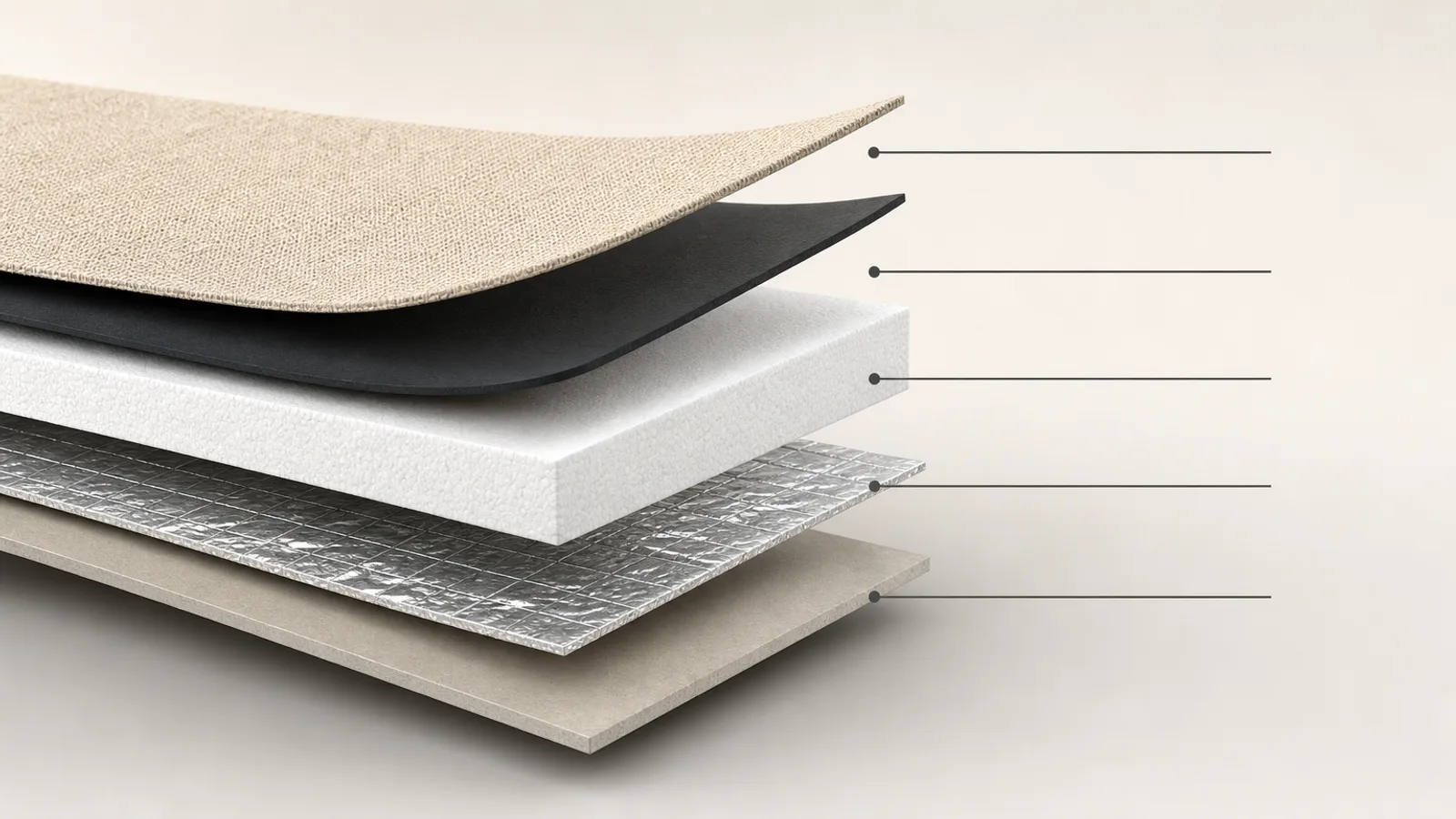






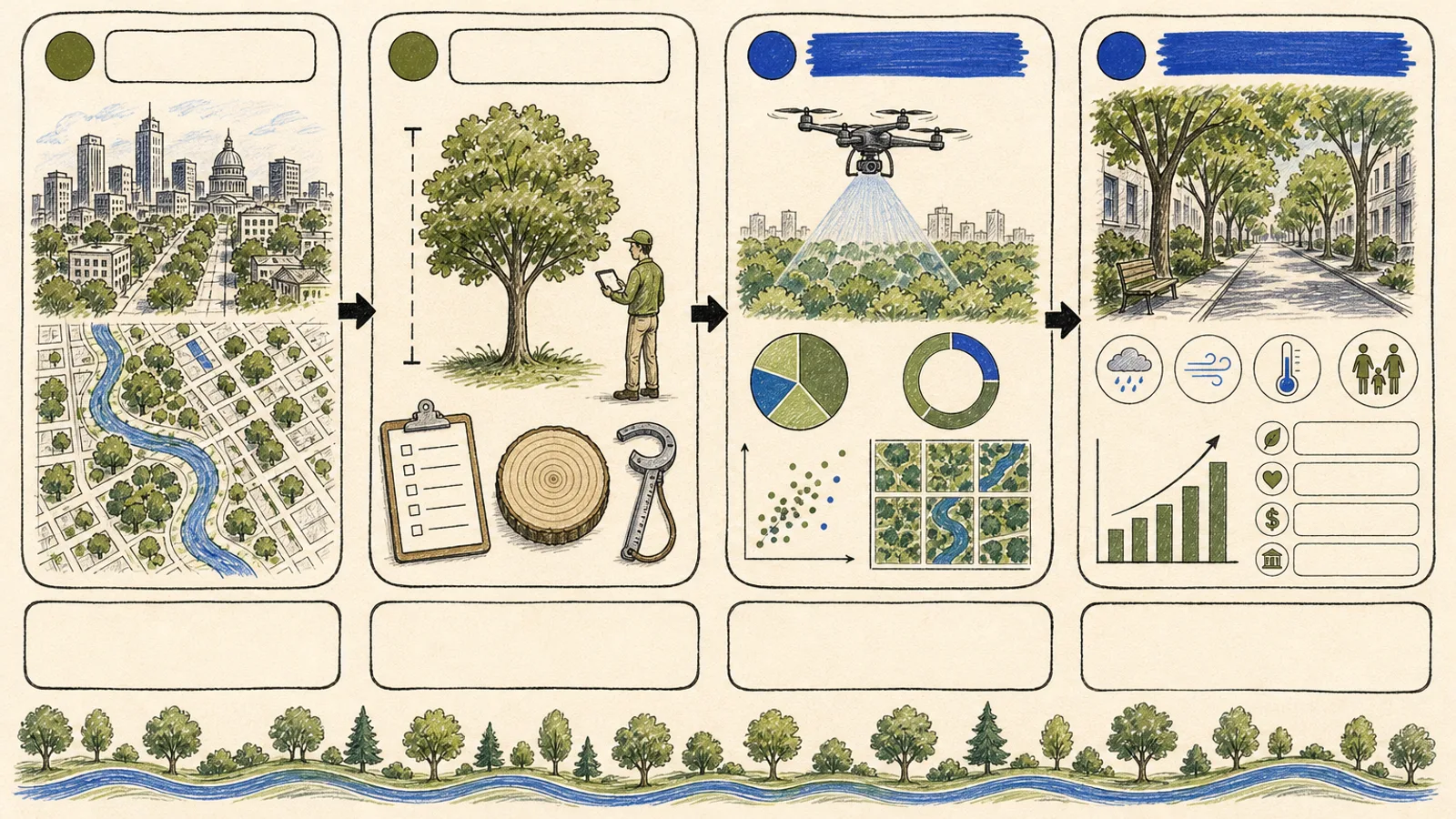
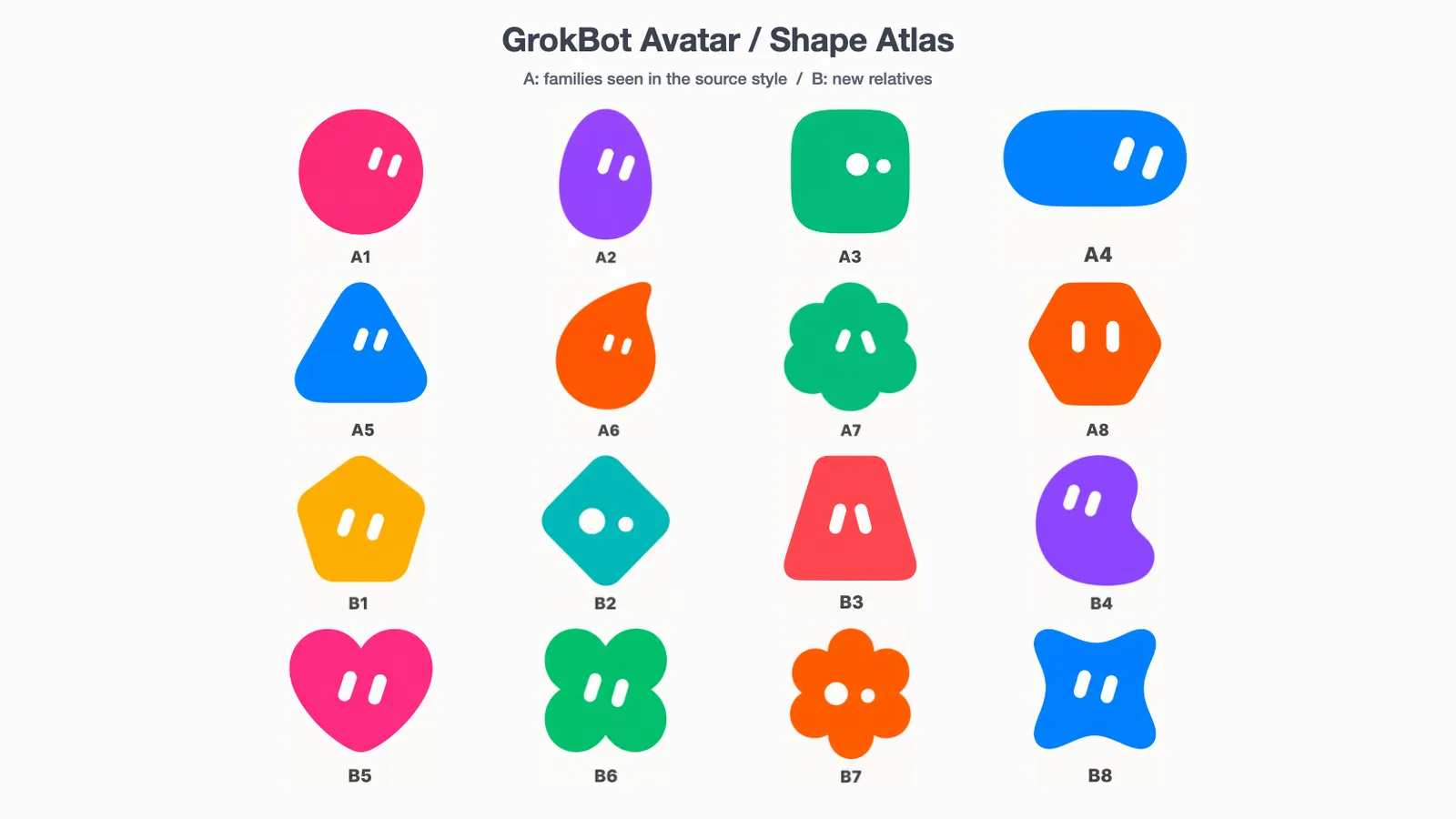

One picture is easy to get. A look you can reproduce on the tenth card is what the Skill is for.
Composition, palette and type are locked, so a whole series looks like it belongs together.
Headlines and product names get room in the layout, so they read cleanly at feed size.
Share cards and covers are produced at the dimensions link previews and feeds use.
Choose your line of work to see the Skills that are tagged for it.
Works the same in Claude Code running Fable 5, in Codex or in Cursor; no design app needed.
Paste the install prompt into your agent, or use the terminal command underneath; either way the Skill ends up in the agent's skills folder.
npx fable5-cli@latest install ours-headspace-style-ogType / and the Skill's name, then say in plain words what you want back.
/ours-headspace-style-og Make a link preview for Stillwick, a five-minute journaling app with a nightly prompt and a mood log. Headline: "Write it down, sleep well". Keep it soft.Open the files, request edits in the same chat, and publish or hand them over when they're right.
image.pngFable 5 can make an image from a bare prompt; a Skill is what makes the result repeatable.
| Factor | Prompt only | Skill |
|---|---|---|
| Look | Whatever the model improvises this time | A settled, finished layout |
| Next run | Changes from one try to the next | Same style on every run |
| Review | Up to you to spot problems | Built in and run before the hand-off |
Or pay once for a single Skill and keep it.
Cancel anytime
22% OFF$6.99$8.99 for new members after Nov 30$8.99/ month
$6.99 / month. Renews at the same rate while subscribed.
Cancel anytime
23% OFF$16.99$21.99 for new members after Nov 30$21.99/ 3 months
$16.99 / 3 months. Renews at the same rate while subscribed.
Recommended
Billed annually
14% OFF$59$69 for new members after Nov 30$69/ year
$59 / year. Renews at the same rate while subscribed. Equivalent to $4.92/month, billed annually.
Best deal
One payment · Founding price
19% OFF$129$159 for new members after Nov 30$159one-time
Buy lifetime accessCancel anytime. Payments are non-refundable.
What people ask before installing.
Claude Code, Codex, Cursor and every other agent that reads SKILL.md folders. The install prompt doesn't change between them, or with the model.
Working files you can open and change, never a screenshot of one. The Skill page lists every output before you install it.
No. Layout and style are decided inside the Skill; your part is the content, such as names, figures, photos or a link.
No. A free Skill is the full Skill and needs only a free account; Premium Skills come with a plan or a one-time purchase.
Choose a Skill, install it with one prompt, then describe what you want.