Sneaker Storev0.1.1
Use this Skill to build a storefront.
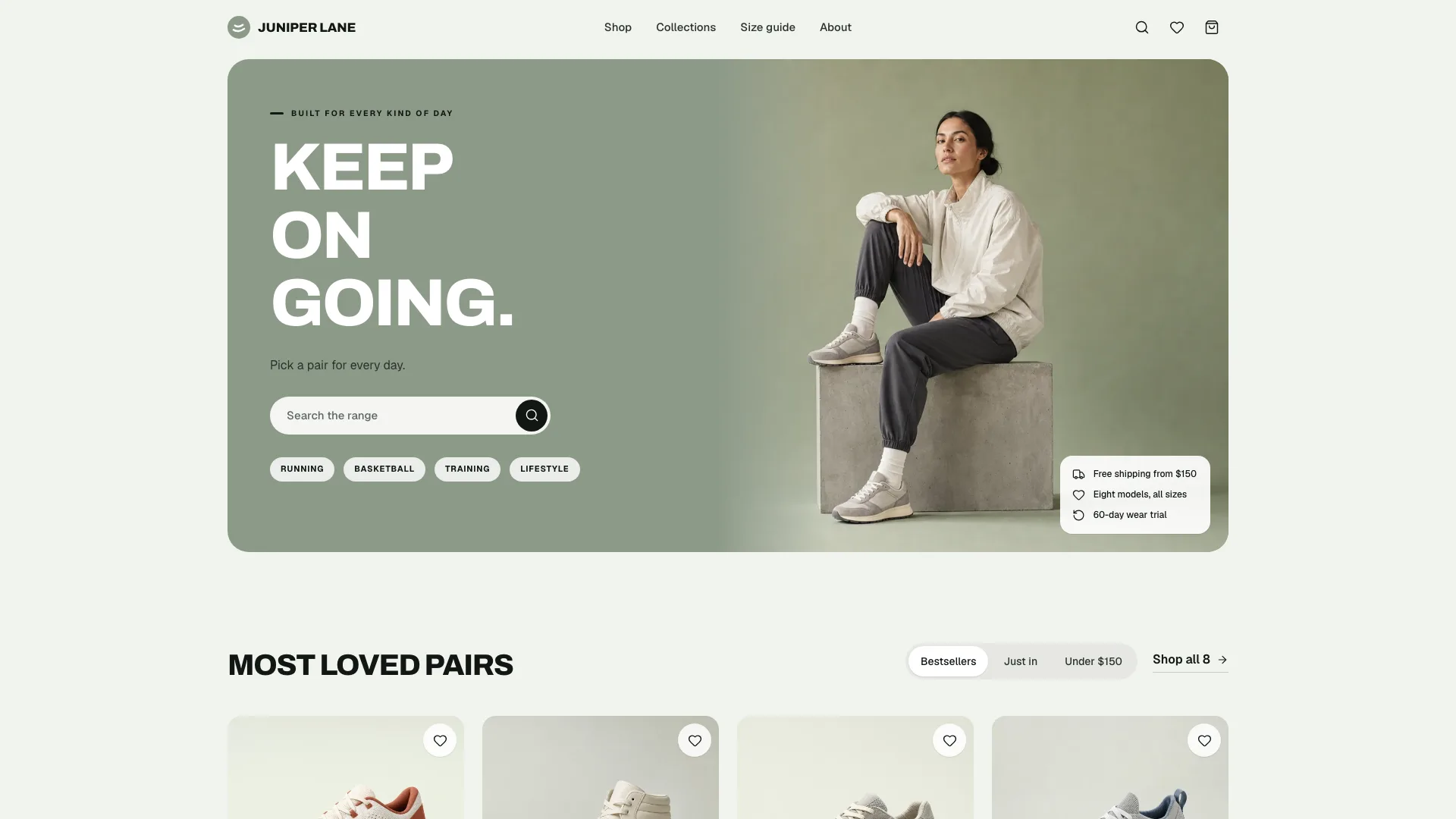
With this skill, Claude Fable 5 builds a footwear label's whole store as one file: 27 routes, a sage campaign hero, filters, width and size choice, a size finder, demo checkout.
Picked most often by
Updated Oct 31, 2026
Preview gallery


Similar Skills
View all
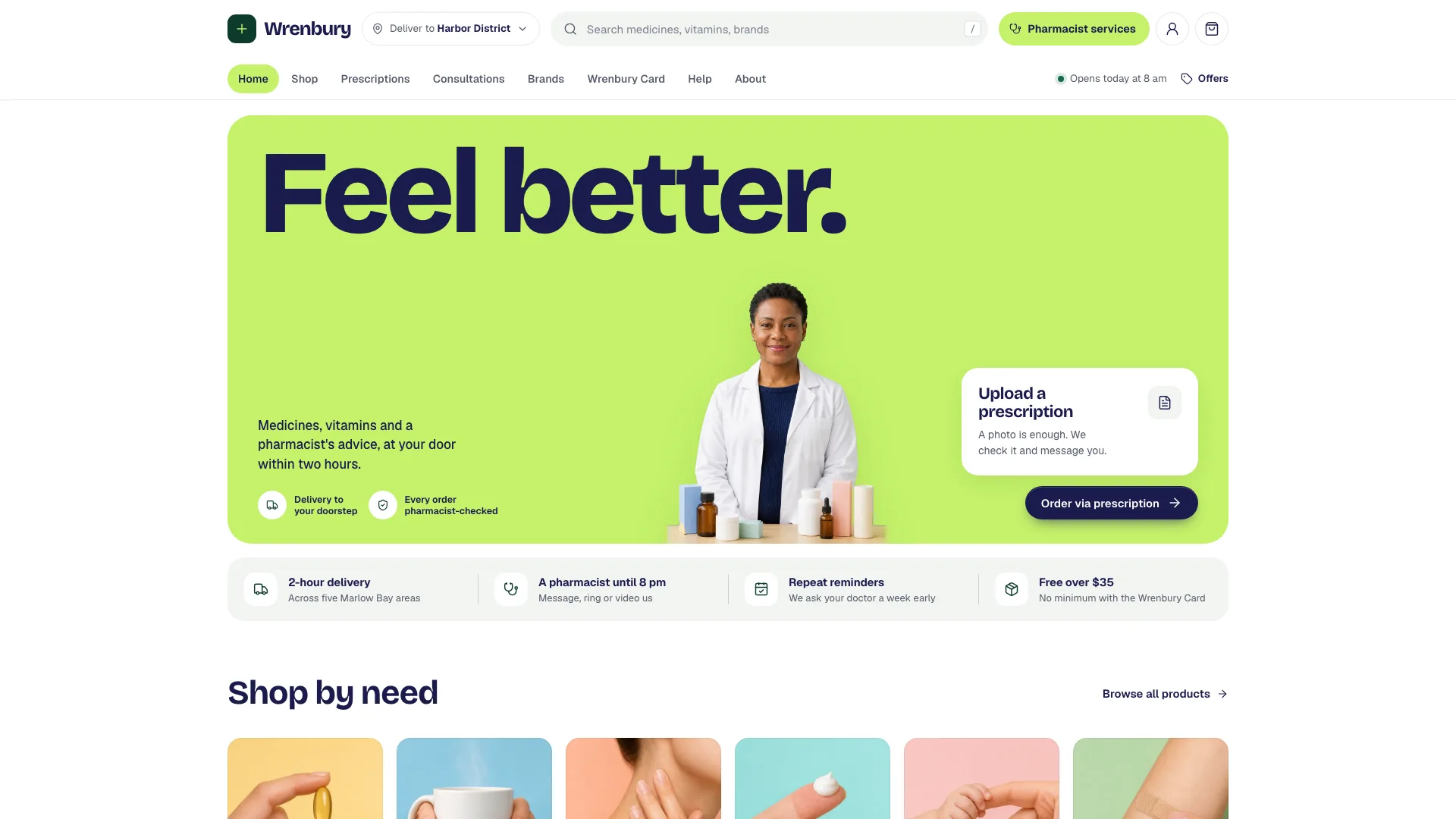
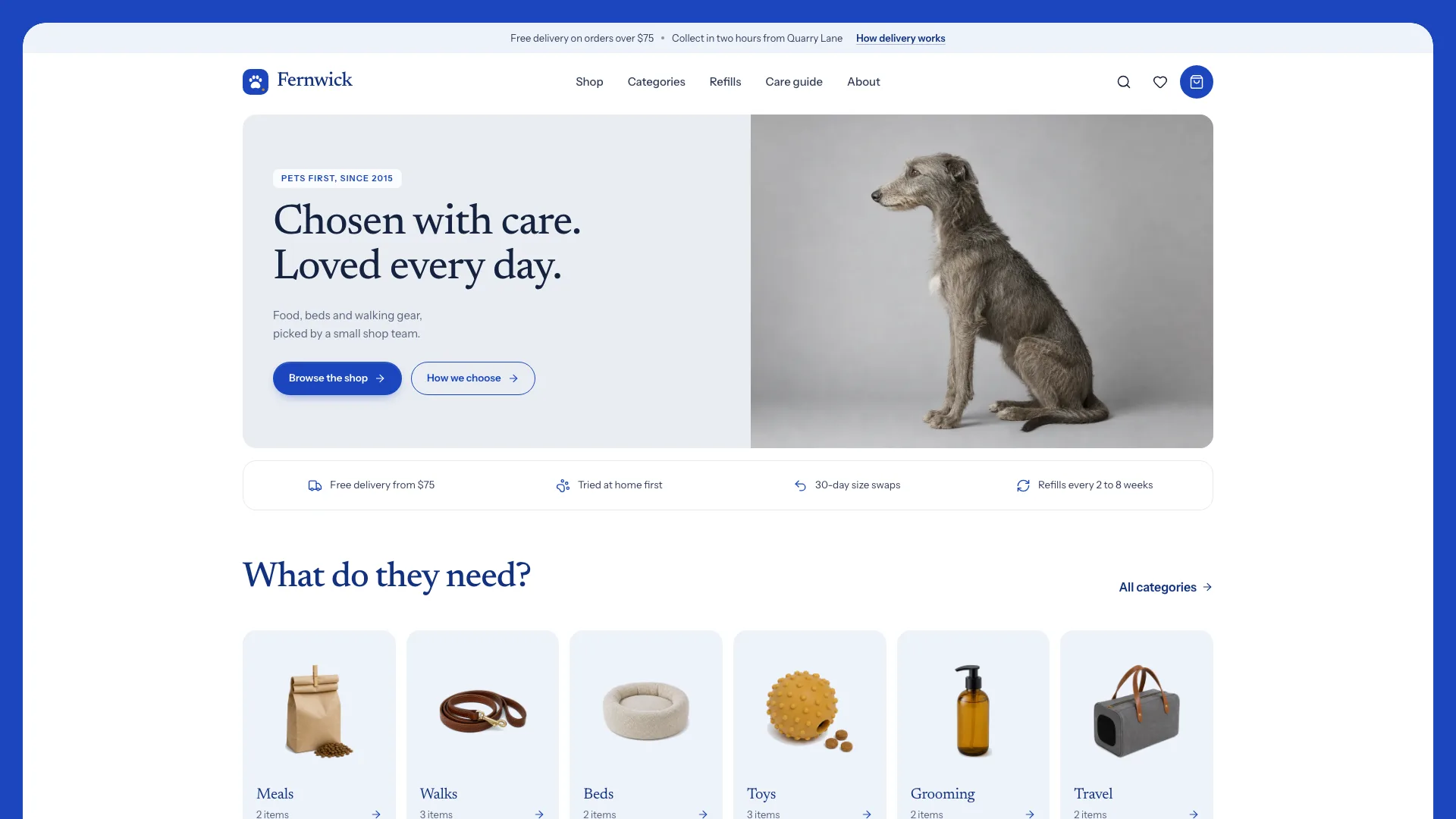
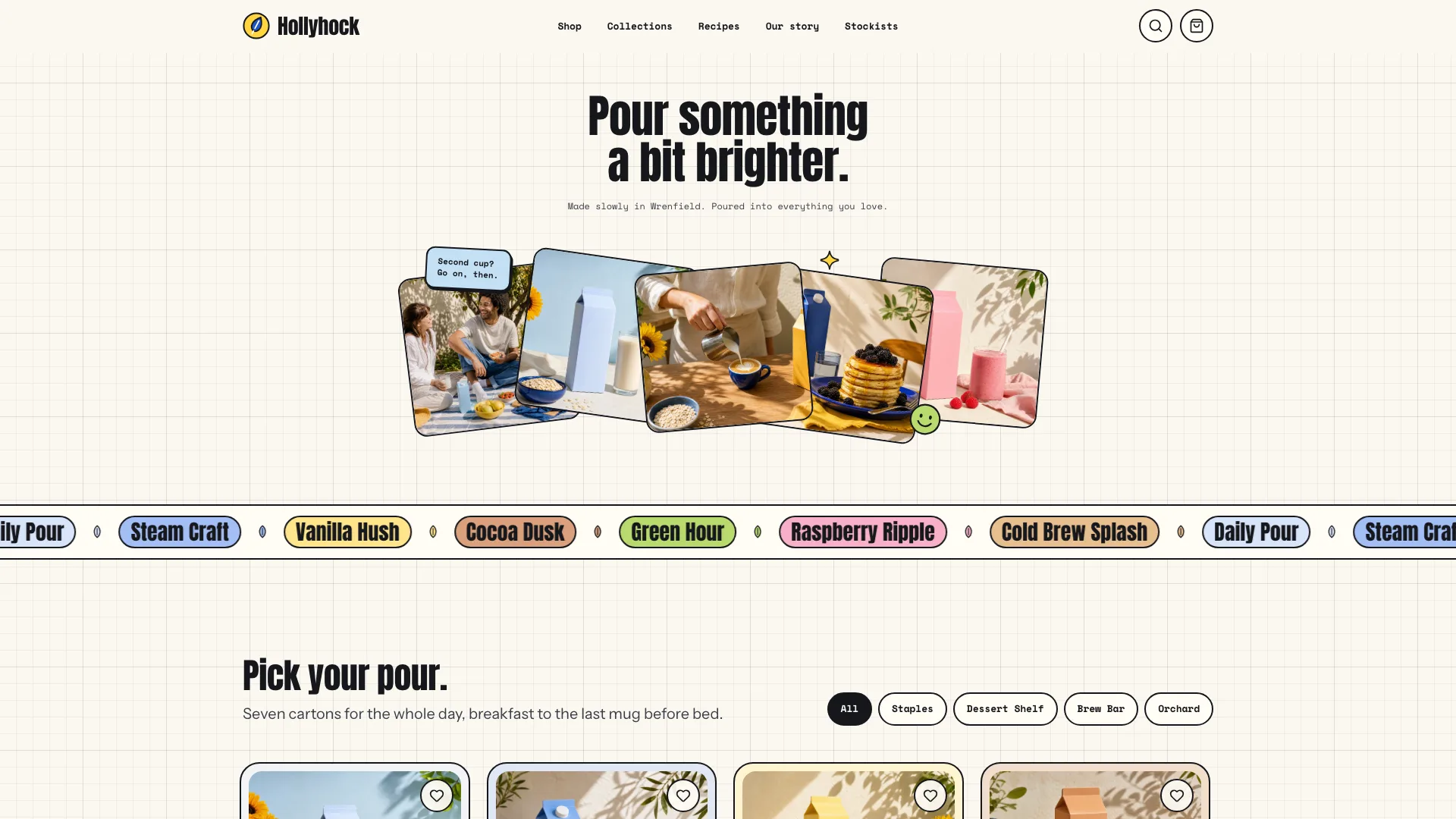
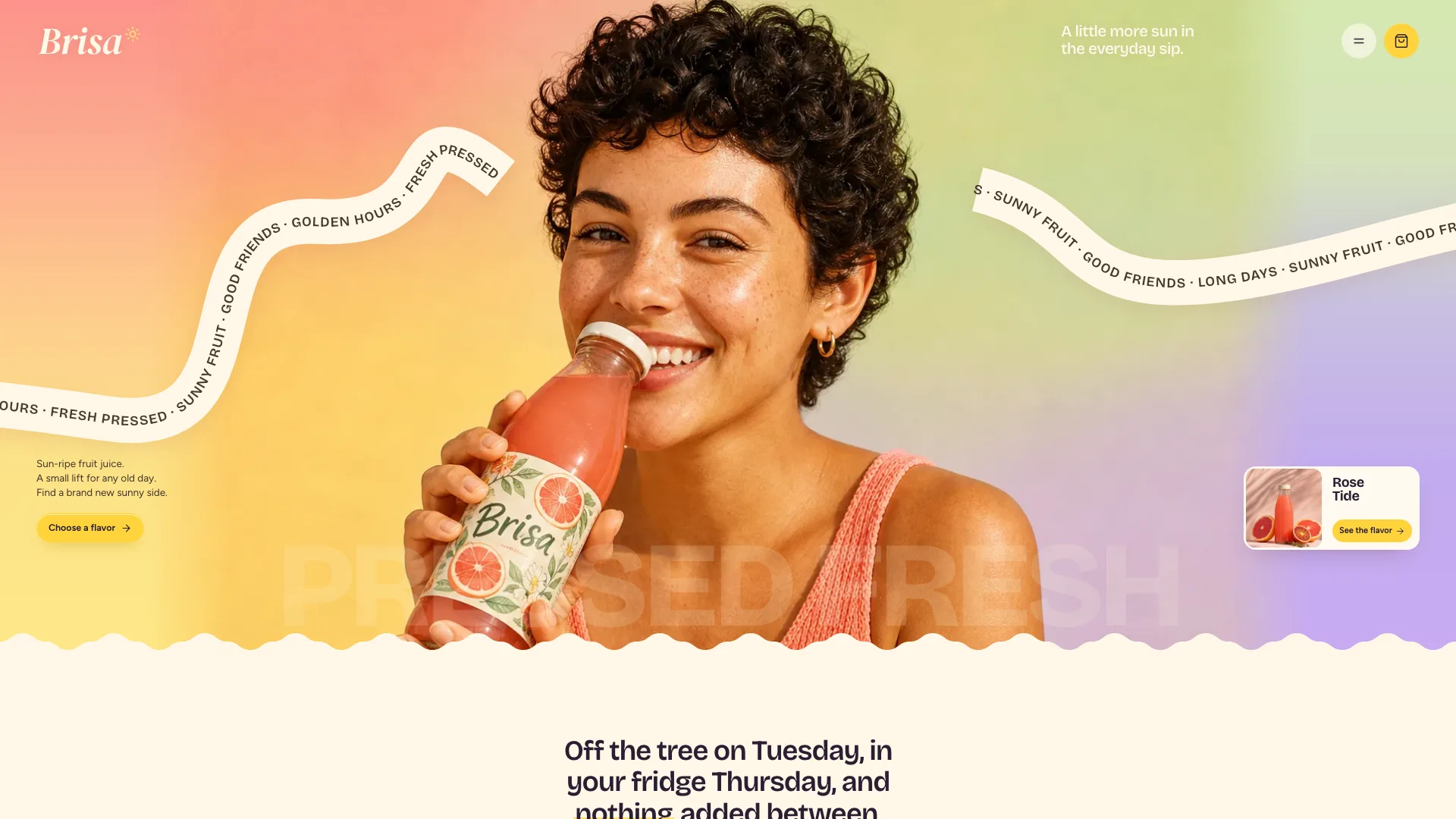
What you get
- A single offline HTML file of 27 linked routes that reads fine with scripts off
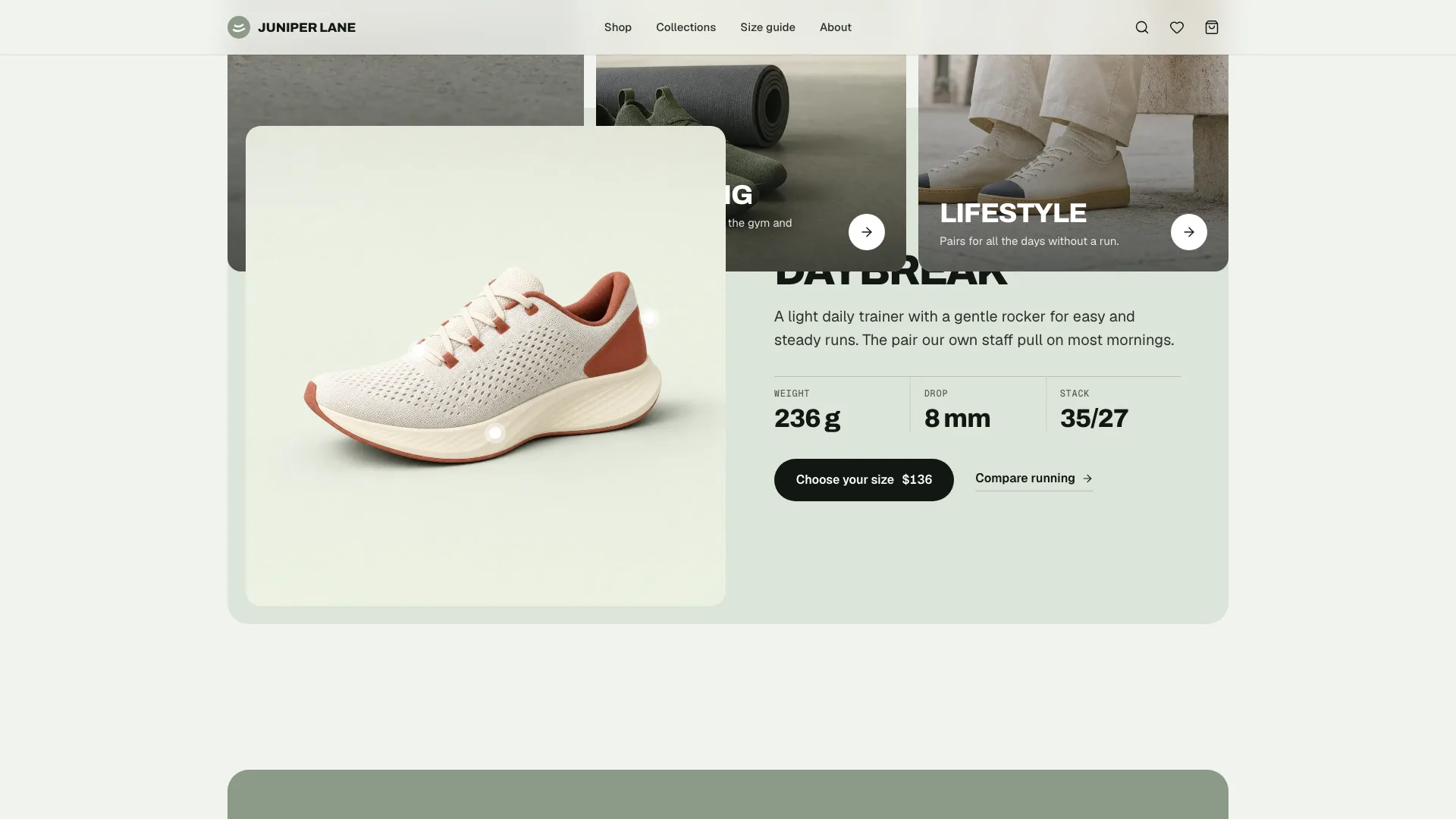
- Home: the sage campaign hero, popular tabs, a collection bento, a spotlight with hotspots, promise cards, a store visit, a review carousel, questions and a newsletter
- A shop with activity chips, sorting, filters for size, price, color and wide fit, removable active-filter chips and an empty state
- One page per pair: zoomable gallery, width and size pickers that show stock, an estimated delivery date, specs, reviews rated on a fit scale, and a buy bar on phones
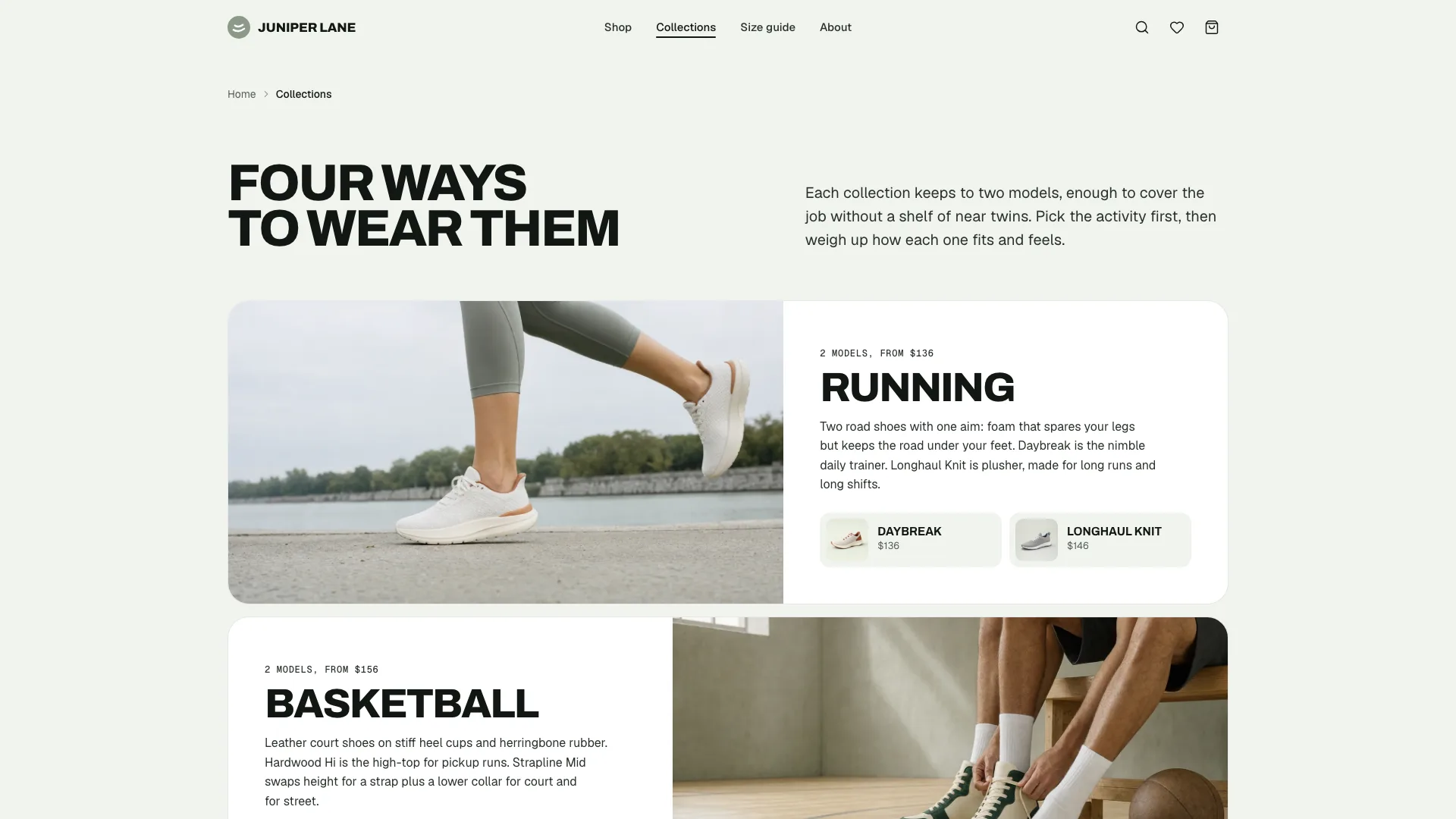
- A collections overview with a comparison table, then a page for each collection
- A bag drawer plus a bag page that takes discount codes, a demo checkout and a confirmation
- Help and the rest: a size guide (foot-length finder, chart, notes on fit), delivery and returns, questions, contact with slots for fittings, a newsletter page, legal pages and a designed 404
- Open-source fonts and icons embedded, with ShoeStore structured data
Good fit
- Independent footwear and sneaker labels
- Running and outdoor shops carrying a small range
- Agencies making launch sites for apparel brands
Not for
- Real payments or live stock sync; checkout is a demo
- Marketplaces listing hundreds of products
- Booking real fittings: the slots are only a demo
About this Skill
Hand your Fable 5 agent the facts of a shoe or apparel label (what it sells, at what prices, in which sizes, what is low or gone, where the shop is) and it turns them into one offline HTML file holding a whole store. Visitors arrive on a flat sage campaign panel: a heavy white headline in capitals, an editorial photo of a model, and one small white card about service. Scroll and the range opens up through popular tabs, a bento of collections and a spotlight whose hotspots point out materials; white promise cards, an invitation to the store, reviews, questions and a sign-up for the newsletter close the page. Shoppers narrow the shop by activity, sizes still in stock, price, color and wide fit. Every pair has its own page: a gallery, a choice of width that moves the price, sizes marked sold out or nearly gone, specs, reviews and a buy bar on phones. Unsure of a size? The size guide converts a measured foot into US, UK and EU sizes. The bag accepts a discount code, and checkout is a demo that says so; nothing leaves the page.
How it works
- Get the label's range, prices, sizes and stock notes, its shop details, and the tax and delivery rules for its market
- Write the facts into site.json as the schema lays out, skipping anything nobody has confirmed
- Make or bring in the photos the image plan calls for: the campaign model, a studio shot for each product and a context photo for each collection
- Build, fixing every gap the script finds in the brief (it lists them all at once)
- Check with the validator: a lone file, one h1 per page, no dead links, every control labeled, every photo there
- Test filters, sizes, the bag, checkout, contact and the size finder at 390, 768, 1024 and 1440 px
- Deliver the file, listing anything the label has yet to send
Checked before delivery
- validate.mjs passes: single file, one h1 per page, every link resolves, labelled controls, structured data
- Every price, size, stock note, fee and store detail matches the brief; no invented certifications or materials claims
- Hero, quick add, filters, width and size pickers, bag, promo, checkout demo, contact slots and the size finder work at widths of 390, 768, 1024 and 1440 px
What you need before you start
- You bring
- Brand name, store name, address, hours, phone and email · Market: currency, tax mode and rate, postcode format, shipping and express fees, free-shipping threshold, promo code · Collections and products with real prices, colourways, sizes with sold-out and low-stock lists, wide-fit option, specs, materials, fit notes and care · Reviews with sources, FAQs, delivery, returns, resole and legal text, timeline and store facts
- Dependencies
- Node.js 20 or later · No dependencies, API keys or network access
- Outside costs
- None
- Last tested
- v0.1.1 — Claude Code / Codex / Cursor
User reviews
Loading reviews…
FAQ
Can a shopper pay through the demo checkout?
No. The form is validated and a sample confirmation appears, with a plain note that nothing was charged. Hook up a payment provider before the store goes live.
How does it know which sizes are sold out?
The label's brief lists, for each product, the sizes that are sold out or running low and whether a wide fit exists. The build never invents specs or fit notes.
Who supplies the product photos?
The label, ideally. Failing that, the image plan has a prompt for every slot, and each product gets its own studio shot against one common backdrop.
Will fitting requests reach the store?
Not from this file. The contact form only demonstrates the flow and tells visitors so; connect it to the shop's booking or email system before launch.