SaaS Product Sitev0.1.1
Use this Skill to build a product website.
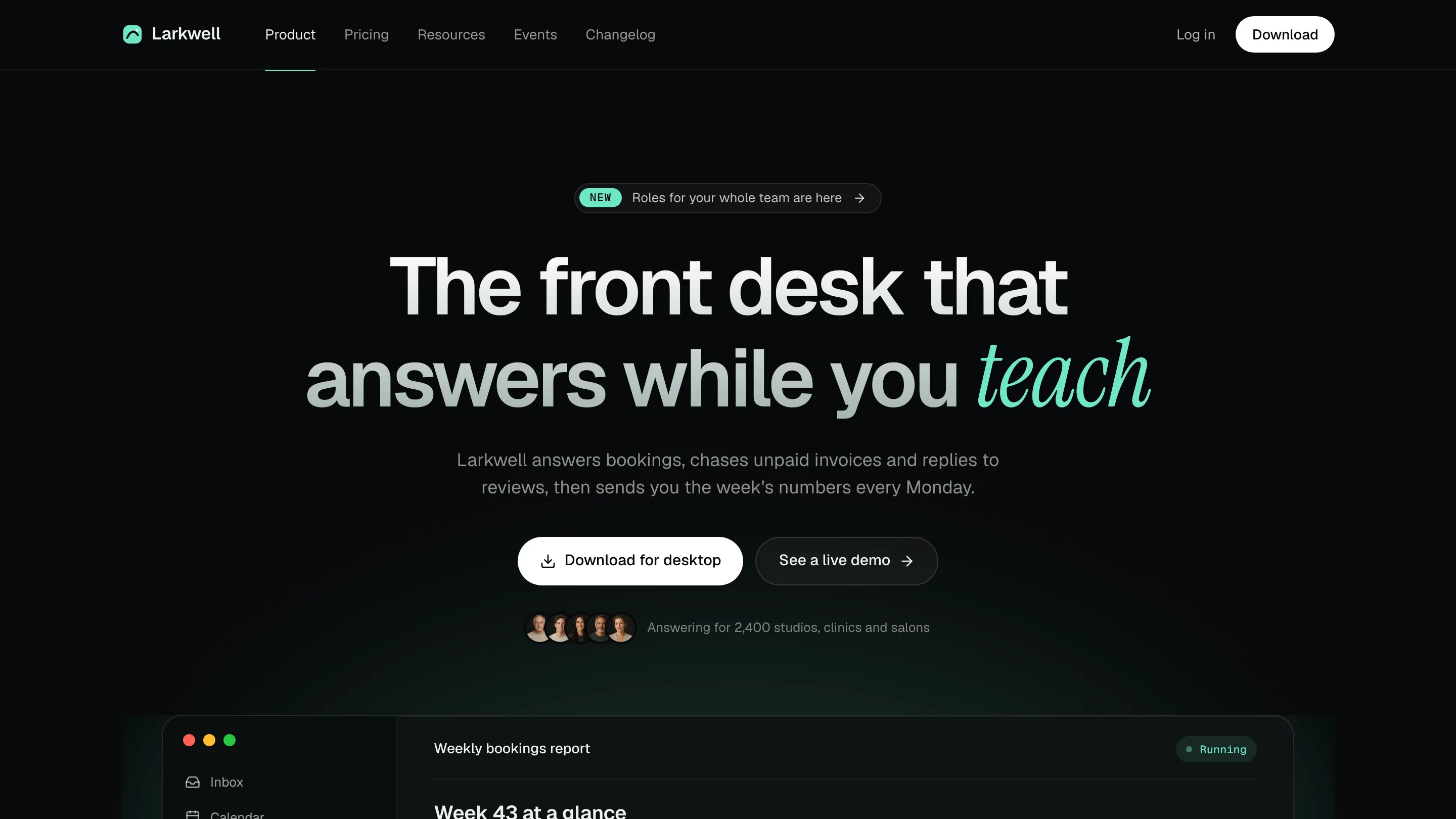
A Fable 5 landing page skill for software and AI products: a dark five-route site, with a live app preview, pricing toggle, help search, events and changelog.
Picked most often by
Updated Oct 25, 2026
Preview gallery


 FAL
Similar Skills
View all
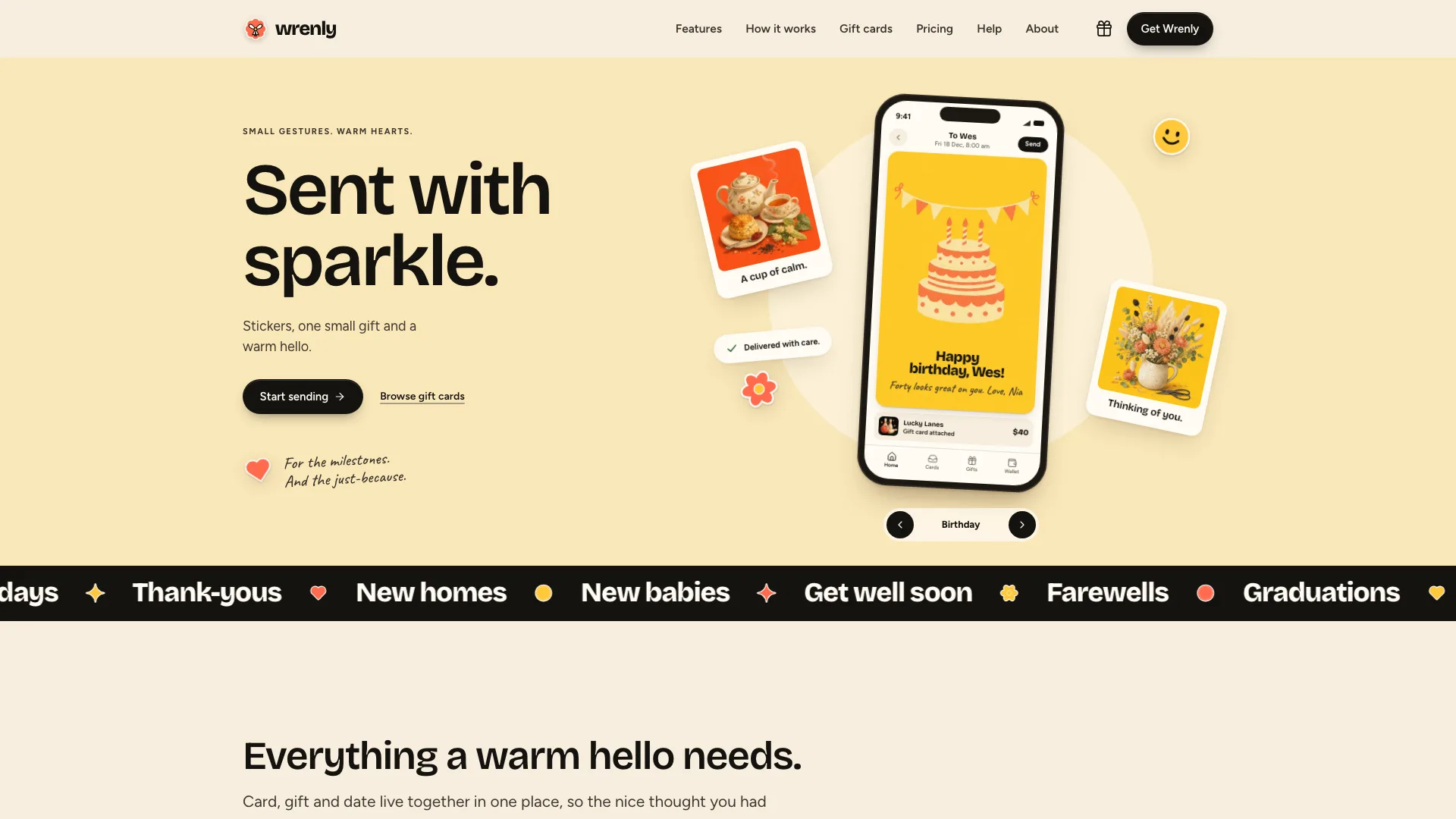
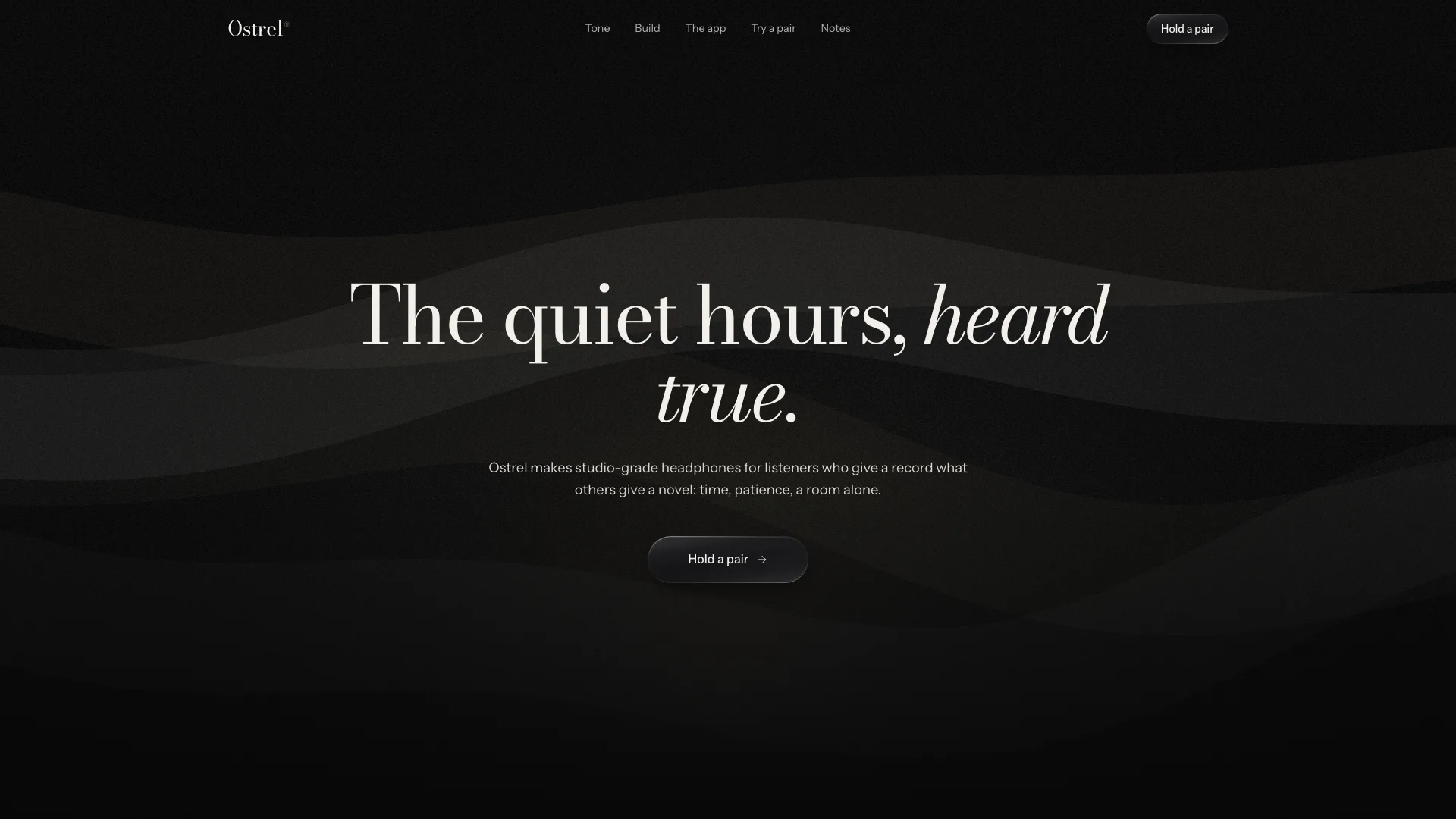
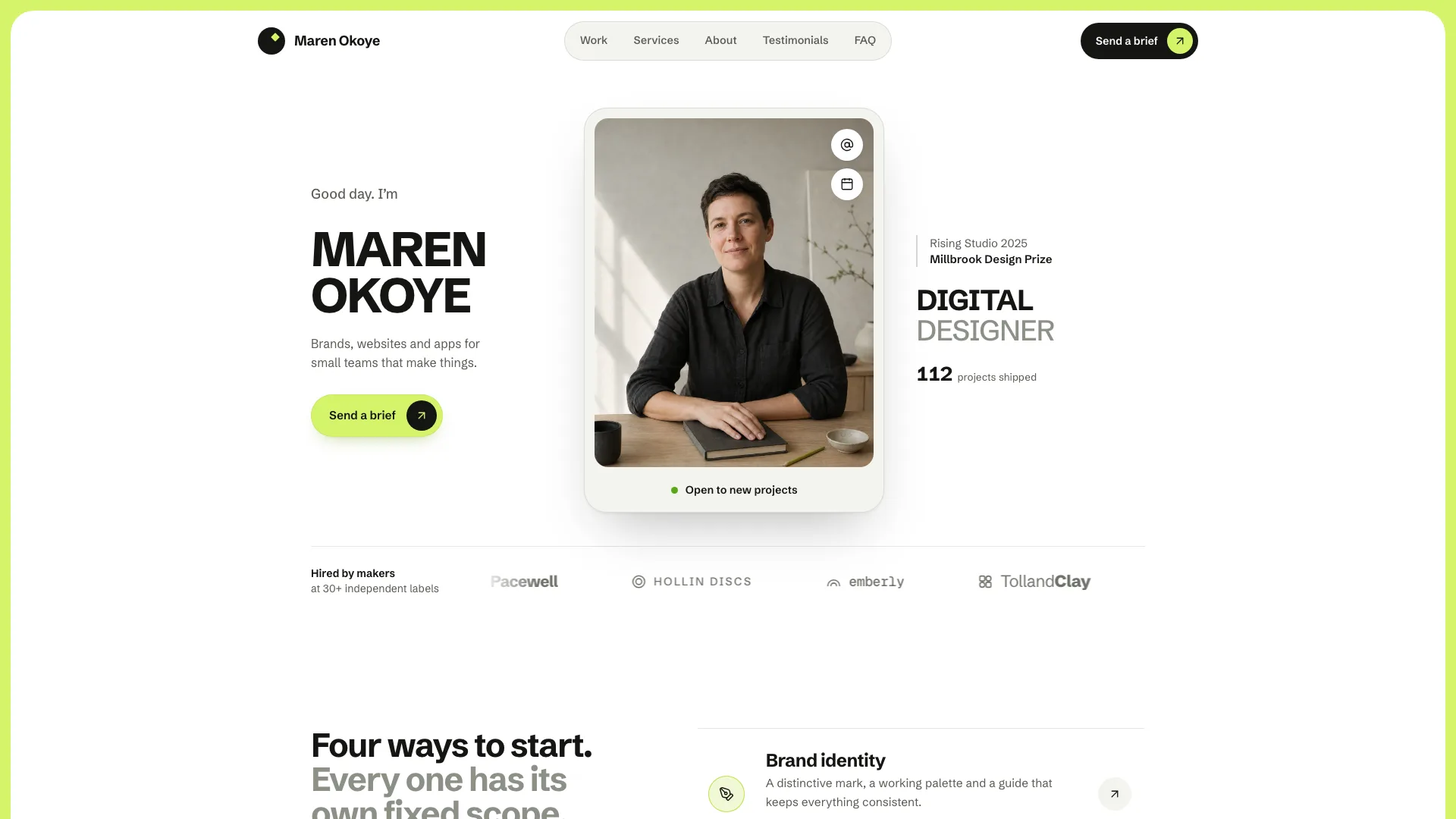
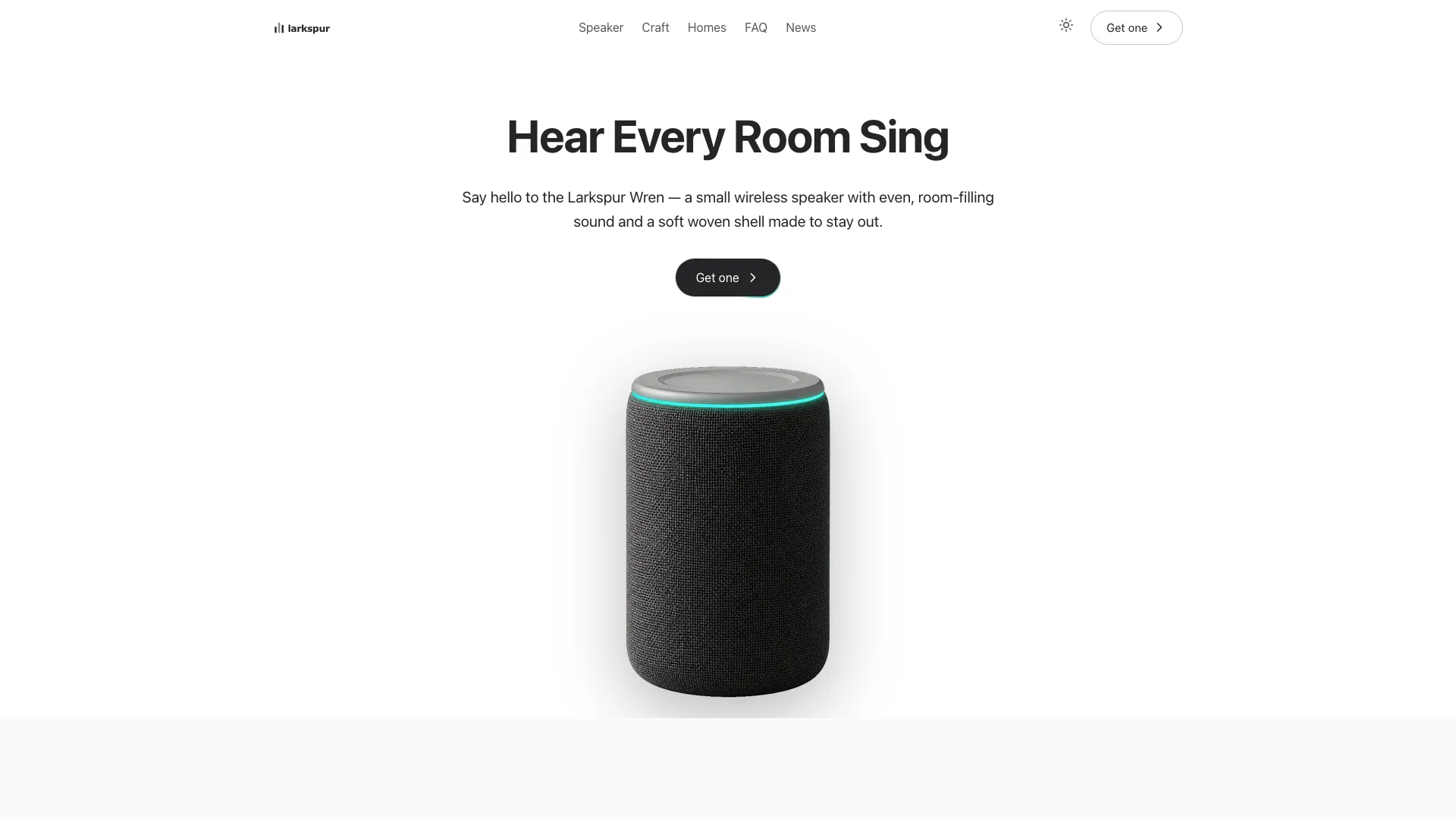
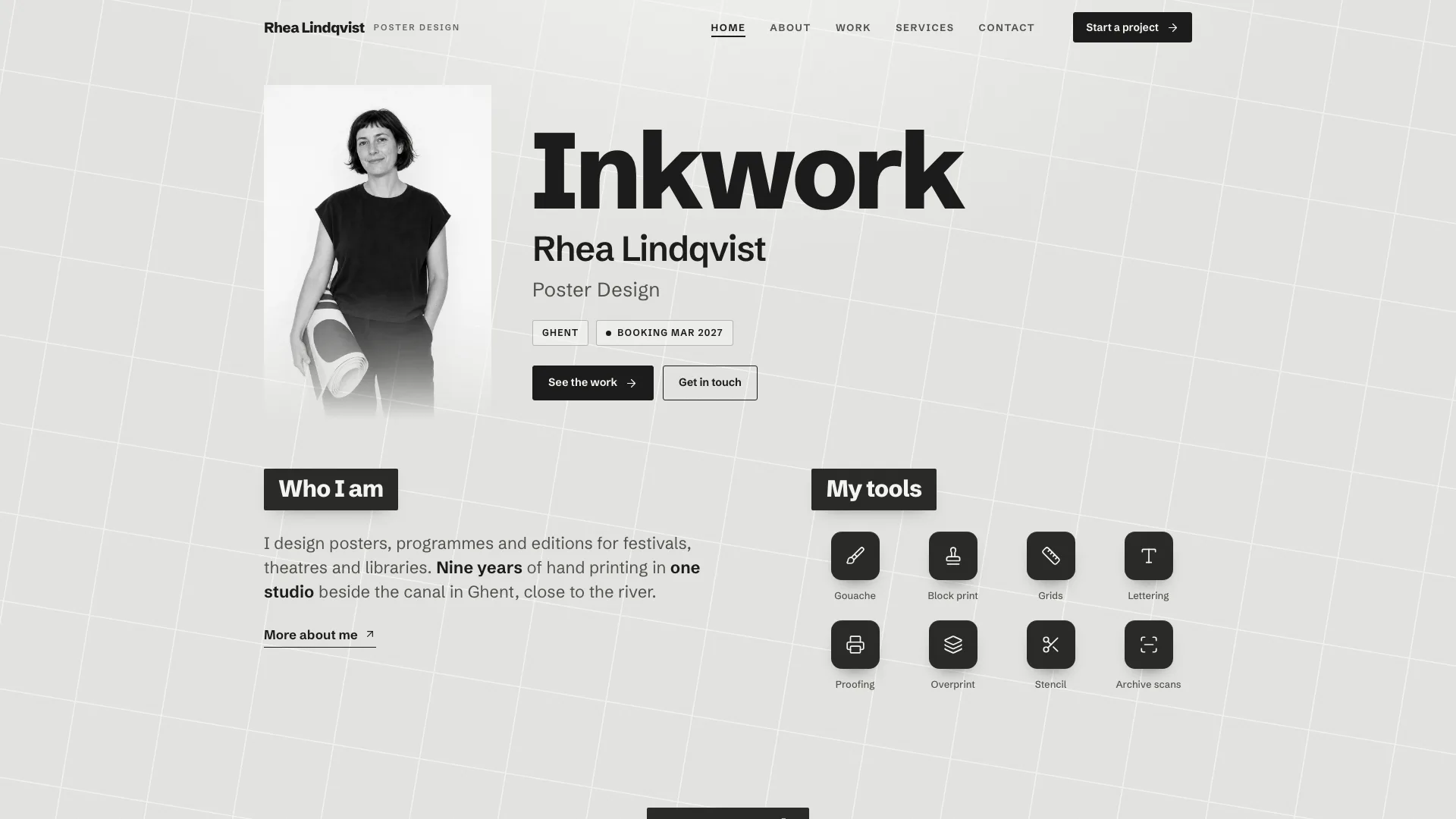
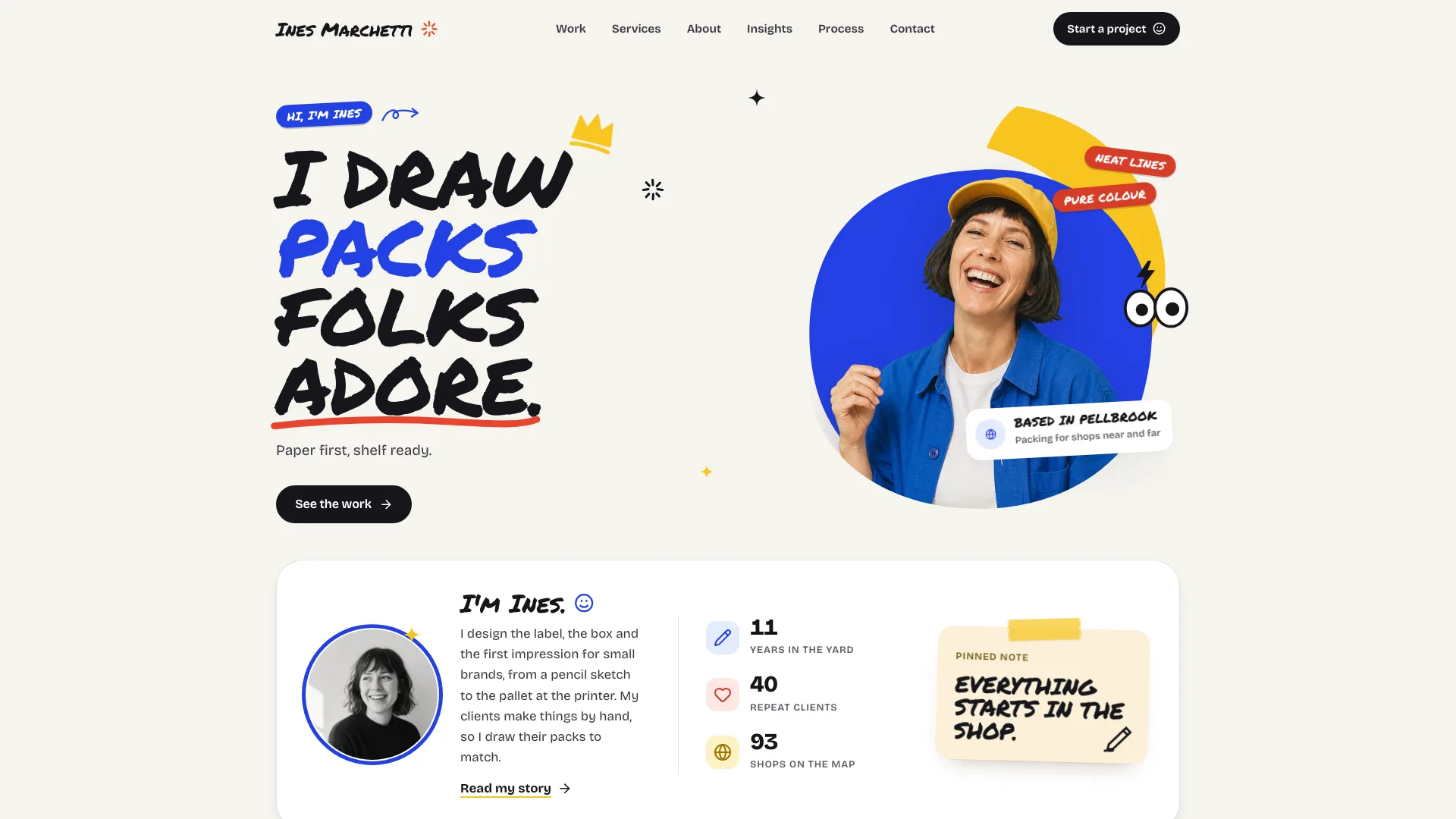
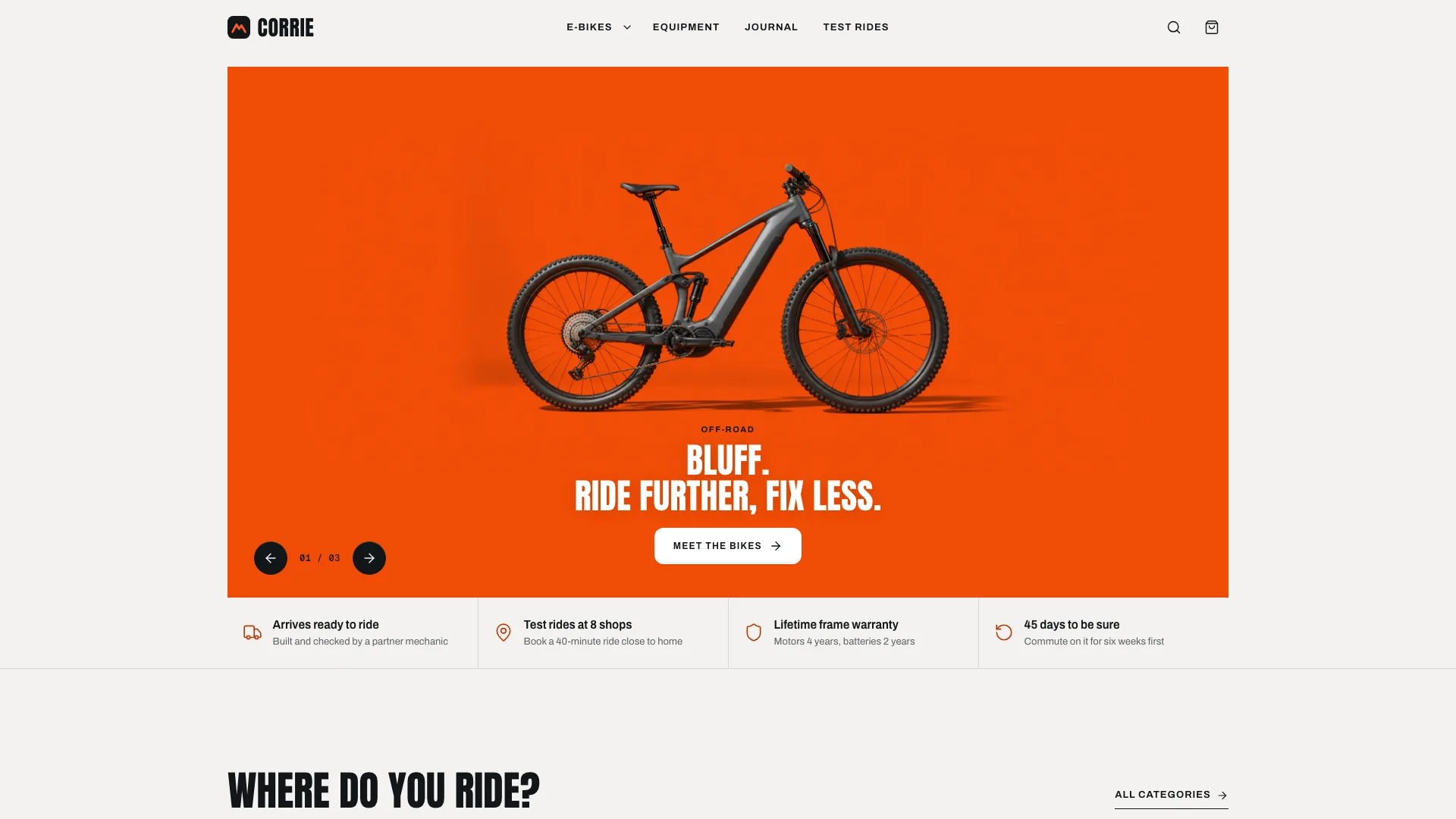
What you get
- Five linked routes built in your framework, or a single HTML file on request
- Product page: a gradient headline over two lines, the app window and its four task reports, the integration strip, feature cards, a five-demo bento, a quote whose proof figures count up, and a final call to action
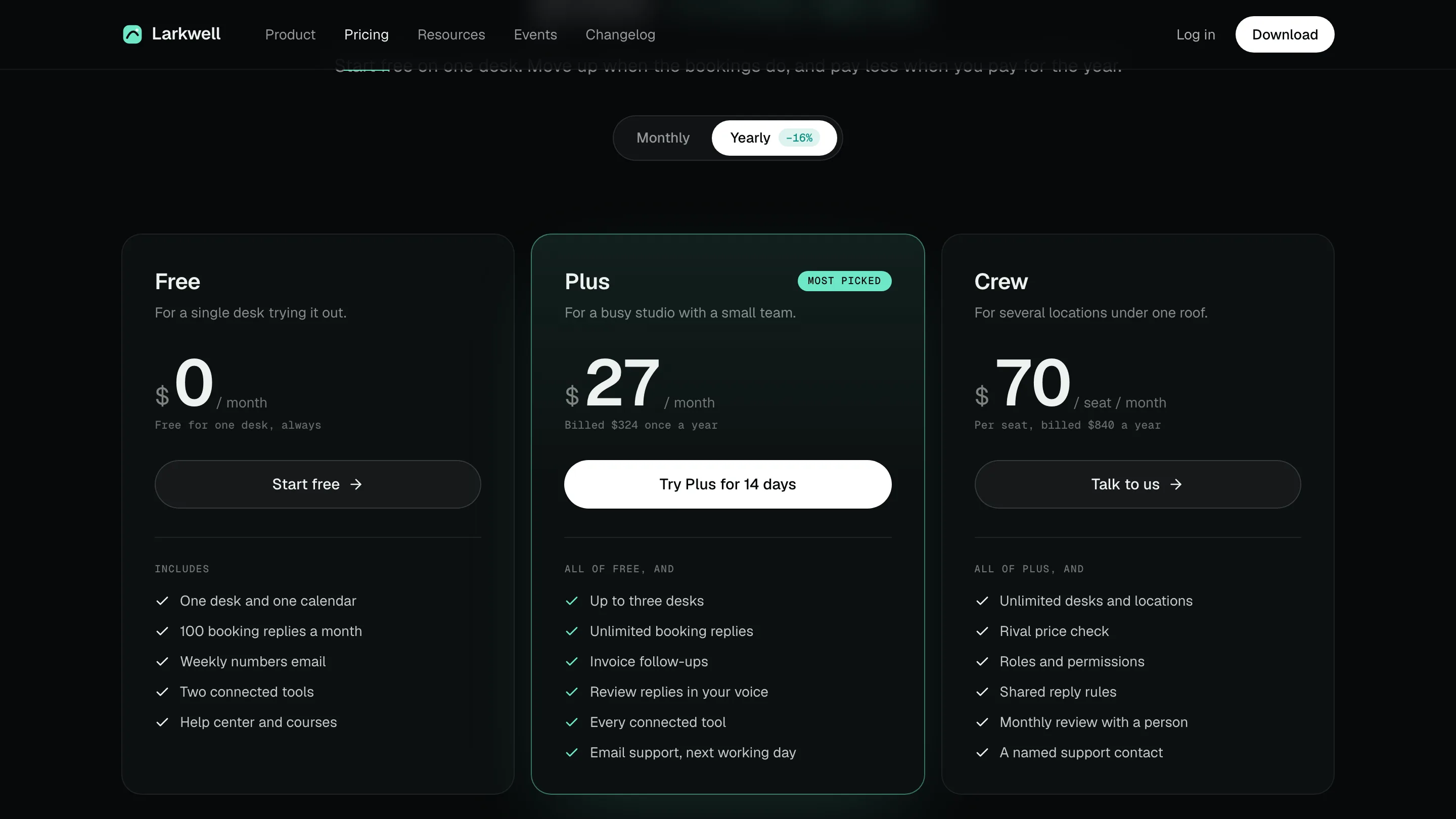
- Pricing: three plans with the featured one raised, a sliding monthly / yearly toggle, a compare table and billing questions that open one at a time
- Resources: one search box over help categories, guides and courses, with popular searches and a keyboard shortcut
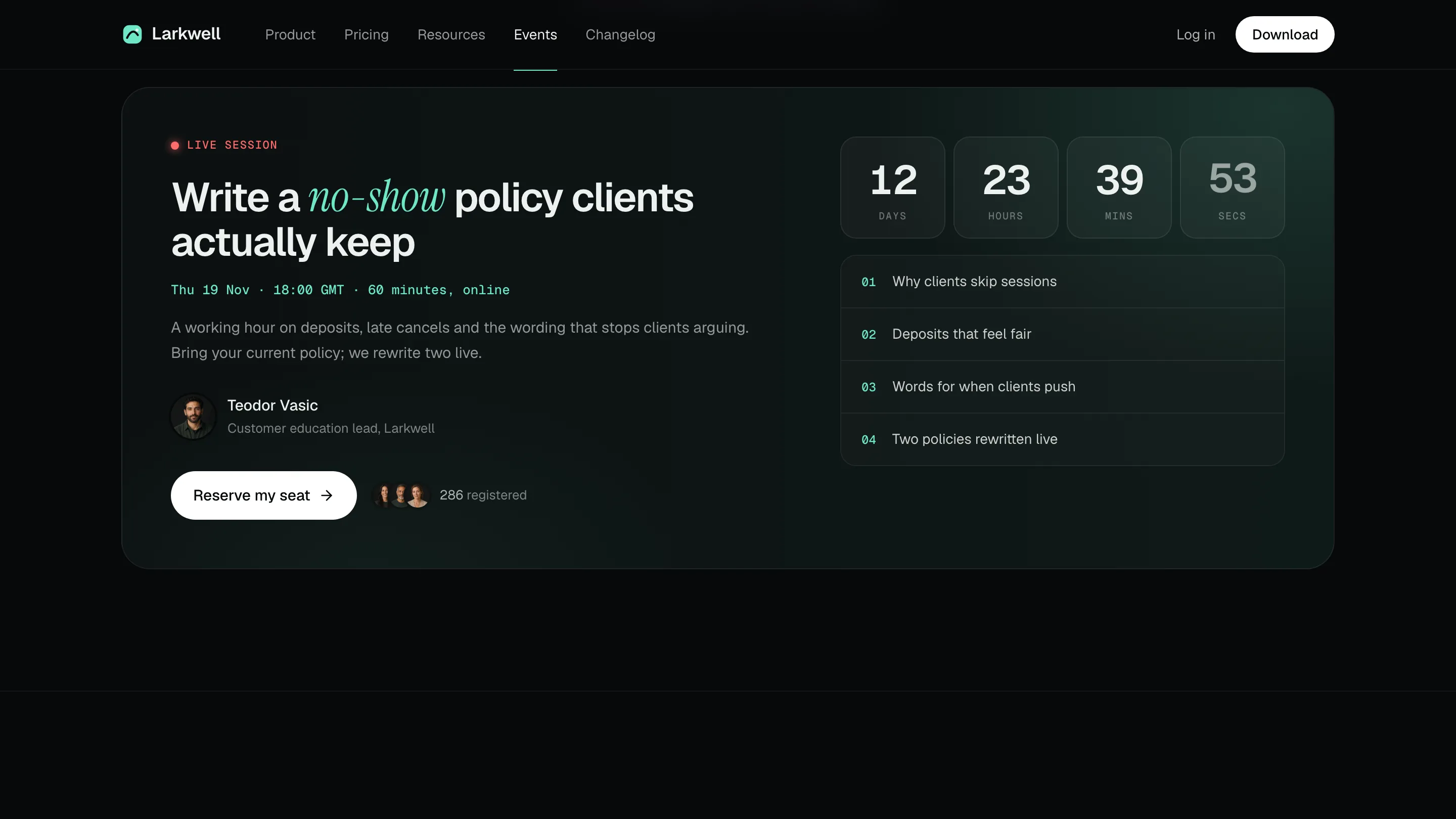
- Events: a featured live session with countdown, seat saving, type filters for sessions, replays and a newsletter field
- Changelog: a timeline that highlights the release in view, panels for members and run history, and a load-older control
- Template, style guide, page and icon references, framework notes and a validator, with open-source fonts, icons and Organization structured data
Good fit
- Software and AI products that need pricing, help, events and a changelog alongside the pitch
- Young products that need a believable site before they have a web team
- Agencies putting together a dark launch page led by the product
Not for
- Live sign-up, checkout or login: each action is a demo toast
- Products that don't yet have real plans, integrations or release notes
- Brands after a bright or playful look
About this Skill
A software product sells best by showing itself, so this Skill opens the site on an app window. Your Fable 5 agent takes the real plans, features, integrations and release history and returns a five-route site, built in your framework or as one file if you prefer. On the Product page a two-line headline sits over a large app window: pick one of four sidebar tasks and the report changes, four numbers count up, a sparkline draws in and the highlighted finding updates. Next comes evidence visitors can touch: a strip of integrations, a trio of feature cards, and a bento of tiny demos in which role chips retitle an ID card, connection tiles and model chips respond, an approval flips and a schedule lights up step by step. One customer's quote backed by proof figures, then a closing card with a glow, end the page. Pricing is where it converts: a monthly / yearly toggle reprices every plan, the compare table keeps its first column pinned while it scrolls sideways on phones, and billing questions sit underneath. The other three routes keep visitors around. Resources searches help categories, guides and courses and answers to Ctrl K. Events counts down to a live session, lets people save a seat, filters sessions by type with register toggles, lists replays and checks a newsletter address. Release history runs down a timeline that marks the current entry as you scroll, with older entries loaded on request. The look is dark and quiet: a graphite background, off-white text at a few set opacities, thin white rules, mint as the only accent (with soft glows), monospace labels, and tight bold headlines in a white-to-sage gradient where one word turns into a large italic serif. Actions that would need a backend show an honest toast, and the browser stores nothing.
How it works
- Get from the product team: plans and prices, features, the integrations that really exist, four sample tasks with real numbers, help topics, events and past releases
- Say which framework you use, or leave it to the agent to read your project; otherwise you get a Next.js App Router project with TypeScript
- Every photo slot starts empty: use your team's pictures, or have one matching group of portraits generated
- Put in the words, plans, sessions and past releases; skip what is unknown and use only real, attributable customer quotes and figures
- Try the validator in the package, then look at each page at widths of 1440 and 390 px before handing over
Checked before delivery
- validate.mjs passes: single file, one h1 per page, every link resolves, no browser storage, no purple, all three fonts embedded, no names from the reference product
- Every price, saving, plan feature, integration name and number in the app preview matches the brief; no invented customers, logos, user counts or certifications
- Task tabs, role and model chips, approval, billing toggle, help search and shortcuts, countdown, seat, session filters and registrations, newsletter check, release timeline and load older work in a browser at 1440, 1024, 768 and 390 px
What you need before you start
- You bring
- Product name, wordmark, tagline, domain, contact email and a registered office address · What the product does: four sample tasks with their real numbers for the app preview, the features, and the integrations it really has · Plans with real monthly and yearly prices, what each includes, and the billing questions customers ask · Help center categories, guides and courses; upcoming events, replays and the release history · Customer quote and numbers only from real, attributable customers, and photos of the people named
- Dependencies
- A recent browser to look through the pages · Node.js, for the bundled validator · The tooling of whichever framework you pick · Pictures you own, or an image tool your agent can reach, for the portraits
- Outside costs
- Optional FAL_KEY for generated pictures
- Last tested
- v0.1.1 — Claude Code / Codex / Cursor
User reviews
Loading reviews…
FAQ
What happens when someone clicks Download or Start trial?
They get an honest message rather than a pretend success. Before publishing, link those buttons to the real pages for downloading, signing up and getting in touch.
Can the integration strip show partner logos?
Yes, for integrations your product actually has, each mark shown beside its name. The example's eight monochrome marks of well-known tools are samples to swap for your own list.
Where does the yearly savings badge come from?
It is checked against each plan's monthly and yearly prices, and the validator fails when the badge is off from the real saving by more than a point.
Is anything kept between visits?
No, on purpose. Open tabs, the billing choice, saved seats and any older releases you loaded live in memory, which lets the file run in sandboxed previews that block browser storage.