Fable 5.2 Style Launch Videov0.1.0
Use this Skill to make a social brand video.
- Yours to keep: the files stay on your computer.
- Payment by Waffo Pancake, our merchant of record.
- 38 free Skills to try first
A video skill for Claude Fable 5.2 that cuts a silent teaser around one fixed horizon: hard cuts leap from coastline to orbit to microscope, and your name lands at the end.
Picked most often by
Updated Nov 10, 2026
Preview gallery


Similar Skills
View all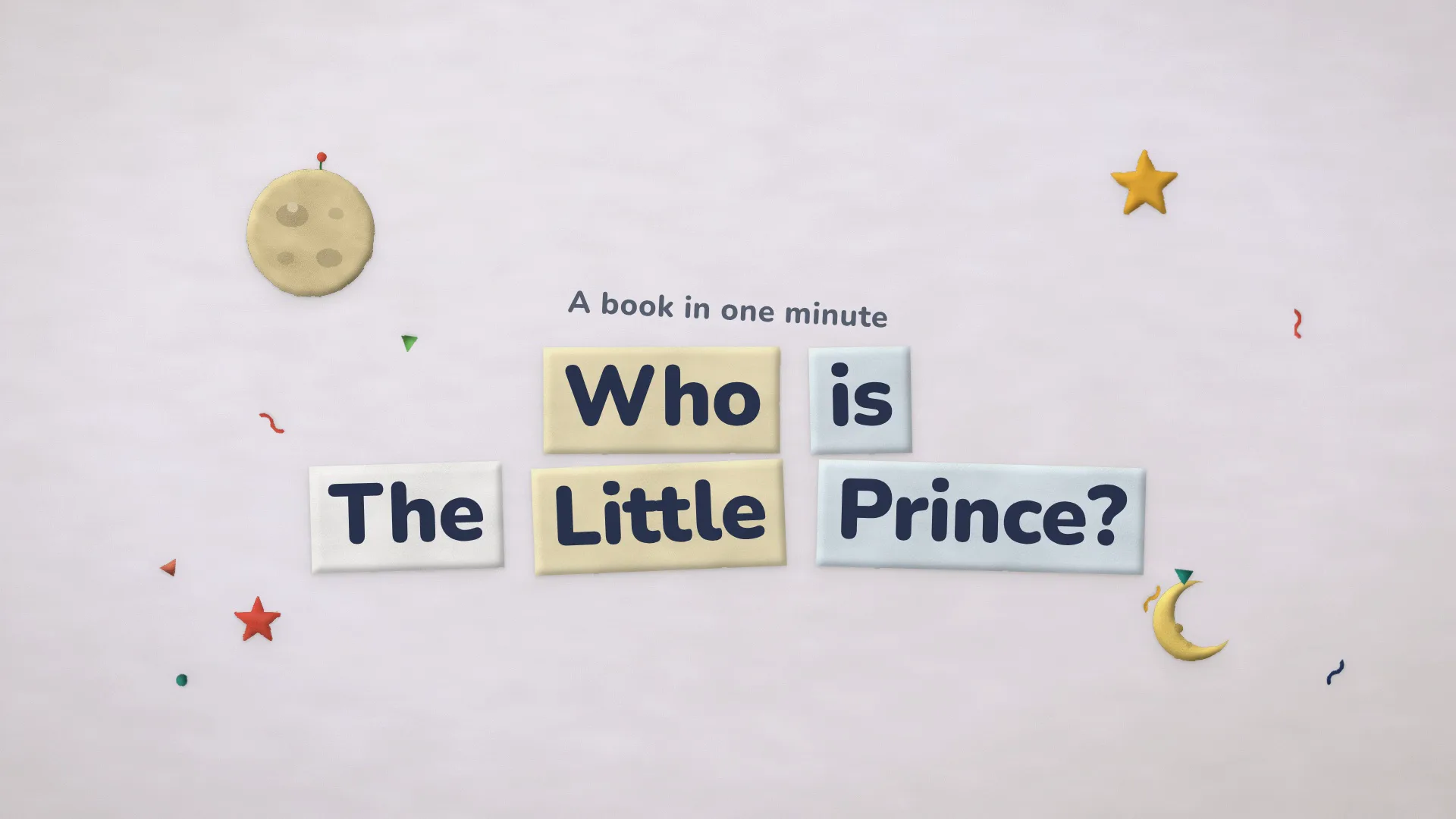

What you get
- The teaser itself, 12 to 20 seconds long, as an MP4 at 1080p, 2K or 4K in wide, upright or square framing: a still horizon, a small figure crossing it, and your product and logo at the close.
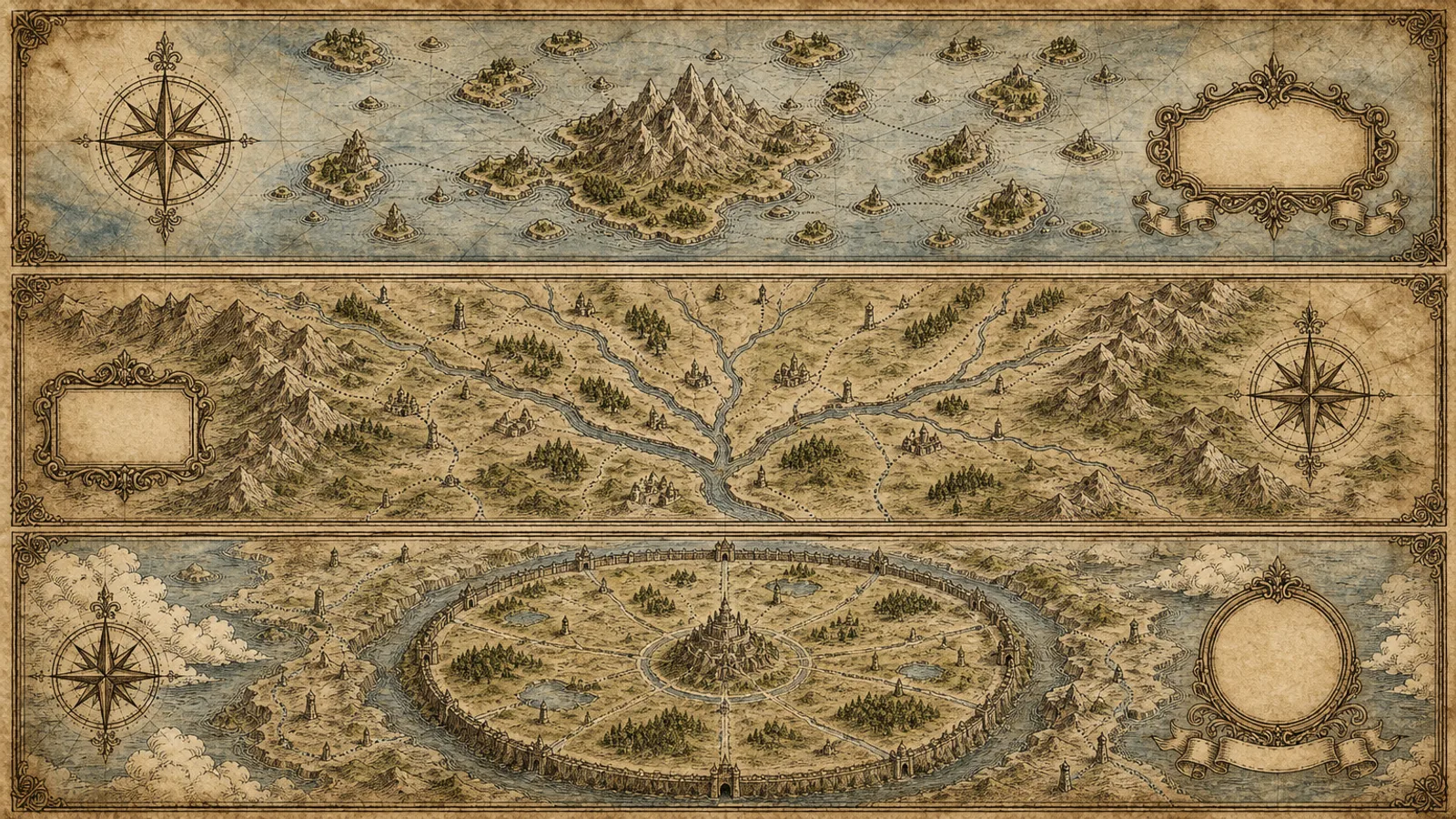
- A set of 25 wordless worlds that share that horizon, a studio for ordering them by clicking, and an opening world that can wear your brand colour.
- An editable film folder: scrub-through preview, storyboard, a sound bed generated from the cut's timing, and the scripts that build, check, score and render it.
Good fit
- Founders and launch marketers revealing a product, a model or a version who want atmosphere instead of a feature rundown.
- Teams that post one teaser wide on X and LinkedIn and upright or square on Reels and Shorts.
- People who want to direct the sequence by clicking worlds into place, without motion skills or paid credits.
Not for
- Product demos, interface tours, explainers, voiceover or captions; only your name and brand appear as words.
- Real photos, filmed footage or AI-generated video; each world is a designed image drawn in code.
- Anything passed off as Anthropic's own film or a copy of its footage, sound or logo; it is our independent take on the style.
About this Skill
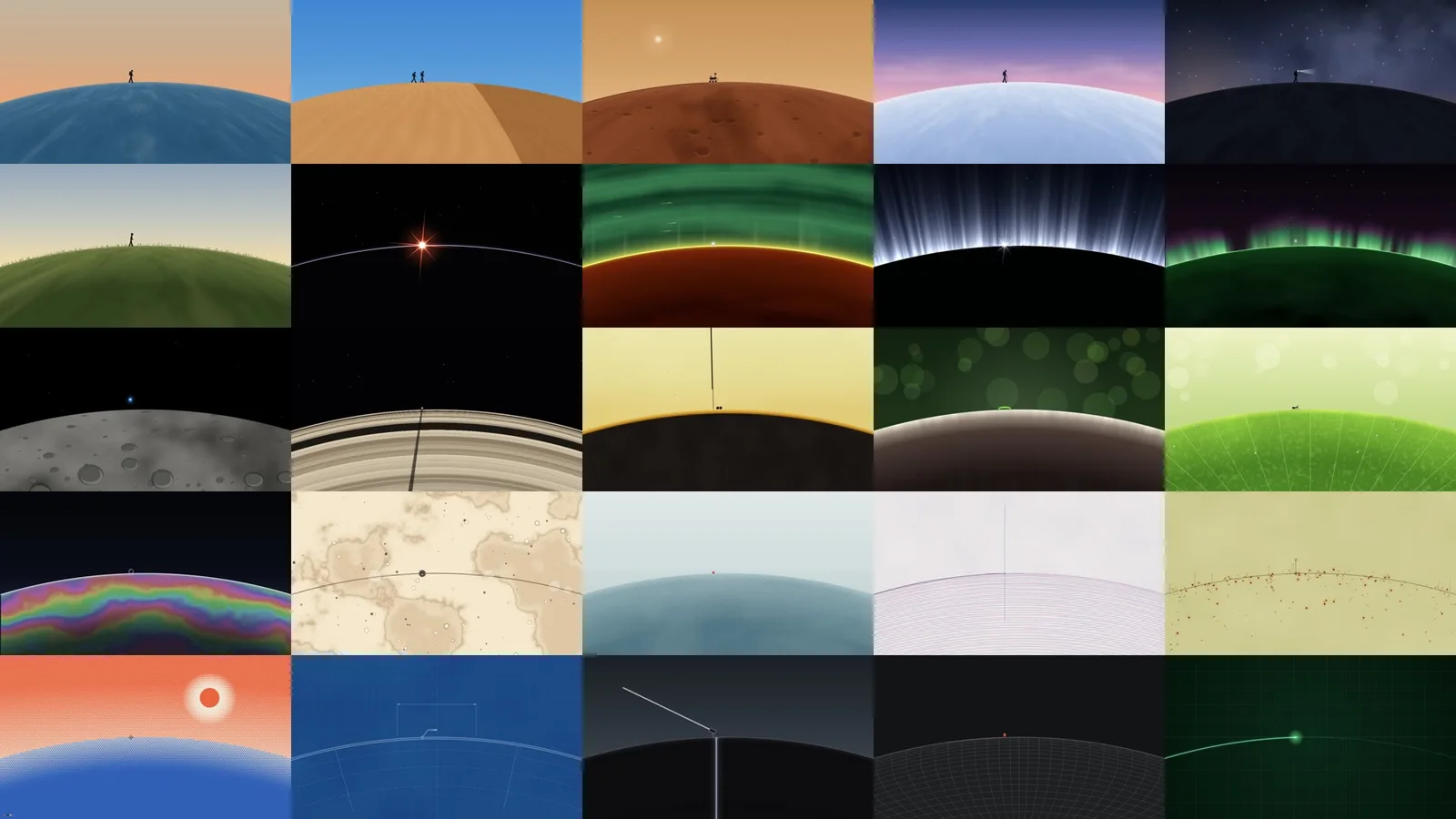
Hand your agent a product name and a logo, and this Fable 5.2 skill returns a teaser that runs between 12 and 20 seconds. The trick is a horizon that never shifts. Every hard cut replaces everything around that curve with something at another scale entirely: dusk over the sea, a sand dune at noon, sunrise over a planet's rim, cells in a dish, a pen tracing a chart. Through all of it a tiny figure keeps crossing from left to right. Then the film lands back where it started, the figure walks off, and the product name settles over the line until the brand name and mark replace it. A studio page holds 25 worlds to sequence, the first can take on your brand colour, and you keep the editable film, a sound bed timed to every cut and an MP4 at 1080p, 2K or 4K in any shape.
How it works
- Collect the product name, brand, logo and target platforms
- Line up 8-11 worlds that change scale on each cut, by hand or in the studio
- Colour the first world with the brand and write the closing words
- Build the film and its sound, then read the review sheet
- Render the MP4 at 1080p, 2K or 4K in each shape you need
Checked before delivery
- The horizon sits in the same place in every shot and every cut changes scale
- Only the product name and the lockup appear as words, one line each
- review.mjs passes: the title fits, the words and the horizon read on the home world
- The MP4 has the chosen size, 30 fps, an audio stream and the planned running time
What you need before you start
- You bring
- The product name for the title, plus a version number when there is one · Optional: the brand name, a transparent logo, and a site or description that shows the brand colours · Optional: frame shape (wide 16:9, tall 9:16, square 1:1 or 4:5), size (1080p default, 2K or 4K), or music you hold the rights to
- Dependencies
- Claude Fable 5.2 (claude-fable-5-2) driving the run · Node.js 20+ together with FFmpeg · playwright-core installed in the project, plus Google Chrome or Playwright Chromium · Nothing to pay for and no keys: every frame and sound is made locally
- Outside costs
- None
- Last tested
- v0.1.0 — Claude Code
User reviews
Loading reviews…
FAQ
How does my product show up in the film?
Only in the closing seconds. Once the film is back on its first world, the product name rises above the horizon and is then replaced by your brand name and mark; you can also paint the first world in your colour. No other text appears, so there are no captions or screenshots.
Can I choose the worlds and their order?
You can. The studio lists all 25 as moving thumbnails; click to add, drag to reorder, give each one a length, type your title and press play. Since they all share one horizon, every order cuts cleanly, and your agent can write an extra world built around something that belongs to your product.
Will it need API keys or credits?
None at all. Node.js, FFmpeg and Chrome compute every frame and the whole sound bed on your own computer. Expect about 15 seconds to render an 18 second cut at 1080p and around a minute at 4K, and you are free to add music of your own beneath the sound design.