Private Jet Landingv0.1.1
Use this Skill to build a product website.
- Yours to keep: the files stay on your computer.
- Payment by Waffo Pancake, our merchant of record.
- 38 free Skills to try first
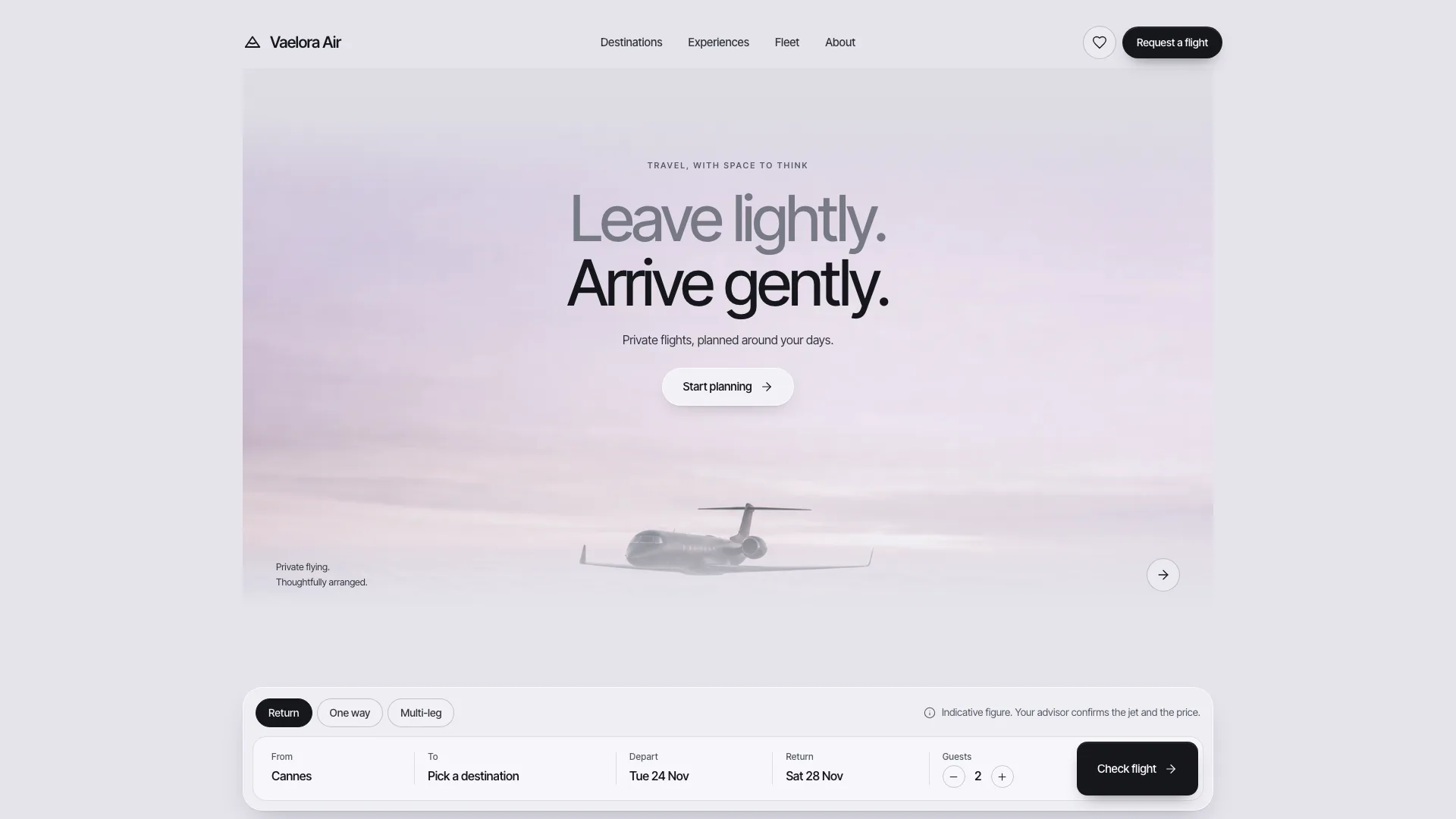
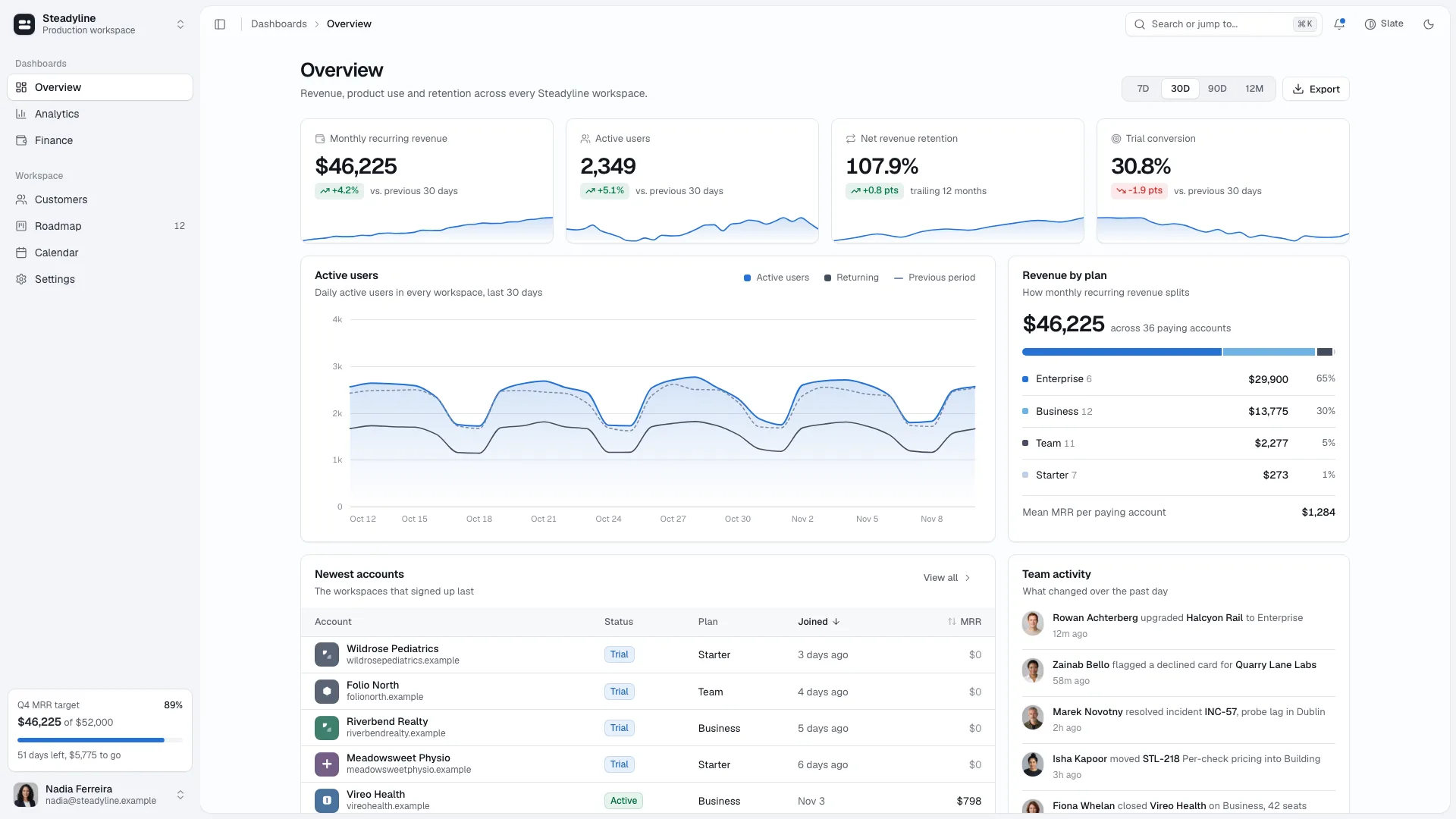
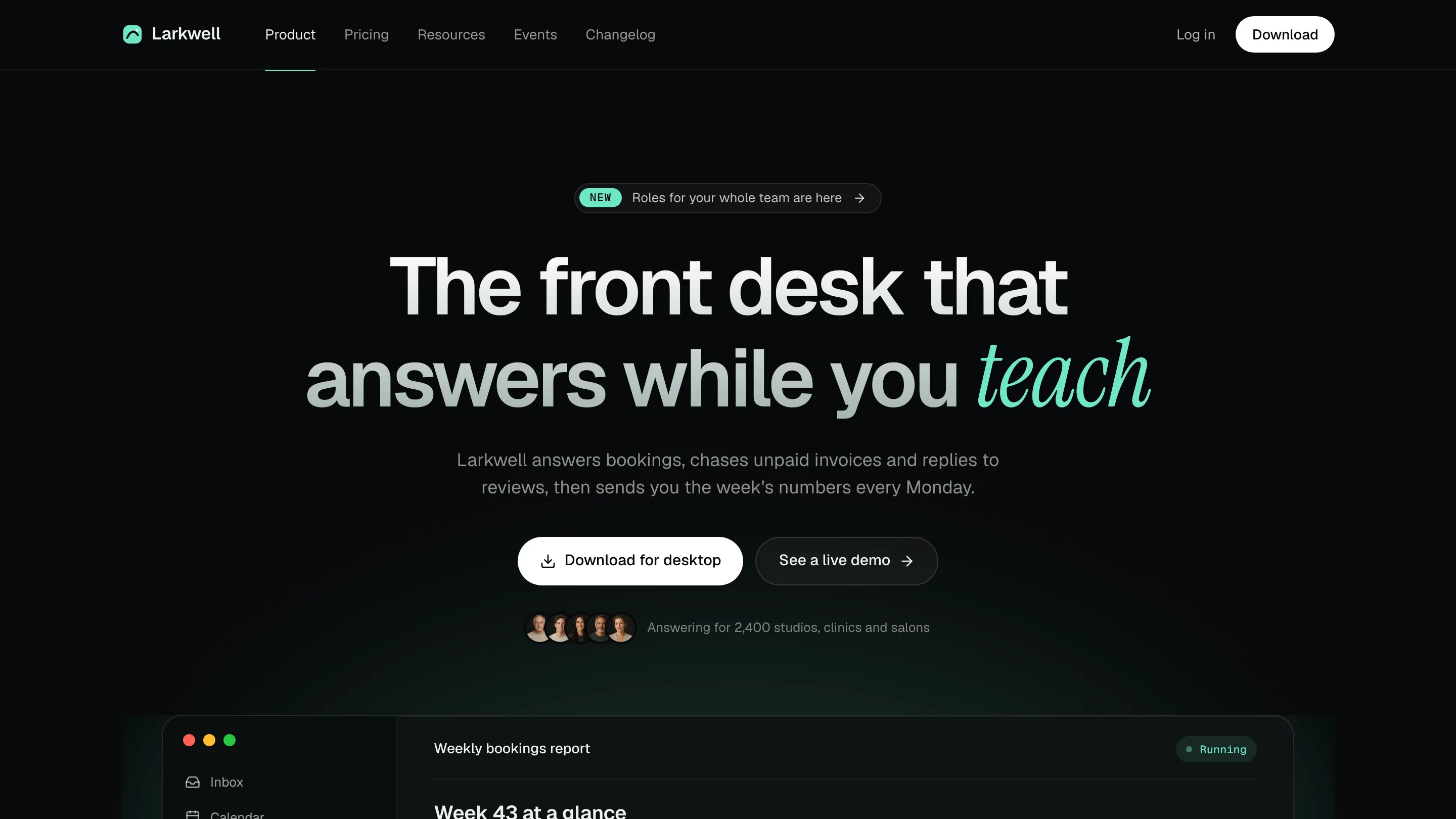
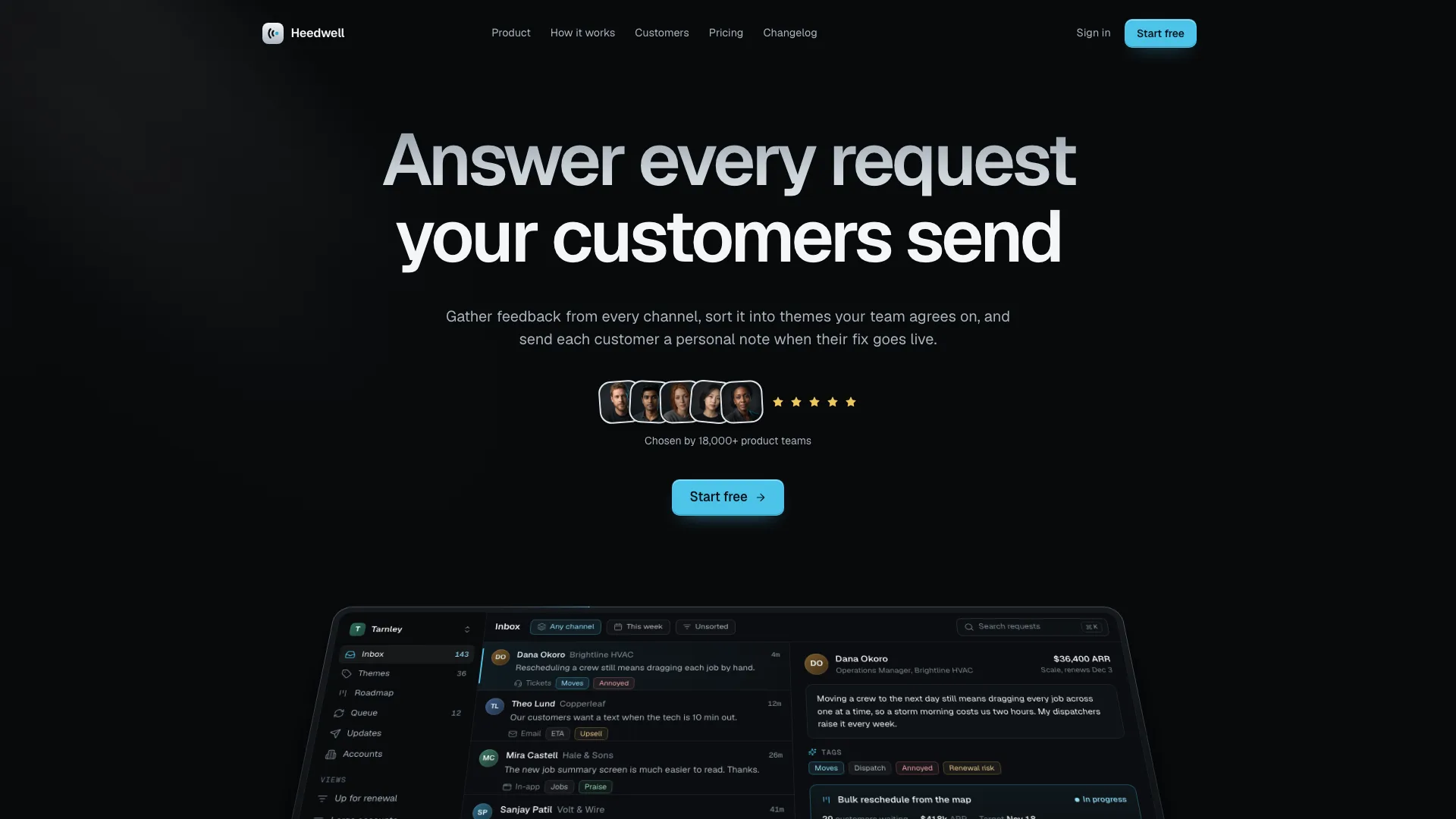
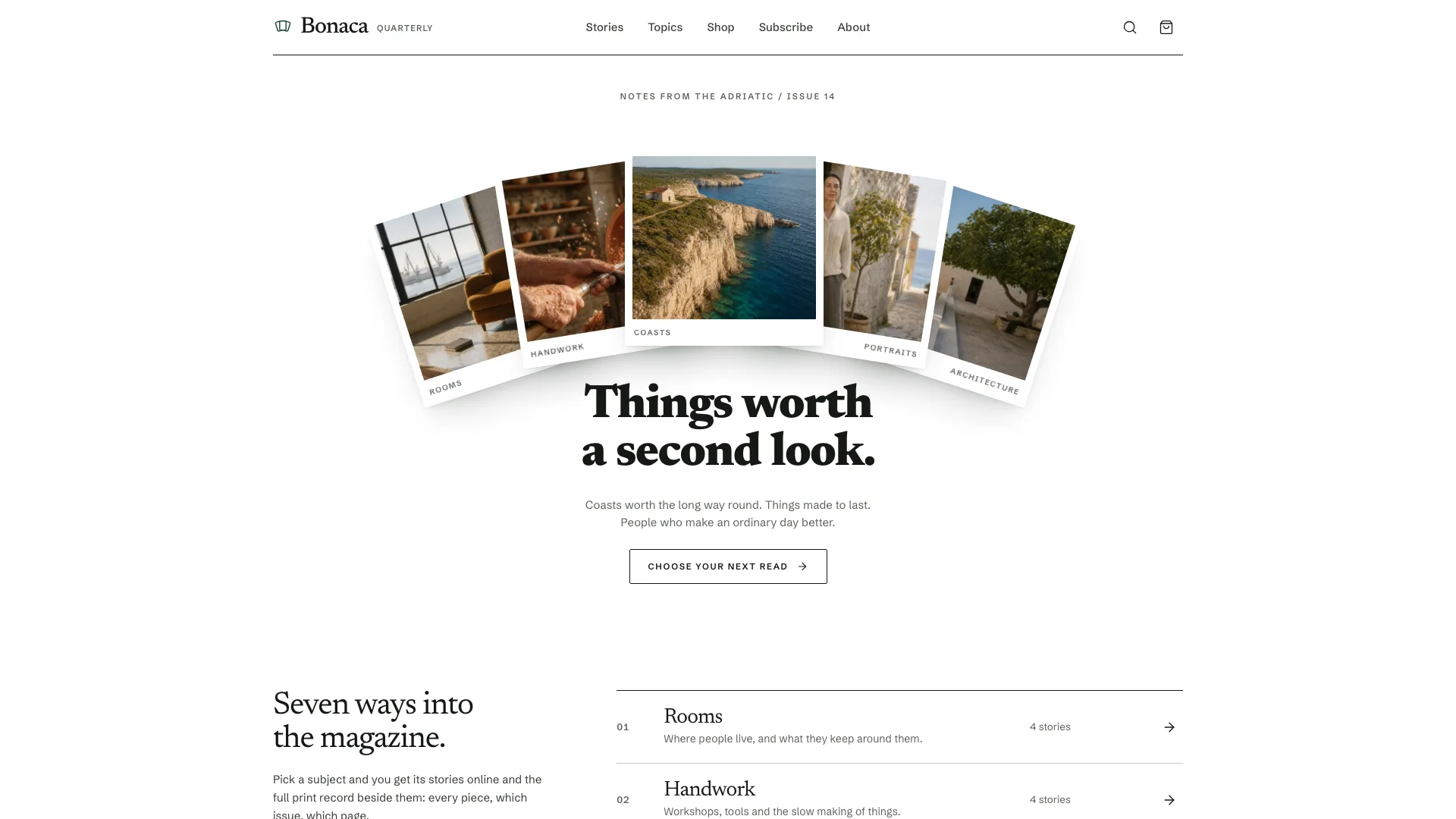
A web design skill for Claude Fable 5 for private aviation: 29 routes, a dark jet in bright cloud, two-tone headlines, pill tabs that work out a flight estimate and tall destination photos.
Picked most often by
Updated Nov 7, 2026
Preview gallery


Similar Skills
View all

What you get
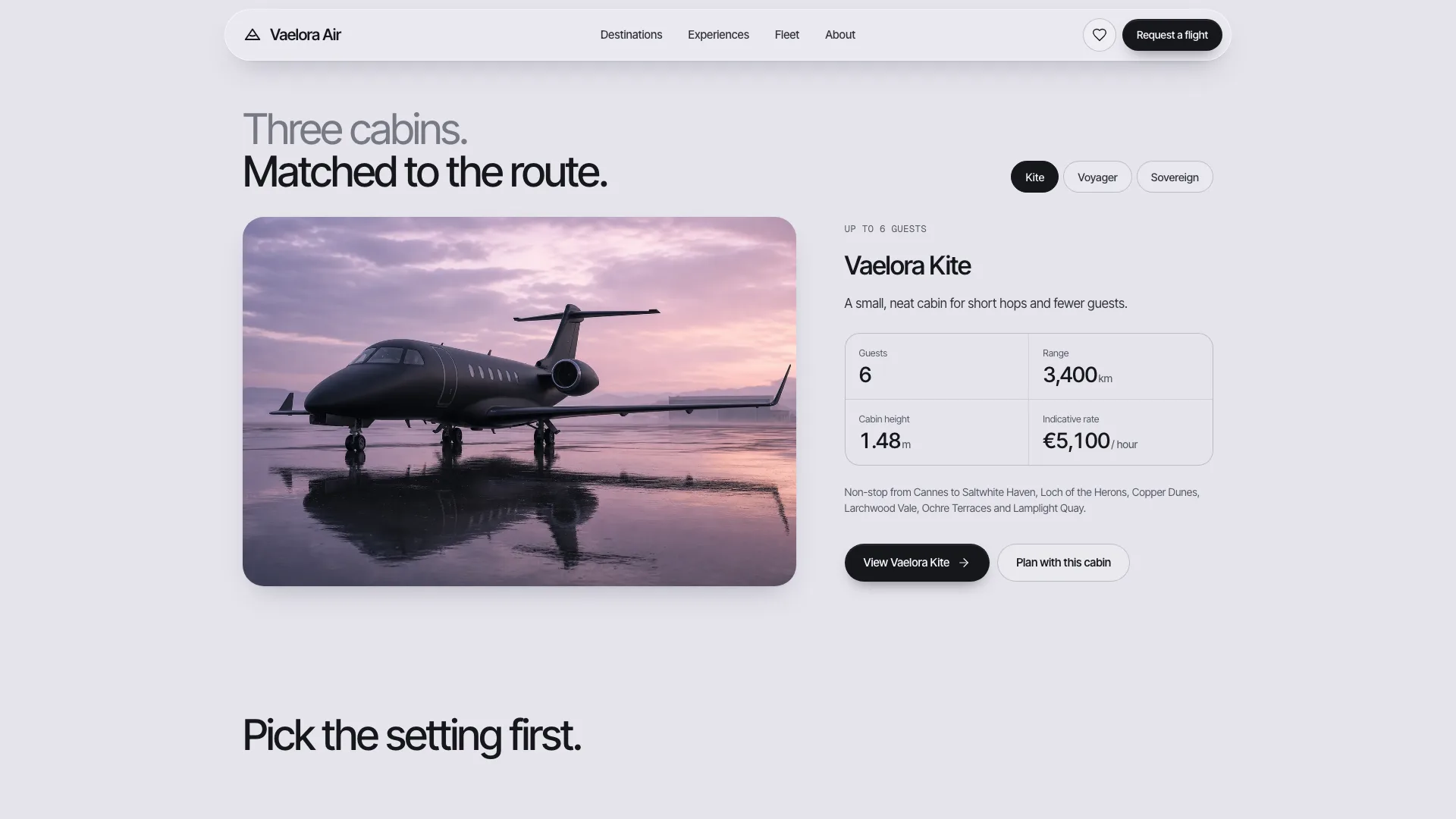
- One self-contained HTML site opening on a black jet above cloud, then an estimate widget in pill tabs with its own date picker, a destination rail to filter and shortlist from, huge fading words across the cabin, fleet tabs, experiences in very large type, guest notes, questions and a closing card
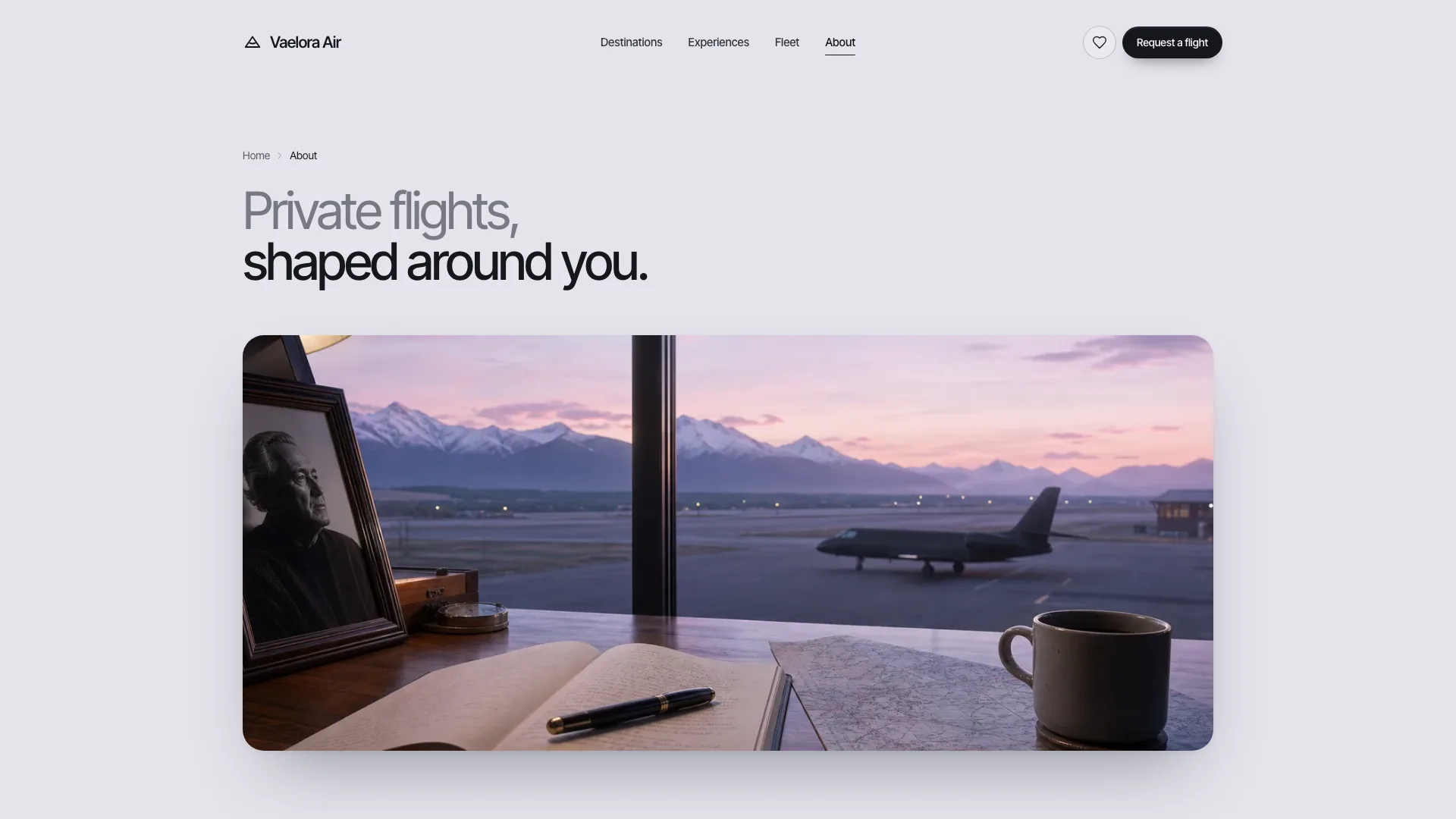
- Generated pages for every destination, experience and aircraft from one data block, plus a destinations list to search, filter and sort, a side-by-side fleet comparison, an enquiry form that summarises as you go, contact, about, questions, newsletter, privacy, terms and a not-found page
- A photo plan for sixteen slots, motion rules, a checker for links, routes, sandbox safety and leftover example text, and a packer that writes the fonts and photos into the file
Good fit
- Private aviation, charter and luxury travel firms
- Tour operators selling a small set of carefully picked destinations
- Teams wanting an estimate tool and a request form with no booking engine
Not for
- Actual bookings or payments: forms confirm in the page and transmit nothing until connected
- Catalogues running to hundreds of places, or anything needing real-time availability
- Prices or safety statements the operator cannot stand behind
About this Skill
Private Jet Landing is a web design skill for Claude Fable 5 that puts a whole private jet or premium travel brand into one self-contained HTML file. The mood comes from a pale lilac-grey ground, a matte black jet crossing bright cloud, and headings whose first line fades into the page; below, a booking widget takes route, dates and guests and returns flying time, a suitable cabin and an indicative fare. Tall destination photographs feed a shortlist and lead to their own pages, each with a route arc and the first days. Experiences, a fleet where every aircraft has a cabin layout, an enquiry form whose summary updates as you type, an advisor profile, questions, a newsletter and the legal pages complete the site, and each one works.
How it works
- List your departure airports, each aircraft's real range and hourly rate, the destinations with their stays and your policies; whatever is missing gets flagged
- The agent replaces the data block and rewrites every section in your brand's voice and numbers
- It packs a single file and reruns the validator until it passes
- Try the estimate, the shortlist and each form on phone, tablet and desktop, then say what should change
Checked before delivery
- validate.mjs passes: single file, one h1 per page, every link resolves, labelled controls, structured data
- Every aircraft fact, rate, distance, season, stay and policy matches the brief; estimates are labelled indicative; no invented certifications, safety ratings or awards
- Estimate widget, rail, filters, shortlist, date picker, fleet tabs, quote carousel, accordions, request form and summary, contact, questions search and the menu sheet work at 390, 768, 1024 and 1440 px and inside a sandboxed frame
What you need before you start
- You bring
- Brand name, legal entity, advisor, contact details and opening hours · Departure airports with coordinates, aircraft with seats, beds, range, cruise speed, hourly rate, cabin and baggage facts · Destinations with coordinates, region, season, nights, transfer, stay, overview, what you arrange and the first days; the kinds of journey they belong to · Questions and answers by topic, guest notes you may quote, past newsletter issues, the story, milestones and the privacy and journey terms
- Dependencies
- Node.js 20+; internet only during the build, to fetch the two font files once · Photos come from your agent's image generator, which may charge per picture
- Outside costs
- None
- Last tested
- v0.1.1 — Claude Code / Codex / Cursor
User reviews
Loading reviews…
FAQ
Is the estimate an actual price?
It is an indicative number the page works out from the great-circle distance between the two airports, the jet's cruising speed and the hourly rate in your data. The page marks it as indicative; the written quote from your advisor is the real price.
Are the request and contact forms sent anywhere?
No. Each form checks what was entered, displays a busy state and finishes on a confirmation, and nothing leaves the page. Connect them to your email service or CRM before launch.
Will the page fetch anything online?
No. The packer embeds the fonts and photos in the file, so the finished page makes no requests. A hosted site can keep its images next to the page instead.