Product-Led SaaS Landingv0.1.1
Use this Skill to build a product website.
- Yours to keep: the files stay on your computer.
- Payment by Waffo Pancake, our merchant of record.
- 38 free Skills to try first
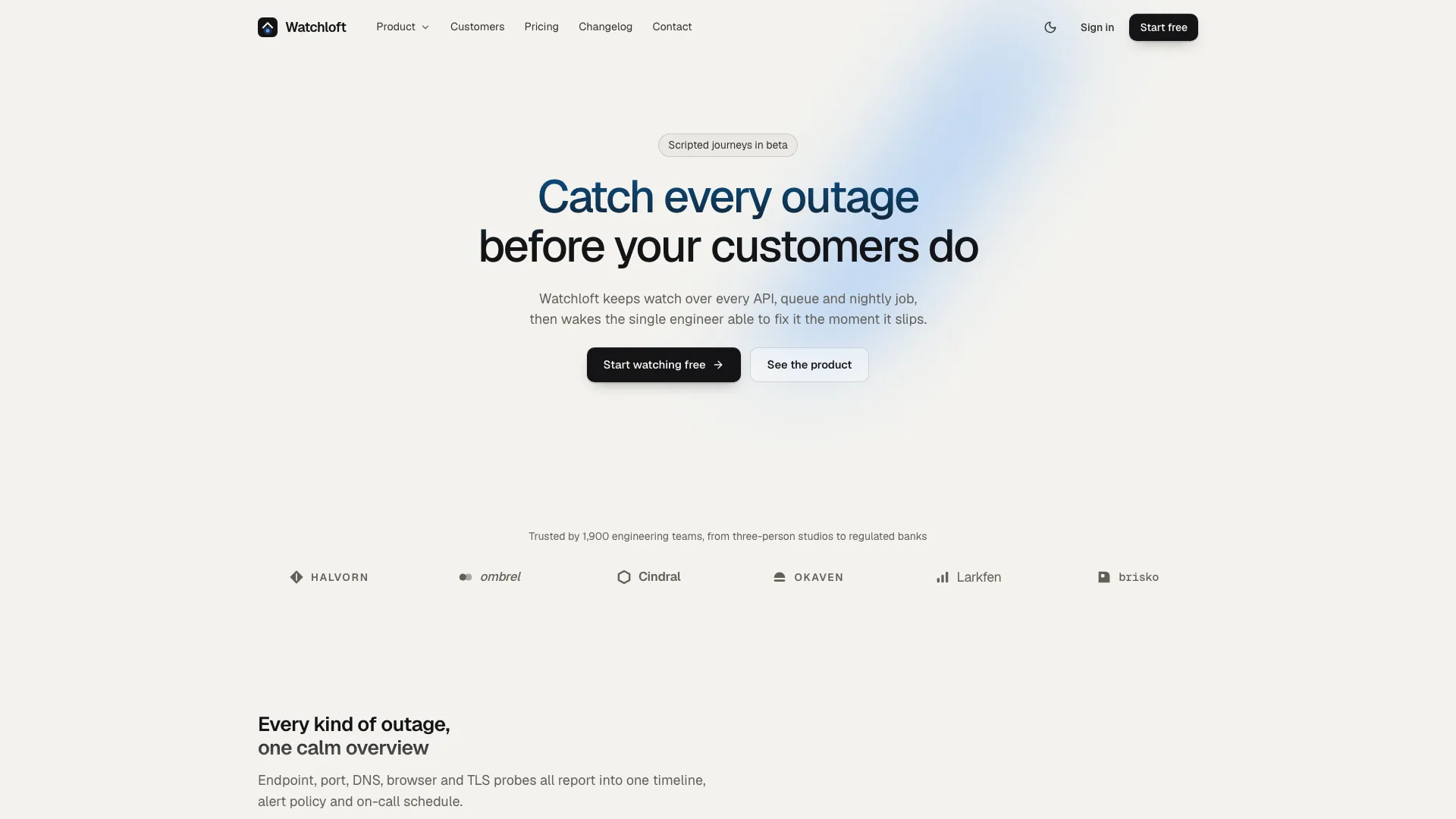
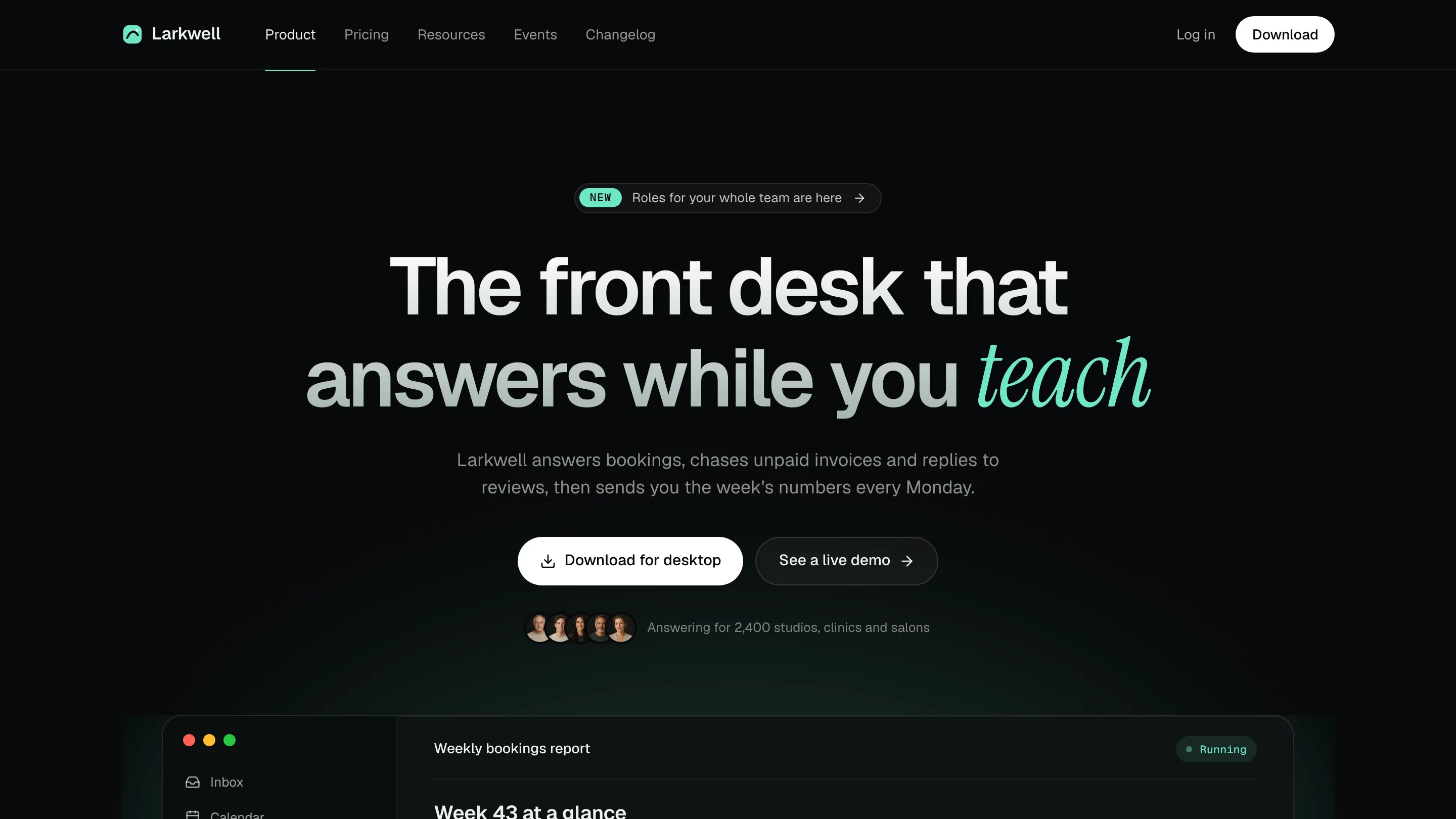
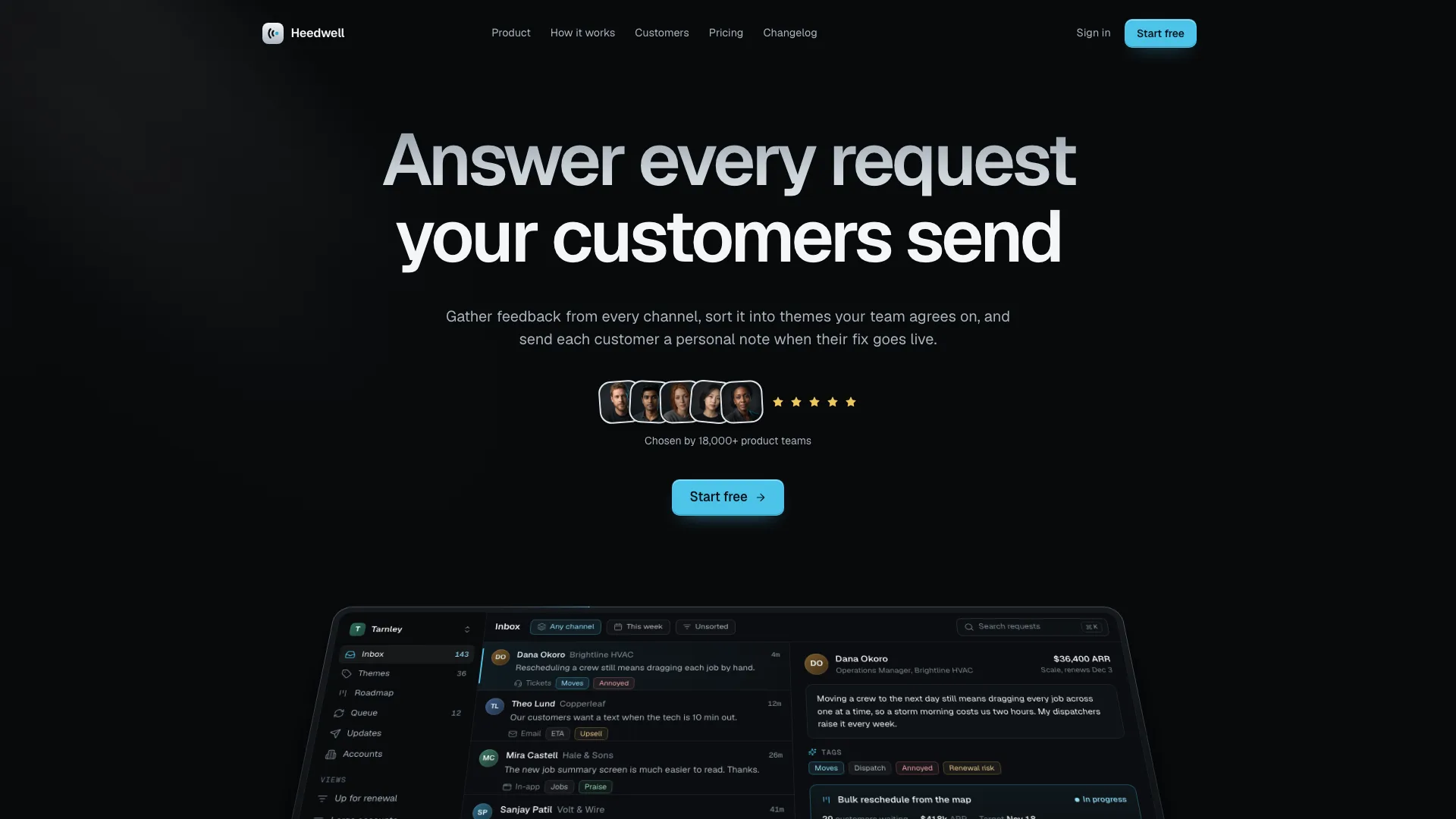
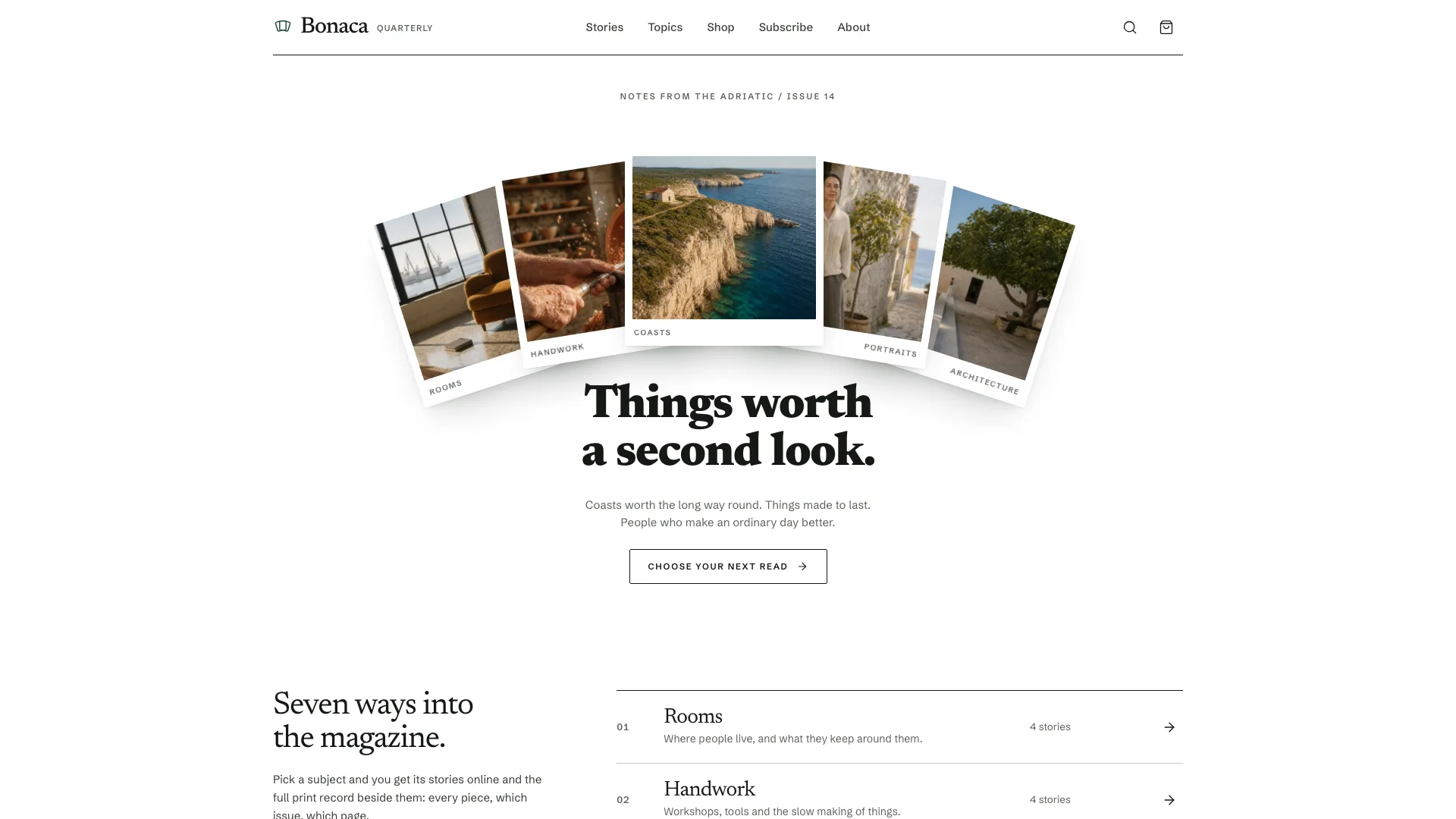
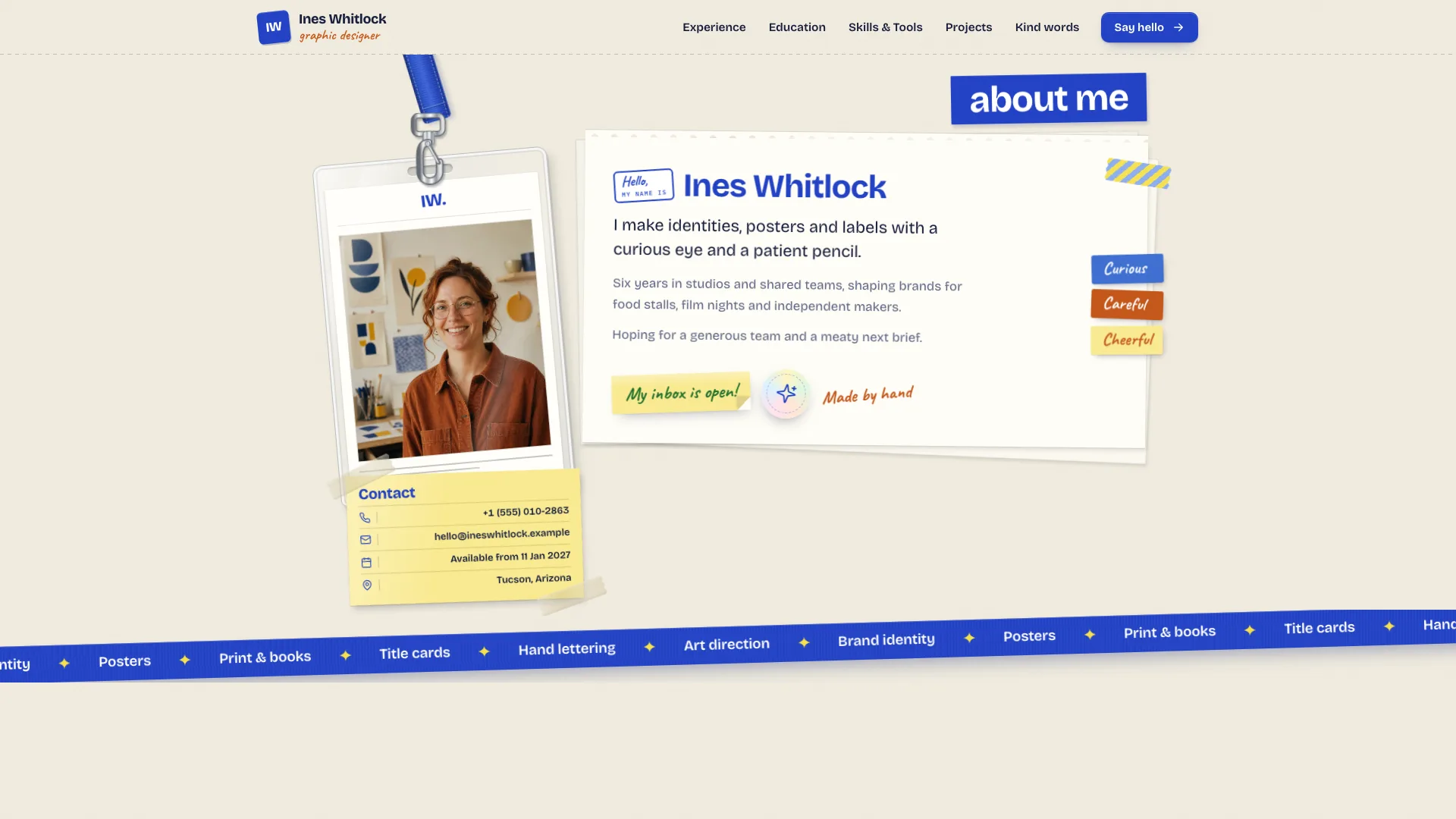
A web design skill for Claude Fable 5: a quiet SaaS site that sells by showing the product, with a small centred hero under one blue glow, a live console, pricing, routes and dark mode.
Picked most often by
Updated Nov 6, 2026
Preview gallery


Similar Skills
View all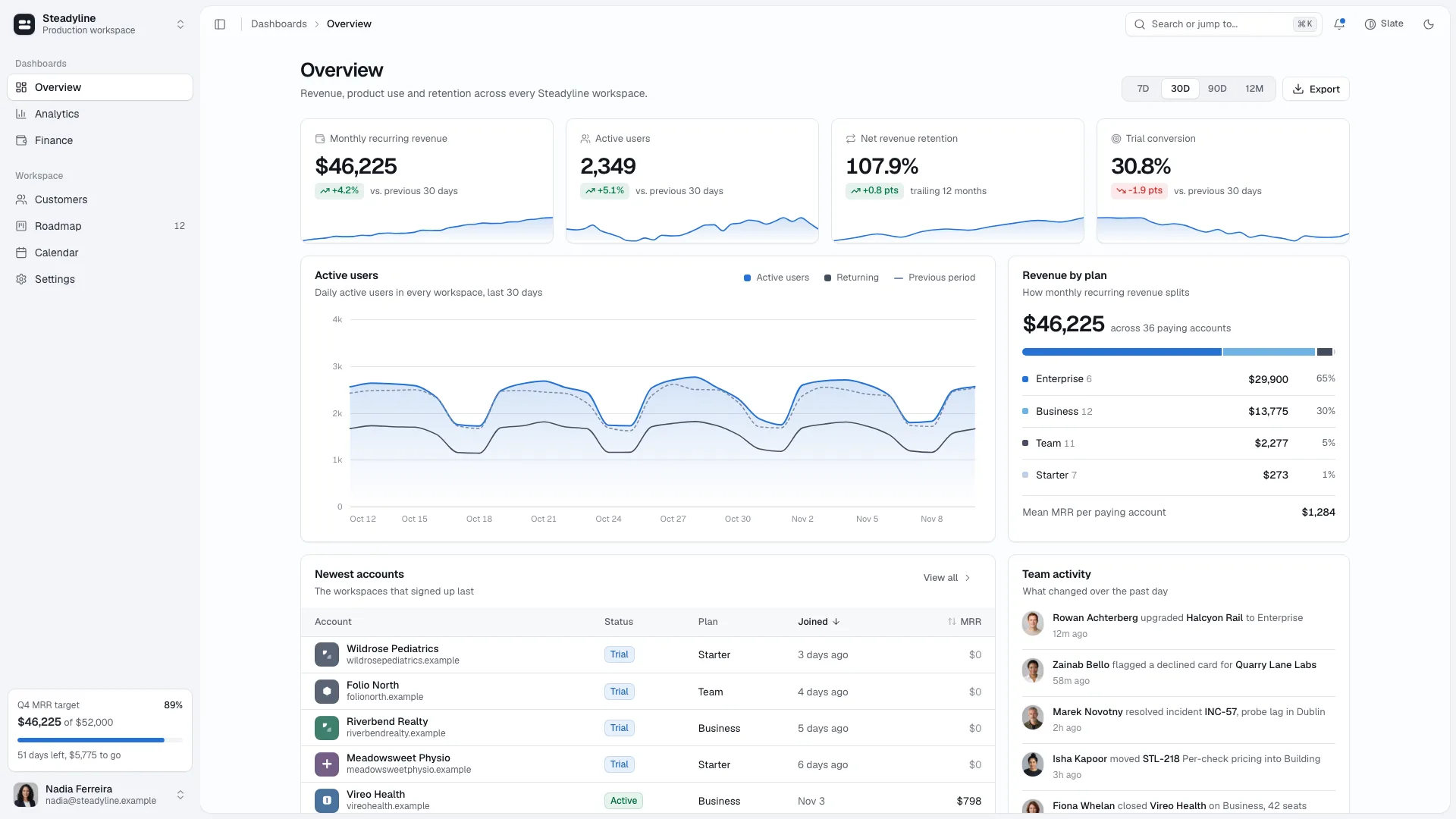
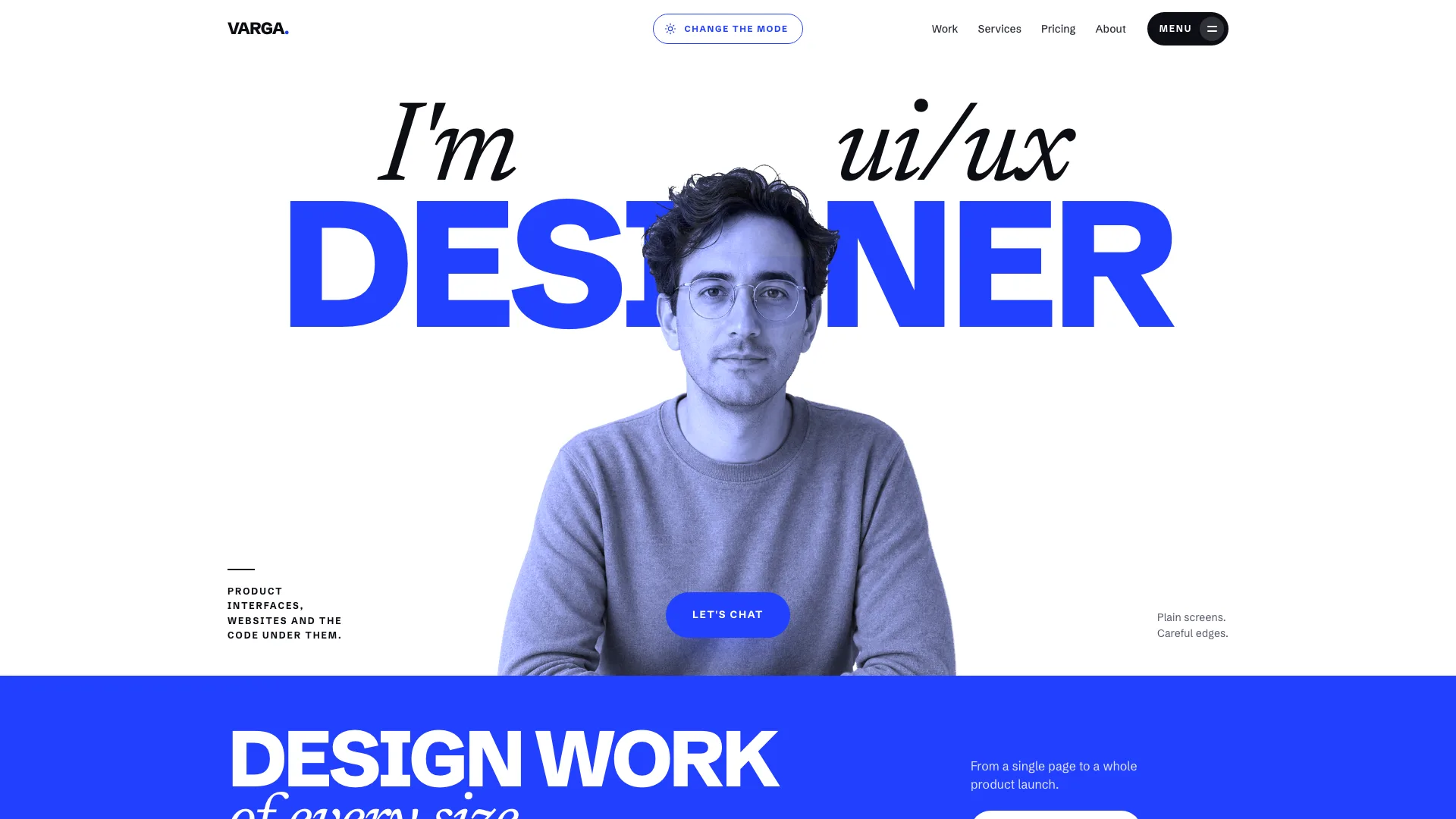
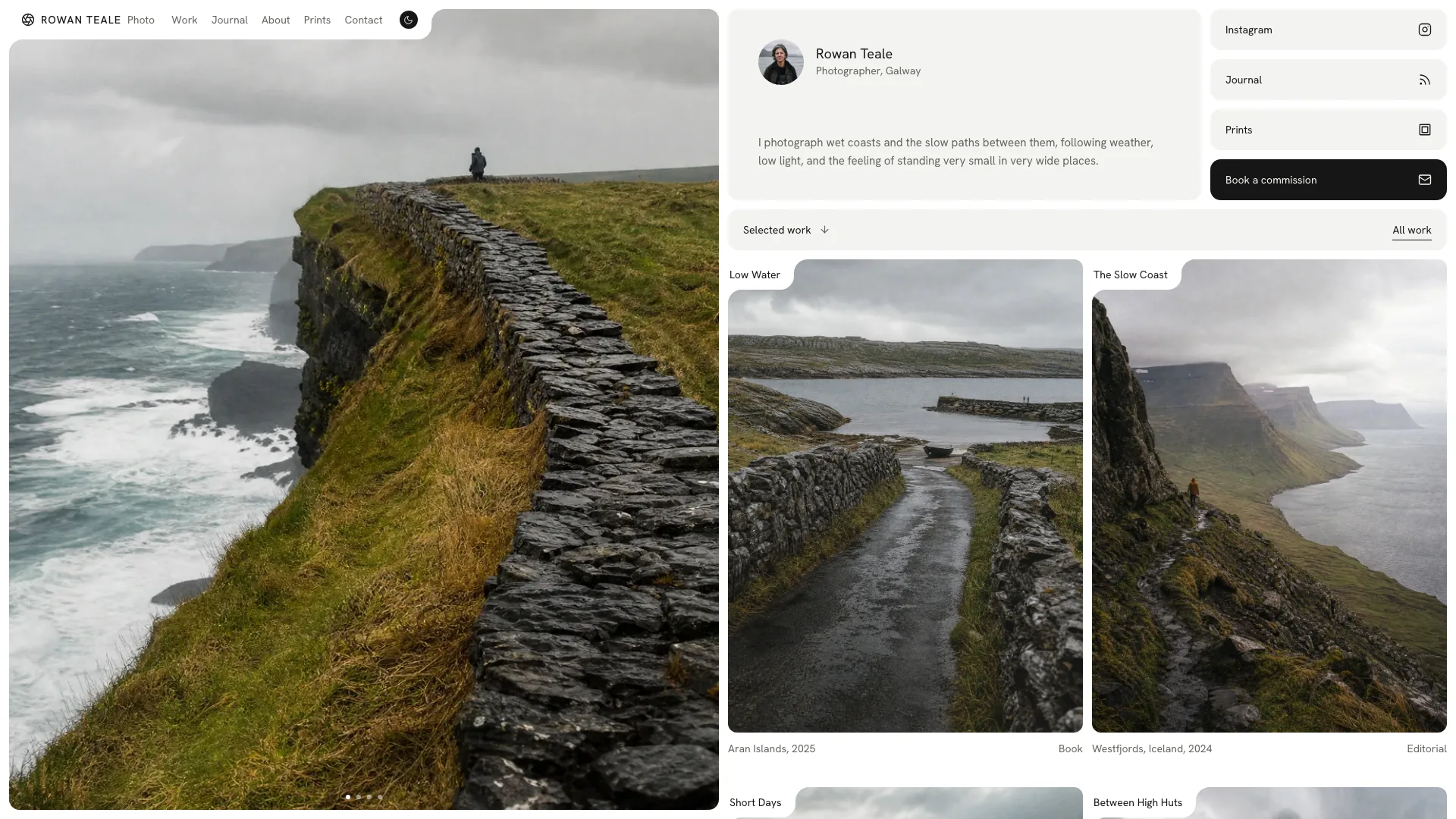
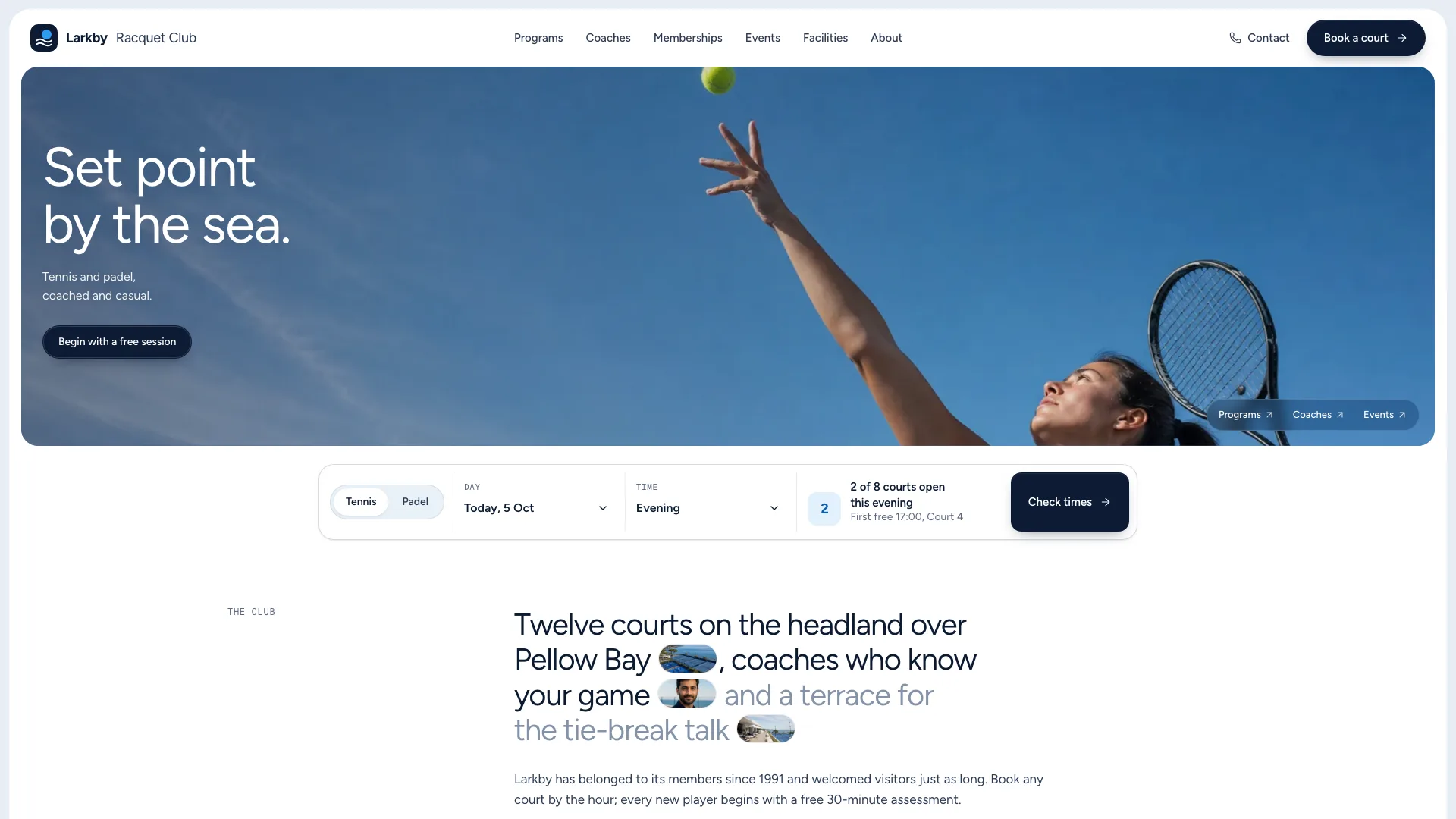
What you get
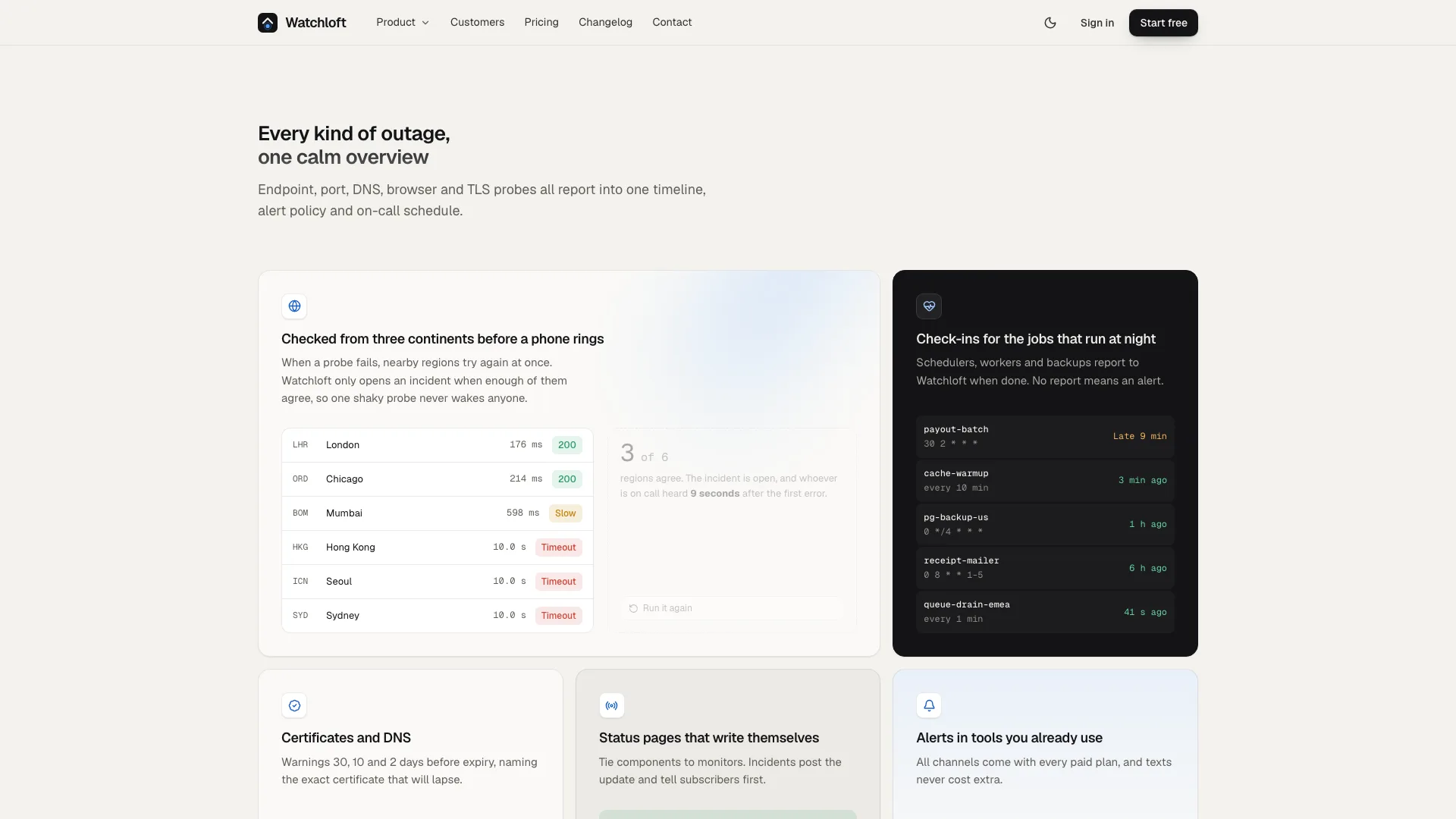
- A single offline HTML site: a compact centred hero under one blurred blue bar, a live console with a range toggle and chart tooltip, a tabbed tour, animated bento cards, setup steps next to code, counting figures, a customer story and quotes
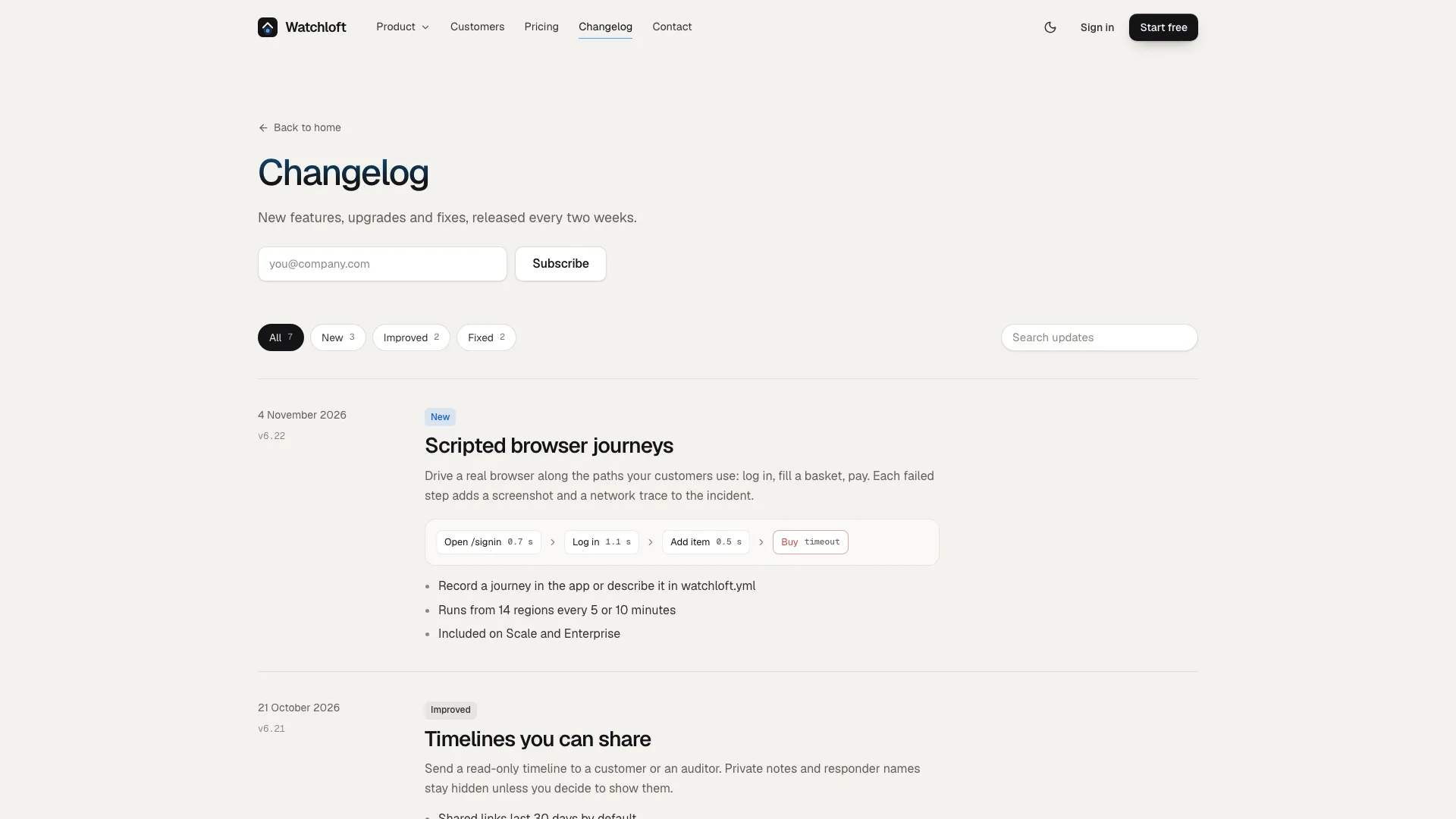
- Pricing with a monthly or yearly switch that hands the chosen plan to the account form, a plan comparison, security notes, FAQ and a closing email signup, plus routes for joining, logging in, talking to sales, the changelog, system status, privacy, terms and a 404
- A twelve-photo plan and motion rules, a validator that checks links, routes, sandbox safety and leftover sample text, and a packer that inlines the fonts and photos
Good fit
- Landing and pricing pages for SaaS and developer tools
- Launches that should demonstrate the product rather than describe it
- Teams after a calm, light site with a finished dark mode
Not for
- Live sign-ups, payments or sales leads: each form confirms right on the page and transmits nothing until you wire it up
- Loud, multicoloured brands or photo-led consumer shops
- Pages relying on logos, quotes or certificates the company cannot provide
About this Skill
Product-Led SaaS Landing is a web design skill for Claude Fable 5 that builds a software site which wins trust by letting visitors watch the product work. One soft bar of blue light over a warm off-white page, calm Geist headings, and a console, a guided tour and feature cards rendered as genuine interface filled with credible data. Every route is finished: pricing billed monthly or yearly beside a full plan comparison, account creation and login, a form for sales, a changelog you can filter, legal and status pages, packed into one offline HTML file with a full dark theme.
How it works
- Collect the product, its audience, plans and limits, some honest numbers and the customers you can name; gaps are filled in as drafts and flagged for your review
- The agent redraws the console, the tour and the feature cards with your product's words, data and people
- It rewrites the section text and the data block, packs a single file and reruns the validator until it passes
- Review both themes on phone, tablet and desktop, submit every form empty and then complete, and say what should change
Checked before delivery
- validate.mjs passes: single file, one h1 per route, every link and route resolves, no remote assets, structured data
- Every plan, limit, number, quote and claim matches the brief; no invented certifications, awards or uptime promises
- Menu, sheet, range switch, tabs, copy, pricing switch, comparison, accordion, every form and every route work at 390, 768, 1024 and 1440 px and inside a sandboxed frame
What you need before you start
- You bring
- Product name, what it does and for whom, the one outcome it promises · Four to six capabilities with the mechanism behind each, two to four plans with real limits, four to six FAQ answers · Three or four honest numbers, the customers and quotes you may use, a changelog and a status history if you have them · Legal entity, office addresses and the policy text for privacy and terms
- Dependencies
- Node.js 20+; internet only during the build, to fetch the two font files once · Photos come from your agent's image generator, which may charge per picture; the interface itself needs none
- Outside costs
- None
- Last tested
- v0.1.1 — Claude Code / Codex / Cursor
User reviews
Loading reviews…
FAQ
Do the sign-up and sales forms send anything?
No. Every form validates its fields, shows a busy state and ends on a confirmation, and no data leaves the page. Hook them to your own sign-up, CRM or mail service before you launch.
What if we have no photos yet?
The product interface uses no pictures. The example ships with generated photos, and your own page gets a prompt and final size per slot; testimonials can show initials instead.
Will the page fetch anything online?
No. The packer embeds the fonts and photos in the file, so the finished page makes no requests. A hosted site can keep its fonts and images next to the page instead.