Audio Product Landingv0.1.1
Use this Skill to build a product website.
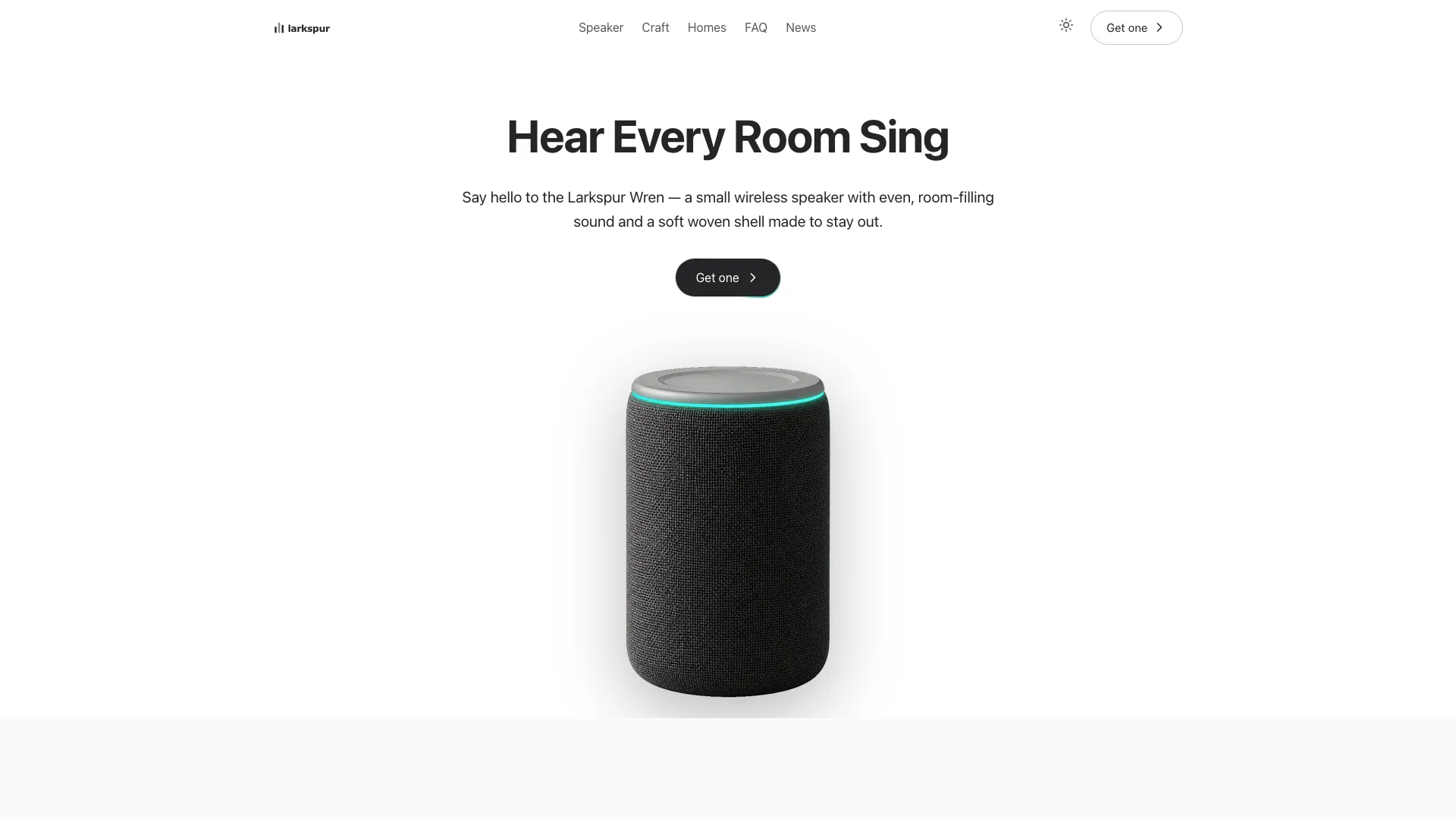
A landing page skill for Claude Fable 5 that launches one physical product: a cut-out hero on white, big photos, trust cards and an order drawer that works, in one offline file.
Picked most often by
Updated Nov 4, 2026
Preview gallery


Similar Skills
View all
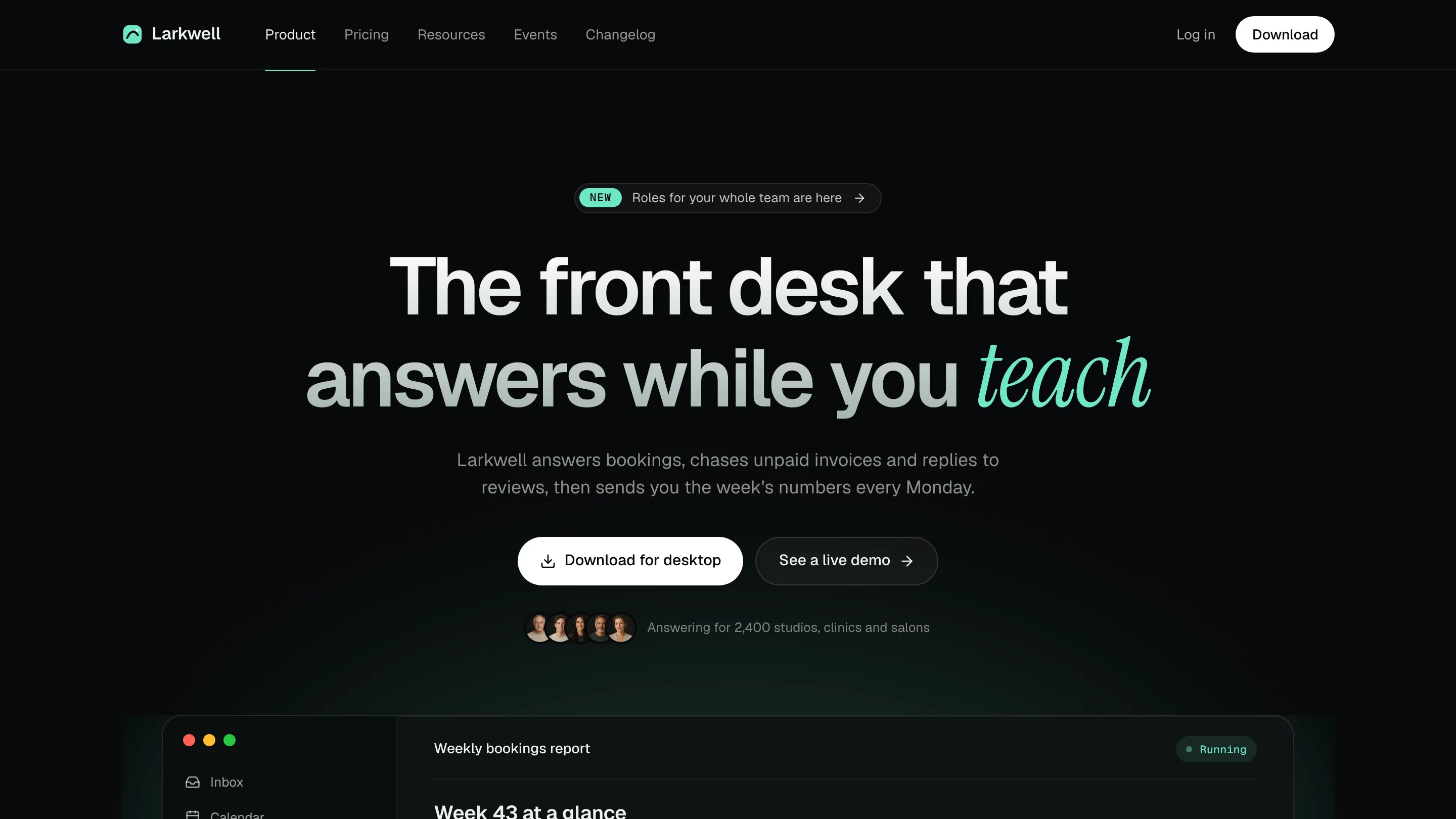
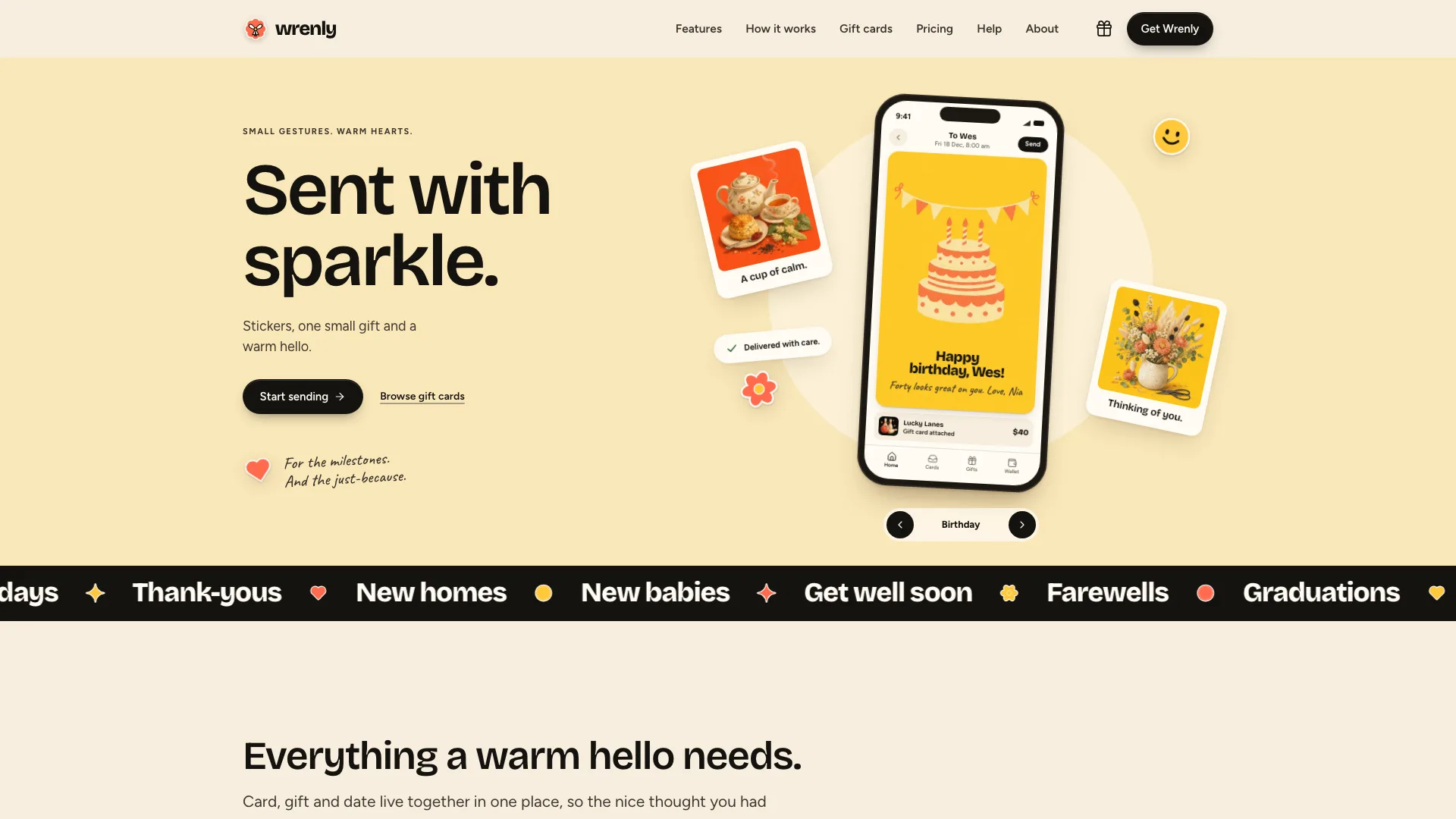
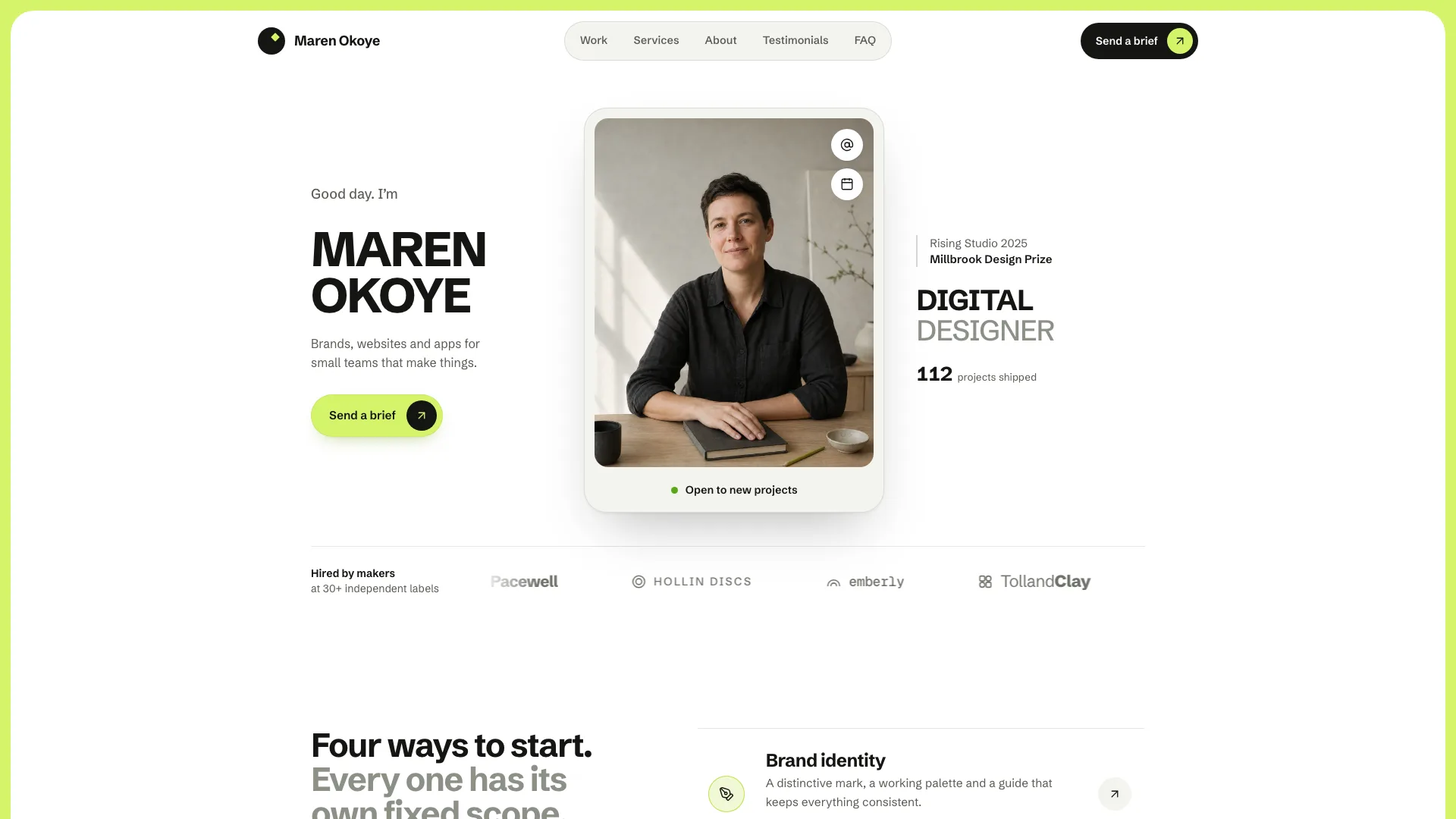
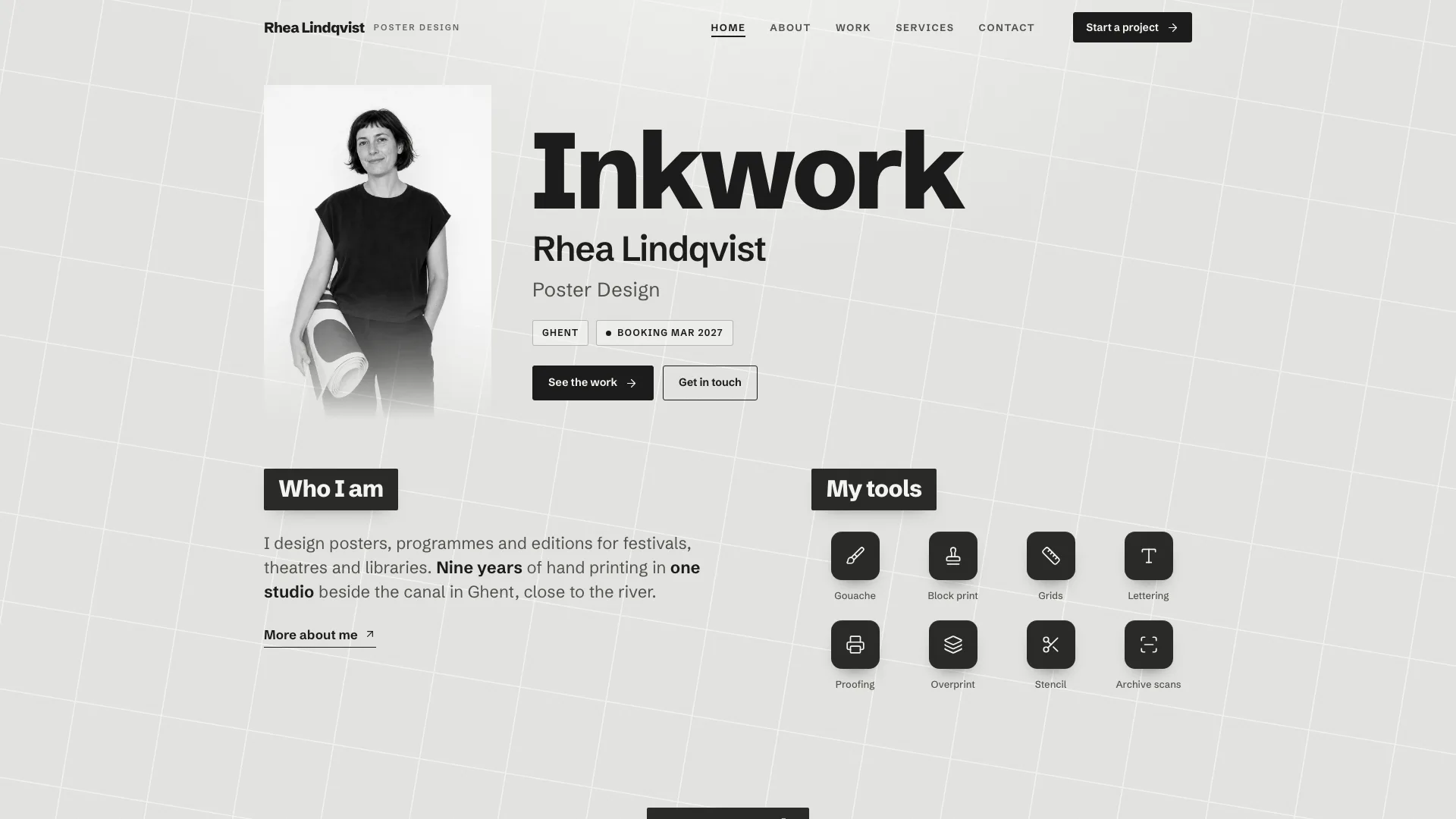
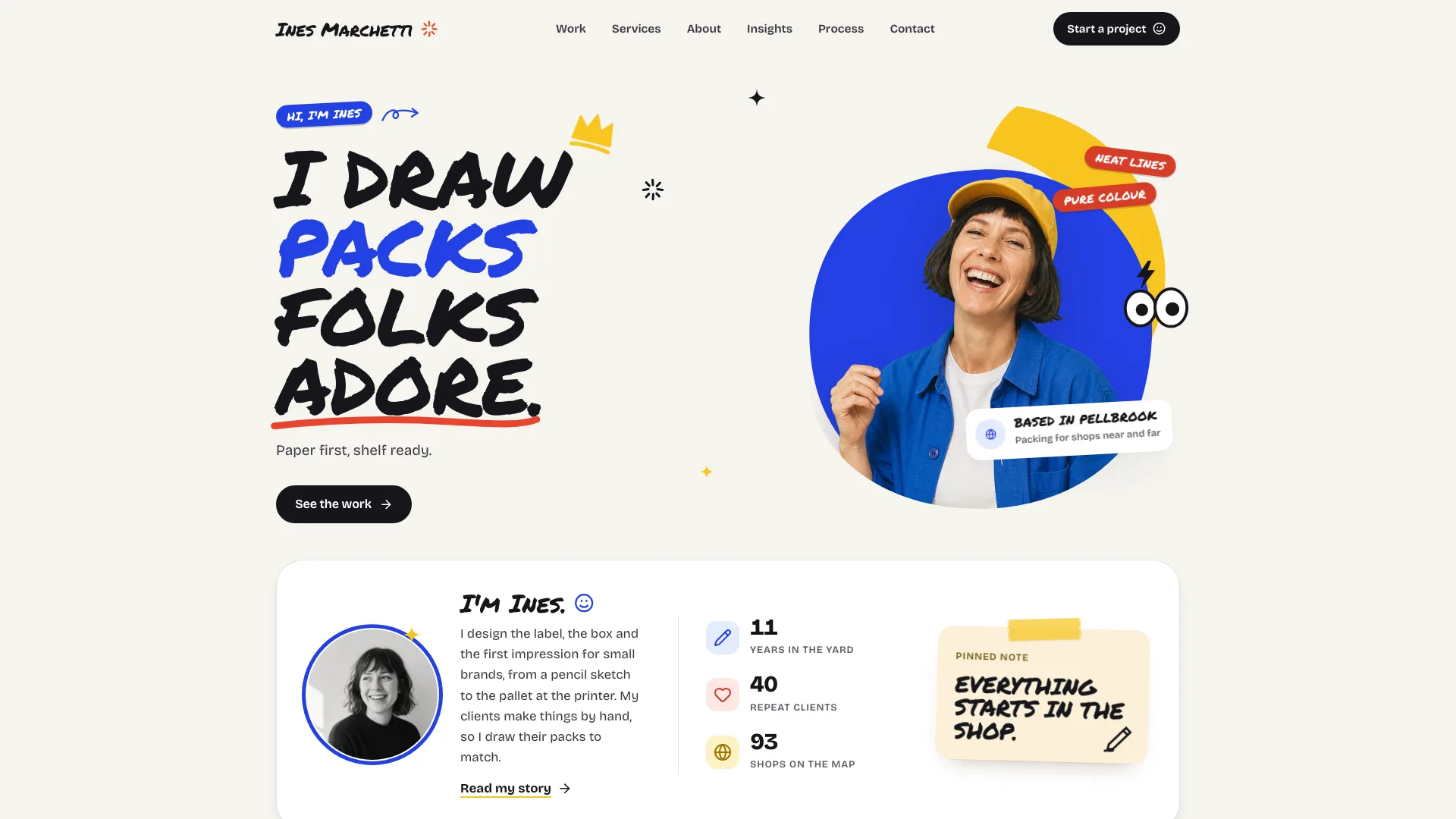
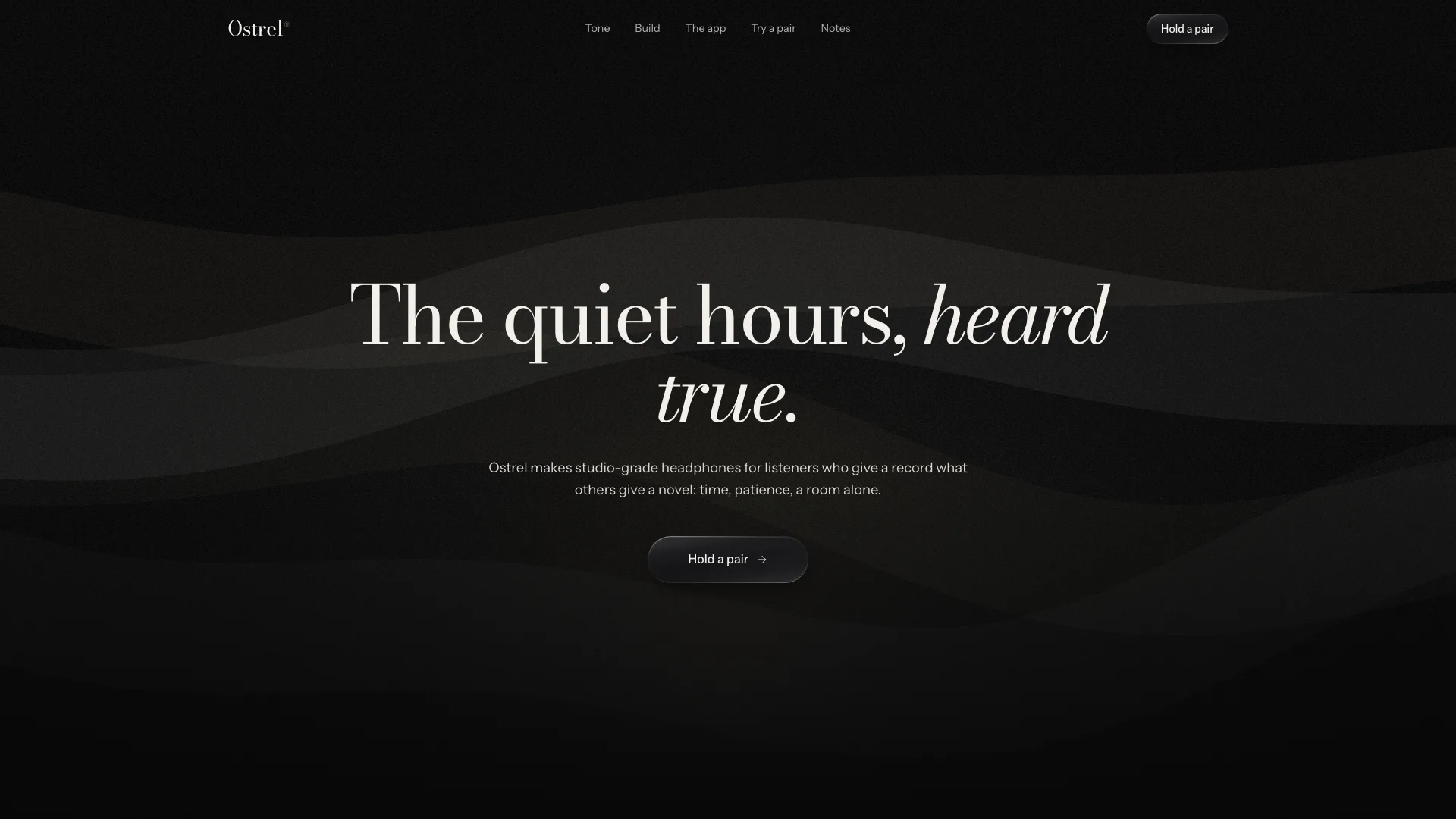
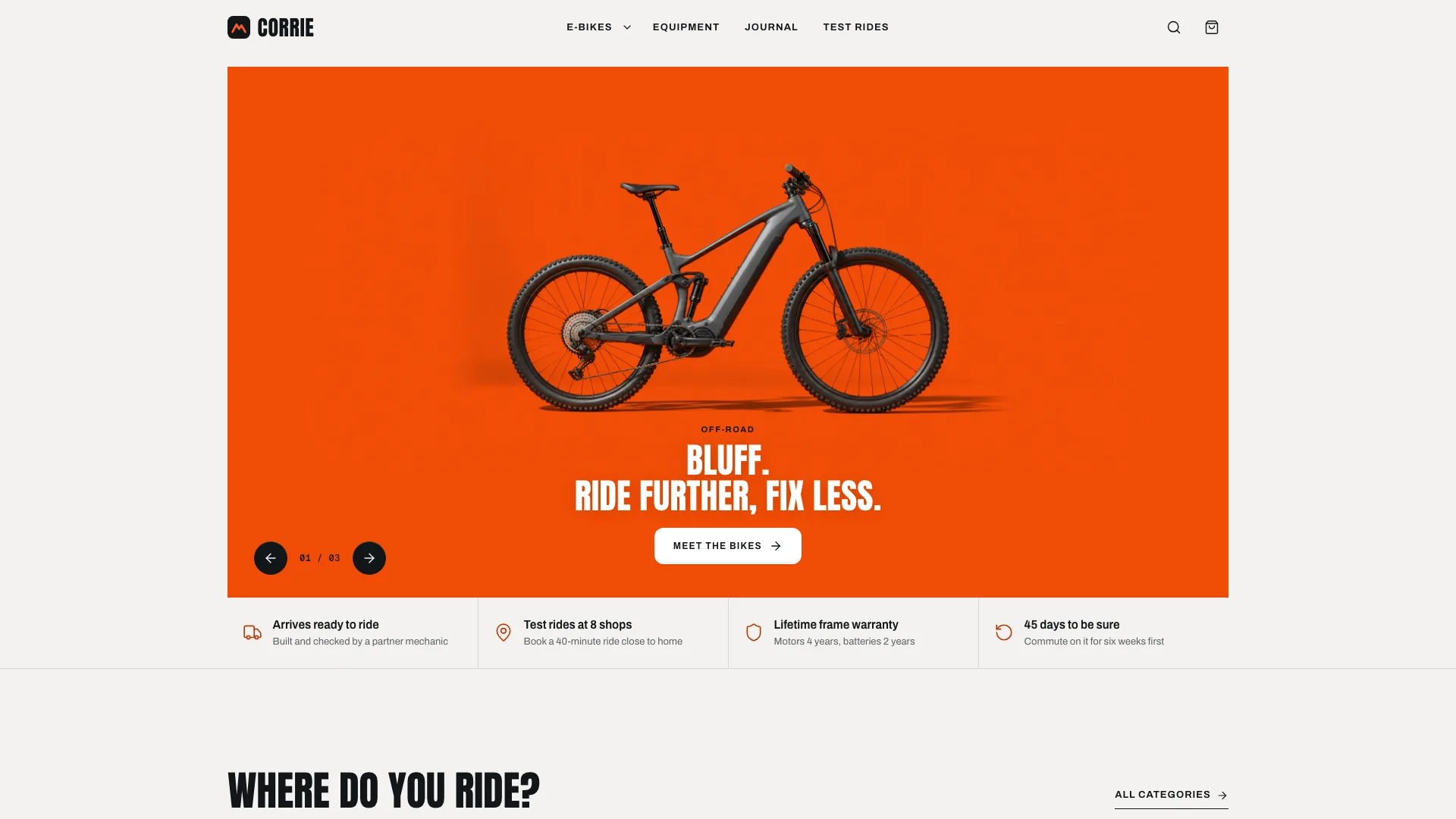
What you get
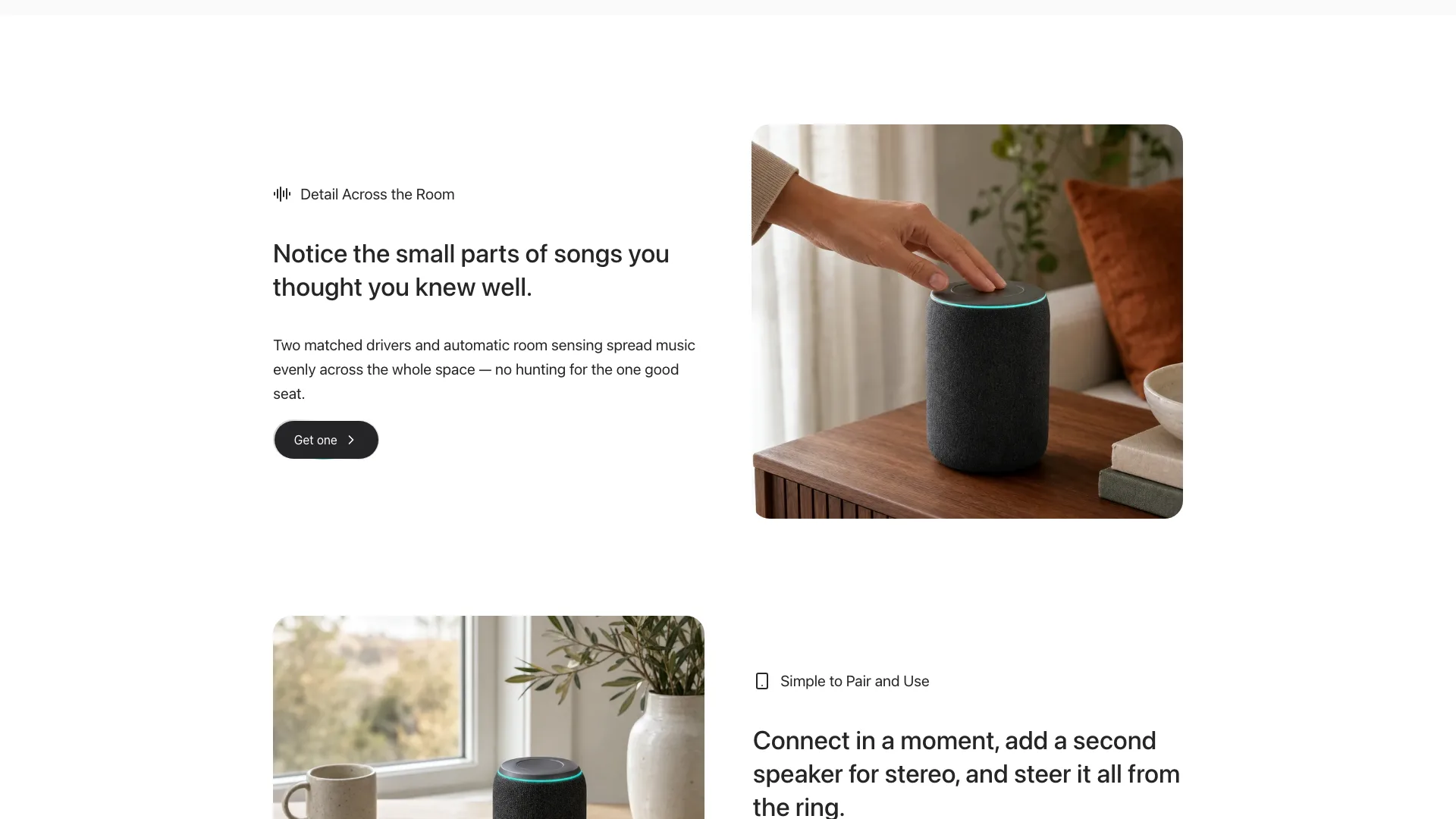
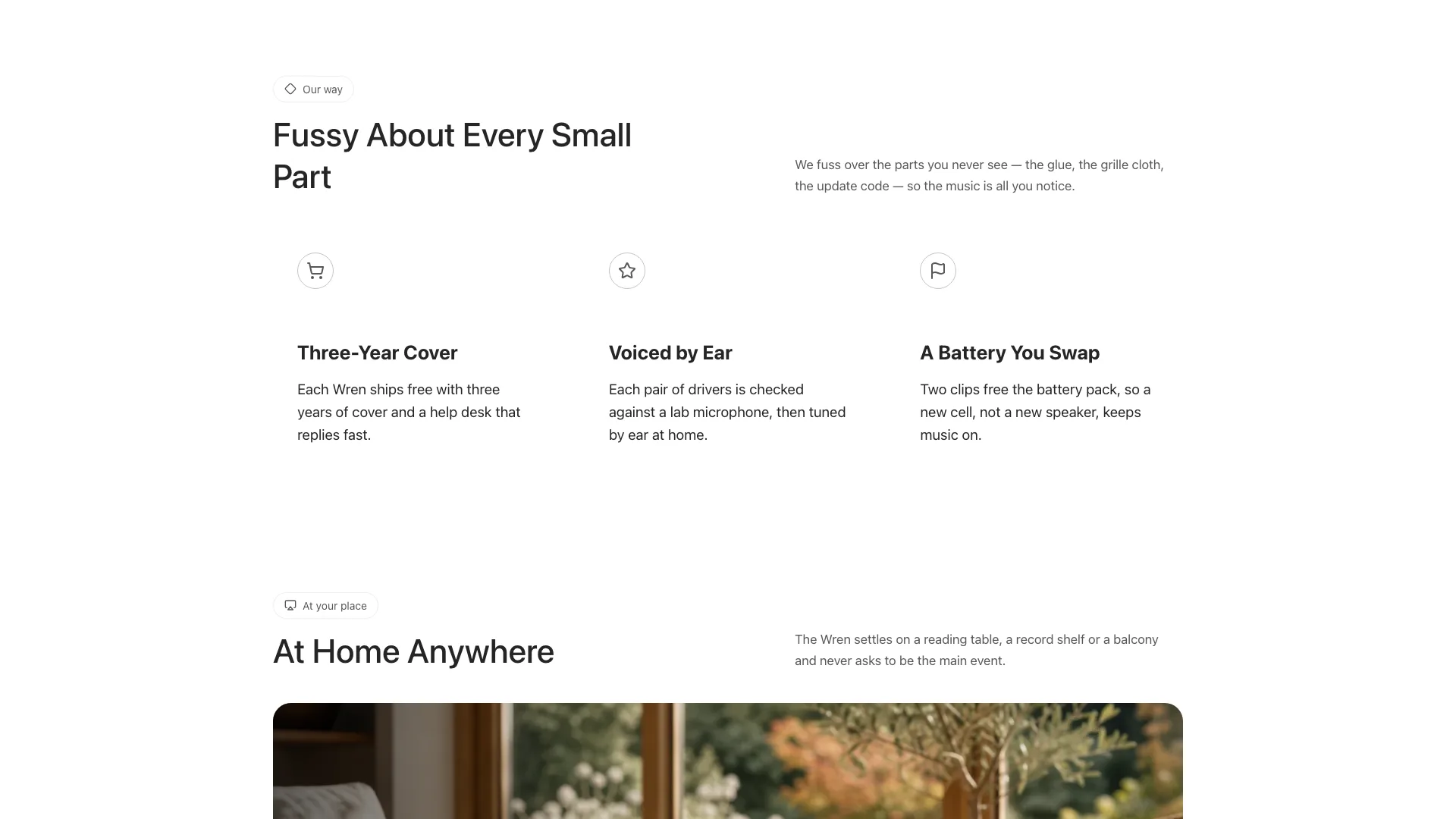
- A single offline HTML page: centered cut-out hero, a value line with small photo pills set into it, feature rows that swap sides, trust cards, a carousel of rooms on a thumbnail rail, a questions accordion, article cards and a footer beneath a huge faded wordmark
- An order drawer: pick a finish and a setup, see the total, pass an email check, get a hold code; sheets for articles, contact, terms and privacy; light and dark themes
- A seventeen-slot photo plan, each slot with its own prompt so every picture shows one object, plus a validator that checks links, alt text and sandbox safety and flags sample leftovers
Good fit
- Makers about to launch a single physical object, whether a speaker, headphones, a lamp or a grinder
- Teams that want a calm page led by photos, with ordering already wired up
- Products whose case rests on facts a buyer can check, like warranty length, how units are tuned or a swappable battery
Not for
- Real checkout, stock levels or payments: the drawer only shows a hold confirmation, and nothing is sent
- Apps and services that have no object to photograph
- Brands after bold color: besides one teal glow, everything on the page is white, gray or black
About this Skill
Give your Fable 5 agent one physical product and this landing page skill returns a quiet page where photographs carry the pitch. Visitors meet the product as a centered cut-out on a white stage below large, tight headlines; one teal glow marks the spot where it lights up. Further down they can flip through the rooms carousel, open the questions, read the articles in a side sheet and hold a unit in the order drawer, all in one HTML file that runs offline.
How it works
- Write down the product name, price, finishes, setups, warranty and delivery terms, keeping to facts you can confirm
- Describe the product a single time; each photo slot is remade from that description at its own size and crop
- The agent rewrites each section for your brand, packs everything into one file and reruns the validator until no trace of the sample remains
- Look at the page on a phone, a tablet and a desktop in light and dark, try the drawer, the carousel and the questions, and send your changes
Checked before delivery
- validate.mjs passes: single file, one h1, every in-page link and #post-<key> resolves, no remote assets, structured data
- Prices, finishes, setups, cover, battery and delivery facts match the brief; no made-up sales totals, star scores, press badges or certificates
- Theme switch, phone menu, order drawer, carousel, accordion, reading and contact sheets work at widths of 390, 768, 1024 and 1440 px and inside a sandboxed preview
What you need before you start
- You bring
- Brand name, wordmark, tagline, legal name and contact email · The product: name, price, finishes with a swatch colour each, setups (one unit, a pair or a bundle), shipping and the reservation code prefix · Feature rows, checkable trust facts (warranty, testing, repairability), rooms or places for the carousel, FAQs, articles and the terms and privacy text · One description of the product so every photo shows the same object
- Dependencies
- Node.js 20 or later to pack and validate the page; a connection is needed only during packing, and only if you embed the Inter Tight font · New photos of your product come from your agent's own image generator, which may charge per picture; no other key is needed
- Outside costs
- None
- Last tested
- v0.1.1 — Claude Code / Codex / Cursor
User reviews
Loading reviews…
FAQ
Can visitors actually pay in the order drawer?
No. The drawer validates the email, totals the chosen setup and displays a hold code without leaving the page. Swap its short timeout for your real checkout or waitlist call before launch.
Do I get photos of my own product?
Not in the box. The package holds seventeen generated photos of the sample speaker at their final sizes, to hold the layout while you draft, plus a prompt per slot. Your agent then remakes the set from a single written description of your product; generating may cost a little per picture.
Will it work inside a Next.js or React project?
Yes. The page is ported one section at a time into your stack, keeping the same classes, values and section order, and the order drawer becomes a client component.