SaaS Story Landingv0.1.1
Use this Skill to build a product website.
- Yours to keep: the files stay on your computer.
- Payment by Waffo Pancake, our merchant of record.
- 38 free Skills to try first
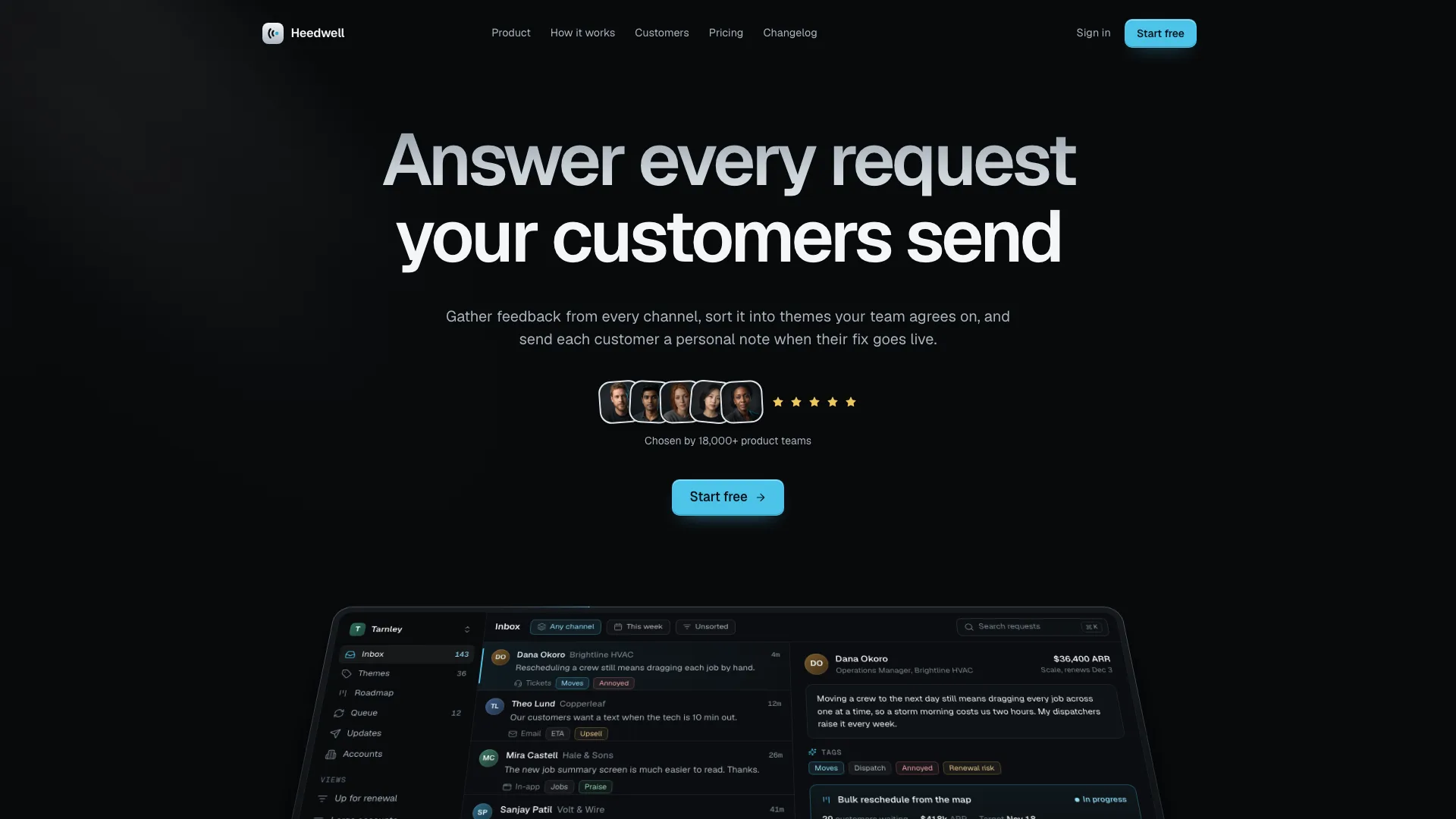
A SaaS landing skill for Claude Fable 5: one dark site, one product story, a tilting product window, animated feature cards, a pinned workflow, a spotlight quote, toggled pricing, a sign-up close.
Picked most often by
Updated Nov 6, 2026
Preview gallery


Similar Skills
View all
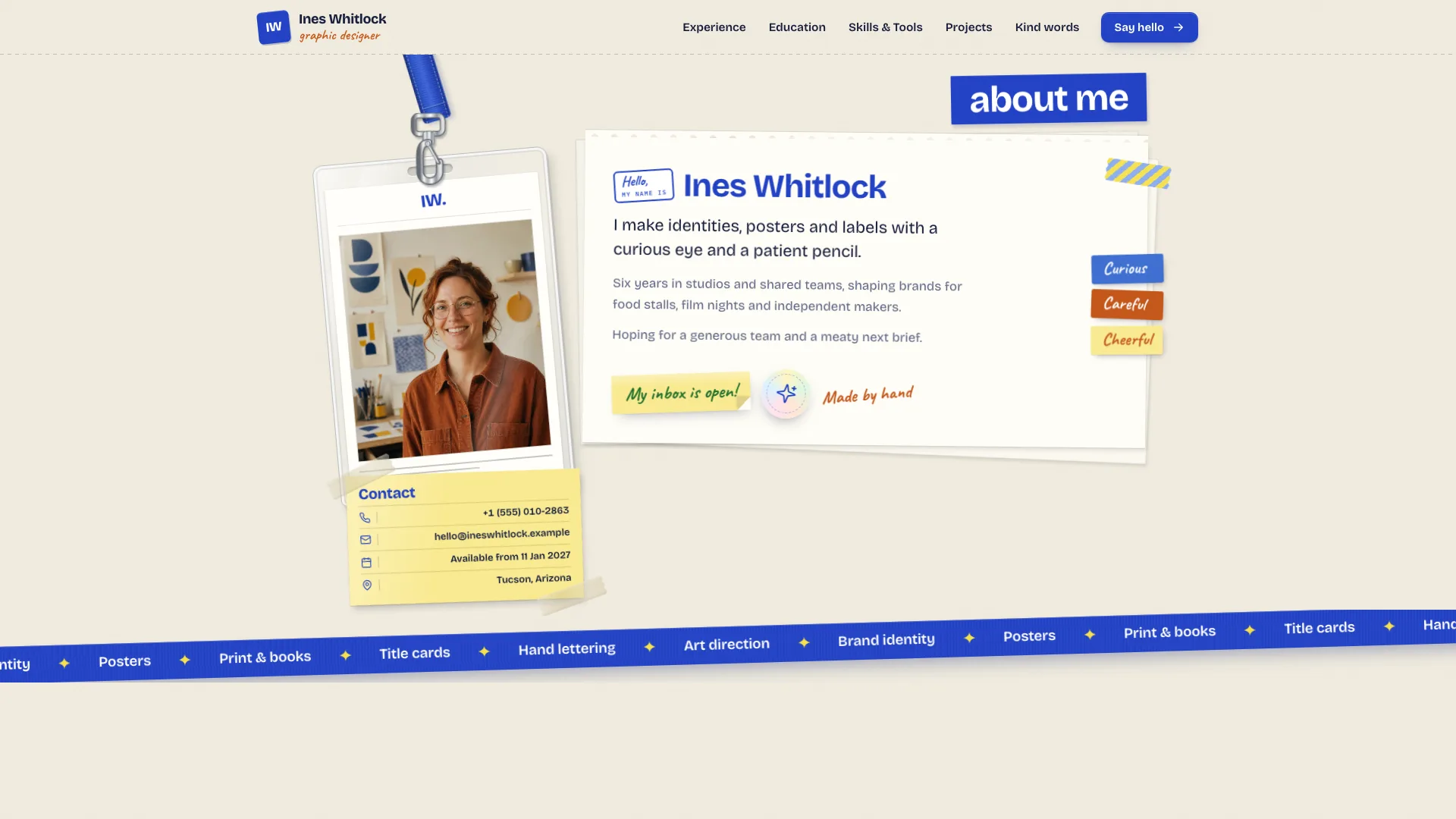

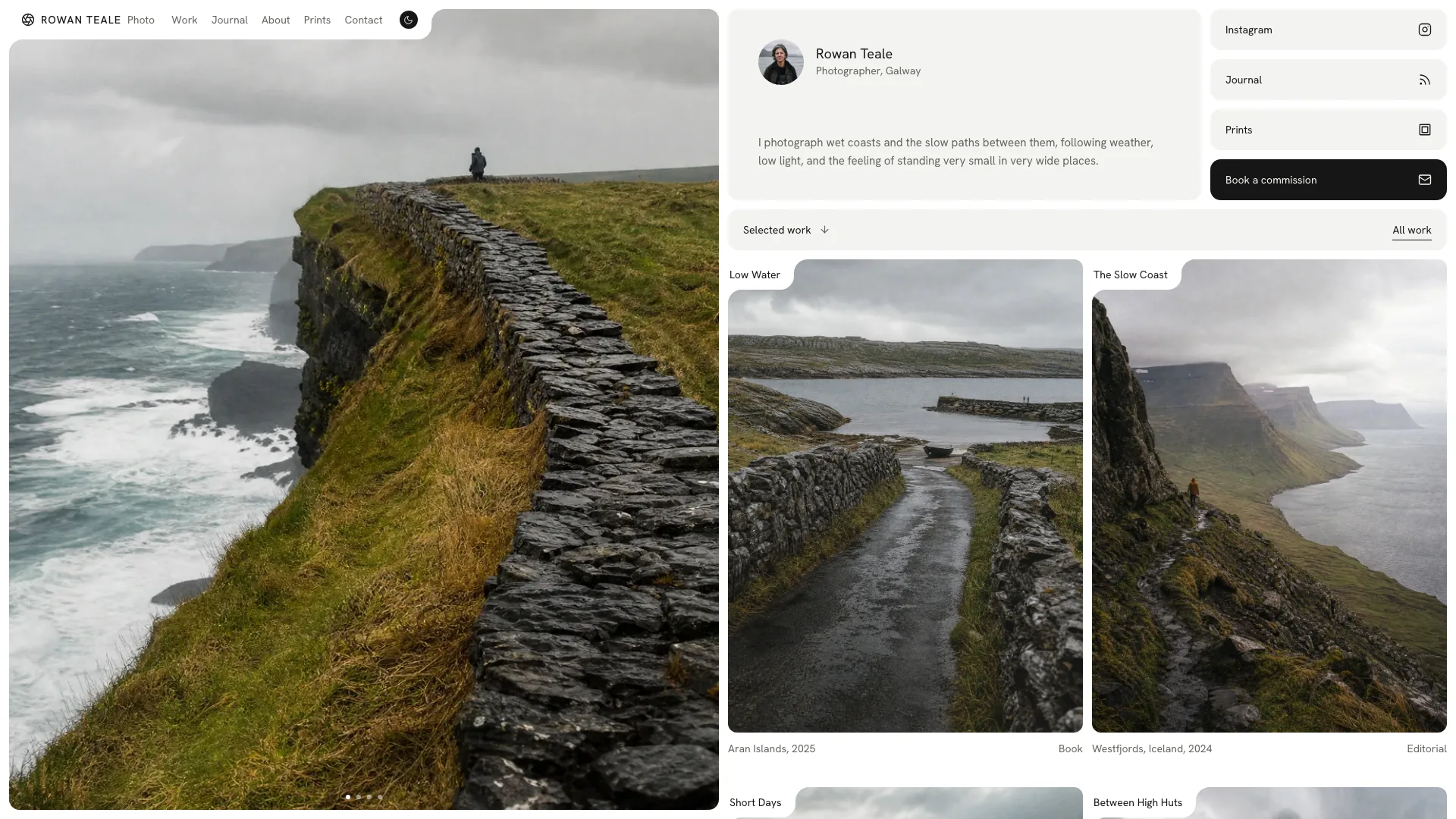
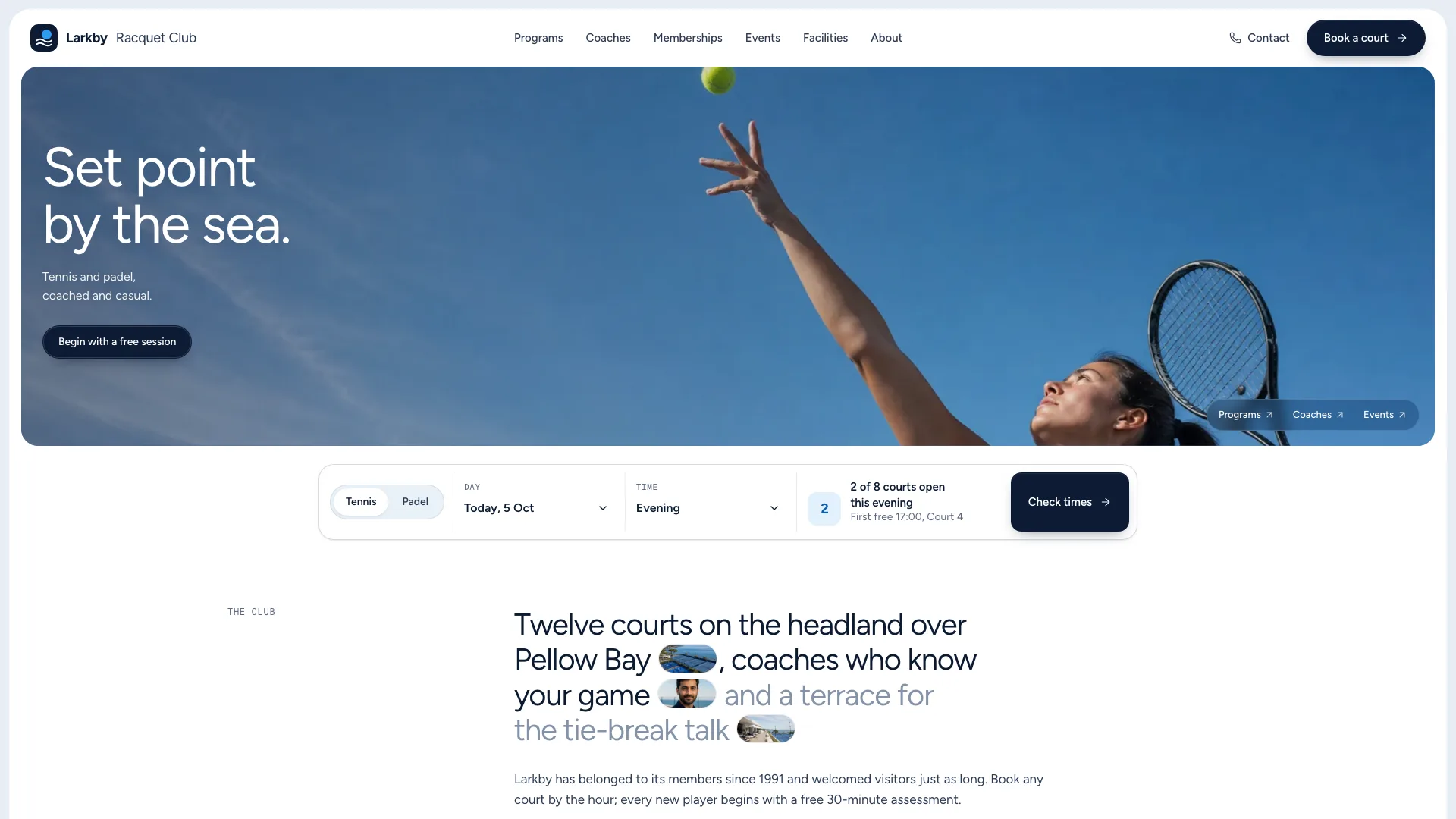
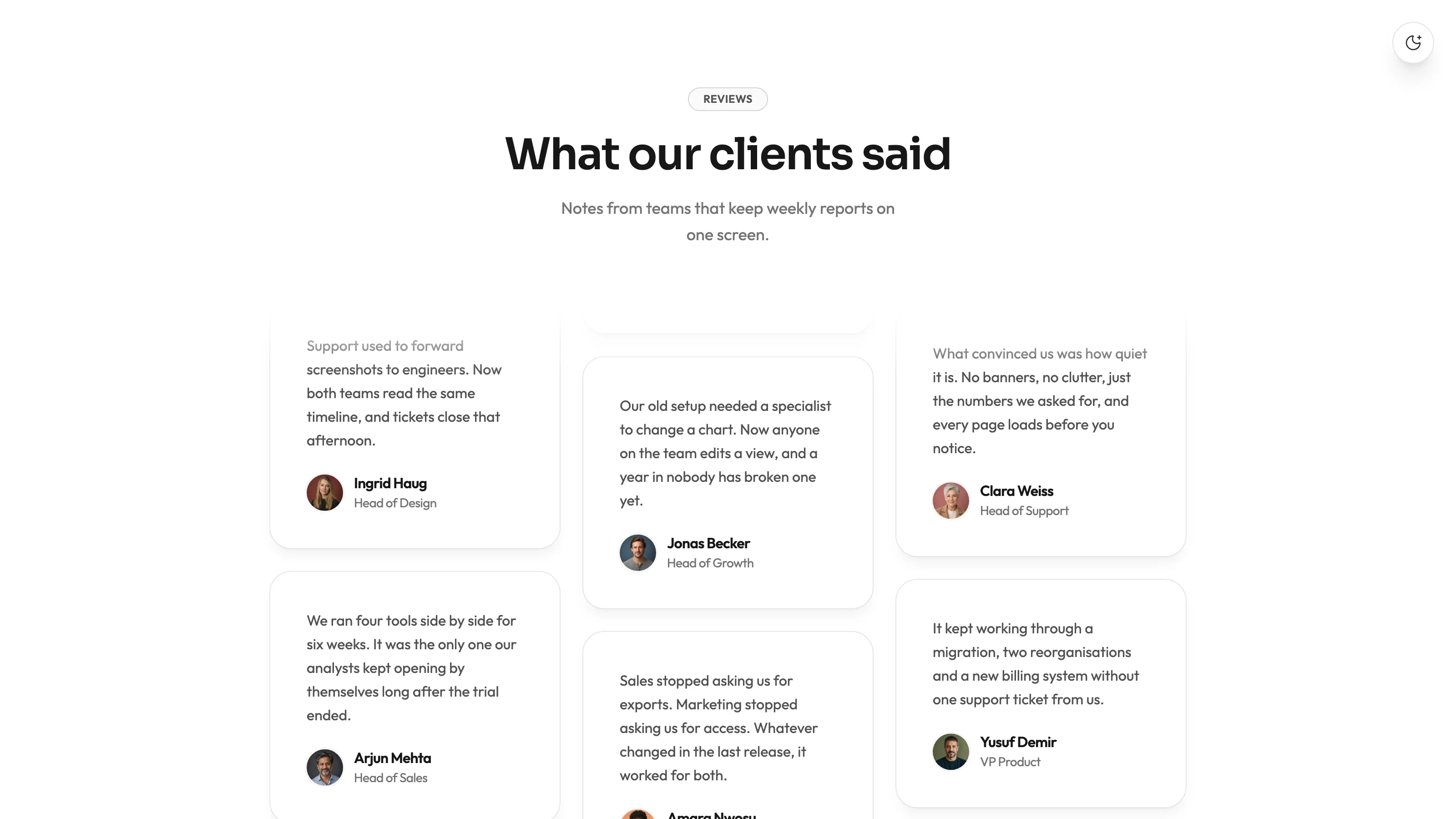
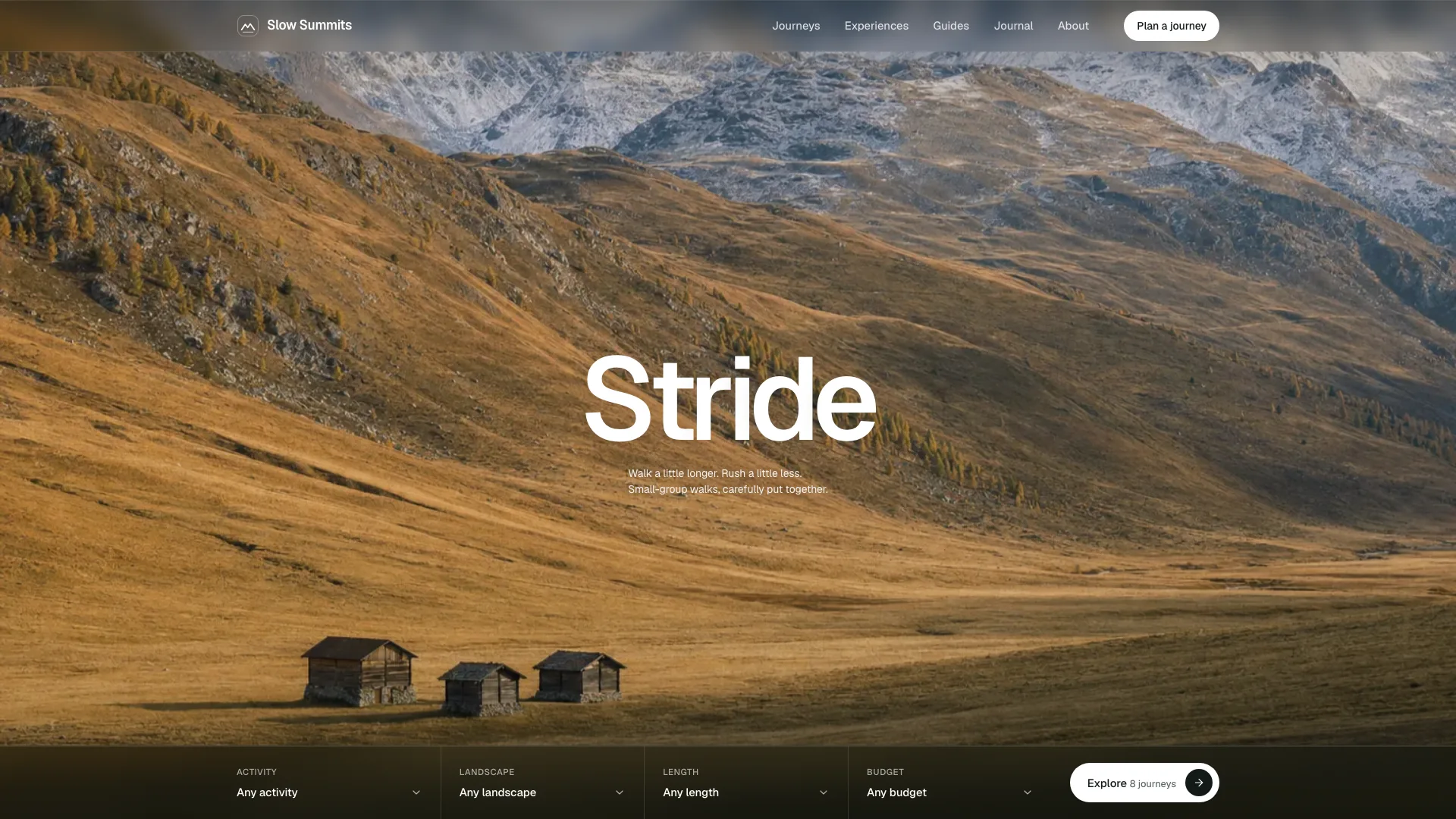
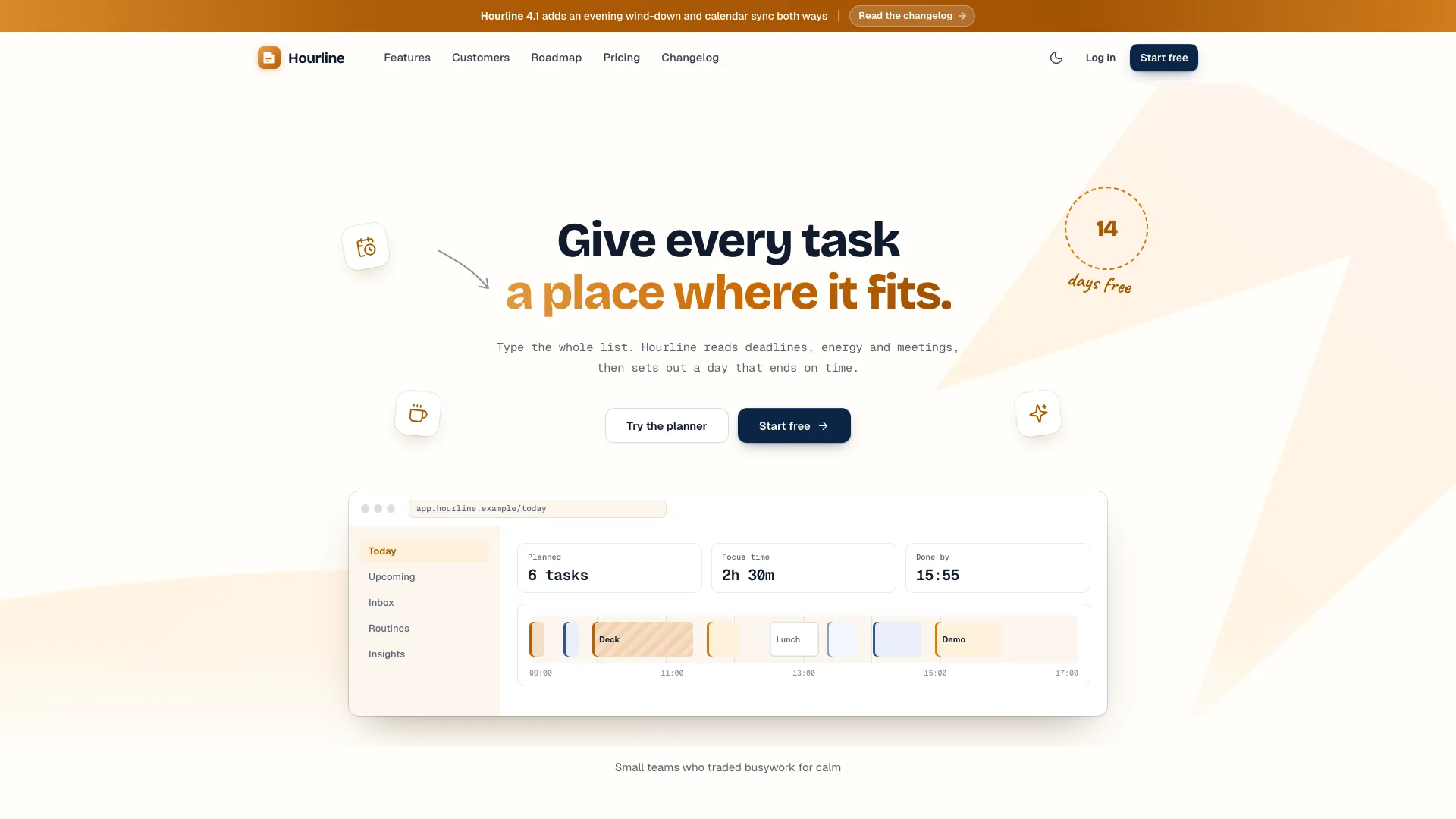
What you get
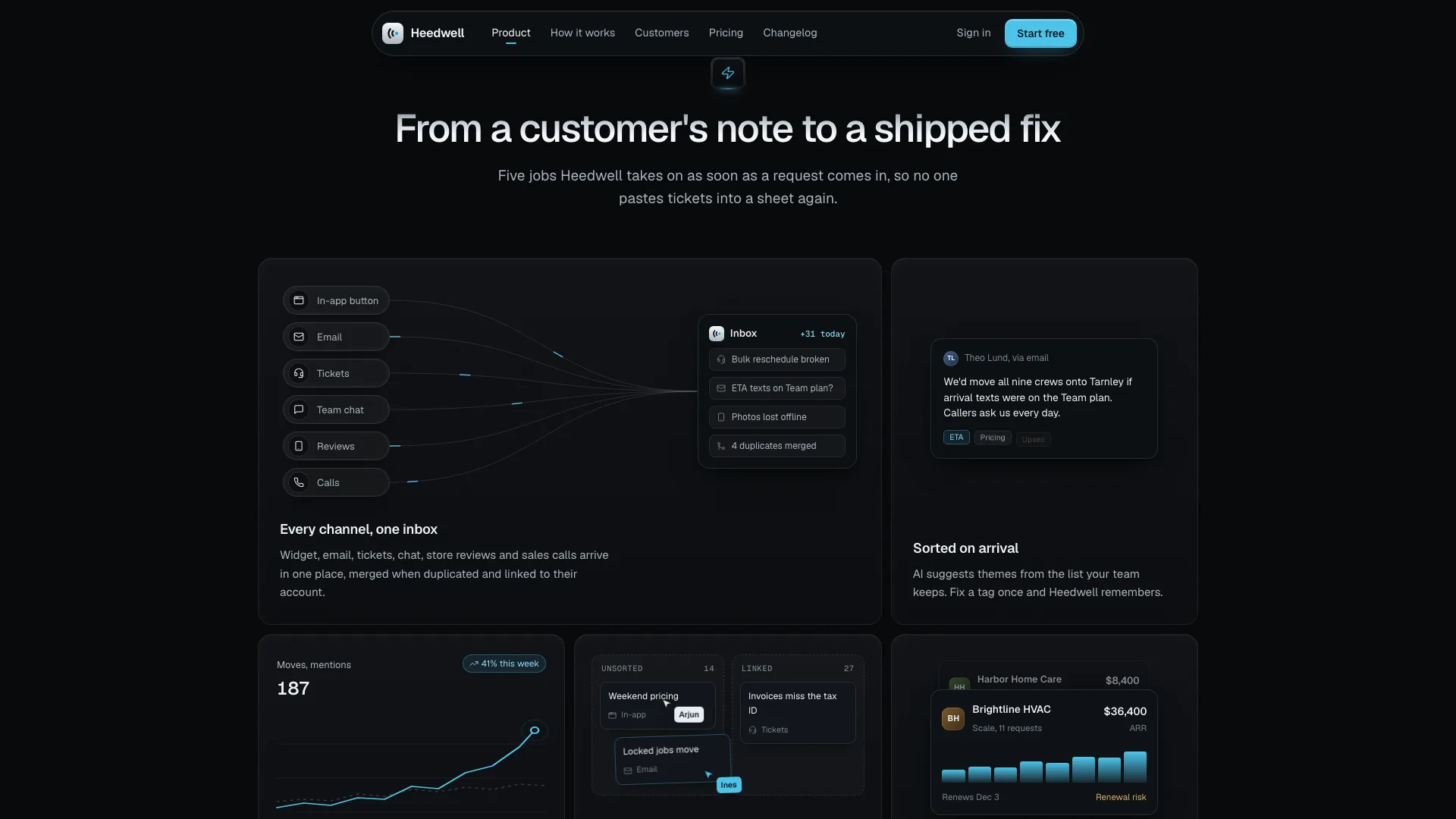
- A single offline HTML site: a pill-shaped nav, a gradient hero above the full product window that rights itself as you scroll, a marquee of customers, five feature cards that each play a tiny animation, and a workflow section where the screen changes at every step
- A spotlight quote on top of a wall of quotes plus a customer story card, security and integrations, four plans with monthly or yearly billing and a comparison table, an FAQ, and a closing sign-up where a laptop lid swings open
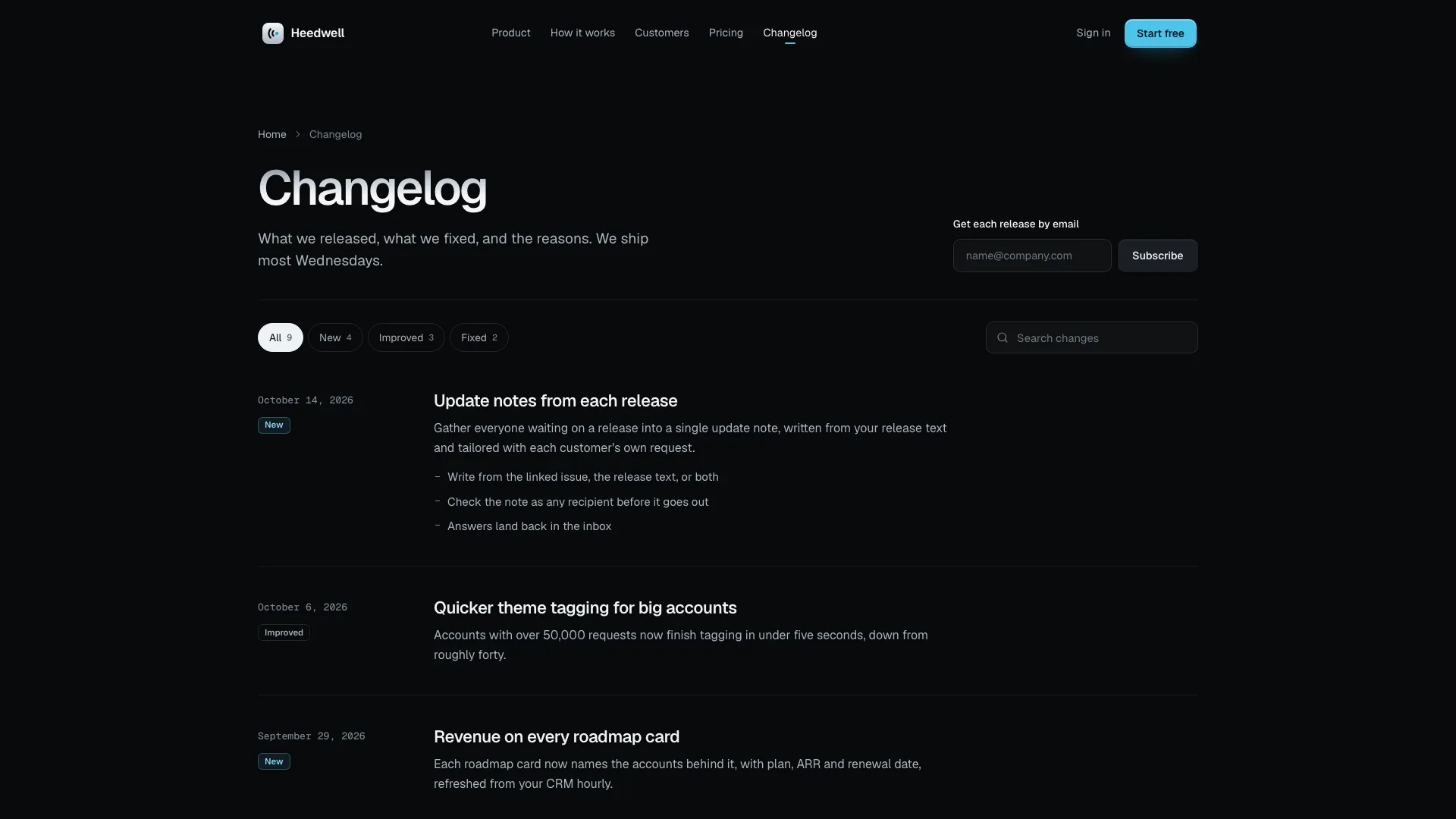
- Pages for the changelog, sign-in, legal terms and a customer story, a photo plan for ten slots, motion rules, a validator that checks routes, links, sandbox safety and sample leftovers, and a packer that inlines fonts and photos
Good fit
- Software products that sell best by showing the product in use
- Product launches that also want a customer story, sign-in, a changelog and pricing
- Founders and product teams who want one calm, dark page ending in a single obvious next step
Not for
- Collecting real sign-ups or payments: each form confirms in place and transmits nothing until it is wired up
- Bright, colourful brands or sites with a light theme
- Pages that rest on certifications, awards or client logos the company cannot prove
About this Skill
SaaS Story Landing is a website skill for Claude Fable 5 that sells software by letting visitors watch it work. On a charcoal page with headlines fading from grey to white and a single cyan accent, the product window opens the page and straightens as you scroll, then the story follows one customer and one request from capture through sorting and planning to the note saying it shipped. Plans toggle monthly and yearly, each form checks its input and confirms, and the site also includes legal, sign-in, customer story and changelog pages. It arrives as one offline HTML file with fonts and photos built in.
How it works
- Collect the product, one customer with one headline request, the quotes, the plans and the facts; whatever is missing gets drafted and listed for you
- Settle one art direction for portraits and story photos and generate each slot from it, or show initials until genuine photos exist
- The agent rewrites every product screen, the copy and the sample data, then packs a single file and reruns the validator until it passes
- Review the page at phone, tablet and desktop sizes, submit every form empty and complete, open each page from its link, then tell it what to adjust
Checked before delivery
- validate.mjs passes: single file, one h1 per page, every link and route resolves, no remote assets, structured data
- Every price, number, quote, integration and security claim comes from the brief or is listed for the owner to confirm
- Billing switch, comparison table, questions, workflow tabs, spotlight, every form, the changelog filters and the phone menu work at 390, 768, 1024 and 1440 px and inside a sandboxed frame
What you need before you start
- You bring
- Product name, what it does and the outcome-first headline; one customer workspace and one flagship request to follow through the page · Four or five capabilities, three or four workflow steps, two or three spotlight customers and four to eight short quotes, and one customer story with three attributed numbers · Integrations and security facts the product can claim, two to four plans with monthly and yearly prices, six to ten questions · Changelog entries, legal summaries and the company's legal name
- Dependencies
- Node.js 20 or later; internet only during the build, to fetch the two font files a single time · Portraits and story photos come from your agent's own image generator, which may charge per image; no other key is needed
- Outside costs
- None
- Last tested
- v0.1.1 — Claude Code / Codex / Cursor
User reviews
Loading reviews…
FAQ
Do the sign-up and sales forms submit anywhere?
No. Every form validates what is typed, shows that it is loading and then confirms with a message or a toast; nothing is sent off the page. Connect them to your own email service, CRM or sign-up flow before going live.
What if we have no customer photos?
The example ships ten generated photos at their final sizes, with a plan for every slot. Its portraits are stand-ins, so use initials until real ones exist, and never show real people without their consent.
Does the page fetch anything online?
No. The build embeds the fonts and photos in the file, so the finished page makes no network requests. A hosted site can keep its images and fonts next to the page instead.