3D Card Agent Site Template v1.0.2
Use this Skill to landing pages.
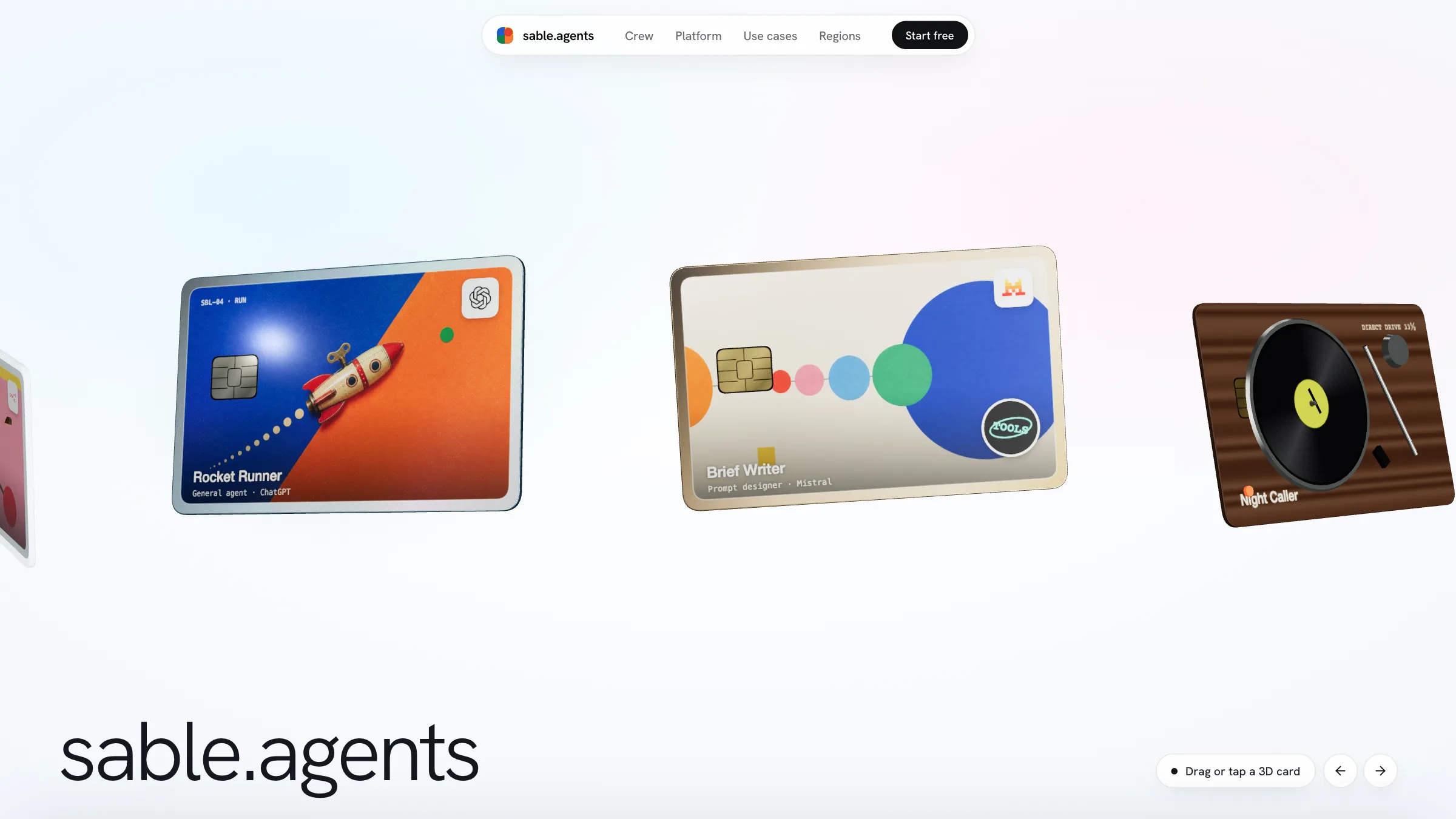
A website skill for Claude Fable 5 that gives an AI agent product a one-page home led by shiny 3D cards floating above a pale studio backdrop, one per agent, to drag, turn over and stand upright.
Picked most often by
Updated Nov 20, 2026
Preview gallery


Similar Skills
View all
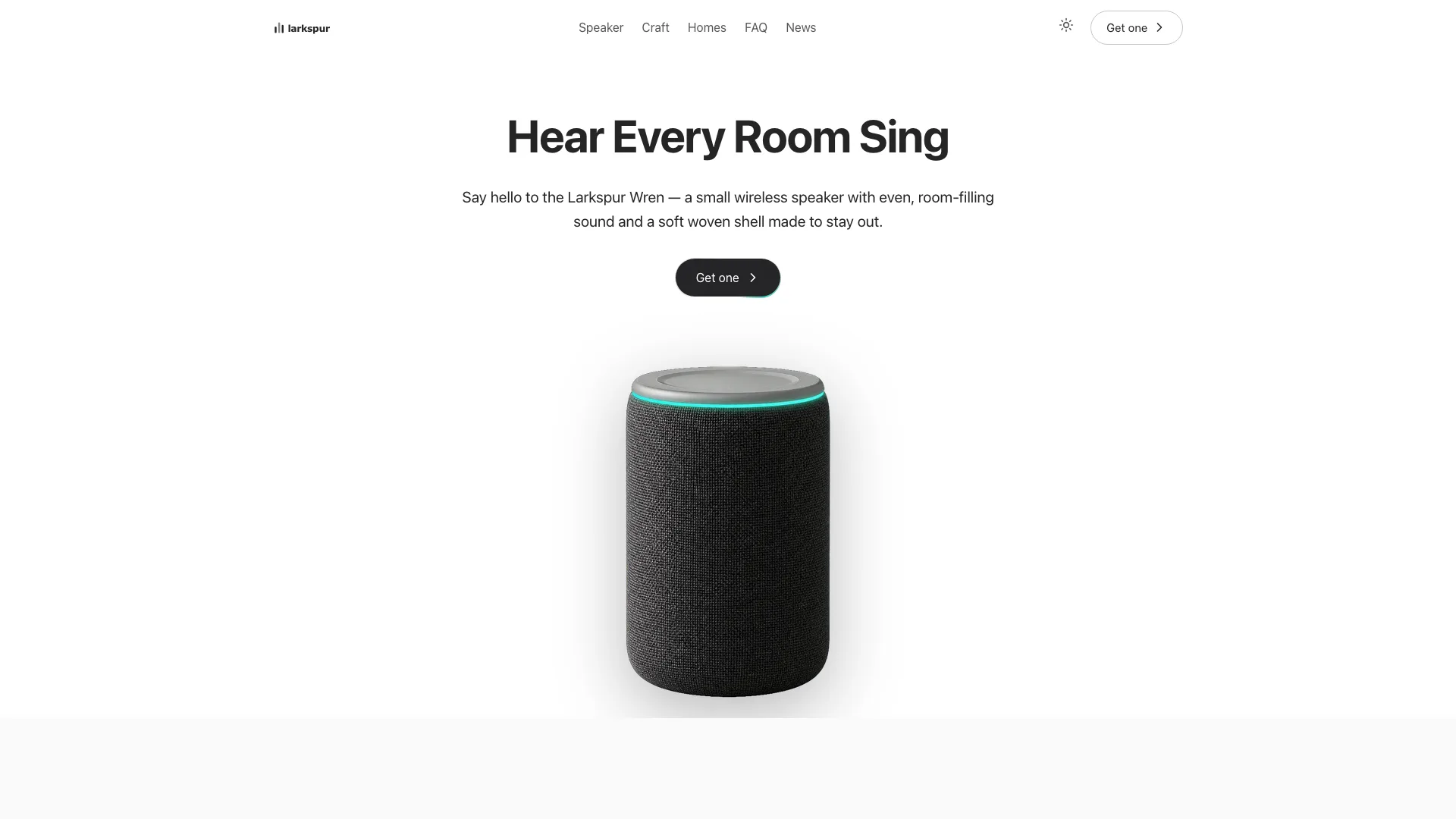
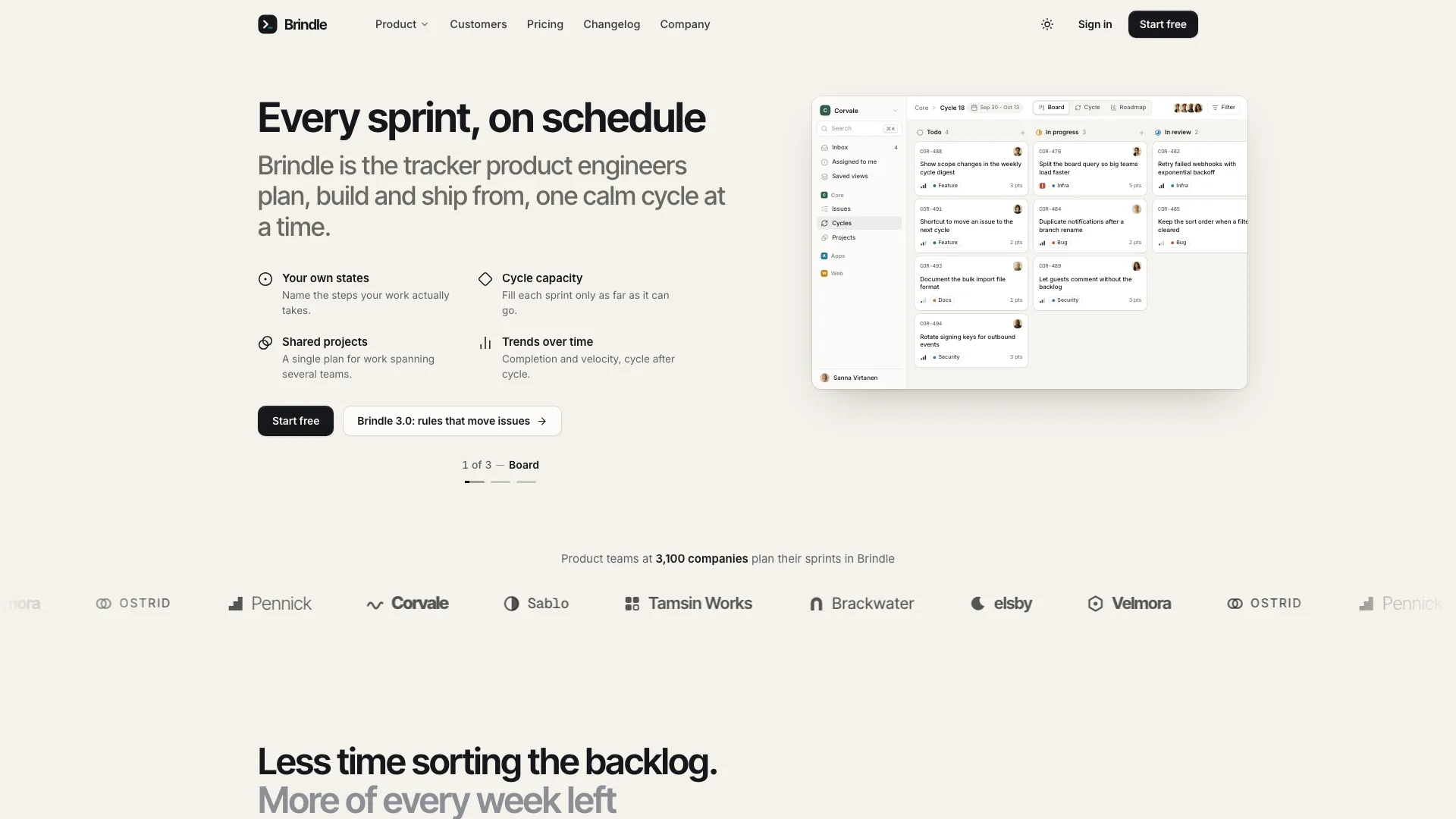
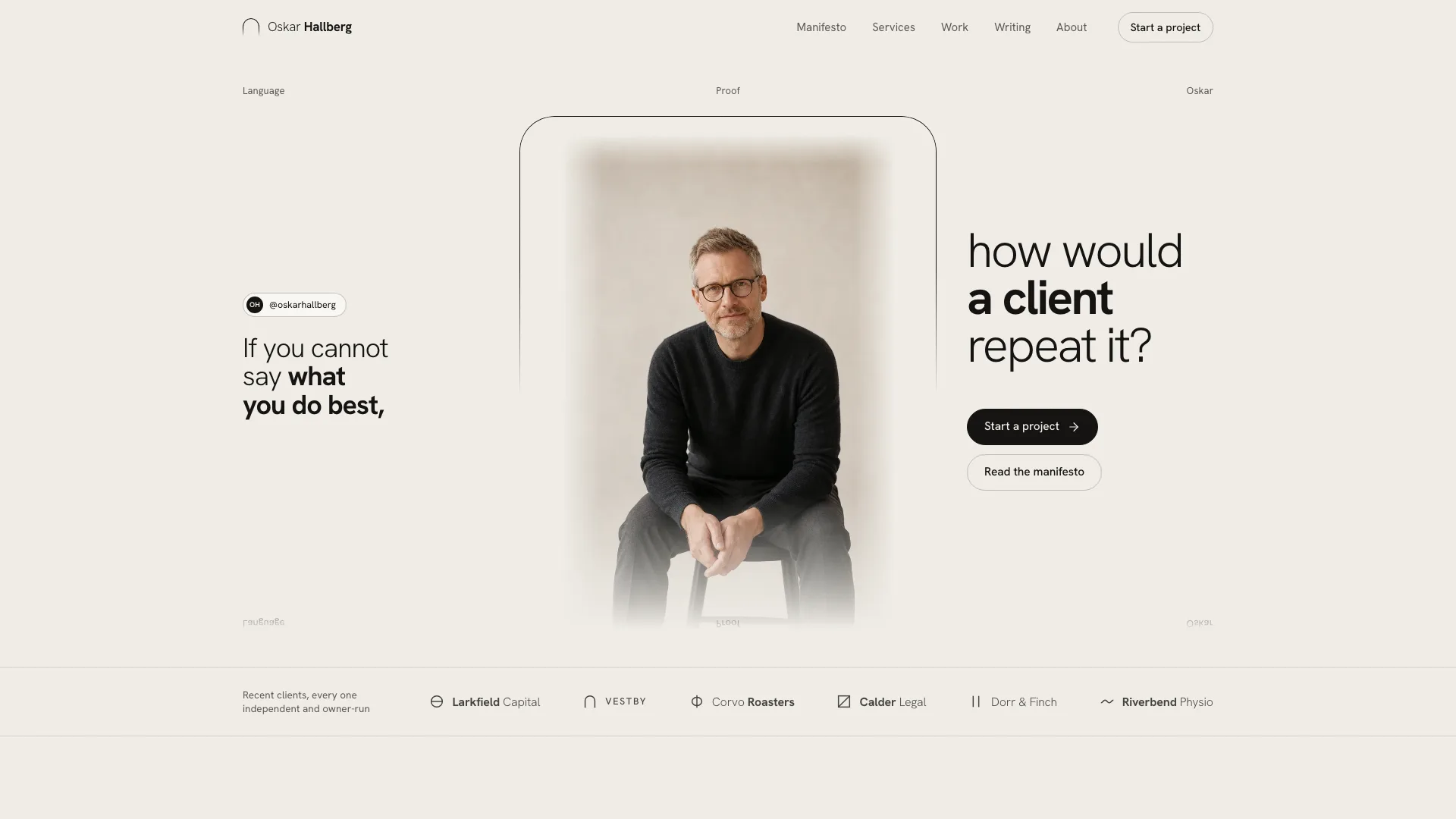
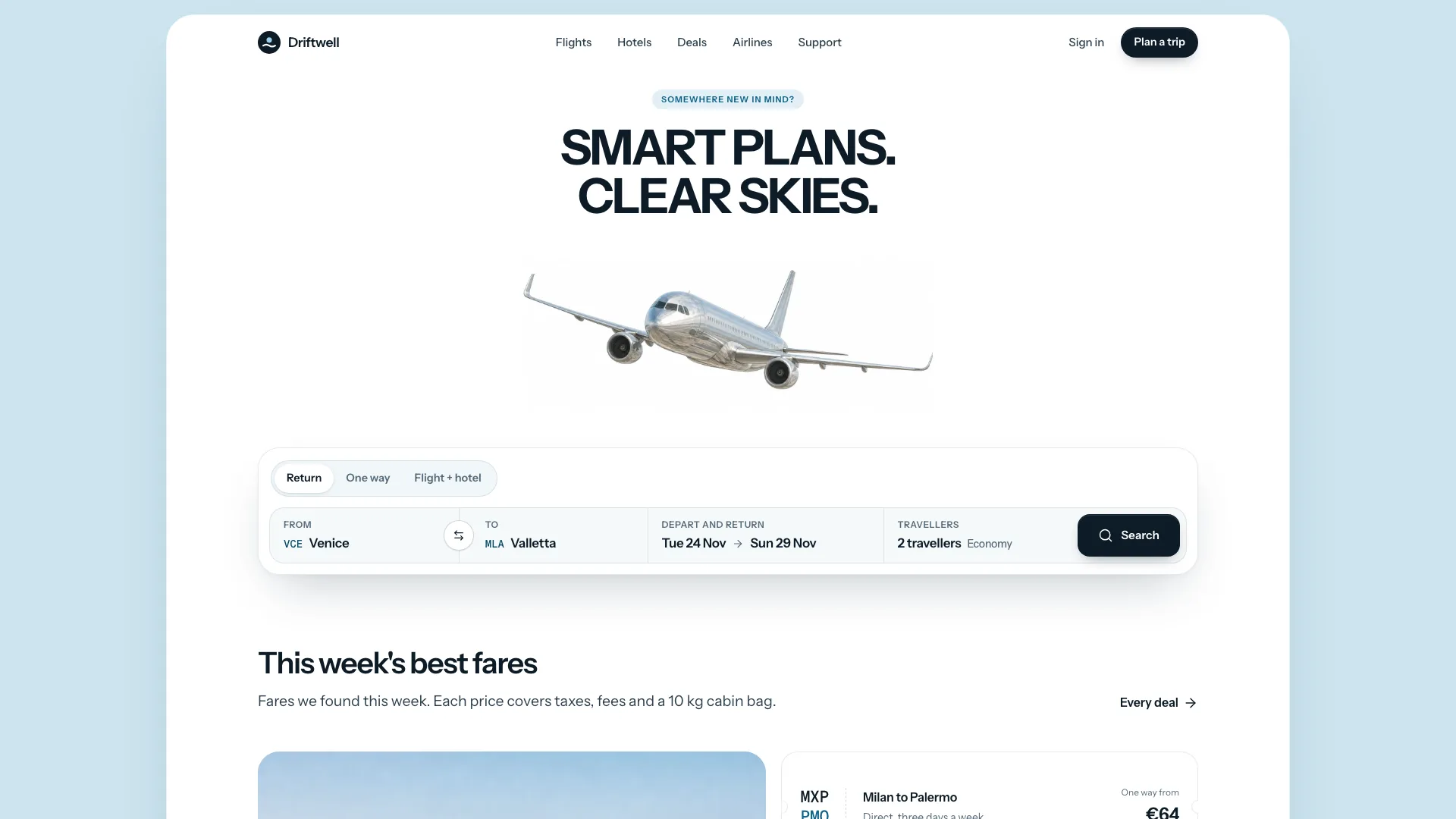
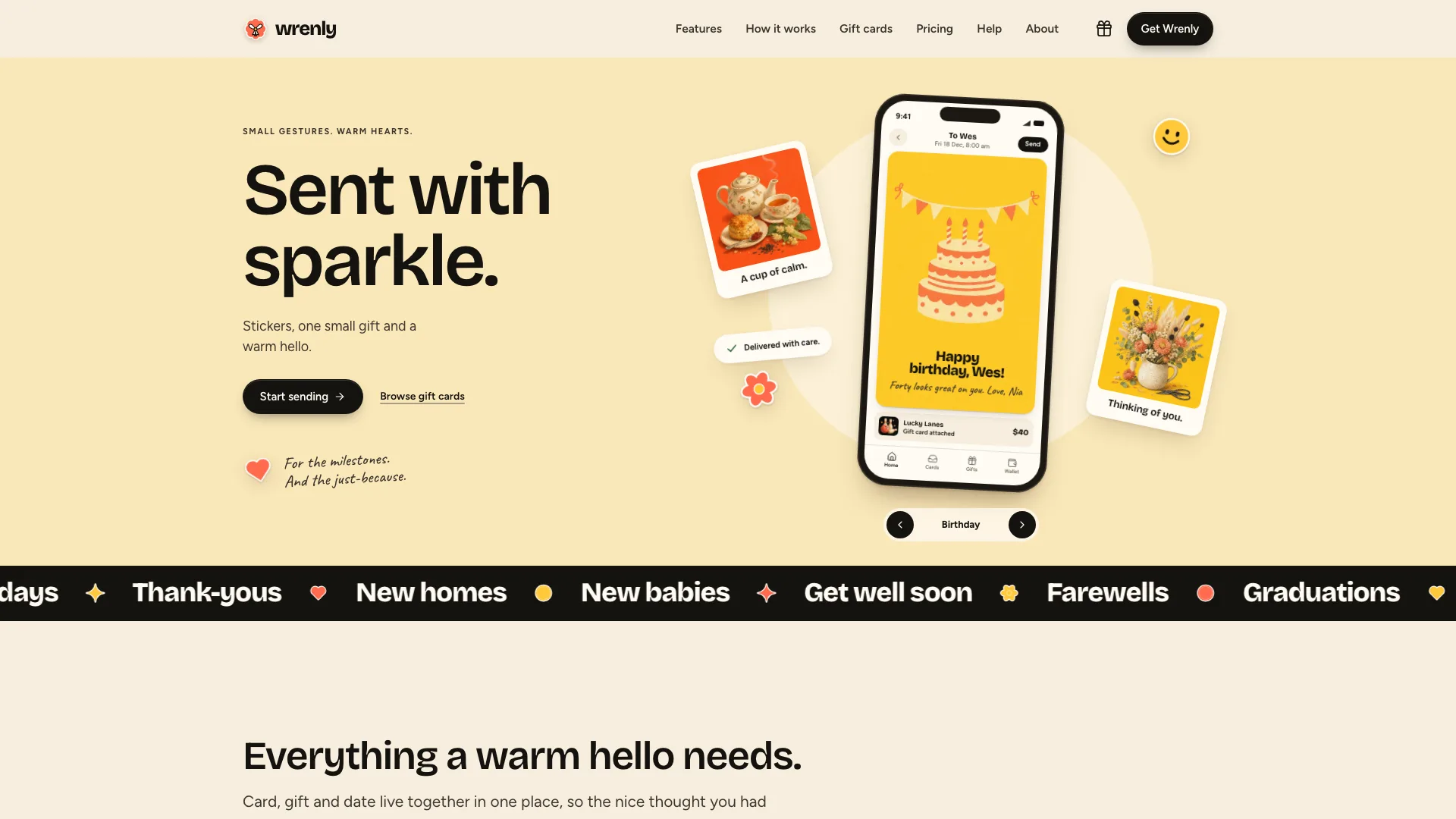
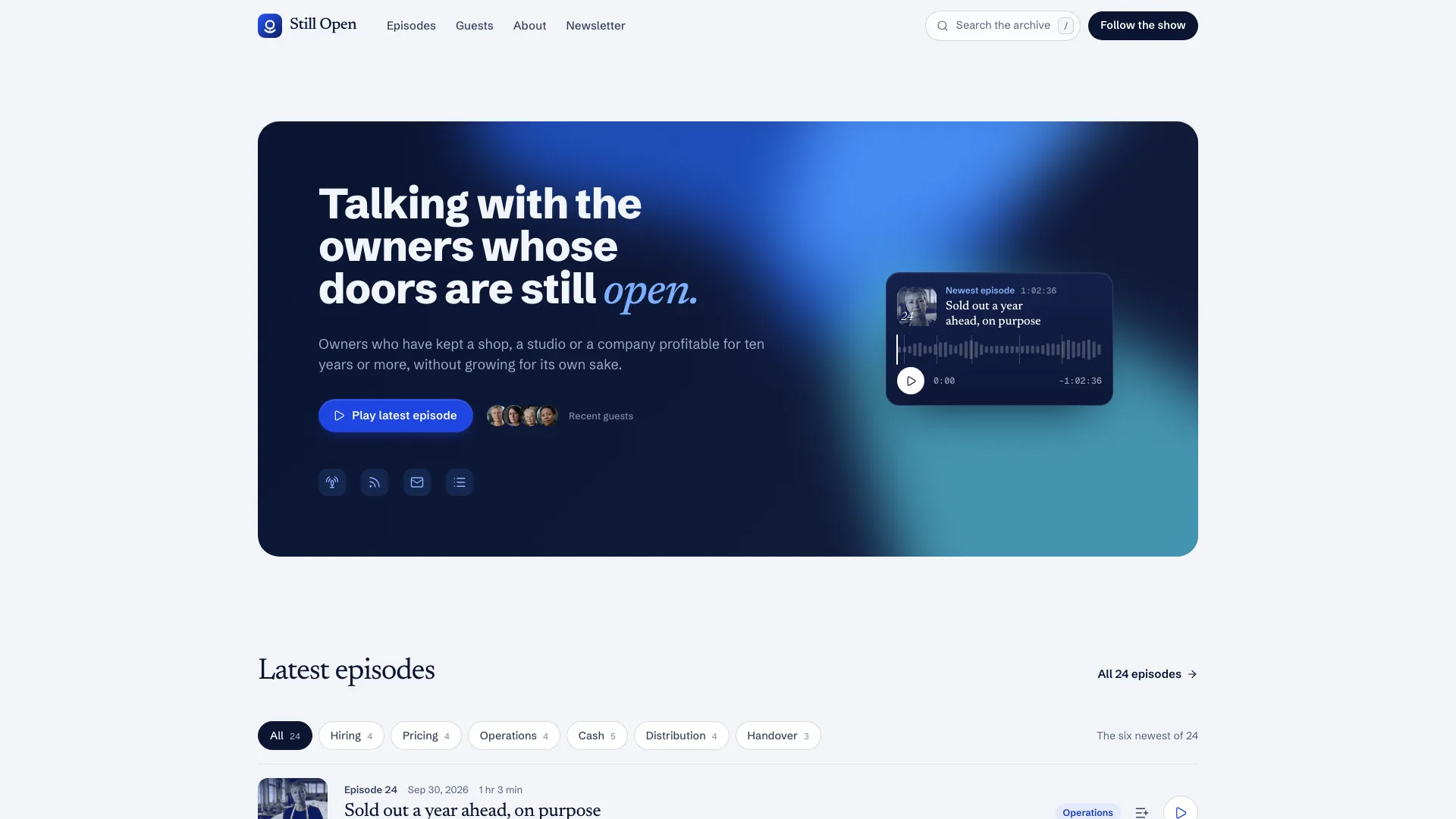
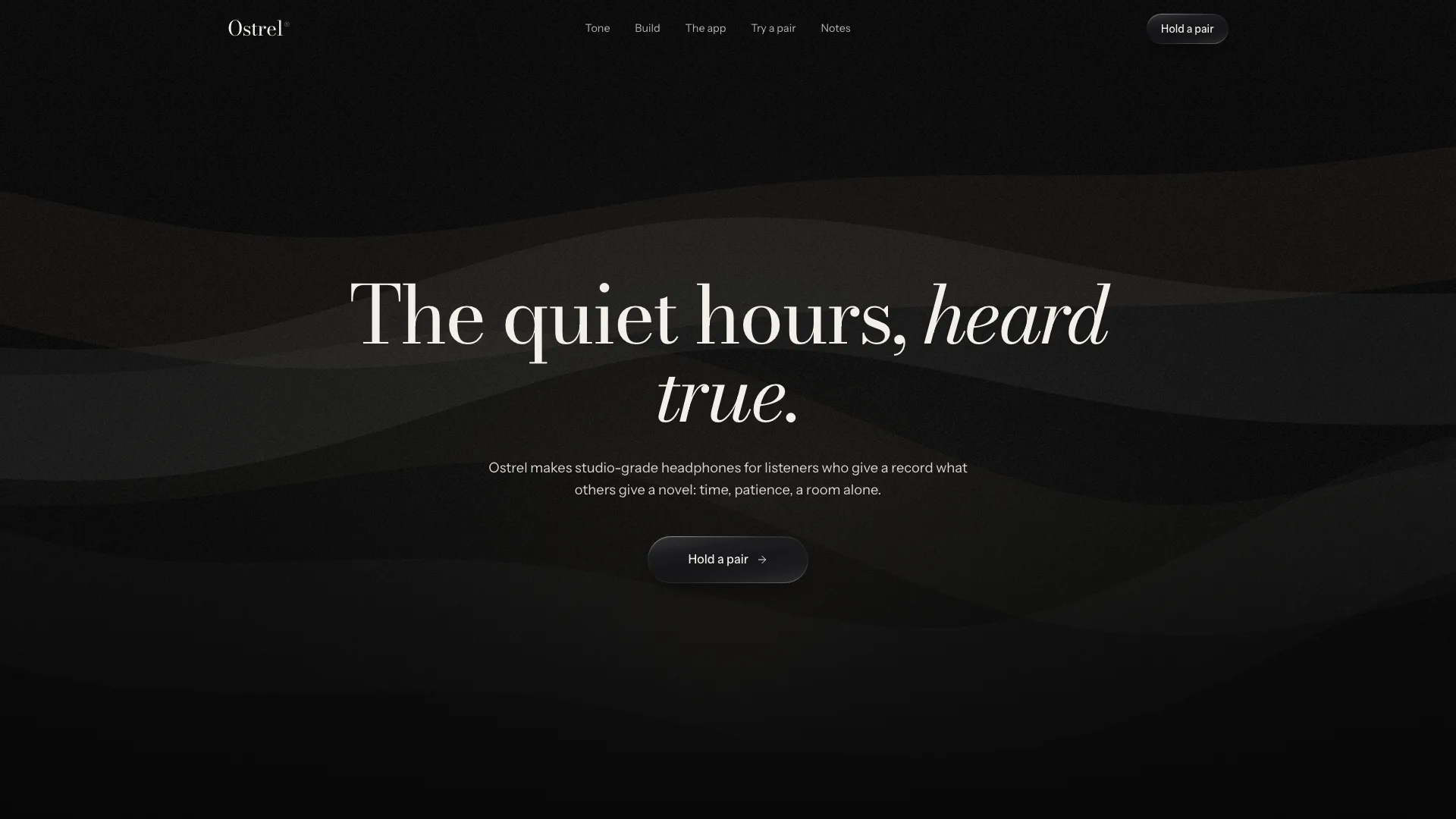
What you get
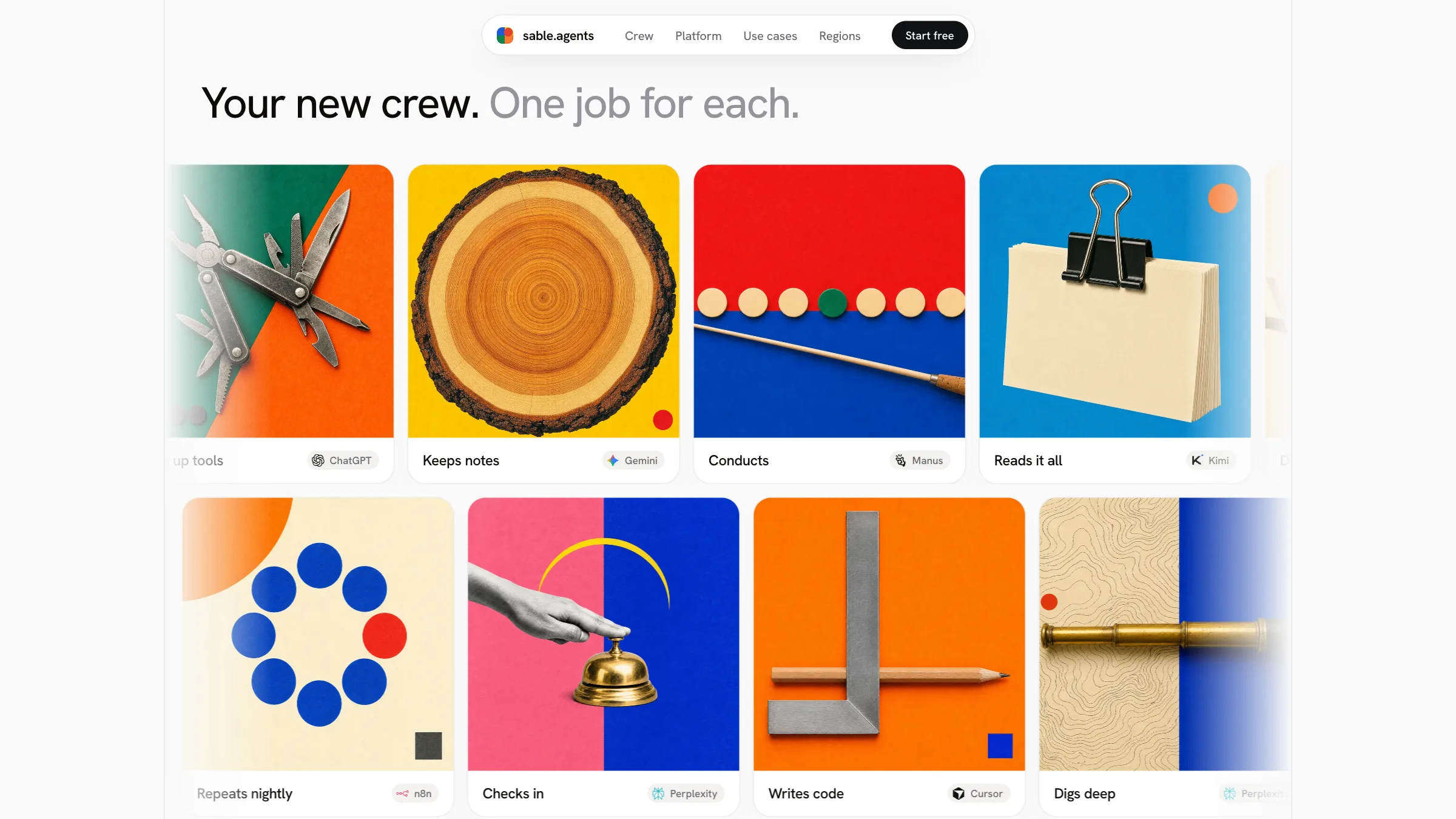
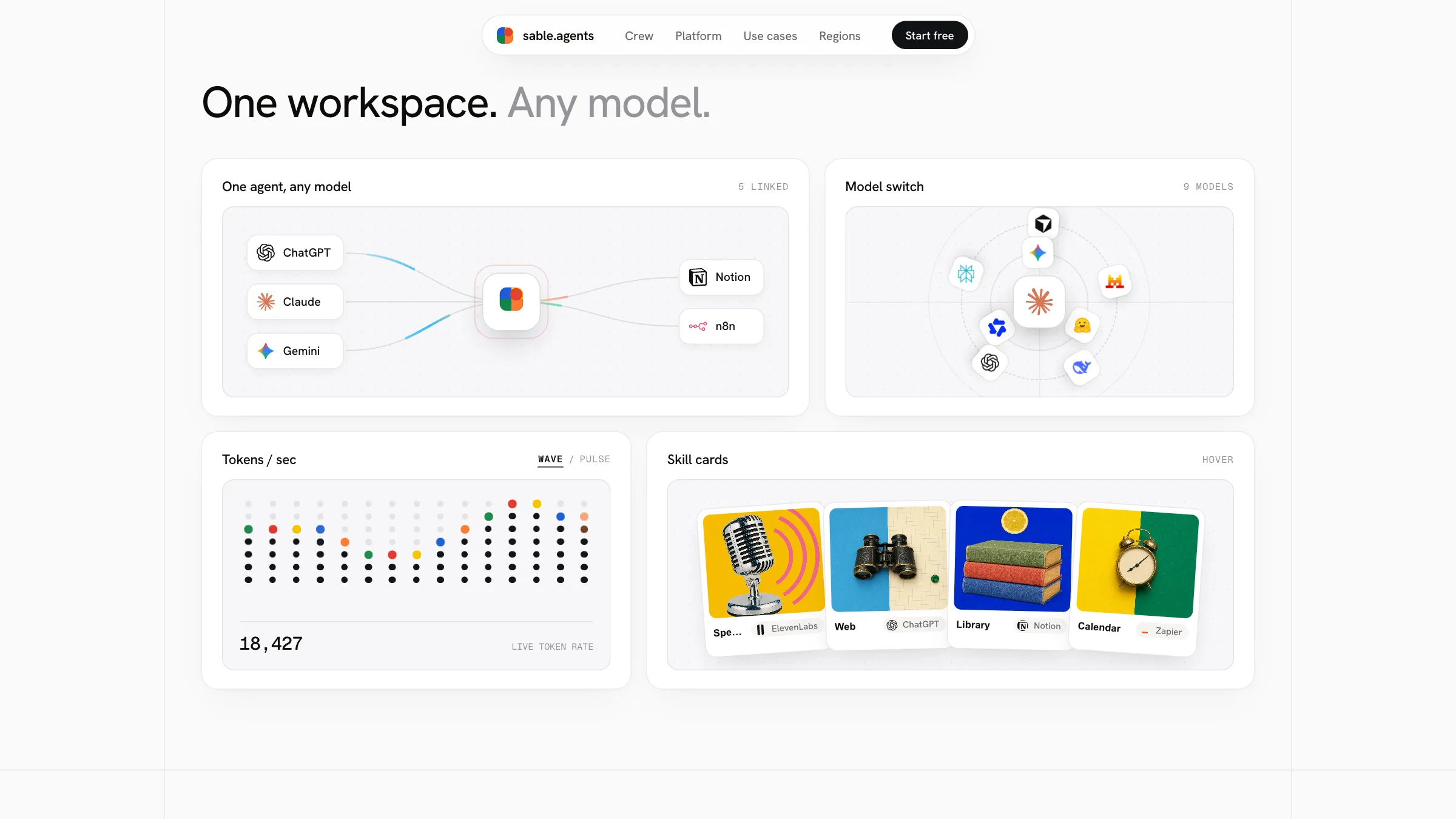
- A complete sample site for an invented agent studio called sable.agents: twelve 3D cards, collage bands, a strip of models, a bento, picture panels, a globe with four hubs and a dark closing panel.
- A reusable look: Hanken Grotesk paired with Geist Mono labels, card faces finished in glass, foil, paper or enamel, and 25 starter images sharing one print-collage style.
- One config file, a builder that folds the fonts and images into one self-contained page, and a checker that catches missing images, broken fields and sample names left behind.
Good fit
- Launches that need an opening screen people pause to play with.
- AI tools, agent studios and startups showing several agents, products or plans next to each other.
- Teams that prefer bold pictures and brief lines to long stretches of copy.
Not for
- Sign-up, payment, accounts or anything else that needs a server; the site runs in the browser alone.
- Docs, blogs and other sites built mostly of text.
- Older devices or browsers without WebGL.
About this Skill
This Fable 5 skill turns each of your agents into a card visitors want to handle. The opening screen is an unhurried curve of glossy 3D cards, each with a name, a role and an image, that people pick up, rotate and open. Further down come two sliding bands of print-collage images, a strip of the models you connect to, a moving bento, picture panels that widen, a dark globe marking your hubs, and a final panel over an enormous wordmark filled with a picture. Brand, cards, sections and wording sit in one config file, and the builder packs it into an offline page in seconds.
How it works
- First the agent asks what is being launched, for whom, and what each card should be: an agent, a product, a plan or a character.
- It puts your brand, cards, sections and brief copy into the config, and shows product logos only for integrations you confirm are real.
- It takes your images or the starter set, or makes new ones in the matching collage style, and lists every placeholder.
- It produces the offline page, runs the checker, then handles the cards on desktop and on a phone before delivery.
Checked before delivery
- validate_site.mjs passes on the built page: under 20 MB, nothing loaded from the network, no emoji or arrow glyphs in the copy, every product mark known
- The Hero cards render with their artwork, drag and flip respond, marquees pause on hover, the accordion opens and the globe turns, at desktop and 390 px wide
- Every visible string is the user's brand and subject, and every product mark sits beside its name in a confirmed integration
What you need before you start
- You bring
- Your brand name, what you offer and who it is for · The cards, sections and short lines you want on the page · Optional: your logo, your own pictures and the real integrations you want shown
- Dependencies
- Node.js 18 or later on the machine your agent uses, so the builder can pack the page · An up-to-date browser with WebGL for the 3D cards · Your project's own tooling, only when the site goes inside an app you already have
- Outside costs
- None
- Last tested
- v1.0.2 — Claude Code / Codex / Cursor / GitHub Copilot / OpenClaw / OpenCode
User reviews
Loading reviews…
FAQ
Can I use my own brand and images?
Yes. The name, wordmark, cards, images and copy are all kept in a single config file that your agent edits. Starter images ship with the package, and you can swap them for your own or for new ones made in the same style.
Must the AI product logos stay on the page?
No. A product's logo shows up only where you confirm a genuine integration, and always next to its name. Remove them, or turn the logo row off, if they don't fit your product.
Can it be added to a project I already have?
Yes. Your agent can produce the single offline page, or carry the same components and styles over into your existing project. In both cases the site has no back end.