


















Black Friday: Lock in your founding rate.Compare plans

Every Premium Skill for $19.9/month. Cancel anytime. See plans

Skip to content
For designers

Fable 5 for designers

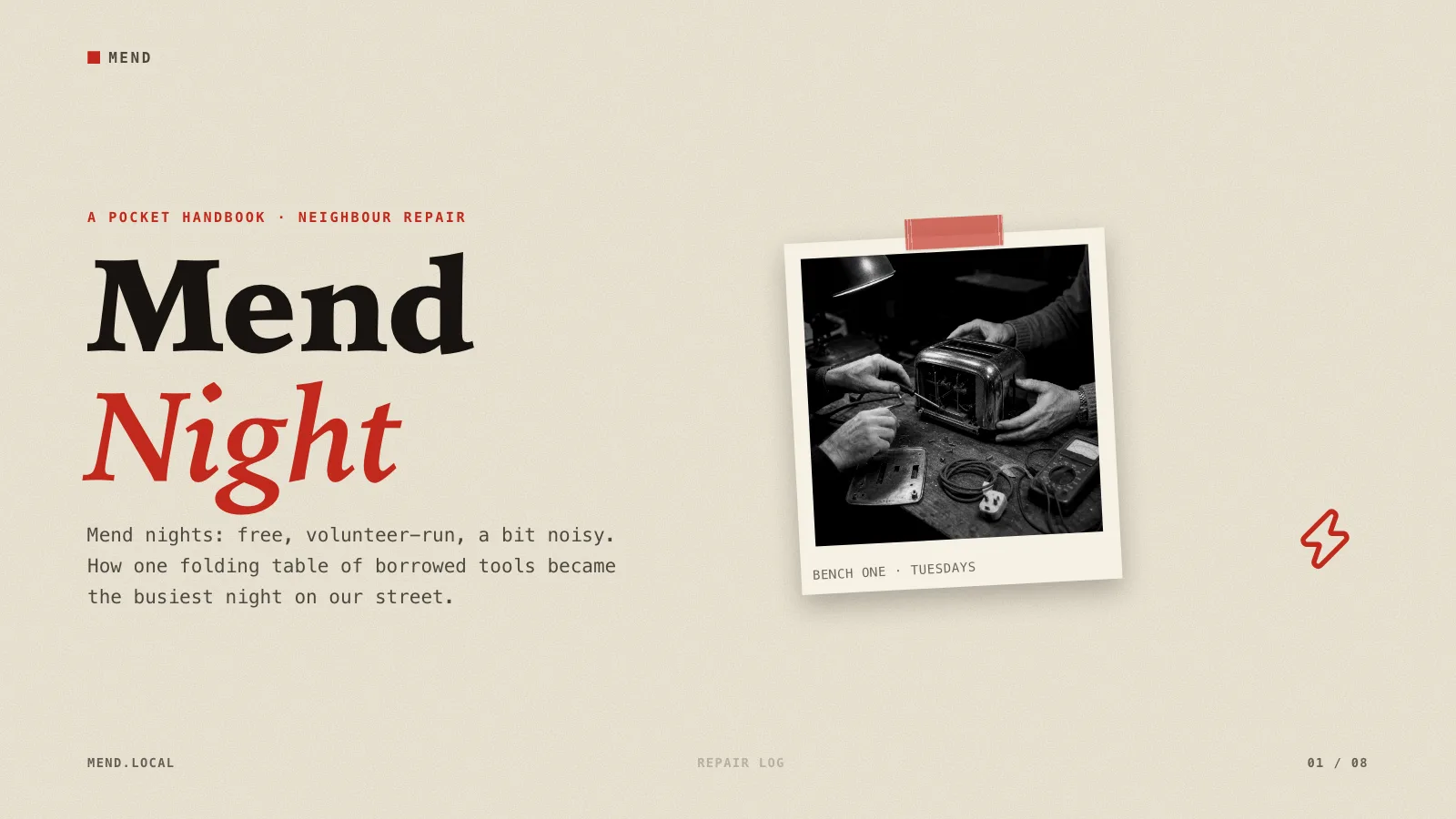
Layouts, type and color rules written into Skills, so your Fable 5 agent's websites, decks and share cards start close to finished and stay on style.

Works inClaude CodeCodexCursorGemini CLIGitHub CopilotOpenCodeKimi CodeOpenClaw

What Skills do for designers

Put your rules in a Skill once; your Fable 5 agent keeps to them after that.

Rules the agent keeps

Palette, type and layout are fixed in writing, so each image arrives on brand.

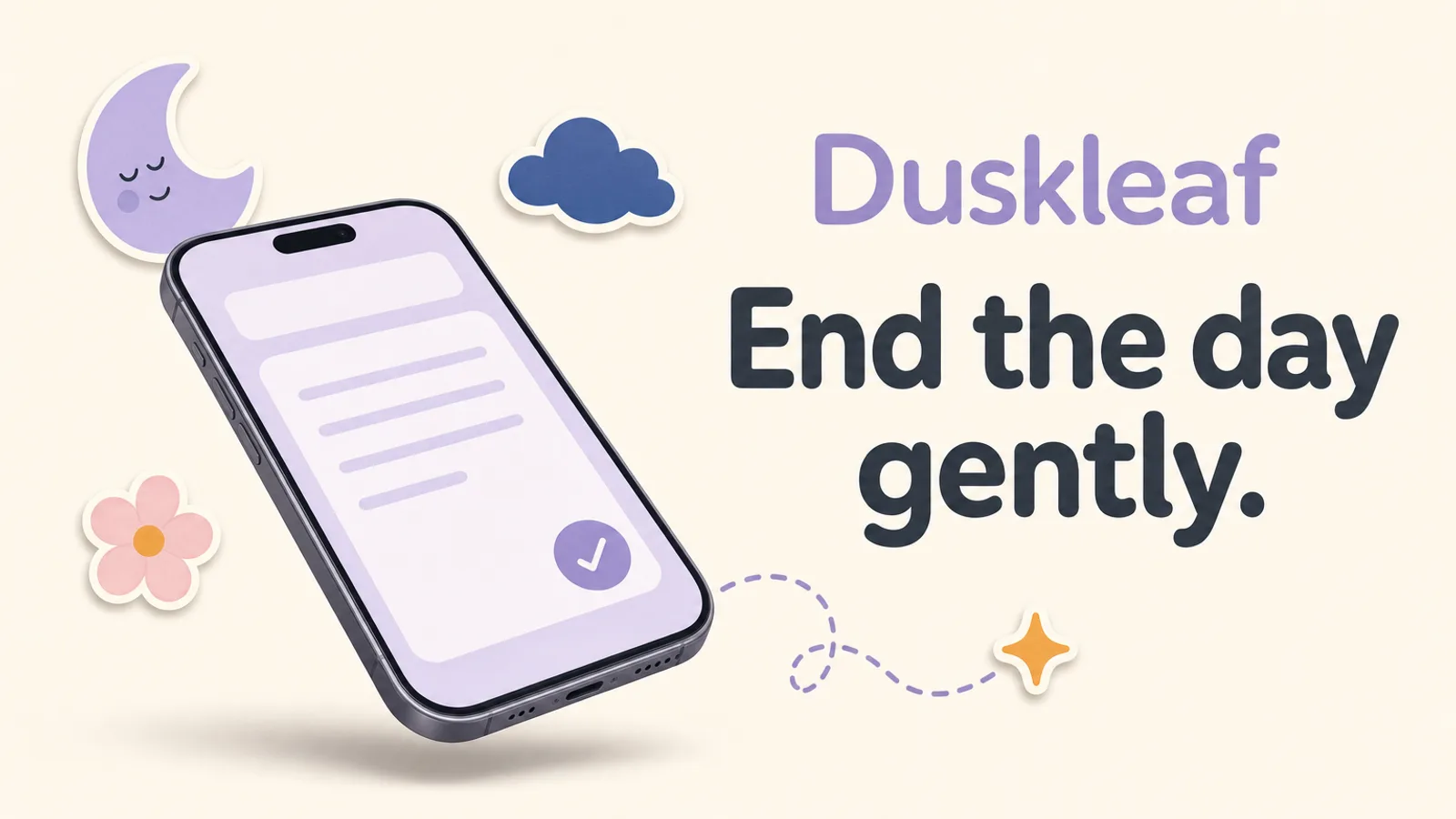
  • Headspace Style OG Image: Soft and friendly: tilted phones hover on warm off-white over gentle shadows, with a smiling sun, lilac clouds and a…
  • Stripe Style OG Image: With Claude Fable 5 and this Skill, your name lands in heavy white at the center of curving light that runs from orange…
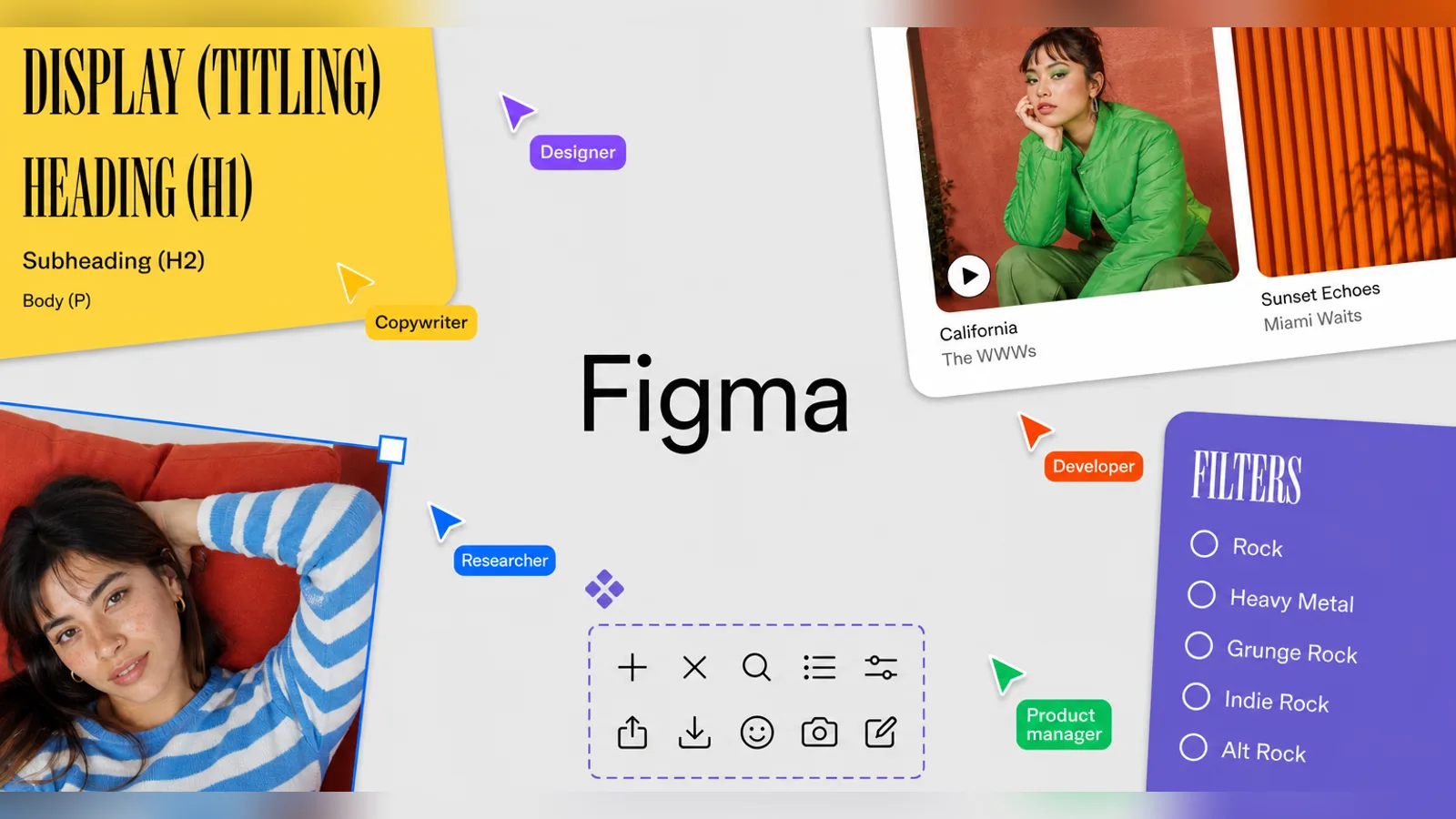
  • Figma Style OG Image: Type samples, art prints, tool palettes and color chips crowd a pale gray design board, with tagged cursors roaming…
Image

Headspace Style OG Image

Soft and friendly: tilted phones hover on warm off-white over gentle shadows, with a smiling sun, lilac clouds and a pink flower nearby.

Off-white share card for Duskleaf with a phone lying at an angle at lower left, a crescent moon sticker and a headline at top right

Common jobs for designers

Open a job to see its Skills, how to run them and common questions.

Three steps for designers

Works the same in Claude Code running Fable 5, in Codex or in Cursor; no design app needed.

  1. 1

    Install with one prompt

    Paste the install prompt into your agent, or use the terminal command underneath; either way the Skill ends up in the agent's skills folder.

    npx fable5-cli@latest install ours-headspace-style-og
  2. 2

    Ask for the result

    Type / and the Skill's name, then say in plain words what you want back.

    /ours-headspace-style-og Make a link preview for Stillwick, a five-minute journaling app with a nightly prompt and a mood log. Headline: "Write it down, sleep well". Keep it soft.
  3. 3

    Check it, then ship

    Open the files, request edits in the same chat, and publish or hand them over when they're right.

    image.png
Off-white share card for Duskleaf with a phone lying at an angle at lower left, a crescent moon sticker and a headline at top right

Prompt alone or a Skill, for designers

FactorPrompt onlySkill
Starting pointA blank chat each timeA settled design and a checklist
StyleChanges run to runOne style throughout
A full setPieces that fail to matchOne system for all of it
DeliverableWhatever the model hands backA checked file in the expected format

Every Skill on one plan

Or pay once for a single Skill and keep it.

Cancel anytime

22% OFF

Founding Monthly

$6.99$8.99 for new members after Nov 30$8.99/ month

$6.99 / month. Renews at the same rate while subscribed.

Upgrade to Pro
  • Every Premium Skill unlocked
  • Install via MCP, CLI or the web
  • Browser sign-in for MCP and CLI
  • Up to 50 Skill loads daily
  • Skill updates as they ship
  • New Premium Skills at no extra cost
  • Stop any time you like

Cancel anytime

23% OFF

Founding Quarterly

$16.99$21.99 for new members after Nov 30$21.99/ 3 months

$16.99 / 3 months. Renews at the same rate while subscribed.

Upgrade to Pro
  • Every Premium Skill unlocked
  • Install via MCP, CLI or the web
  • Browser sign-in for MCP and CLI
  • Up to 50 Skill loads daily
  • Skill updates as they ship
  • New Premium Skills at no extra cost
  • Stop any time you like

Best deal

One payment · Founding price

19% OFF

Founding Lifetime

$129$159 for new members after Nov 30$159one-time

Buy lifetime access
  • Every Premium Skill unlocked
  • Install via MCP, CLI or the web
  • Browser sign-in for MCP and CLI
  • Up to 50 Skill loads daily
  • Skill updates as they ship
  • New Premium Skills at no extra cost
  • No subscription, no renewals

Cancel anytime. Payments are non-refundable.

What designers often ask

What people ask before installing.

Do I have to write code?

No. One install prompt goes into your agent, and after that you ask in ordinary language.

Which agents will run these Skills?

Claude Code, Codex, Cursor and every other agent that reads SKILL.md folders. The install prompt doesn't change between them, or with the model.

May I use the results for clients?

Yes. Anything you make with a Skill is yours, client and paid work included.

Are the free Skills limited?

No. A free Skill is the full Skill and needs only a free account; Premium Skills come with a plan or a one-time purchase.

Let your agent take the busywork

Choose a Skill, install it with one prompt, then describe what you want.

Browse all Skills