Gradient Juice Sitev0.1.1
Use this Skill to build a storefront.
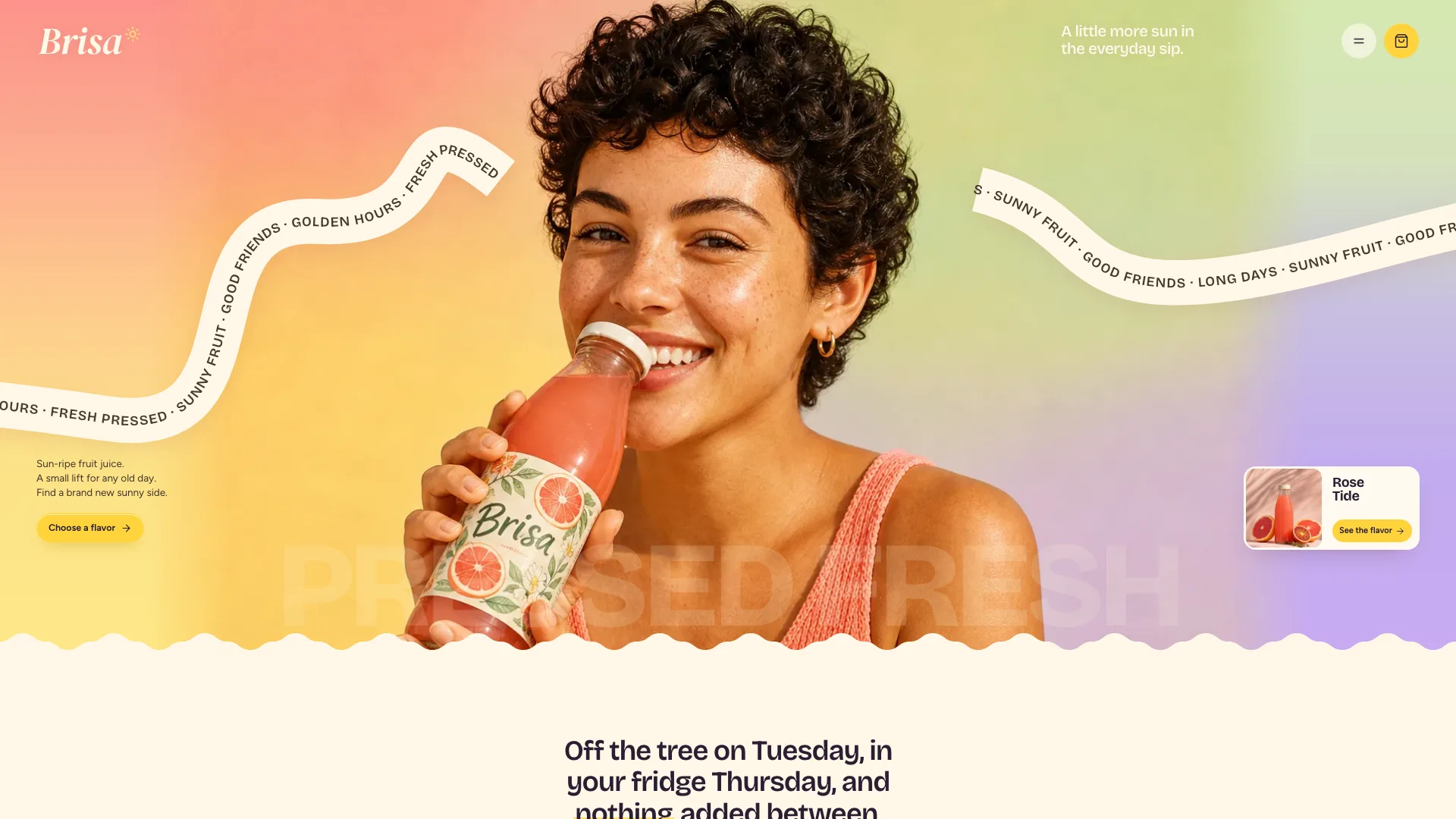
Fable 5 website skill for a juice, drinks or food brand: 31 routes in one file, opening on a gradient campaign photo with drifting cream ribbons, then flavor rail, crate builder and shop.
Picked most often by
Updated Oct 31, 2026
Preview gallery


Similar Skills
View all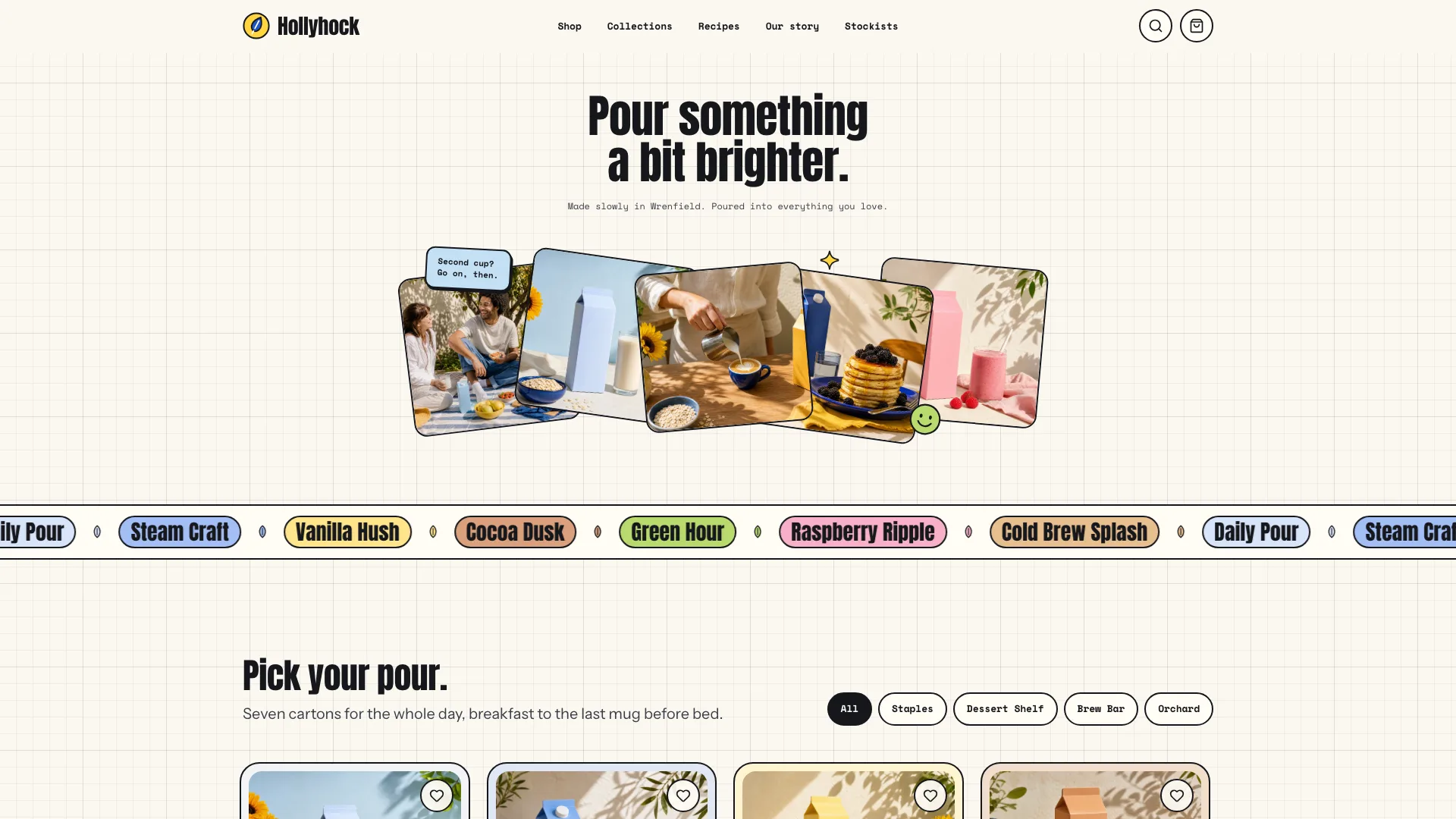
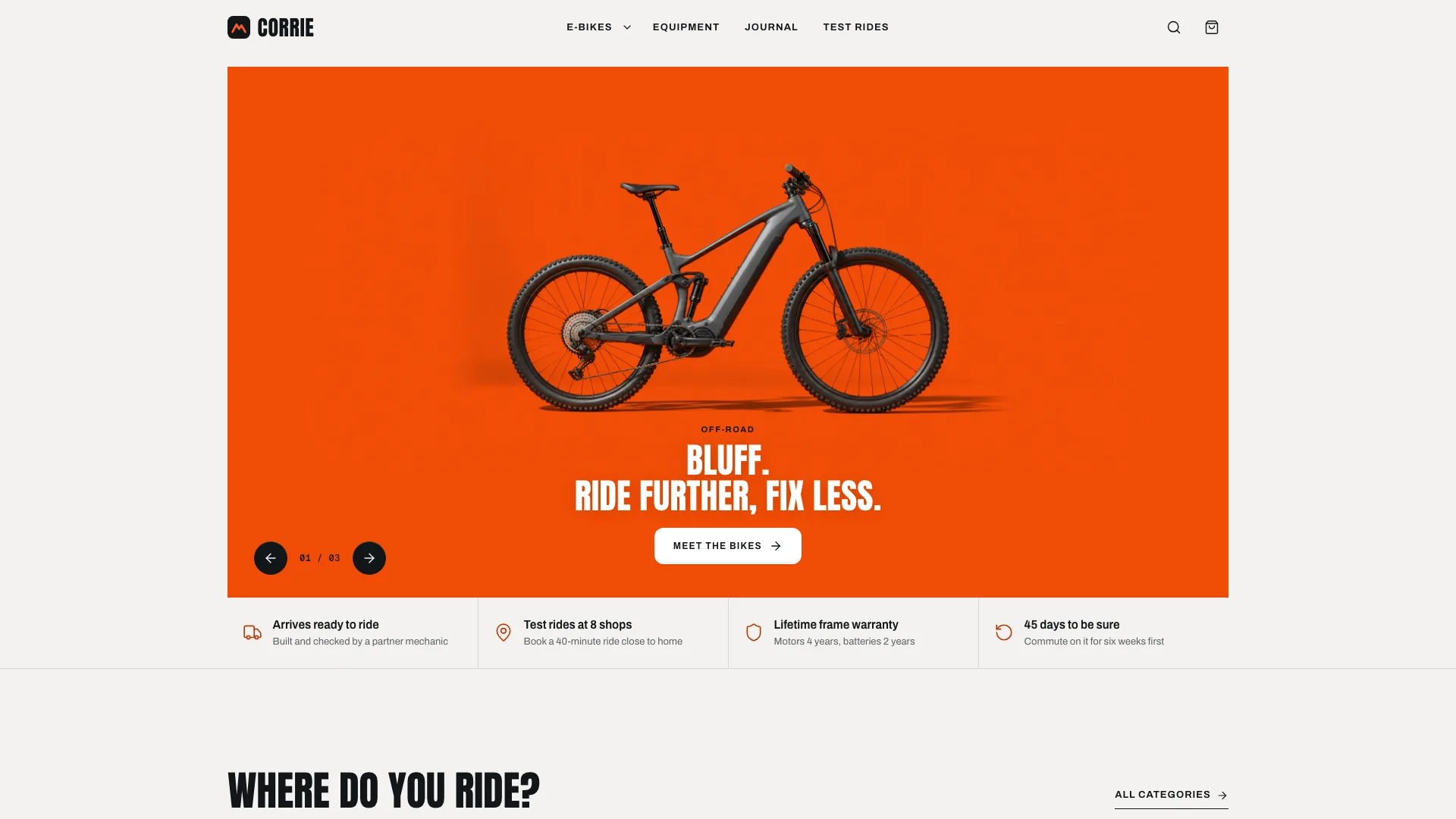
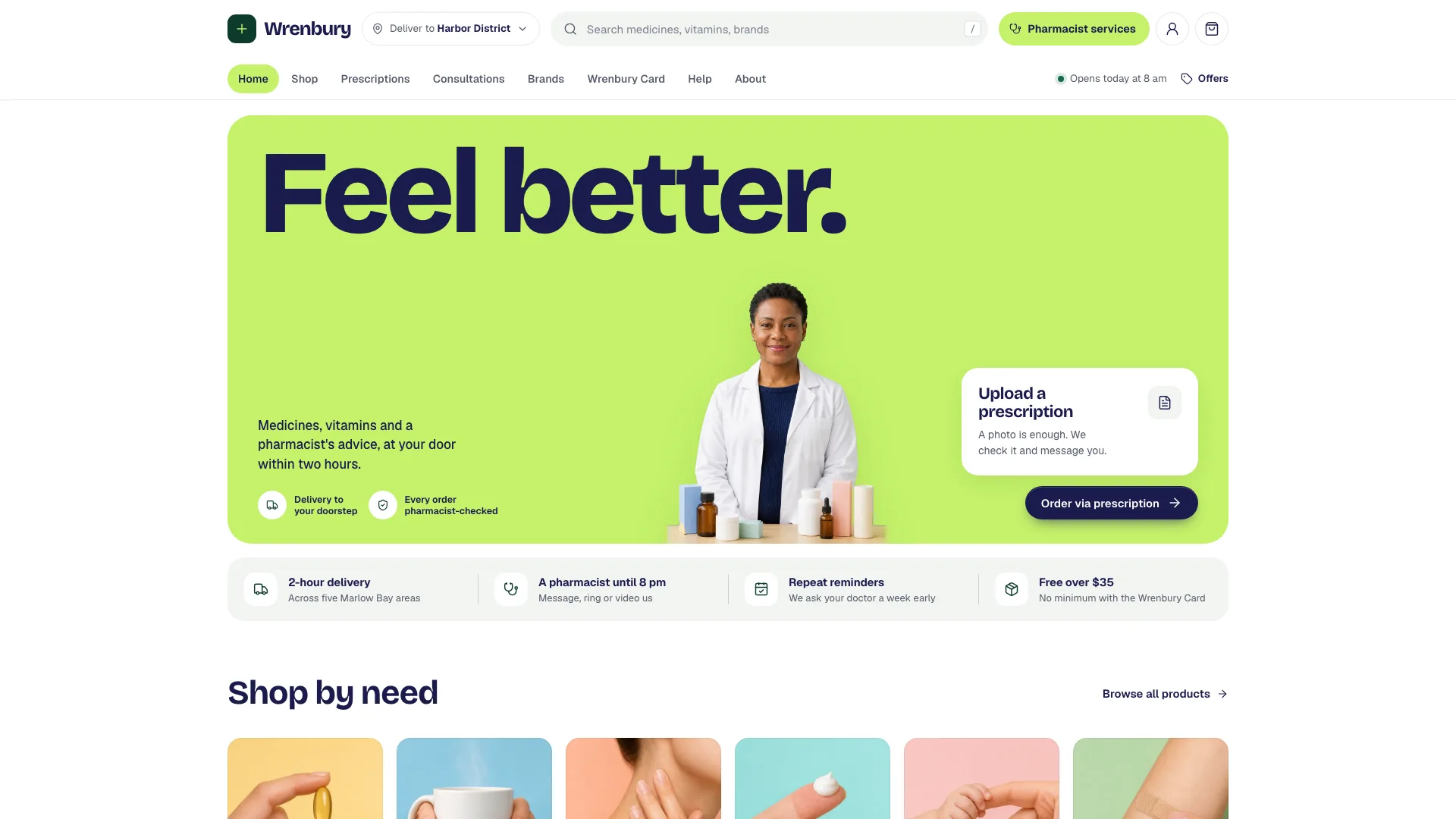
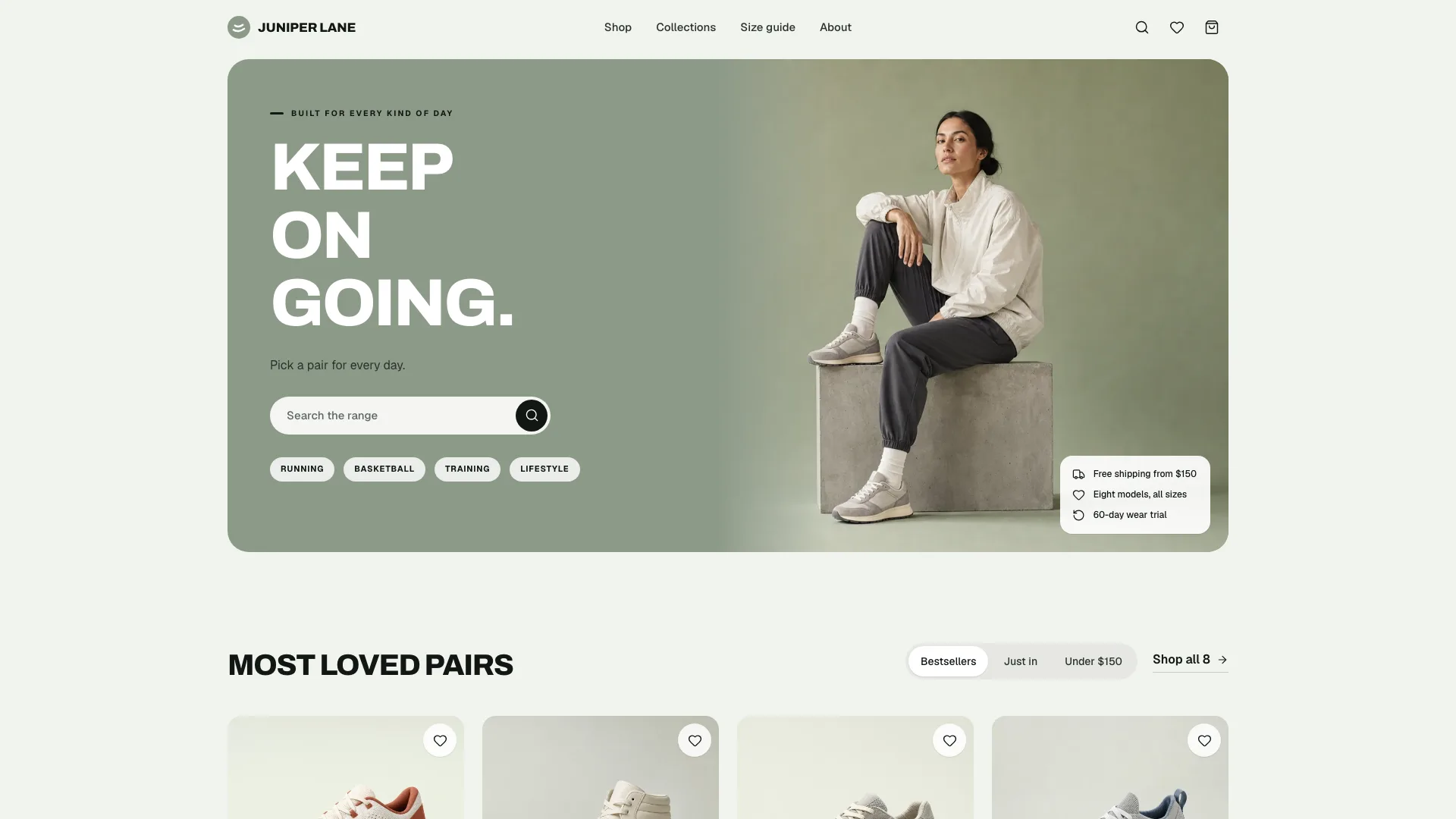
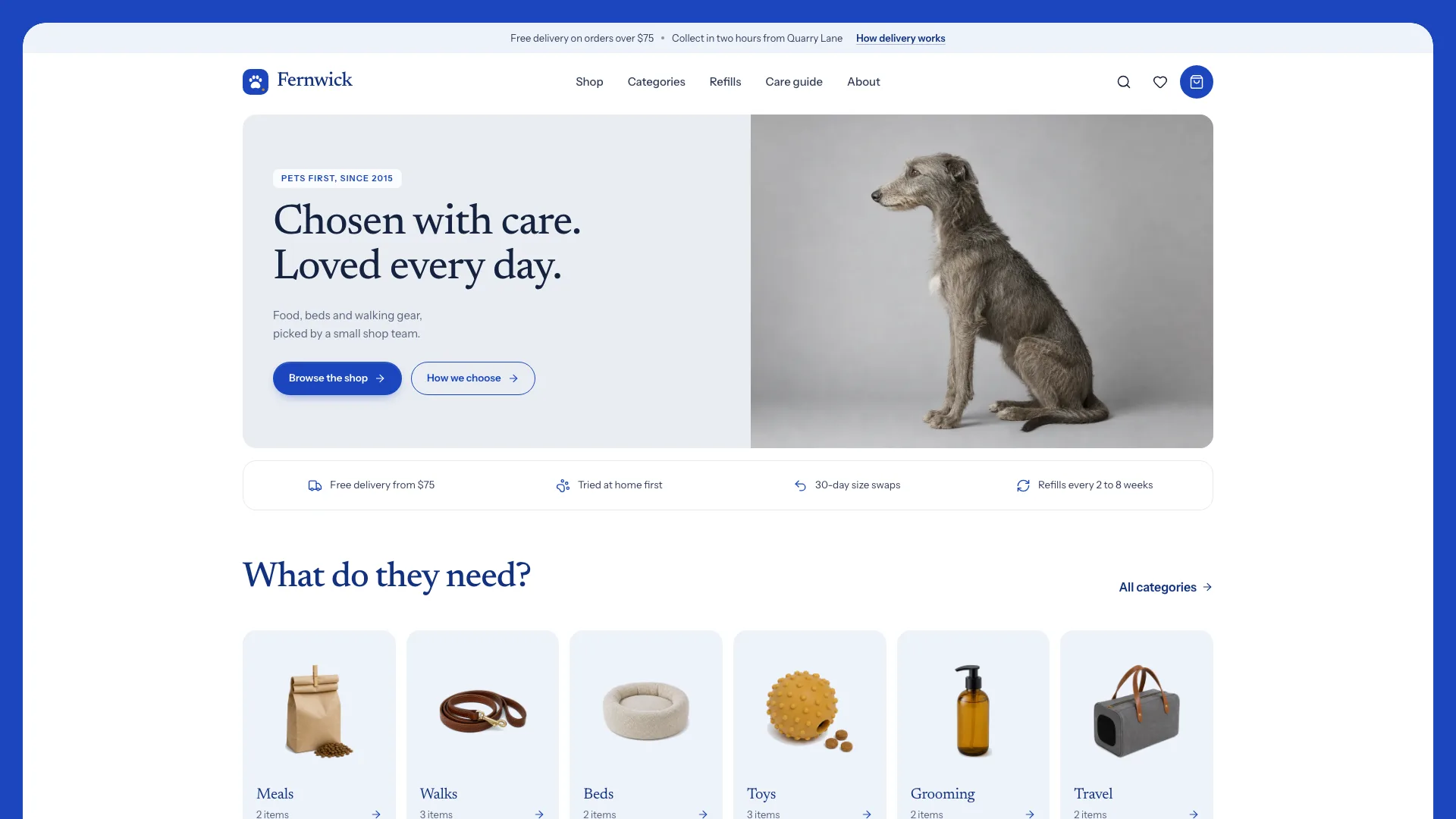
What you get
- A single offline HTML file of 31 linked routes that still reads with JavaScript off
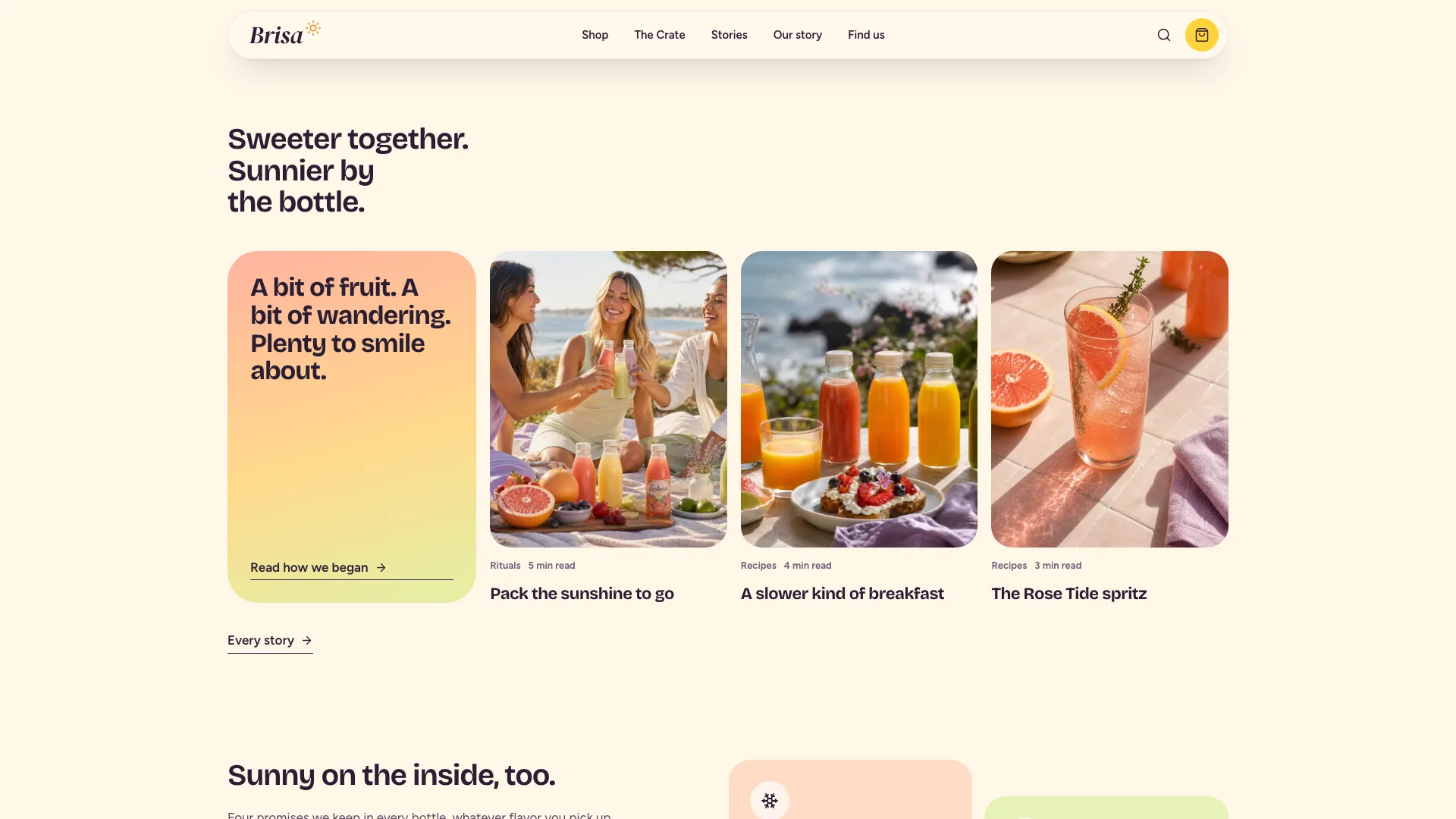
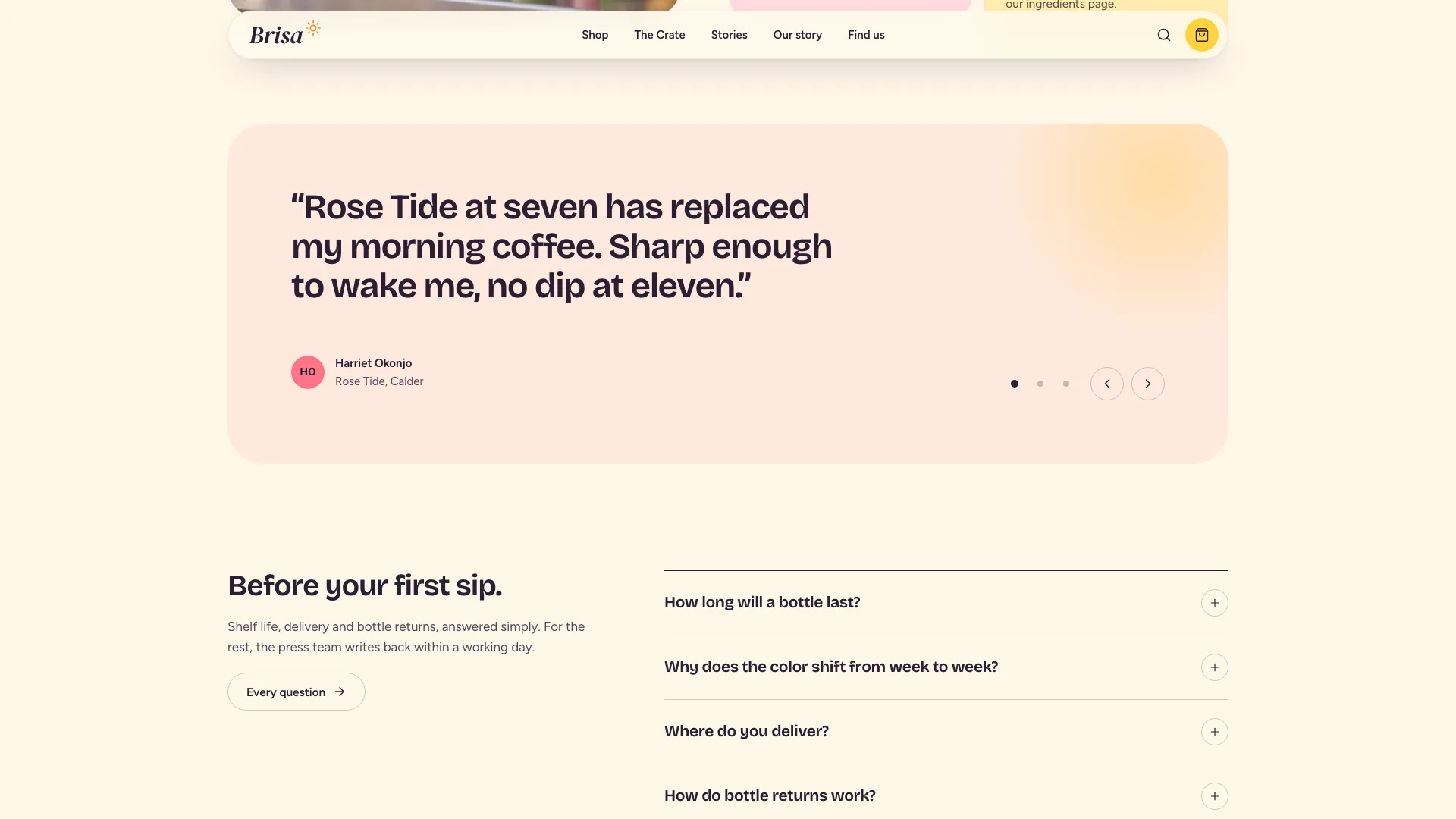
- Home: the gradient campaign hero and drifting ribbons, then a tile collage, the arched flavor rail, a tree-to-fridge ribbon, the crate teaser, stories, promises, customer notes, questions and a newsletter split
- A shop with search, collection chips, sort and an empty state, and a page for every flavor covering pack size, quantity, tabbed details, taste notes, its grower and related flavors
- Collections with their own pages, a crate builder with a running summary, a bag with deposits and a promo code, and a demo checkout bound to the delivery zones
- Our story, a growers page with a month switcher, the journal with a page per story, stockists on map pins, delivery with a ZIP checker, questions, contact, newsletter, three policies and a designed 404
- Bricolage Grotesque, Figtree and DM Serif Display Italic embedded with the icons, plus structured data of the LocalBusiness type
Good fit
- Cold-press juice makers, smoothie bars and drinks brands
- Local-delivery food makers such as coffee roasters and bakeries
- Any brand selling a short, colorful range plus a subscription
Not for
- Accepting live orders or money (the checkout only simulates them)
- Live stock levels or delivery slots pulled from a store system
- Ranges of hundreds of products
About this Skill
A brand selling a handful of bright products plus a subscription needs a site that looks like a campaign and works like a shop. From your real products, prices, growers, stories and stockists, your agent builds both into one offline HTML file of 31 routes. Visitors open on one edge-to-edge photograph of someone drinking straight from the brand's bottle against a coral, butter, lime and blush backdrop. Over it sit only a modest two-line tagline, a pair of cream ribbons whose words drift along curved paths, and a small card for the featured flavor. Further down comes the story: an uneven collage mixing colored copy tiles with photos, a coral ribbon that runs from tree to fridge with a timeline of real times, journal stories, four promises, customer notes, questions and a newsletter split. Buying runs through arched product cards on a gradient band, with filter chips and one-tap add, a crate teaser whose price updates, and a shop that searches, filters and sorts. Each flavor, collection and story has a page; on flavor pages shoppers switch pack size and quantity. Shoppers fill a crate of six or twelve in any mix and pick a real delivery day; the bag adds bottle deposits, takes a promo code and shows progress toward free delivery; the demo checkout tests the address against the delivery zones. Growers and seasons, stockists pinned on a drawn map, a delivery page that checks ZIP codes, questions, contact, newsletter and policies round it out; each form admits nothing was sent or charged.
How it works
- Collect from the brand: products with prices and pack sizes, where and when it delivers, growers, stories, stockists and how to reach it
- Fill in site.json starting from the example brief and leave out what isn't known
- Generate or bring in the photos in the image plan: the campaign portrait, a still life per product, plus pictures of daily life, the process and the place
- Run the build, which lists every gap in the brief in a single pass
- Validate: one file, a single h1 per page, no broken links, labeled controls, photos present
- At 390, 768, 1024 and 1440 px, try the rail, the filters in the shop, the pack switch, the crate builder, bag and checkout, the ZIP checker, the stockist finder and every form
- Hand over the file with a list of what the brand still has to confirm
Checked before delivery
- validate.mjs passes: single file, one h1 per page, every link resolves, no remote assets, structured data
- Every price, pack saving, delivery day, cut-off, deposit and ingredient matches the brief; no invented health, nutrition or certification claims
- Flavor rail, shop filters, pack switch, crate builder, bag with promo code, demo checkout, ZIP checker, month switcher, stockist map, FAQ search and forms work at widths of 390, 768, 1024 and 1440 px
What you need before you start
- You bring
- Brand name, wordmark, tagline, legal name, address, phone and email · Market: currency, ZIP or postcode rule, delivery zones with their days and cut-offs, delivery fee, free-delivery threshold, bottle deposit and promo code · Products with prices, pack savings, ingredients, taste, growers and, only if the maker has them, lab nutrition values; the collections they belong to · Crate sizes and prices, stories and recipes, growers and seasons, stockists with addresses and hours, FAQs, customer notes and policy text
- Dependencies
- Node.js 20 or later · Nothing to install, no keys, no network calls
- Outside costs
- None
- Last tested
- v0.1.1 — Claude Code / Codex / Cursor
User reviews
Loading reviews…
FAQ
Will an order placed at checkout reach us?
No. Checkout validates each field, assigns the address to a delivery zone and shows the order summary, then says outright that nothing was charged and no crate will arrive. A live shop needs a store backend connected.
What sets the delivery days and the prices?
Your brief: each delivery zone with its days and cut-off, pack savings, crate prices, the bottle deposit and the free-delivery threshold. The crate builder and checkout read those values, and the build never makes up a price or a claim.
What if we don't have photography yet?
Your own photos come first. If you have none, the image plan supplies a prompt for each slot, all written under one art direction.
Does it suit a coffee roaster or a bakery?
Yes. Flavors turn into coffees or bakes, collections into origins or product lines, and the crate into a subscription bag or box; the Skill says which sections to rename and which to remove.