Dot Avatar Makerv1.0.0
Use this Skill to make an avatar.
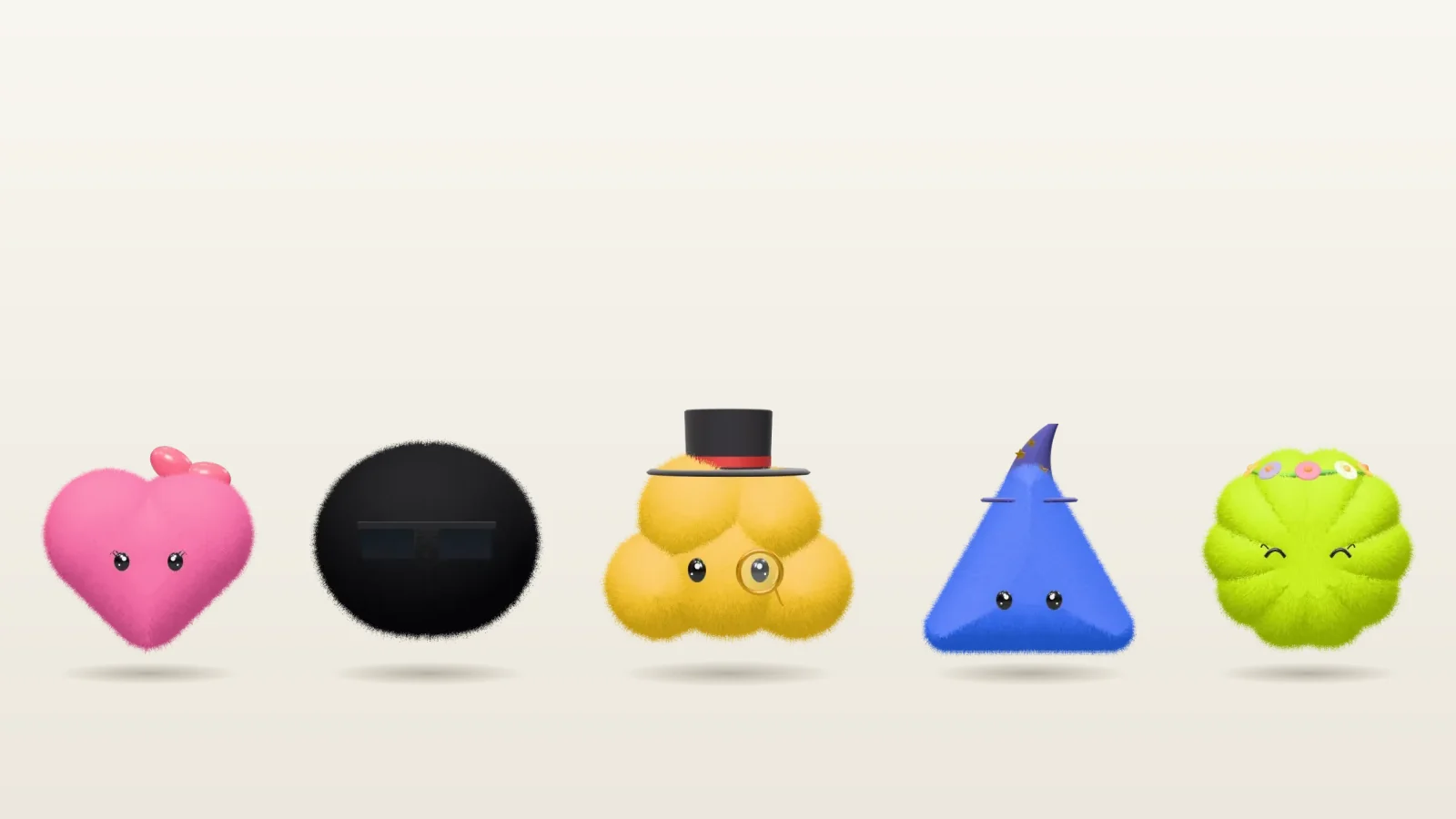
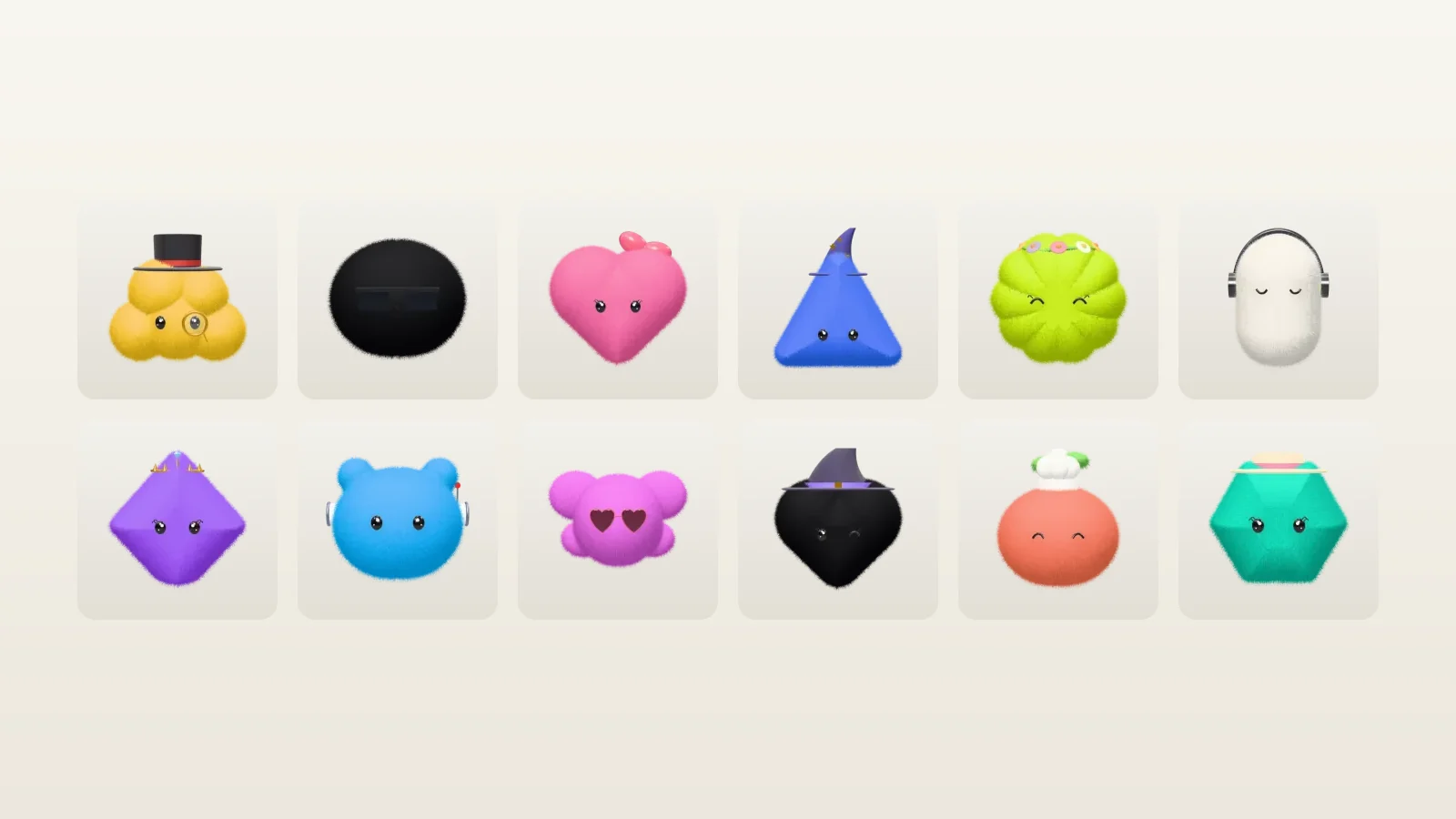
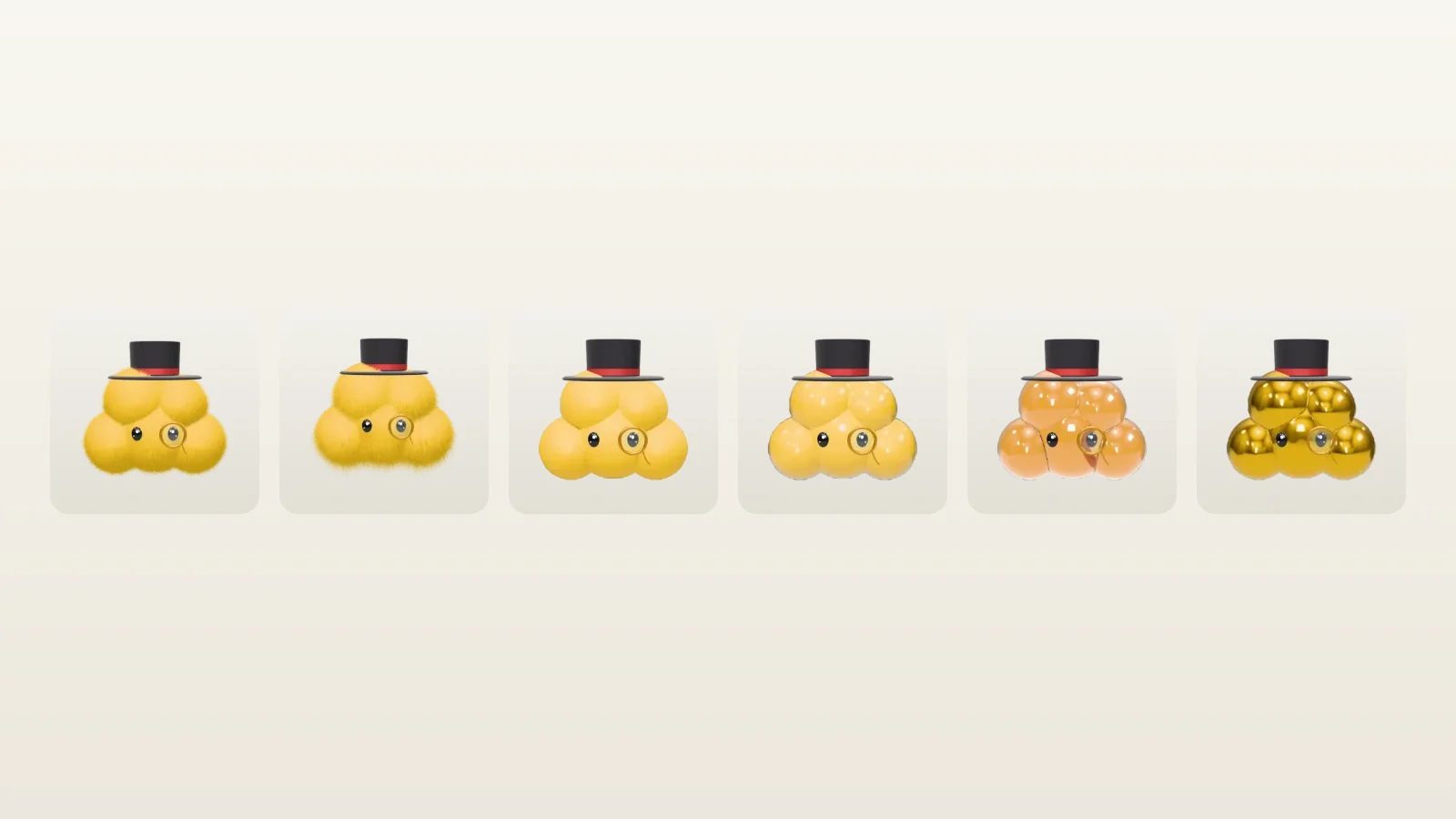
Name a round mascot in plain words and this avatar skill for Claude Fable 5 opens a 3D maker on it, with 25 forms, 32 styles and 12 materials. Save a transparent PNG or a 3D page.
Picked most often by
Updated Oct 30, 2026
Preview gallery


Similar Skills
View all
What you get
- The whole maker as a single HTML file: 25 forms, 9 named glazes or any hex color, 12 materials, 32 styles and 18 interface languages
- open-maker.mjs, which opens the maker preset to the described character and rejects any value the maker lacks
- Two downloads made in the browser: a transparent 1024 × 1024 PNG and a one-file 3D HTML page you can turn
- Notes on presets, embedding, the ready signals, self-hosting three.js and the script API inside the page
Good fit
- Profile pictures, chatbot and agent avatars, and stickers
- Little mascots for side projects, newsletters or slide decks
- Anyone after a Dots-style character who would rather not draw it
Not for
- Likenesses or photos of real people
- Characters carrying lettering, or logos
- Animation: the 3D page only has gentle idle motion
About this Skill
Ask for "a teal cat in felt wearing a chef hat" or "a glass robot for our help desk" and your Fable 5 agent turns those words into a form, a color, a material and a style, then opens the Dot Avatar Maker with that exact character on stage. Drag it to look from any side, change whatever you like across four steps, and save either a 1024 × 1024 PNG on a transparent background or a single HTML page where the character can be turned in 3D. three.js draws and lights it in your own browser, so there is no image model, no upload and no credit to spend. The interface comes in 18 languages, and since the maker ships as one HTML file, you can put it on your own site as well.
How it works
- Turn the request into form, color, material and style, passing only what was asked
- Pass those values to scripts/open-maker.mjs, which validates them and opens the maker
- Fine-tune in the browser if needed and download the PNG or the 3D page
- For a variation, run it again with different values
Checked before delivery
- The maker opens on exactly the form, colour, material, style and gender the person asked for
- Every value passed to scripts/open-maker.mjs is one the maker knows; anything else is refused with the list of valid values
- The PNG downloads at 1024 × 1024 with a transparent background, and the HTML opens in 3D from a local file
What you need before you start
- You bring
- A short description of the character: its form, colour, material and style (any of them can be left out) · Optional: the interface language, the step to open on, and where to keep the page
- Dependencies
- Node.js 18 or later · A WebGL-capable browser · A connection when the page opens (jsDelivr serves three.js)
- Outside costs
- None
- Last tested
- v1.0.0 — Claude Code / Codex / Cursor / GitHub Copilot / OpenCode
User reviews
Loading reviews…
FAQ
Can I put the maker on my own website?
Yes. The Skill includes the complete maker as one file you can host anywhere, plus the instructions and a script that let your agent open it on the character you describe.
Do I need an image API key or credits?
No. The character is built and lit by three.js in your own browser. No AI image is generated and nothing leaves your machine.
What exactly comes out of the download?
Either a 1024 × 1024 PNG, cropped close on a transparent background without a floor shadow, or a single HTML file that fills the screen with the character in 3D. That page pulls three.js from a public CDN, so opening it requires internet access.
Which agents can run it?
Any agent that can execute a Node.js script, for example Claude Code, Codex, Cursor, GitHub Copilot or OpenCode.