Cutout Press Deckv0.1.1
Use this Skill to make a presentation.
- Yours to keep: the files stay on your computer.
- Payment by Waffo Pancake, our merchant of record.
- 38 free Skills to try first
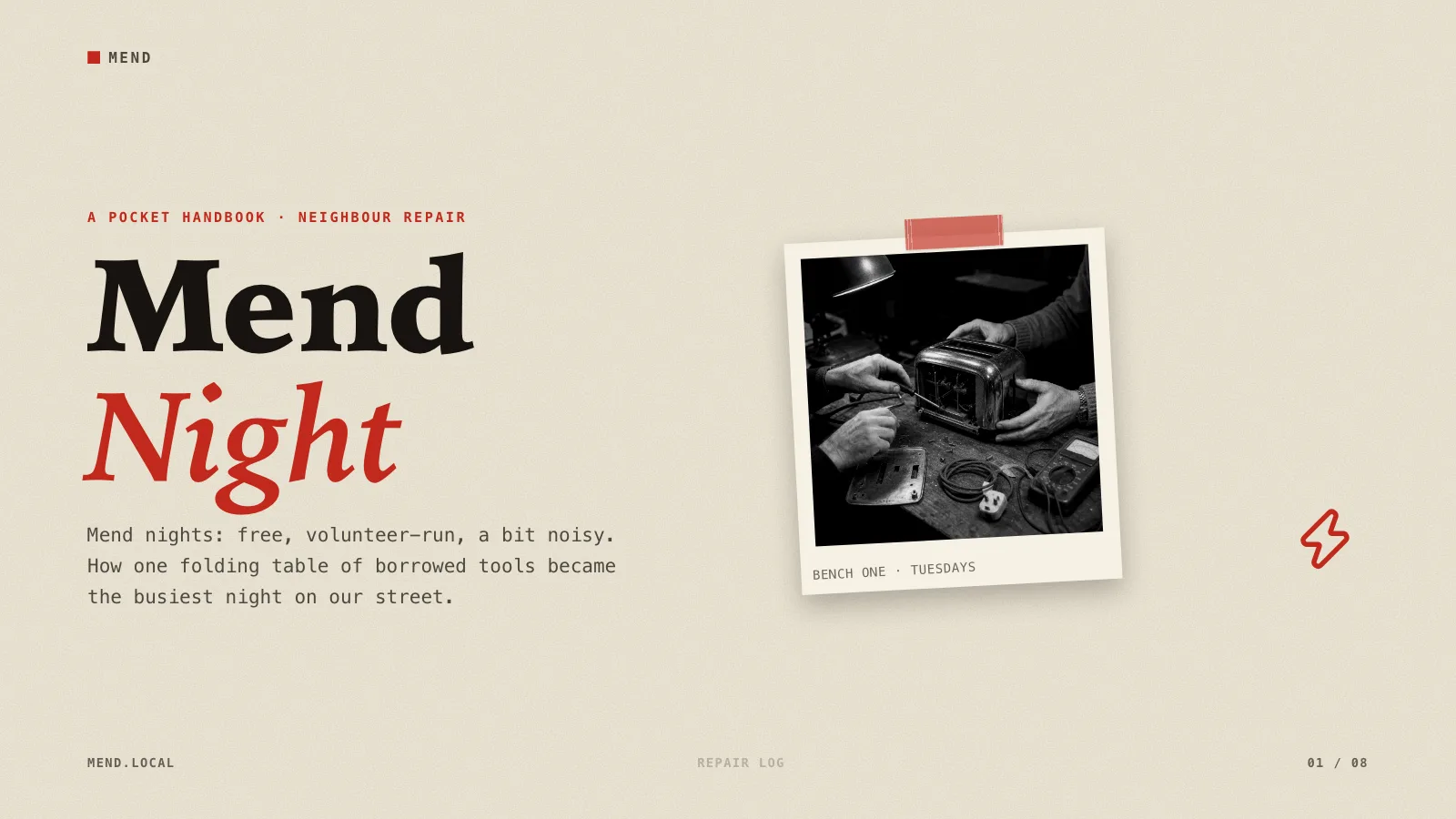
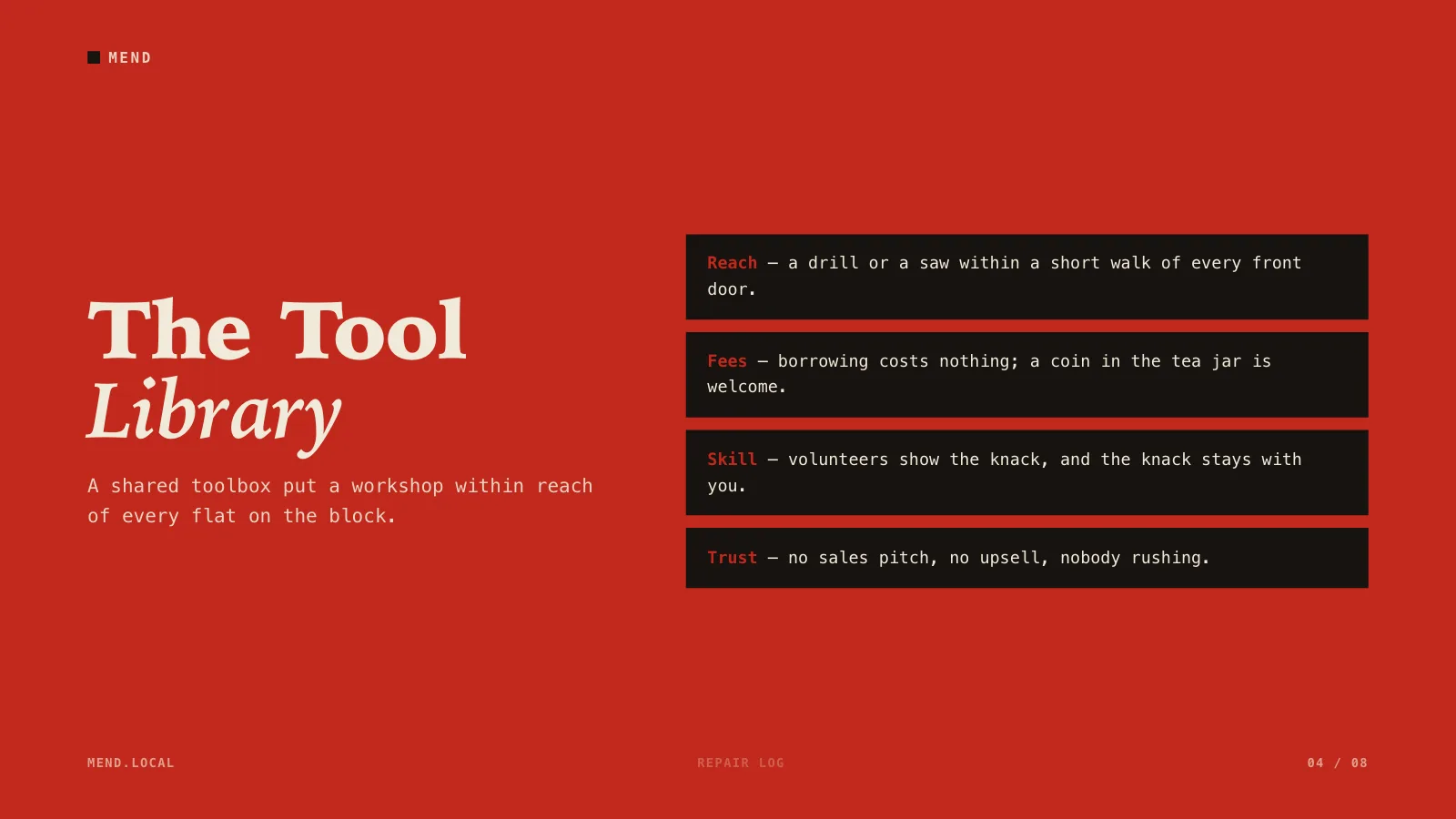
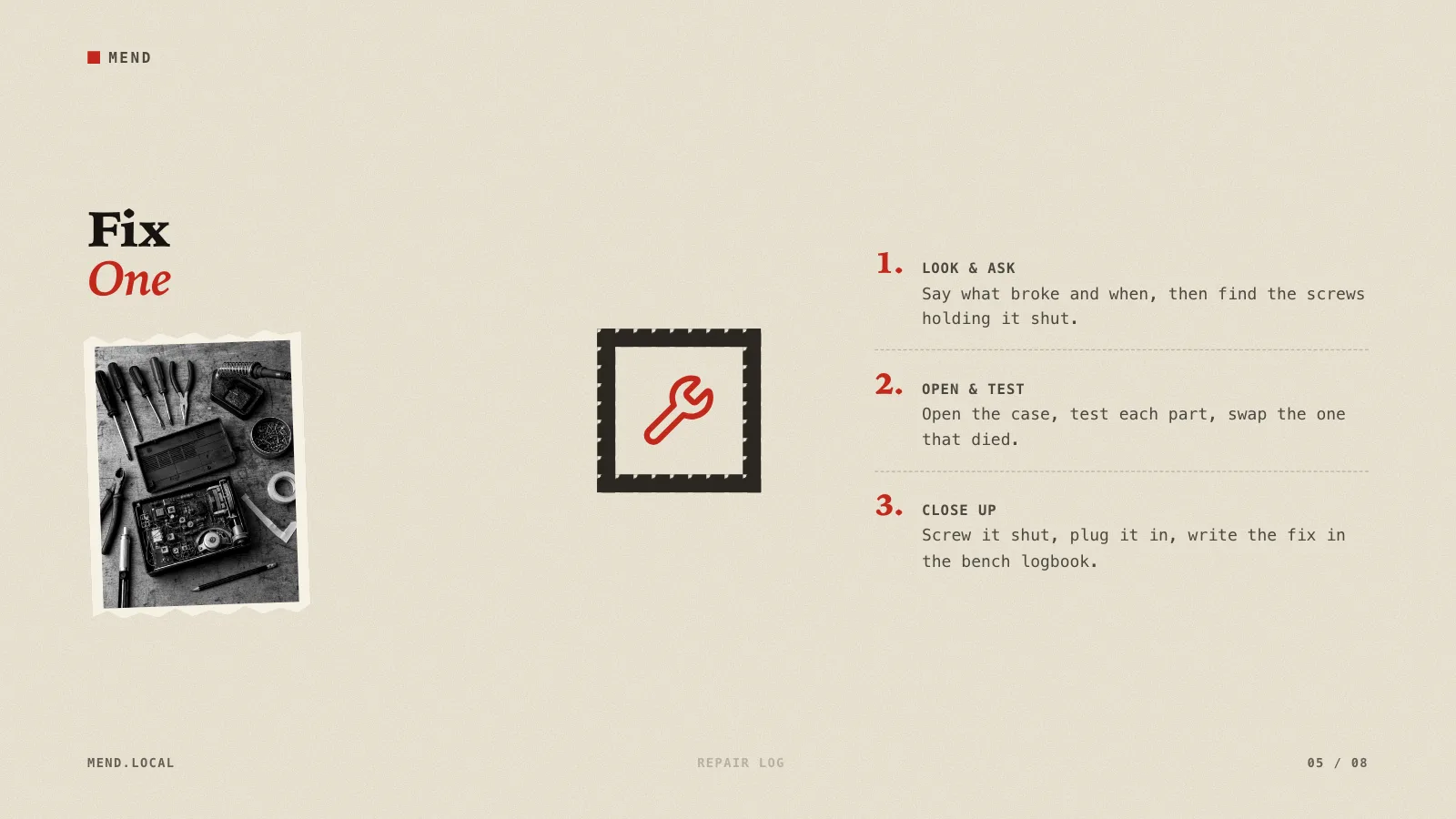
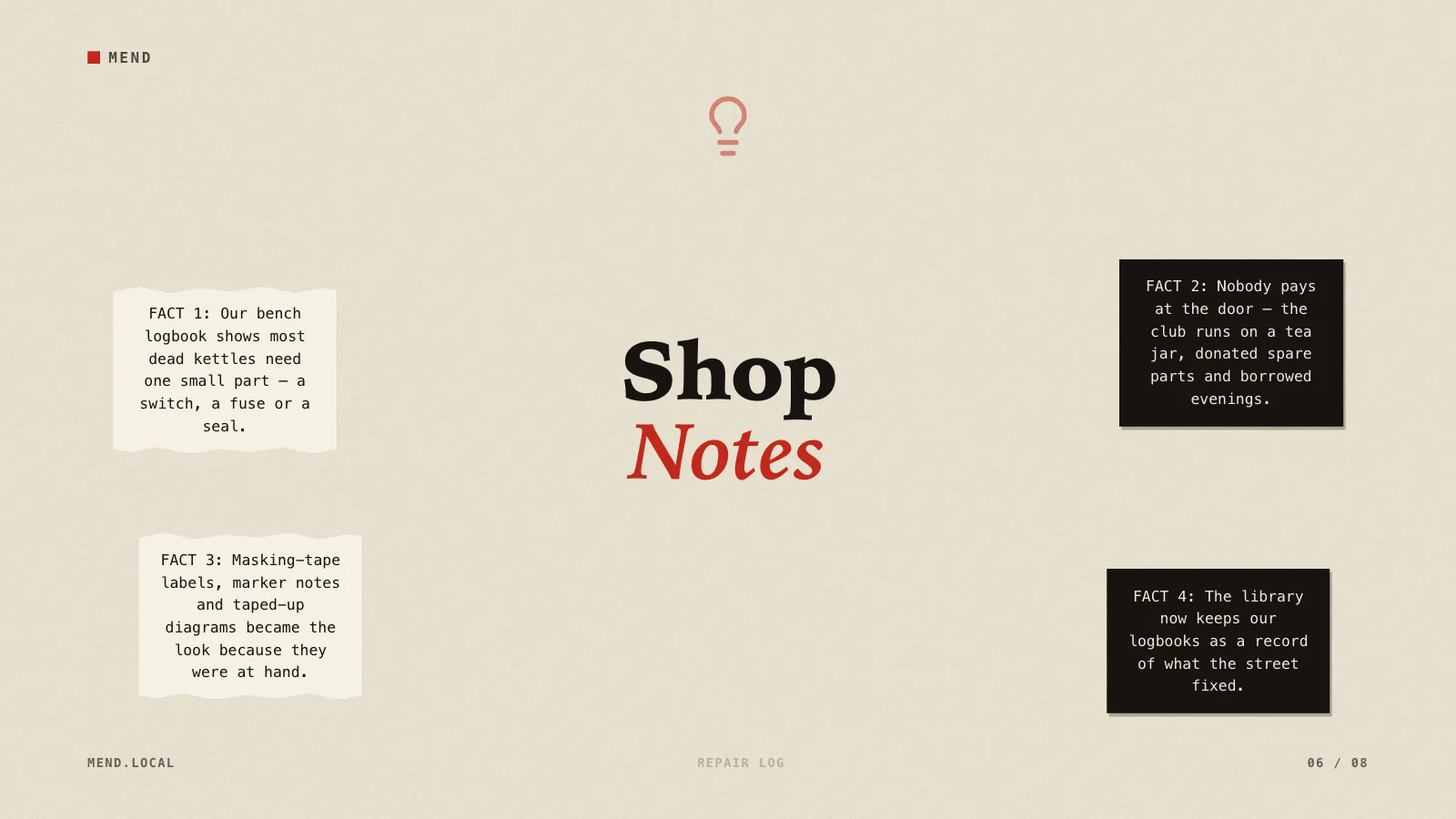
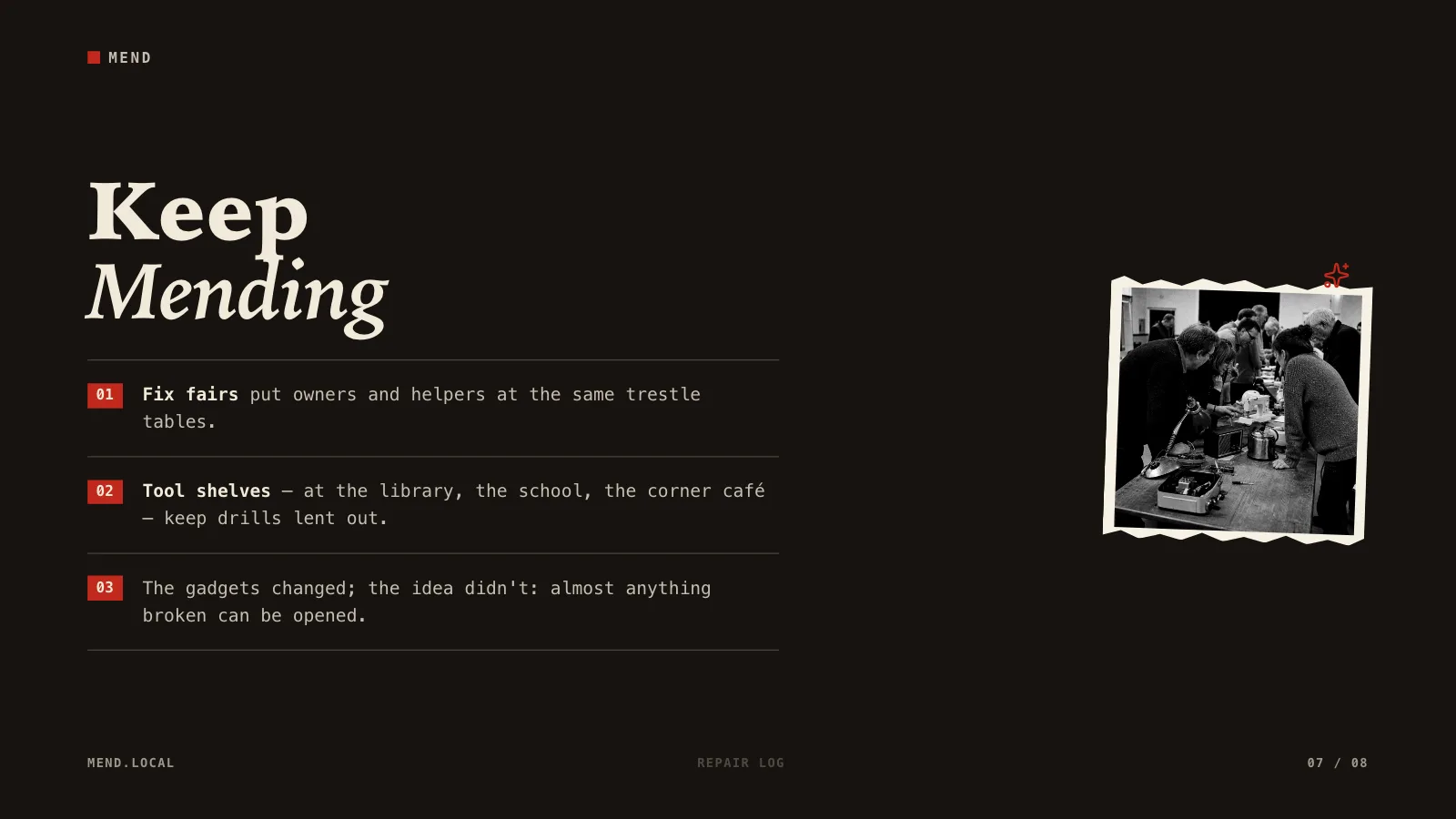
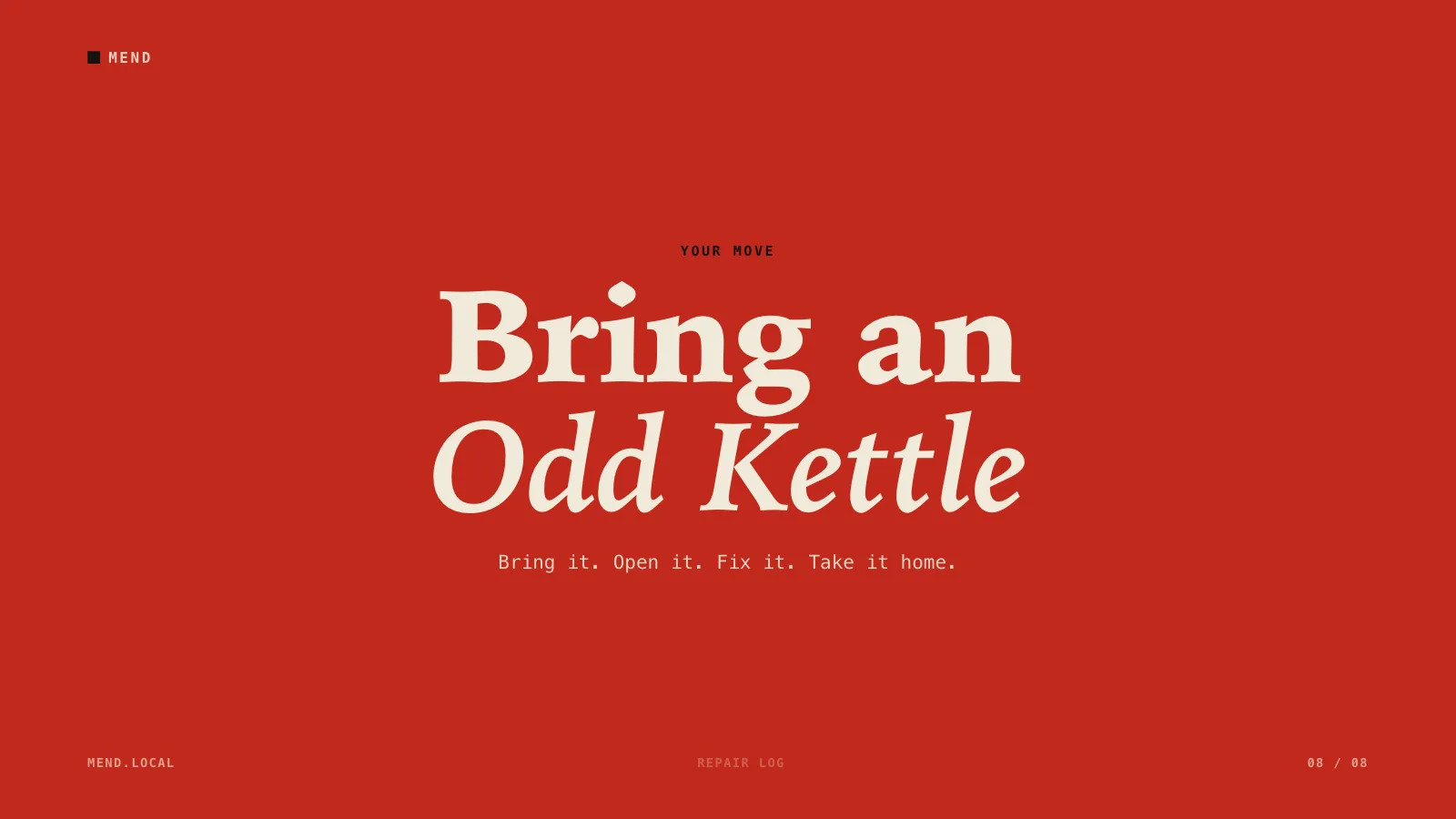
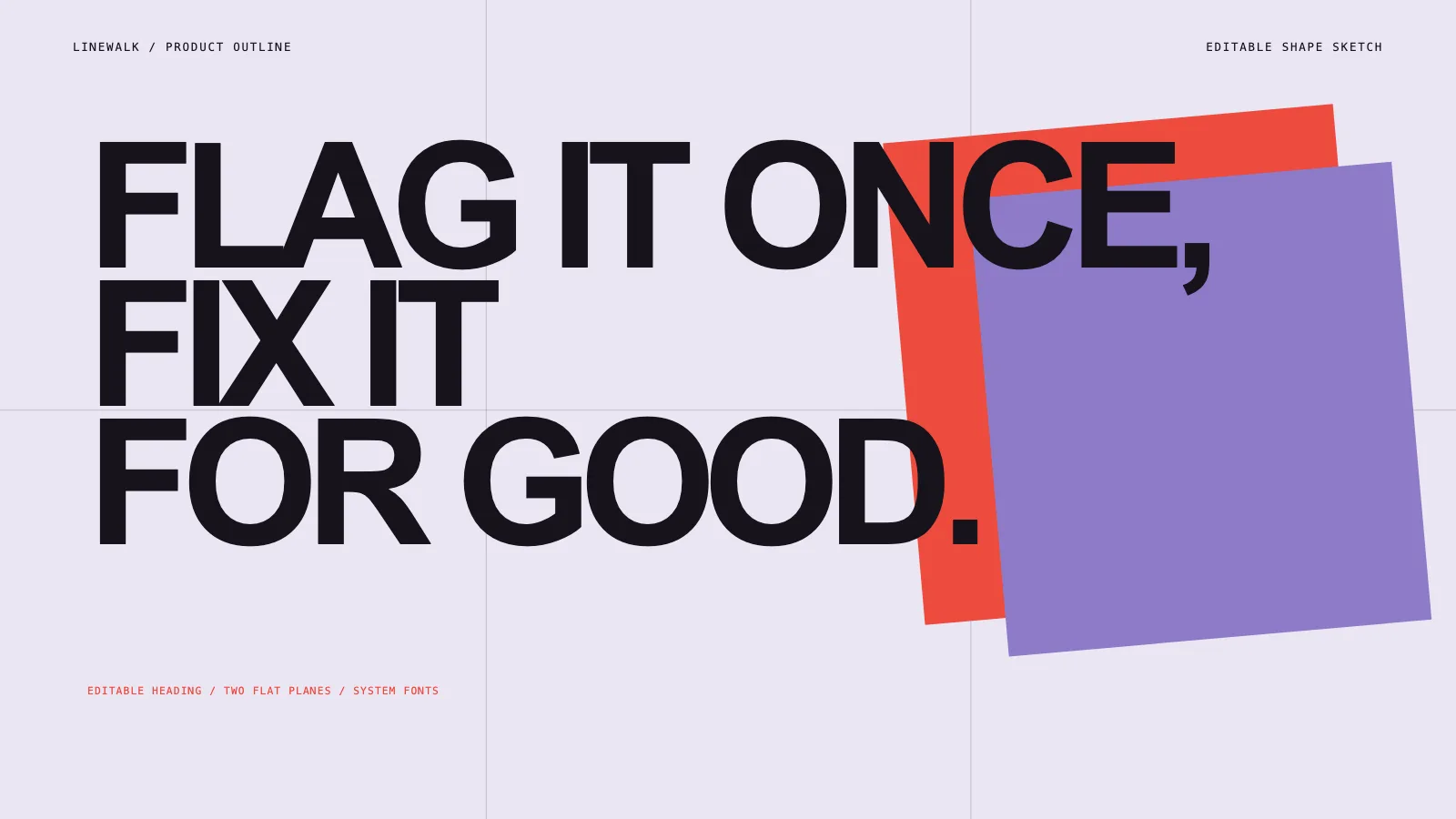
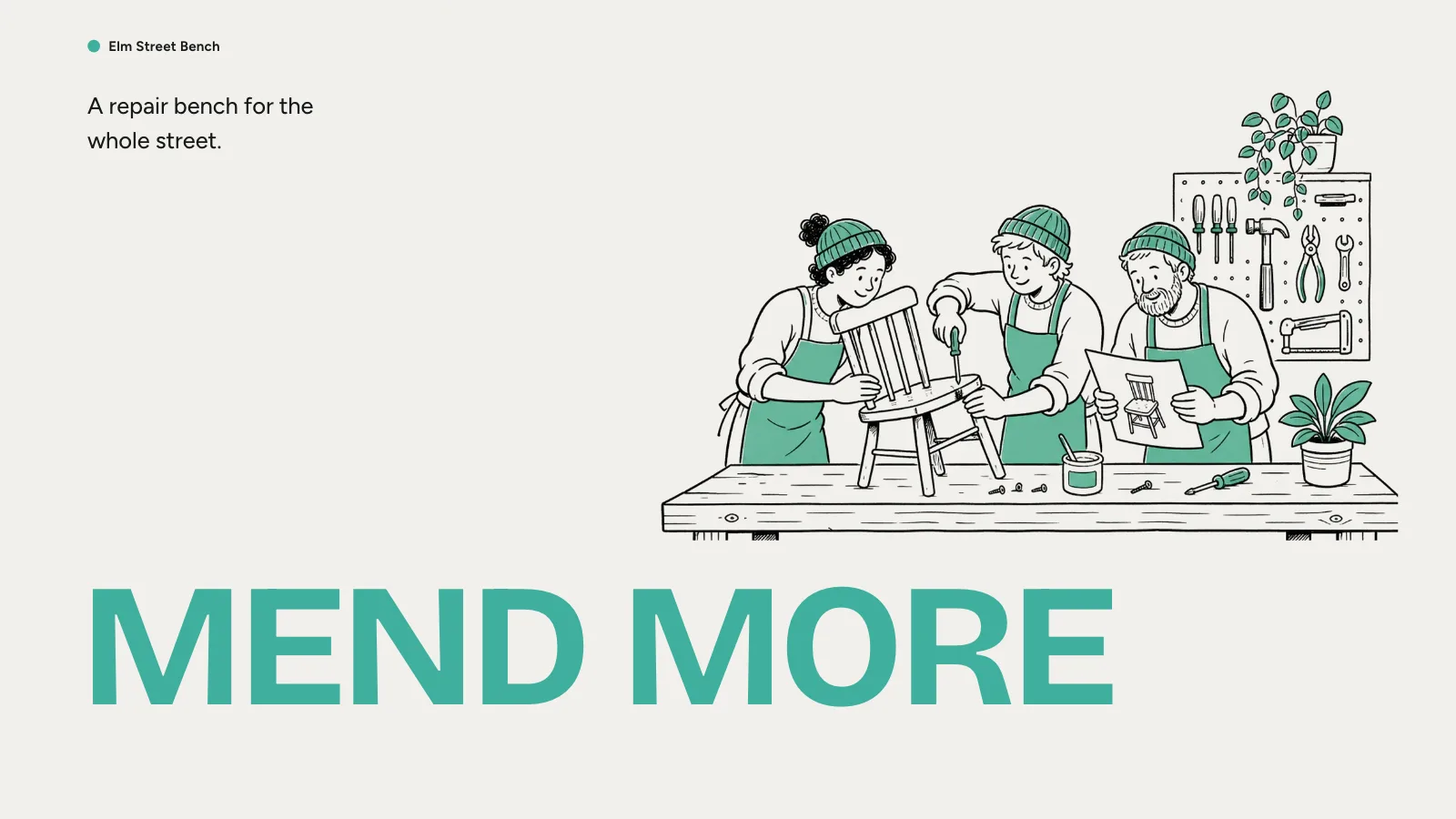
A slide skill for Claude Fable 5 that looks like a hand-made pamphlet: cream, black and poster-red pages, taped monochrome photos, two-tone serif titles and typed notes, at your page count.
Picked most often by
Updated Nov 7, 2026
Preview gallery


 FAL
Similar Skills
View all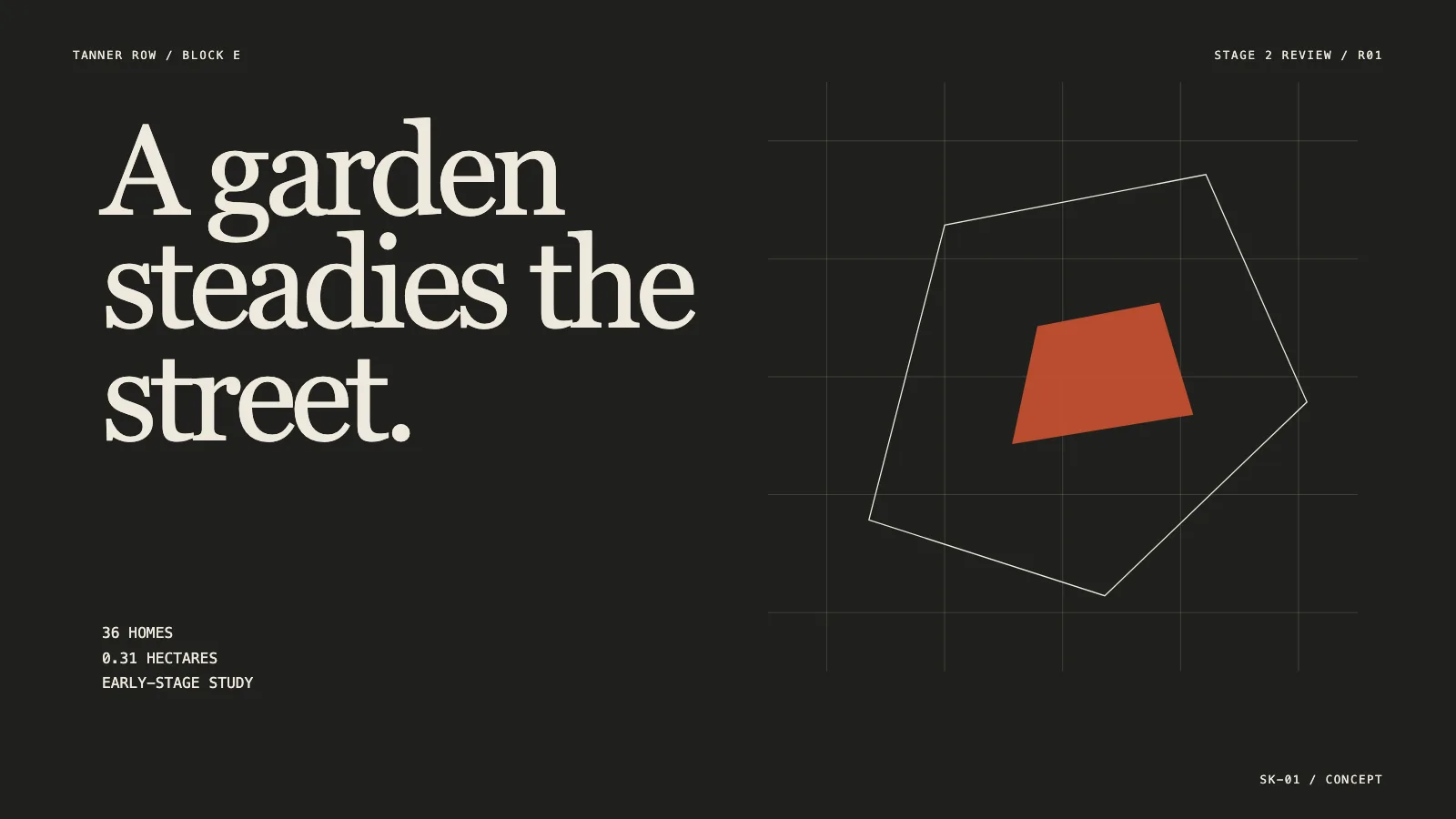





What you get
- A pamphlet-style deck at whatever page count you request, plus a complete sample deck showing the look
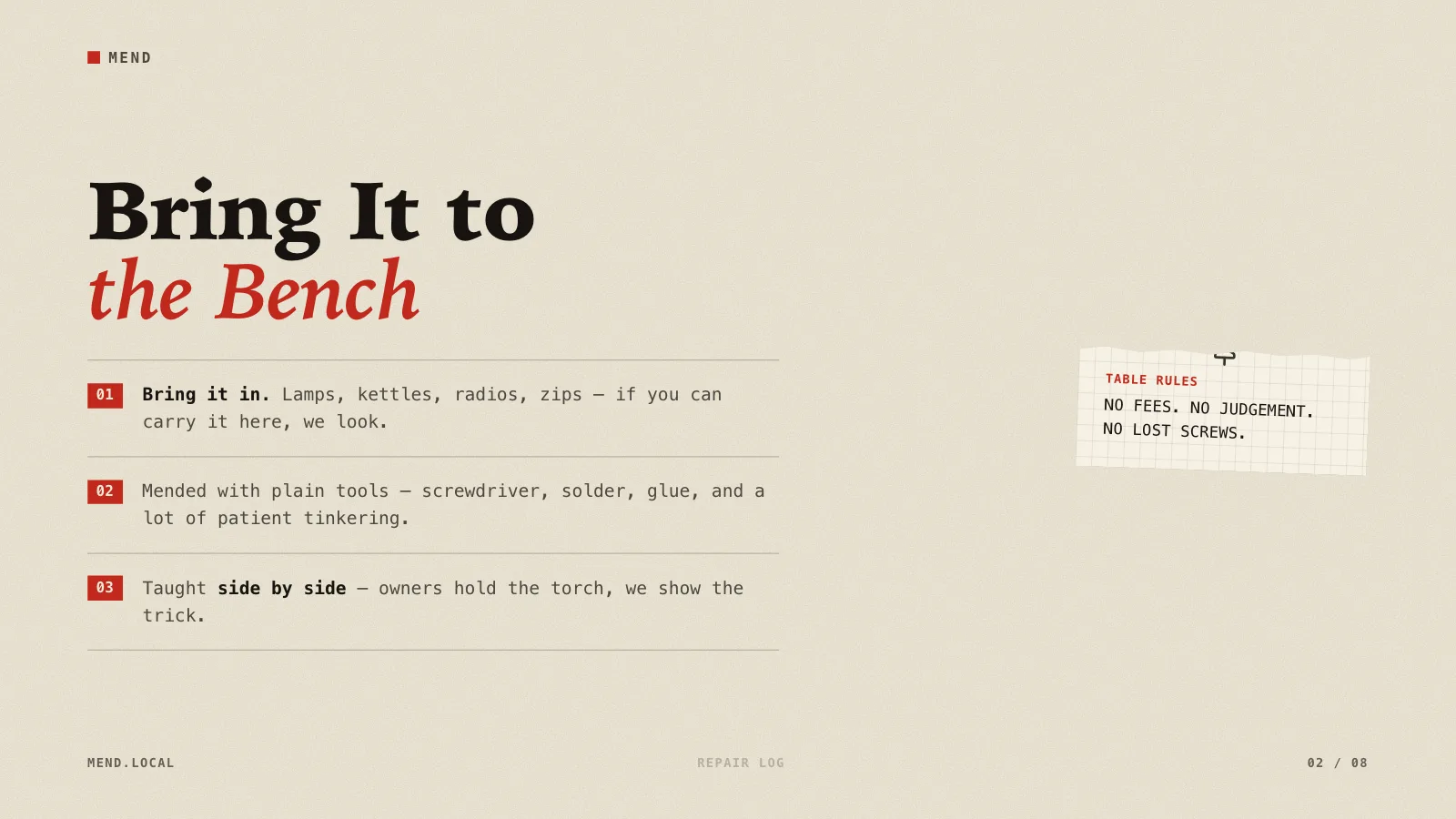
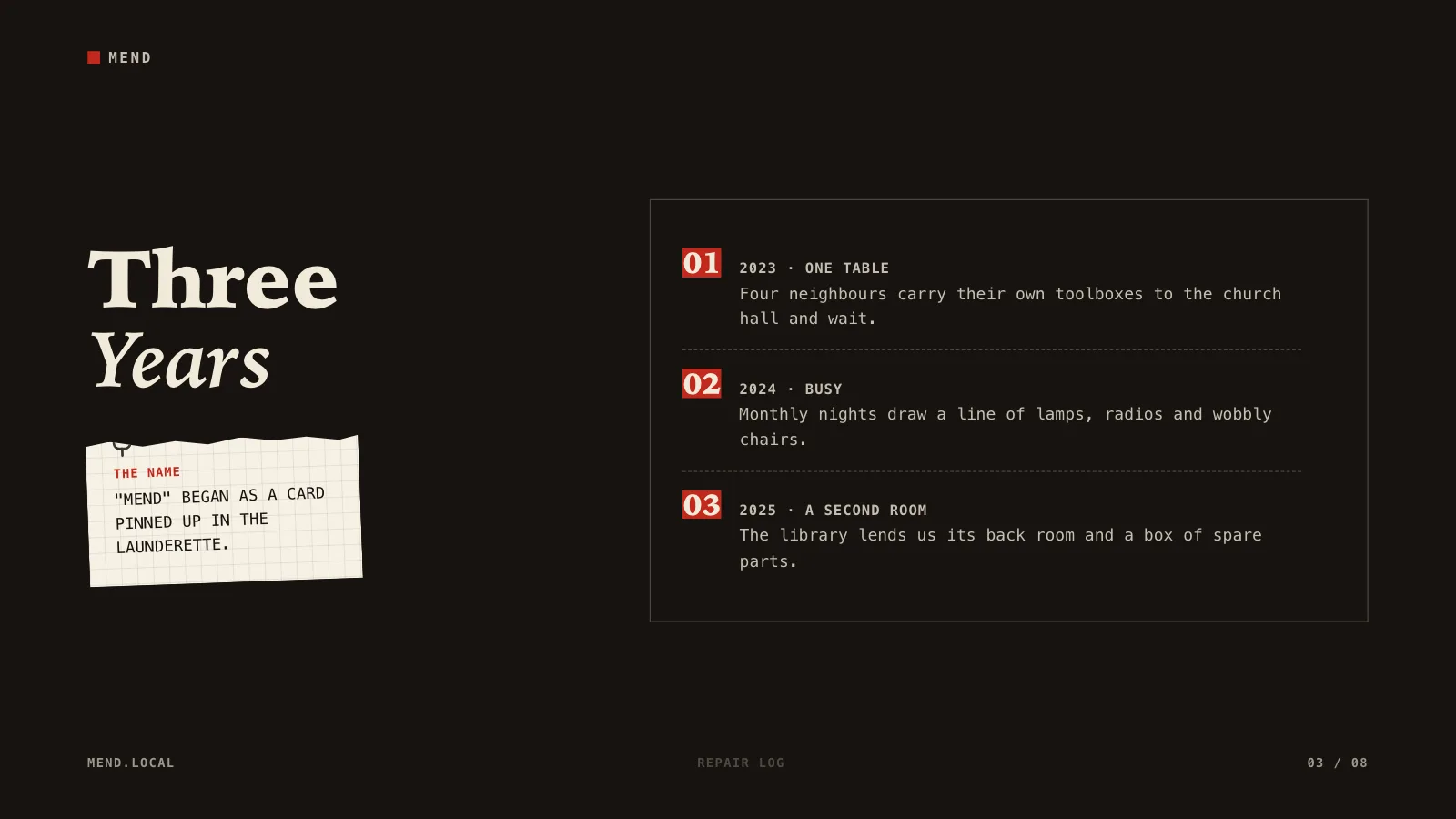
- Eight page recipes: cover, numbered list, timeline, statement, steps, fact cluster and a closing call to act
- A single offline HTML file with a page overview, presenting mode, speaker notes and pages ready to print
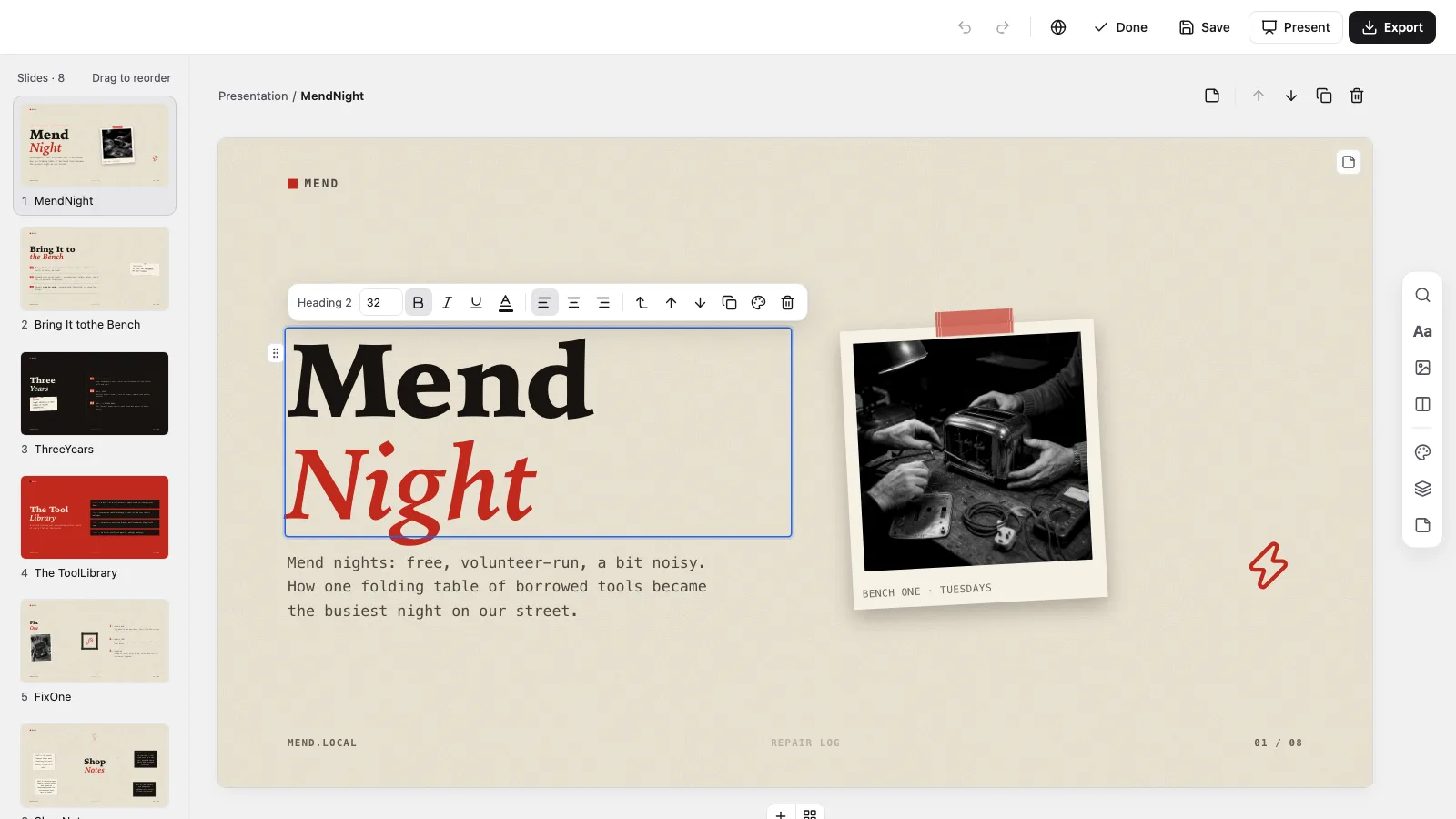
- An in-browser editor for wording, photos, colours and page order, exporting editable PowerPoint and PDF
Good fit
- Reports to clients and partners on neighbourhood, arts and event work
- Creative pitches and first concept rounds that should feel made by hand
- Festival round-ups, campaign stories and notes from field research
Not for
- Decks bound to a company colour scheme: the cream, black and red set cannot be changed
- Researching topics or checking claims that nobody has backed up
- Decks that need native PowerPoint shapes everywhere: text and notes export editable, but backgrounds and ornaments come over as images
About this Skill
Cutout Press Deck is a presentation skill for Claude Fable 5 that lets a report or pitch read like a small print run made by hand: newsprint cream, solid black and poster red take turns as page grounds, titles split across black and italic red serif lines, and instant photos sit under strips of tape beside torn scraps, graph-paper notes, red number tabs and little ink sketches. The three colours are fixed so no page drifts off style, each title, note and photo remains its own editable piece, and you polish everything in the browser before exporting PowerPoint or PDF.
How it works
- Settle the brief: subject, listeners, the facts and photos you can back, how many pages and which language
- Give every page one job, a recipe from the style kit and one of the three page grounds
- Pick photos from the style library, have new monochrome ones made for your topic, or use your own
- Compose and build, run the deck checker, open each page to test editing and presenting, then hand over the one file
Checked before delivery
- check-deck.py passes with the agreed page count and the style kit
- Every page keeps the chrome, content and foot bands, the paper grain, the locked triad and the surface rotation
- Every title, list item, note, card, photo and doodle stays independently editable
- No example text or pictures left unless the user keeps them
What you need before you start
- You bring
- Presentation topic, audience and the real facts, figures and photos to show · Agreed page count and the language of the slides · Optional photos the user has rights to, or a choice of library pictures or generated ones
- Dependencies
- You supply the subject, the audience, your sources and photos, the page count and the language · Python 3 with a current browser; Node.js 20+ only when using library pictures or making new ones · Fresh photos are optional and charged by your image provider; decks build fine without them
- Outside costs
- Optional FAL_KEY for generated pictures
- Last tested
- v0.1.1 — Claude Code / Codex / Cursor
User reviews
Loading reviews…
FAQ
Can I pick my own topic and page count?
Yes. The visual rules hold while the wording fits the exact number of pages you name. If you give no number, the agent suggests one from your material, most often six to ten pages. The sample's eight pages are not a default and not a cap.
Can the deck use my brand colours?
No. The cream, near-black and red set stays fixed because all three page grounds are built from it. You can still place your own name and mark in each page header and your own address in each footer.
Can I edit it and open it in PowerPoint?
Yes. The deck comes with a built-in editor for wording, photos, page order and colours. Export to PowerPoint, where text and speaker notes remain editable while backgrounds and ornaments arrive as images, or print a PDF.