Ordwell Admin Kitv0.1.1
Use this Skill to build a product website.
- Yours to keep: the files stay on your computer.
- Payment by Waffo Pancake, our merchant of record.
- 38 free Skills to try first
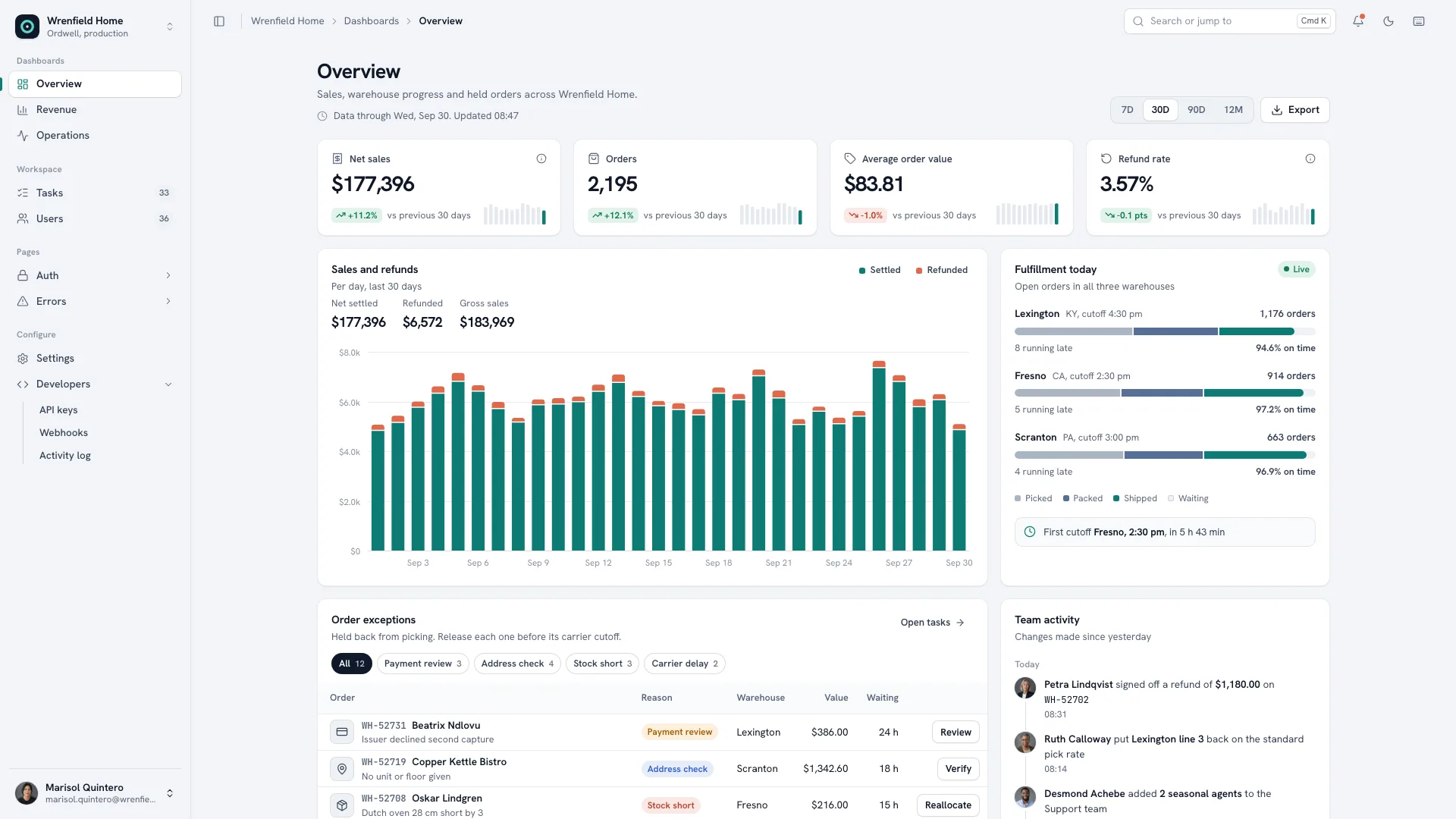
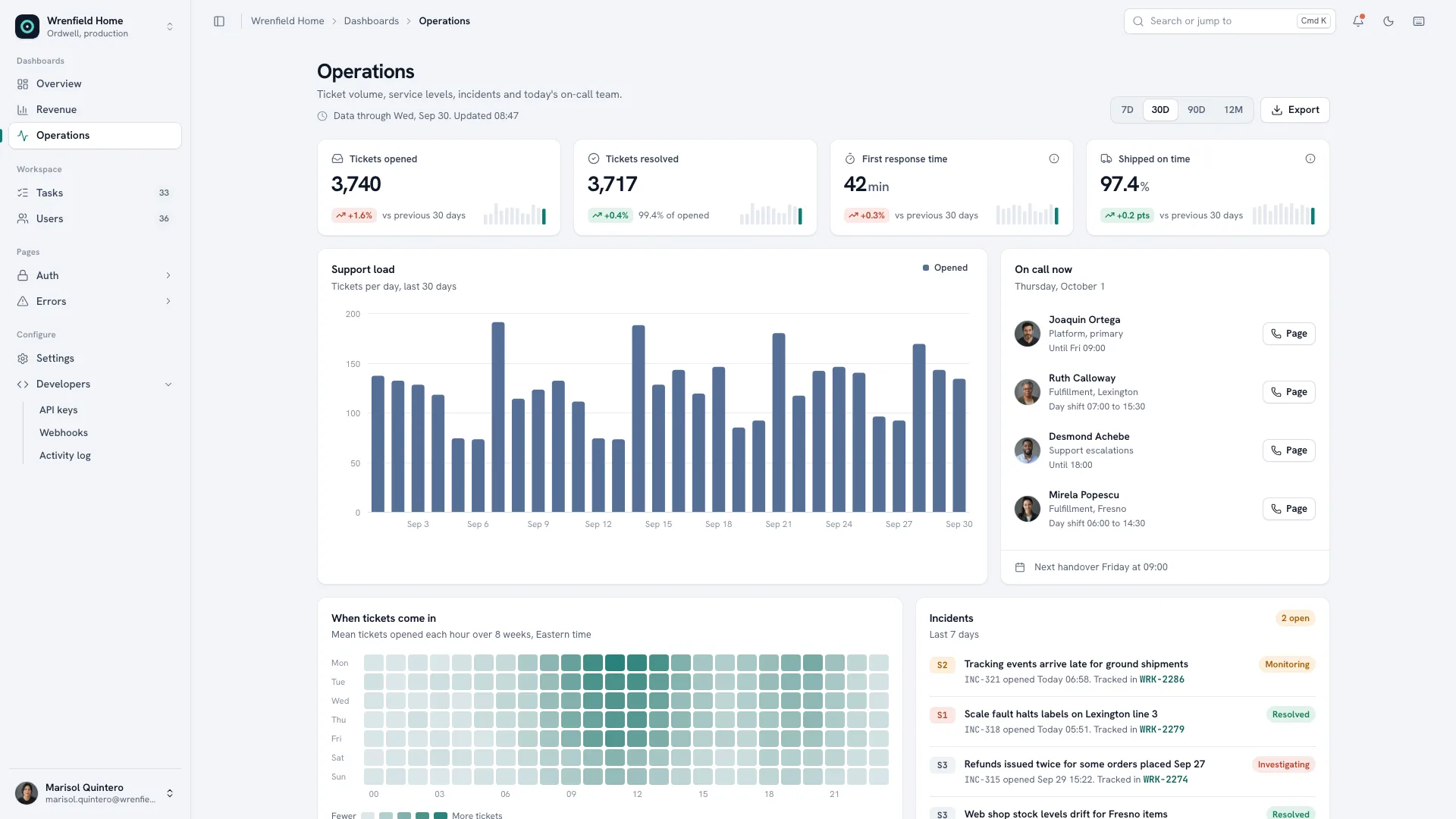
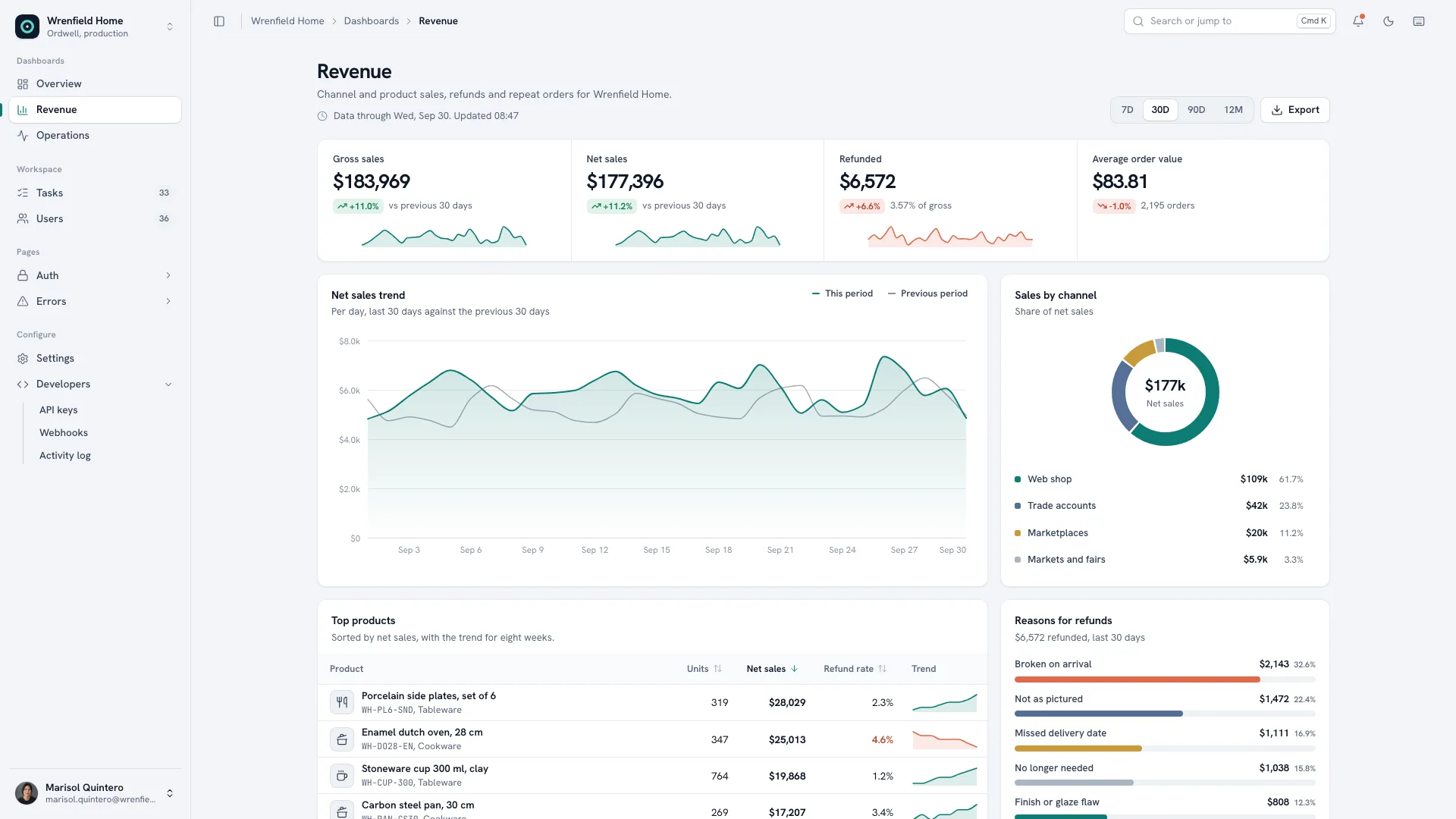
A web design skill for Claude Fable 5 for back-office consoles in calm slate: boards that track a date range, tables that really work, settings and developer pages, sign-in and error screens.
Picked most often by
Updated Nov 7, 2026
Preview gallery


Similar Skills
View all
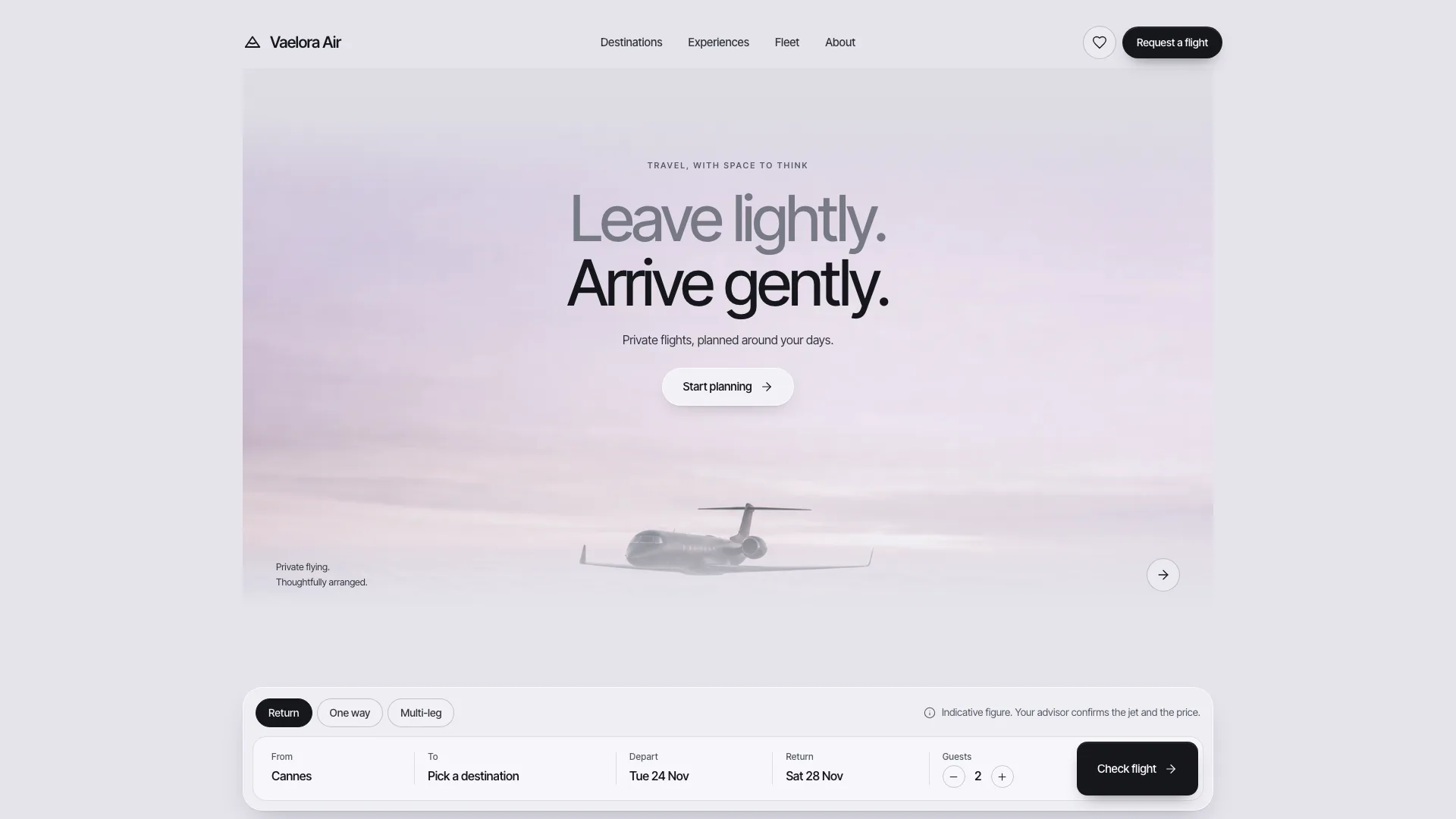
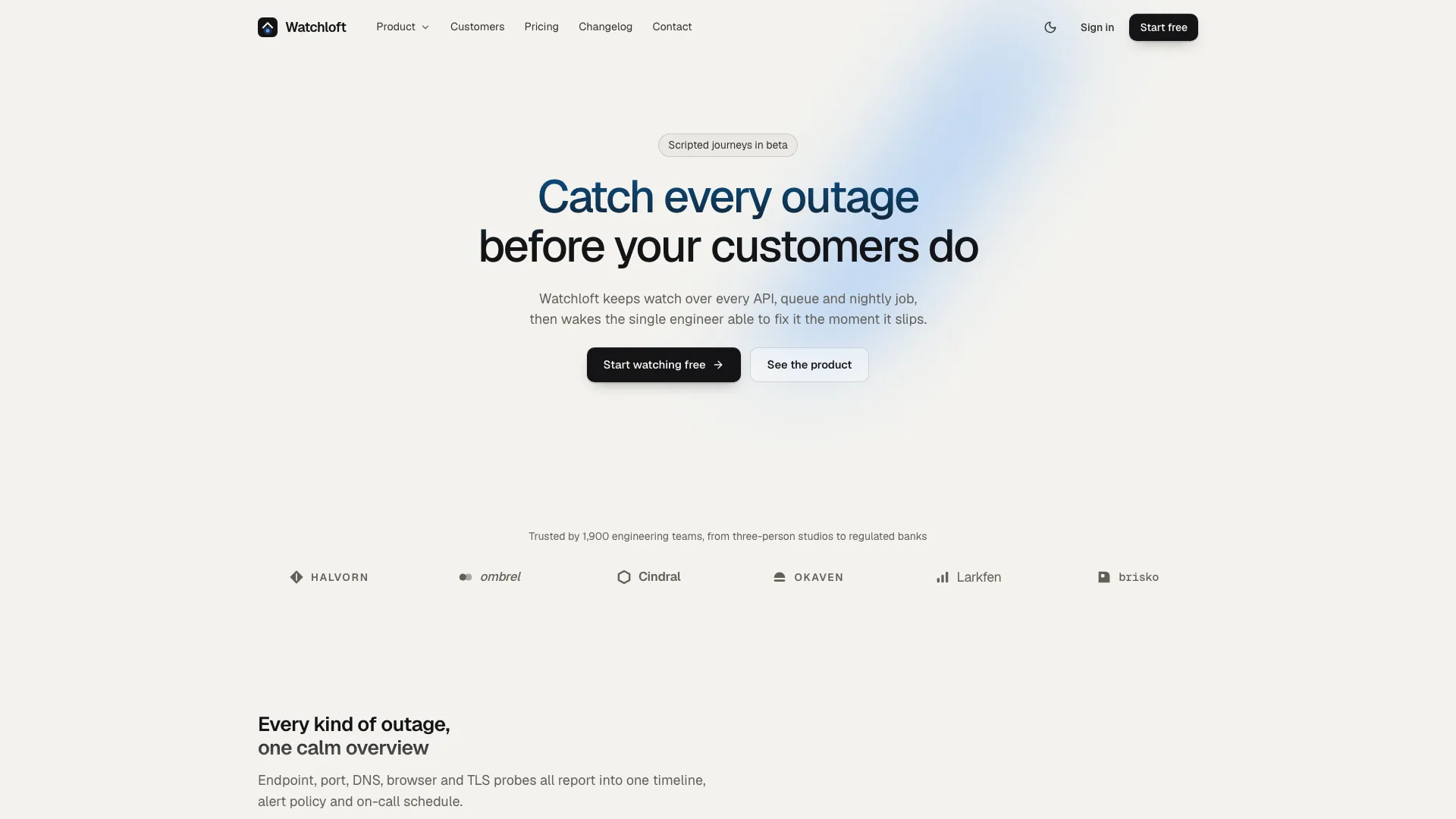
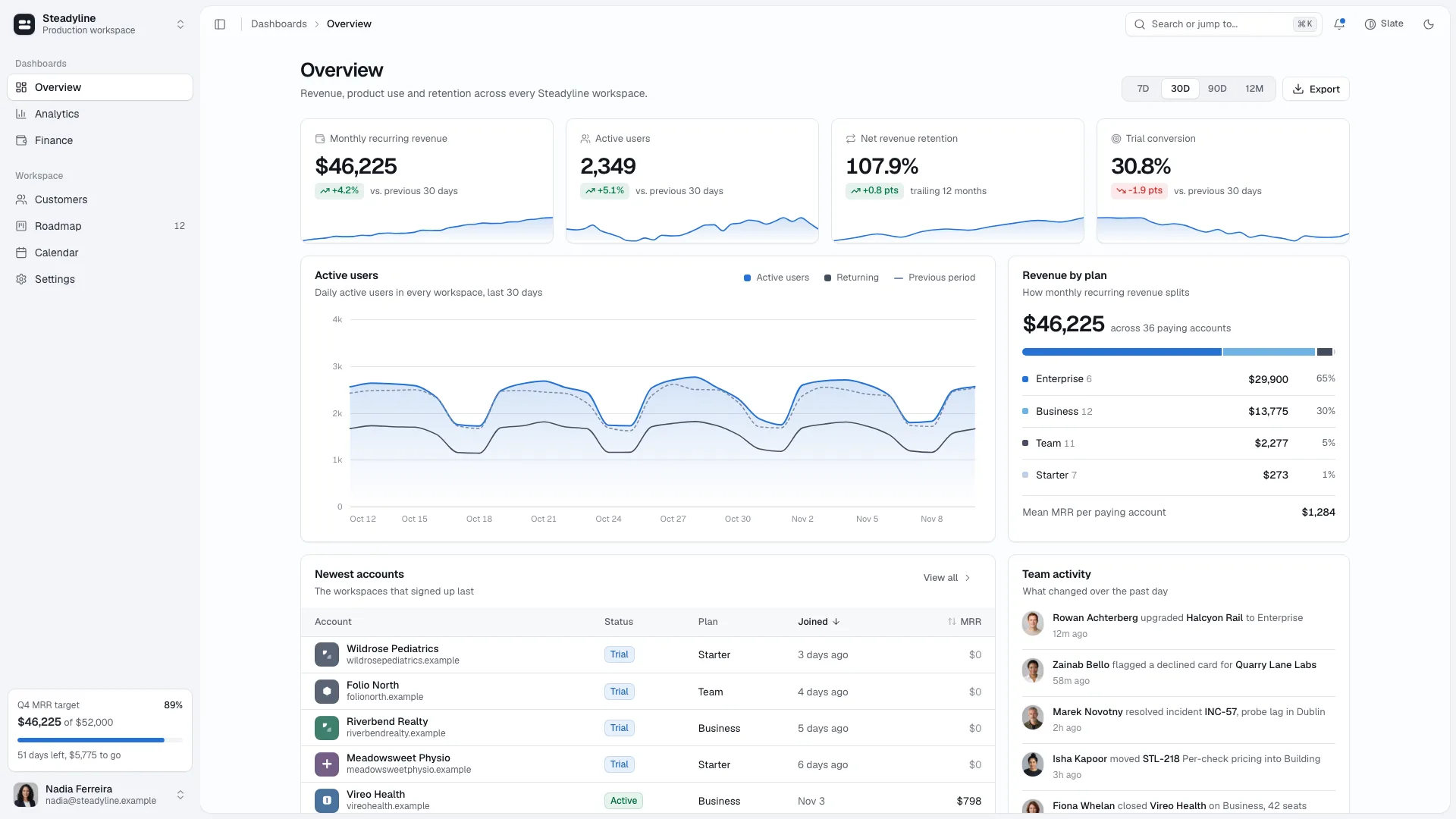
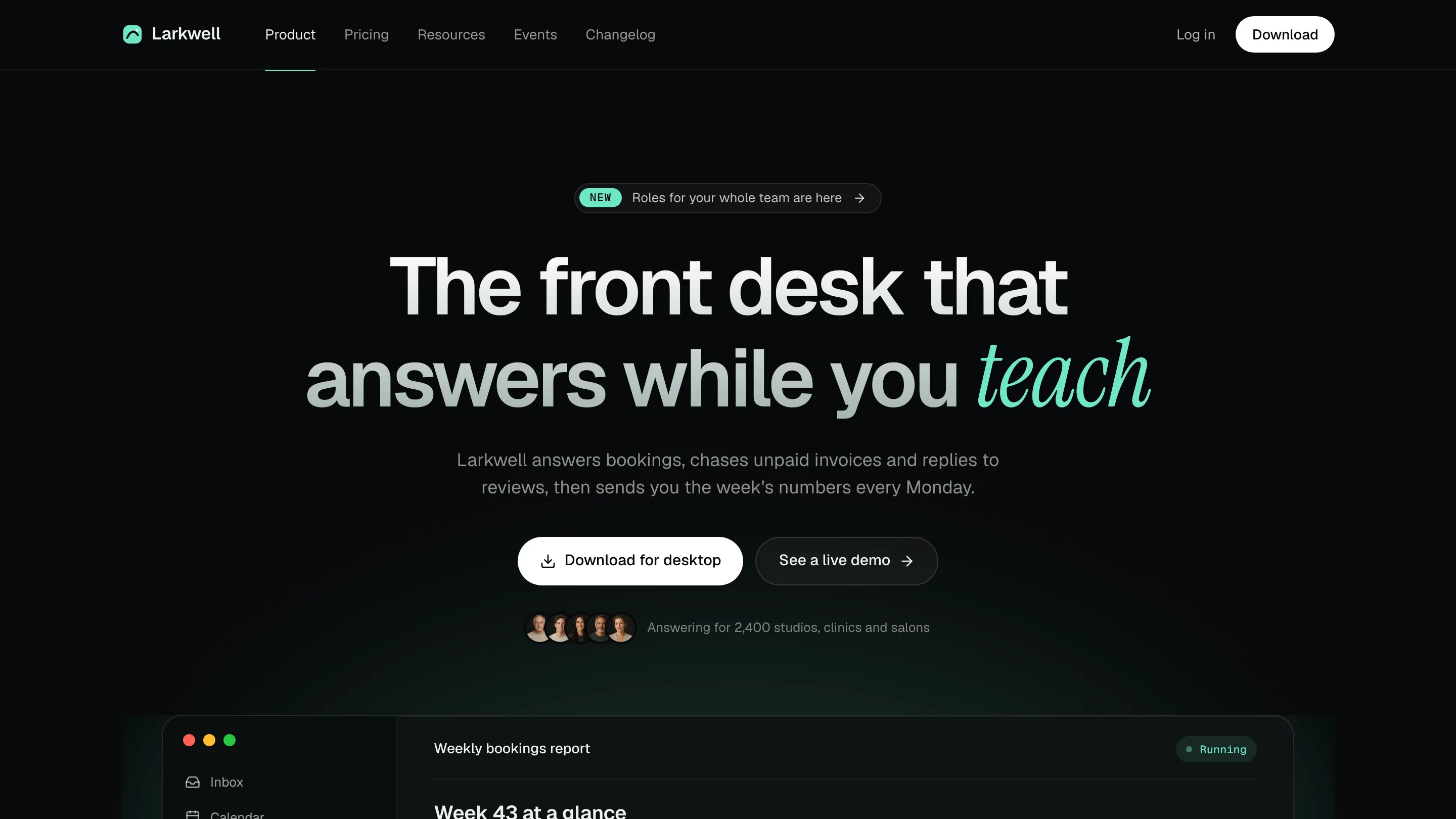
What you get
- A single offline HTML console: a sidebar that collapses and switches workspace, a top bar carrying breadcrumbs, the command palette, notifications, theme and keyboard shortcuts, a slim rail on tablets and a bottom tab bar on phones that opens a navigation sheet
- Three boards, Overview, Revenue and Operations, built from KPI cards, stacked bars, trend lines, a donut, a heatmap and a cohort grid; task and member tables with facets, sorting, pagination, row selection, bulk actions and drawers; six settings panes; an activity log beside API keys and webhooks; sign-in and error pages
- Guides for style, routes, motion, icons and images, a checker for routes, sandbox safety and leftover sample text, a browser pass over every route, and a packer that inlines the fonts and portraits
Good fit
- Back-office tools for order, fulfilment, support or finance teams
- Internal apps that need working tables, settings and developer pages from the start
- Admin consoles that must run in light and dark, on phones and inside a sandboxed preview
Not for
- A production system with no backend: exports, invoices and signing out only show a notice until connected
- Marketing sites and landing pages
- Consoles that have to display certifications, uptime promises or client logos the business cannot back
About this Skill
Ordwell Admin Kit is a web design skill for Claude Fable 5 that builds the console an operations team opens first thing each day. A collapsing sidebar, a workspace switcher, a command palette and a notification tray frame three boards, Overview, Revenue and Operations, whose figures and charts shift with the date range. The task and member tables search, filter, sort and page, edit picked rows in bulk with undo and open a record drawer from a link; six settings panes show a clear saved state, the developer area holds keys, webhooks and an audit log, and sign-in, sign-up, password reset and five error pages are fully designed. It arrives as one offline HTML file, or ported into your own framework.
How it works
- Collect what the team runs, the figures each board should start with, the records for the tables and the people with their roles; gaps are drafted and flagged for you
- The agent fits the business into the boards and tables, gives views your own names and swaps out each sample data array and brand string
- It packs a single file, reruns the validator and the runtime pass until both succeed, and opens each route in both themes, at four widths and inside a sandboxed frame
- Open the console, change the date range, work the tables and fill in the forms, then tell the agent what should change
Checked before delivery
- validate-template.mjs passes: one file, no network, sandbox-safe script, every route and link resolves to a registered view, no sample names left
- check-runtime.mjs walks every route at 1440 and 390 px with no console errors, no NaN in charts, no empty bars and no sideways scroll
- Every figure, record and name comes from the brief or is listed as a placeholder for the user to confirm
What you need before you start
- You bring
- Company and product name, what the team operates (orders, tickets, shipments, bookings), and who signs in · The four headline numbers for each board, the work objects for the tables with their statuses and priorities, teams, roles and sites · Integrations, API and webhook needs, currency and locale · Optional: an existing project to port into (Next.js, React, Vue, Svelte or Astro)
- Dependencies
- Node.js 20+; internet only while packing, to fetch the two font files once; Playwright if you want the optional runtime pass · Team portraits come from your agent's image generator, which may charge per picture, or from your own team photos; nothing else needs a key
- Outside costs
- None
- Last tested
- v0.1.1 — Claude Code / Codex / Cursor
User reviews
Loading reviews…
FAQ
Is the console connected to a server?
No. Each screen reads from data arrays near the top of the script, and anything a static file cannot finish, such as an export or an invoice, shows a notice instead. Put every array behind your own API when you connect it.
Can we use our own team photos?
Yes. Crop them to the square portrait size in the image plan. The bundled portraits stand in for made-up people and are never passed off as your staff.
Does it fit into a Next.js or Vue project?
Yes. Without a project you receive a single HTML file; inside one, the agent moves the shell, the boards and the tables into your framework's own routes and components while keeping the same tokens, layout and behaviour.