Paper Pinboard Resume Sitev1.0.3
Use this Skill to build a product website.
- Yours to keep: the files stay on your computer.
- Payment by Waffo Pancake, our merchant of record.
- 38 free Skills to try first
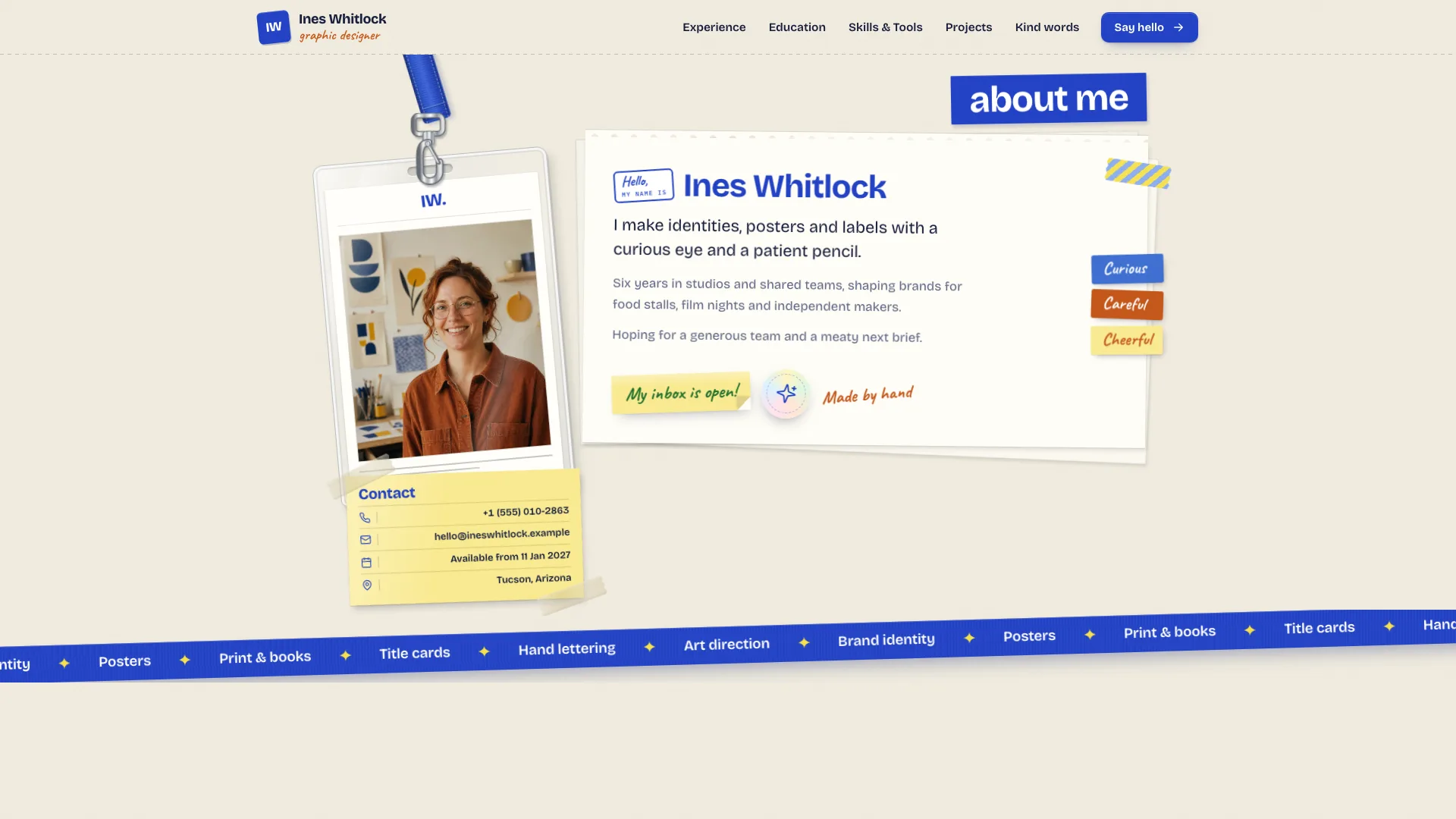
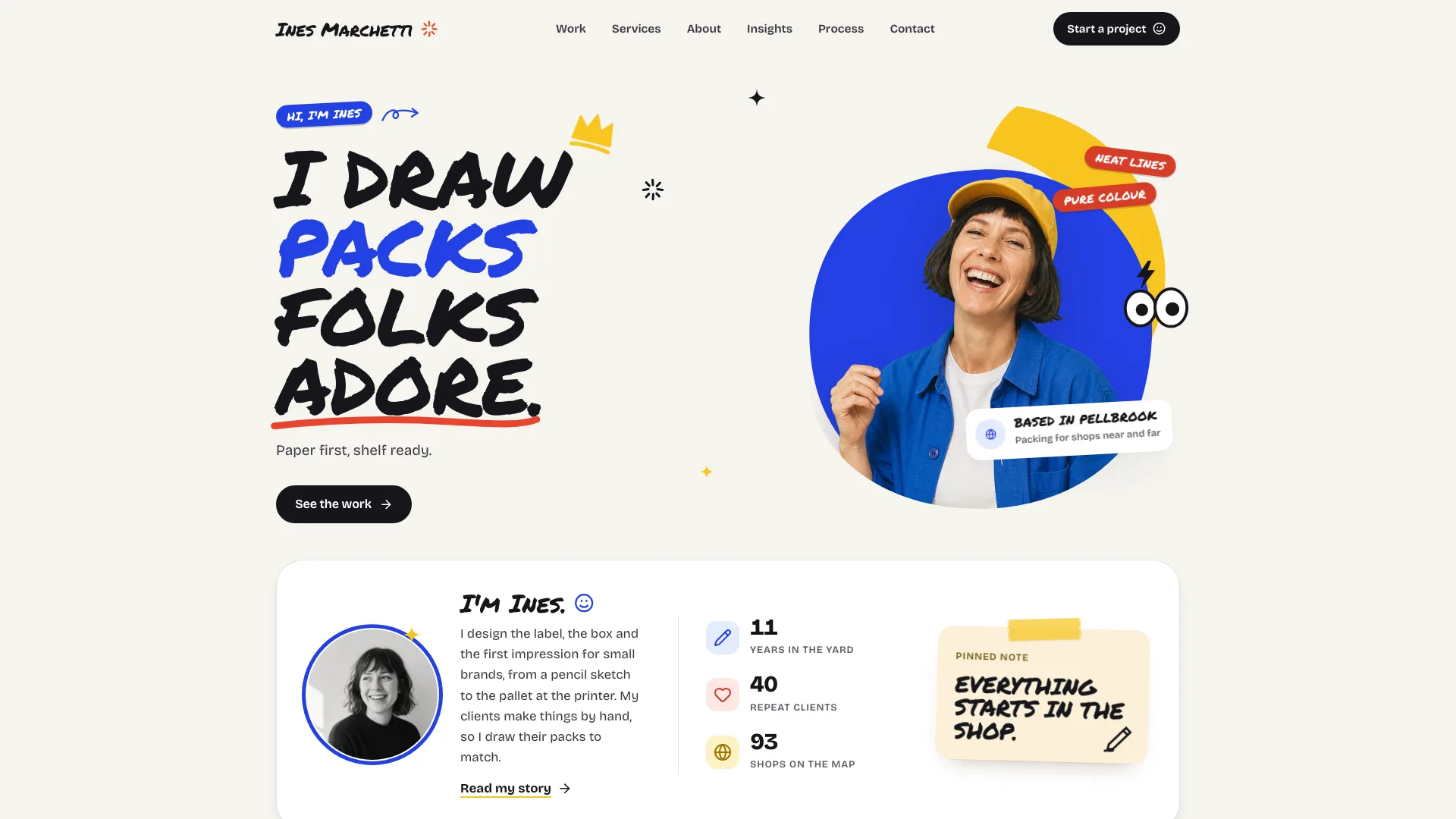
A resume website skill for Claude Fable 5: your work history becomes a multi-page site built from paper things, with a lanyard ID badge, a ripped note, sticky notes on a clipboard and a printable CV.
Picked most often by
Updated Nov 7, 2026
Preview gallery



Similar Skills
View all
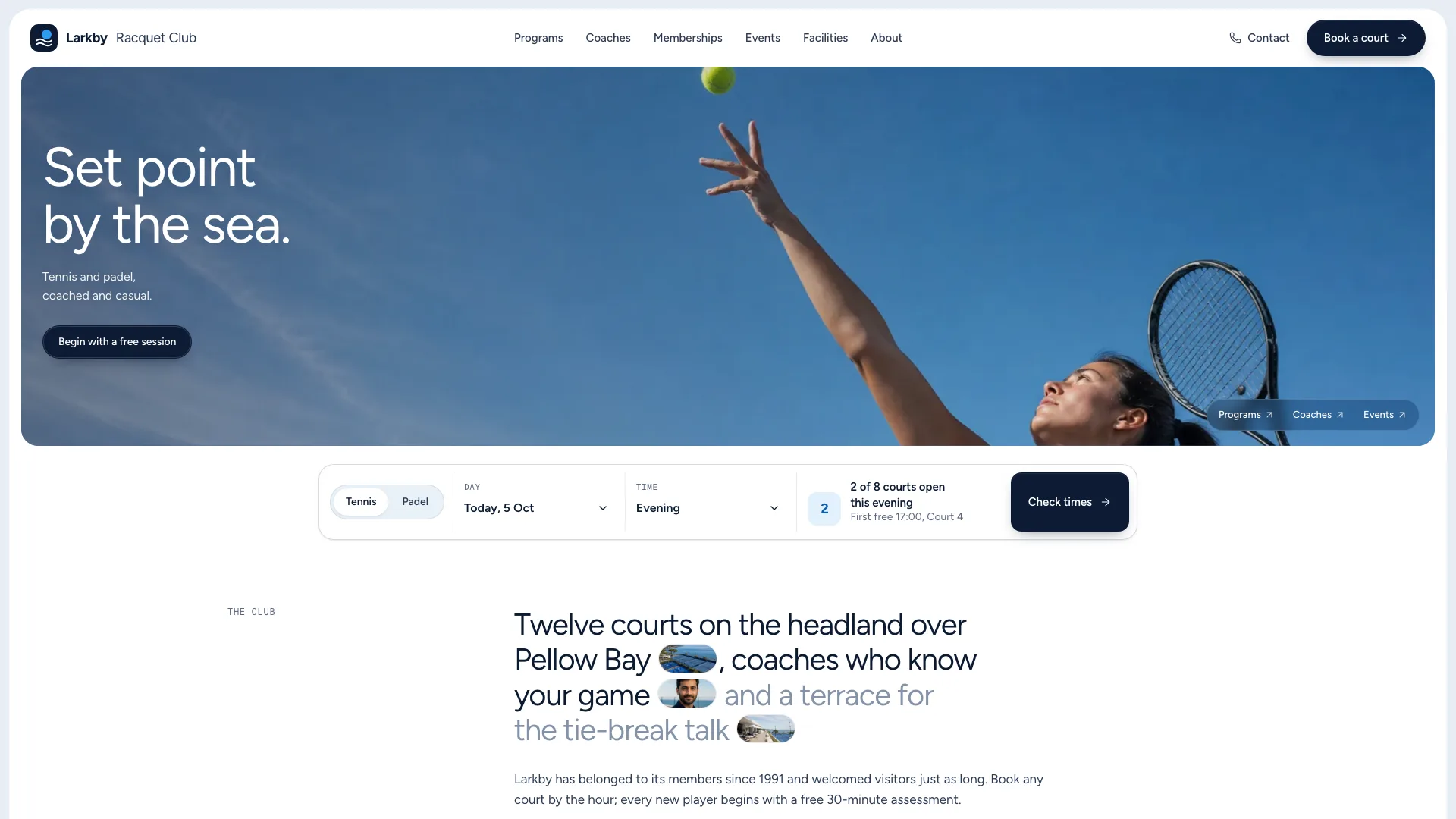
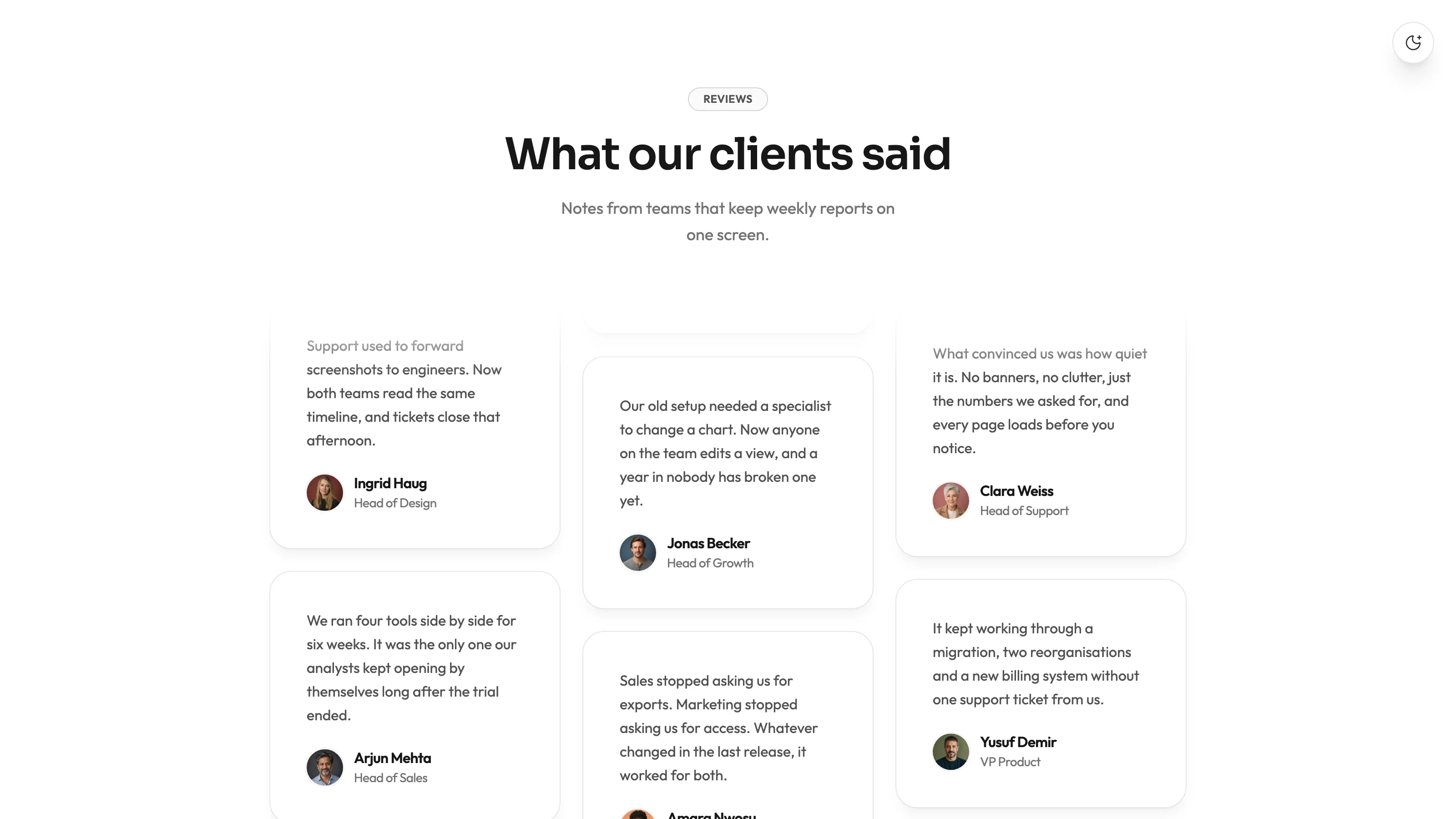
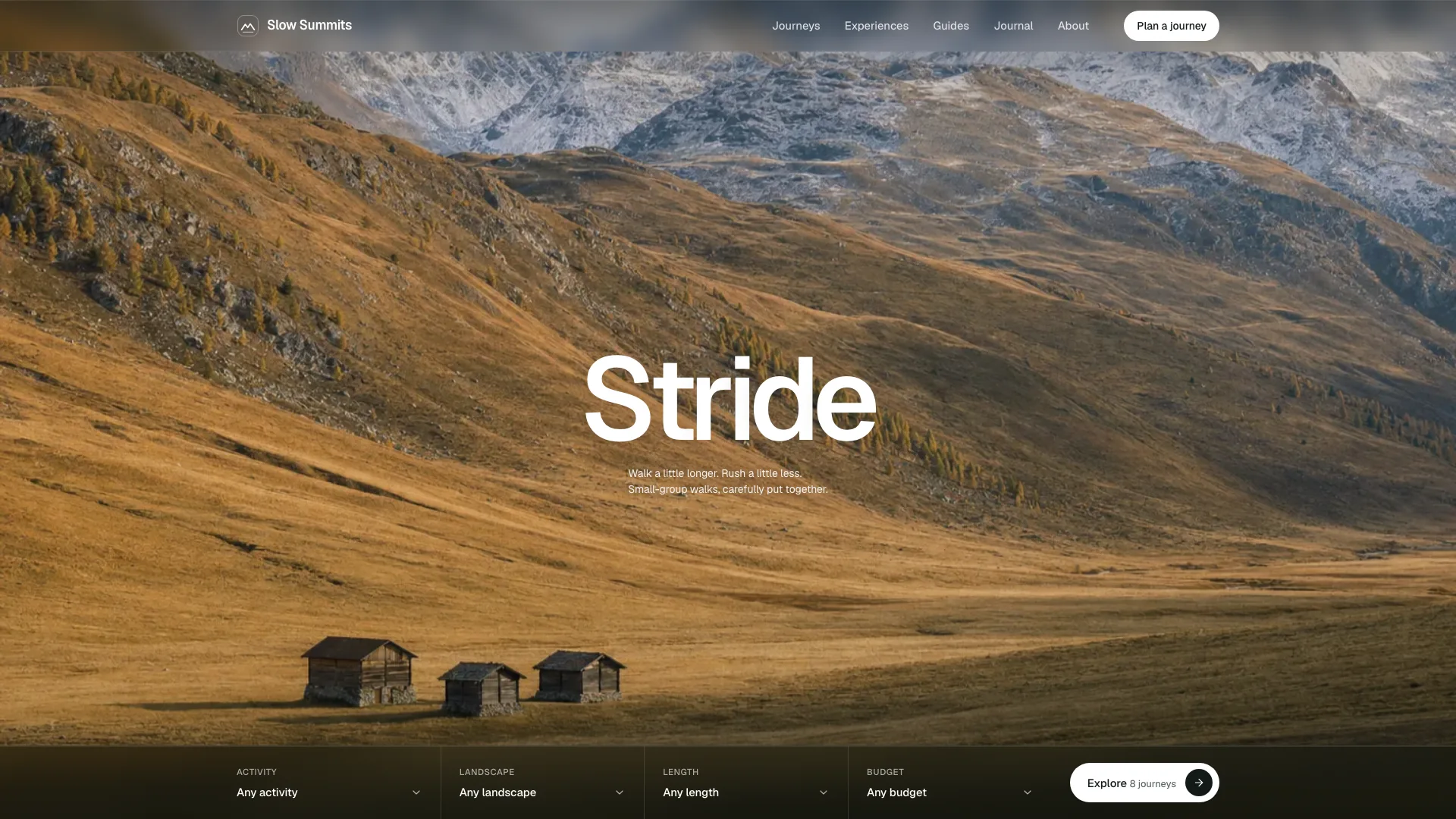
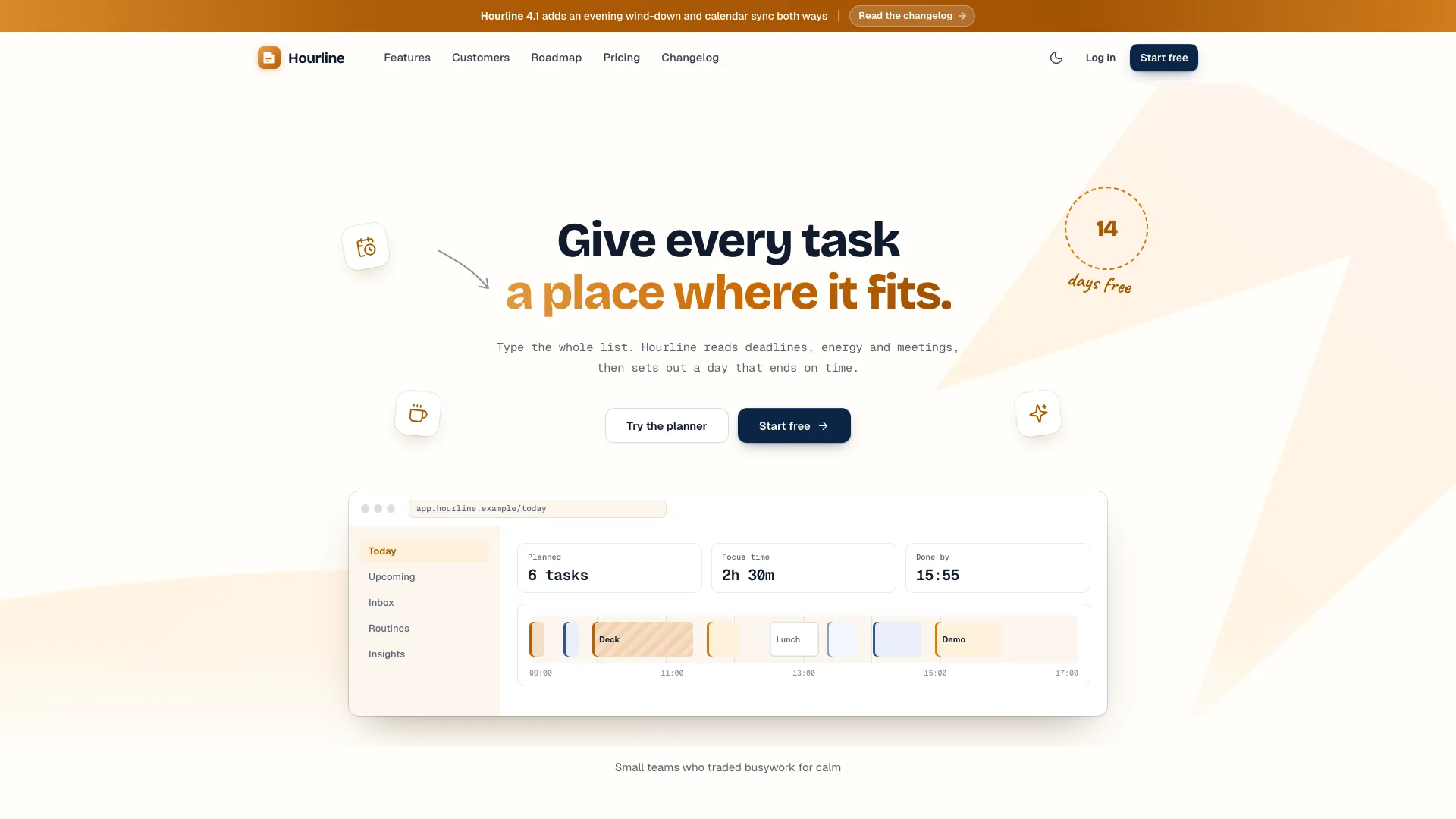
What you get
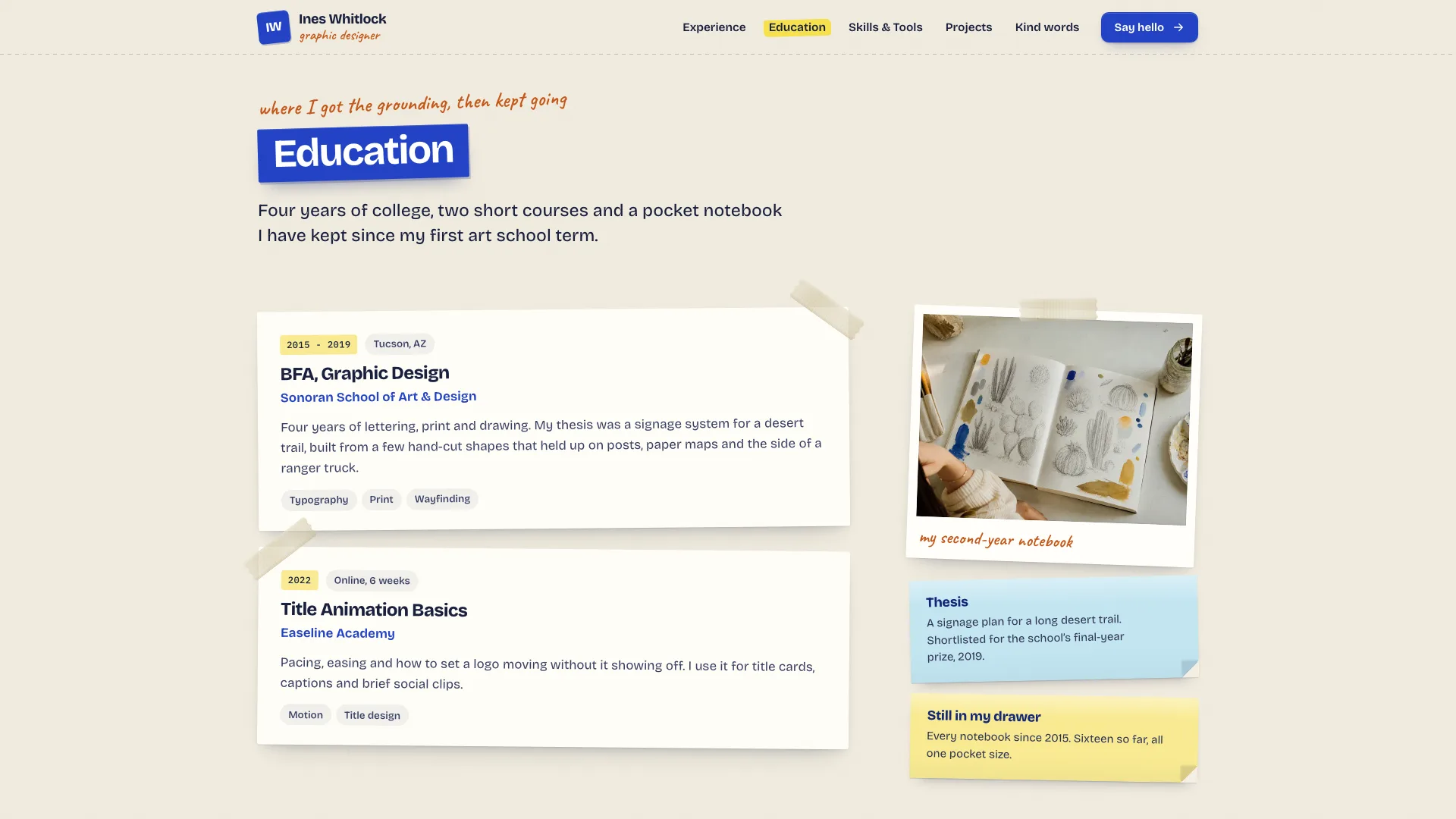
- A sample of 16 routes for an invented designer, Ines Whitlock: a 404, the CV, contact, kind words, four project case pages under projects, skills and tools, education, three job stories under experience, and home.
- Paper objects built in code on the page, keeping all text selectable: polaroid frames, tape, sticky notes, ribbon, clipboard and badge, plus one warm daylight look for the photos.
- Working pieces included: sorting and chips for projects, tabs for tools, an FAQ, copy buttons, a form with all its states, a mobile drawer, and a CV you can print or copy.
Good fit
- Brand, graphic and packaging designers wanting a resume site with a handmade touch.
- Job hunters wanting a printable CV, case pages and the story of each job in one place.
- Writers, students or developers whose talks, papers or coursework fit the same page types.
Not for
- Formal corporate CVs, where handwriting and strips of tape would feel out of place.
- Personal brands built on violet, purple or lavender; the colours here are cream, cobalt, highlighter yellow and three soft pastels.
- Receiving messages from day one: the form confirms on the page until a backend is connected.
About this Skill
Paper Pinboard Resume Site is a Claude Fable 5 skill that lays your career out like a tidy desk. Home hangs an ID badge by a taped contact card and a ripped note, and a clipboard holds your studies, skills and roles. Each job gets a story page, each project a case page, and a one-page CV prints or copies out as text.
How it works
- The agent collects your roles, studies, skills, projects and testimonials, or writes drafts that sound like you and marks which ones you must confirm.
- It fits your story to the pages: a story per job, a case page per project, with the sample's names swapped out everywhere.
- It plans the pictures one slot at a time, using your own portrait and candid shot if you provide them.
- It builds a single offline file, runs the validator and checks every route at four widths before delivery.
Checked before delivery
- validate-scrapbook.mjs passes on the built file: one file, no remote requests, one h1 per page, every route, link and project slug resolves, no sample name left
- Filters, sort, tabs, the FAQ, copy buttons, form states, the CV print and copy and the phone drawer work at 390, 768, 1024 and 1440 px and inside a sandboxed frame
- Names, dates, quotes and counts are the user's, stand-ins are listed in the closing message, and no certificate, award or metric is made up
What you need before you start
- You bring
- Name, job title, city, date free, three traits, a one-sentence lead and a short bio, with contact details · Two to four jobs (employer, dates, place, story, duties, highlights), study, recognition, skills, tools by frequency, house rules, languages · Three or four projects (client, role, delivered items, brief, idea, palette, making steps, what you would redo, shipped facts), kind words, and what you want next · Your own portrait and candid if the site is real; otherwise the agent's image tool makes stand-ins
- Dependencies
- Node.js 18 or later on the machine your agent uses, to run the packing script for the offline file · An internet connection during the build, so the three fonts are fetched once and embedded · Optional: your agent's image generation tool, for project shots and workplace photos
- Outside costs
- None
- Last tested
- v1.0.3 — Claude Code / Codex / Cursor / GitHub Copilot / OpenClaw / OpenCode
User reviews
Loading reviews…
FAQ
What is the default output?
A single file that works offline with its fonts and pictures inside, and it opens in a browser or a sandboxed preview alike. In a framework project, or on request, your agent rebuilds the design as proper routes and components, choosing Next.js App Router with TypeScript if you name no framework.
Must the photos show me?
On a real site, yes: hand your agent a portrait of yourself and one candid shot. Any generated face is only a stand-in, and the agent points out each one to swap.
Where do visitors find my CV?
The CV is a single sheet that visitors can print or copy out as text, reachable from the footer, the mobile drawer and the experience page.