Half Pane Photo Portfoliov1.0.4
Use this Skill to build a product website.
- Yours to keep: the files stay on your computer.
- Payment by Waffo Pancake, our merchant of record.
- 38 free Skills to try first
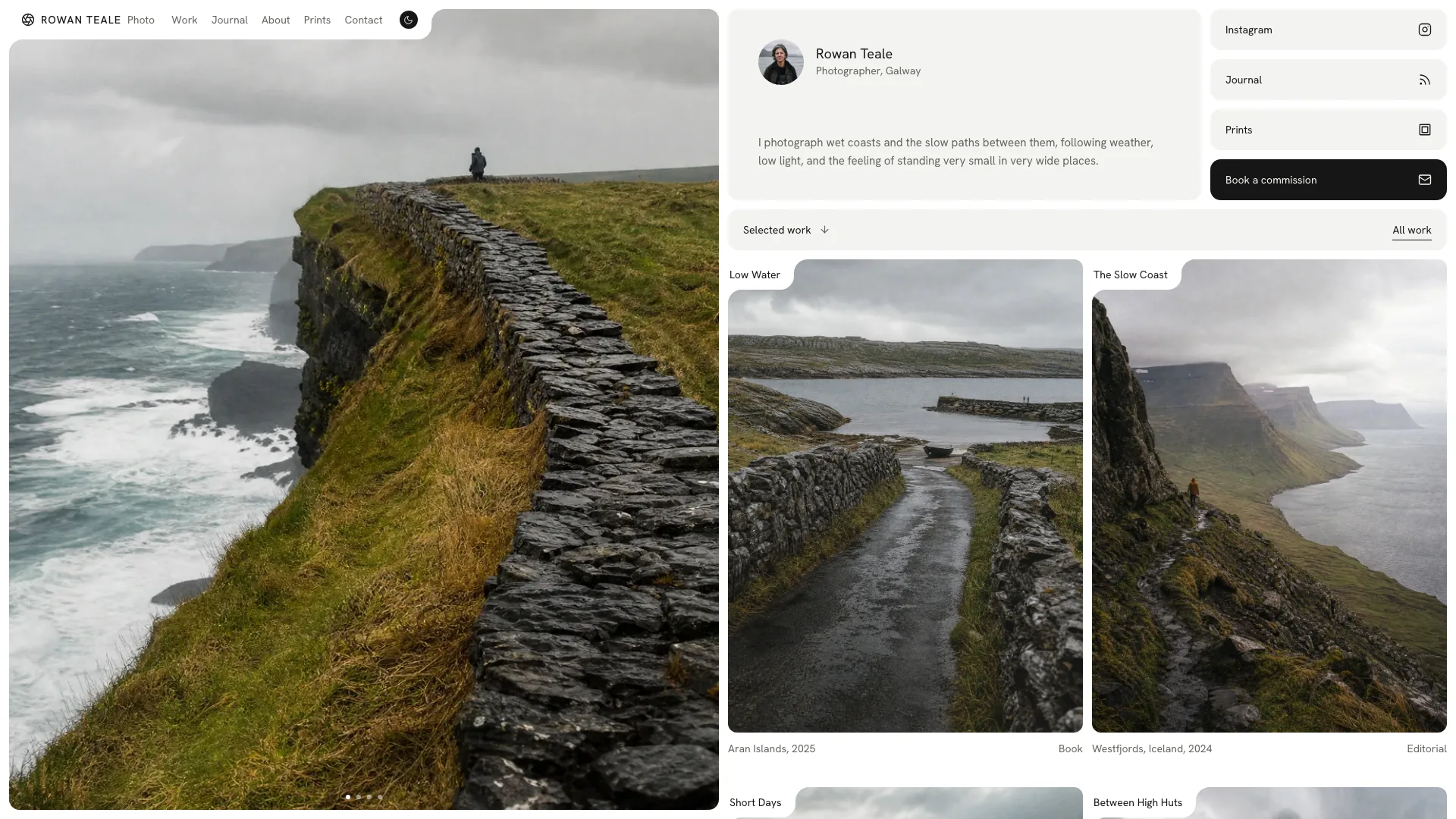
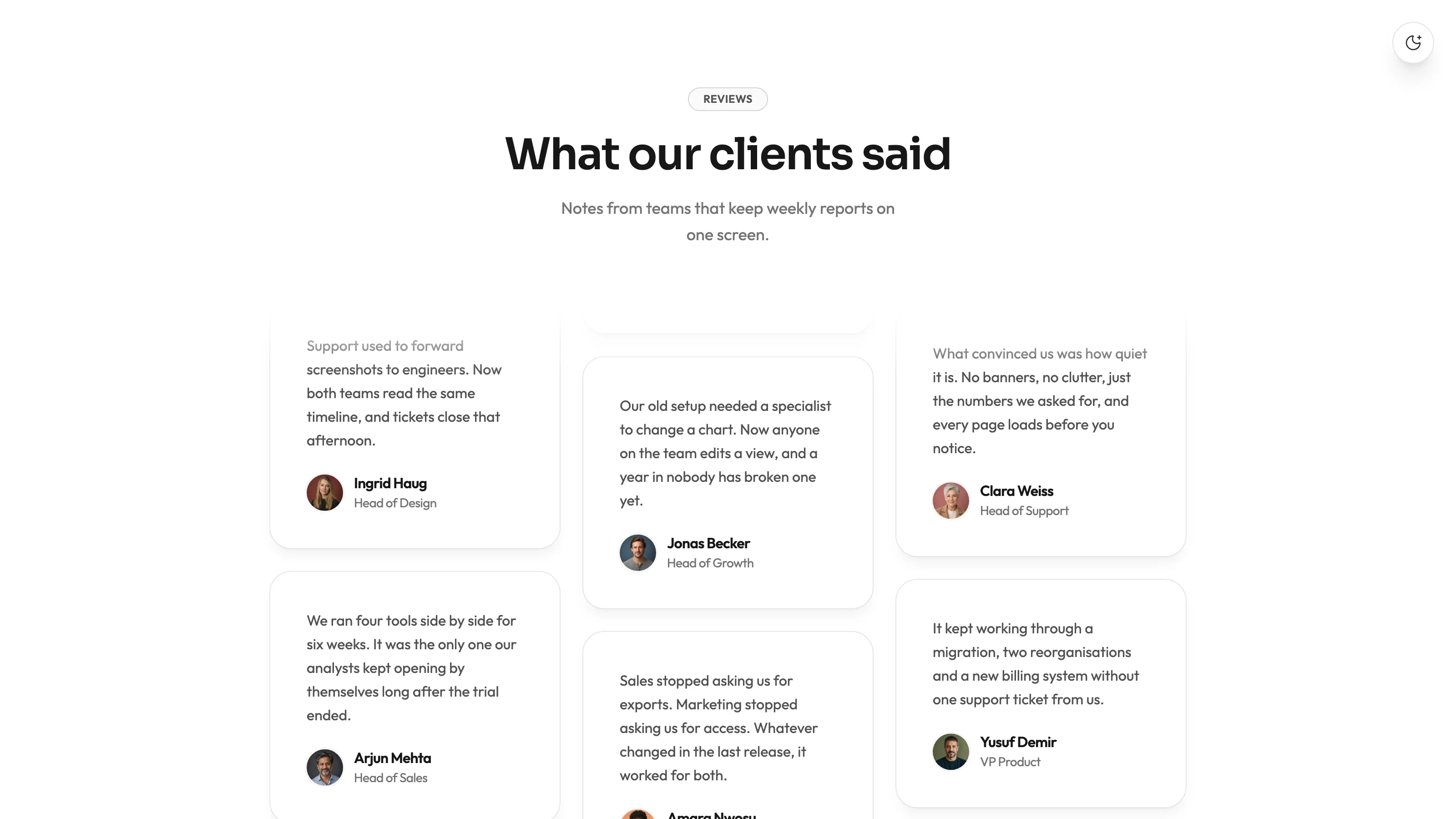
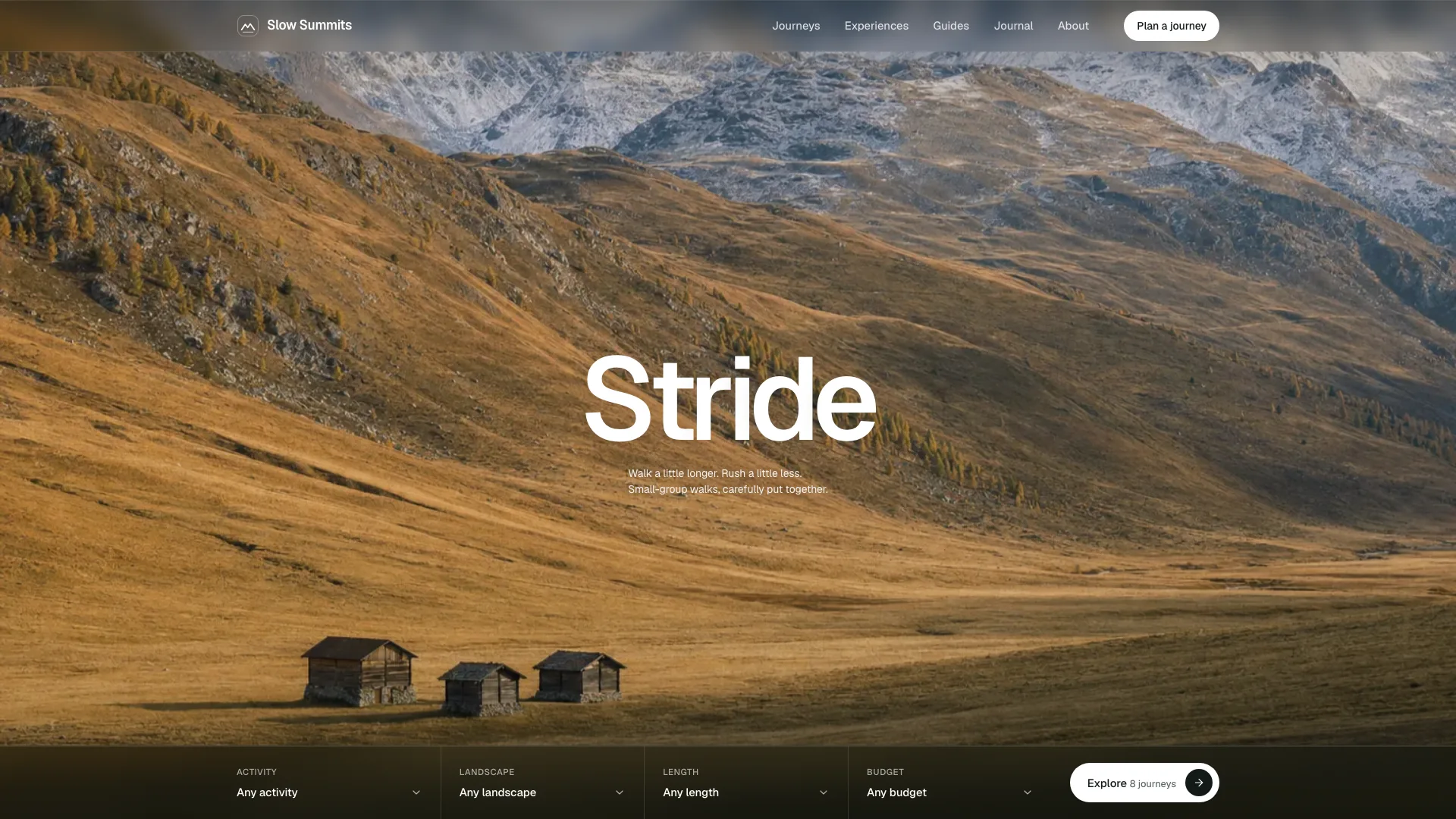
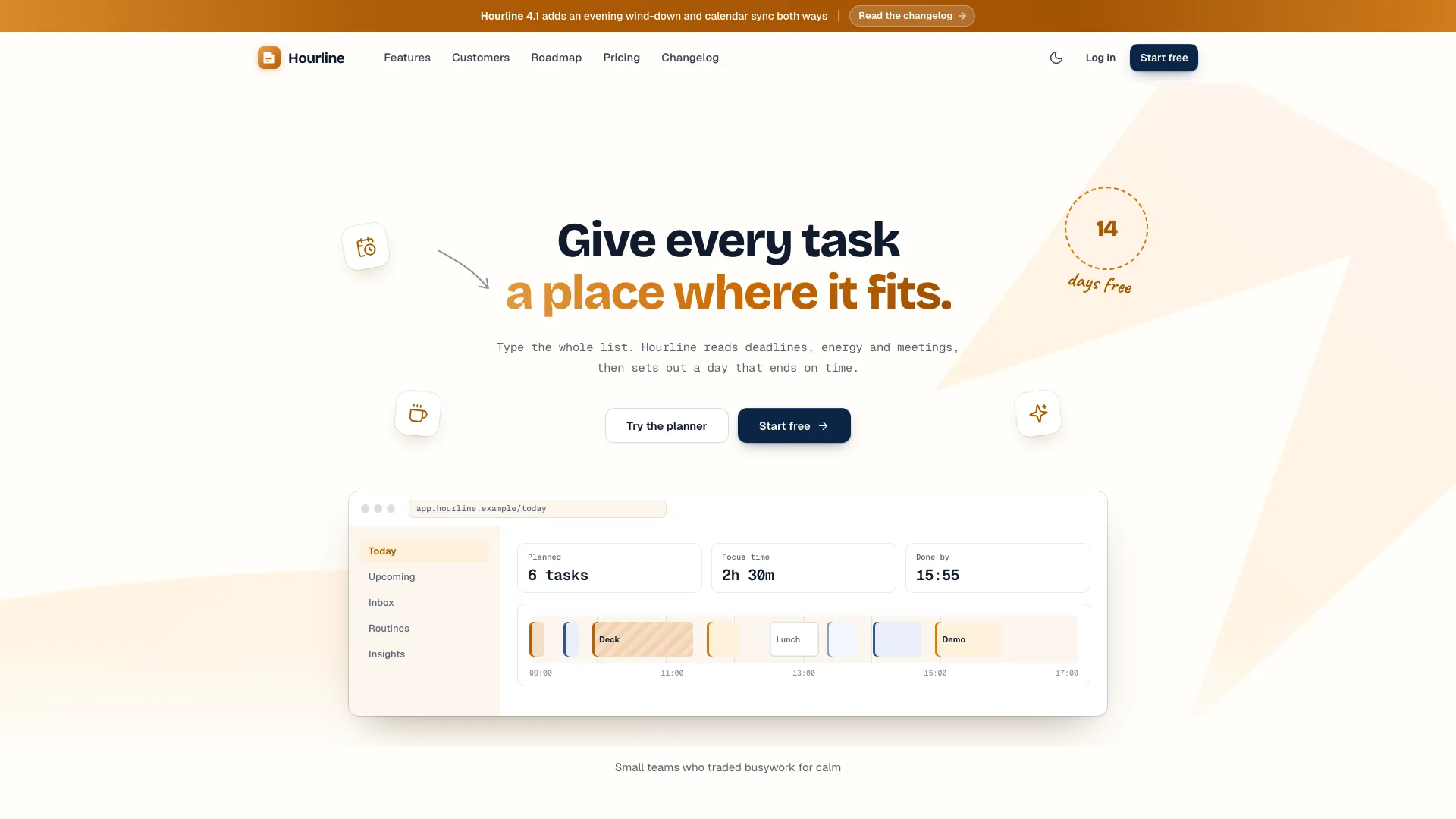
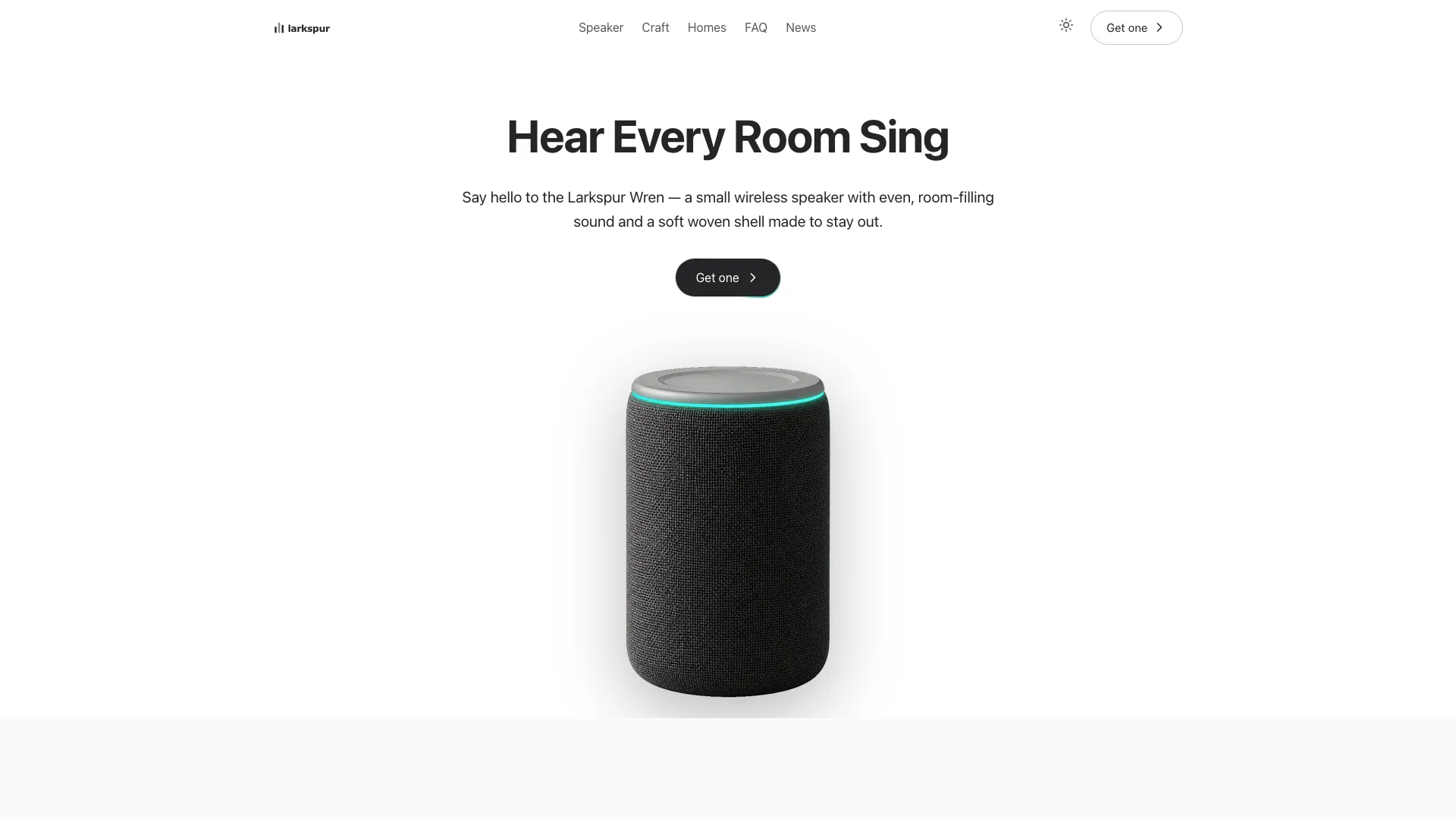
A web design skill for Claude Fable 5 for photographers: a single photograph fixed in the left half, soft rounded cards moving past on the right, and labels notched into the photo corners.
Picked most often by
Updated Nov 7, 2026
Preview gallery


Similar Skills
View all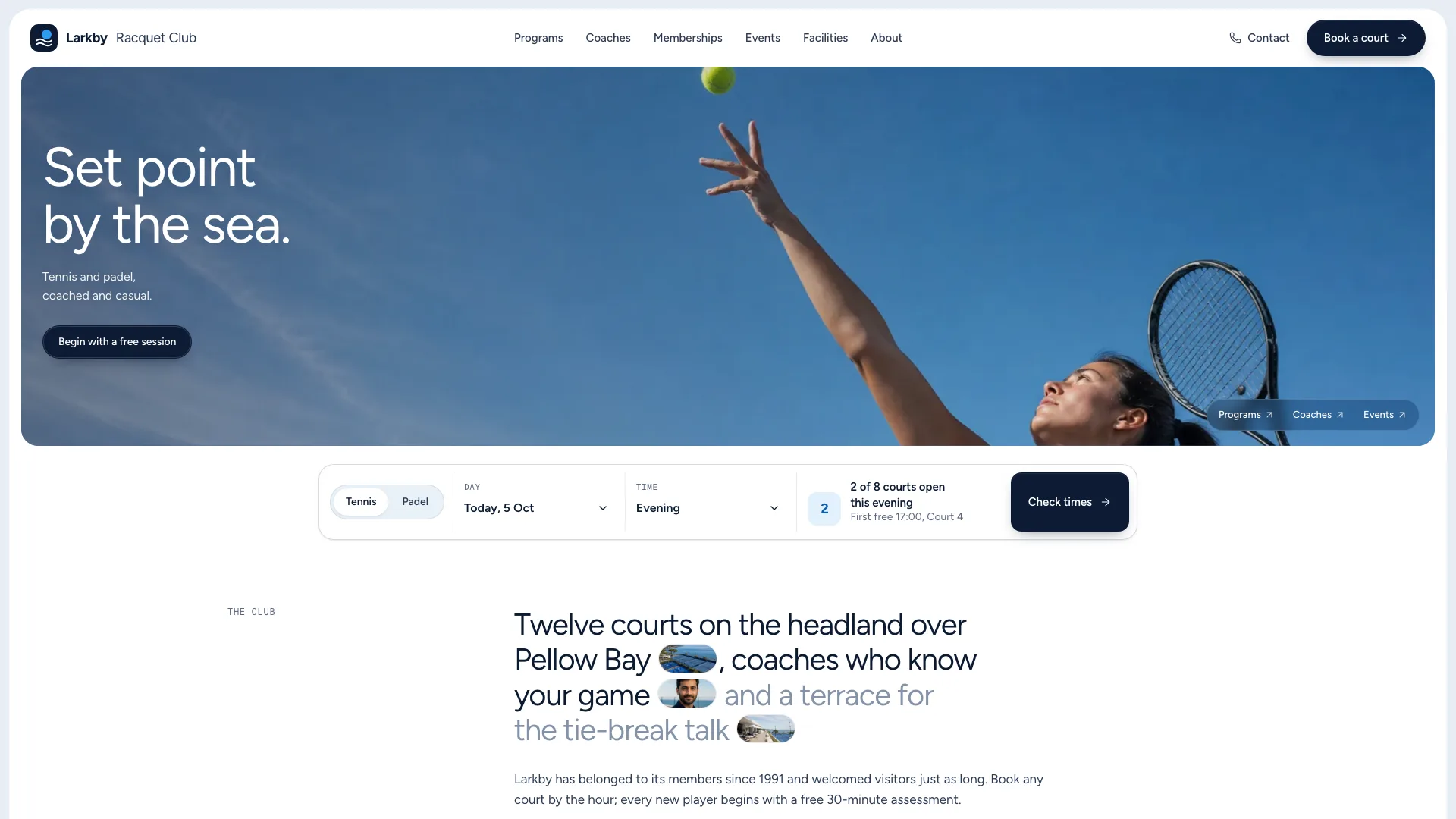
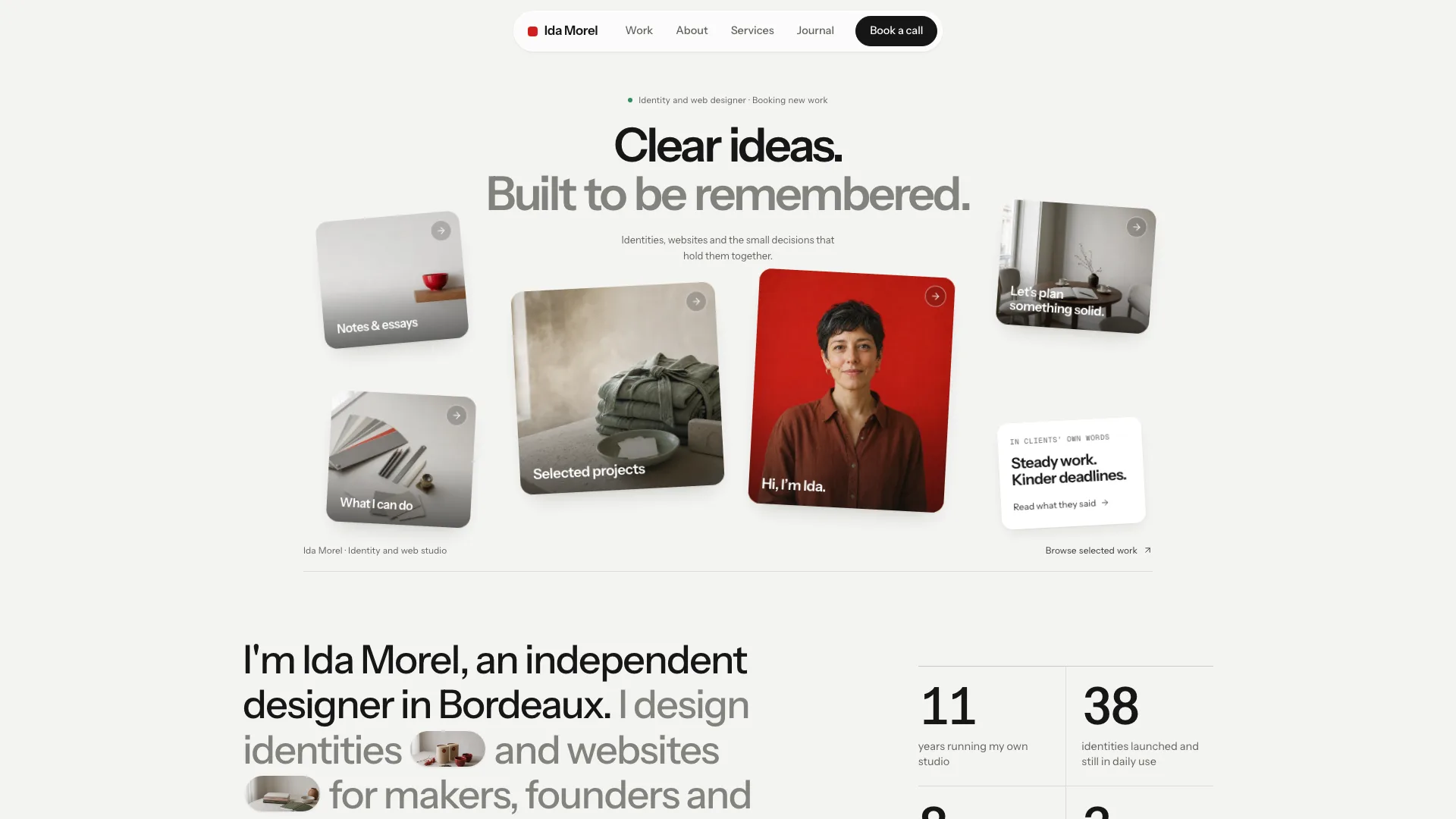
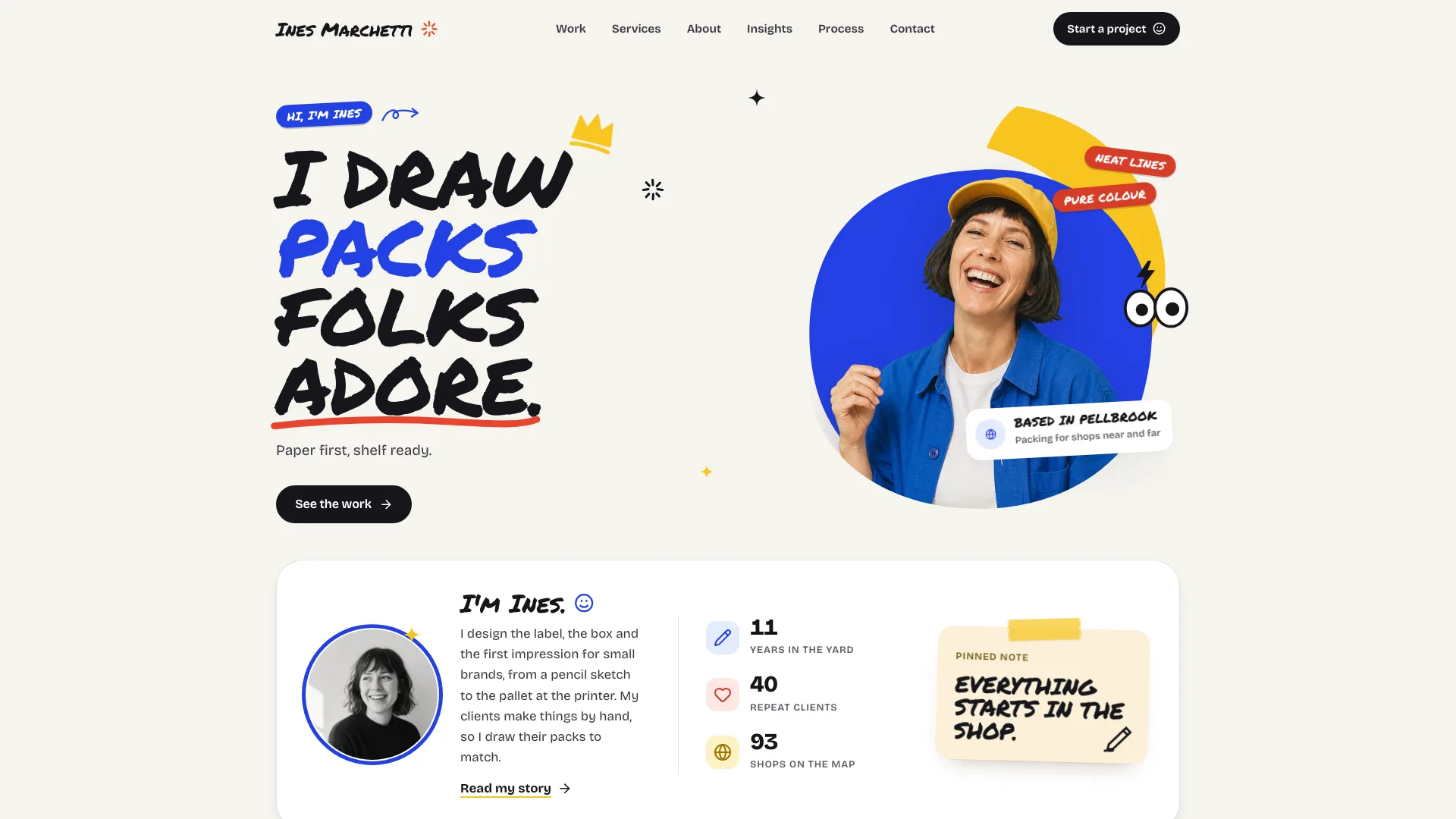
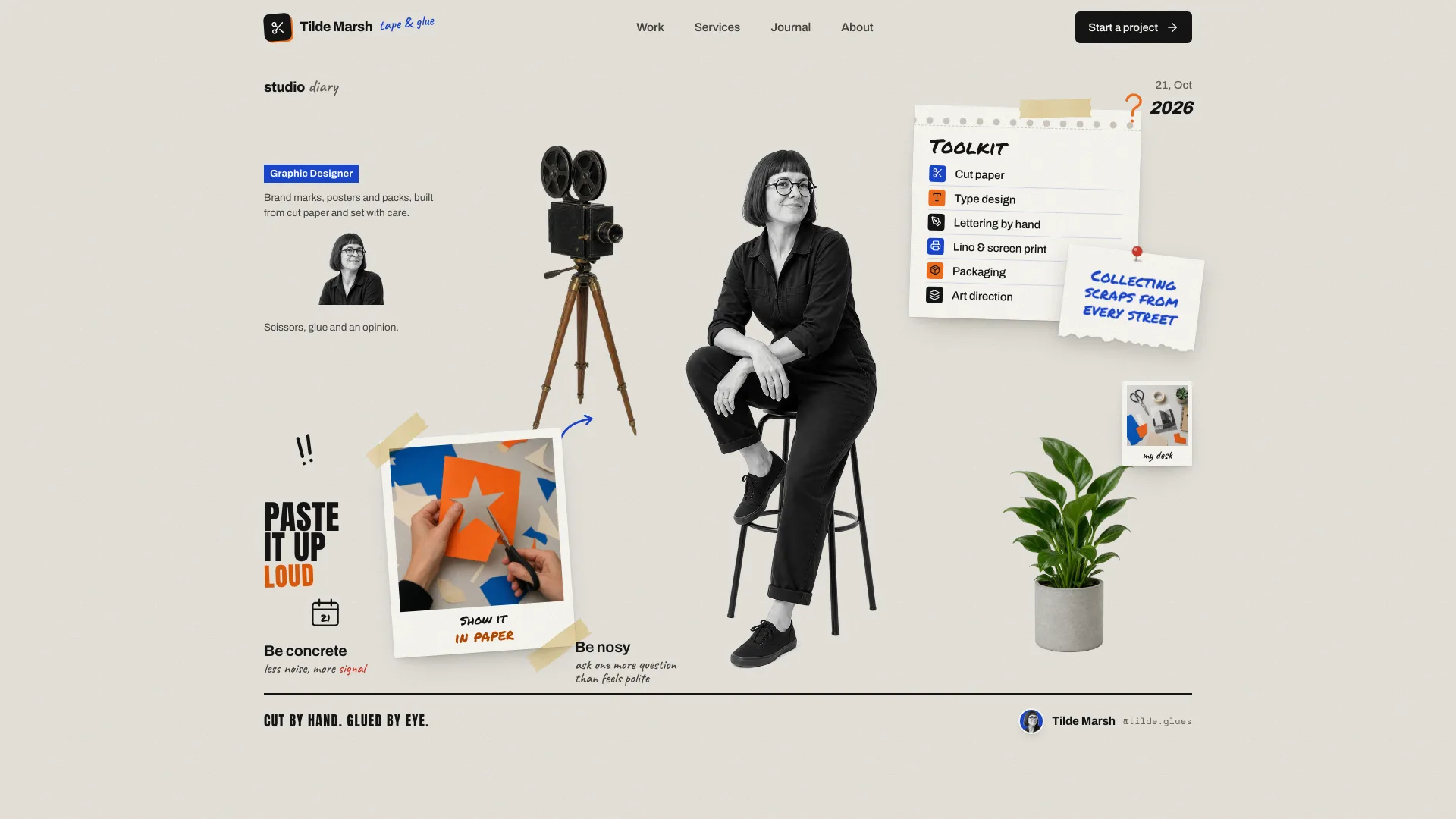
What you get
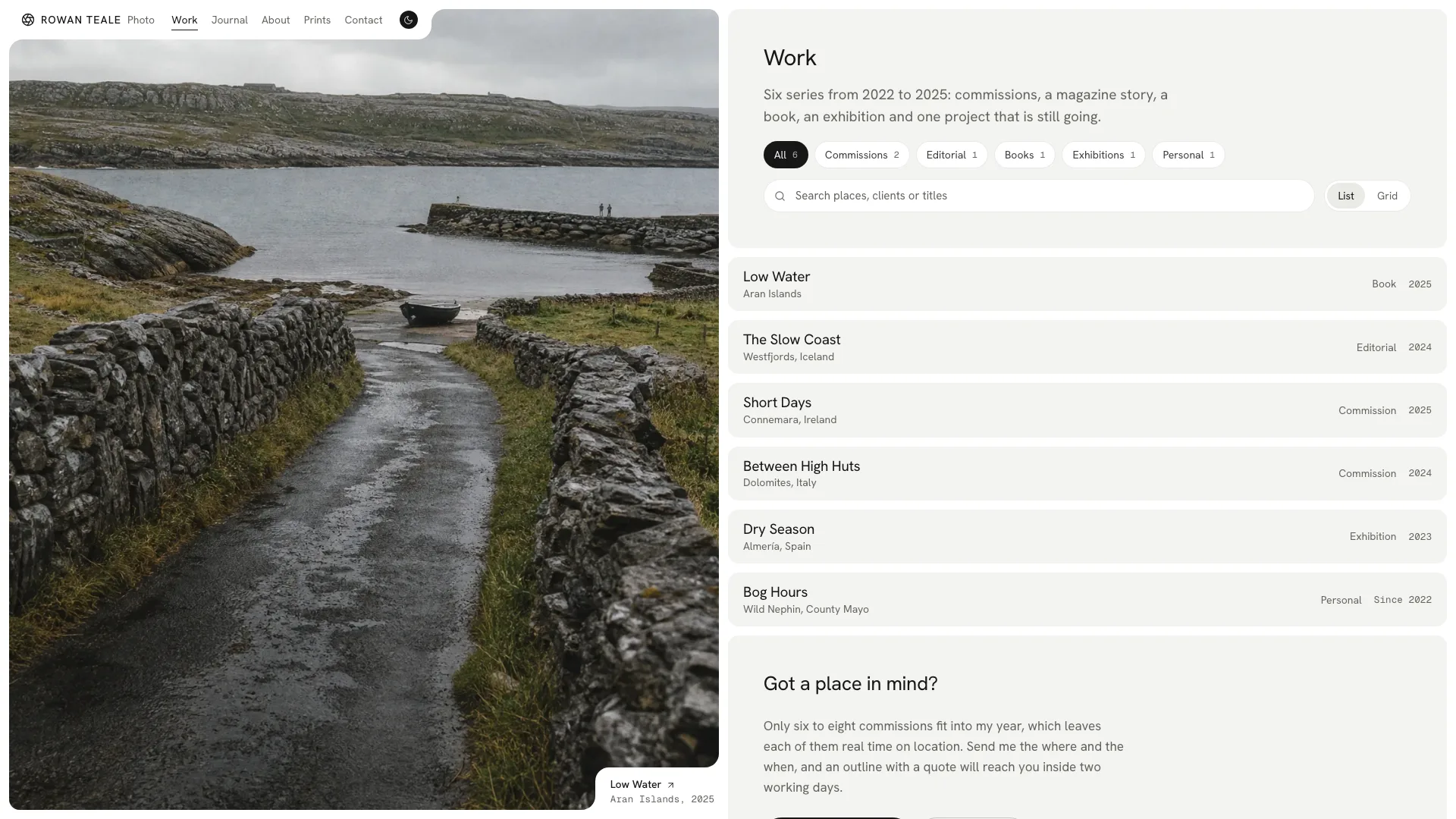
- An 18-route example for Rowan Teale, an invented photographer: a home page with a carousel, a case study per series, a work index you filter by chip, search and view as rows or tiles, a journal, a print shop, licensing, contact, About with a timeline and a missing-route page.
- The split-pane look in place: a photo pane that never scrolls, a column of rounded cards, corner labels cut into each photograph, a floating header pill, nav letters that roll over and a light-dark switch that sweeps diagonally.
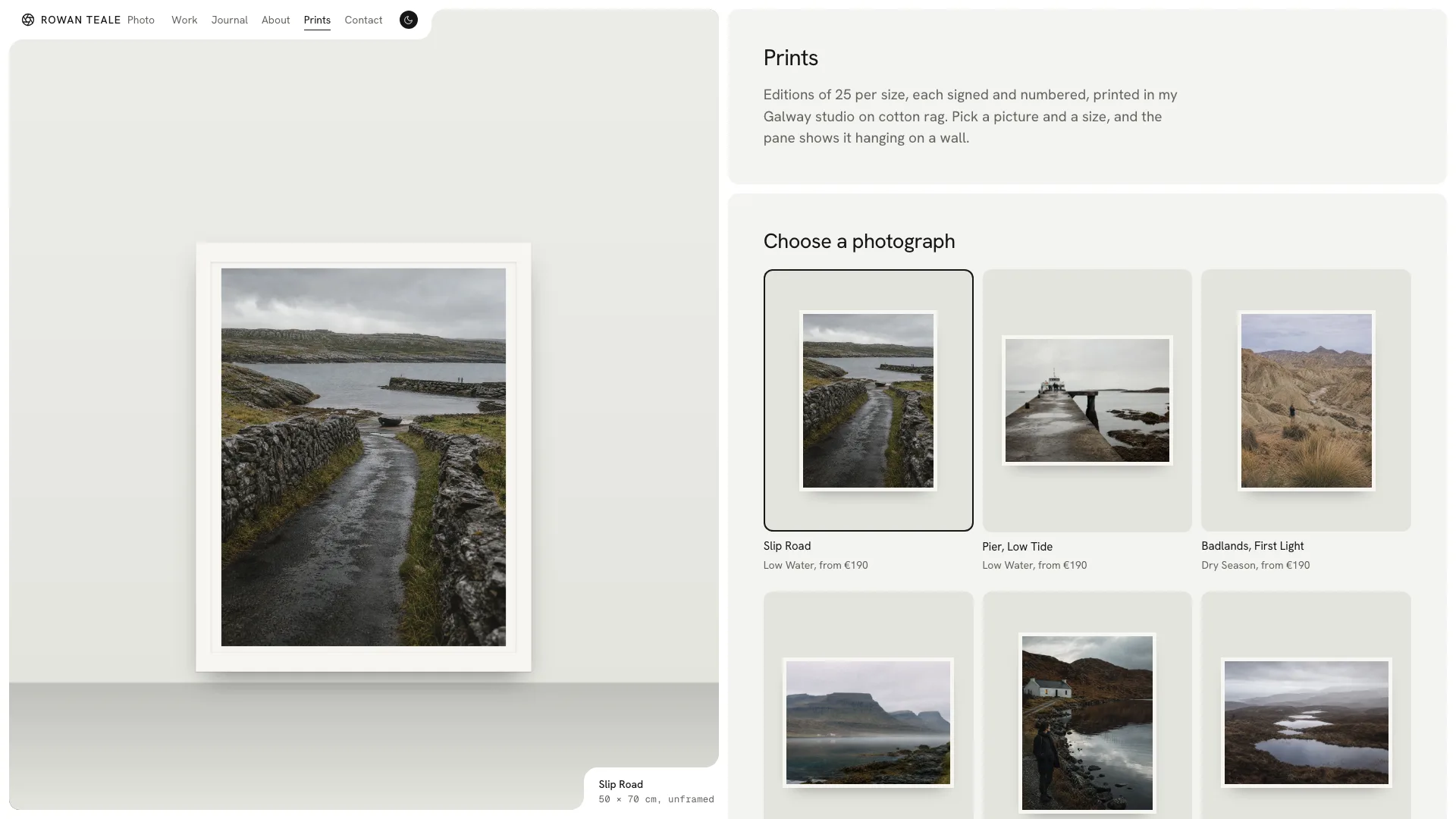
- Interactive parts in one offline file: a viewer driven by arrow keys or swipes, journal topics with search and sorting, a print picker that prices size and frame and previews it on a wall, a contact form that checks its fields and a newsletter sign-up.
Good fit
- Landscape, travel and documentary photographers who want their pictures to lead the site.
- Photographers selling prints or licences who want those pages beside the work.
- Illustrators, painters, small galleries or lodges who like the look and can treat their work as series.
Not for
- Studios needing dozens of images per page in a tight grid; the layout gives one photograph the stage at a time.
- Brands that depend on a strong accent colour; the interface keeps to black, white and stone and lets the photographs bring the colour.
- Taking orders or payments straight away: the print enquiry and contact form confirm in the page until a backend is connected.
About this Skill
Half Pane Photo Portfolio is a web design skill for Claude Fable 5 that gives your photographs half the screen and keeps them there. Hover a row, tile or frame and the pane image changes; labels sit behind quarter-circle notches in the corners, nav letters roll over and the theme sweeps diagonally. Behind the pane is a full site: a page per series, a journal, a print shop, licensing and contact.
How it works
- The agent collects your series, journal topics, prints, prices and background, or drafts them and flags what you need to confirm.
- It shapes the routes around your work: a case study for each series, Prints renamed or dropped if you sell something else, and the example's names swapped out throughout.
- It plans every picture slot, using your own photographs before anything else and filling gaps with labelled placeholders.
- It packs a single offline file, runs the validator and opens every route in both themes before it hands over.
Checked before delivery
- validate-portfolio.mjs passes on the delivered file: one file, no remote requests, sandbox safe, one h1 per view, every route, link and picture id resolves, no sample name left
- The carousel, filters, search, list and grid switch, viewer, print picker, form states, newsletter, accordions, copy buttons, theme switch and phone menu work at 390, 768, 1024 and 1440 px and inside a sandboxed frame
- Names, places, prices and results are the user's, stand-ins are listed in the closing message, and no award, press mention or figure is made up
What you need before you start
- You bring
- Name, role, home city, a one-line intro and a longer bio, contact details, social handles and an availability line · Three to twelve series (title, place, year, kind, client or venue, brief, method, results with real numbers), with journal topics, print editions and prices, licence fees, a work history, shows and clients if they exist · Eight to twelve of your own photographs and a portrait; otherwise the agent's image tool makes stand-ins from the image plan
- Dependencies
- Node.js 18+ wherever the agent runs, for the script that builds the offline file · A connection while packing, so the two font families are downloaded once and embedded · Eight to twelve photographs of your own and a portrait; the agent's image tool is needed only for placeholders
- Outside costs
- None
- Last tested
- v1.0.4 — Claude Code / Codex / Cursor
User reviews
Loading reviews…
FAQ
What is delivered by default?
A single offline HTML file with fonts and pictures embedded, which works in any browser as well as a sandboxed preview. If you have a framework project or ask for one, the agent ports the design into real components and routes that share one pane state.
Must I supply my own photographs?
For a real portfolio, yes, since the site exists to show your work. While you collect files the agent can generate placeholders from the image plan, and it tells you which ones to swap.
Can visitors buy prints here?
In the print shop visitors pick a photograph, a size and a frame, see the price and a preview on a wall, and send what they picked to the contact form as an enquiry. Taking payment needs a backend you connect.