Roadmap Zoom to Step v0.1.0
Use this Skill to make a launch video.
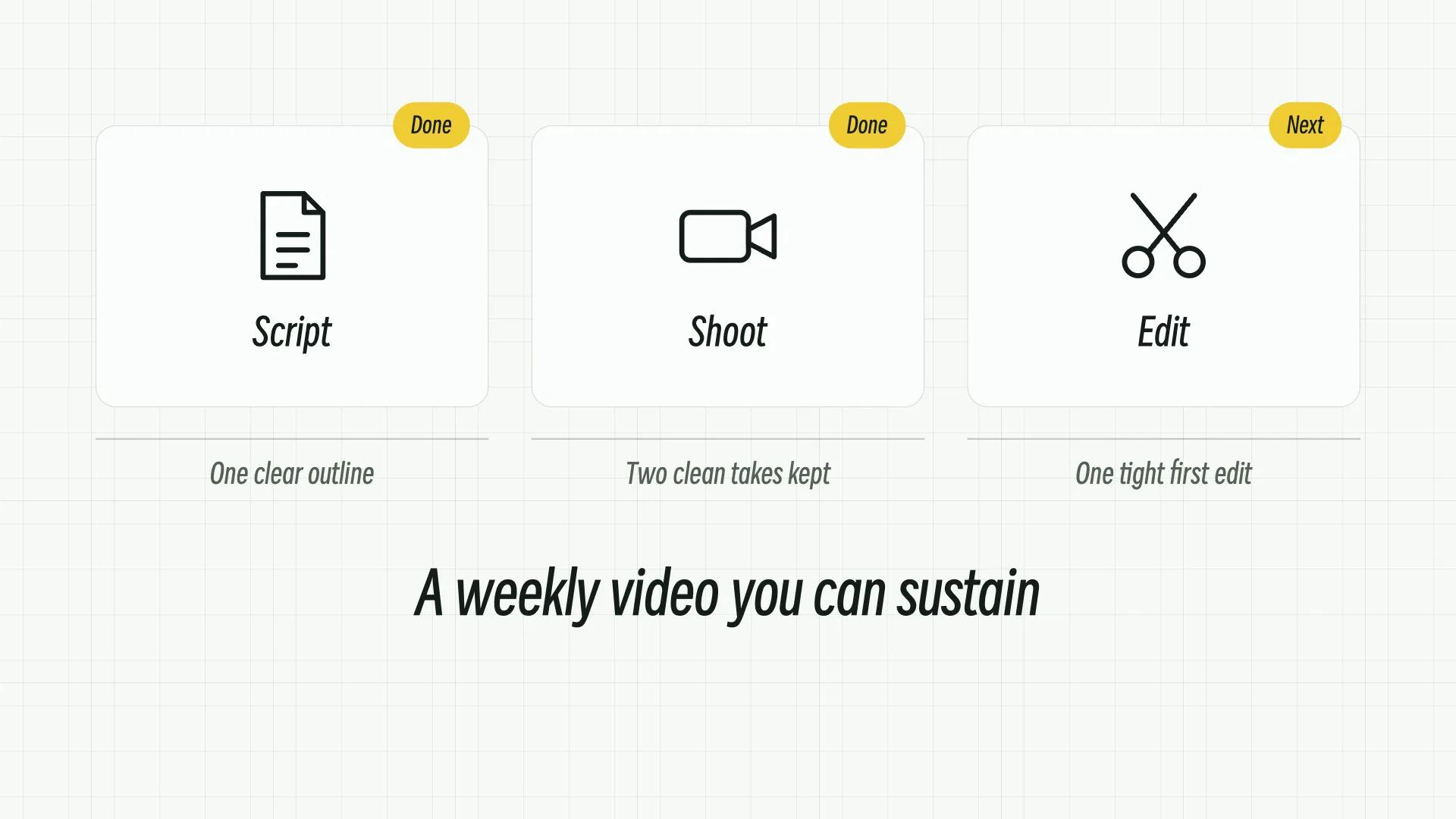
A 7-second B-roll beat where a three-stage roadmap fills in, the camera moves in on the first stage, and one step lights up.
Picked most often by
Updated Nov 6, 2026
Preview gallery


Similar Skills
View all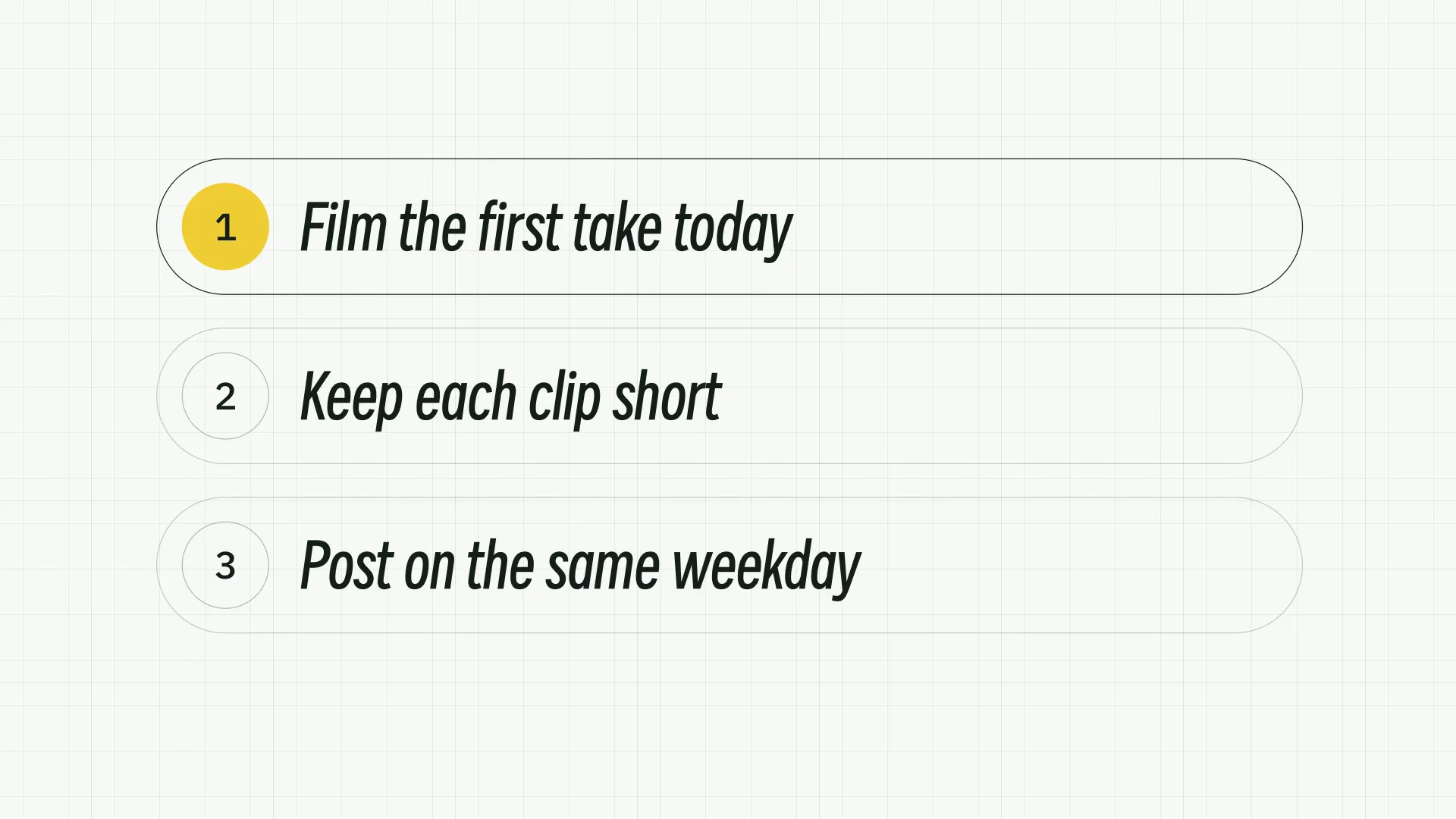
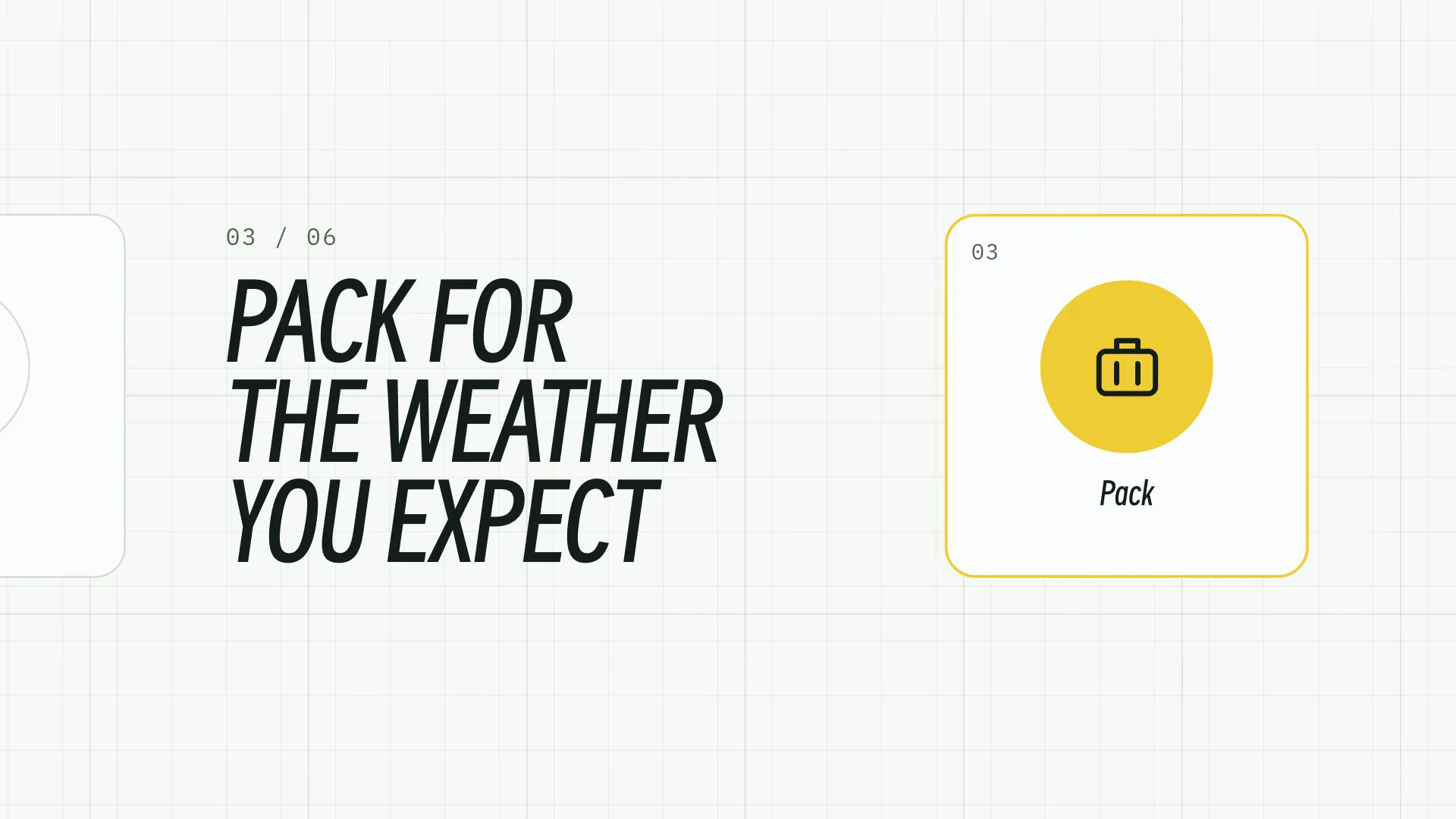
What you get
- Roadmap Zoom to Step with your own content and a written motion specification
- Three matching palettes that share one typeface and the same motion
- A local generator, an editable video project and a short list of what to check before you publish
Good fit
- Creator videos that need one change shown, not told
- Short teaching segments with brief labels
- A series that should keep one look and one rhythm
Not for
- Cutting a whole long video automatically
- Copying another creator's look, face or footage
- Making up a presenter performance or a soundtrack you did not supply
About this Skill
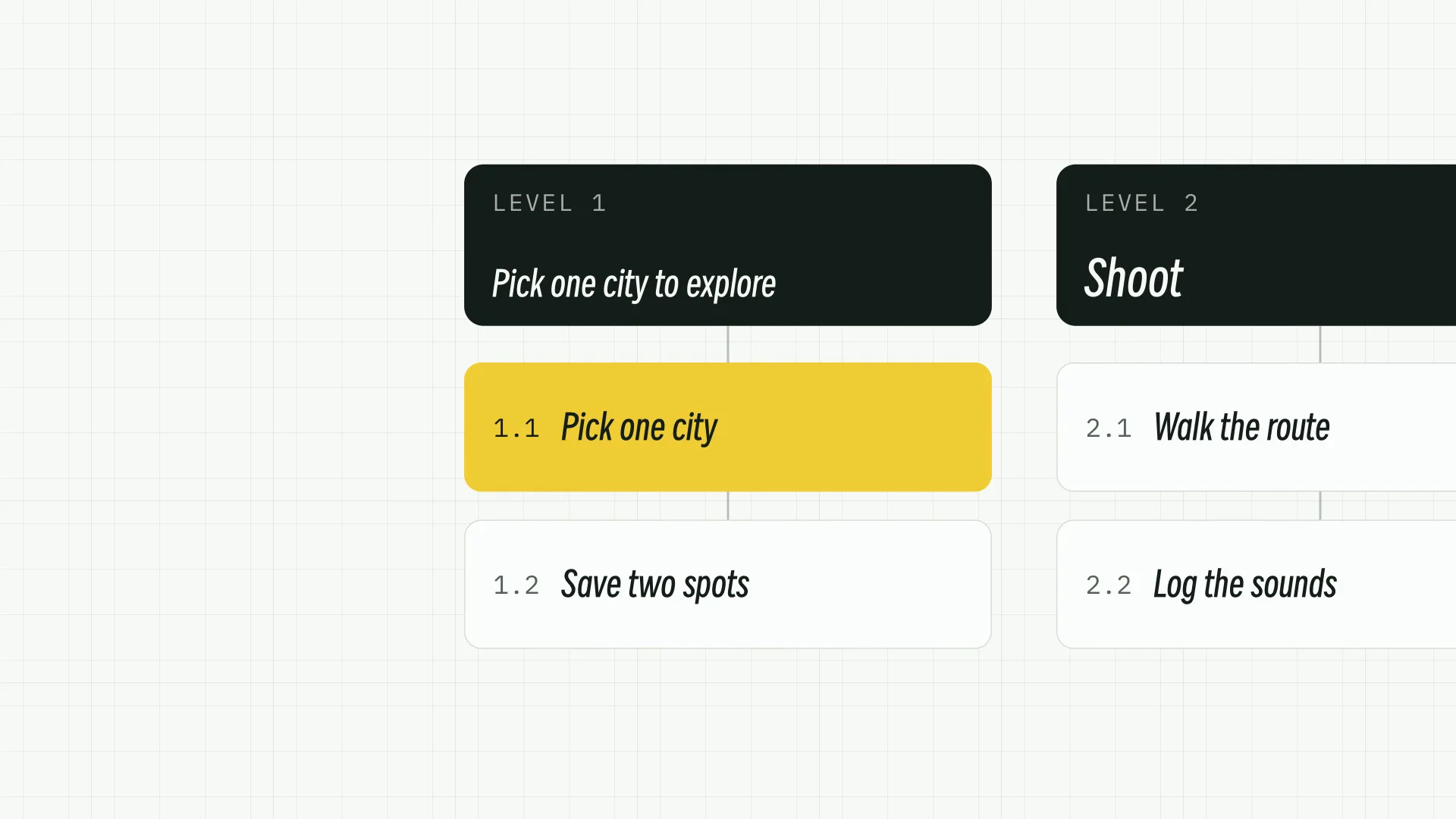
Roadmap Zoom to Step shows the whole plan and then the one move to make now. Numbered steps fill three dark-headed columns by 1.3 seconds, the camera pushes in on the first column from 2.4 seconds while its neighbours slide off the edge, the header switches to your focus heading at 3.1 seconds and the first step turns to the accent at 3.45 seconds. Put in your own stages, steps and focus heading, choose one of three palettes and one of four aspect ratios, and render it at 4K, 2K or 1080p on your own computer.
How it works
- Pick the aspect ratio and resolution once for the whole series
- Write your content into the effect's inputs, or keep the sample to try it
- Build the editable project with create.mjs and render the MP4 with HyperFrames
- Check the opening, the main change and the final frame, then drop the clip into your edit
Checked before delivery
- create.mjs builds the project with every input, picture and font inside it
- The render is 7 s at 30 fps at the chosen aspect ratio and resolution
- No card, label or readable text sits in the caption band, and nothing is clipped in the first, middle and last frames
What you need before you start
- You bring
- Up to three stages, each a short title and up to three steps · The heading the first stage switches to after the push · Optional: a palette, an aspect ratio and 4K, 2K or 1080p
- Dependencies
- Node.js 22 or newer · FFmpeg and Google Chrome on your computer · The HyperFrames CLI, fetched automatically by npx
- Outside costs
- None
- Last tested
- v0.1.0 — Claude Code / Codex / Cursor
User reviews
Loading reviews…
FAQ
Can I change the words and the colours?
Yes. The words are the effect's inputs, the palette is one option, and a small JSON file can replace any colour token.
Do I need my own footage?
No. This effect is B-roll and renders from your content and the bundled pictures alone.
Can I change the motion?
Yes, it is plain GSAP in the effect module. Keep the beats in the motion specification if you want the effect to read the same way.