Pet Storev0.1.2
Use this Skill to build a storefront.
An online store skill for Claude Fable 5, built for pet-supply shops: 39 routes in one file, counted filters, product pages, a refill planner and a demo checkout.
Picked most often by
Updated Oct 24, 2026
Preview gallery


Similar Skills
View all
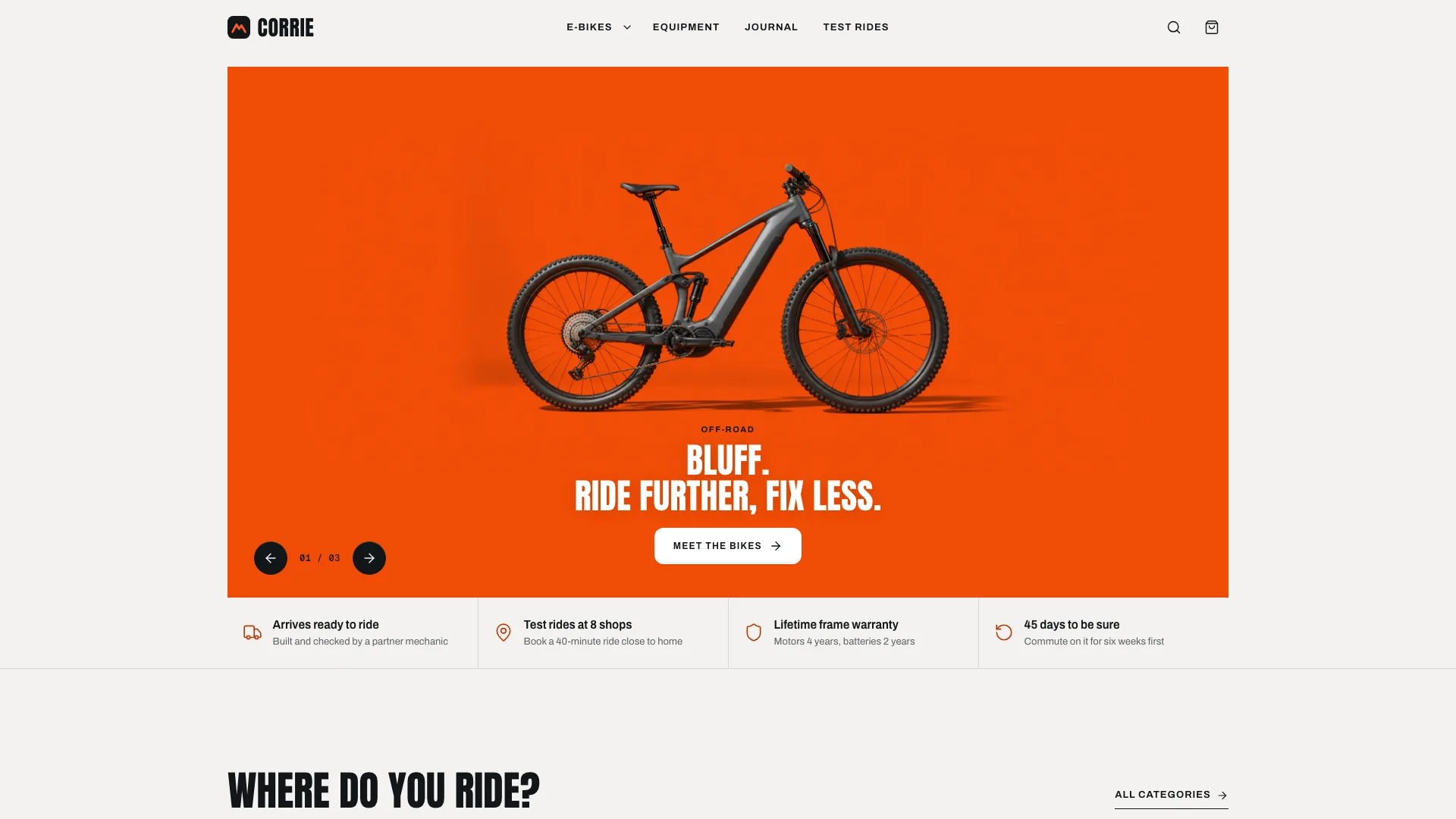
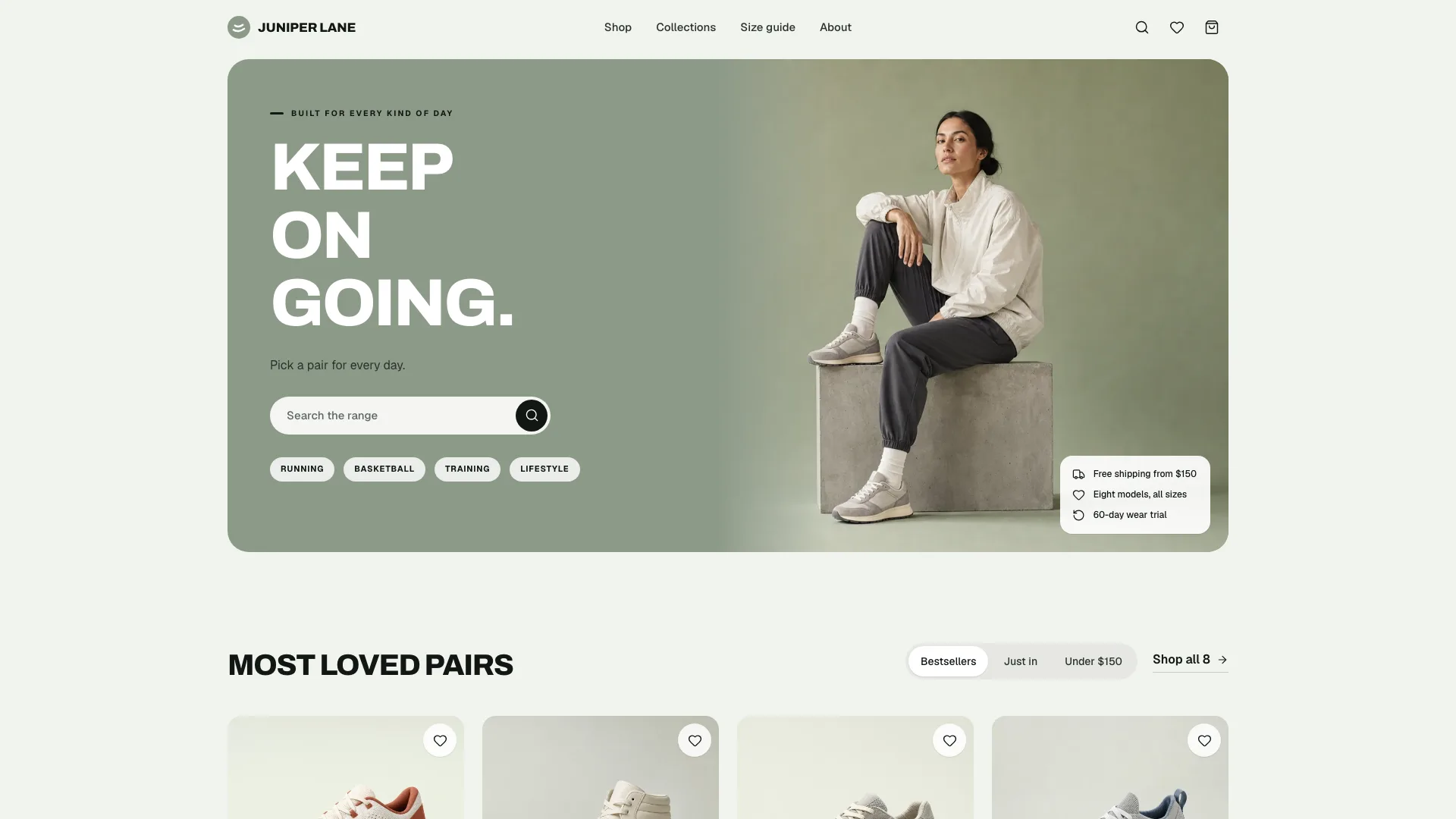
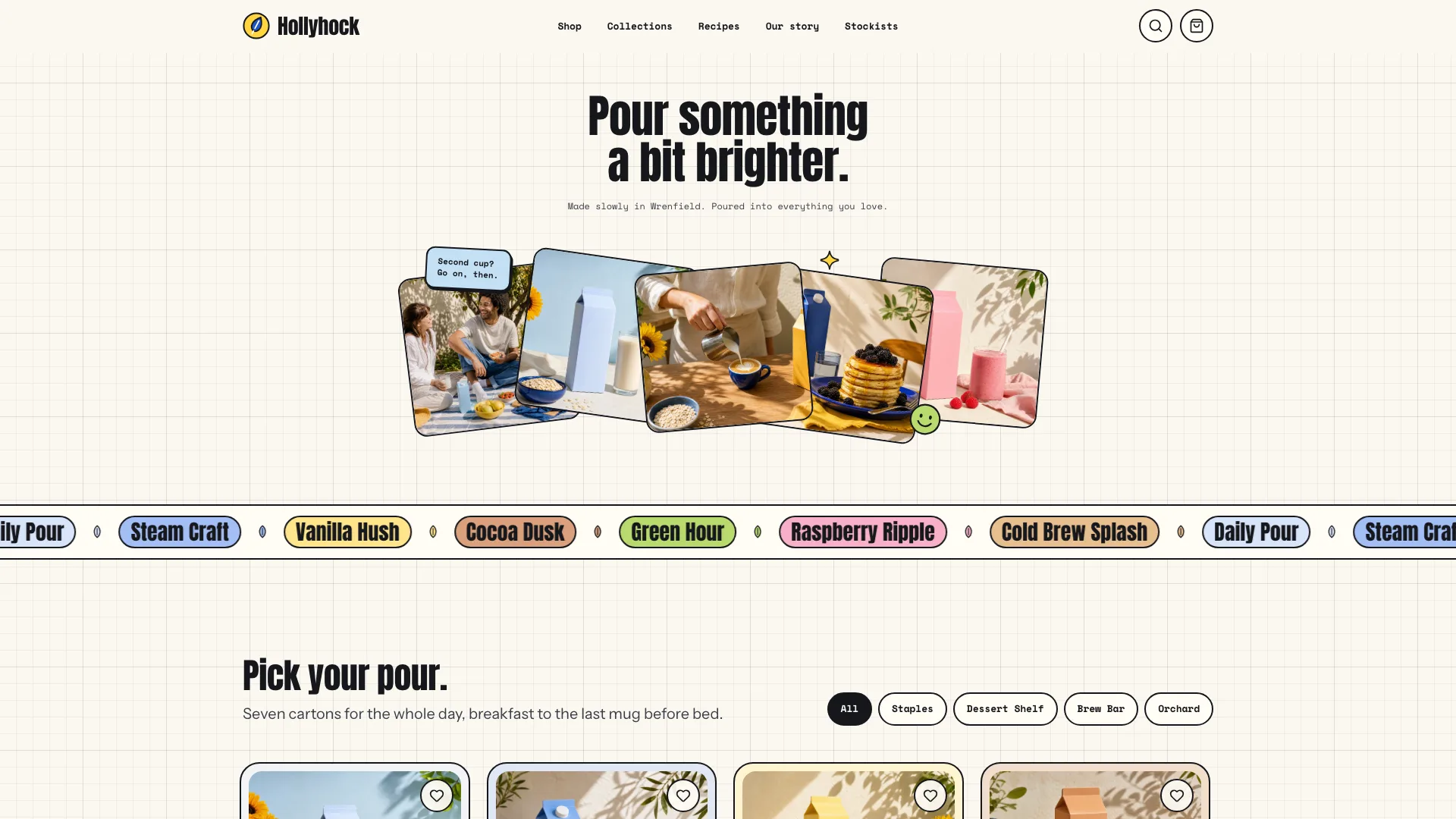
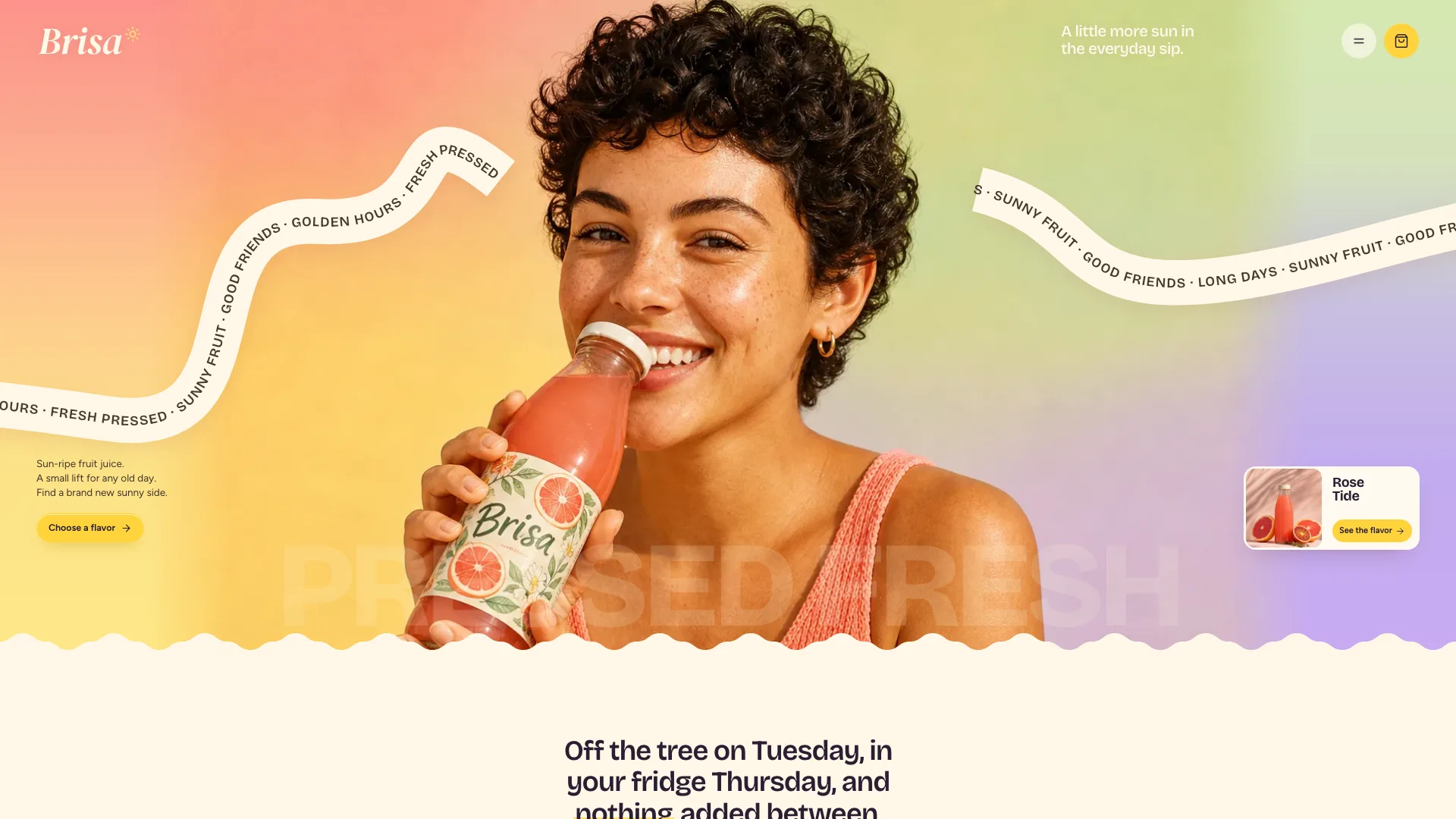

What you get
- A single offline HTML file of 39 linked routes that stays readable with JavaScript off
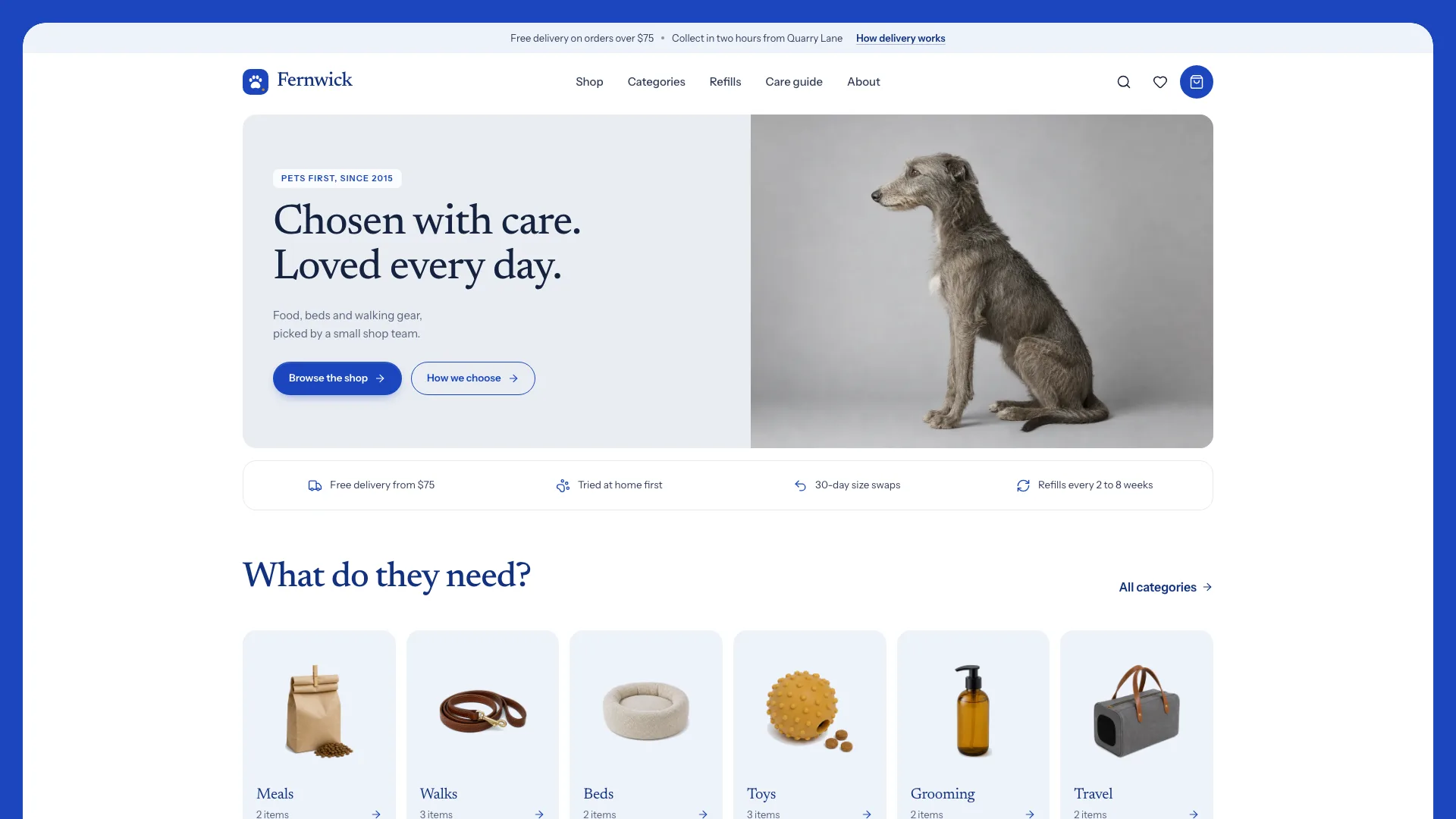
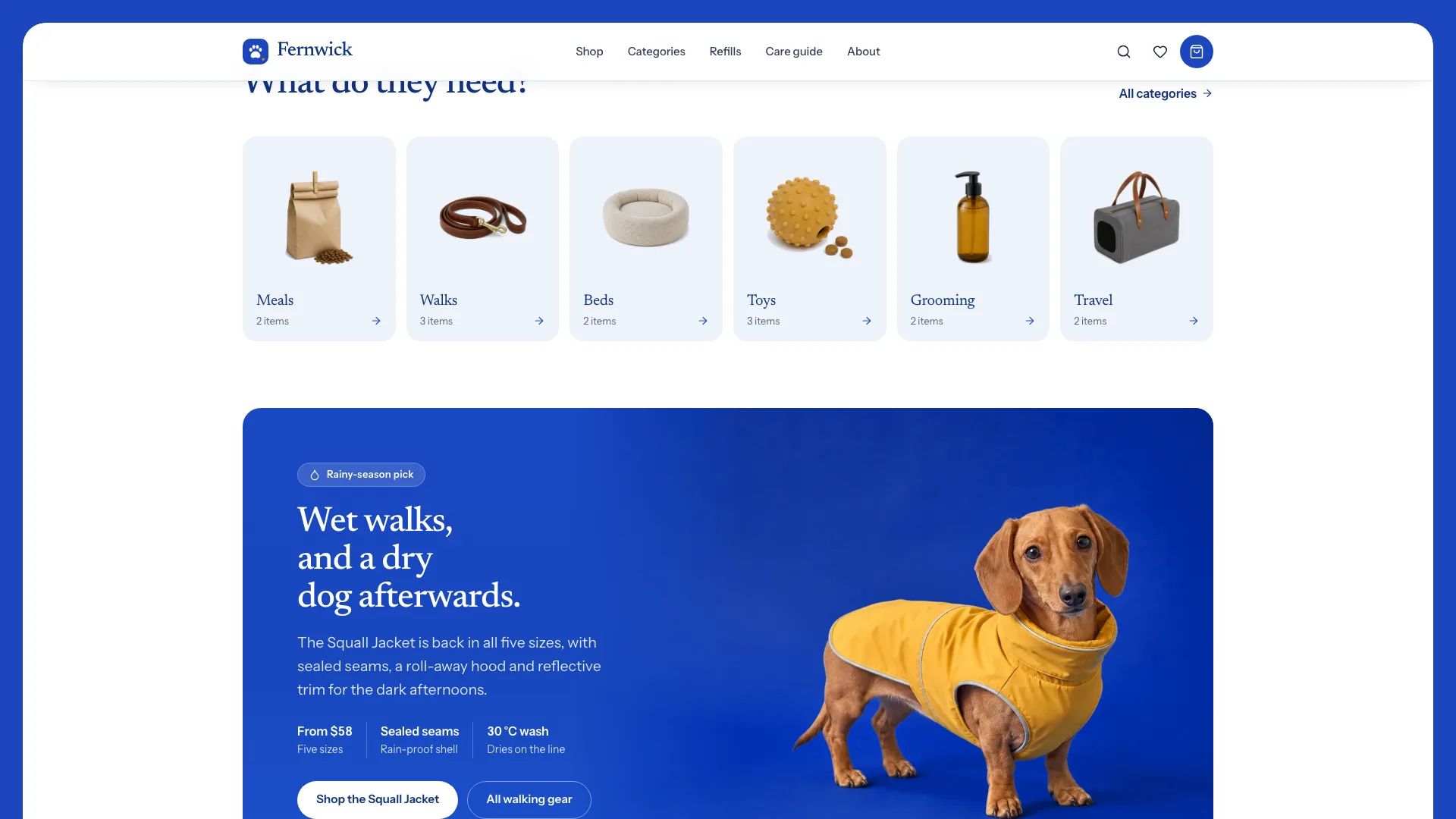
- Home: hero card, assurance strip, category tiles, a seasonal banner, favorites in tabs, the cat edit, a bed chooser, the refill planner, a care guide, the visit card, reviews and FAQ
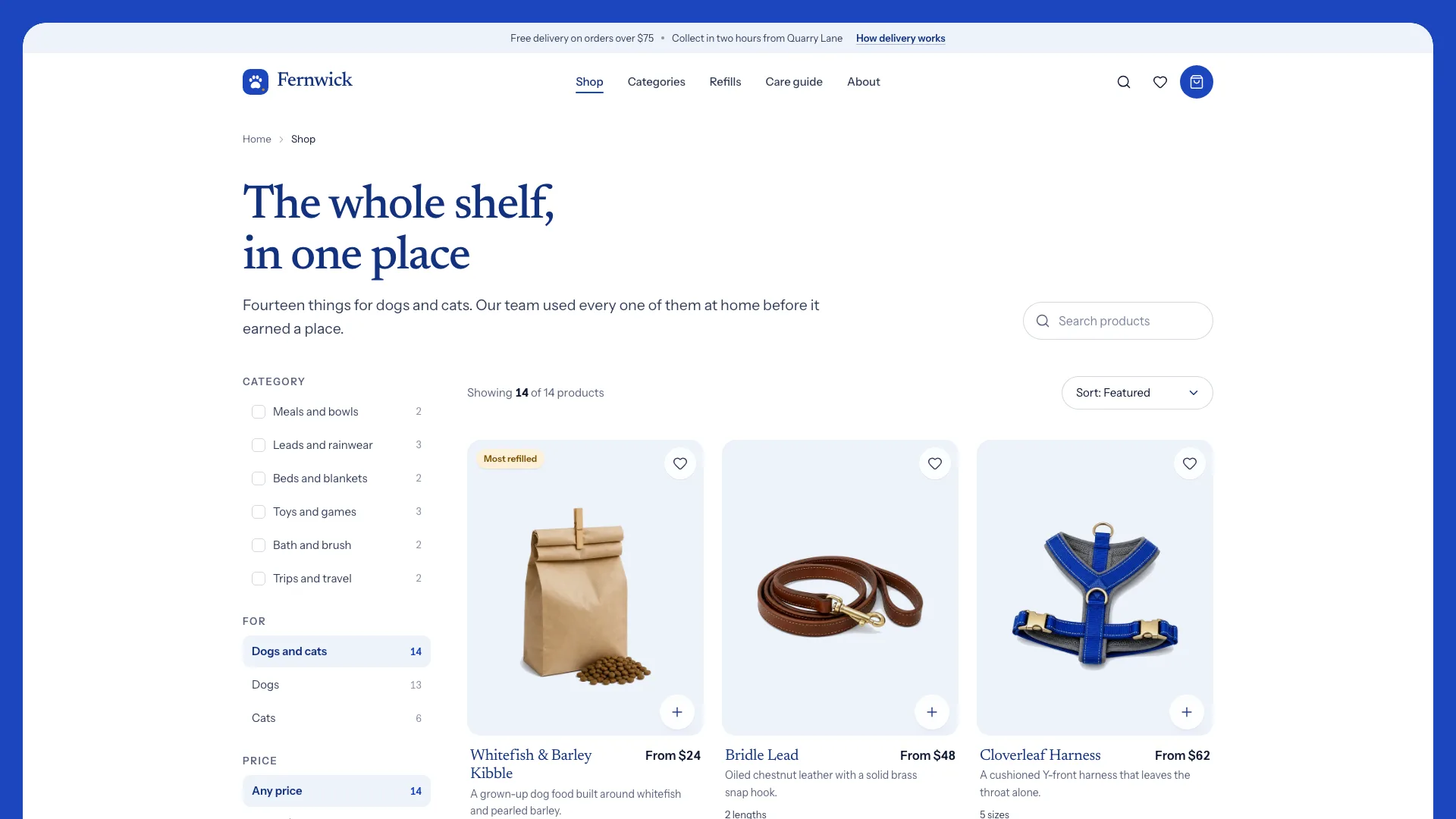
- A shop page with search and sorting, plus filters for category, pet, price and refill-ready items that each show a live count
- One page per product, with a gallery (detail zoom, in-use shot), sold-out and low-stock size states, a size guide, specs, care notes and related items
- A categories overview, then a page for each category carrying buying notes and related reading
- A care guide filtered by topic chips, with a page for every article
- A refills page whose planner shows three upcoming delivery dates, the refill price and the saving over a year
- Wishlist, a bag drawer with a free-delivery meter, a bag page with promo code and save for later, then a demo checkout and an order confirmation
- Open-source fonts and icons embedded, with PetStore structured data
Good fit
- Independent pet shops and stores selling pet supplies
- Local retailers with a small, chosen range that customers reorder
- Agencies making storefronts for pet brands
Not for
- Taking real payments or syncing live stock: the checkout is a demo
- Marketplaces carrying hundreds of products
- Vet clinics that need appointments booked online
About this Skill
Neighborhood pet shops live on repeat orders and good advice; this Skill builds a store around both. Give your agent what the shop really stocks (categories, products, sizes and prices) and how its refills work; it returns one offline HTML file holding the whole store. Owners get help choosing right on the home page: favorites sorted by pet, an edit of picks for cats, a bed chooser that asks how the pet sleeps, and a refill planner listing the next three delivery dates with the yearly saving. In the shop they narrow the range by category, pet, price or refill-ready items, and the counts update with each choice. Each product has a page of its own: a gallery, size options that reprice the item and flag sizes that are gone, a size guide for anything fitted, specs and care notes. Hearts save items to a wishlist; the bag tracks progress toward free delivery, takes a promo code and can set lines aside for later; a demo checkout, labeled as one, ends the path. The styling is calm and upscale: a white page inside a royal-blue frame, serif headings in blue, every product cut out on a pale blue stage. No order or message leaves the page, and it tells shoppers so.
How it works
- Get the shop's categories, its products with per-size prices, how refills work, what delivery costs and where it goes, and when the shop is open
- Fill in site.json against the schema and leave out whatever is unknown
- Produce or import photos per the image plan: product cut-outs framed and pushed to white, blue scenes graded to match the frame
- Run the build, which reports every problem in the brief in one pass
- Validate for a single file, one h1 per page, links that all resolve, labeled controls, photos in place and no names borrowed from the example
- Check the layout at 390, 768, 1024 and 1440 px wide, then work through the filters, size options, refills, wishlist, bag and checkout
- Hand over the file with a list of what the shop still has to supply
Checked before delivery
- validate.mjs passes: single file, one h1 per page, every link resolves, labelled controls, structured data, no names from the reference store
- Every price, size, refill price, delivery fee and hour matches the brief; no invented vet endorsements or certifications
- Filters, size options, refill planner, wishlist, bag with promo and save for later, and the checkout demo work in a browser at 1440, 1024, 768 and 390 px
What you need before you start
- You bring
- Shop name, wordmark, tagline, address, phone, email and opening hours · Market: currency, tax mode, ZIP format, delivery fees, free-delivery threshold and refill discount · Six categories and the products in them, with real prices per size, sold-out sizes, size guides and specs · Which products can be refilled, and on what rhythms · Care-guide articles, customer reviews with sources, FAQs, delivery zones and legal text
- Dependencies
- Node.js 20 or later · Nothing to install, no API keys, no network needed
- Outside costs
- None
- Last tested
- v0.1.2 — Claude Code / Codex / Cursor
User reviews
Loading reviews…
FAQ
Can shoppers actually pay through the checkout?
No. It checks the form, shows a sample confirmation and states that no payment was taken. A live store needs a payment provider connected.
Where do refill prices come from?
A fixed rule applies the shop's refill discount to its own price, so the planner, bag and checkout always show the same figure. Nothing is guessed: the build lists any missing number so you can ask the shop.
What if the shop has no product photos?
Use theirs whenever possible. Otherwise the image plan holds a prompt for every slot and explains how catalog sheets become matching cut-outs and how blue-backdrop scenes are graded to the frame color.
Is the bag still there after a reload?
Yes, and so are saved items, but only in that browser. None of it leaves the shopper's device.