Drinks Brand Sitev0.1.1
Use this Skill to build a storefront.
An online store skill for Claude Fable 5, cut for small drinks makers: a 34-route brand site and shop in one file, with rescaling recipes, a stockist map and demo checkout.
Picked most often by
Updated Oct 25, 2026
Preview gallery


Similar Skills
View all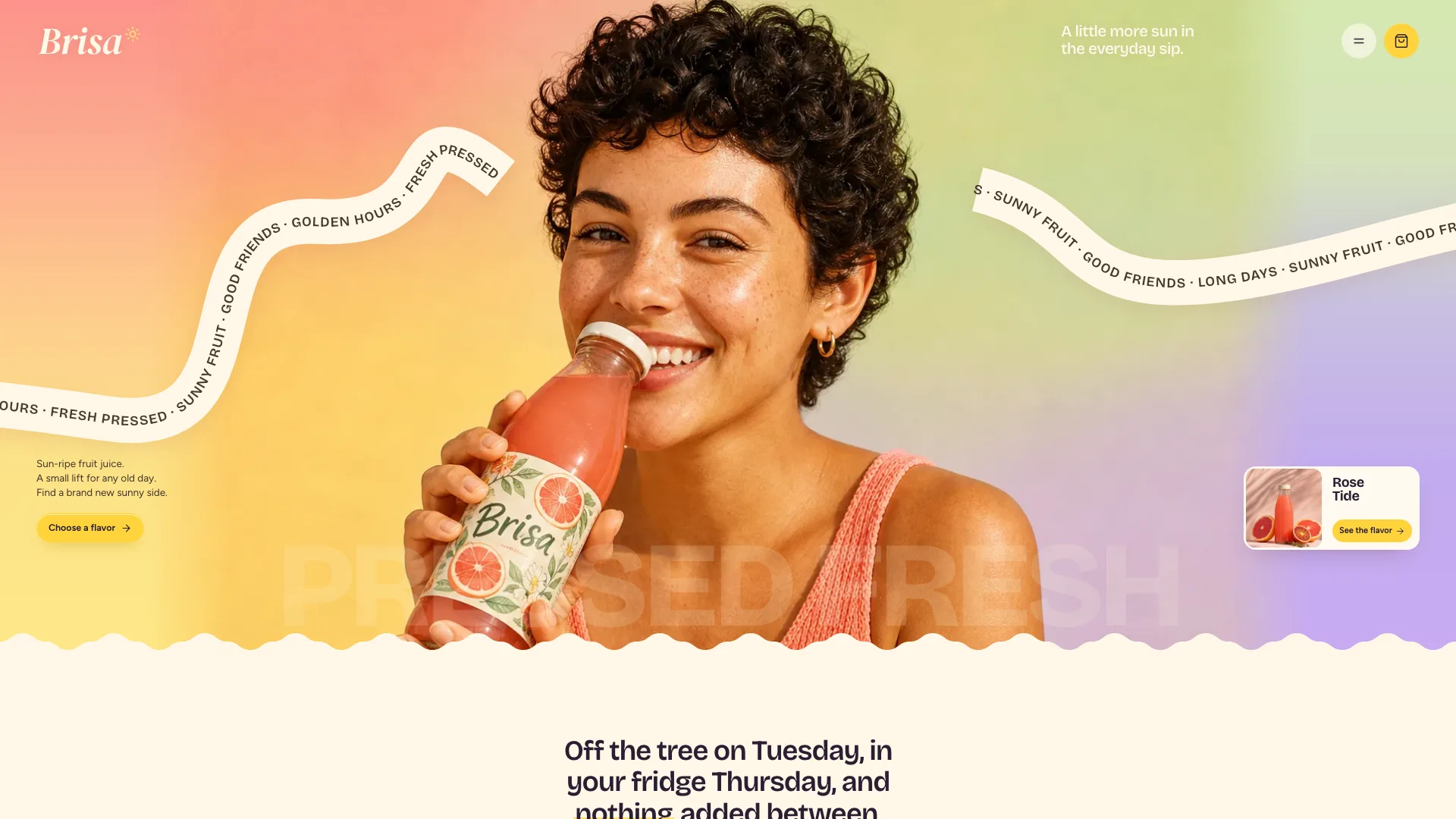
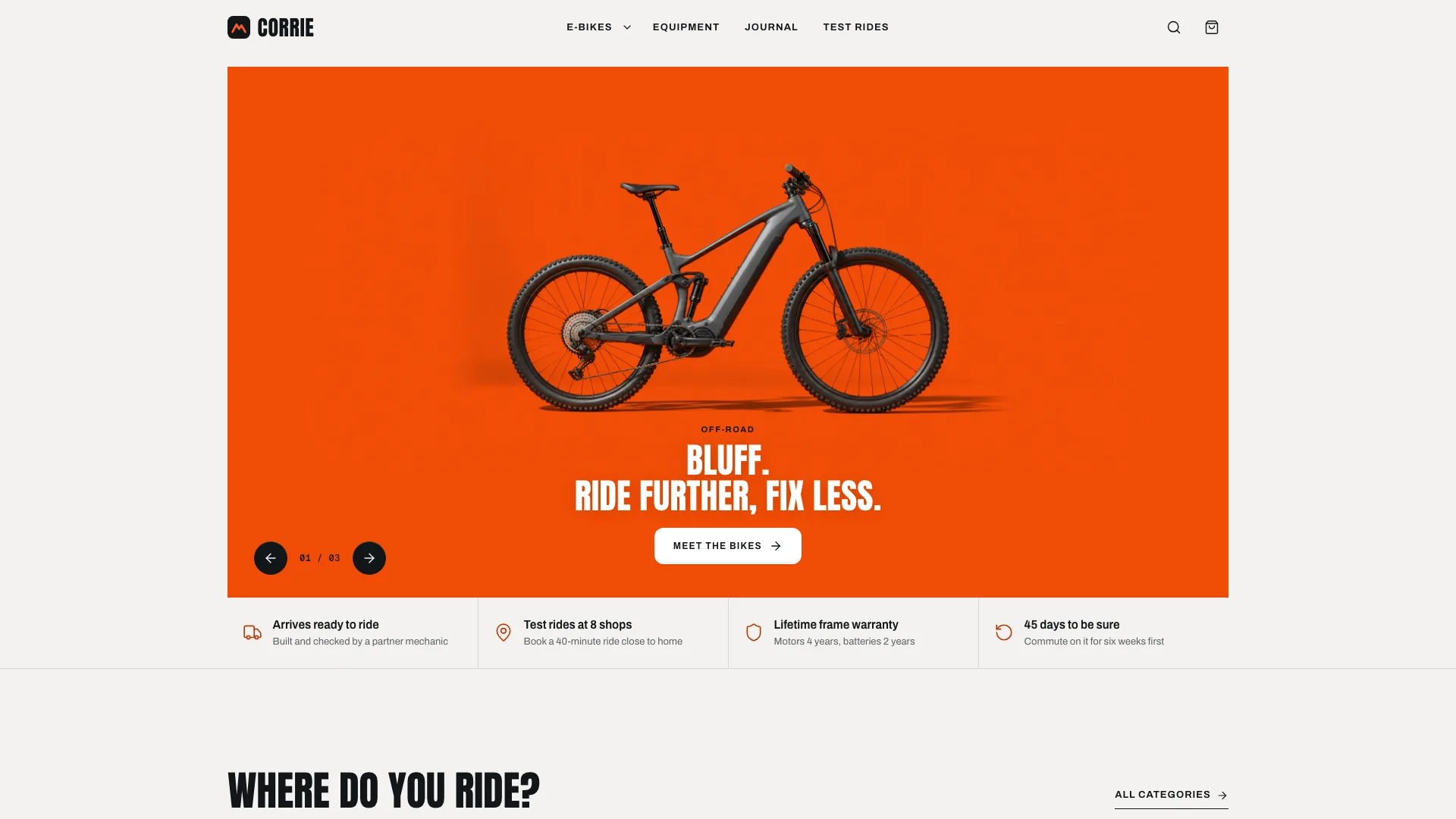
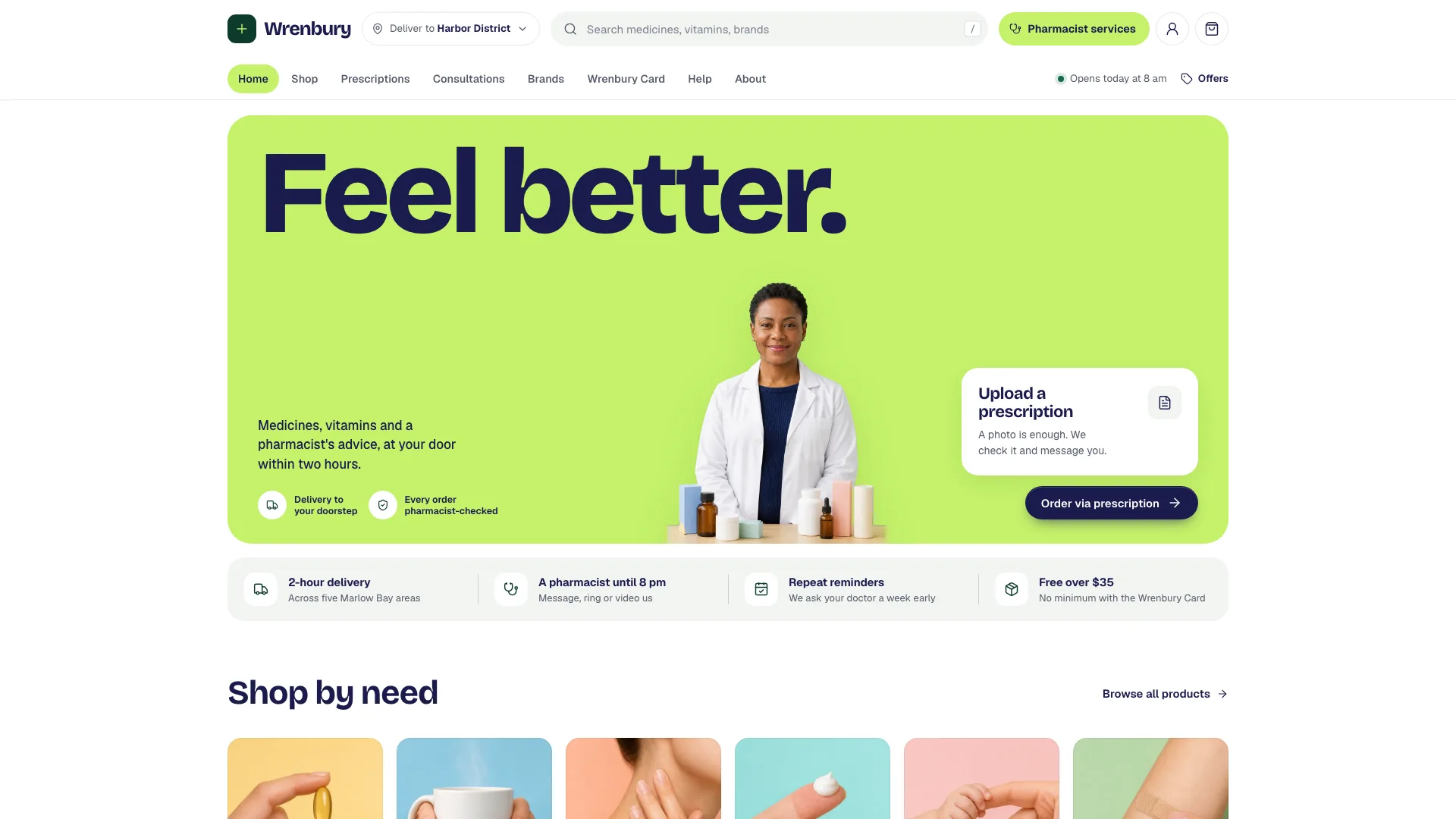
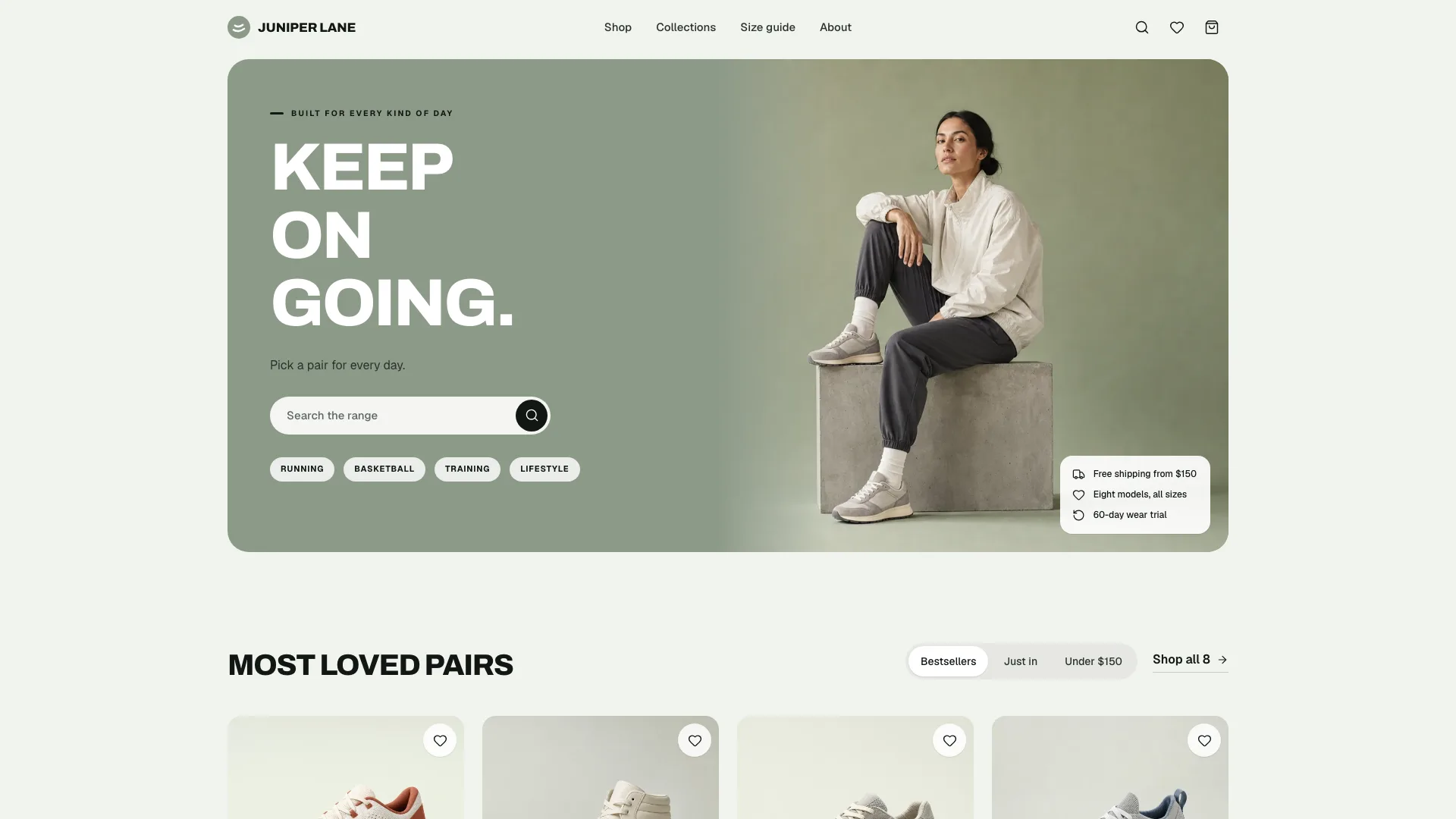
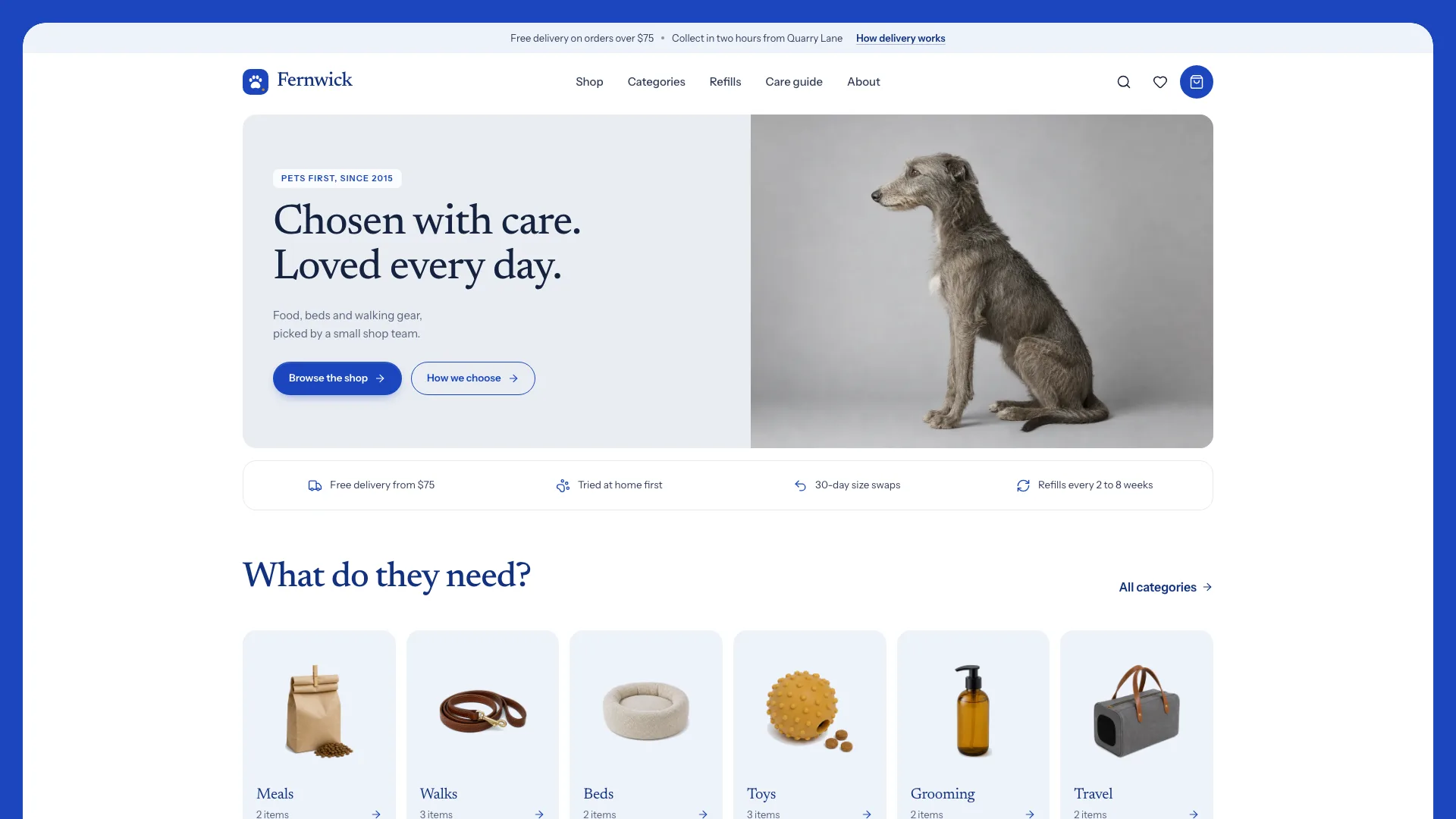
What you get
- A single offline HTML file of 34 linked routes that still reads with JavaScript turned off
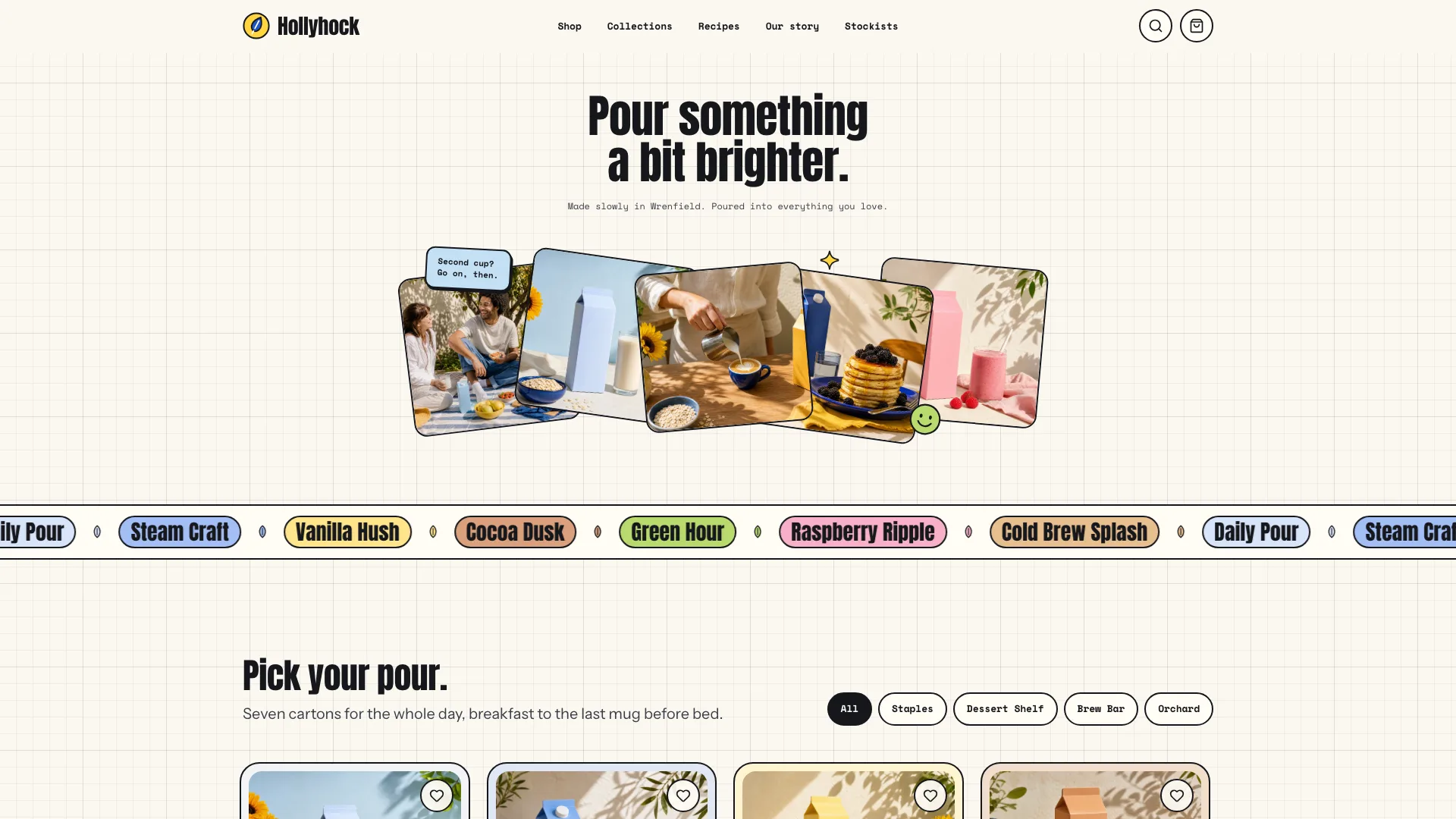
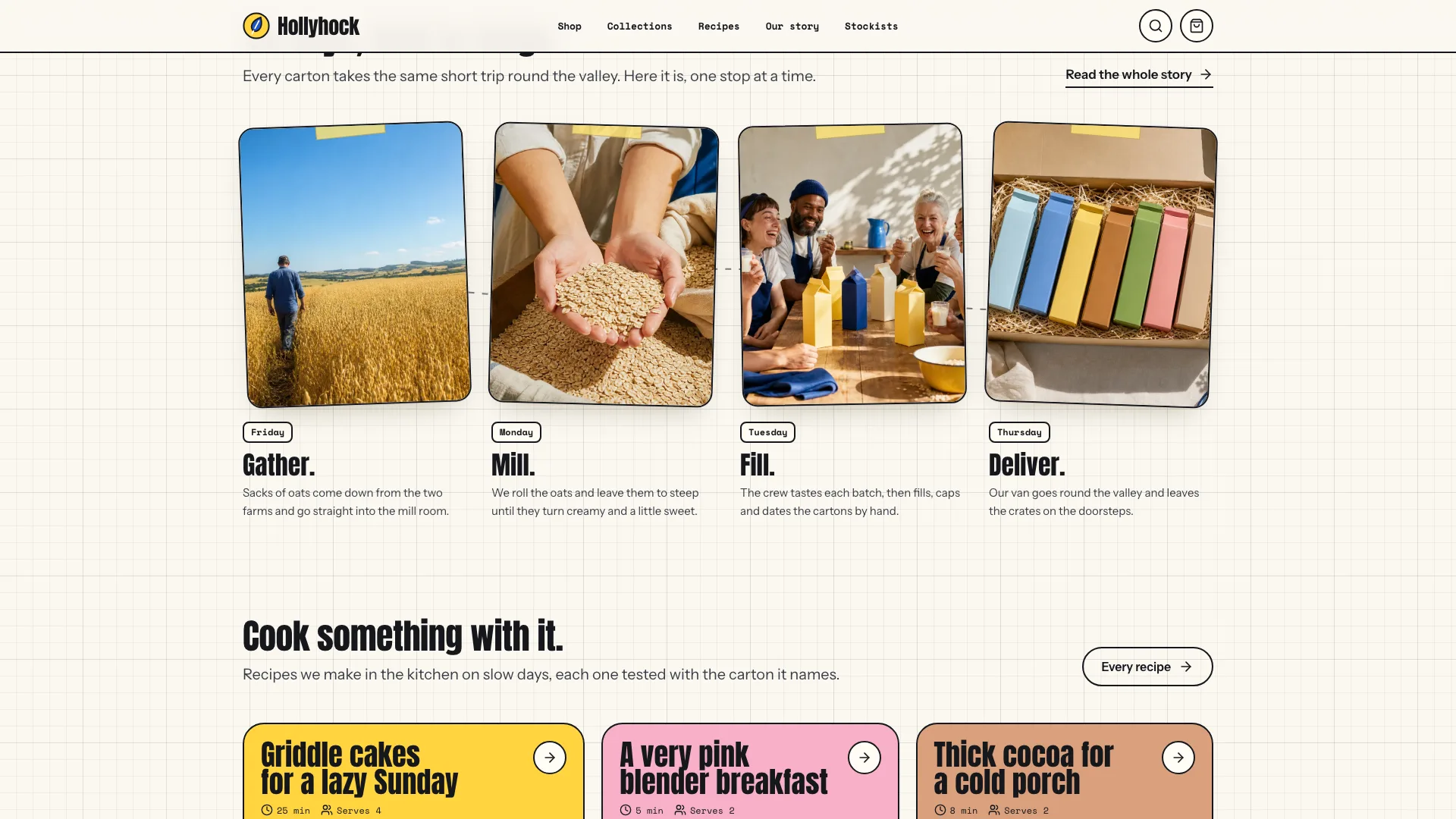
- A home page that runs from the photo fan through the flavor band, a shelf filtered by collection, the story, a count-up stat bento, the journey, a recipe bento, fridge-door notes, questions, the stockist finder, newsletter and a shape strip
- A shop with search, collection chips, a Saved filter, sorting, a live tally and a flavor matcher
- One page per product with gallery, size cards, subscription prices, taste profile, ingredient and optional nutrition tabs, a paired recipe and related items
- A collections overview plus a page in its own color for each collection
- A recipe index sorted by category chips, and a page per recipe with a servings control
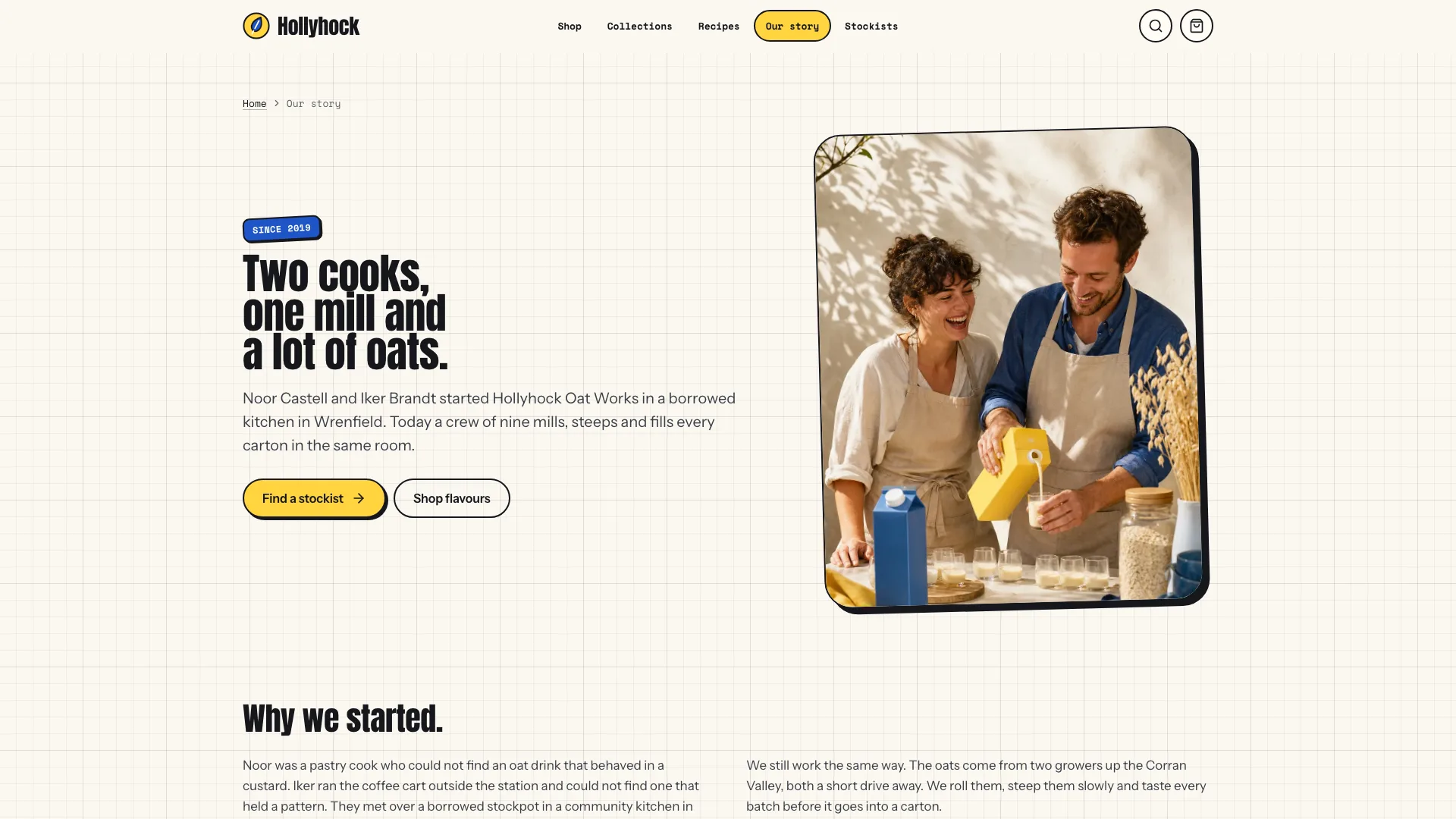
- Our story, a stockist list keyed to numbered map pins, wholesale tiers and a sample request form, questions, delivery and care, contact, newsletter, privacy, terms and a 404
- A bag drawer and full bag page with promo code, then a demo checkout that confirms on the page
- Embedded open-source fonts (Anton, Instrument Sans, Space Mono) and icons, plus LocalBusiness structured data
Good fit
- Small makers of oat drinks, juice, soda, kombucha or coffee
- Food brands selling a short range with recipes and a few local shops
- Agencies that need a cheerful brand site with a working shop
Not for
- Charging cards or keeping stock in sync: the checkout only demonstrates the flow
- Catalogs that run to hundreds of products
- Brands after a restrained, corporate feel
About this Skill
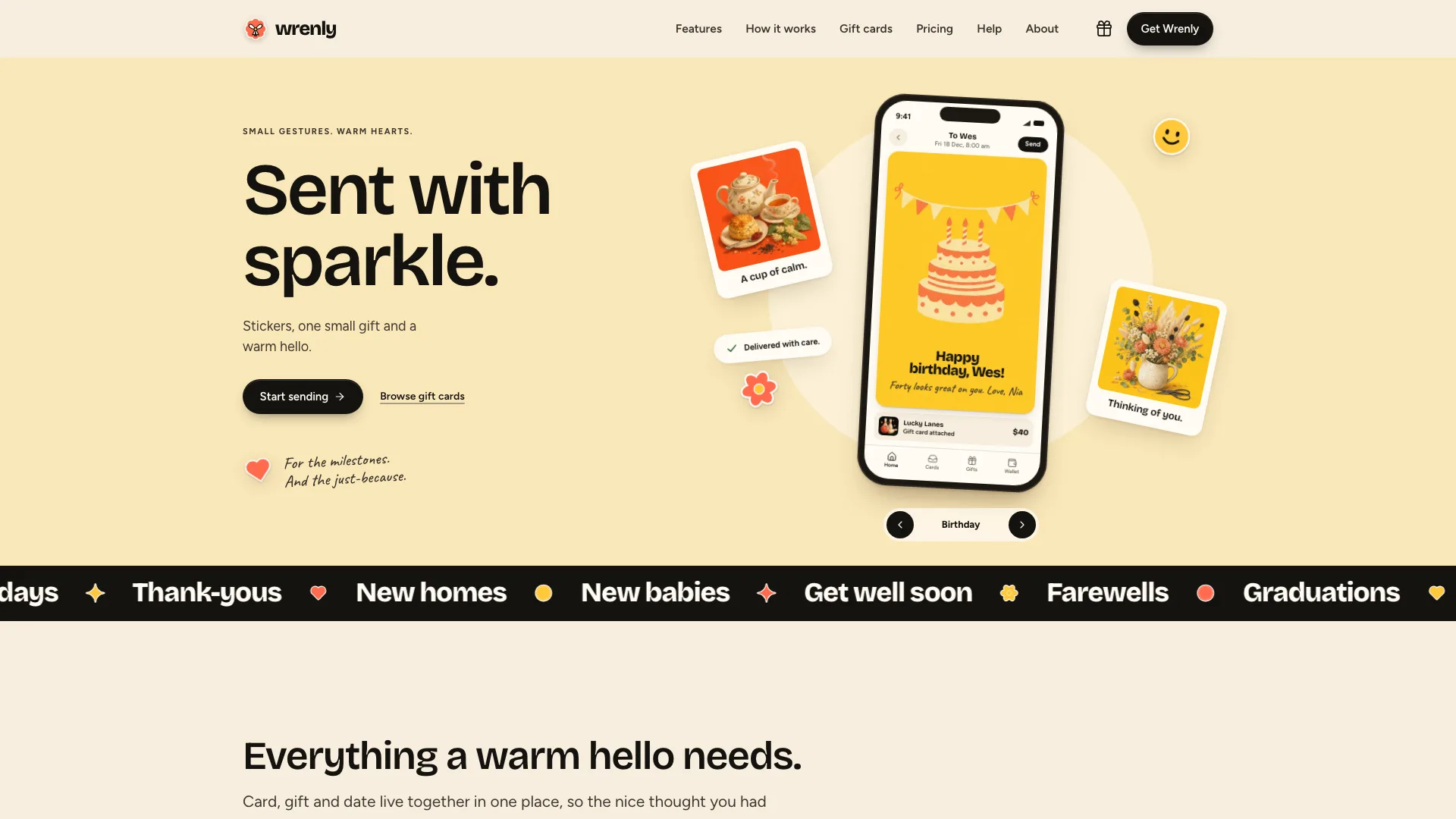
A small oat, juice or soda maker wants to be remembered as a brand and still take orders; this Skill gives your agent that job. Give it the real range, prices, recipes and stockists, and it returns one offline HTML file with 34 linked routes. Visitors arrive at a centered two-line headline above five photo cards fanned out at angles, each one a link, with three small stickers. Scrolling, they meet a band of flavors, a shelf they can narrow by collection, the founders' story, big figures in a bento, the path from field to fridge, recipes, customer notes stuck to a fridge door, questions, a panel for finding a stockist and a newsletter sign-up. Each product earns a page: gallery, size cards whose savings come from one pricing rule, a choice between buying once and subscribing, a taste profile, ingredients, a nutrition table only when lab values exist, and a recipe to serve it with. Recipes rescale every quantity when the servings change and let cooks tick off what they have; each stockist sits in a list and again as a numbered pin on a hand-drawn map. The bag fills a free-delivery meter and takes a promo code, and checkout closes on a confirmation that admits nothing was sent or charged. Browser storage is never touched. The styling is warm graph paper, 2 px black outlines with hard offset shadows, Anton headlines, Space Mono labels and a pastel for every flavor.
How it works
- Get from the maker: products with prices, ingredients and allergens, the collections, recipes, stockists, the delivery day and fees
- Fill in site.json against the schema and leave out what nobody knows, nutrition values without a lab sheet included
- Keep the bundled photos the image plan marks as reusable; replace the product shots and stand-in pictures
- Run the build, which reports every gap in the brief in a single pass
- Run the validator: one file, one h1 per page, no dead links, no browser storage, no purple and no names left from the example
- Try the shelf, the matcher, size cards, servings, the map, every form, the bag and checkout at 390, 768, 1024 and 1440 px
- Hand over the file with a list of what the maker still has to supply
Checked before delivery
- validate.mjs passes: single file, one h1 per page, every link resolves, no browser storage, no purple, all three fonts embedded, no names from the reference brand
- Every price, size, subscription price, fee, delivery day and ingredient matches the brief; no invented health, nutrition or certification claims
- Shelf chips, shop filters, matcher, size and subscription options, servings tool, stockist map, FAQ search, forms, bag with promo code and the demo checkout work in a browser at 1440, 1024, 768 and 390 px
What you need before you start
- You bring
- Brand name, wordmark, tagline, legal name, address, phone and email · Market: currency, ZIP format, delivery fee, free-delivery threshold, subscription discount and the weekly delivery day · Collections and the products in them, with real prices, ingredients, allergens and, only if the maker has them, lab nutrition values · Recipes that use the products, with quantities per serving · Stockists with addresses and hours, FAQs, customer notes with sources, wholesale tiers and legal text
- Dependencies
- Node.js 20 or later · Nothing to install, no keys, no network calls
- Outside costs
- None
- Last tested
- v0.1.1 — Claude Code / Codex / Cursor
User reviews
Loading reviews…
FAQ
Can shoppers actually pay?
Not in this file. Checkout validates every field and shows a sample order number, then states that no order was sent and no money taken. A live shop needs a payment provider connected.
Where do the size and subscription prices come from?
Each product's single-carton price and one fixed rule. The pack saving and the subscription discount are combined and rounded a single time, which keeps card, bag and checkout totals identical.
What happens if we have no nutrition data?
The Nutrition tab is simply removed. It only appears when the brief holds figures from the maker's own lab sheet, and the agent never adds health or certification claims on its own.
Why is the bag empty after a reload?
Bag, saved items and filters live in memory on purpose. That lets the file run in sandboxed previews where browser storage is blocked.