Poster Designer Portfoliov0.1.1
Use this Skill to build a product website.
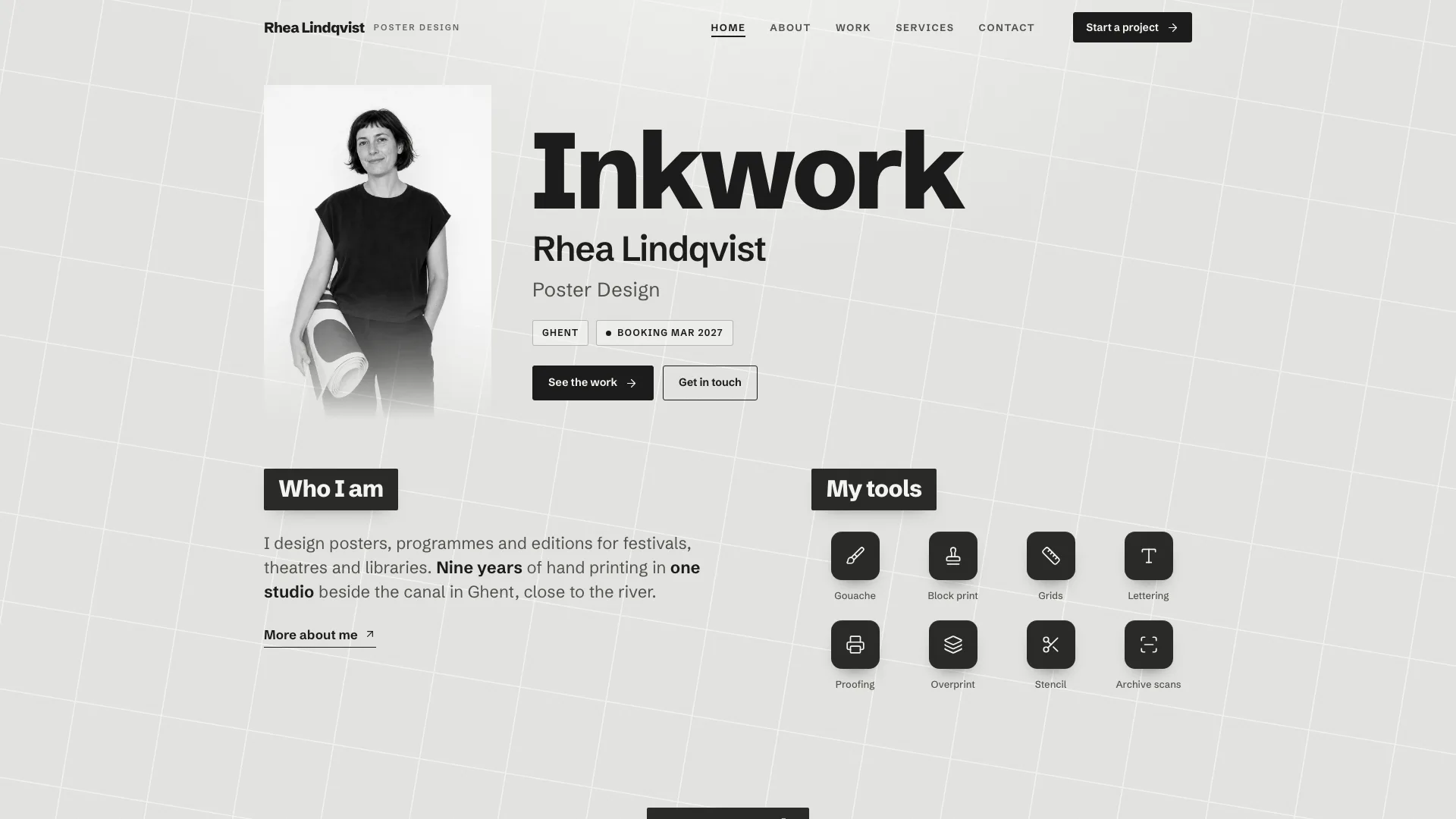
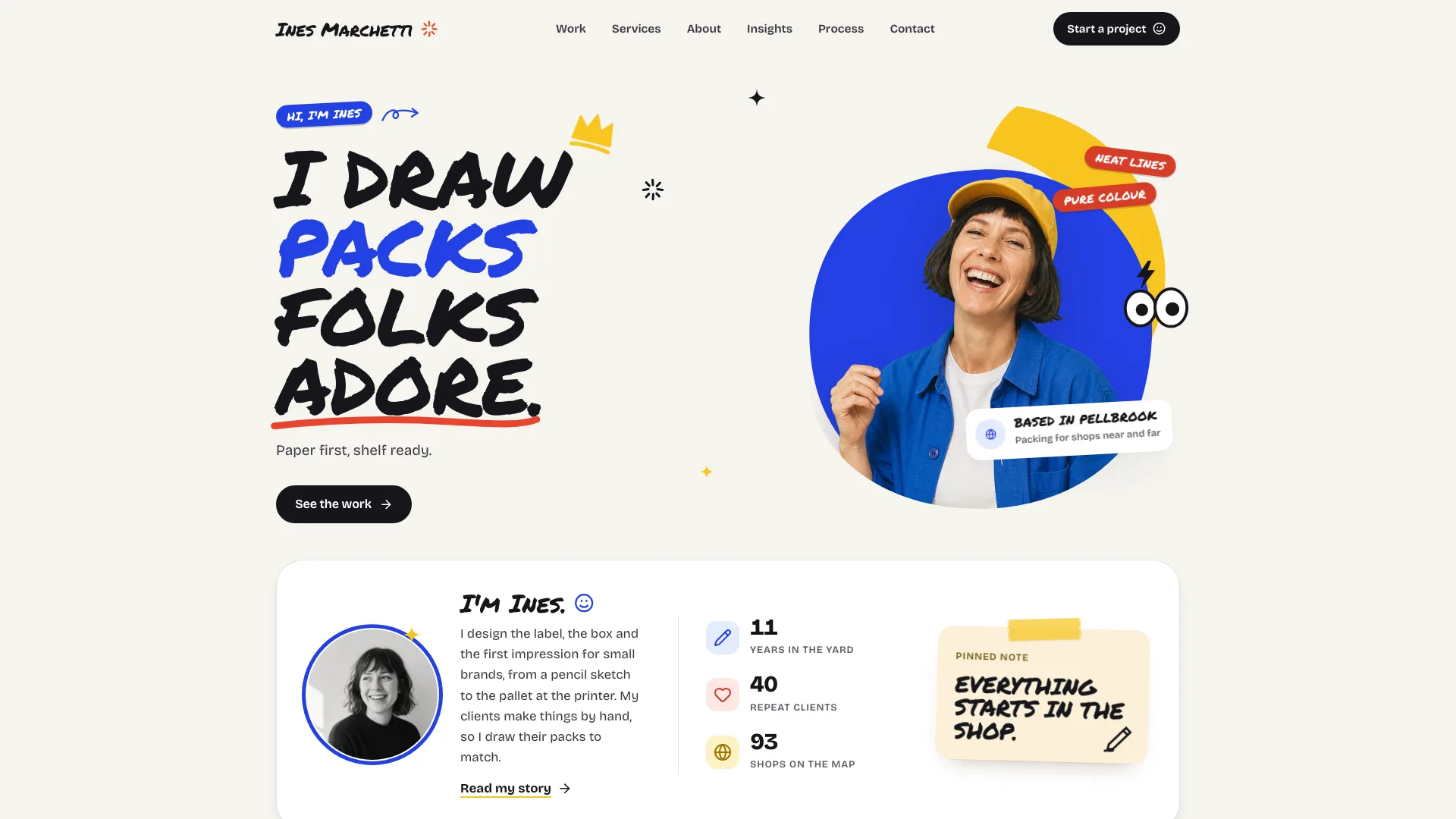
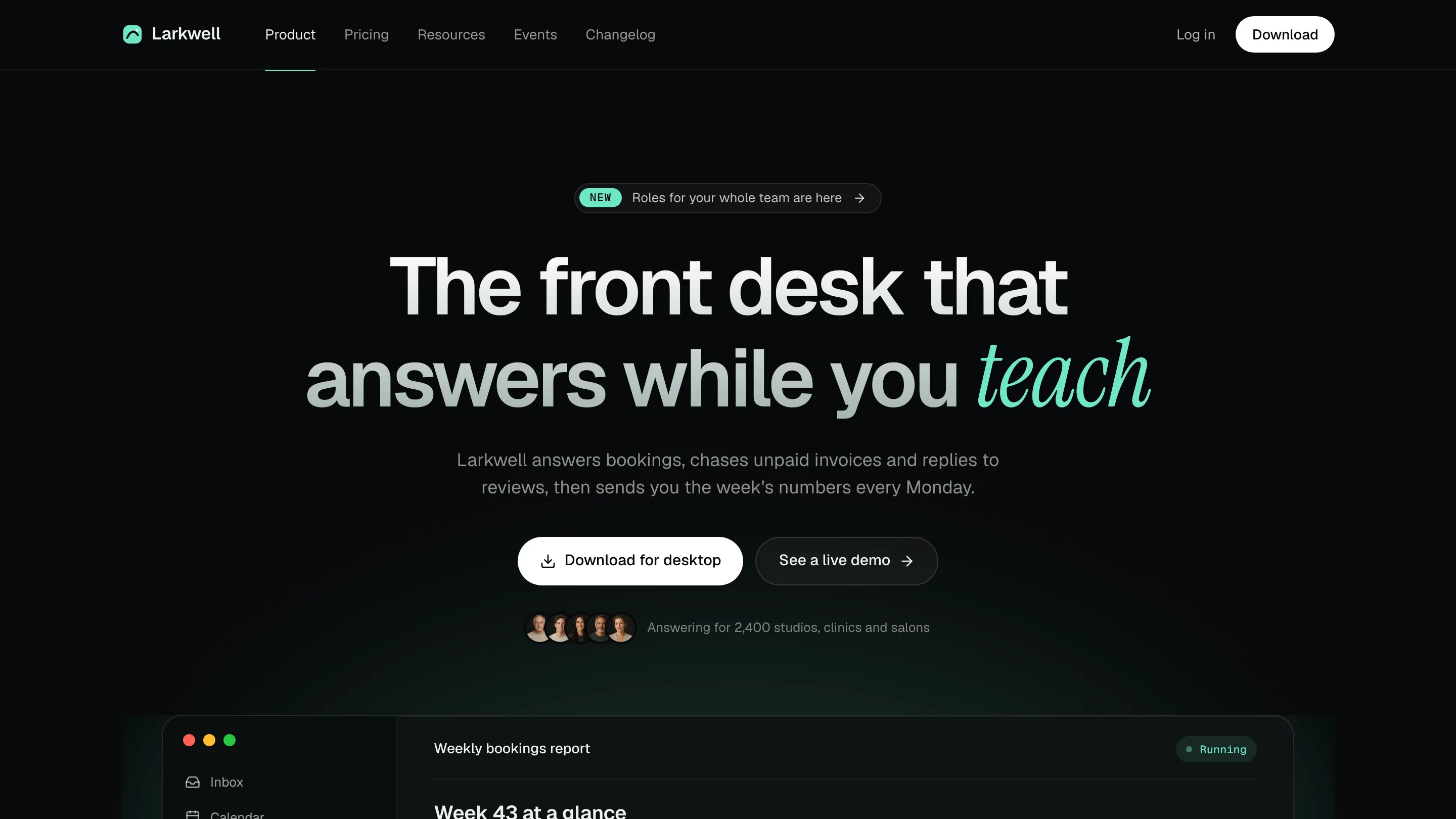
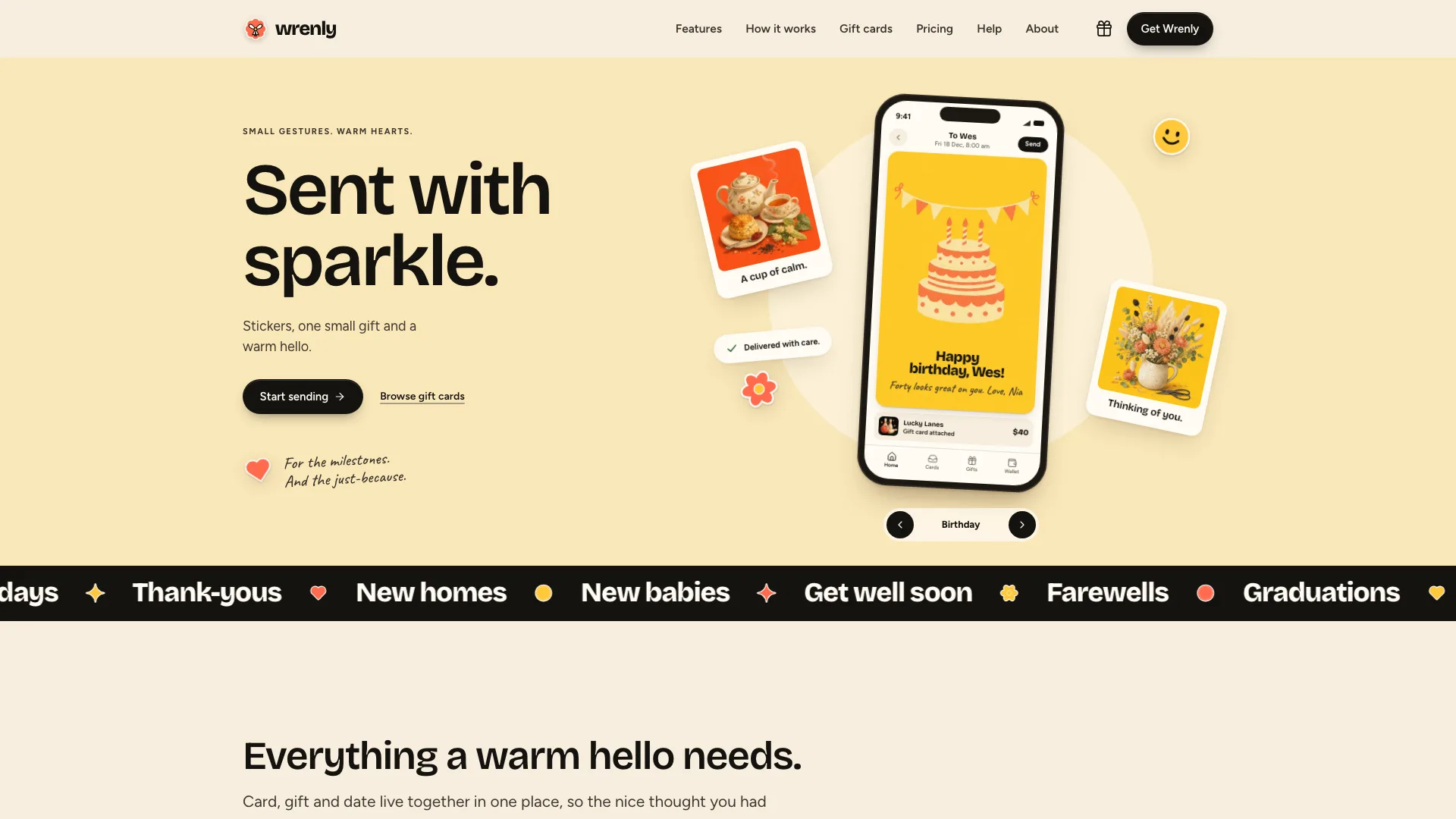
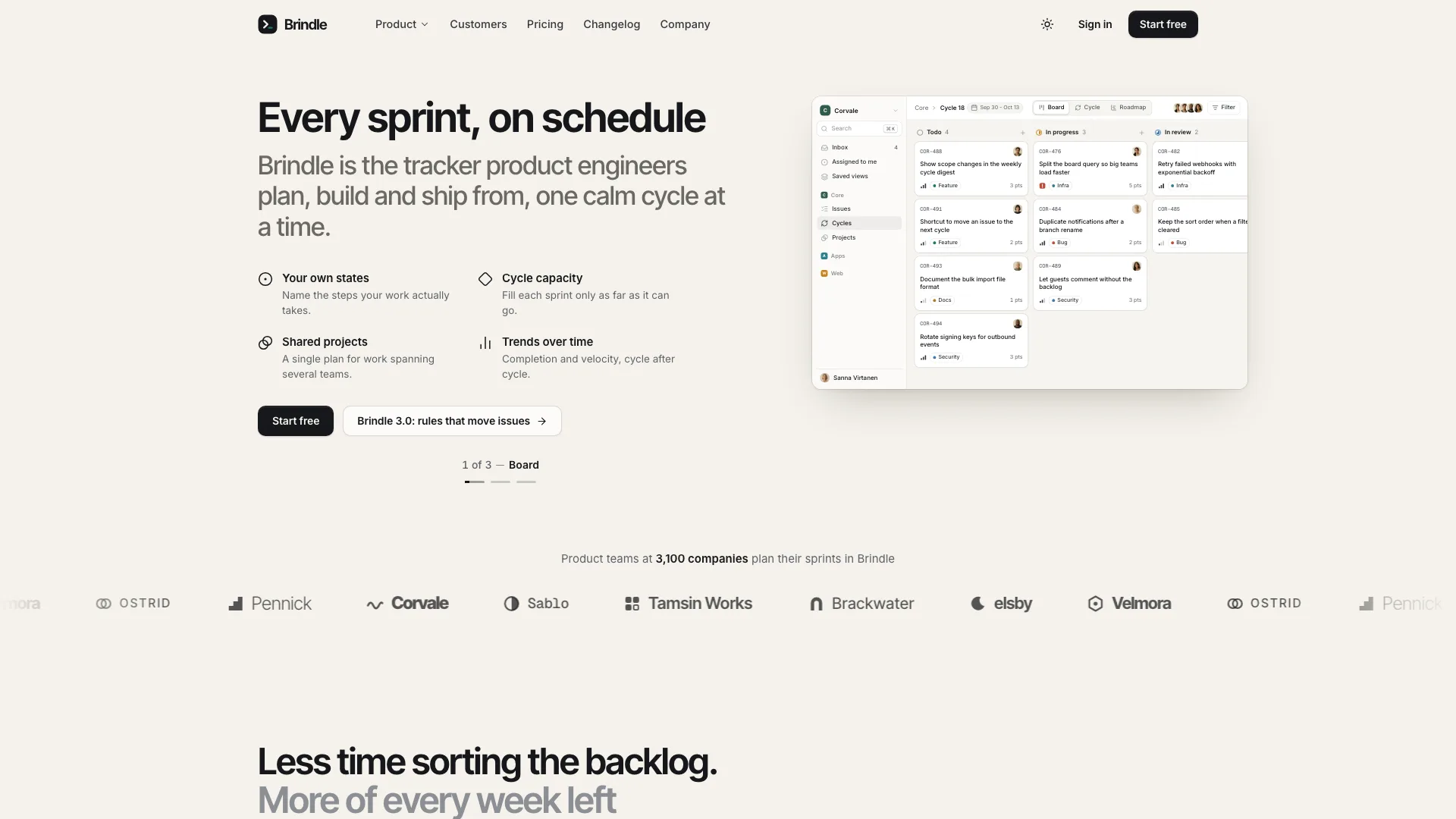
A portfolio site skill for print designers using Claude Fable 5: 14 gray pages on slanted grid paper, eight posters with live type, full project pages and a brief form.
Picked most often by
Updated Oct 26, 2026
Preview gallery


Similar Skills
View all
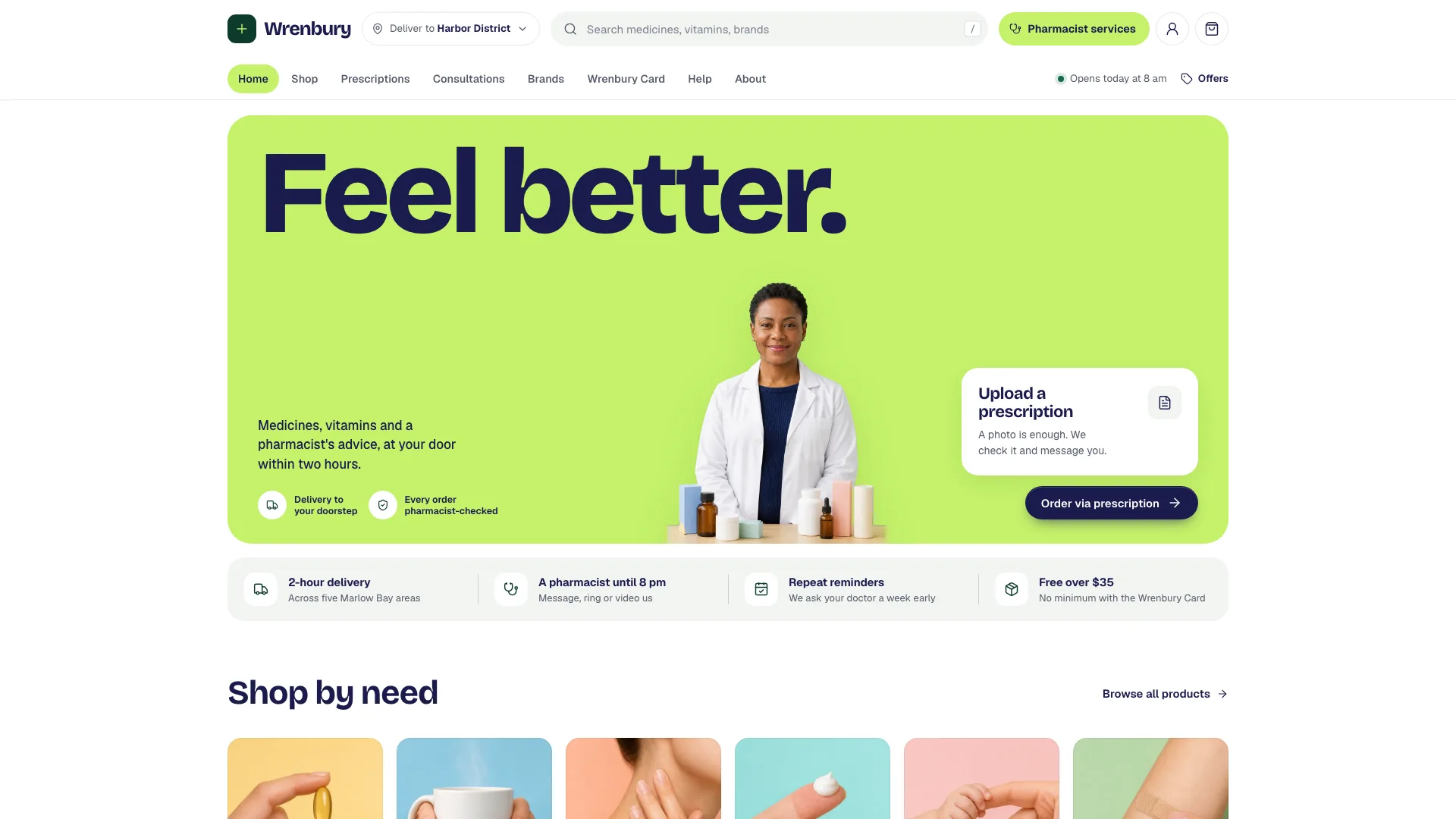
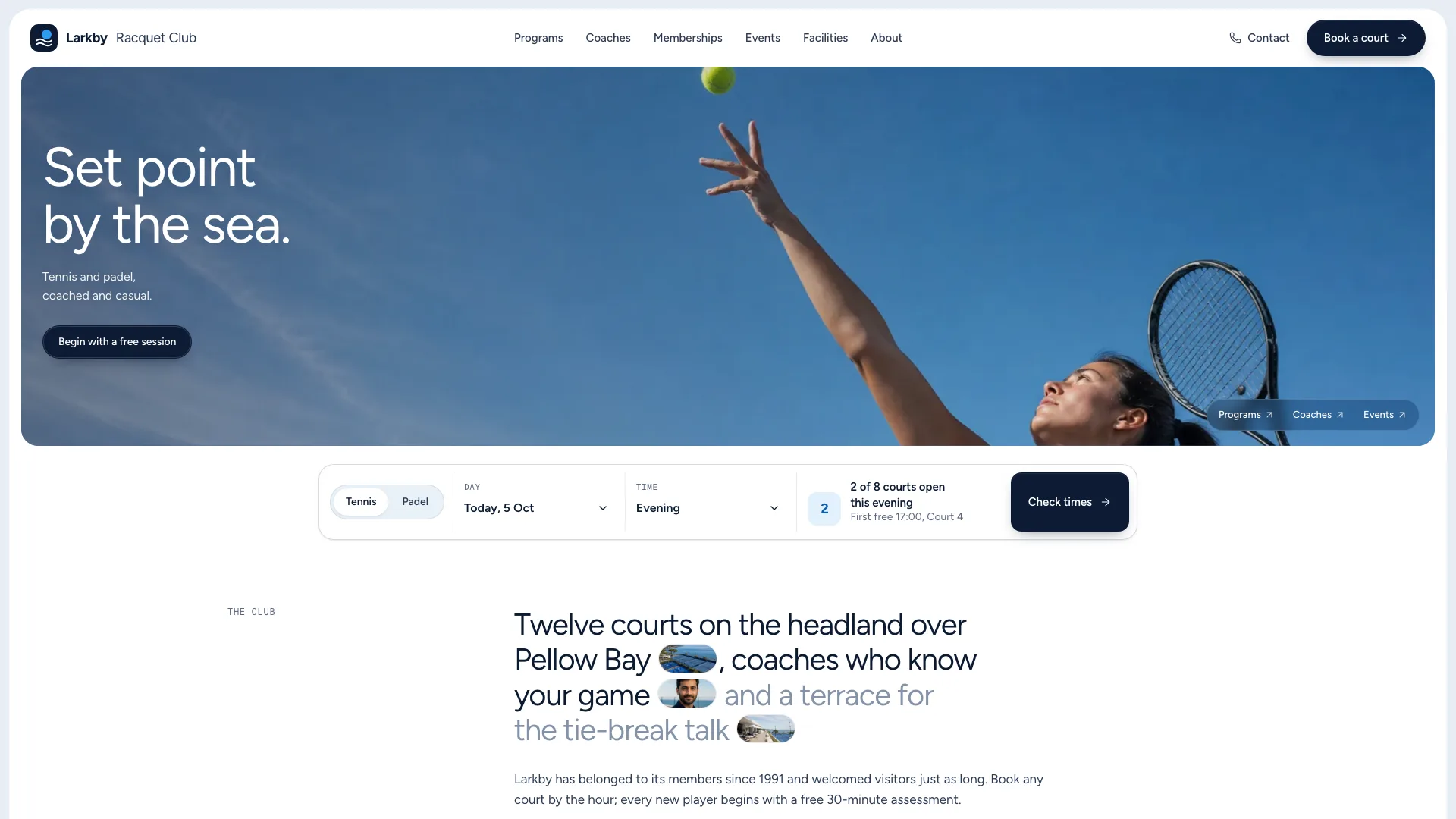
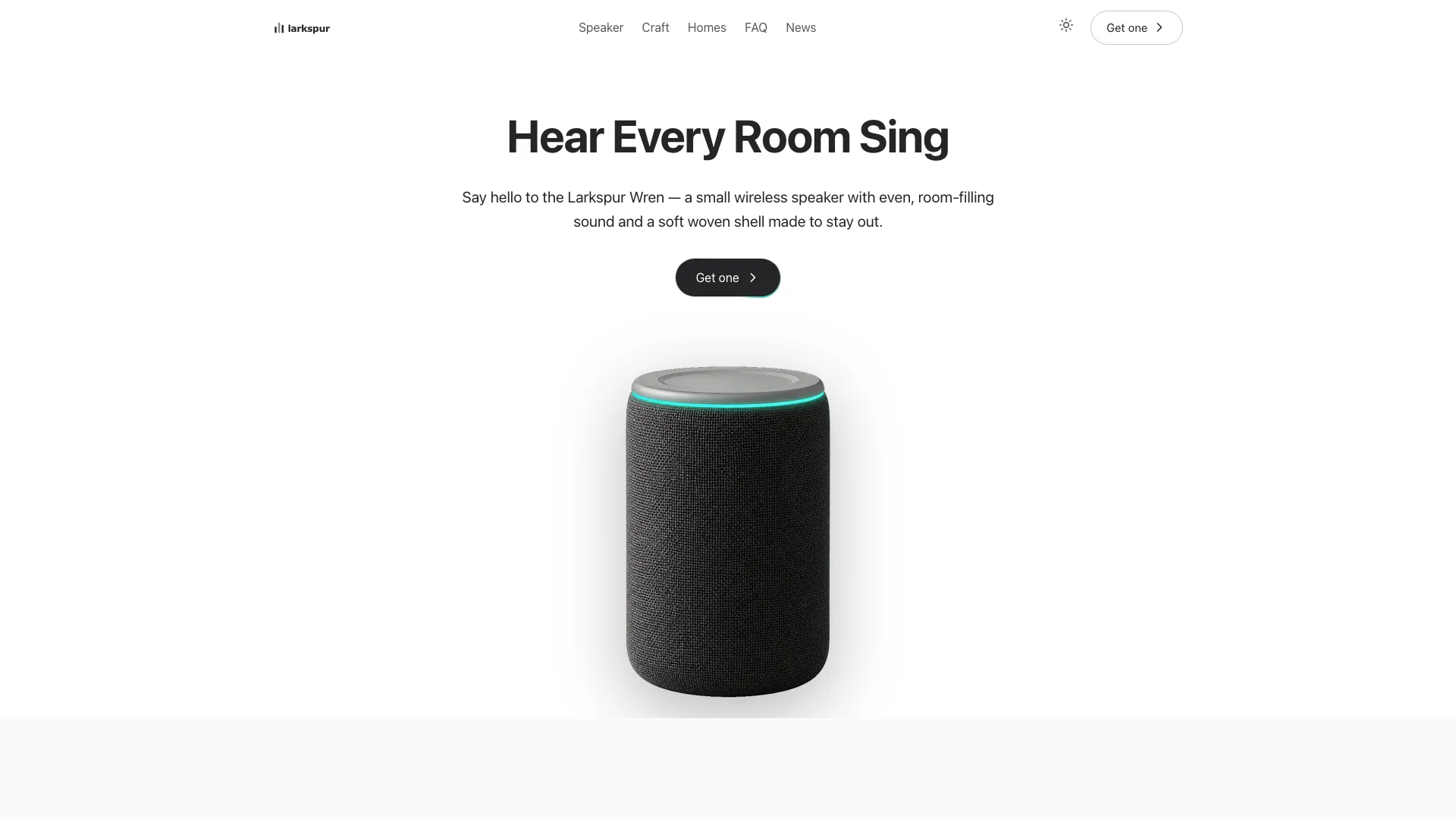
What you get
- A single offline HTML file of 14 hash-routed pages with fonts and images embedded; the work view choice is the only thing it stores
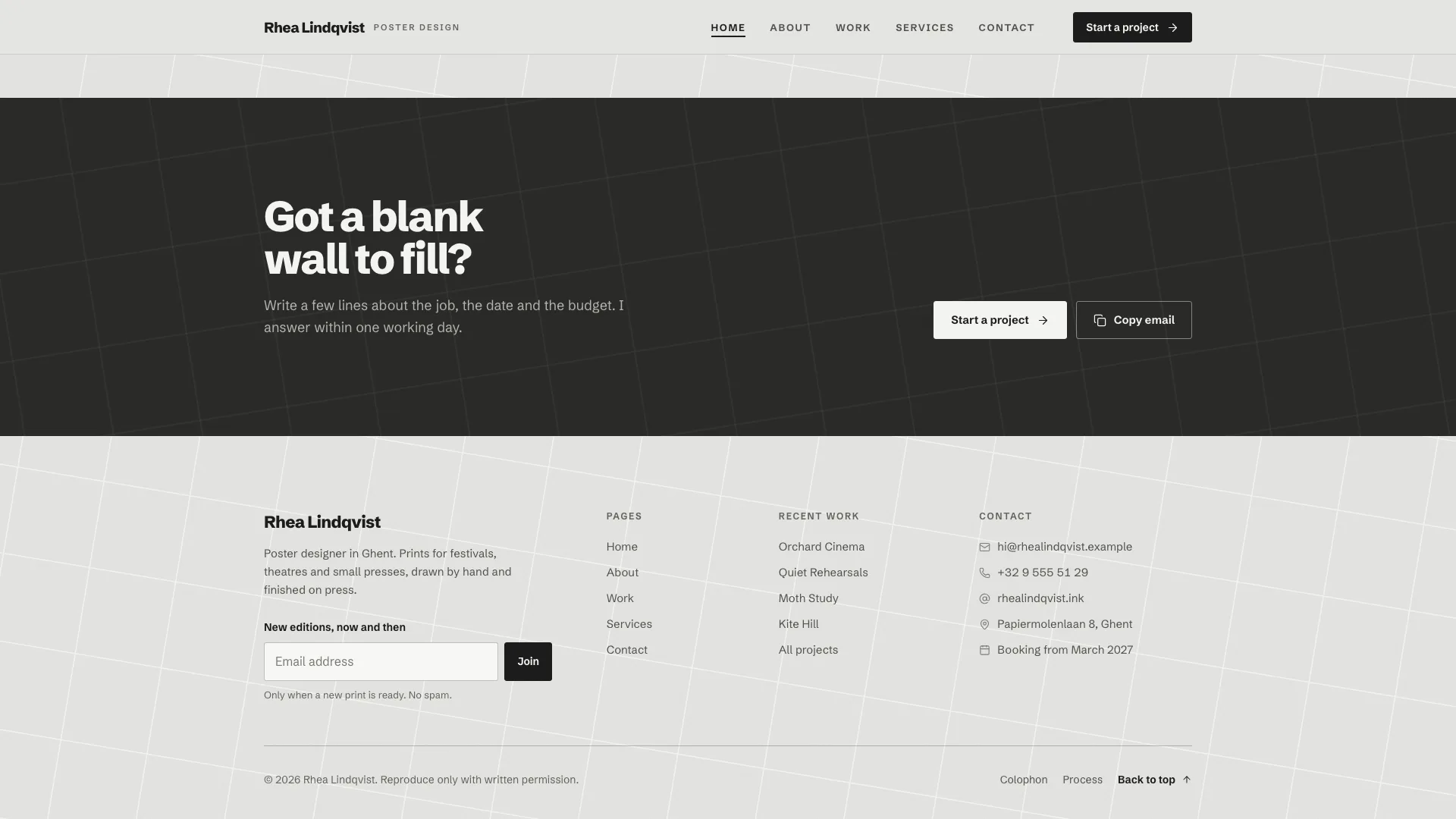
- A Home page made of the climbing display word and cut-out portrait, craft tools, a two-row poster wall, an in-place photo, service rows with prices, one client's quote and a dark closing band
- Poster cards that keep their type as live HTML over lettering-free artwork, reused in the grid, the hover-preview index, square posts, stories and close-ups
- Eight project pages (sticky poster, print spec, palette swatches that copy, looping previous and next) behind a Work page with counted category chips, search, two views and an empty state
- Services with four priced cards, process steps and a plus accordion; a brief form that every Request this button prefills; a 404 designed to match
Good fit
- Poster, print and editorial designers offering a handful of clearly priced services
- Printmakers and illustrators whose pieces read best as sheets pinned to a wall
- Independent designers who want a calm gray frame that lets the artwork bring the color
Not for
- Collecting real briefs or bookings: the form sends nothing until a backend is connected
- Designers who don't yet have finished projects, print details or clients to name
- Brands needing a colorful interface, a checkout or a content management system
About this Skill
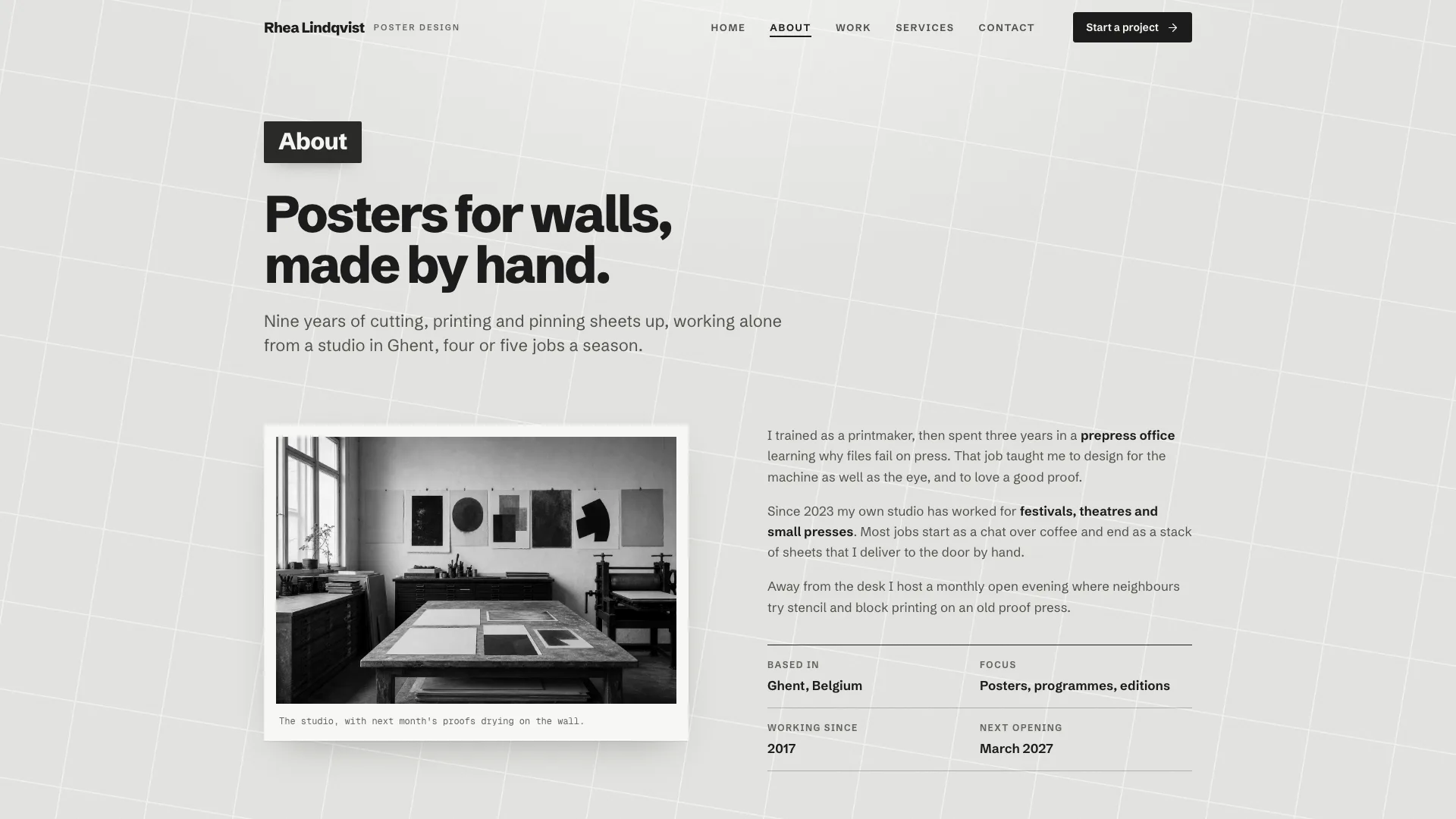
Posters should carry all the color on a print designer's site, so this Skill gives your Fable 5 agent a frame that stays out of their way. It takes the designer's real projects, services and answers and returns one offline HTML file of 14 routes. Visitors land on a single display word that climbs into place letter by letter beside a gray cut-out portrait. Further down come an about teaser with craft tool tiles, a wall of eight posters in two rows of four, a poster photographed in place, service rows with prices, one client's quote and a dark closing band. Every poster is a 2:3 sheet of artwork with no lettering; its title and meta lines are live HTML on top, so the same piece can be reset for square posts, stories and close-ups. On the Work page people filter by category, search titles, clients and print details, and toggle between a grid and an index whose rows preview the poster on hover or focus. Each of the eight project pages pins its poster while you read the brief, approach, outcome, deliverables and printing specs, copy the palette swatches, view an in-place or close-up shot and the format set, then loop on to the next project or back. Services offers four priced cards whose Request this buttons prefill the brief, a process beside a sticky photo and a plus accordion; Contact holds the form, which validates inline, plays a loading sweep and answers in place, admitting nothing was sent. About and a custom 404 finish the set. The interface itself is gray throughout: pale paper under a slanted white grid, near-black ink, and a dark chip labeling each section.
How it works
- Collect the designer's name, city, studio details and next open month, then eight real projects, each with its client, year and role, the brief, approach and outcome, the deliverables and the print specification
- Fill in the brief, then edit references/template.html; each project's facts appear in many places, so a one-off script handles big changes best
- Swap the stand-in portrait, the eight poster artworks and the in-place scenes for the designer's own (the neutral studio photo may stay), then run scripts/inline-assets.mjs
- Keep running scripts/validate-graphite.mjs until it passes; any sample designer, client or project name left behind makes it fail
- Before handing it over, try every filter, the view toggle, the menu, the accordion and the form at widths of 390, 768, 1024 and 1440 px
Checked before delivery
- validate-graphite.mjs passes: single file, one h1 per page, every link resolves, storage only inside try/catch, an interface that stays greyscale, both fonts embedded, no sample names left
- The project count, the service count, the booking month and the contact details agree everywhere they appear
- Menu sheet, work filters, search and view switch, palette copy, accordion, brief form with its prefills and the newsletter work at 1440, 1024, 768 and 390 px and inside a scripts-only sandboxed iframe
What you need before you start
- You bring
- The designer's name, discipline, city, studio address, phone, email, handle and the month they next take on work · Eight projects: title, client, year, category, role, summary, brief, two approach paragraphs, outcome, four deliverables, four print-specification rows and a palette each, plus the type that sits on each poster · Four priced services with a turnaround and four inclusions, a four-step process, five questions and a four-stop career path · A portrait, a studio photo, eight type-free poster artworks and four in-place scenes (or the stand-in images that ship with the template)
- Dependencies
- Node.js 20 or later to run the scripts · Python 3 with Pillow and NumPy, only for in-place composites · No API keys; the finished site makes no network requests
- Outside costs
- None
- Last tested
- v0.1.1 — Claude Code / Codex / Cursor
User reviews
Loading reviews…
FAQ
Will briefs from the form land in my inbox?
Not on their own. The form checks every field, runs a loading sweep, then shows a panel that repeats the brief and states that nothing was sent. Hook it up to your inbox or a form service before going live.
Why doesn't the interface use any color?
So the posters can supply all of it. Buttons, chips, borders and shadows are kept neutral, and any interface color with a hue makes the validator fail.
Can the sample designer and clients stay in for now?
No. The designer, the clients, the person quoted and the projects are all invented, and the default validator keeps failing until they are swapped out. With no genuine client quote, delete that block.
Should my poster files include their lettering?
Leave it out. The artwork carries no text; title and meta lines are live HTML laid over it, which keeps them crisp at any size and lets them be reset for each format.
Does the site keep anything in the browser?
Just one choice, grid or index for the work view. It sits in local storage wrapped in a try block with an in-memory fallback, so the page still runs inside a sandboxed frame.