Brand Studio Sitev0.1.2
Use this Skill to build a product website.
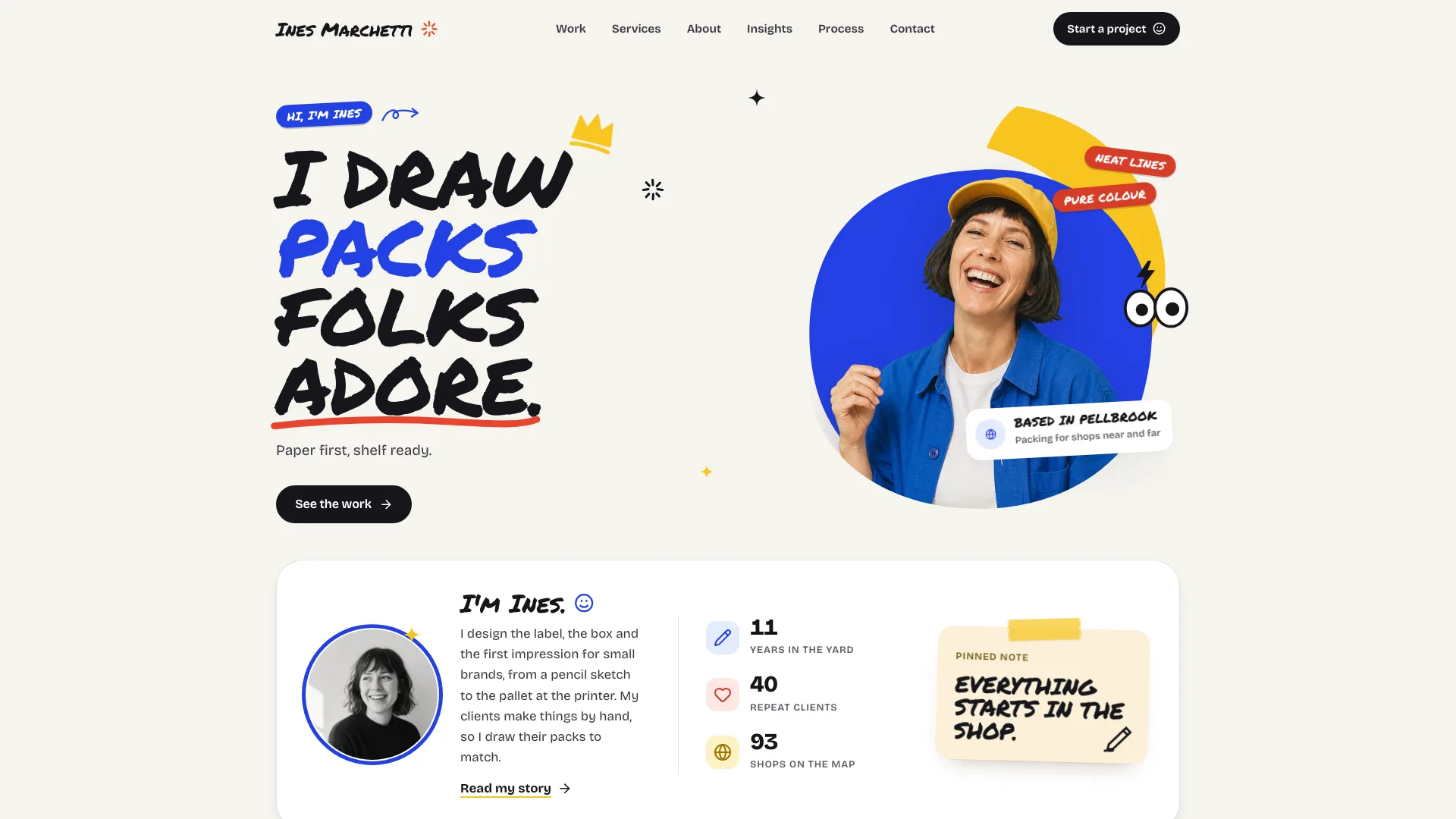
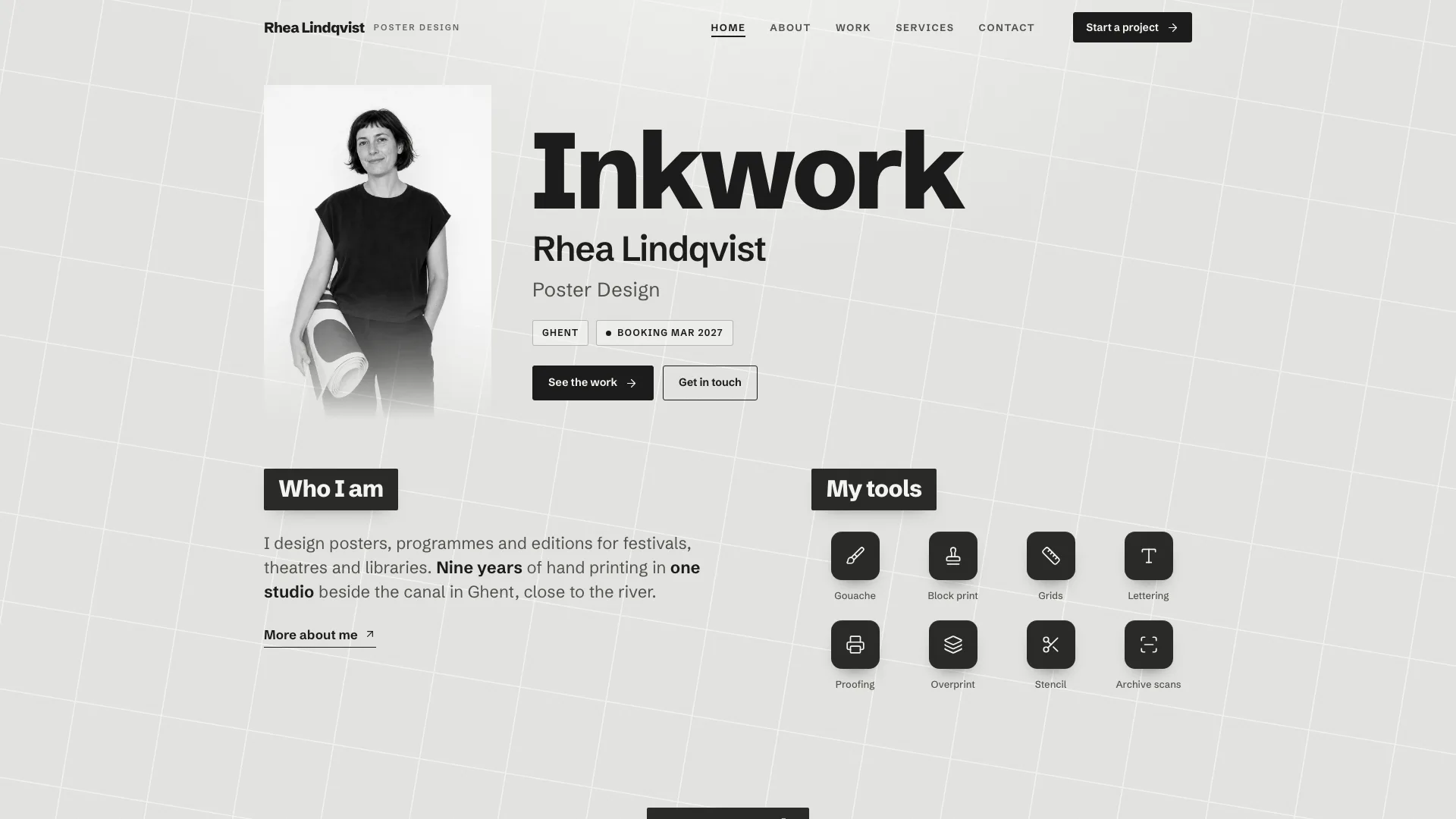
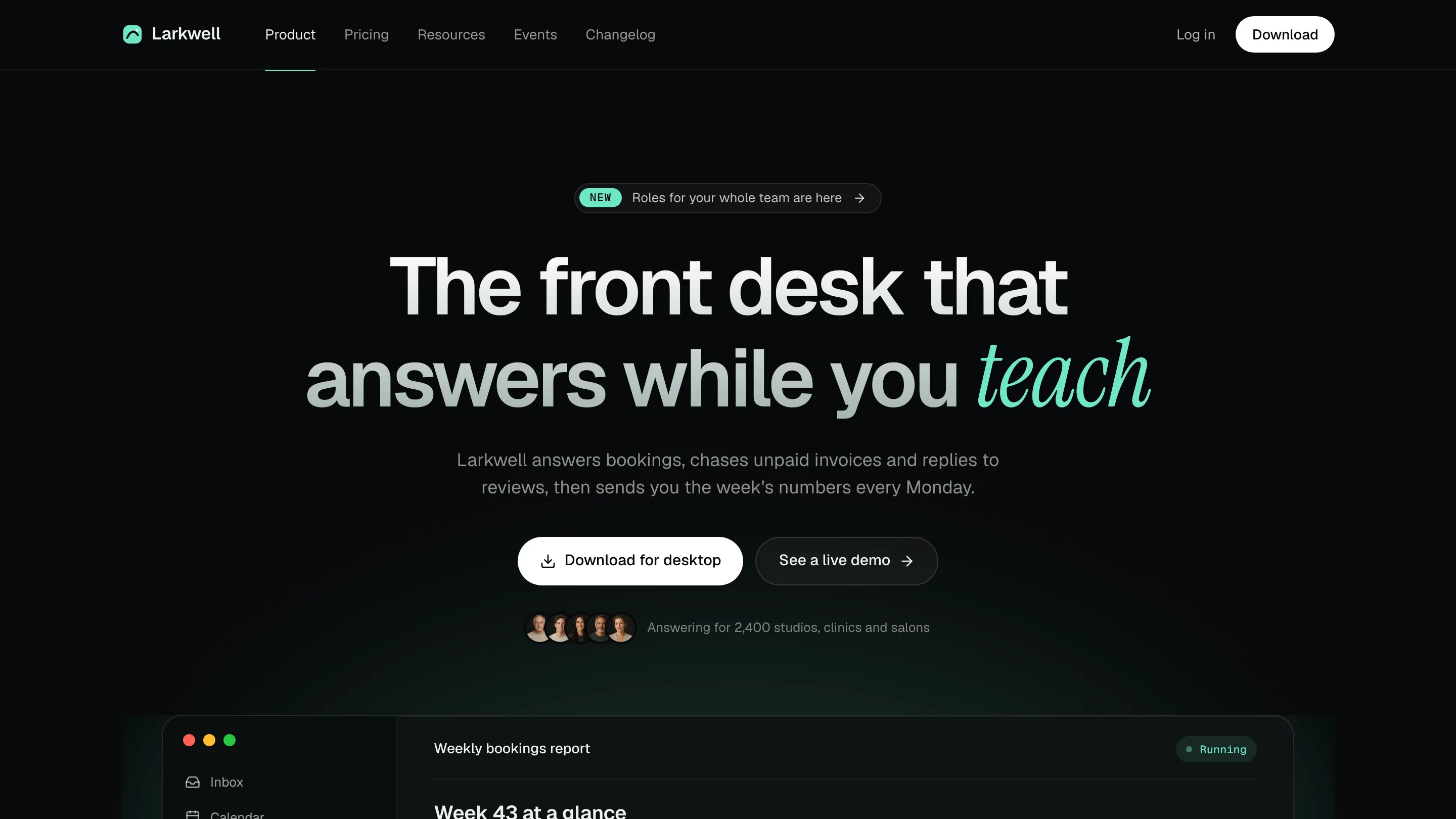
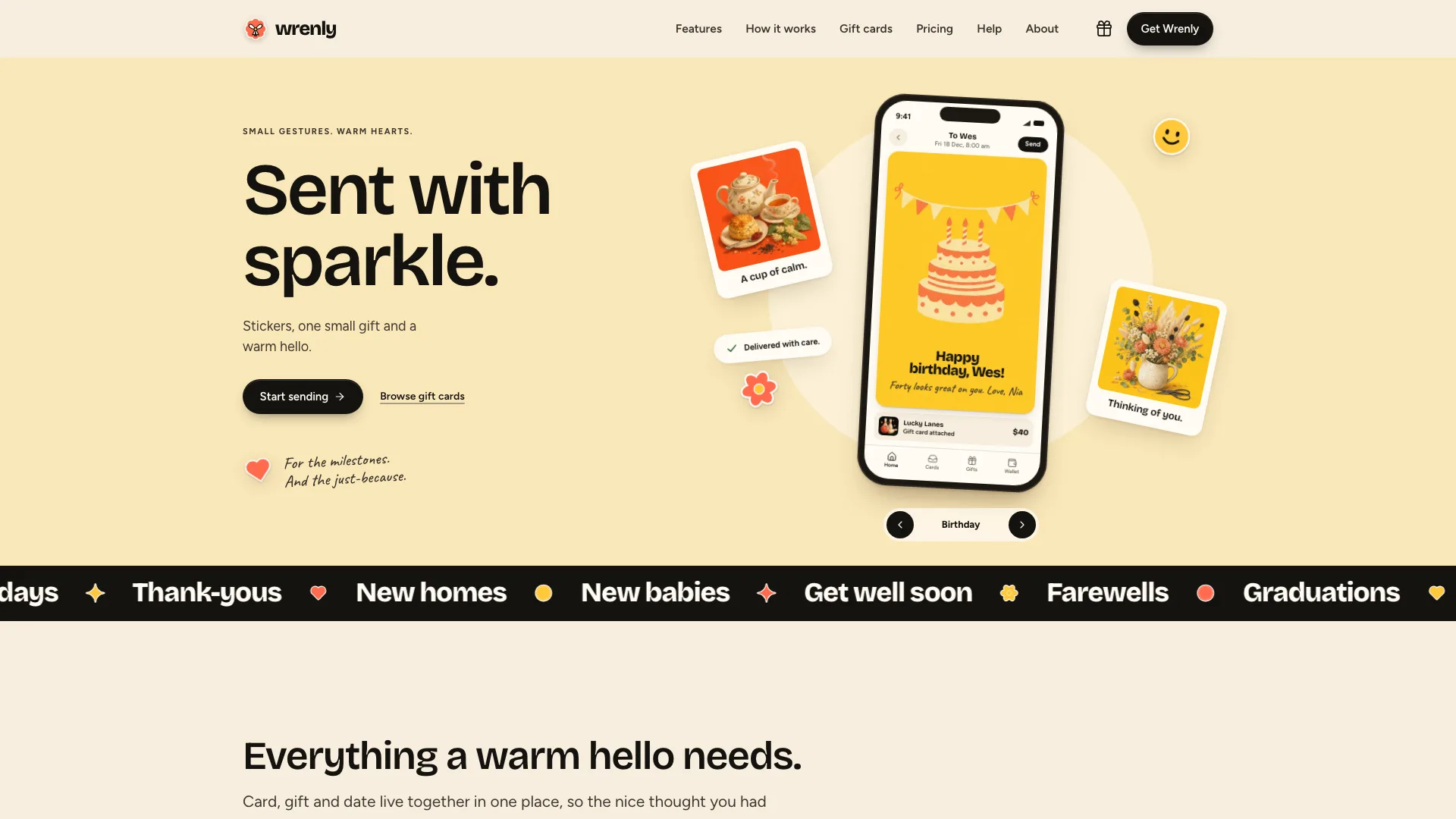
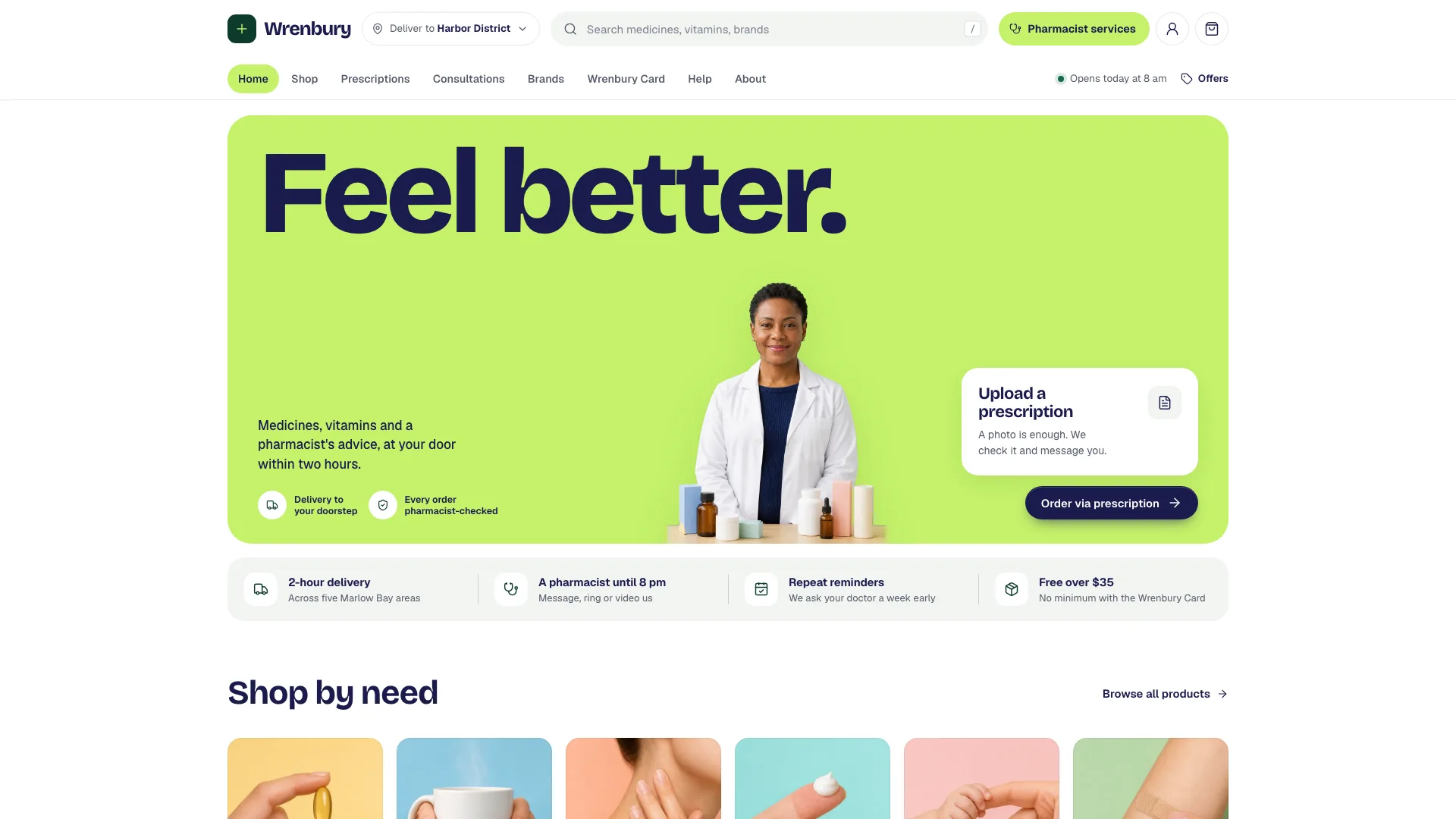
Built for a one-person brand or packaging studio, this Fable 5 website skill draws 21 routes in marker: a laughing cut-out in a cobalt blob, case studies, an estimator, a checked form.
Picked most often by
Updated Oct 26, 2026
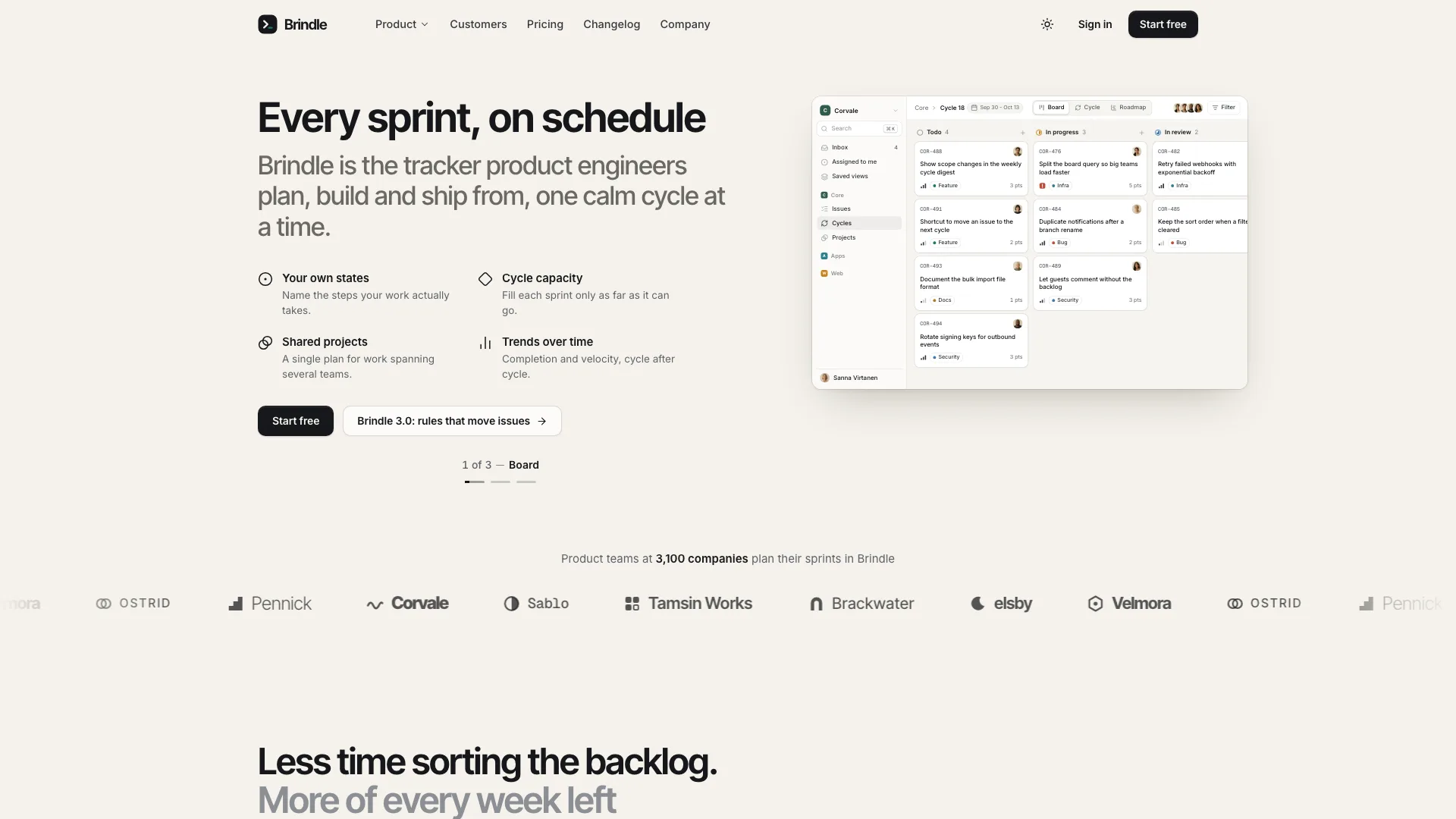
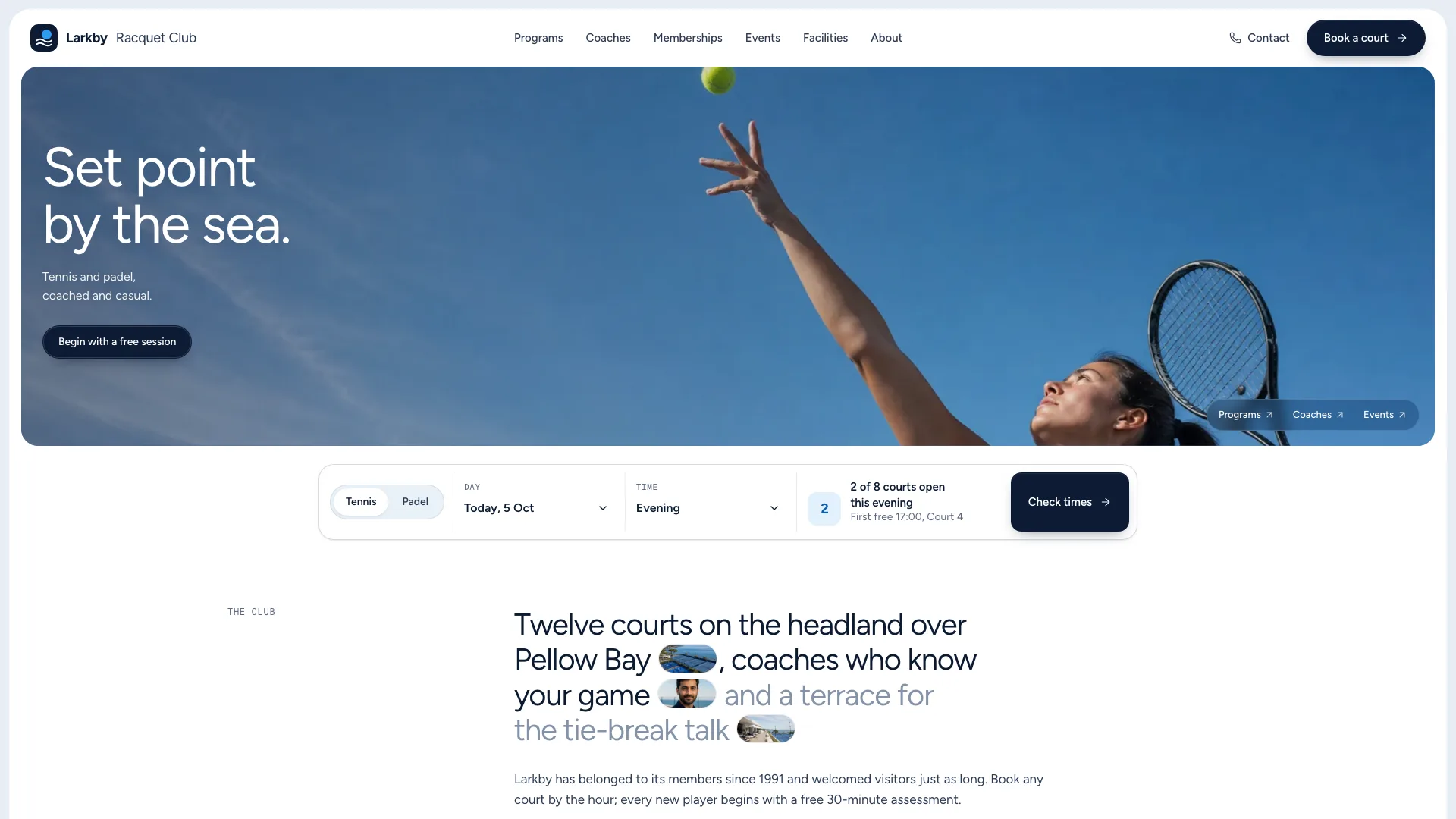
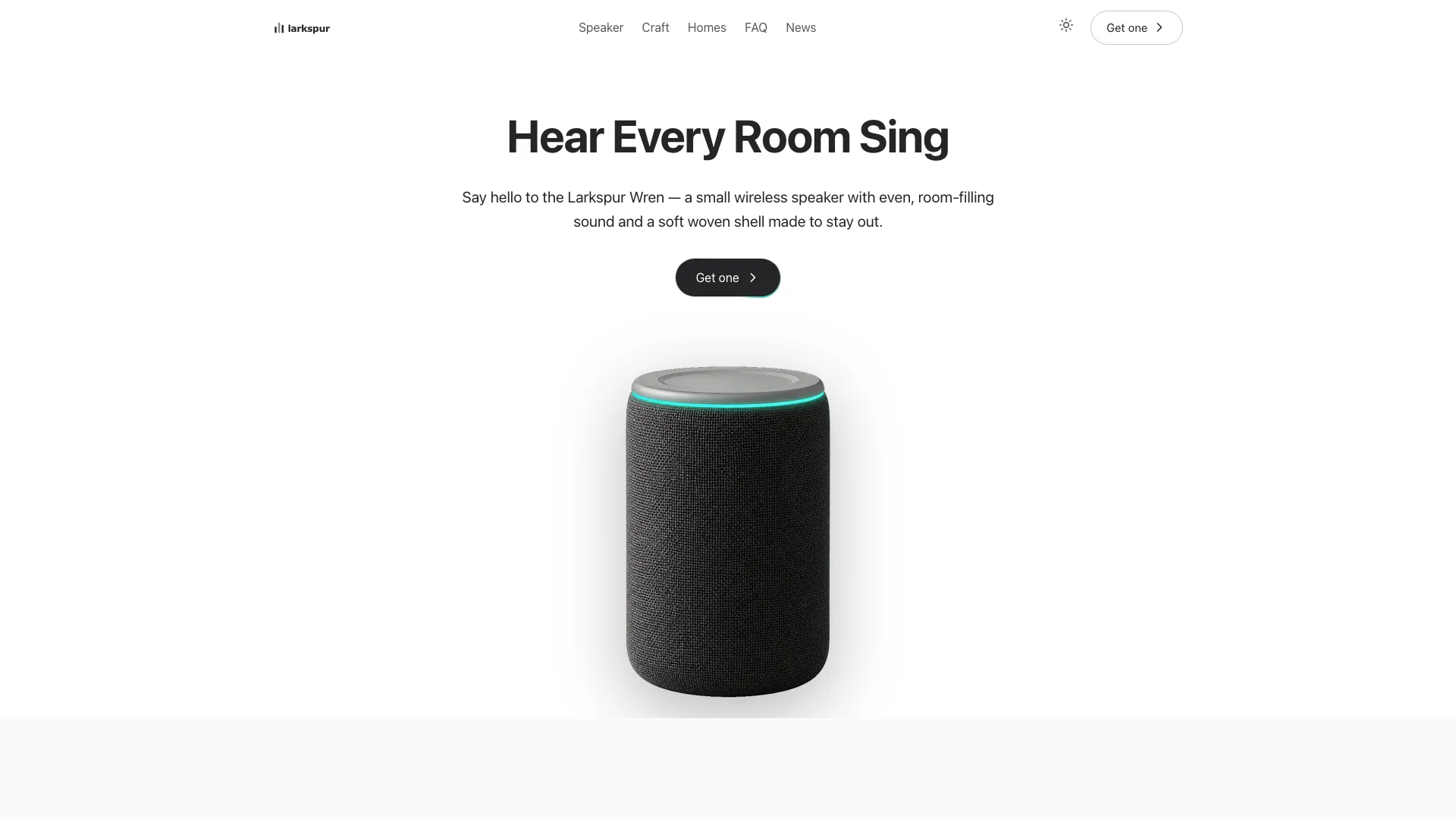
Preview gallery


Similar Skills
View all
What you get
- A single offline HTML file of 21 hash-routed pages that reads without JavaScript and keeps nothing in browser storage
- Home: the blob portrait first, then an intro card with count-up figures, client names on a leaning ribbon, the four service cards, chosen projects, client quotes in a carousel, a dotted five-step path, a notes teaser, FAQ and the red band that closes the page
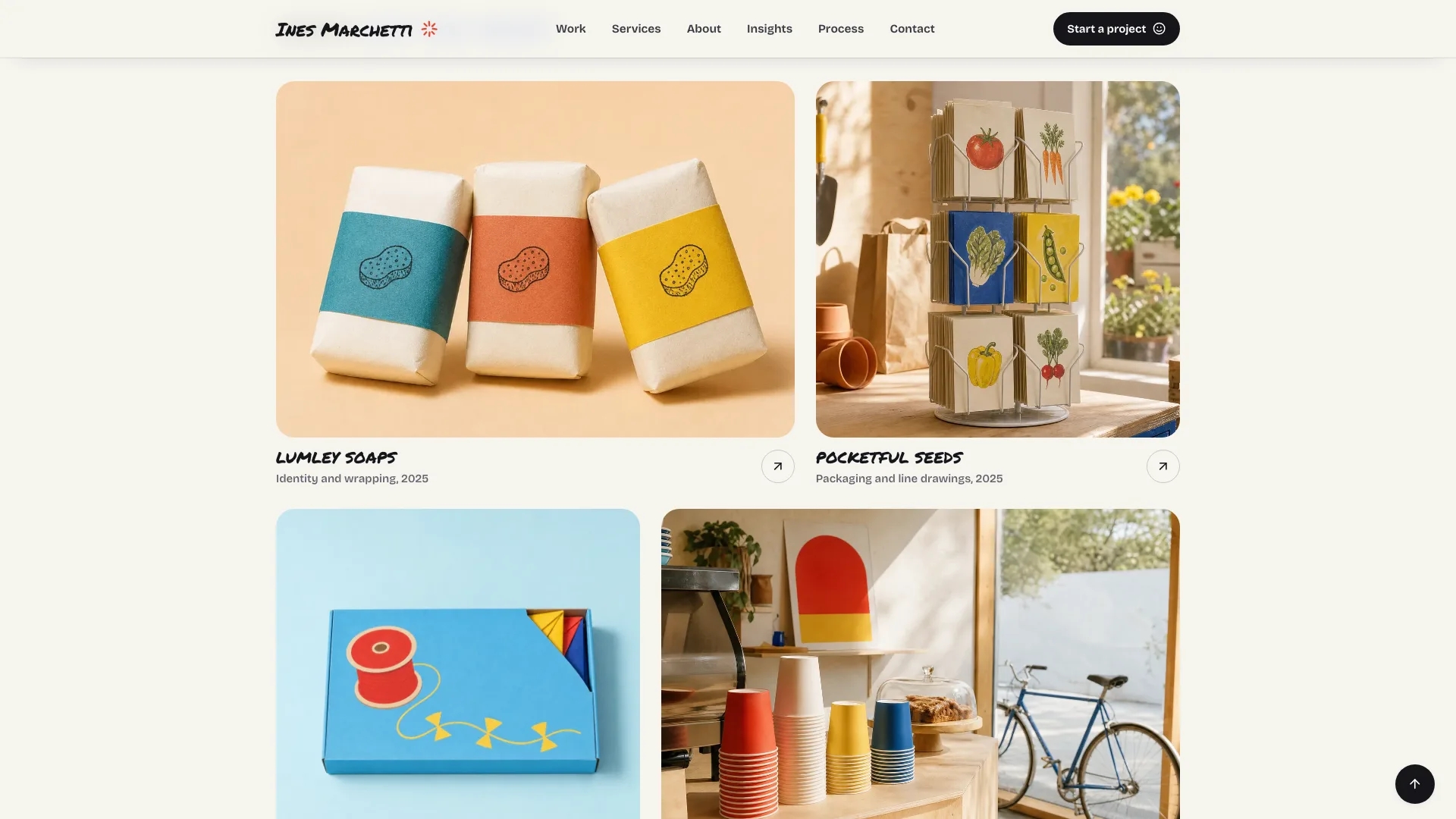
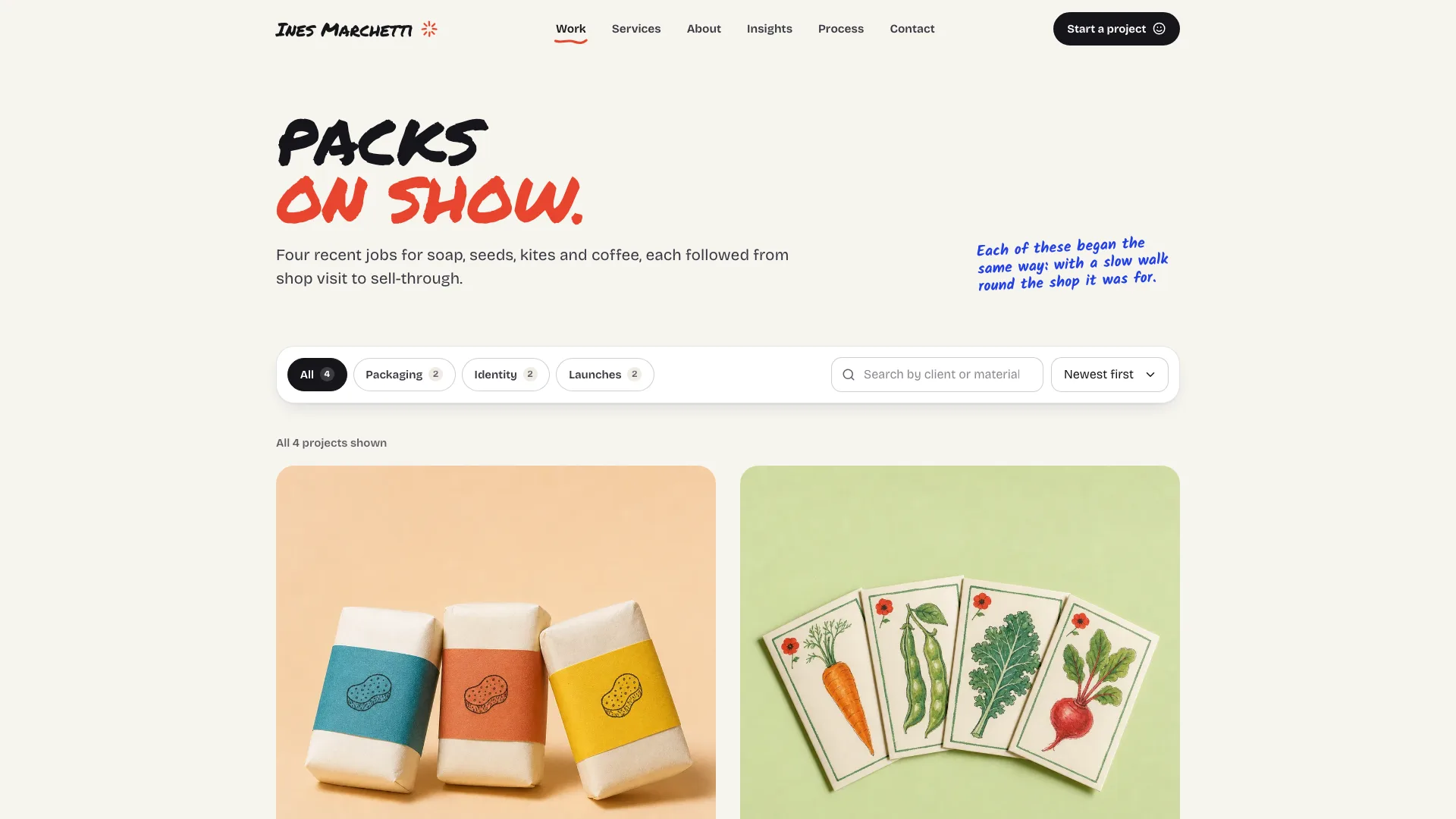
- Work with filters, search, sorting, an empty state and an archive, and four case studies, each with a scroll-following side nav and swatches you can copy
- Services with its scope estimator and three plans; a page per service (four) with a sticky price card; About; Insights and its four articles; Process, with tabs per step and a chart of the timeline
- An enquiry form that checks inline, takes service presets and ends on a summary card, plus a privacy page, a 404 with its own design, the three fonts embedded (Permanent Marker, Bricolage Grotesque, Kalam) and an icon set
Good fit
- Freelance brand, packaging and identity designers with a handful of clearly priced services
- Small studios wanting case studies, a price estimator and an enquiry form on one site
- Makers who draw their own labels and want a cheerful, hand-drawn showcase
Not for
- Delivering form messages or taking bookings: the contact form and both newsletters are previews that send nothing
- Designers who don't yet have real projects, quotes or prices
- Big agencies needing a CMS, several authors or dozens of case studies
About this Skill
A solo packaging or identity designer sells on personality, so this Skill makes the site noisy on purpose and keeps every number straight. Supply your services, projects, clients and answers; your agent returns a single offline HTML file. The opening screen has two columns: on one side short marker lines with a hand-drawn red underline, on the other you, cut out mid-laugh and set in a cobalt blob, with googly eyes that track the pointer. Proof comes next: an intro card whose figures count up, client names on a tilted cobalt ribbon, a selected-work grid and a carousel of client quotes. Each of four case studies has a side nav that follows the scroll and palette swatches a visitor can copy. Selling is handled by four solid-color service cards and a Services page where each offer gets a row, an estimator totals the scope, and three plans switch between monthly and quarterly billing; each service also has its own page with a price card pinned in view. The contact form validates as you type, picks up a preset from the service you arrived from, and confirms right there. The rest of the 21 routes: Work with filters, search, sort and an archive; About; Insights, searchable and filtered by topic chips, with four articles that each show a reading bar; Process, where tabs walk through the steps and a switch changes the timeline; a five-step dotted path, a FAQ under a taped note and a red closing band on Home; privacy and a designed 404. The palette is cream paper and near-black ink with cobalt, tomato red and sunflower yellow; headlines are uppercase Permanent Marker, reading text Bricolage Grotesque, and margin notes handwritten in Kalam. It runs inside a scripts-only sandbox, and every form states that the preview sent nothing.
How it works
- Collect from the designer: four services, each with a real price and timeline; four projects with their results, palette and a client quote; the FAQ answers and a privacy text
- Fill in brief.json from the schema; the build confirms that prices, weeks, the bundle, the quarterly figure and the booking month match on every page
- Swap the placeholder portraits, studio and project photos and article drawings for the designer's own
- Run the build, which names every gap in the brief in one pass, contradictory numbers included
- Validate, then work every filter, the estimator, the tabs and each form at widths of 390, 768, 1024 and 1440 px, then hand it over
Checked before delivery
- validate.mjs passes: single file, one h1 per view, every link resolves, no browser storage API anywhere, no colour in hue 235-300, all three fonts embedded, no names or sentences from the reference product
- Service prices, weeks, the bundle price, the quarterly amount, the project count and the booking month agree everywhere they appear
- Hero, menu sheet, carousel, FAQ accordions, work filters, estimator, plan toggle, step tabs, timeline switch, the contact form with its presets and both newsletters work at 1440, 1024, 768 and 390 px, including inside a scripts-only sandbox
What you need before you start
- You bring
- The designer's name, studio address, phone, email, domain and the month they next take on work · Four services with a real starting price, timeline, inclusions, phases and FAQs, plus the estimator rules, the bundle price and three plans · Four case studies: client, year, brief, approach and outcome, four deliverables, a palette of four colours and a quote from the client · Four short articles, five process steps with their schedules, FAQ answers for money and process, a short career history, beliefs, tools, talks and a privacy text · A cut-out portrait, a black and white portrait, a studio photo, a process photo, eight project photos and four article illustrations
- Dependencies
- Node.js 20 or later · Nothing to install, no keys, no network calls
- Outside costs
- None
- Last tested
- v0.1.2 — Claude Code / Codex / Cursor
User reviews
Loading reviews…
FAQ
Will enquiries from the contact form reach me?
Not as shipped. The form checks each field and ends on a summary stating that the preview sent nothing. Before you launch, route it to your inbox or a form service.
What does the build check across pages?
Prices, weeks per service, the bundle, the quarterly figure and the month you next take work all repeat across pages. If one copy disagrees, the build stops, so visitors never see two different figures.
Can the sample clients and quotes stay?
No. The designer, clients, quotes and results in the example are invented. Use real, attributable ones in their place, or cut the section.
Which social icons are in the footer?
Three round buttons with Instagram, LinkedIn and Dribbble glyphs, and a label naming each. Replace them with the networks you actually use; client names stay set in type, not logos.
Does the site save anything between visits?
No. Nothing goes into browser storage, which is why the file works in sandboxed previews and each reload begins clean.