
The short answer
- 1Drop the Skill’s folder into
~/.claude/skills/for every project, or into a repository’s.claude/skills/for that repo alone. - 2Using The Frontier Brief CLI? End the command with
--agent claude-code. Without it the Skill goes to~/.agents/skills/, a folder Claude Code never opens. - 3Type
/skillsto see that it arrived, then/skill-nameplus your request to run it. - 4Want something finished? Browse Claude Code Skills, each a single command away.
How to add a Skill to Claude Code
Hand Claude Code an install prompt, run The Frontier Brief CLI, or move the folder yourself. Each leaves the Skill’s folder inside ~/.claude/skills/.
The flag that trips people up
By default The Frontier Brief CLI writes to ~/.agents/skills/, the folder Codex and Cursor share. Claude Code keeps its own, ~/.claude/skills/. Forget --agent claude-code and the CLI still says the install worked, yet Claude Code never learns the Skill exists.
- 1
On the Skill’s The Frontier Brief page, choose Copy install prompt, then Copy in the dialog.
- 2
Paste it into Claude Code and send. Claude Code fetches The Frontier Brief install steps and runs the right command for you.
Install prompt Read https://fable5.app/skills/<slug>/install.md and follow the instructions to install the skill. - 3
Approve the device code your browser shows.
- 1
Sign in the first time. Your browser opens and asks you to approve a device code.
Terminal npx --yes fable5-cli@latest login - 2
Run the install with
--agent claude-codeat the end.Terminal npx --yes fable5-cli@latest install <slug> --agent claude-code
On the Skill’s page, choose Download ZIP, or use a Skill folder from elsewhere. Look through SKILL.md and scripts/ first, since the agent acts on those instructions and may run those scripts. Then move the folder across whole:
mkdir -p ~/.claude/skills
mv ~/Downloads/my-skill ~/.claude/skills/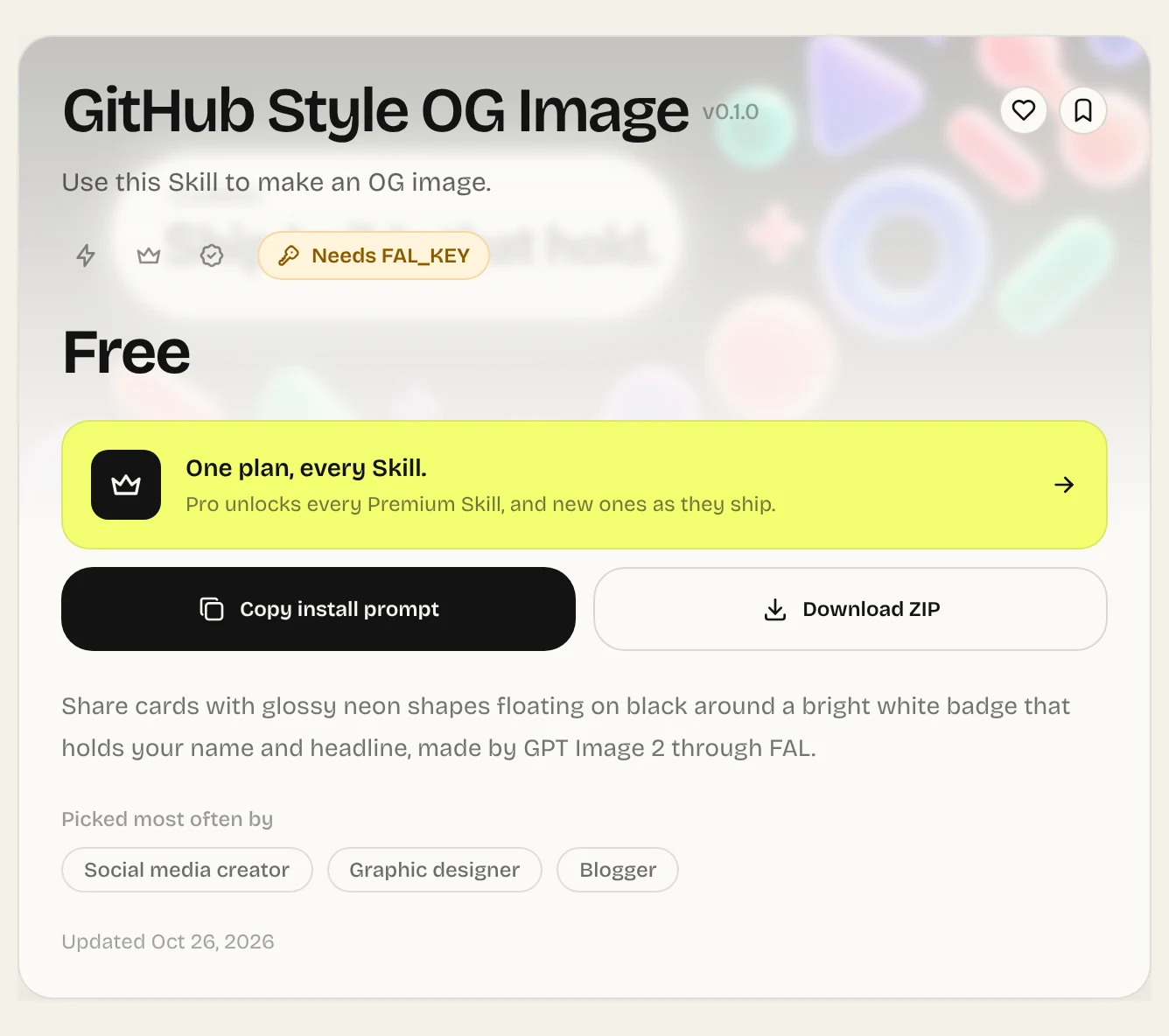
Make sure Claude Code can see the Skill
Type /skills. You get your own Skills next to a few that come with Claude Code, /code-review among them. Press t to order the list by how much context each one uses.
No restart needed: new and changed Skills are picked up in the open session. The exception is when ~/.claude/skills/ was missing as the session began; then run /reload-skills once.
Use a Skill as a slash command
Each installed Skill becomes a slash command with its name. Type it and put your request right after:
/launch-page Tidewell, a booking site for a small surf schoolThe text after the name arrives in the Skill as $ARGUMENTS. After one good run, the command is mostly optional: describe the job and Claude brings in the Skill whose description fits. More in How to use Skills.
Where Claude Code finds Skills, and which one it keeps
Skills reach Claude Code from five sources. Most people use only the personal and project folders.
| Comes from | Where it lives | How you call it |
|---|---|---|
| Your organization | Managed settings | /skill-name |
| You, in every project | ~/.claude/skills/<name>/ | /skill-name |
| This repository | .claude/skills/<name>/ | /skill-name |
| A plugin you added | <plugin>/skills/<name>/ | /plugin-name:skill-name |
| claude.ai, if you use it | Copied into ~/.claude/skills/synced/ | /name or /anthropic-skills:name |
When two places hold the same name, enterprise wins over personal and personal over project. A .claude/skills/ folder in a subfolder loads only once Claude starts on files there, so one package’s Skills in a big repository stay hidden until useful.
SKILL.md fields that decide when it runs
These belong in the frontmatter block that opens SKILL.md. Touch them only if a Skill fires too often, too rarely, or keeps asking for permission.
| Frontmatter field | Effect |
|---|---|
description | What Claude reads to judge whether the Skill fits. With when_to_use added, the Skill list stops showing it after 1,536 characters. |
allowed-tools | Tools Claude may use without prompting you while the Skill’s turn runs. |
paths | Glob patterns; Claude only auto-loads the Skill while it works on matching files. |
Skill not working in Claude Code? Start here
Go down the list. The first cause, a Skill in the wrong folder, explains most cases.
Missing from /skills
Wrong folder, or the ZIP added a level. Move it so the path is ~/.claude/skills/<name>/SKILL.md, or install again with --agent claude-code.
You just created the folder
Run /reload-skills.
Not there in cloud sessions
Add it to the repository’s .claude/skills/ and commit, or switch it on at claude.ai.
Not there in Cowork
Switch it on in your claude.ai account.
Shown but never picked
Run it with /name to prove it works, then sharpen its description. See Triggering.
Anything else: Troubleshooting.
Common questions
Can I use Skills in Claude Code?
Yes. Claude Code supports the open Agent Skills standard and reads Skills from your claude.ai account, your organization, plugins, the current project and your personal folder.
Which folder holds Claude Code Skills?
Skills for everywhere: ~/.claude/skills/<name>/SKILL.md. A Skill for one project: .claude/skills/<name>/SKILL.md inside that repository.
Do custom slash commands still exist?
They do. .claude/commands/deploy.md and a Skill called deploy each give you /deploy. If both exist, the Skill takes priority.
Why does The Frontier Brief CLI need --agent claude-code?
Without it, Skills go to ~/.agents/skills/, shared by Codex and Cursor. Claude Code only opens ~/.claude/skills/, and the flag sends the Skill there.
Sources
Did this guide help?