
The short answer
- 1First time round, call it by name: Claude Code and Cursor take
/skill-name, Codex takes$skill-name. - 2Add your facts, sizes and files to that same message.
- 3Open the files it produced, then ask for one precise change at a time.
Put the whole brief in your first message
That opening message sets most of the outcome. Anything left out gets invented or replaced by a placeholder, so name the product, who it’s for, the facts that matter and the files up front.
Concrete and complete
- “
/product-siteTidewell, class booking for small yoga studios. For: studio owners. Key features: class calendar, waitlists, member passes. Logo: brand/logo.svg.”
Too thin
- “Build me a website.”
- The Skill must stop to ask, or plug the holes with filler.
Claude Skills examples: what each output needs from you
Each output depends on its own inputs. Glance at this table first: anything your message lacks gets made up.
| Output | Bring |
|---|---|
| Images | The subject, a style or reference pictures, the size or ratio, and the exact wording of any text on the image |
| Video | Running time, aspect ratio, a script or main points, plus clips, logos and music |
| Web pages | Finished wording and product facts, your logo and brand colors, plus the sections you need |
| Slides | Your notes or a source document, who will watch, and roughly how many slides |
Look at what it really produced
Skip the agent’s recap. Open the files yourself.
A cheerful “all done” can hide a headline running off the edge or a dead button. These fast checks find most of it:
Images
Confirm the dimensions and the ratio, and proofread each word on the picture one letter at a time.
Video
Play it right to the end and make sure every caption on screen can be read.
Web pages
Load it in a browser, shrink the window to phone width and try each link.
Slides
Make sure the number of slides is right, watch for text spilling out of its box, and compare each figure with your source.
Get a stronger second draft
Keep asking in the same conversation, where the agent still holds the Skill’s steps and your answers. Then say exactly what changes and what stays.
- Name the file and the place: “In
hero.png, make the headline bigger.” - State what is fixed: “Leave the layout alone and touch only the colors.”
- Send one edit per message, so you can tell what each one changed.
- If the first draft misses badly, rerun with a better brief. Patching a weak draft is slower.
If something goes wrong
The agent skips the Skill
Use its name. If it still won’t load, go to Troubleshooting.
It stops halfway
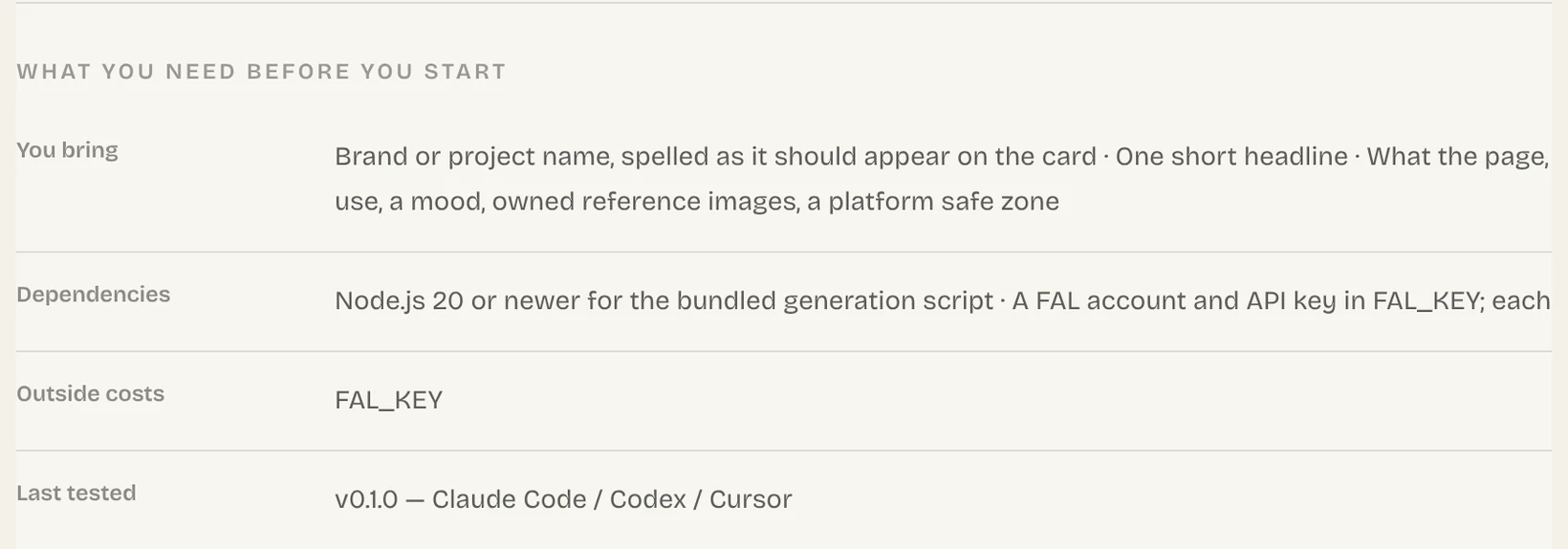
A tool it relies on is missing. Install everything named in the Dependencies list on the Skill page.
It wants an API key
The Skill calls a paid service named under Outside costs. Store the key as that service’s own docs explain, never by pasting it into chat.
The output ignores your brief
Supply the facts or files it lacked and ask it to redo only that part.
Common questions
How do you use a Claude Skill?
In Claude Code, type / followed by the Skill’s name and describe the job in that same message. After the first run, ordinary requests that fit the Skill’s description load it without the name.
Do I need to name the Skill every time?
No. Name it once to prove it works; from then on, describing the job is normally enough. If the agent reaches for a different Skill, name yours again.
What are some examples of Claude Skills?
The most useful ones cover repeated work that should come out consistent, such as product sites, slide decks, share images and short product videos. Browse Skills by output to find more.
Why did the Skill hand me placeholder text?
Your request lacked facts the Skill needed. Supply the true product details, wording and files, and have it redo that section.
Sources
Did this guide help?